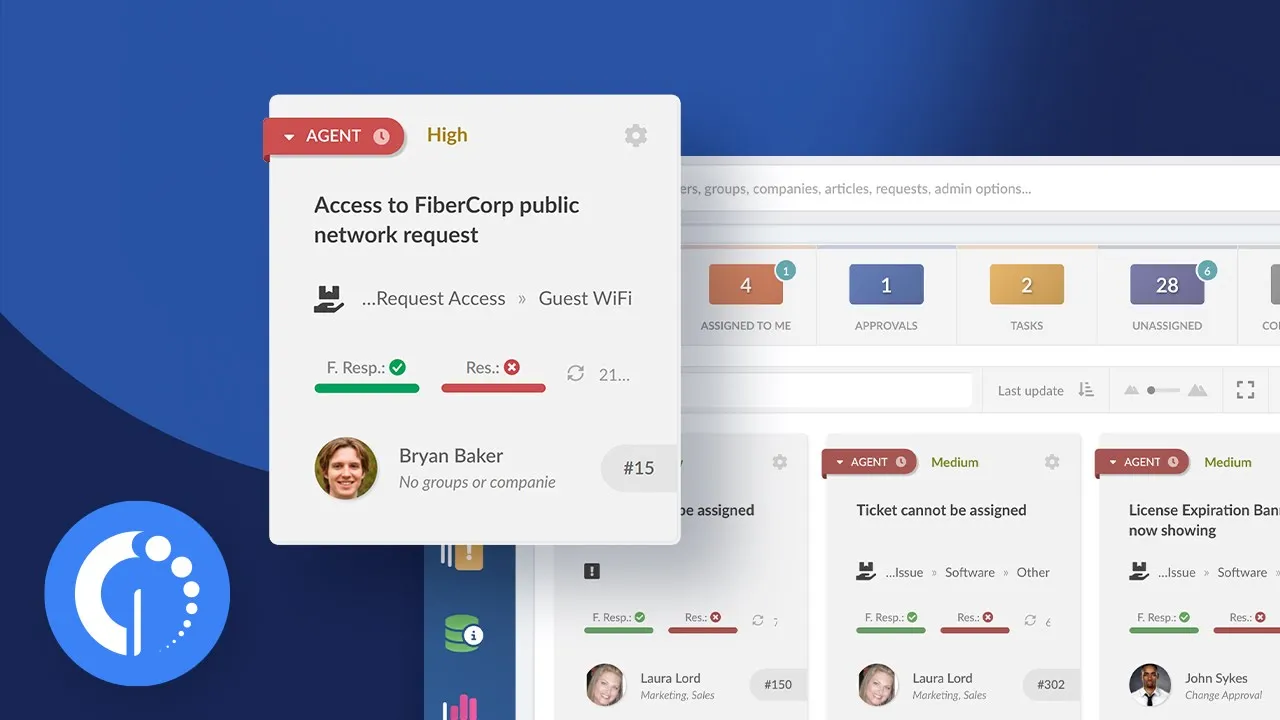
SysAid vs. ManageEngine ServiceDesk Plus: which one fits your service desk better in 2026? If you're running an ITSM tool comparison, you're in the right place.
In this post we put SysAid and ManageEngine ServiceDesk Plus head to head on pricing, modules, AI capabilities, and implementation — two long-standing contenders in the ITSM space that have both rebuilt their AI stacks in the last year.
And if neither one is quite the fit, we'll also point you to a third option worth a look: InvGate Service Management, built to get a service desk running in days rather than weeks.
Let's get into it.
SysAid vs. ManageEngine ServiceDesk Plus at a glance
Here's the head-to-head, refreshed with each vendor's own published pricing and current review scores.
What is SysAid?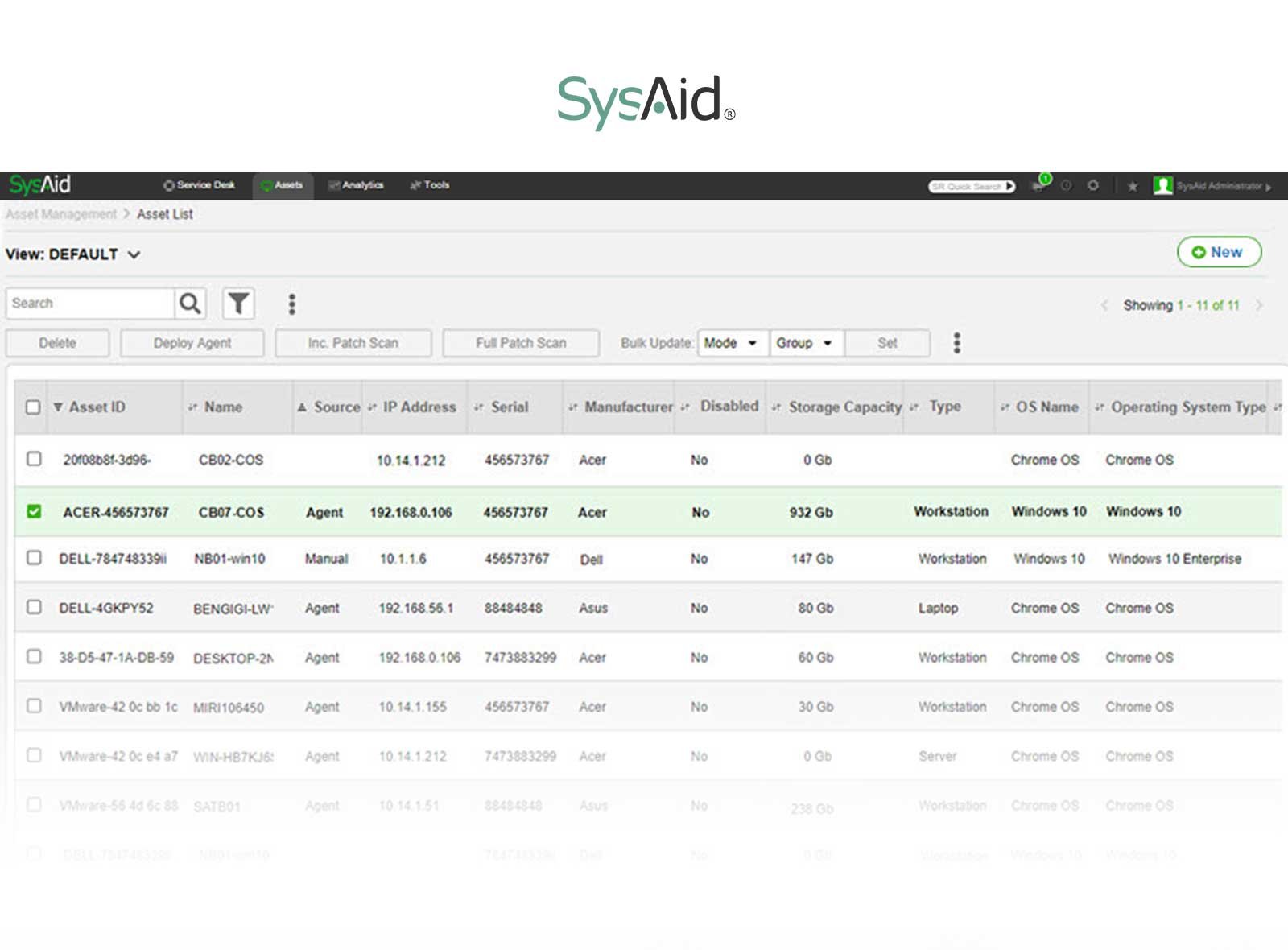
SysAid, developed by SysAid Technologies Ltd., is a cloud-based IT Service Management platform that caters to mid-sized teams and well-established IT departments. Founded in 2002, SysAid has repositioned itself around "agentic service management" — AI agents that don't just suggest actions but carry out ticket resolution, request fulfillment, and workflow automation.
What users like from SysAid
- AI included, not metered - SysAid's 2026 pricing bundles agentic AI, Copilot, and 100+ prebuilt AI agents into the base Professional plan rather than charging per interaction.
- Reporting capabilities - Robust reporting features provide comprehensive insight into ticket performance.
- Self-service and knowledge base - A well-organized knowledge base and self-service portal promote easy accessibility to information.
- Global customer support - The platform supports customers across regions and actively incorporates user feedback.
- Customization options - Users appreciate the extensive customization available, including knowledge base articles that promote knowledge sharing.
- SSO and AD integration - Single Sign-On and Active Directory integration simplify authentication and access management.
What users don't like from SysAid
- No lower-cost entry tier - SysAid folded its old Help Desk edition into a single Professional plan, which raises the entry price for smaller teams that don't need the full AI stack.
- Enterprise gating - Sandbox environments, tailor-made AI agents, and faster support SLAs are Enterprise-only, with a 20-agent minimum.
- Reported implementation friction - Some reviewers still describe modifying settings and system changes as more involved than expected.
- Limitations on administrators and reporting - Restrictions on the number of administrators can be limiting for larger teams, and some advanced reporting still requires the higher tier.
What’s SysAid’s argument over ManageEngine?
SysAid's pitch centers on treating AI as included functionality rather than a metered add-on, paired with a more polished, unified interface than ManageEngine's module-based structure.
- AI included at a flat rate - Unlimited agentic AI with no usage caps is built into the Professional tier, in contrast to consumption-based AI pricing that's become common elsewhere in the category.
- Reporting capabilities - Robust reporting gives teams a data-driven view of service desk performance.
- Knowledge base organization - A thoughtfully designed knowledge base promotes better organization and faster resolution.
- Global customer support - Support spans regions and actively incorporates user feedback.
- Customization options - Extensive customization lets teams tailor the platform to their specific workflows.
- SSO and AD integration - Simplifies authentication and improves both security and convenience.
What is ManageEngine?
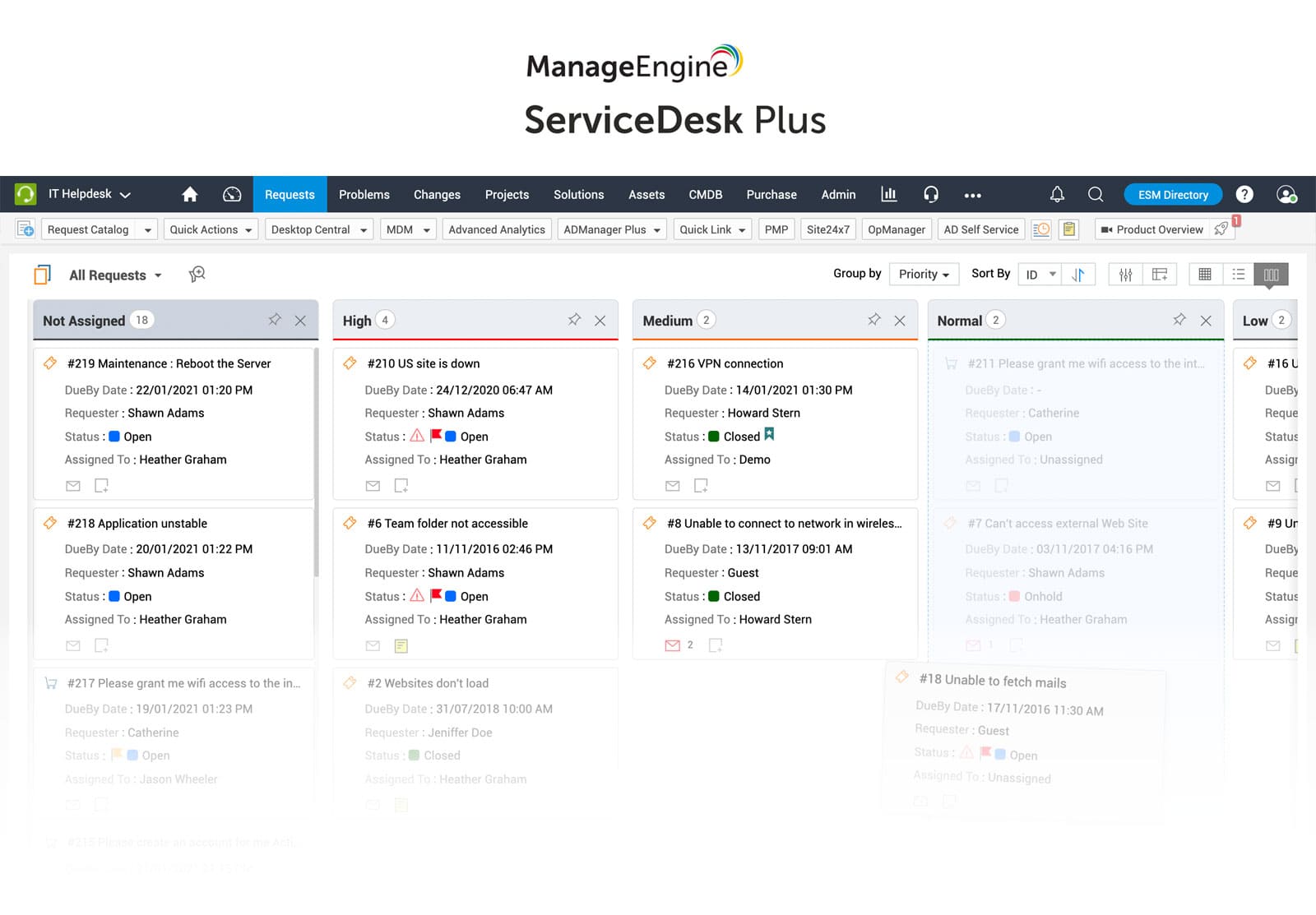
ManageEngine, the IT management division of Zoho Corporation, offers ServiceDesk Plus as one of its core ITSM products, alongside a wide portfolio spanning endpoint, network, and identity management. It's available in both cloud and on-premises deployments and serves more than 180,000 customers worldwide.
What users like from ManageEngine
- Transparent, granular pricing - Per-technician pricing starting around $13–16/month, plus a genuinely free edition for teams of up to 5 technicians.
- Zia AI, at no extra licensing cost - ManageEngine's 2025–2026 GenAI release added Ask Zia (a conversational virtual agent), Workflow Assist, a script generator, and Model Context Protocol (MCP) support — available across editions rather than gated to the top tier.
- Diversified product portfolio - Complementary Zoho and ManageEngine products across endpoint, network, and identity management open up cross-selling and shared workflows.
- Impressive growth and market presence - A large global customer base and continued investment, including recognition in the 2025 Gartner Magic Quadrant for AI Applications in ITSM.
What users don't like from ManageEngine
- Add-on-heavy lower tiers - CMDB, change management, problem management, and project management are paid add-ons on Standard and Professional, and only bundled "out of the box" on Enterprise.
- Integrations lean toward the Zoho ecosystem - Extending ServiceDesk Plus beyond ManageEngine/Zoho tools can require custom API work.
- Interface feels dated to some reviewers - Even with the AI additions, some users describe the UI as less modern than newer entrants.
- Past security vulnerabilities - In 2023, ManageEngine disclosed critical vulnerabilities across two dozen products; patches were released promptly, but it remains a point some buyers raise in due diligence.
What's ManageEngine's argument over SysAid?
ManageEngine's case rests on pricing transparency, a free entry point, and AI capabilities now built into every edition rather than a single premium tier.
- Transparent per-technician pricing - Published rates across three tiers, plus a free plan for small teams, make budgeting easier than a custom-quote model.
- AI without a separate SKU - The Zia Agents and Ask Zia release put GenAI capabilities into the product at no additional licensing cost, across editions.
- Diversified product portfolio - The broader Zoho/ManageEngine suite gives customers a wider platform to grow into.
- Market presence and momentum - A large existing customer base and recent Gartner MQ recognition for AI Applications in ITSM.
Considering InvGate Service Management as an ITSM solution alternative
In the competitive ITSM sector, SysAid and ManageEngine are well-known rivals. However, exploring alternative solutions that align closely with your organization's unique needs is crucial. InvGate Service Management emerges as a compelling and worthy option that deserves careful consideration.
At its core, InvGate Service Management is built around four things: fast setup, AI that's included rather than metered, flexibility across deployment and industries, and pricing you can actually plan around.
-
Ticketing, incident management, and workflows. Automated ticket routing,
customizable workflows, and
SLA Management sit at the center of the platform, giving teams a fast, structured way to track, collaborate on, and resolve incidents.
-
AI Hub, included on every plan. InvGate's AI Hub puts AI to work across the ticket lifecycle — AI-improved responses, ticket summarization, major incident detection with draft announcements, smart SLA-risk escalation, sentiment analysis, knowledge article generation, and more — plus a Virtual Service Agent in the self-service portal, Teams, WhatsApp, and Slack.
-
Self-service and knowledge base. A user-friendly portal, an extensive IT service catalog, and a searchable knowledge base let end-users resolve common issues and access IT services on their own, cutting down the load on your team.
-
Flexible deployment and fast, no-code setup. Choose on-premise or cloud depending on your sector's requirements, and configure the platform through a no-code/low-code approach that gets teams with varying technical expertise up and running quickly.
-
Reporting, analytics, and a clean interface. Ready-to-use reports and customizable dashboards turn service desk data into decisions, all wrapped in an interface designed around UI/UX best practices rather than bolted on after the fact.
-
Asset Management, ITIL readiness, and ESM in one platform. Pairing InvGate Service Management with InvGate Asset Management gives you a holistic view of your IT ecosystem. The platform is accredited by PeopleCert in 15 ITIL practices, and extends beyond IT into
Enterprise Service Management (ESM) for other departments.
-
Pricing: InvGate Service Management starts at $24.98/agent/month (Starter, billed annually), scaling to $500/agent/year (Pro), with custom Enterprise pricing for larger deployments — AI Hub included at every level, not billed separately.
As you weigh your options, consider exploring InvGate Service Management. You can try it free for 30 days and experience it firsthand!
How to evaluate ITSM software
When comparing ManageEngine and SysAid, start with the ITSM processes your organization needs to support, rather than counting features. Look at how each platform handles your actual workflows, how much configuration they require, and whether the user and technician experience fits the way your service desk operates.
It’s also worth comparing what comes with the platform and what requires additional products, plans, integrations, or implementation work. Pricing should be evaluated alongside these requirements, since two platforms with similar feature lists can have different total costs.
Finally, test the platforms with realistic scenarios instead of relying only on vendor feature pages or demos. Give each vendor the same use cases and ask them to show you how the platform handles them.
Questions to ask vendors:
- Can you show us how you would configure our most common service desk workflows?
- Which capabilities are included in the plan we're evaluating, and which require add-ons or higher tiers?
- How much configuration or development would these workflows require?
- Which of our existing systems can we integrate natively?
- What would implementation and ongoing administration require from our team? Can you demonstrate the platform using our own use cases rather than a generic demo?