













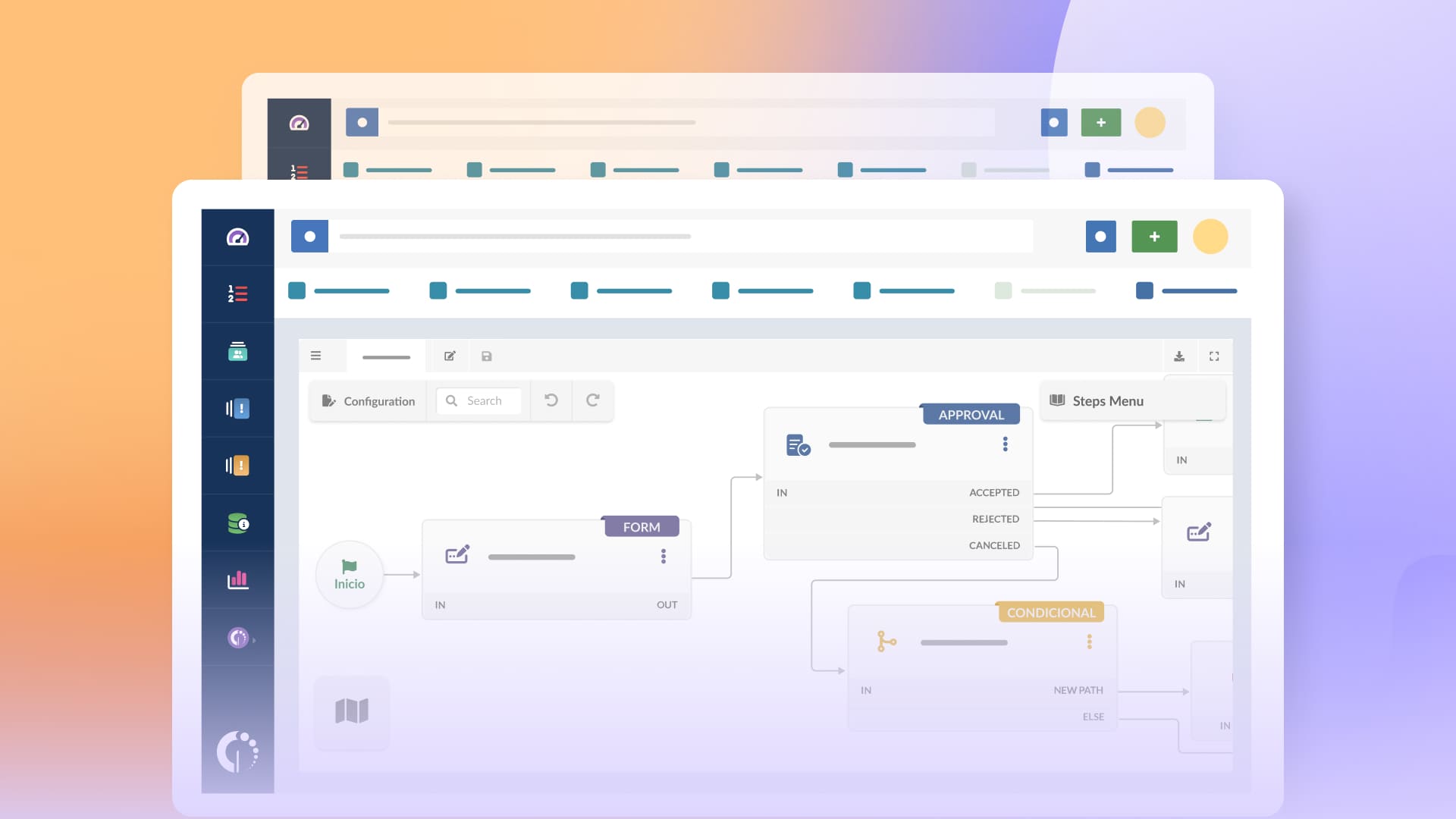

AI IT support tools are software solutions that use artificial intelligence to help IT teams and service desks handle incidents and requests more efficiently. They assist agents across everyday help desk work — classifying and prioritizing tickets, suggesting responses, surfacing relevant knowledge base articles, and more. Many also connect to virtual agents or self-service portals, so employees can resolve common issues on their own before a ticket ever reaches the queue.
Used well, AI takes on the high-volume, repeatable work that fills the service desk and frees agents for the tickets that need real judgment.
We'll explore how IT teams are using AI to streamline their service desk operations and which are the top AI IT support tools on the market right now. Let's get into it.

AI in IT support works as a layer across the whole operation. The clearest way to understand it is by where it operates: behind the scenes in how the service desk runs, alongside agents as they handle tickets, and in front of end users resolving issues on their own. The same underlying context — the user, the asset, the service, and the process behind each request — feeds all three.
At the operational layer, AI takes on high-volume, pattern-based work that would otherwise consume agent time. Intelligent triage reads incoming tickets and categorizes, prioritizes, and routes them based on context and historical patterns, which keeps work aligned with SLAs and cuts down on reassignment. For repeatable issues like password resets, access requests, and common how-to questions, AI can trigger an automated resolution so the ticket closes without manual handling. It also surfaces patterns that are hard to track by hand: SLAs at risk, conditions that may escalate into a major incident, and recurring issues that point to an underlying problem.
AI works next to agents as they handle tickets. It can summarize long or reassigned tickets so an agent picks up context in seconds, suggest responses and next-best actions drawn from past resolutions and knowledge articles, and surface similar tickets that were already solved. This shortens resolution time and keeps support consistent across the team, and it is especially useful for newer agents still learning the environment. AI can also read the tone of a ticket or conversation to flag a frustrated user or a situation that needs escalation.
On the end-user side, AI reduces the number of tickets that reach the queue at all. Virtual agents answer common questions around the clock and guide users through troubleshooting, invoking an automated resolution when one is available. Natural-language search interprets what a user means and finds the right knowledge article even when the phrasing doesn't match the exact keywords. Guided flows walk users through defined procedures step by step, keeping outcomes consistent.
Knowledge ties all three together: AI relies on it to answer accurately, and it can also capture solutions from resolved tickets and suggest new articles, so the knowledge base stays aligned with daily operations.
Nearly every tool now advertises AI. The differences show up in the specifics: where the AI gets its answers, how much control you keep, and which parts of the workflow it touches. Each category below defines one dimension to evaluate, along with the concrete features that signal a strong implementation.
We selected tools commonly used for IT support, including both ITSM platforms and customer support solutions with AI capabilities, to reflect how teams evaluate options today.
Each tool was assessed based on core functionality, AI capabilities, workflow depth, pricing transparency, usability, implementation time, and support quality.
The analysis is based on publicly available information from official vendor websites and documentation, along with user reviews from Gartner Peer Insights, G2, and Capterra. Demos are reviewed when possible to validate how features work in practice.
Disclaimer: InvGate develops IT Service Management and IT Asset Management software and is a vendor in this category. We disclose this to be transparent about our position; still, our purpose is to share reliable and unbiased information to help you evaluate your options.
All information reflects the market as of March 2026. We update our content regularly to keep it aligned with product changes and new releases.
InvGate Service Management is an IT service management for organizations that want to get up and running quickly and still have room to scale over time. It focuses on making structured service operations accessible: teams can configure workflows, forms, and automations through a no-code approach, which reduces dependency on technical resources and speeds up adoption.
AI is included across all tiers and works directly within the platform. It supports tasks like ticket summarization, categorization, response suggestions, and knowledge creation from resolved cases, along with insights that help teams prioritize and act faster.
Best for: IT teams and internal service teams that look for scalable, no-code ITSM with embedded AI.
InvGate is trusted by organizations like NASA, KPMG, PWC, and Allianz, and consistently receives positive feedback from users for its performance and reliability.
Explore the pricing options and get a quote from InvGate tailored to your specific needs, or check how the tool works by signing up for a 30-day free trial.
All prices are subject to change and provided for informational purposes only. Final pricing depends on a formal evaluation; a signed quote from an authorized Sales Representative is required for all binding agreements.
Help Scout is a customer support platform focused on simplicity and ease of use, particularly for teams that prioritize email-based support. It offers a shared inbox model with lightweight automation and collaboration features. AI features focus on assisting agents with drafting replies and summarizing conversations.
Best for: It is best suited for small teams or companies that want a simple, low-overhead support tool without complex configuration.
These are Help Scout pricing plans (billed annually):
Plus, AI answers is an add-on that costs 0,75 per resolution. They offer a free plan that includes five users, one inbox, and one Docs site.
- Checked on: March 2026 (US), official website.
Freshdesk is a customer support platform built to manage external conversations across multiple channels in a centralized ticketing system. AI is delivered through Freddy AI, which acts mainly as an assistive layer. It helps with ticket categorization, suggested replies, chatbots, and basic automation.
AI features are available across plans but become more advanced in higher tiers, especially for automation and chatbot capabilities.
Best for: Freshdesk is commonly used by customer support teams in SMBs and mid-sized companies that need an accessible, omnichannel help desk.
Freshdesk uses a per-agent pricing model with three main paid tiers:
AI in Freshdesk is not fully included in the base plans and is mostly structured as add-ons or higher-tier features:
- Checked on March 2026 (US) official website.
Zendesk is an enterprise-grade customer service platform designed to manage large-scale support operations across channels. It combines ticketing, automation, and a broad ecosystem of integrations, with a strong focus on customer experience.
AI is a major part of Zendesk’s offering, but it is layered into the product through features like AI agents, agent copilots, and automation tools. These capabilities focus on resolving requests faster, suggesting replies, and routing tickets intelligently. In practice, many advanced AI features are tied to higher-tier plans or available as add-ons, especially for more autonomous capabilities.
Best for: Complex customer support environments, including multiple brands, high ticket volumes, and distributed teams.
The customer service plans focus on external client support across channels, while the employee service plans are designed for internal teams managing requests within the organization.
This pricing corresponds to annual billing:
The AI copilot and AI agents are add-ons.
- Checked on: March 2026 (US), official website.
Zoho Desk is a customer support platform designed for small to mid-sized teams, especially those already using the Zoho ecosystem. The platform supports omnichannel interactions and includes built-in tools for managing SLAs, workflows, and knowledge bases.
AI is powered by Zia, Zoho’s assistant, which supports tasks like sentiment analysis, ticket tagging, chatbot responses, and knowledge recommendations. These features help teams prioritize and respond more efficiently but remain largely assistive.
Best for: organizations that want a unified system connected to CRM, sales, and other business tools.
These are the pricing tiers for Zoho Desk (billed annually)
Generative AI features are only available from the Standard plan and above. The AI agents, answer bot, and AI assistant "Zia" are only available on Enterprise plans.
- Checked on: March 2026 (US), official website.
Four steps make the evaluation of IT support tools with AI faster:
InvGate Service Management fits naturally for mid-size and enterprise teams that want structured ITSM without long implementation cycles. It works well when you need no-code configuration, quick rollout, and the ability to grow into more advanced processes over time, with AI included as part of the platform rather than an add-on.
If you are looking to experience the power of AI for IT support to simplify and automate your IT operations, improve response times, and enhance the overall support experience for your team and customers, start a 30-day trial of InvGate.
Any honest overview of AI in IT support has to include this. AI doesn't behave the same way in every context, and a few limits are worth naming clearly.
InvGate Service Management applies these principles directly. It follows a human-in-the-loop model throughout: AI recommends and improves, and agents and managers keep full control over decisions and outcomes. Supporting features include Knowledge Discovery for keeping the knowledge base current, Major Incident Detection and Common Problem Detection for surfacing and analyzing high-impact situations, and more — each one assists the people running the operation without taking the decision out of their hands.
For a full breakdown of how InvGate AI Hub handles governance and transparency, see the AI Hub FAQ.
What is an AI IT support tool?
An AI IT support tool uses artificial intelligence to automate service desk tasks like ticket classification, routing, and self-service. Unlike general support tools, it’s built to handle IT workflows such as incidents, requests, and changes.
What’s the difference between an AI IT support tool and a regular help desk?
A traditional help desk relies on manual ticket handling. An AI IT support tool automates classification, prioritization, and routing, while suggesting solutions and deflecting requests to self-service when possible.
Can AI IT support tools replace human agents?
No. AI IT support tools are designed to assist agents, not replace them. They handle repetitive and low-effort tasks, which allows agents to focus on more complex issues that require judgment and context.
How long does it take to implement an AI IT support tool?
Implementation time varies depending on the tool. Some platforms can be up and running in days, while others take weeks or longer. It usually depends on integrations, workflow configuration, and how much internal data is used to support AI features.
Disclaimer: All product names, logos, and brands are property of their respective owners. All company, product, and service names used on this site are for identification purposes only. Use of these names, trademarks, and brands does not imply endorsement. Comparisons are based on publicly available information as of March, 2026 and are provided for informational purposes only.

