When IT issues arise, providing effective remote support requires the right tools. But the term remote IT support software can mean different things depending on the specific needs of your organization. Some users look for service desk platforms that handle Ticket Management and user requests, while others seek tools for remote desktop access to troubleshoot directly on a user’s device.
Understanding the distinction between these categories is key to setting up an efficient IT support system. In some cases, you might need only one type of tool, while in others, an integrated solution could be more practical. This guide breaks down the differences and explains how they complement each other. We also list some tools to help you choose the best solutions for your team.
Let’s start by clarifying the two primary types of remote IT support tools: help desk software and remote desktop tools.
What is remote IT support software?
Remote IT support software refers to the set of tools IT teams use to support users and devices without being physically present. In practice, that support rarely depends on a single application. Instead, remote IT support usually relies on a small stack of tools that work together, each covering a different part of the support process.
At a minimum, that stack combines help desk software and remote desktop software. One handles how requests are received, tracked, and prioritized. The other lets IT teams actually step into a device to fix the problem. Both are necessary if support happens across locations, time zones, or fully remote environments.
Help desk tools give structure to support operations. Remote desktop tools provide direct, hands-on access. When used together, they cover the full cycle of remote support: from the moment a user reports an issue to the moment it’s resolved on their device.
Remote support vs remote desktop: what’s the difference?
The overlap between these terms often causes confusion. Remote support describes the entire support activity, while remote desktop refers to one specific capability within that activity.
Remote support includes everything involved in helping users at a distance: receiving requests, communicating with users, prioritizing issues, documenting work, and resolving problems. Help desk software plays a major role here.
Remote desktop software focuses on device access. It doesn’t manage tickets, SLAs, or support queues. It simply provides a way to connect to a machine and work on it remotely.
In practice, remote desktop tools support remote IT support, but they don’t replace help desk software. One handles access; the other handles coordination.
What use cases does remote IT support software cover?
A combined remote support setup supports a wide range of everyday IT scenarios, especially in distributed organizations.
Common use cases include:
- Employee technical issues: Password problems, application errors, or system slowdowns resolved through tickets and remote sessions.
- Onboarding and offboarding: Setting up devices, installing required software, or removing access without being on-site.
- Software maintenance: Applying updates or configuration changes outside business hours using unattended access.
- Incident response: Quickly connecting to affected systems when an outage or widespread issue is reported.
- Ongoing device support: Troubleshooting laptops and desktops used from home, branch offices, or client locations.
Remote IT support software doesn’t live in a single tool. It’s the result of combining systems that manage requests with tools that allow direct action on devices. Together, they give IT teams the visibility and control they need to support users wherever they work.
Methodology
Before getting started, a brief disclosure. InvGate develops IT Service Management and IT Asset Management software, which places us within the broader remote IT support ecosystem.
Some of the vendors mentioned in this article compete directly or indirectly with our products. Even so, the goal here is to provide clear, practical information to help you evaluate options objectively and understand how different tools fit into a remote support setup.
Our analysis is based on publicly available information, including vendor websites and product documentation, user reviews from platforms such as Gartner Peer Insights, G2, and Capterra, analyst research, and hands-on testing or product demos when access was available. Each tool was reviewed with an emphasis on how it supports real-world remote IT support scenarios rather than isolated feature claims.
The information in this article reflects the market as of December 2025. We revisit and update this content regularly to account for product changes and new developments.
How did we evaluate remote IT support software?
Since remote IT support is typically delivered through a combination of tools, we evaluated each product based on how well it contributes to that broader support workflow.
Key evaluation criteria included:
- Core functionality: Ticket management, remote access capabilities, automation, and monitoring features relevant to remote support.
- Integration options: Native or supported integrations between help desk, remote desktop, and Asset Management tools.
- Usability: Interface clarity for both support agents and end users, including setup and day-to-day operation.
- Deployment and access models: Cloud, on-premises, or hybrid availability, along with attended and unattended support options where applicable.
- Pricing transparency: Publicly available pricing information, trial options, and licensing structure.
- Vendor support and documentation: Quality of help resources, onboarding materials, and customer support channels.
Remote IT support software comparison
Which tools are included in this list?
Because remote IT support typically relies on more than one type of software, this article includes two distinct categories of tools.
First, we cover help desk and service desk platforms. These tools manage user requests, workflows, prioritization, and reporting, forming the operational backbone of remote support.
Second, we include remote desktop and remote access tools. These solutions allow technicians to connect to user devices, diagnose issues, and apply fixes directly, either with or without user presence.
Help desk tools
If you're looking for service desk software to serve as your remote support solution and foster your organization's IT needs, here are some options to choose from.
1. InvGate Service Management
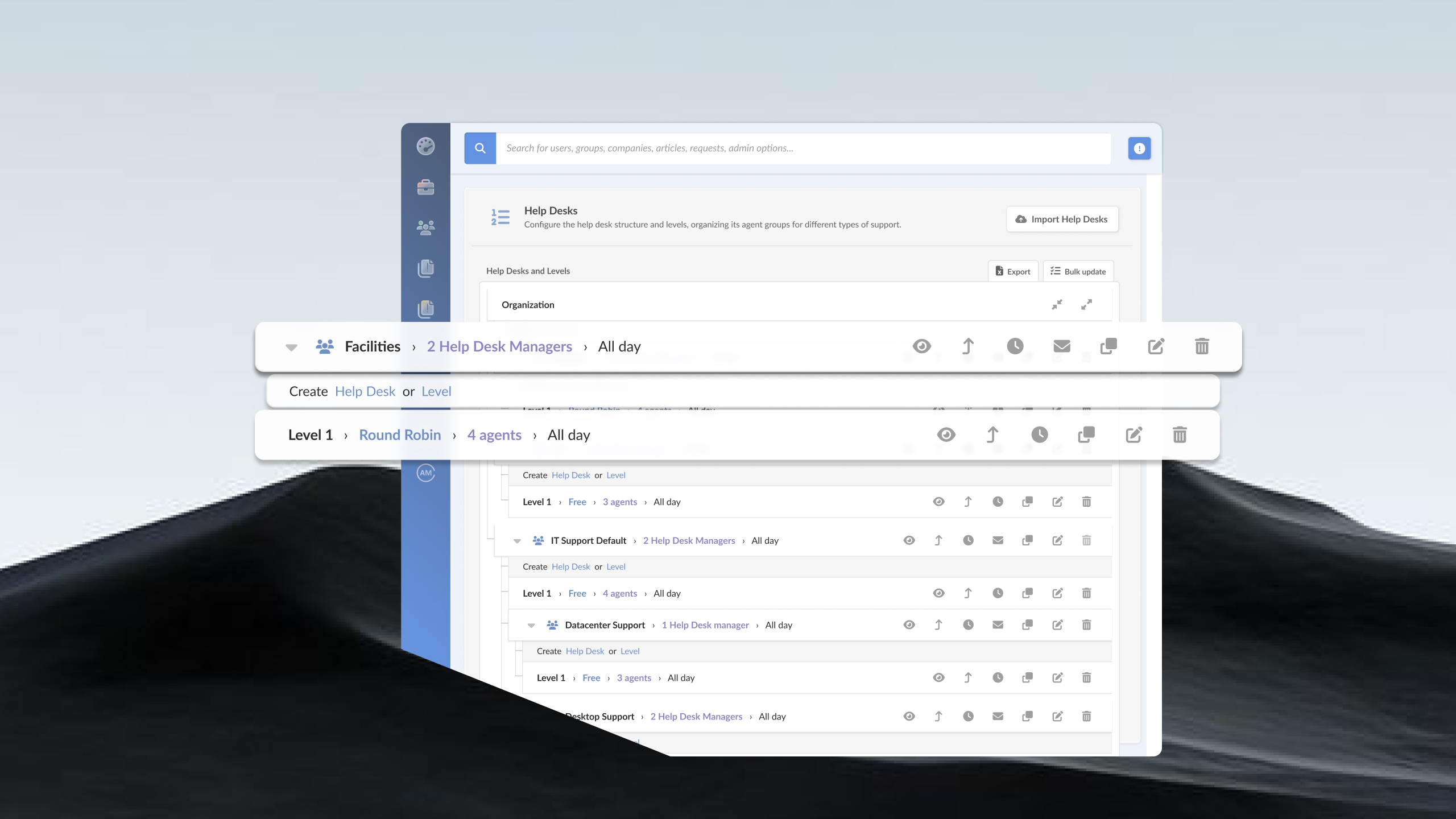
InvGate Service Management is an all-round ITSM solution designed to address the remote support service needs of IT teams of all sizes and multiple locations. It comes with a set of features that will make your remote assistence easier and smooth.
Features
When you pair InvGate Service Management with InvGate Asset Management, it simplifies remote support workflows.
- Agents can launch remote desktop sessions directly from the asset profile.
- Combining asset data with support activity gives a complete view of the device's history.
- Reporting tools allow for in-depth analysis of remote session trends and performance.
InvGate Service Management pricing
- Starter: 24.98/agent/month billed annually and 5 agents minimum - $1499/year.
- Pro: $500/agent/year. 5-50 agents.
- Enterprise: Custom pricing for larger organizations.
If you want to try it out, you can request our 30-day free trial or book a quick meeting with our experts. You can also make the trial instance into your definitive workspace later on.
All prices are subject to change and provided for informational purposes only. Final pricing depends on a formal evaluation; a signed quote from an authorized Sales Representative is required for all binding agreements.
InvGate Service Management reviews
2. Freshservice
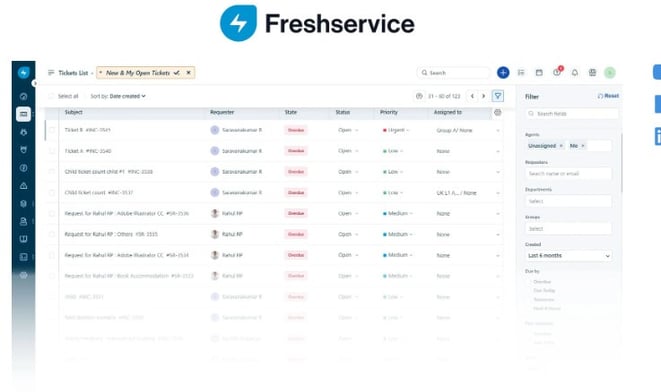
Freshservice® is another popular cloud-based support solution. It includes Ticket Management, automation, and reporting.
Freshservice pricing
Freshdesk offers three pricing tiers (prices billed annually)
- Starter: $19 per agent, per month.
- Growth: $49 per agent, per month.
- Pro: $99 per agent, per month.
The fourth tier, Enterprise, requires a quote. - Checked on Dec 2025 (US) official website.
Freshservice reviews
3. Zoho Desk
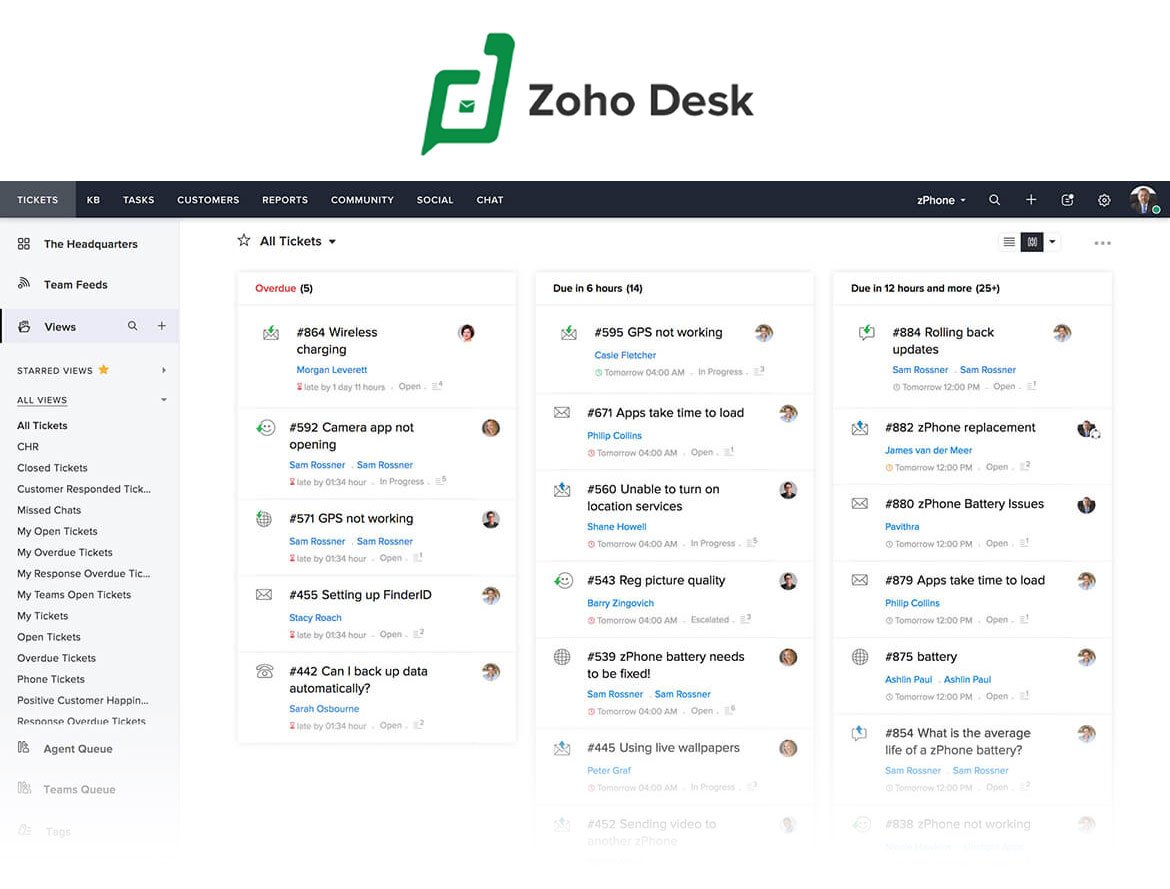
Zoho Desk® is another cloud-based help desk solution worth considering for your support teams. Among its main features are a self-service portal and customization. Its live chat feature allows technicians to communicate with users in real-time.
Zoho Desk pricing
They have four pricing tiers.
- Express: $7 per agent per month.
- Standard: $12 per agent per month.
- Professional: $20 per agent per month.
- Enterprise: $35 per agent per month.
(All prices billed annually)
- Checked on: Dec 2025 (US), official website.
Zoho Desk reviews
4. ManageEngine
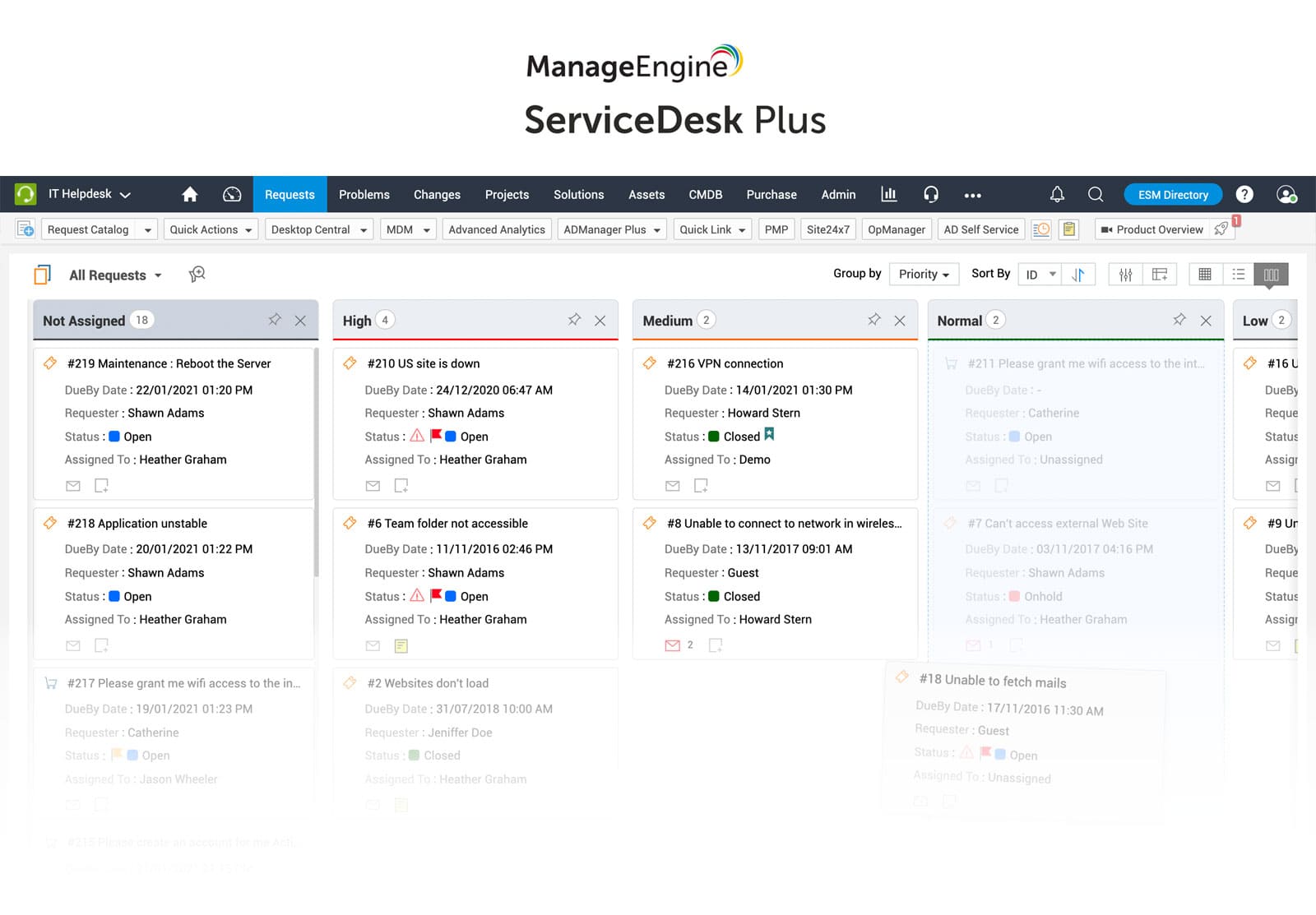
ManageEngine® ServiceDesk Plus is a help desk and IT Service Management platform. It gives IT teams a centralized place to handle support requests, incidents, assets, and service workflows.
For remote teams, it provides structure: tickets capture the issue, prioritize the work, and give agents the context they need before taking action, including user details and related assets.
To complement it, they have their own tool, Remote Access Plus (licensed independently), which allows technicians to connect to user devices directly from a support request to diagnose problems, apply fixes, transfer files, or run system actions remotely.
ManageEngine pricing
Cloud pricing tiers:
- Standard: Starts from $13 / technician / month
- Professional: Starts from $27 / technician / month
- Enterprise: Starts from $67 / technician / month
Note: For Professional and enterprise tiers, price changes also depend on the number of assets. There are also available add-ons.
- Checked on: Dec 2025 (US), official website.
ManageEngine reviews
According to G2, the platform is reviewed with 4.2 stars out of 5. Within Gartner, with 4.3.
5. SolarWinds
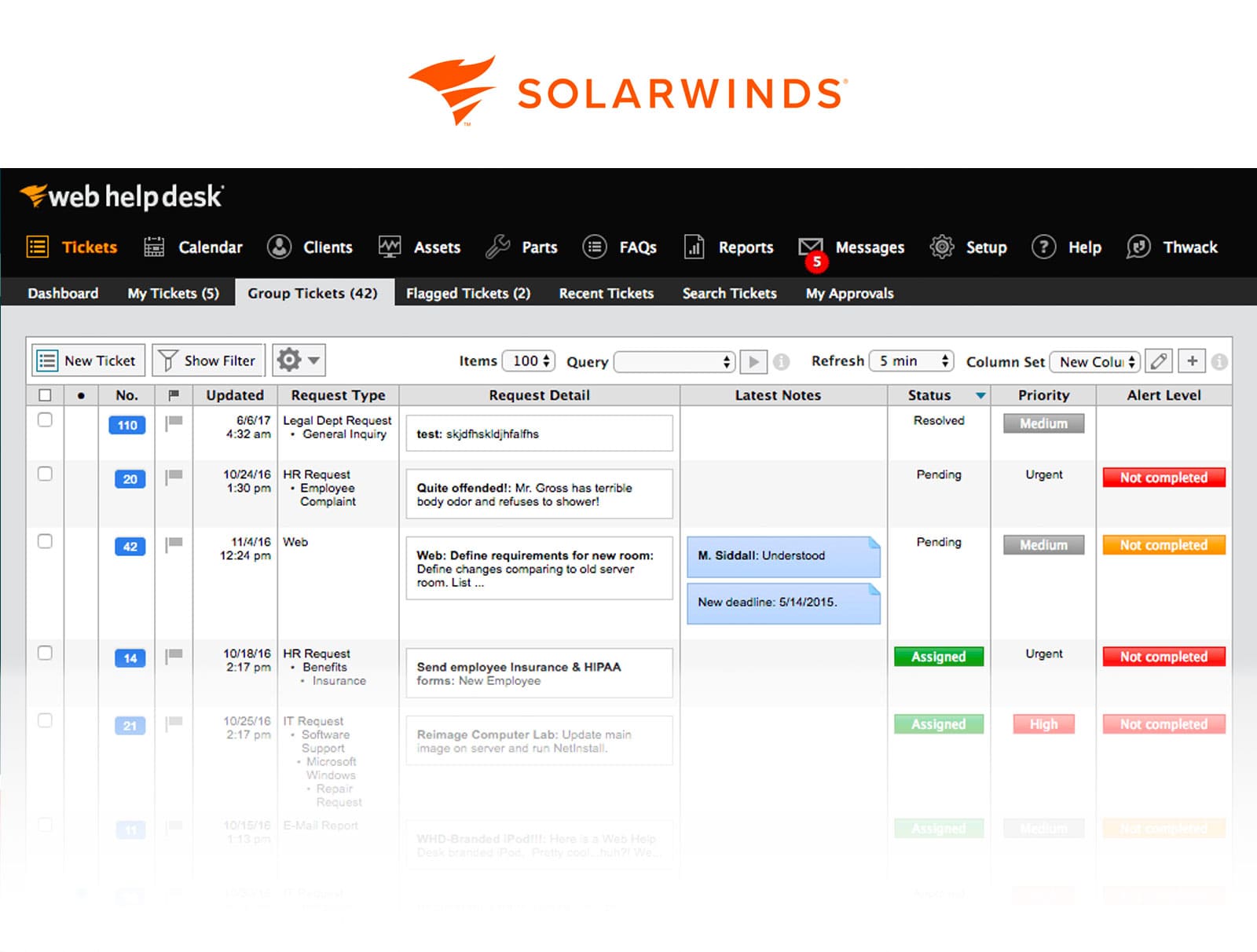
SolarWinds® Service Desk is a cloud-based help desk and ITSM platform. It focuses on ticket management, incident tracking, and service workflows, giving teams a centralized place to handle support requests. It allows for multi-channel support, and includes Asset Management features.
SolarWinds pricing
- Essentials: $39 per month / per technician
- Advanced: $79 per month per technician
- Premier: $99 per month / per technician
- Checked on: Dec 2025 (US), official website.
SolarWinds reviews
6. BMC Helix
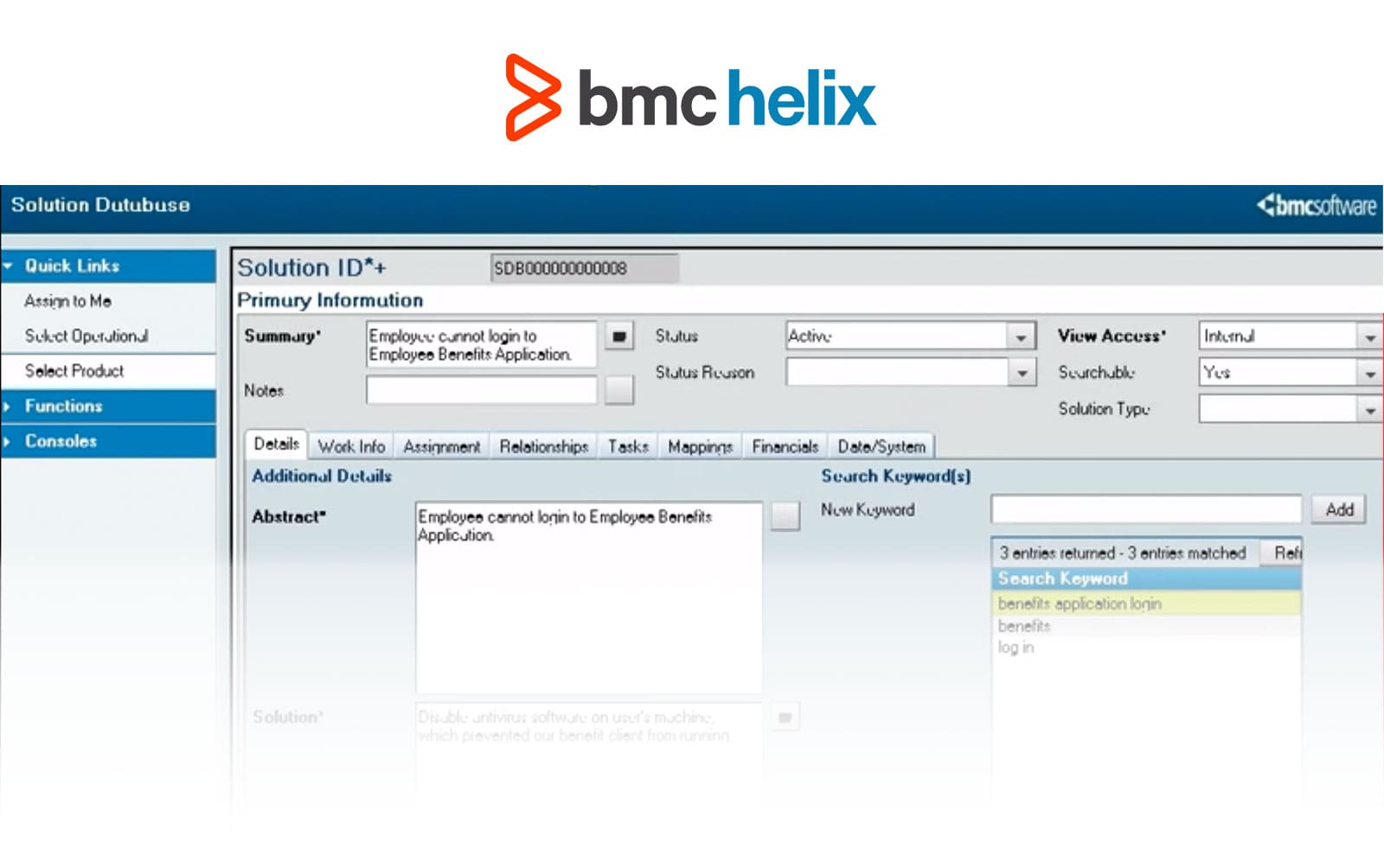
BMC Helix® is an enterprise IT Service Management platform designed to support complex, distributed IT environments. It offers incident and request management, change workflows, asset tracking, and reporting features that help large teams coordinate support work across locations.
BMC Helix pricing
To access the pricing of this support software, you must request a quote, as the pricing information is not publicly disclosed.
BMC Helix reviews
7. Help Scout
Help Scout® is a support platform centered on shared inboxes and customer communication. IT teams use it to manage support conversations, maintain request history, and collaborate internally while supporting users across different locations.
Help Scout pricing
- Standard: $25 user/month
- Plus: $45 user/month
- Pro: $75 user/month
They offer a free plan that includes five users, one inbox, and one Docs site.
- Checked on: Dec 2025 (US), official website.
Help Scout reviews
8. ServiceNow
ServiceNow® is a Service Management platform that supports IT operations at scale. It provides structured workflows for incidents and requests, approval processes, service catalogs, and reporting, making it suitable for organizations with remote or distributed support teams.
One of its key strengths is the ability to automate workflows across different service processes. It integrates with various remote support solutions, enabling technicians to initiate remote sessions directly from incident tickets.
ServiceNow pricing
ServiceNow's pricing information is not publicly disclosed.
ServiceNow reviews
9. Jira Service Management
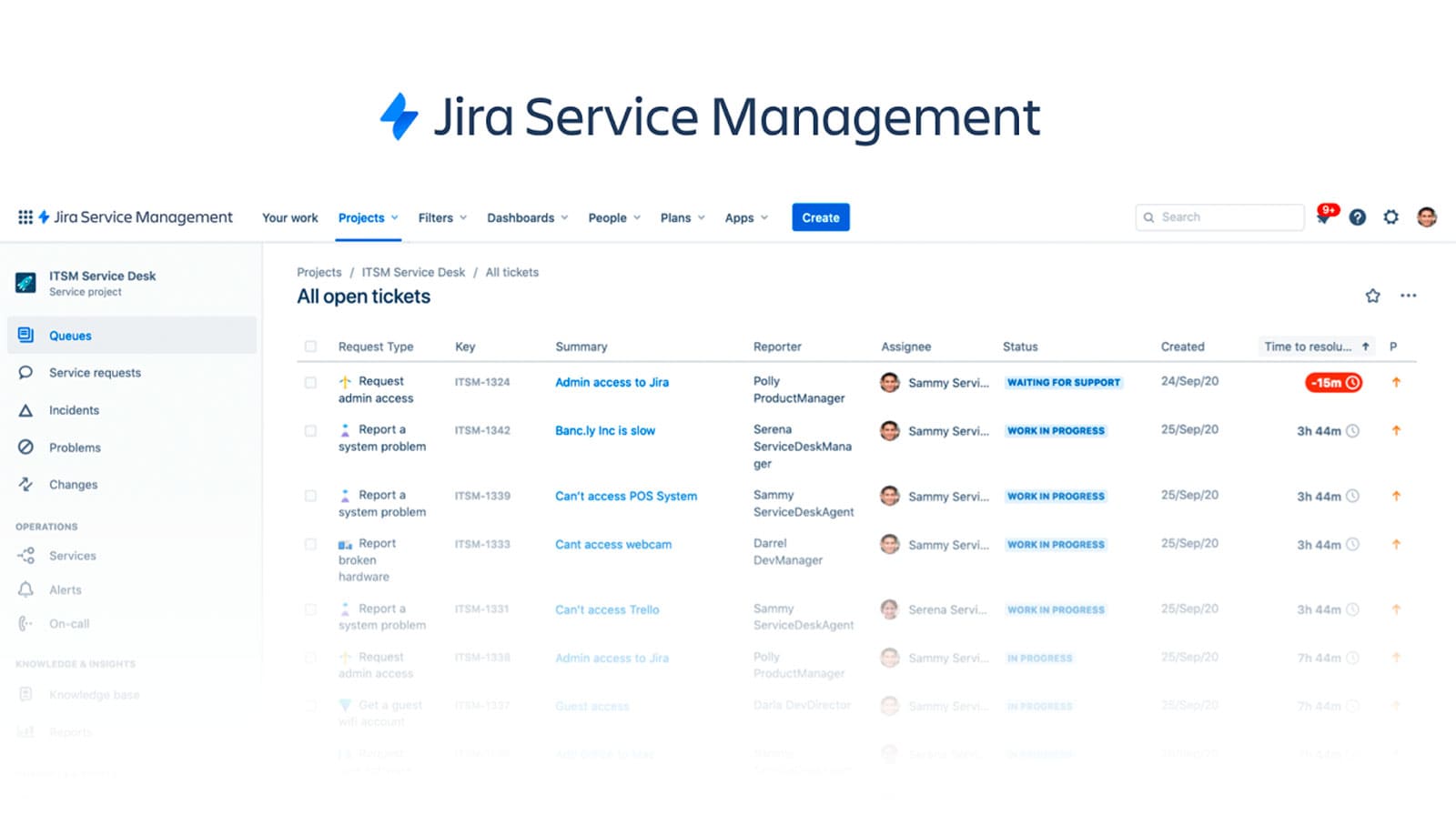
Jira Service Management® combines ticket tracking, incident workflows, automation rules, and reporting within the Jira ecosystem. It supports collaboration between IT, development, and operations teams handling support requests from distributed users.
Jira Service Management pricing
The Standard plan starts at about $20–$25 per agent/month, billed annually. As your team grows, the per-agent cost decreases with volume tiers, making it cheaper at scale. Higher tiers include Premium (~$50/agent/month) and Enterprise (custom pricing). JSM also offers a free tier for up to 3 agents.
- Checked on: Dec 2025 (US), official web.
Jira Service Management reviews
10. HappyFox
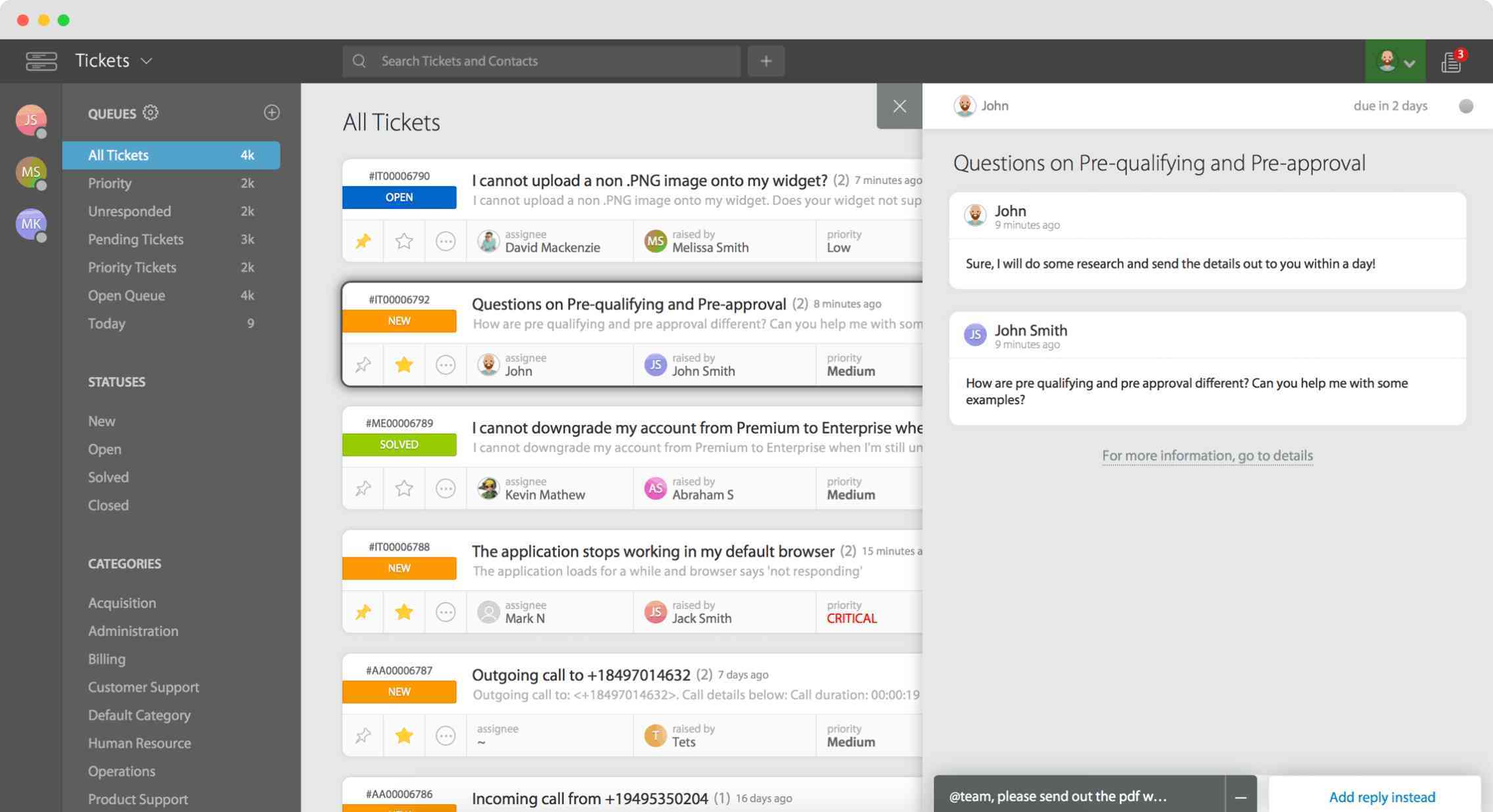 HappyFox® is a cloud-based help desk platform that offers ticket management, SLA tracking, automation, and reporting. These features help IT teams maintain consistency and visibility when supporting users across different locations. It also includes a knowledge base that allows agents and users to create and share articles.
HappyFox pricing
Agent-based plans (billed annually):
-
- Basic: $24 per agent/month (up to 5 agents).
- Team: $49 per agent/month.
- Pro: $99 per agent/month.
- Enterprise Pro: Quote-based.
- Checked on: Dec 2025 (US), official website.
HappyFox reviews
Disclaimer: All product names, logos, and brands are property of their respective owners. All company, product, and service names used on this site are for identification purposes only. Use of these names, trademarks, and brands does not imply endorsement. Comparisons are based on publicly available information as of October, 2025 and are provided for informational purposes only.
Remote desktop software
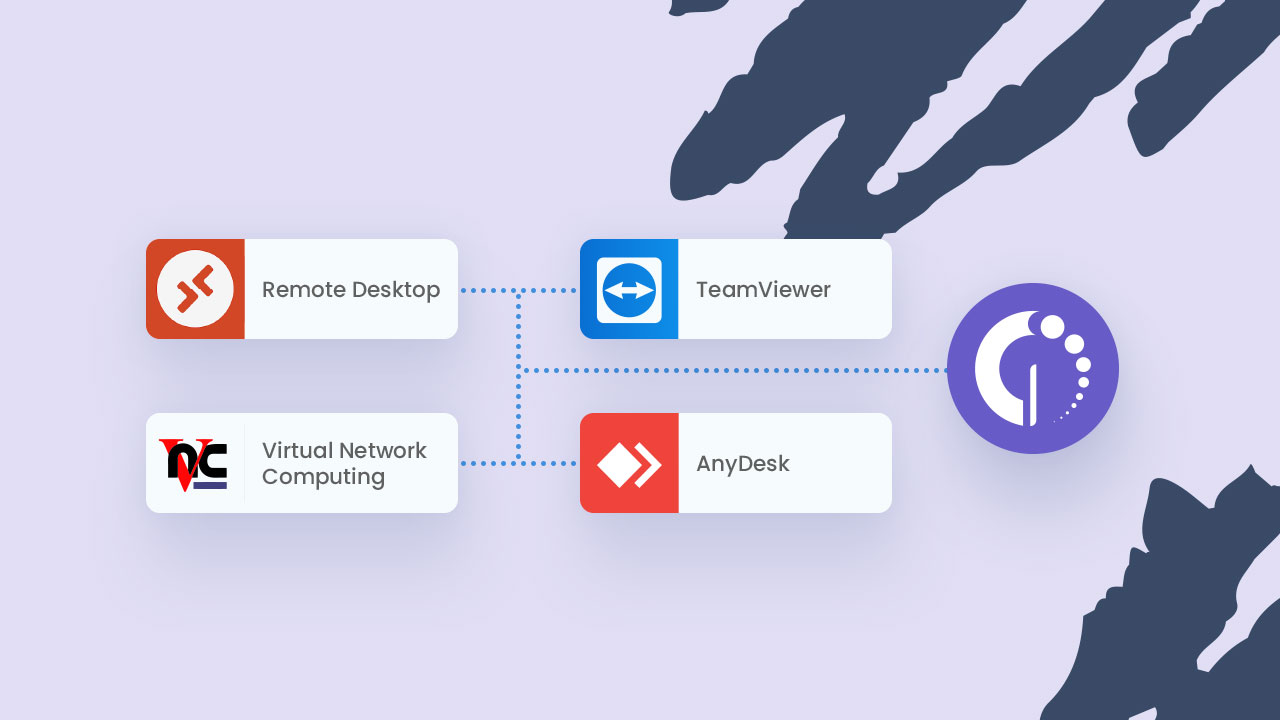
We’ve already highlighted the importance of integrations to get the most out of your help desk software. Now it’s time to focus on one of the most impactful: integrating remote desktop tools.
Pairing it with your help desk platform creates a seamless workflow where agents can launch remote sessions directly from tickets or asset profiles.
Let’s take a closer look at some remote desktop support tools and their features:
TeamViewer
TeamViewer is a widely recognized tool for remote support, and integrating it with your help desk can simplify your workflow.
- Cross-platform compatibility: Works across Windows, macOS, Linux, iOS, and Android, making it versatile for diverse IT environments.
- Unattended access: Allows agents to access devices even when the user isn’t present.
- File transfer: Facilitates easy movement of files between systems for troubleshooting or updates.
- Integration capabilities: Connects directly with help desk software like InvGate Service Management for quick access.
AnyDesk
Known for its speed and versatility, AnyDesk offers a high-performance solution for remote support.
- Cross-compatibility: Allows agents to connect to desktops across many operating systems. It also offers mobile support for mobile devices, including iOS and Android.
- Security features: Offers end-to-end encryption to protect sensitive data. For teams supporting users on public or home Wi-Fi, pairing your remote support tool with a VPN adds a network-level encryption layer that protects traffic before it even reaches the remote session, covering a gap that application-level encryption alone doesn't address.
- Quick session links: Enables instant connection through shared session codes.
Microsoft Remote Desktop Protocol (RDP)
For organizations relying heavily on Windows environments, RDP is a straightforward option.
- Built-in solution: Native to Windows environments, making it cost-effective and easy to deploy.
- Session shadowing: Allows IT staff to view and assist ongoing user sessions.
- Scalability: Handles multiple sessions simultaneously, ideal for larger organizations.
VNC Connect
VNC is ideal for teams seeking flexibility and broad compatibility.
- Simple setup: Quick deployment with minimal configuration needed.
- Multi-language support: Useful for global teams or users with diverse language needs.
- Cloud-based and direct connection options: Offers flexibility depending on your infrastructure.
Integrating any of these tools with your help desk software creates a streamlined support process, empowering agents to access, diagnose, and resolve issues more effectively.
Why do you need remote support software?
With the rise of remote work and digital communication, traditional support models are no longer sufficient. Remote support software is the solution to this. It allows organizations to resolve issues remotely, in real time, which significantly impacts user satisfaction.
As a result, help desk software is helping organizations streamline their support processes, reduce downtime, and improve overall efficiency.
Benefits of remote support help desk
Here are some of the key benefits of implementing a remote support tool:
- Improved customer experience: When you have remote workers located in different time zones, they can receive support from anywhere and at any time. A remote support solution can provide faster response times and increase overall satisfaction.
- Increased efficiency: A centralized platform enables agents to manage different tickets coming from multiple sites. Plus, they can automate certain tasks such as ticket routing, making the whole process more efficient.
- Improved collaboration and knowledge sharing: With your help desk system you can create an internal knowledge base of common issues and solutions, encouraging self-service solutions for certain issues and freeing up your support team.
- Better decision-making: Centralizing all the requests from multiple locations onto one single remote will give you a full picture and allow you to create comprehensive reports on your operations, which will lead to making data-driven decisions.
How to choose the right remote support tool
Choosing a remote support tool isn’t just about remote access. The right option depends on how well it fits into your existing support processes, how safely it handles access to user devices, and how easily it connects with the systems your team already uses.
Since most organizations rely on a combination of help desk and remote desktop software, evaluation works best when you look at the tool in context rather than in isolation.
What security features matter most for remote support?
Remote access introduces obvious risks, so security controls should be non-negotiable. The focus shouldn’t be on long feature lists, but on whether the tool provides clear, enforceable safeguards.
Key capabilities to look for include:
- Strong authentication: Support for multi-factor authentication and role-based access to limit who can initiate sessions.
- Session control and visibility: User consent options, session recording, and the ability to monitor or terminate active connections.
- Access scope management: Granular permissions that restrict what an agent can do during a session, especially for unattended access.
- Encryption standards: End-to-end encryption for remote sessions and data in transit.
- Audit logs: Detailed logs showing who accessed which device, when, and for how long.
These features help reduce exposure while still allowing agents to work efficiently, particularly in environments with distributed teams and personal devices.
What integrations matter for ticketing, ITSM, and asset context?
A remote support tool becomes far more useful when it’s connected to the systems that manage support work. Without integrations, agents end up switching between tools, copying information manually, and losing context.
The most valuable integrations typically include:
- Help desk or ITSM platforms: Starting a remote session directly from a ticket and linking session details back to the request.
- Asset Management systems: Accessing device details, ownership, configuration history, and status before or during a session.
- Identity and access tools: Using existing authentication providers to manage user access consistently.
- Reporting and documentation workflows: Automatically attaching session logs or notes to tickets for traceability.
When remote access, ticketing, and asset data live in the same workflow, resolution times drop and documentation improves without adding extra steps for the support team.
In short
Remote IT support relies on having the right combination of tools to meet user needs effectively. Help desk software provides a structured way to manage requests, while remote desktop tools enable hands-on support regardless of location. When these systems are integrated, your IT team can streamline their workflows, respond faster, and resolve issues with greater precision.
When choosing the right help desk software, you should make sure that it includes certain basic capabilities. Among the main features to look out for when choosing your support software, we highlight:
- Ticket Management
- Multi-Channel Support
- Self-service portal
- Knowledge base
- Reporting and analytics
For organizations seeking to maximize efficiency, InvGate offers the perfect pairing. InvGate Service Management delivers a robust help desk platform designed to handle ticket management with ease and automation. aired with InvGate Asset Management, it provides enhanced visibility into your IT ecosystem. Support agents get a detailed view of your hardware and software, allowing you to monitor performance, track configurations, and access key information directly from an asset's profile.
Ask for InvGate’s 30-day free trial, and start implementing remote support in your organization!
Disclaimer: All product names, logos, and brands are property of their respective owners. All company, product, and service names used on this site are for identification purposes only. Use of these names, trademarks, and brands does not imply endorsement. Comparisons are based on publicly available information and are provided for informational purposes only. ServiceNow is a registered trademark of ServiceNow, Inc. InvGate is not affiliated with, sponsored by, or endorsed by ServiceNow.