









Jira Service Management is a popular IT Service Management (ITSM) platform, offering ticketing, workflow automation, and integrations with other Atlassian products. Still, its pricing, setup requirements, or available features may lead some organizations to consider other options.
The market has several ITSM tools worth comparing, each with its own approach to service desk management, automation, asset tracking, and pricing. The right fit depends on your team's workflows, technical resources, and budget.
In this article, we compare Jira Service Management alternatives, looking at their features, pricing, user reviews, and main pros and cons.
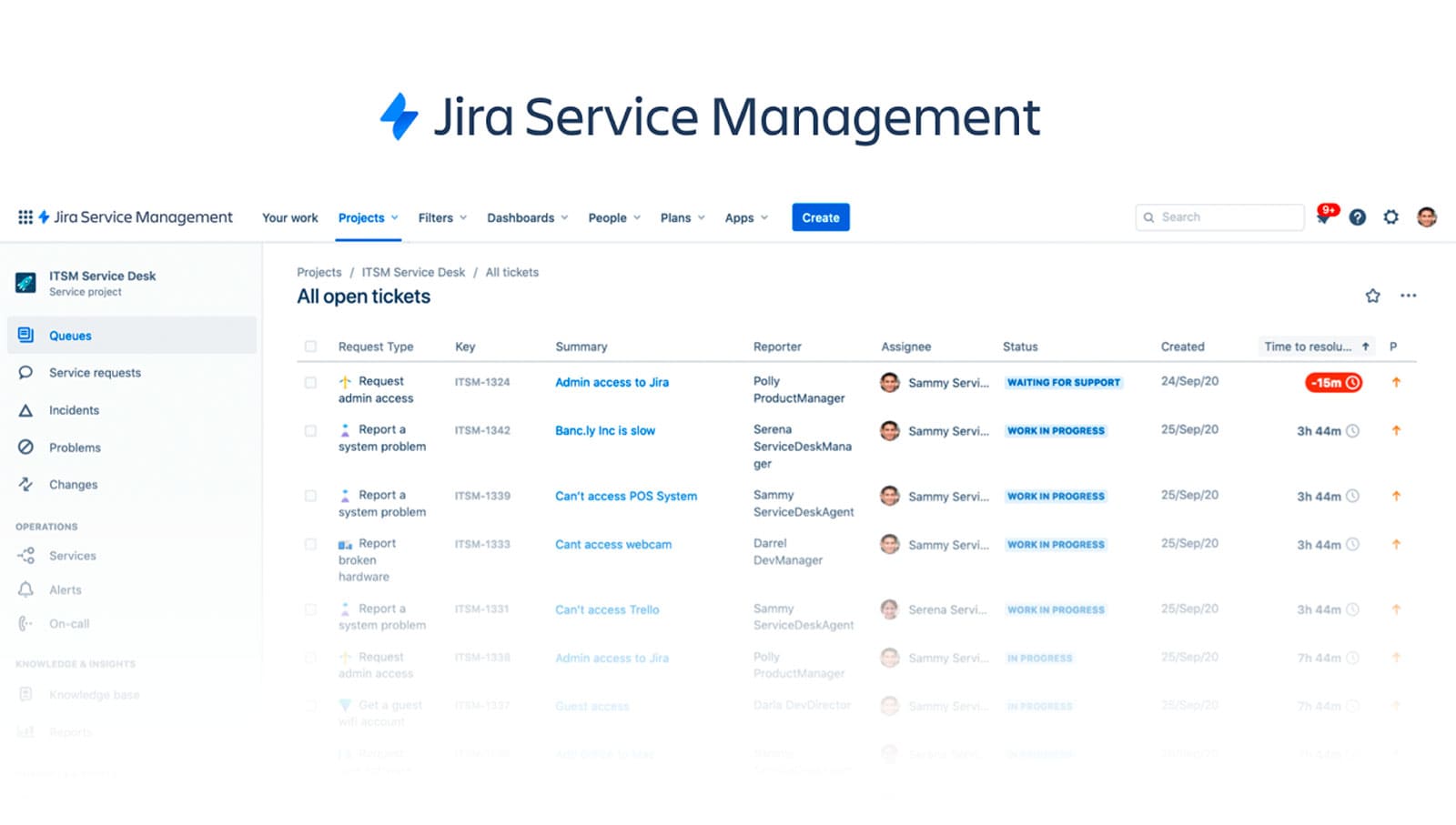
Jira Service Management is an ITSM platform developed by Atlassian, the company behind tools like Jira Software, Confluence, and Bitbucket.
The tool includes features for incident, problem, change, and request management, along with automation options, SLA tracking, and customizable queues. It also provides a developer-friendly API and supports both cloud-based and self-managed deployments.
Jira Service Management is often adopted by companies with existing Atlassian infrastructure or teams that prioritize integration with agile software delivery. However, some users find the configuration process complex and note that several standard ITSM functions depend on paid add-ons.
Features: Incident, problem, change, and request management; native integration with Jira Software and Confluence; and automation for ticket routing and escalation.
Pros: Tight integration with development and project management tools; configurable workflows and automation.
Cons: Costs can climb as you scale; reporting is limited without plugins; configuration can be time-consuming.
Pricing: Jira Service Management is priced per agent, with the per-agent cost falling at higher volumes and a free tier for small teams. See the pricing page.
Reviews:
"Using Jira Service Management for a year is a good experience in managing service requests and incidents. Overall, it has improved our service delivery and response times. The initial setup and configuration was complex. It requires expertise to align workflows. The cost is high."
User review from Gartner, Sr. manager IT Support
Jira Service Management connects ITSM capabilities with Atlassian’s project management tools. But it’s not the only option out there. If you’re comparing tools, this list can help you weigh different platforms based on pricing, standout features, and how users rate them.
Methodology note: These are ITSM platforms that sit alongside Jira Service Management on Gartner Peer Insights and compete in the same category, including InvGate Service Management, whose team publishes this blog. Ratings come from Gartner Peer Insights or, where a tool has no Gartner listing in this market, G2; pricing and ratings were checked in October 2026 and change often, so follow each link for current figures.
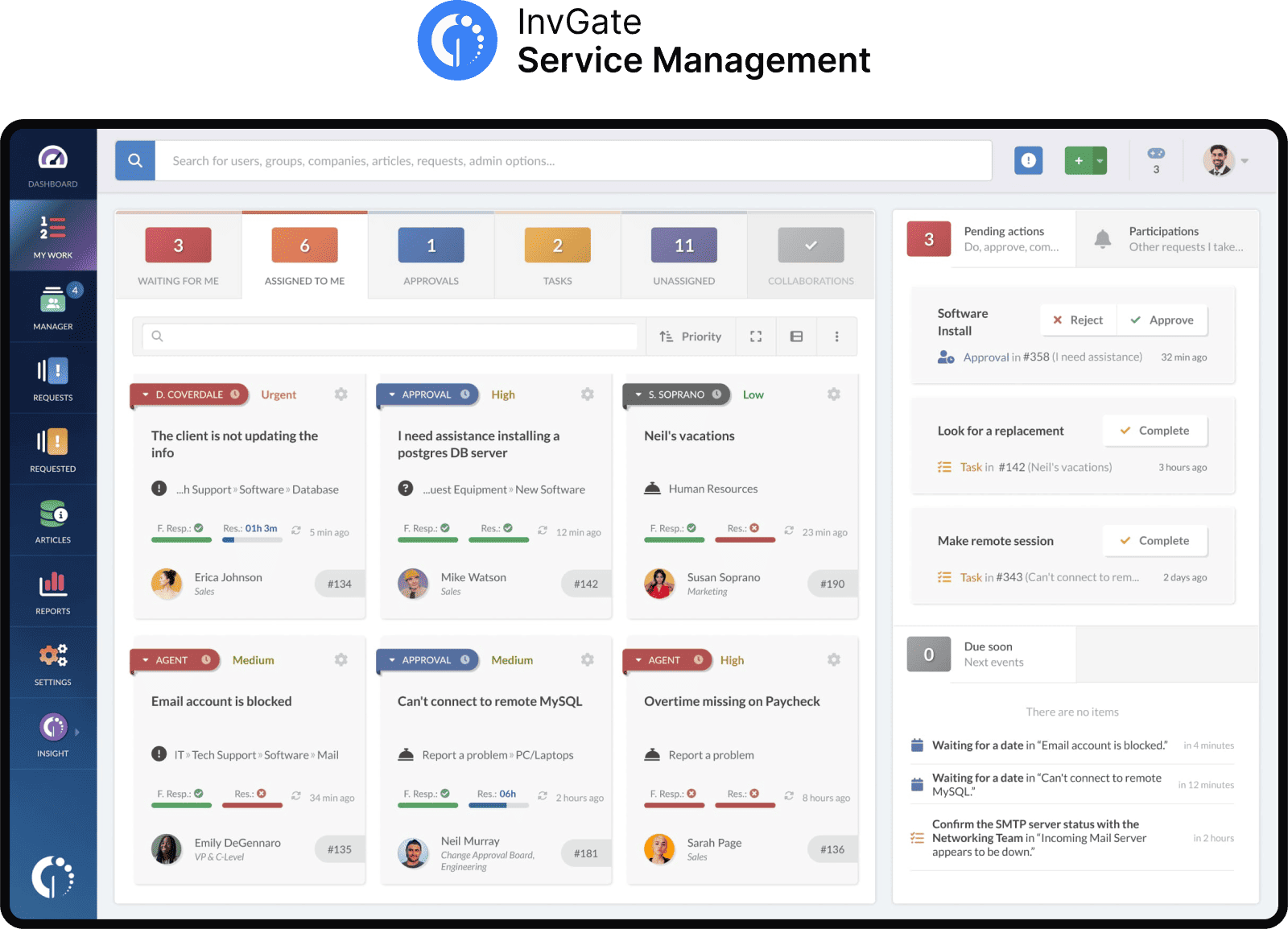
InvGate Service Management is an ITIL-aligned IT Service Management platform with modules for incident, problem, change, and service request management, a built-in knowledge base, AI-powered automation, and a self-service portal.
It fits enterprise organizations moving off legacy tools that want to build and adjust workflows without developers. It runs on cloud or on-premise, and it's trusted by KPMG, NASA, PwC, Motorola, Peoples Bank, Allianz, and Collins Aerospace.
Features:
Pricing: Pricing scales with the number of agents. You can see current plans on the pricing page or start a 30-day free trial.
Reviews: Feedback points to the clean interface, fast setup, and responsive support across both government and private sectors. Users highlight the intuitive design and reporting depth.
"Easy setup and transition from a competitor’s product. Fast communication whenever we have a question about how to do something. Had the product up and running in less than an hour and only took a couple of hours to configure how we wanted the help desk to be set up. Very cost effective help desk. Very simple to use from both an administrator end as well as for our end users." User review from Gartner, IT director
ServiceNow® is a widely adopted platform for large enterprises with complex needs, known for its configuration options and its range of modules beyond service management. Where Jira Service Management centers on IT and development collaboration, ServiceNow is often deployed across departments. It is cloud-only, under a subscription model.
Features: Full ITIL-aligned service workflows, CMDB and change management, and AI-assisted triage with reporting and SLAs, all built on the Now Platform.
Pros: Enterprise-grade scalability; a broad range of IT and non-IT use cases; an extensive integration ecosystem.
Cons: A steep learning curve; high cost for smaller teams; implementations that can run for months and need a dedicated team.
Pricing: ServiceNow pricing is quote-based and varies with the modules included, the number of users, and the customization required. See the pricing page.
Reviews:
"The thing that I like the most in ServiceNow ITSM is its automation capabilities. Features like incident management, self service portals and chatbots that uses AI capabilities improves its efficiency drastically and reduces the response time (...) The only downside of ServiceNow ITSM is how complex the platform itself is. While it is quite powerful with a lot of features to offer, it is a bit complex to learn for new users. The customization options are very beneficial but could take a lot of time to configure. Also, the cost is a bit high which can be a problem for small businesses" User review from Gartner, Process Associate.
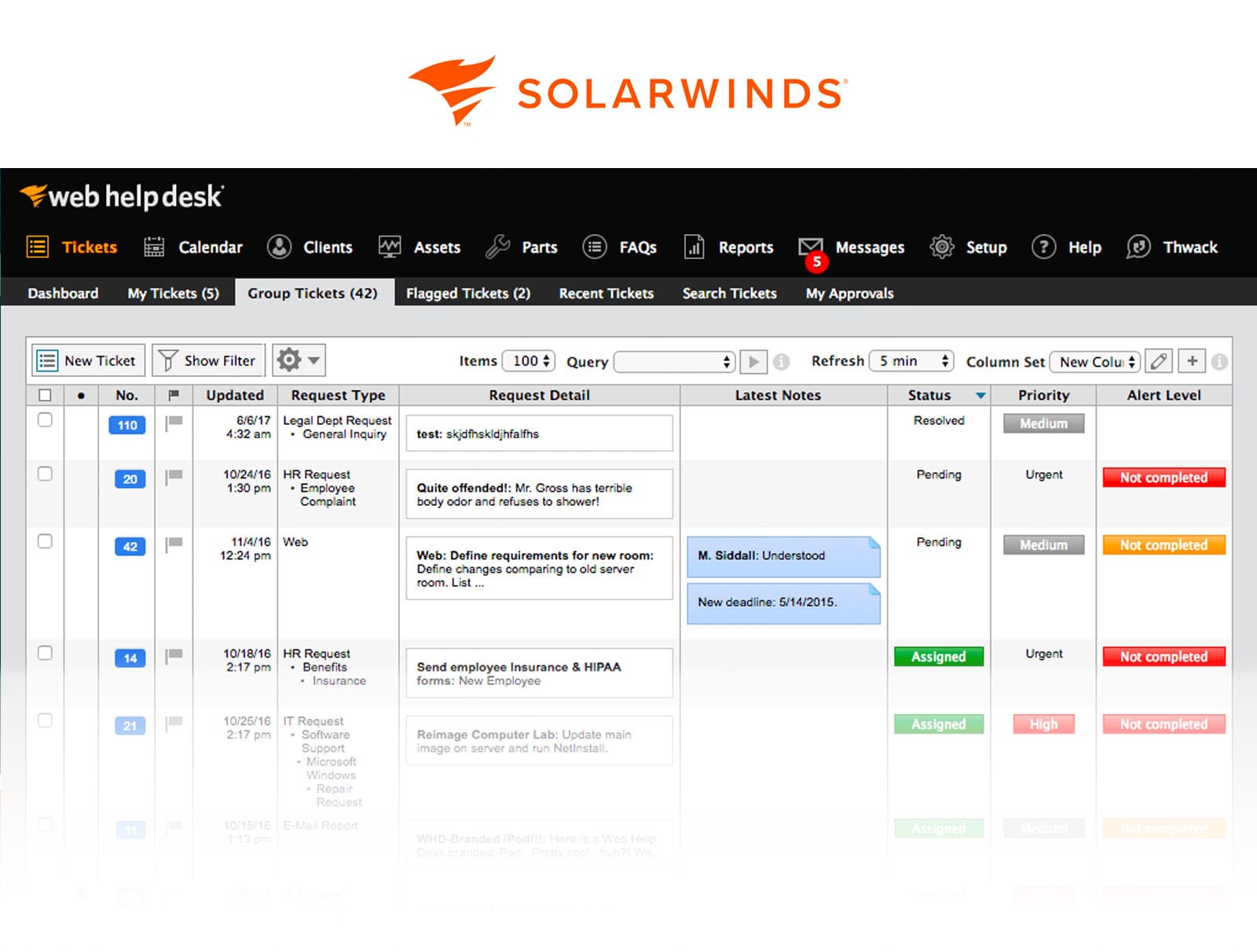
SolarWinds Service Desk is a cloud platform that supports standard ITIL processes alongside asset management and automation. Compared with Jira Service Management, it offers a more out-of-the-box ITSM experience with less dependence on other tools, and it's often chosen by small and mid-sized IT teams that want simplicity without giving up core features.
Features: Incident and problem management, asset discovery and tracking, and built-in SLA reporting, documented on the SolarWinds Service Desk page.
Pros: Strong asset management tools; integrates with monitoring tools.
Cons: The interface can feel dated; some users report slow support.
Pricing: SolarWinds publishes tiered, per-technician pricing. See the pricing page.
Reviews:
"There is some powerful automation available. Not as much as others, and not always as intuitive, but it works pretty well with a Solarwinds environment." User review from G2, Public Relations Associate
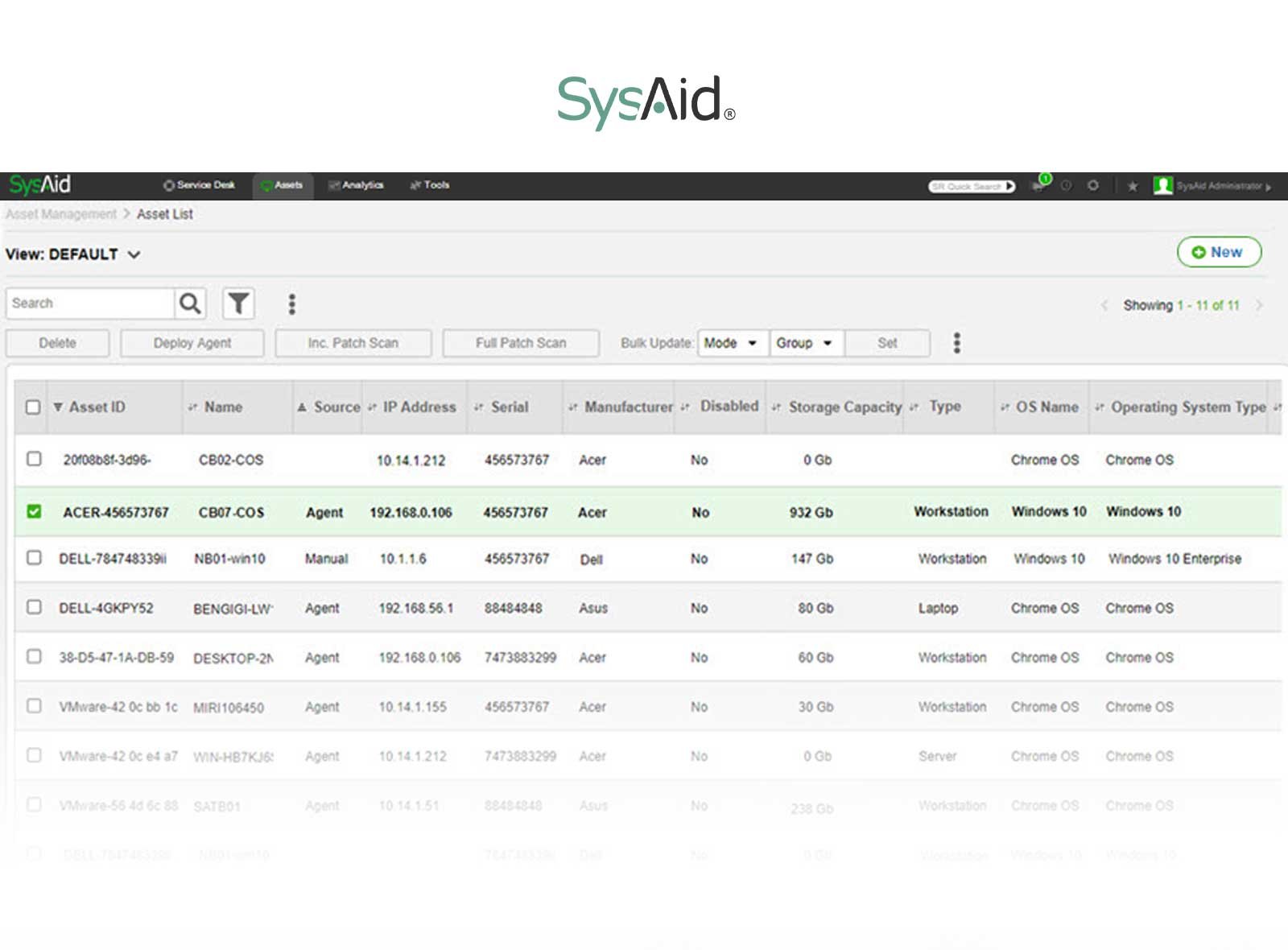
SysAid blends help desk functions with automation and asset management, built primarily for IT teams rather than development-focused ones. It's common in education, healthcare, and SMB environments, thanks to its pricing flexibility and on-premise option.
Features: Workflow automation, asset and patch management, and a customizable self-service portal, shown on the SysAid site.
Pros: Built-in remote access and automation; flexible form and workflow configuration.
Cons: The interface can feel cluttered; some users report slow updates.
Pricing: SysAid pricing is custom, based on features and user volume, with cloud and on-premise options. See the pricing page.
Reviews:
"It really helps in managing the tickets more effectively and is very useful when it comes to communicating with the end users. Also, administrative reports help in capacity tracking and such. It has Dashboard features which is very helpful for tracking but can be improved in terms of customization. The UI is pretty Old." User review from Gartner, Associate Software Engineer
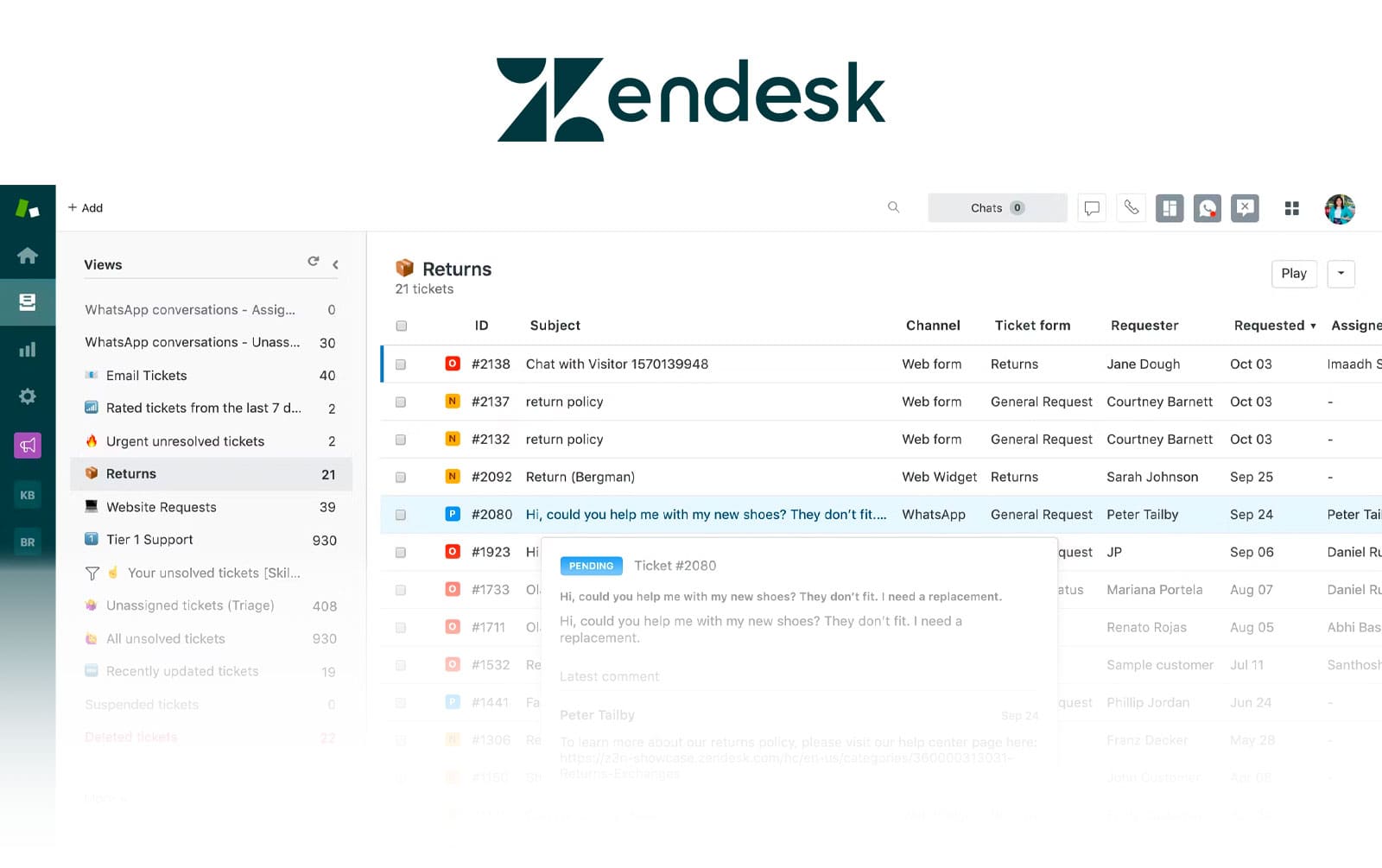
Zendesk is best known for customer service, but it also supports internal IT teams, with a focus on user experience and multichannel communication. Where Jira ties deeply into development workflows, Zendesk centers on fast issue resolution and end-user satisfaction. Its cloud platform brings strong email, chat, and social integrations, a fit for service desks that also handle external users.
Features: Ticketing with knowledge base integration, omnichannel support across email, chat, and social, and automation with SLA tracking, built for internal employee service.
Pros: Easy to use and quick to deploy; strong multichannel support.
Cons: Less depth in ITIL alignment; limited asset management.
Pricing: Zendesk publishes per-agent plans that scale with automation and reporting. See the pricing page.
Reviews:
"Zendesk was straightforward to implement, and once it was set up, it's been very easy for our team to use day-to-day. One feature our team particularly values is the ability to track internal notes, which helps us stay aligned and communicate behind the scenes without losing important context. The one improvement I'd love to see is a native integration with Slack that would allow us to send direct messages to employees from within Zendesk." User review from G2, People Operations Manager
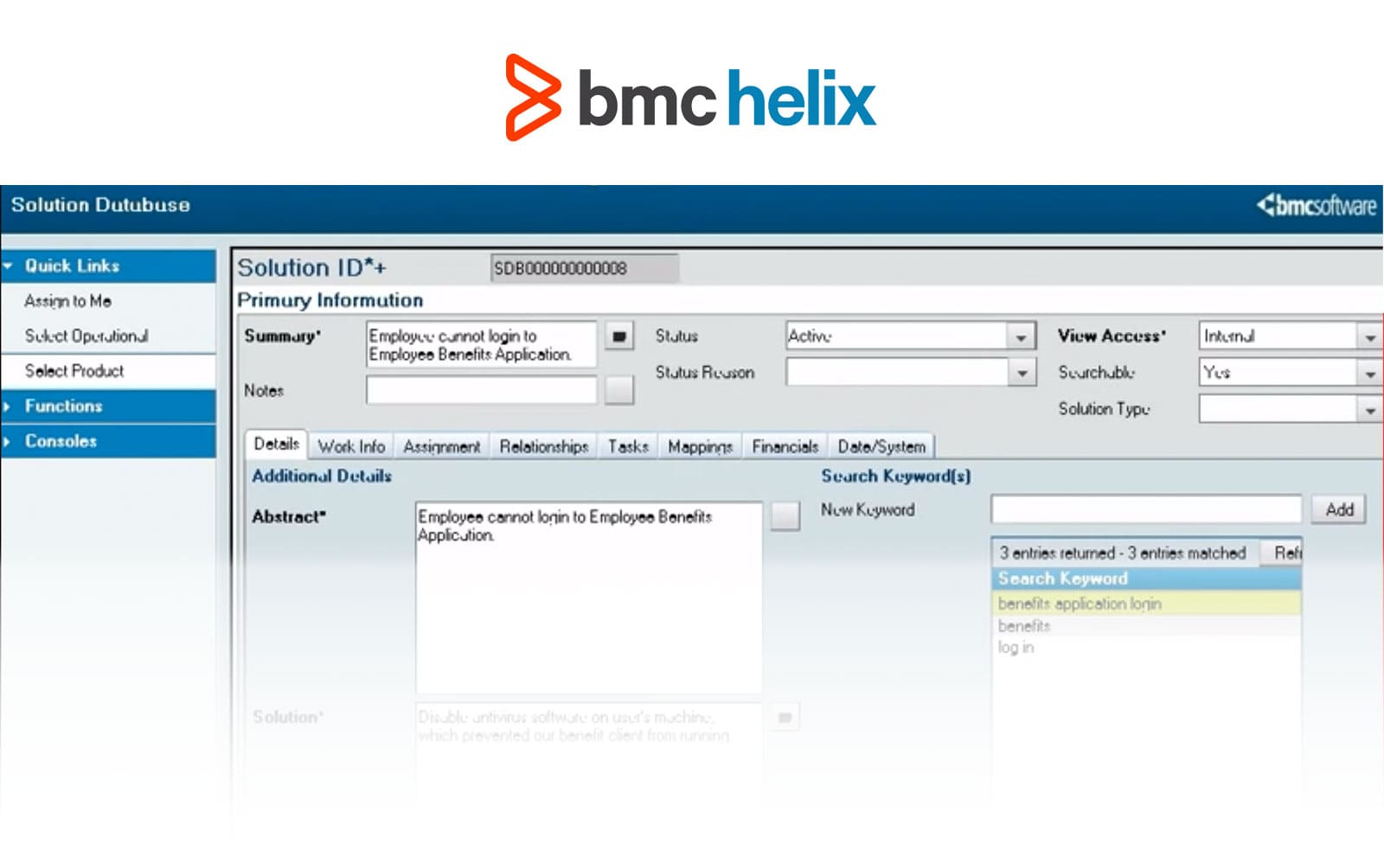
BMC Helix ITSM is BMC's cloud-based platform and the evolution of its long-standing Remedy product. It targets large enterprises with complex environments and leans on deep ITIL alignment, CMDB-centric workflows, and advanced AI and automation.
Features: Incident, problem, change, and release management, cognitive automation with chatbot support, and multi-cloud service monitoring, described on the BMC Helix ITSM page.
Pros: A strong enterprise feature set; available across multiple cloud platforms.
Cons: Can be complex to configure; expensive for small teams.
Pricing: BMC Helix ITSM is quote-based and aimed at large organizations; it doesn't publish pricing on its product page.
Reviews:
“What I like most about BMC Helix ITSM is having incidents, service requests, and change management in one place. It makes it easier for me to track tickets and follow their progress without switching between different tools. What I dislike most is that some of the customization can be difficult to handle without technical knowledge. Even small changes can take extra time, and the documentation isn't always easy to navigate when I'm trying to figure something out.” User review from G2, DevOPS Engineer.
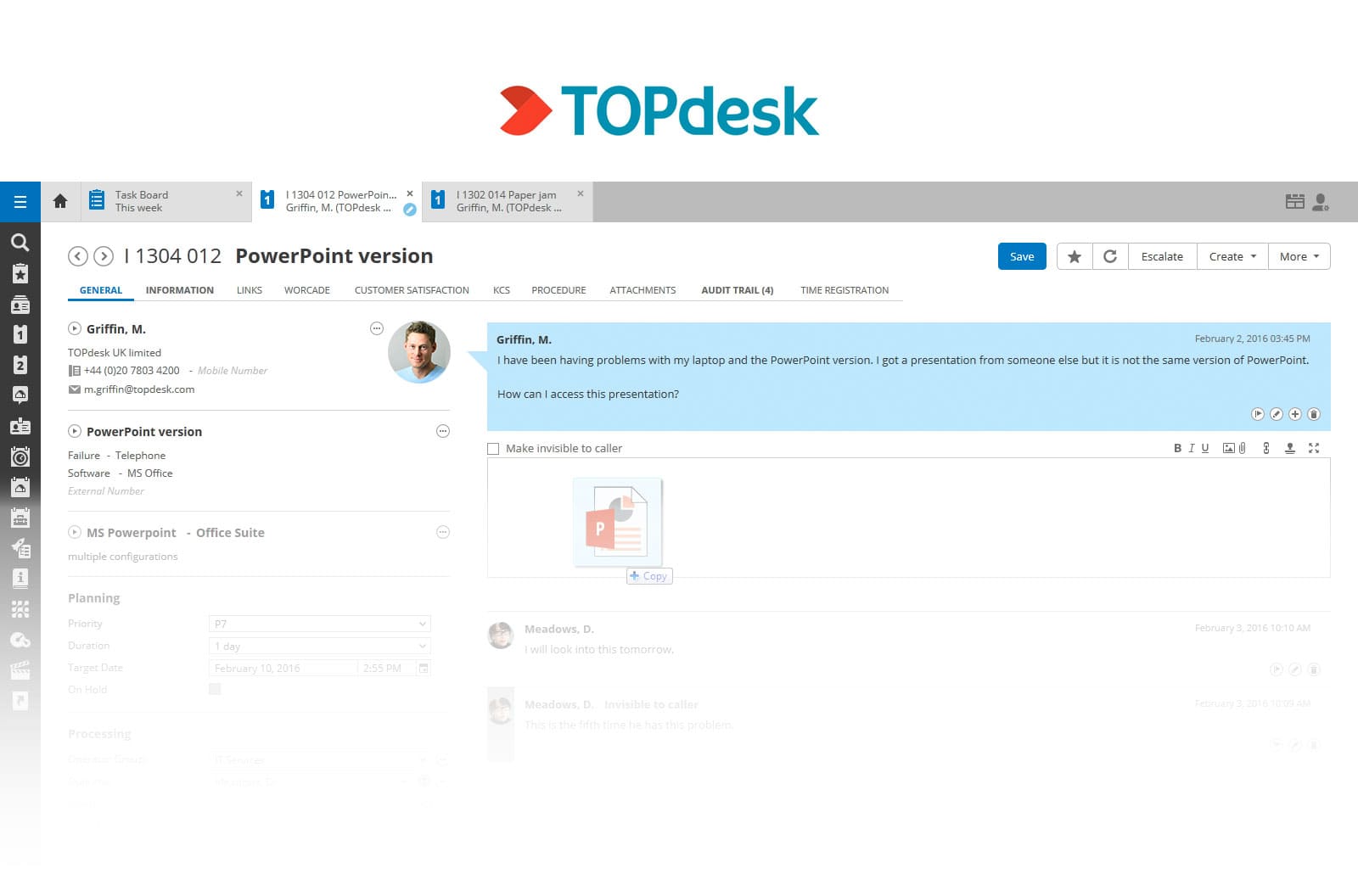
TOPdesk is a Netherlands-based ITSM provider known for being easy to configure and accessible to non-technical users. It supports both IT and facilities use cases and is common in the public sector and education. Compared with Jira, it offers more structure out of the box for service catalog management and multi-department support.
Features: Incident, change, and operations management, a self-service portal with knowledge base and FAQ integration, and built-in reporting and dashboards, shown on the TOPdesk site.
Pros: Easy to adopt for non-technical users; transparent pricing.
Cons: Limited depth in advanced configurations; the interface can feel basic.
Pricing: TOPdesk publishes per-agent pricing that changes with the number of agents. See the pricing page.
Reviews:
"Well-layered service desk tooling that can be used by customers. The Self-Service Portal helps our customers to easily find information or ask for help. The support page from TOPdesk is good and usually has most answers. Integration features usually cost money either via implemenation hours or 3rd party licensing. Getting used to the interface for its "Modules" and "Settings" can sometimes be confusing, as it's a lot of trial and error searching." User review from Gartner, IT Manager

SymphonyAI IT Service Management is an AI-first platform that supports ITIL processes, knowledge management, and enterprise service automation, used across banking, manufacturing, and telecom. Compared with Jira Service Management, it leans more heavily on automation and AI-driven decision support, and it runs on cloud or on-premise with a modular setup.
Features: AI-driven incident categorization and routing, workflow automation, and a service catalog with request fulfillment, described on the SymphonyAI IT Service Management page.
Pros: Built-in AI and machine learning; scalable across departments.
Cons: A steep learning curve; a smaller market presence.
Pricing: SymphonyAI IT Service Management is quote-based and typically aimed at large enterprises; it doesn't publish pricing on its product page.
Reviews:
"Small, handy and very good user interface. Issue description need features to add screenshots, capturing effort estimation, approval mechanism, etc. are missing. Additionally its user based subscription is challenging for mid / large organizations." User review from G2, Project lead
Choosing a Jira Service Management alternative comes down to deployment, budget, and how much setup your team can take on. If InvGate Service Management is on your shortlist, you can start a 30-day free trial or book a call with our team to work through the details.
What is the best Jira Service Management alternative? It depends on your deployment model, budget, and how much configuration your team wants to take on. InvGate Service Management is a strong starting point for ITIL-aligned processes and no-code workflows across cloud or on-premise.
Is there a Jira Service Management alternative with on-premise deployment? Yes. InvGate Service Management, SysAid, BMC Helix ITSM, TOPdesk, and SymphonyAI all run on-premise, and teams moving off Jira's self-managed editions can compare the on-premise options built for that migration.
Does InvGate Service Management integrate with Jira Software? Yes. Development teams can keep working in Jira Software while IT runs on InvGate, through a native two-way integration.
Disclaimer: All product names, logos, and brands are property of their respective owners. All company, product, and service names used on this site are for identification purposes only. Use of these names, trademarks, and brands does not imply endorsement. Comparisons are based on publicly available information and are provided for informational purposes only. ServiceNow is a registered trademark of ServiceNow, Inc. InvGate is not affiliated with, sponsored by, or endorsed by ServiceNow.


