















Choosing between a Configuration Management Database (CMDB) and an Asset Management Database (AMDB) isn’t really a choice most IT teams need to make. The confusion usually starts because teams pick one, then discover the other covers a gap the first one was never designed to fill, and end up running two disconnected systems that never agree on the same asset.
Comparing a CMDB vs. an AMDB is key to understanding how organizations manage their IT environments. The main difference between both concepts lies in their purpose: one tracks what things are worth and who owns them, the other tracks how they connect and what breaks if you touch them.
An AMDB is the repository behind IT Asset Management (ITAM) software, focused on the financial and lifecycle tracking of IT assets. Its goal is to maximize value and manage each asset from procurement to disposal.
The Configuration Management Database, on the other hand, focuses on the operational side. It maps how all those assets (also known as Configuration Items, or CIs) interact and depend on one another to support IT Service Management (ITSM) processes.
Together, they offer complete visibility: the AMDB tells you what you have, while the CMDB shows how it all connects.
These are the main differences between a CMDB and an AMDB in an IT context:
Both terms describe a repository, not a specific product, which is why the same platform can sometimes serve as both. Understanding what each one is meant to store is the first step before deciding whether your team needs one, the other, or both working together.
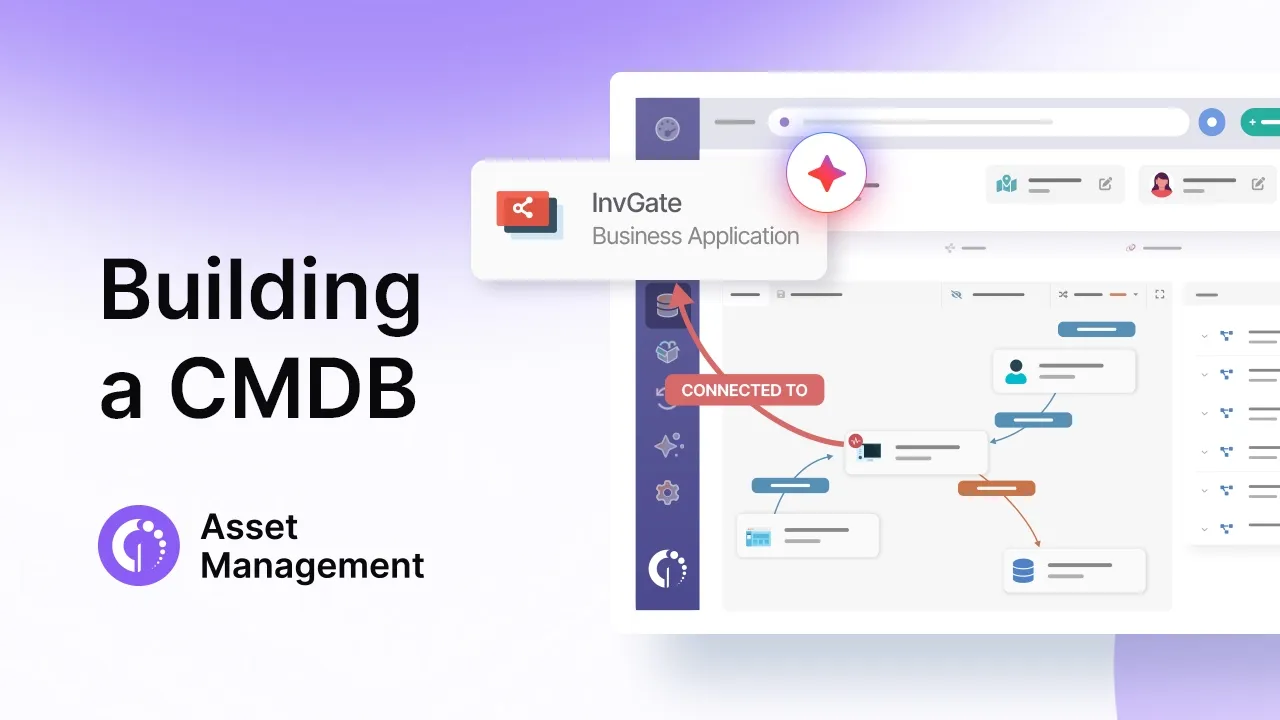
A CMDB is a centralized repository that stores detailed information about an organization’s IT components such as hardware, software, cloud resources, services, and even users.
Beyond listing these items, the CMDB maps how they relate and depend on each other through relationships like hosted on, runs on, or depends on. This relational view helps IT teams understand the impact of changes, troubleshoot incidents faster, and maintain service continuity.
The CMDB supports Asset Management by enhancing visibility into asset status, usage, and dependencies. Together, they provide a unified view of your infrastructure, combining operational insight with lifecycle and financial context.
An AMDB is the repository that stores the financial, contractual, and lifecycle data behind IT Asset Management: the practice of tracking and managing all IT assets from acquisition to disposal to optimize cost, ensure compliance, and maximize value. Where the CMDB is organized around configuration and service relationships, the AMDB is organized around ownership, cost, and lifecycle status for hardware, software, and cloud services.
ITAM often draws on data from multiple sources to populate the AMDB, including asset discovery tools, procurement systems, and vendor contracts, to maintain an accurate record of ownership, usage, and status. This visibility helps organizations make smarter decisions, reduce waste, and stay audit-ready. In practice, most platforms that offer IT Inventory Management are functioning as an AMDB, whether or not they use that specific term.
Side by side, the two repositories rarely overlap in what they store, which is exactly why comparing them feature by feature is more useful than debating which one is “better.” The table below summarizes the main dimensions where a CMDB and an AMDB diverge, from data type to typical owner.
Although a CMDB and an AMDB serve different purposes, they’re deeply interconnected. The AMDB provides the authoritative record of what assets exist, while the CMDB adds operational context, showing how those assets interact and support services. Together, they give organizations a complete view of their IT environment, combining financial, contractual, and technical perspectives.
When these two practices are integrated, the CMDB enriches AMDB data with dependencies and relationships, and the AMDB feeds the CMDB with accurate asset and ownership details. This mutual exchange keeps both systems aligned, reduces data silos, and strengthens decision-making across IT and business functions.
They support each other in several key ways:
Both the AMDB and CMDB become far more powerful when integrated with an IT Service Management (ITSM) platform. This connection allows incident, problem, and change records to automatically reference the right assets and configuration items, creating a seamless flow of information between service operations and asset governance.
Configuration Item dependencies are what separate a CMDB from a plain asset list. A CI dependency is a defined relationship between two components, such as an application running on a specific server, a service hosted on a virtual machine, or a database consumed by multiple applications. Mapping these relationships, often called IT asset dependency mapping, is what lets a team answer “what breaks if this server goes down?” instead of just “what is this server?”
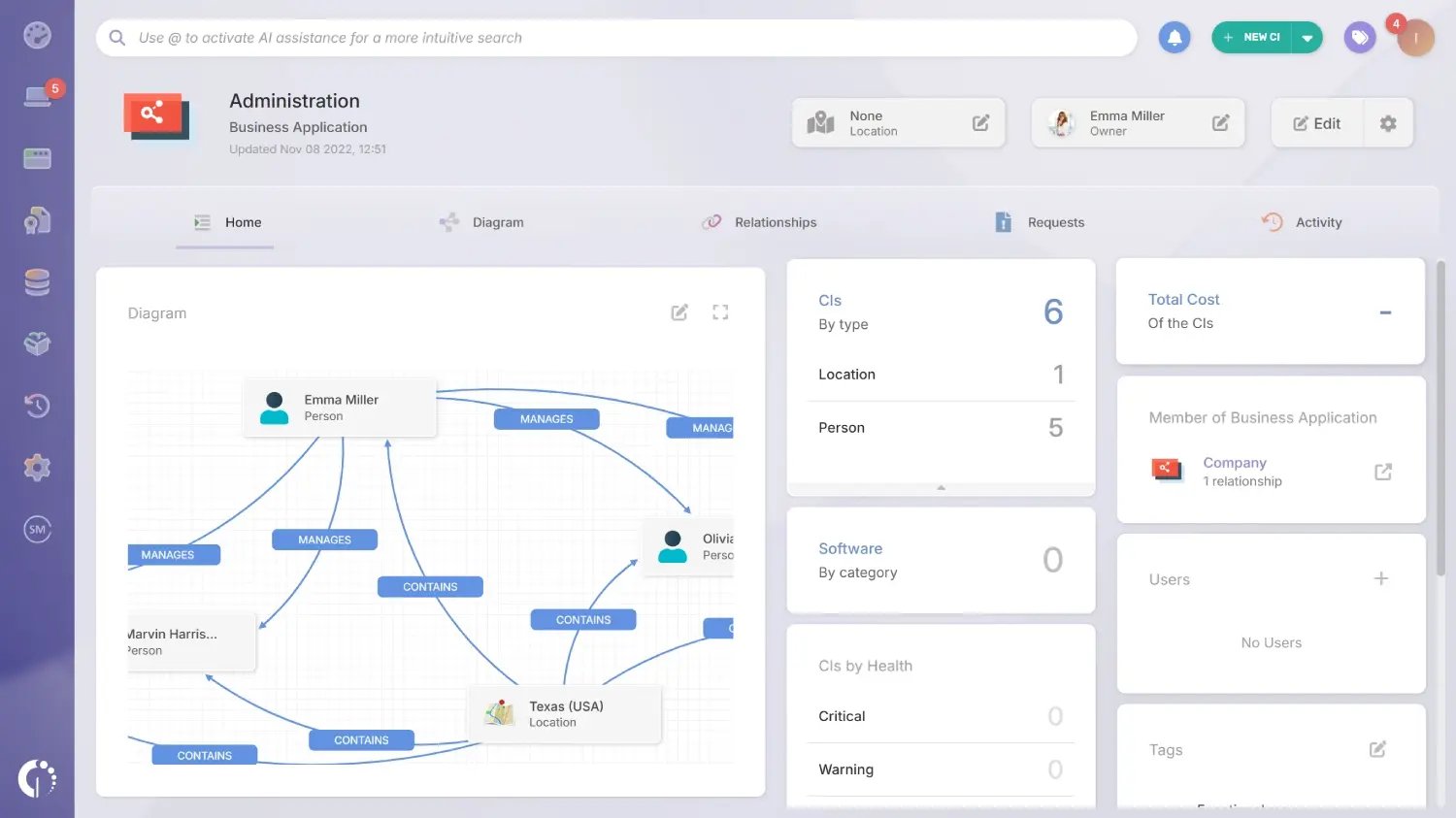
The specific labels vary by CMDB, but these are a few examples of the relationship types InvGate Asset Management uses to model a Business Application diagram:
A web application might depend on a database, which is installed on a server, which is connected to a switch. Mapped correctly, that chain tells you exactly which business services are at risk before you touch the underlying hardware.
Building this map by hand does not scale much beyond a handful of services. This is where relationship suggestions help: a well-built CMDB can propose likely relationships based on data it already has, such as agent-detected connections, network discovery results, and manually assigned properties like owner and location.
This is assisted mapping, not fully automated discovery. A person still reviews and confirms each suggestion before it becomes part of the diagram, which keeps the map accurate without requiring someone to build every connection from scratch. In InvGate Asset Management, this shows up in Business Applications, where CI dependency mapping is modeled explicitly and suggestions speed up the process without removing human review from it.
Neither database replaces the other, so the more useful question is which situation calls for which lens. The short examples below map common IT scenarios to the repository that actually answers the question at hand.
The CMDB shines in operational and service-oriented situations, where visibility and relationships between components matter most:
An AMDB is most valuable in financial, compliance, and Lifecycle Management contexts:
Implementing a CMDB or an AMDB can significantly improve visibility, control, and decision-making. However, both practices require careful planning and ongoing maintenance to deliver real value. The following tips and pitfalls apply to both, especially when they work together in an integrated ITSM ecosystem.
Successful implementation starts with solid foundations. Here are some practical steps to build a reliable and scalable CMDB-AMDB environment:
Even with good intentions, some challenges can undermine the success of a CMDB or AMDB initiative. Keep an eye out for these frequent mistakes:
 Most of the pitfalls above come from the same root cause: running the AMDB and the CMDB as two separate tools that each hold half the picture. InvGate Asset Management is built to close that gap by handling both from the same data model, so an asset’s financial and lifecycle record lives alongside its configuration relationships instead of in a different system that needs to be reconciled by hand.
For teams that already have a CMDB and an AMDB running as separate products, the usual friction comes from keeping both in sync every time an asset changes hands, gets decommissioned, or moves location, rather than from a missing feature on either side. InvGate Asset Management addresses that directly: every configuration item is also an asset record, so a change in ownership or status doesn’t need to be entered twice. For a closer look at how this works, from CI dependencies to the complete asset record, see InvGate Asset Management as an AMDB.
Here’s what that looks like in practice:
Not sure which plan fits your team? Start a free 30-day trial, no credit card required, or talk to Sales to walk through how the platform handles both sides of this comparison for your environment.
A CMDB and an AMDB aren’t competing systems, they’re answering different questions about the same IT environment. Most organizations end up needing both: an accurate financial and lifecycle record of every asset, and a relational map of how those assets support the services the business depends on.
The friction usually comes from running them as two disconnected tools that never fully agree with each other, not from deciding between CMDB vs AMDB in the first place. Choosing a platform that covers both from the same underlying data removes that reconciliation work entirely, which is the real value of treating this as one decision instead of two.
They’re separate repositories with different purposes, though they’re often built into the same platform. The CMDB focuses on configuration items and their relationships; the AMDB focuses on financial and lifecycle data. A platform can implement both without merging the underlying data models.
Yes. Many IT Asset Management platforms, including InvGate Asset Management, maintain asset lifecycle and financial data while also supporting configuration item relationships, effectively covering both roles from a single data model instead of requiring two separate tools.
Most organizations benefit from both, though the priority depends on team size and maturity. Teams focused on cost control, compliance, and lifecycle planning lean on the AMDB first. Teams managing complex service dependencies and frequent changes get more immediate value from a CMDB. Larger, more mature IT organizations typically need both working together.
The terms are often used interchangeably. CI dependency mapping specifically refers to relationships between Configuration Items inside a CMDB. IT asset dependency mapping is the broader term for understanding how any IT asset connects to and affects others, whether or not that mapping lives inside a formal CMDB.

