














Most IT teams don't struggle to understand why IT Asset Management (ITAM) matters. They struggle to justify the investment when the benefits feel abstract and the timeline to value feels long. The right IT Asset Management software delivers concrete, visible results fast, often within the first weeks of deployment.
This article focuses on what that looks like in practice with InvGate Asset Management. Each item below is a specific outcome, not a feature description, but a result your team will actually notice.
Managing IT assets in spreadsheets means living with stale data. Every device added, moved, or retired requires a manual update that someone has to remember to make. The inventory is always one step behind reality, and nobody fully trusts it.
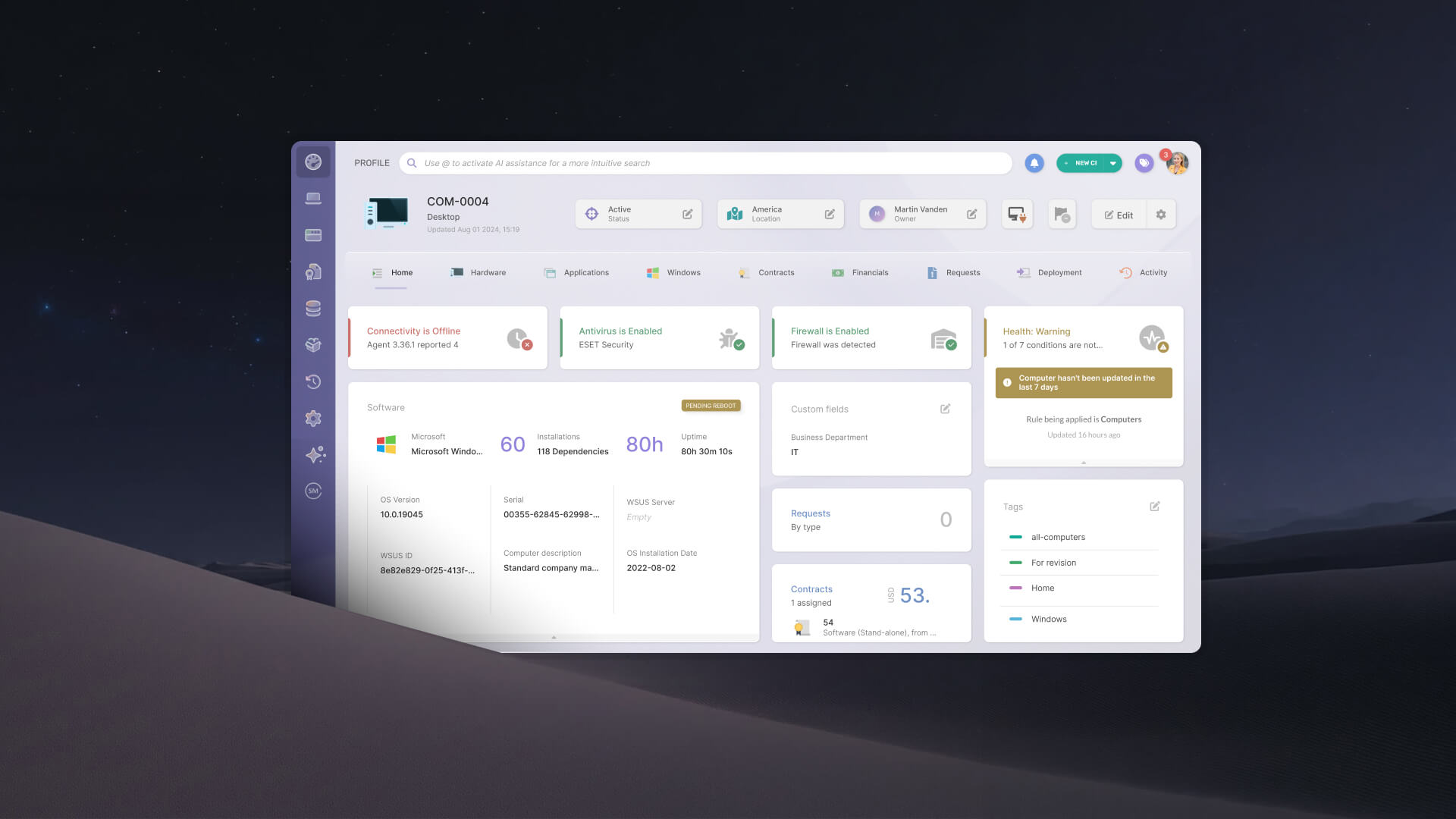
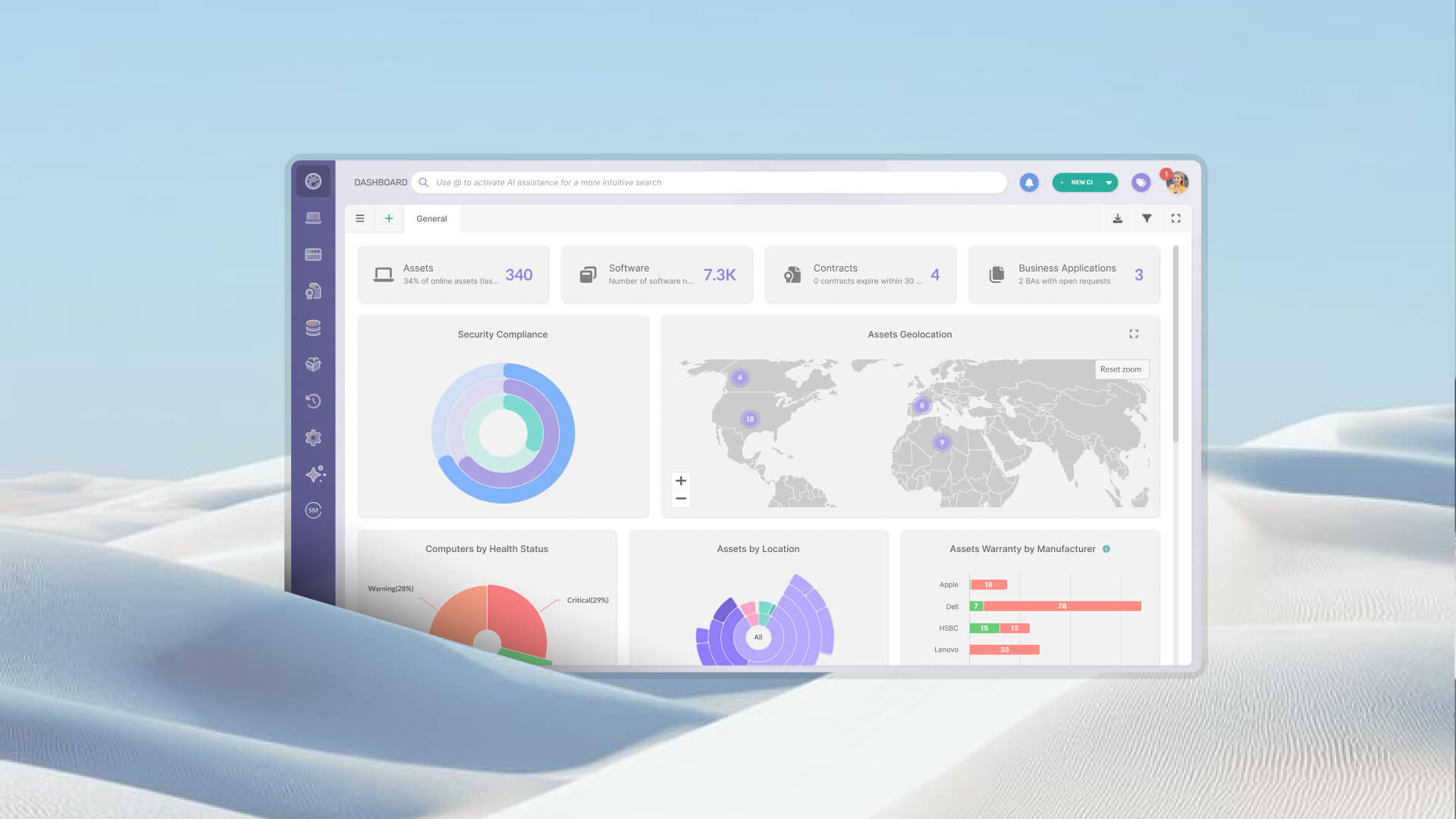
InvGate Asset Management replaces that with a single, centralized inventory that updates automatically. Multiple discovery methods (the Agent, agentless network scanning, integrations, and manual CSV import) all feed the same record. Hardware, software, and cloud resources live in one place from day one.
Most organizations have devices on their network that nobody enrolled intentionally. Printers, switches, legacy hardware, and unmanaged endpoints accumulate over time and stay invisible until something breaks or an auditor asks about them.
Agentless network discovery in InvGate Asset Management scans the environment automatically and surfaces those devices without requiring anyone to install software on them. For most teams, this is the first time IT has a complete, current picture of what's actually connected.
Without a structured software inventory, IT teams rely on periodic manual audits to know what's installed. Those audits are time-consuming, incomplete, and outdated the moment they're done.
The Software module in InvGate Asset Management shows all installations across the environment, grouped by name, version, or device, and updated continuously. For each application, the platform measures what's installed, how much it's being used, who's using it, and whether that usage aligns with what was agreed in the original contract.
Unauthorized software creates both compliance and security risk. Without a systematic way to detect it, the only option is manual review, which scales poorly and misses things.
Authorization policies in InvGate Asset Management let IT teams classify software as approved, under review, or prohibited. Once configured, unauthorized installations are flagged and documented automatically. Every detection includes a timestamped record, giving auditors a documented trail without additional effort from the IT team.
Most organizations renew software licenses without knowing how many of those licenses are actually in use. The result is consistent overspending on seats that sit idle while other installations go unlicensed.
The Software Compliance module in InvGate Asset Management crosses acquired licenses against detected software in use, surfacing both problems in the same view: licenses paid for but unused, and software installed without a valid license. For most teams, the first reporting cycle alone recovers enough spend to justify the platform.

Expired warranties and lapsed contracts create reactive IT: emergency purchases, unplanned outages, and compliance gaps that could have been avoided with a few weeks of lead time.
InvGate Asset Management runs native automations (and custom automations) that send alerts before warranty expirations, contract renewals, and license end dates arrive. Once configured, these run without anyone checking a dashboard. IT teams shift from reacting to managing.
Running hardware or software past its end-of-life date is a security and compliance risk. But tracking those dates manually across a mixed environment is nearly impossible to maintain.
Atlas provides end-of-life (EoL) and end-of-support (EoS) data for hardware, operating systems, and databases directly within the platform. Smart Recommendations surfaces actionable alerts under Risk & Compliance, so teams know what's approaching end of life before a vendor stops issuing patches or an auditor flags an unsupported system.
A device that arrives without being logged is a device that will eventually disappear without explanation. Without lifecycle tracking, IT teams can't answer basic questions about what assets exist, what they cost, or when they need to be replaced.
Every asset record in InvGate Asset Management captures acquisition cost, depreciation, warranty expiration, assigned owner, and location. Teams can define custom lifecycle stages for specific asset types, mapping the platform to how the organization actually manages hardware rather than a generic model.
The week before an audit is typically spent compiling data from disconnected systems, chasing down missing records, and hoping the numbers add up. That scramble is avoidable with the right structure in place.
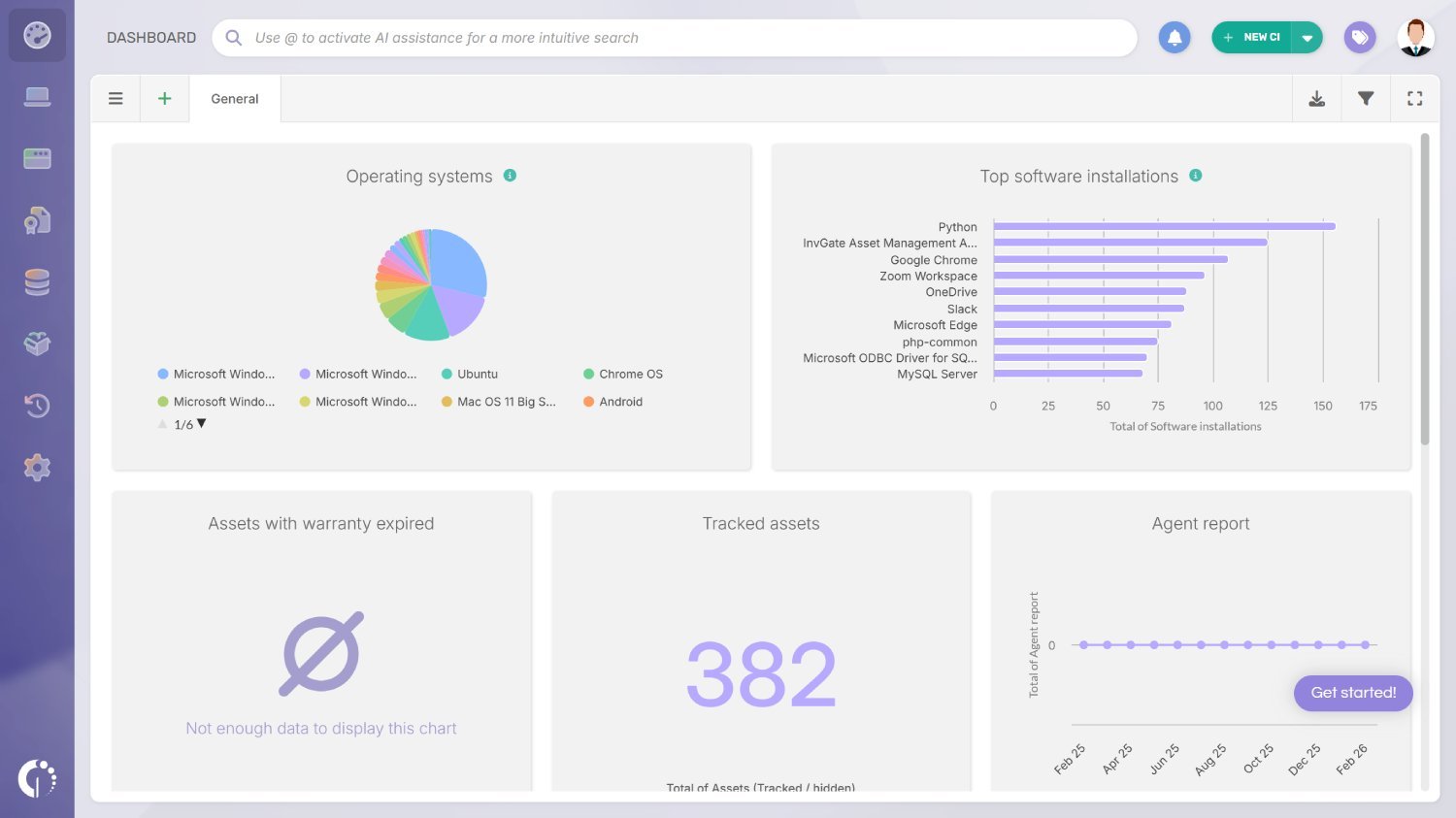
InvGate Asset Management supports custom dashboards built around the specific indicators an audit covers, so data is always visible and current. Automated reports with custom criteria can be scheduled and delivered to the right people on a regular cadence, replacing manual compilation entirely.
Not every asset can run an agent. Monitors, peripherals, networking equipment, and non-IT devices all need tracking, but fall outside the reach of agent-based discovery.
InvGate Asset Management generates QR codes for any asset in the inventory, whether IT or non-IT. A scan from a mobile device surfaces the asset's full record for inspection, maintenance logging, or stock control. For organizations managing physical assets across multiple locations, this closes the gap that software-based discovery alone can't reach.
Together, these outcomes represent a shift from reactive, manual Asset Management to a structured, automated practice that gives IT teams the visibility needed to make better decisions on spending, security, and planning. Most are achievable within the first 30 to 90 days, without a long implementation project.
Start a 30-day free trial or talk to Sales to find the right plan for your environment.


