IT Asset Management (ITAM) software helps you keep a reliable inventory of devices, software, and related data across your organization; so you can reduce manual work, support audits, and make better lifecycle decisions. But with many IT Asset Management tools on the market (and hybrid environments becoming the norm), the right choice depends on discovery coverage, data quality, and how well the tool fits your workflows.
This 2026 comparison reviews 15 ITAM software options, curated as some of the best Asset Management software for IT teams building a shortlist. Start with quick recommendations, use the checklist to choose an IT Asset Management solution, and then validate your top 1-2 picks with a simple 2-4 week pilot plan before you commit.
InvGate publishes this comparison and is also a vendor in this category. See Methodology for sources.
Key takeaways
- IT Asset Management software centralizes discovery, lifecycle tracking, license compliance, and financial oversight of all IT assets (hardware, software, and cloud) from a single platform.
- The right ITAM tool depends on three factors: discovery coverage (agent vs. agentless), lifecycle governance depth, and how well it integrates with existing IT Service Management workflows.
- This guide compares 15 tools for 2026, includes a selection checklist, and walks through a 2-4 week pilot plan to validate your shortlist before committing.
- InvGate Asset Management handles hardware, software, and cloud assets from a unified platform with transparent, clear pricing and a 30-day free trial.
- If you’re replacing spreadsheets, prioritize automated discovery and a clean inventory model - that’s what makes reporting and audits trustworthy.
How to choose an ITAM tool (checklist)
- Discovery coverage (agent, agentless, integrations, cloud/SaaS visibility).
- Inventory quality (normalization, deduplication, custom fields, import/export).
- Lifecycle tracking (procurement to deploy to maintain to retire) and ownership history.
- Software and licenses (installations, usage/metering, compliance, renewals).
- CMDB/relationships (devices, users, services, locations, contracts).
- Reporting and audit trail (dashboards, filters, scheduled reports, evidence).
- Automation/workflows (alerts, approvals, tagging rules, remediation tasks).
- Integrations and API (SSO, MDM, monitoring, ITSM, directory, remote tools).
- Security basics (permissions, logging, data controls you can explain).
- Implementation effort (time to first inventory, admin ownership, maintenance).
- Cost clarity (pricing model, add-ons, support tiers, services).
- Support and enablement (docs, training, migration help).
Ready to move from selection to deployment? Use this ITAM checklist to guide your rollout.
What to do next (2-4 week pilot plan)
-
Week 0 (prep, 2-3 days): Define scope (one site or one business unit), success criteria, and baseline metrics (inventory accuracy, time to update, audit readiness).
-
Week 1 (inventory): Connect 2-3 discovery sources and build a first inventory. Define naming/normalization rules and ownership fields.
-
Week 2 (lifecycle and compliance): Track one real lifecycle flow (purchase to assign to return) and set up license/contract tracking for one or two key vendors.
-
Weeks 3-4 (automation and reporting): Add alerts (warranty/renewal/risk), create 2-3 dashboards, and validate data quality with stakeholders.
-
Decision: Move forward if the tool stays accurate with minimal manual work and supports the workflows you’ll run every week.
If you want to see what this pilot looks like inside a real ITAM workspace, start a free trial of InvGate Asset Management or talk to Sales.
Methodology
Before diving into the tool-by-tool analysis, it’s important to clarify how this list was built and how it should be read.
InvGate develops and markets IT Service Management (ITSM) and IT Asset Management solutions, which means we are an active participant in this market. While we may compete with some of the vendors mentioned, our objective is to provide accurate, transparent, and practical information to help teams make informed decisions.
This article does not present a ranking. The tools listed below are not ordered by priority, score, or recommendation level. Instead, this is a curated selection designed to reflect the wide range of IT Asset Management needs, budgets, and operational realities that different organizations face.
All information in this article is based exclusively on public sources, including official vendor documentation, product pages, and pricing pages, plus verified user reviews from platforms such as Gartner Peer Insights, G2, and Capterra. Feature and pricing claims are sourced from official vendor pages only; ratings are sourced from the review platforms noted above. All sources were accessed in July and August 2026.
How we compared tools
To ensure consistency across entries, we reviewed each solution using the following criteria:
- Core IT Asset Management capabilities, including asset discovery, inventory management, lifecycle tracking, reporting, and compliance support.
- Deployment models and scalability, such as cloud, on-premise, or hybrid options, and suitability for different organization sizes.
- Integration ecosystem, including compatibility with ITSM tools, directory services, cloud platforms, and other enterprise systems.
- User feedback and market perception, based on publicly available ratings and written reviews from Gartner Peer Insights, G2, and Capterra, referenced as of August 2026 where applicable.
Regarding pricing, we only include publicly available pricing information when vendors clearly disclose it on their official websites. When pricing is not published, we explicitly state that and avoid speculation. In some cases, we reference high-level pricing models mentioned in trusted review platforms, but we do not attempt to estimate or infer exact costs.
While the selection reflects 2026 market options, availability, pricing transparency, and review data are current as of August 2026.
What is IT Asset Management software?
IT Asset Management software is a digital solution that enables organizations to centrally identify, manage, and monitor their IT assets in an efficient way, from a single platform while optimizing both time and costs. This includes hardware, software, cloud applications, and any other assets that make up an IT ecosystem.
While ITAM tools don’t change the core objective of IT Asset Management as a practice, they fundamentally transform how teams achieve it. Instead of relying on spreadsheets and manual processes, modern IT Asset Management software automates repetitive tasks, accelerates operations, and helps optimize resources.
In practice, this results in greater visibility and control across your IT environment, stronger compliance with internal policies and external regulations, and improved oversight of costs and asset lifecycles. It also helps address common buying pains such as lack of inventory trust, increasing audit pressure, and limited visibility into contract renewals and software usage before costs escalate.
InvGate Asset Management, for example, covers hardware, software, and cloud assets from a single unified platform; making it a practical reference point for what modern IT Asset Management software can deliver.
ITAM vs SAM vs HAM: Quick glossary
Understanding the difference between ITAM, SAM, and HAM helps teams choose the right tools, define responsibilities clearly, and avoid overlapping processes when managing their IT environment.
IT Asset Management is the umbrella discipline. It covers the full lifecycle of all IT assets, including hardware, software, and cloud resources, from acquisition to retirement, focusing on visibility, control, cost optimization, and compliance.
Software Asset Management (SAM) is a subset of ITAM focused specifically on software. It deals with license compliance, usage tracking, SaaS optimization, and vendor agreements, helping organizations reduce waste and stay aligned with contractual requirements.
Hardware Asset Management (HAM) focuses on physical devices such as laptops, servers, network equipment, and peripherals. It tracks ownership, location, condition, depreciation, and lifecycle status to support budgeting, replacements, and operational planning.
When you need each one
- ITAM - When you need centralized visibility across all asset types, stronger inventory governance, and alignment between finance, IT, and compliance.
- SAM - When audit risk, license compliance, SaaS sprawl, or upcoming renewals require deeper control over software usage and vendor contracts.
- HAM - When device tracking, lifecycle planning, depreciation management, or refresh programs are your primary operational focus.
The 3 asset categories ITAM software must handle
IT assets generally fall into three core categories, each with its own lifecycle, compliance rules, and discovery requirements.
-
Hardware covers physical devices: laptops, desktops, servers, network equipment, and peripherals. These assets depreciate over time, have defined refresh cycles, and require tracking from procurement through disposal. For a deeper look at managing this category specifically, see our guide to Hardware Asset Management software.
-
Software includes installed applications, operating systems, and licenses. Tracking here focuses on entitlements versus actual usage, compliance exposure, and renewal dates, areas where unmanaged sprawl quickly becomes a financial or audit risk. For a dedicated look at this layer, see our guide to software de gestión de licencias.
-
Cloud and SaaS encompasses subscriptions, cloud-hosted services, and virtual resources. This category is often the least visible and the fastest-growing, which makes it a common blind spot in environments that rely on agent-based discovery alone.
Why does the distinction matter? Each category has a different lifecycle, different compliance obligations, and requires different discovery methods to stay accurate. Agent-based vs. agentless discovery, for example, produces very different results depending on whether you’re tracking a physical endpoint or a cloud-hosted service.
InvGate Asset Management handles all three categories from a single unified IT asset inventory, using both agent and agentless discovery for hardware alongside full visibility into software and license data.
What is the difference between ITAM and ITSM?
IT Service Management and IT Asset Management are complementary disciplines that operate on different layers of the IT environment. ITSM governs how IT delivers services to the organization (it covers tickets, incidents, change requests, and service catalogs). ITAM governs the technology assets that make those services possible (devices, software, licenses, and their full lifecycle).
In practice, the two work best together. An incident ticket carries significantly more operational value when it’s linked to the affected asset’s configuration, warranty status, and ownership history. Similarly, ITAM data becomes more actionable when it’s connected to the service context that ITSM provides, helping teams understand what an asset is, what services depend on it, and what risk a change introduces.
InvGate offers both solutions, InvGate Service Management and InvGate Asset Management, with native integration, so teams can run ITSM and ITAM from a unified ecosystem without third-party connectors or manual data syncing.
IT Asset Management software features: Must-have list
When evaluating IT Asset Management tools, focus on the capabilities that directly impact inventory trust, operational efficiency, and lifecycle control. Different Asset Management software tools balance these priorities differently, so separating must-have from nice-to-have features can help you build a stronger shortlist and avoid overpaying for functionality you may not need immediately.
Must-have features
These are foundational capabilities for building a reliable and scalable ITAM practice:
- Automated discovery - Continuously detects devices, applications, and cloud resources to keep your inventory accurate and up to date. InvGate Asset Management combines agent-based and agentless discovery to cover on-prem endpoints, cloud resources, and remote devices.
- Asset normalization - Cleans and standardizes asset data to prevent duplicates and inconsistencies, ensuring a reliable single version of the truth.
- Centralized asset inventory - This is the core job of any asset inventory management software: one unified platform where all assets and their attributes are managed.
- Asset Lifecycle Management - Tracks assets from request and acquisition to operation, depreciation, and retirement, supporting cost control and planning.
- Compliance Management - Monitors software entitlements, usage, and policy alignment to reduce audit exposure and contractual risk.
- Reporting and analytics - Delivers dashboards and reports that translate asset data into operational and financial insights.
- Integrations ecosystem - Connects ITAM with ITSM tools, identity providers, endpoint management platforms, and cloud systems to avoid data silos.
Nice-to-have features
These capabilities add strategic value and operational depth, especially in more mature environments:
- Configuration Management Database (CMDB) - Maps relationships between assets and services to support impact analysis and change planning.
- Advanced automation - Streamlines complex workflows such as approval processes, compliance remediation, and lifecycle transitions.
- AI-powered features - Provide contextual recommendations, highlight risk areas, and help teams prioritize actions instead of manually analyzing large data sets.
Together, these features enable visibility, control, compliance, and optimization across your IT environment. The right balance depends on your organization’s size, maturity, and operational priorities.
ITAM software use cases
The following are some of the most common scenarios where ITAM software delivers immediate value, but they’re far from the only ones. Every organization has its own challenges. Use these examples as a reference point to identify which capabilities matter most for your environment before comparing tools.
1) Hardware Asset Management
From laptops and servers to network devices and peripherals, ITAM software helps teams keep track of ownership, location, condition, and lifecycle status of physical assets. This visibility supports budgeting, refresh planning, and loss prevention across growing or distributed environments.
In practice, this use case relies on Asset Lifecycle Management, automated discovery, and a centralized inventory to maintain accurate records and track assets from acquisition through retirement.
2) Software and SaaS Management
ITAM platforms provide visibility into installed applications, SaaS usage, and license entitlements, helping organizations avoid over-licensing, detect unused software, and stay aligned with vendor contracts. This is often one of the fastest ways to reduce unnecessary spend.
Here, Compliance Management plays a central role, supported by normalization to eliminate duplicate records and ensure clean software data, along with usage insights that connect entitlements to actual consumption.
3) Remote and hybrid workforce support
With employees working across offices, homes, and regions, IT teams need centralized visibility into endpoints and cloud resources on a regular scan cadence. ITAM software enables centralized tracking, consistent policies, and operational continuity, even when assets are spread across multiple locations.
This scenario depends on automated discovery, integrations with endpoint and identity tools, and automation to keep asset data updated and streamline everyday operations without manual effort.
4) Compliance, audits, and Risk Management
Whether preparing for internal audits or meeting external regulations, ITAM software provides structured asset data, lifecycle history, and operational context. This makes it easier to demonstrate compliance, assess impact, and prioritize remediation when risks appear.
In these situations, the CMDB becomes especially valuable by mapping dependencies between assets and services, while reporting, analytics, and AI-powered features help teams surface risks faster and prioritize actions instead of simply reviewing raw data.
How to choose the right ITAM tool
Choosing the best IT Asset Management software is less about features and more about solving real operational pain. Before comparing vendors, it helps to clearly understand where your current approach breaks down and what constraints shape your environment.
1. Identify where control is failing today
Most organizations start looking for an IT Asset Management system because they lack control: unknown assets, outdated inventories, duplicated records, or unreliable data for decisions.
Pinpoint whether your biggest issue is visibility, data accuracy, lifecycle tracking, or compliance. This immediately narrows the type of tools you should evaluate.
2. Define the problems you need to solve first
ITAM can support many use cases, but trying to fix everything at once usually leads to overbuying or poor adoption.
Decide which problems matter most right now, such as hardware lifecycle management, software compliance, SaaS optimization, remote workforce visibility, or audit readiness. Your primary use cases should guide every comparison.
3. Match the tool to your organization’s size and complexity
The right ITAM platform depends heavily on scale.
SMB teams typically need fast setup, intuitive interfaces, and automation that reduces manual work with limited resources. Larger organizations often require deeper lifecycle controls, CMDB capabilities, advanced compliance features, and stronger governance models.
4. Choose the right deployment model
Your infrastructure and security requirements should influence deployment early in the process.
Cloud-based ITAM tools offer faster implementation, easier scaling, and lower operational overhead, while on-prem or hybrid deployments may be essential for regulated industries, strict data residency rules, or internal security policies.
5. Evaluate how well the tool fits into your existing stack
An ITAM tool rarely works in isolation. Poor integrations create silos and manual workarounds that reduce value.
Look for platforms that integrate natively with your ITSM, endpoint management, identity, and cloud tools, and that support normalization and automation to keep asset data consistent across systems.
6. Assess long-term scalability and decision support
Beyond inventory, modern ITAM should help teams prioritize actions and make better decisions as environments grow.
Capabilities like automation, AI-driven recommendations, lifecycle workflows, and analytics become increasingly important as asset volumes, vendors, and compliance requirements expand.
Shortlist criteria
Once you’ve worked through these steps, your shortlist should be based on a small set of clear criteria, which you’ll see reflected in the comparison table:
- Target organization size (SMB, mid-market, larger organizations)
- Deployment options (cloud, on-prem, hybrid)
- Core capabilities aligned to your main use cases
- Automation and data normalization support
- CMDB and compliance depth (when required)
- Integration ecosystem and scalability
With these criteria defined, comparing ITAM tools becomes far more straightforward. In the next section, we’ll review each solution side by side so you can quickly identify the best fit for your organization.
2026 ITAM software comparison table
Before reviewing the tools side by side, here is how to interpret this table and use it effectively in your shortlist process.
How to read this table
- SMB / Enterprise reflects the vendor’s primary market focus based on positioning and typical customer profiles, not a strict size limitation.
- Deployment indicates whether the solution is available as cloud, on-premise, or both, which may impact compliance, security, or infrastructure decisions.
- Free trial refers to publicly advertised trial options; where unavailable, vendors typically require a sales conversation or custom quote.
- Gartner rating reflects publicly visible ratings on Gartner Peer Insights as of August 2026. A dash means no publicly available rating at the time of review.
Quick guidance by profile
- Best for SMBs: Tools with transparent pricing, fast deployment, and simplified administration models.
- Best for larger organizations: Platforms offering advanced governance, scalability, integrations, and complex lifecycle support.
- Best for open-source or self-hosted preference: Solutions that allow infrastructure control and customization.
- Best for discovery-first use cases: Tools with strong automated asset discovery and inventory depth across hybrid environments.
The 15 ITAM software options (vendor sections)
#1: InvGate Asset Management
InvGate Asset Management overview
InvGate Asset Management is an IT Asset Management platform designed for ease of use. With its intuitive interface and no-code approach, it allows users to fully leverage its capabilities with minimal technical knowledge.
Additionally, InvGate Asset Management is both flexible and scalable. It can be deployed on-premise or in the cloud, and it grows alongside your organization, making it a fit for businesses of any size.
The platform also offers a wide array of integrations, enabling connections with more than 20 tools, from ITSM platforms, like InvGate Service Management, to tools for remote desktop, user authentication and cloud services.
With InvGate Asset Management, you have the features needed to manage your IT environment. These are its main functionalities (but not the only ones):
- Comprehensive IT asset inventory - Build a complete, unified inventory of hardware, software, cloud assets, and any other resource (technological or not). InvGate Asset Management combines multiple collection methods (its native Agent, network discovery, integrations via native connectors and API, and manual entries) so no asset falls through the cracks, regardless of where it lives.
- IT Asset Lifecycle Management - Manage every asset from acquisition to retirement, covering hardware attributes like location, ownership, depreciation, warranties, and contracts, as well as software details like licenses, costs, installations, and agreements. AI-powered features like Smart Recommendations make lifecycle decisions more proactive; surfacing the right action at the right time.
- Configuration Management Database (CMDB) - Build and maintain a detailed Configuration Management Database that reflects how your IT environment actually works. The AI-powered CMDB Auto-mapping feature accelerates both the initial design and ongoing maintenance, so your configuration data stays accurate without becoming a manual burden.
- Automations, alerts, and notifications - Streamline every repeatable ITAM task with native automations or custom-built workflows tailored to your processes. Once configured, they trigger alerts and notifications automatically; keeping your team one step ahead instead of reacting to issues after the fact.
- Dashboards and reports - Create custom dashboards with targeted charts to get a clear picture of your IT ecosystem at a glance. Schedule automated reports and route them directly to the team members who need them, without manual intervention every cycle.
This is a high-level overview of InvGate Asset Management’s core capabilities. The best way to understand how it fits your environment is to explore it firsthand; start a free 30-day trial or talk to Sales.
Best for
Organizations that need scalable, easy-to-adopt IT Asset Management with strong discovery, lifecycle control, and compliance support, without requiring complex implementation or heavy technical overhead.
InvGate Asset Management strengths
InvGate Asset Management stands out for both what it does and how it delivers value. Its strengths lie in usability, scalability, and practical execution, helping teams move from reactive inventory tracking to structured, decision-ready IT Asset Management without unnecessary complexity.
- Ease of adoption and usability - Its intuitive interface and no-code approach reduce the learning curve, enabling teams to become productive quickly without extensive technical training.
- Balanced flexibility (cloud and on-premise) - Unlike many competitors that are cloud-only or heavily infrastructure-driven, InvGate supports both deployment models, adapting to different compliance and governance needs.
- Clear and scalable pricing model - Transparent, node-based pricing allows organizations to forecast costs accurately and grow without unpredictable licensing structures.
- Integrated ITAM and ITSM ecosystem - Native integration with InvGate Service Management strengthens operational workflows by connecting assets directly with incidents, requests, and changes.
- Practical AI and automation focus - AI-powered enrichment and smart automation are designed to reduce manual workload and improve lifecycle awareness, rather than just adding reporting layers.
InvGate Asset Management ratings and sources
As of August 2026, InvGate Asset Management maintains the following ratings across software review platforms:
InvGate has also been recognized in Gartner’s Market Guide for Hardware Asset Management Tools, where it was named a representative vendor.
This acknowledgment underscores our solution’s ability to streamline Asset Lifecycle Management and integrate seamlessly into IT ecosystems, offering businesses greater visibility and control.
InvGate Asset Management pricing notes
InvGate Asset Management pricing is based on IP devices, network-connected assets like computers, servers, and network equipment. Each IP device includes two non-IP devices (monitors, headsets, and similar assets without a network address).
- Starter: A fixed package of 500 IP devices at $1,499/year. No add-ons or customization available. Organizations exceeding 500 IP devices are automatically moved to Professional.
- Professional: Starts at $2,500/year (500 IP devices included), scaling up to 5,000 IP devices in expansion packs of 250 devices at $1,250 each. Organizations exceeding 5,000 IP devices are automatically moved to Enterprise.
- Enterprise: Custom pricing from $12,000/year for organizations that need higher volume, on-premise hosting, data residency, or dedicated infrastructure. Contact Sales for a quote.
Not sure which plan is right for you? Start with a free 30-day trial, no credit card required. Or talk to Sales to learn how our platform can help you.
#2: Freshservice
Freshservice overview
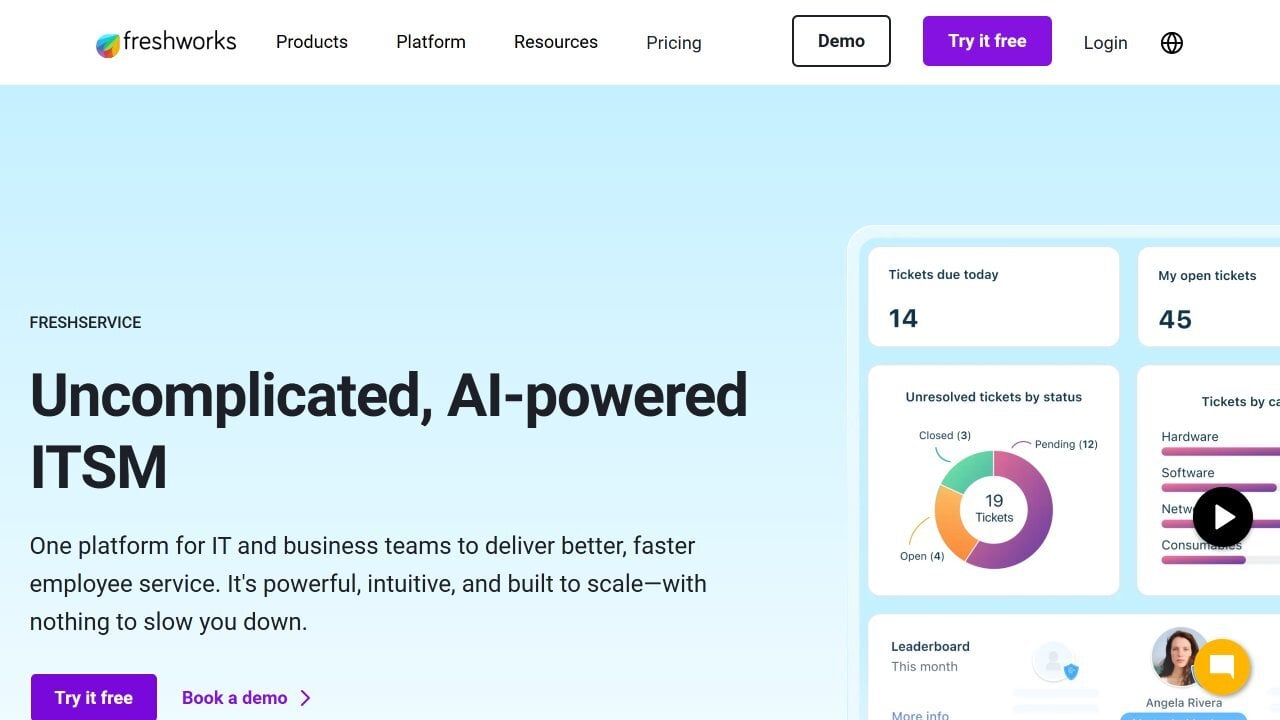
Freshservice®, by Freshworks, is a cloud-native IT service management platform that folds IT Asset Management directly into its unified service operations layer. In April 2026, Freshworks relaunched Freshservice’s ITAM capabilities, adding continuous infrastructure discovery and dependency mapping alongside its existing IT Service Management (ITSM) and IT Operations Management (ITOM) tools.
Freshservice licenses ITAM separately from its per-agent ITSM seats, through what it calls Asset Units, so organizations pay based on the number and type of assets tracked in the CMDB rather than the number of technicians.
Based on its official pricing page and product documentation, Freshservice’s ITAM-relevant capabilities include:
- Continuous infrastructure discovery - Automatically scans and maps cloud, on-premises, and hybrid environments so the asset inventory reflects the current state without manual reconciliation.
- Configuration Management Database - Consolidates discovery data with service context, letting teams see how an asset connects to the incidents, changes, and services around it.
- Software Asset Management (SAM) - Tracks entitlements against actual usage to flag underutilized or unauthorized licenses and support renewal decisions.
- Dependency mapping - Visualizes how infrastructure components relate to one another, supporting change-impact analysis before a request is approved.
- IT Operations Management (ITOM) and Enterprise Service Management (ESM) - Extends the same asset and service data model beyond IT to operations and other business functions.
Best for
Mid-market and larger IT teams that already run (or are considering) Freshservice for service desk operations and want asset discovery, CMDB, and license tracking built into the same platform rather than bolted on through a separate tool.
Freshservice strengths
Based on G2 and Capterra user reviews, Freshservice is consistently recognized for its usability, automation, and asset-to-ticket linkage.
- Clean, intuitive interface - Reviewers frequently mention a modern UI that shortens onboarding for both agents and administrators.
- Automation and workflow depth - Ticket routing, service catalog workflows, and reclamation automations are cited as strong productivity gains.
- Asset-to-ticket linkage - Users highlight the ability to see warranty, ownership, and configuration data directly from an open ticket.
- Faster time-to-value than legacy enterprise ITSM - Reviewers commonly compare Freshservice favorably to heavier platforms on setup speed and cost.
- Broad integration ecosystem - Native connectors with identity, endpoint, and collaboration tools reduce manual data entry.
Freshservice limitations
- ITAM is a separately licensed module - Asset Units are purchased on top of agent seats, which can complicate budgeting for teams sizing the platform for the first time.
- Feature gating by tier - Change management, problem management, and some automation depth are reserved for the Pro and Enterprise plans.
- Reporting flexibility - Some reviewers note that native reports need customization work to match executive-level requirements.
- AI add-on pricing - Freddy AI Copilot is priced separately from the core plans, which can raise total cost of ownership if AI features are a priority.
- Recent ITAM relaunch - Because the redefined ITAM shipped in 2026 for new signups, organizations already on the legacy asset module should confirm their migration path with Freshworks before budgeting.
Freshservice ratings and sources
As of August 2026, Freshservice maintains the following ratings across software review platforms:
Freshservice pricing
According to its official pricing page, Freshservice offers four ITSM tiers, billed per agent per month, billed annually:
- Starter: $19/agent/month. Incident management, knowledge management, task management, and a support portal.
- Growth: $49/agent/month. Adds service catalog, SLA management, on-call management, and cloud management.
- Pro: $99/agent/month. Adds problem management, change management, major incident management, and workload management.
- Enterprise: Custom pricing. Adds sandbox environments, audit logs, and the full Freddy AI suite.
IT Asset Management is licensed separately through Asset Units, purchased in packs of 500 and layered on top of any ITSM tier. Freddy AI Copilot is a $29/agent/month add-on across all tiers. A 14-day free trial is available with unrestricted access to all features.
#3: SolarWinds Service Desk (IT Asset Management)
SolarWinds Service Desk overview
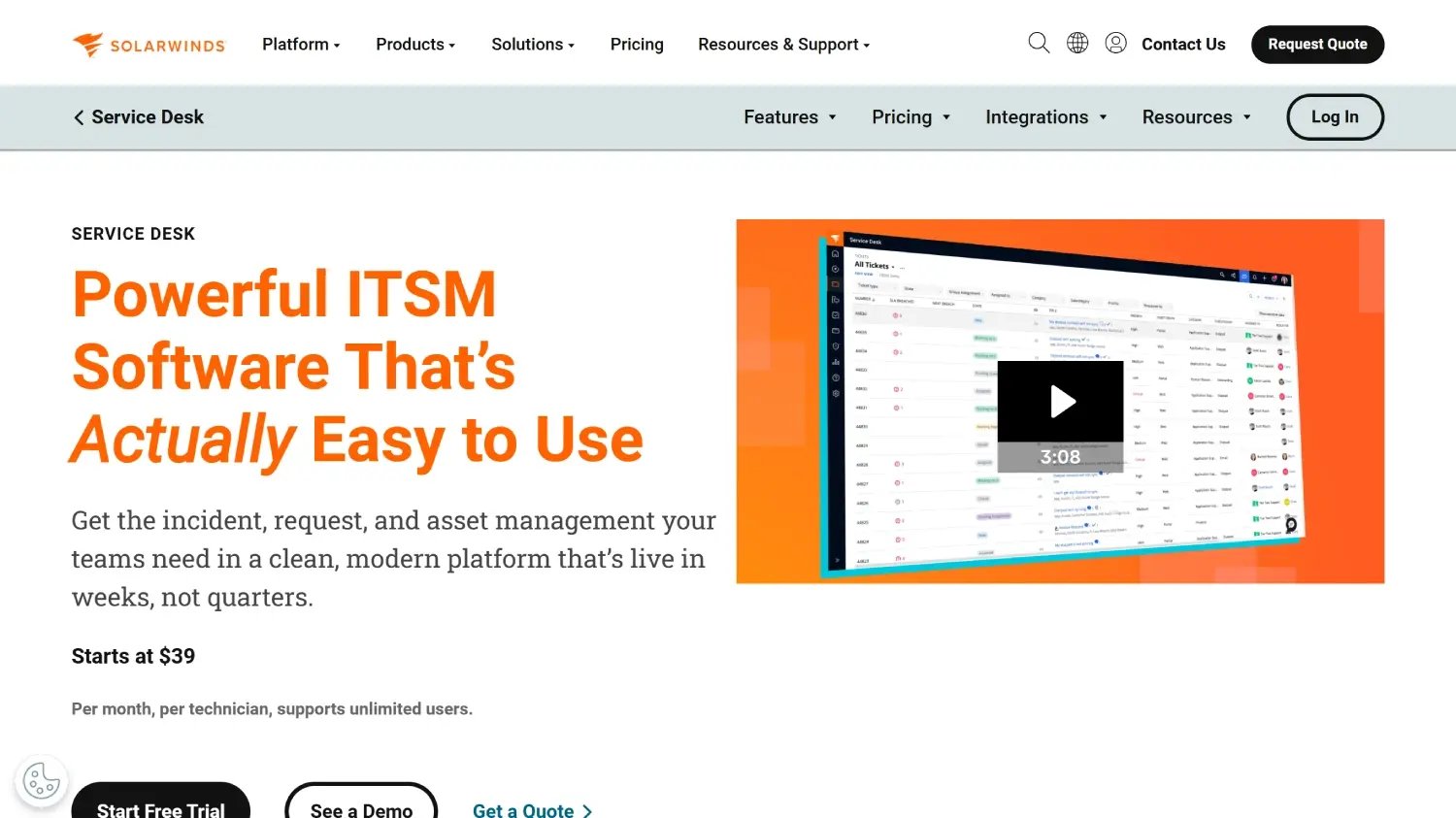
According to its own website, SolarWinds Service Desk® is a cloud-based, AI-powered IT Service Management platform that includes built-in ITAM among its features.
Its IT Asset Management capabilities focus on ease of use and quick value delivery, combining automatic asset discovery, procurement tracking, and risk analysis in one centralized system. It also integrates tightly with its CMDB and ITIL-based workflows to improve visibility, compliance, and service resolution speed.
Key ITAM features include:
- Centralized Asset Management - Manage all types of assets (hardware, software, mobile, and non-network devices) from a single platform.
- Automatic discovery - Detect new hardware on the network and software installed on devices automatically.
- Procurement and license tracking - Integrate asset data with procurement to monitor purchases, utilization, contracts, and software licenses.
- CMDB integration - Connect assets to incidents, changes, and other objects for dependency mapping, impact analysis, and better visibility.
- Risk and Compliance Management - Use asset information as a foundation for analyzing risks, managing compliance, and identifying unapproved software.
Best for
Small to mid-sized IT teams looking for a cloud-based ITSM platform with built-in IT Asset Management capabilities, quick deployment, and solid workflow automation, especially when ease of use and fast time-to-value are higher priorities than deep customization.
SolarWinds Service Desk strengths
Based on Gartner Peer Insights user reviews, SolarWinds Service Desk is frequently recognized for its usability, fast deployment, and workflow automation, particularly among small and mid-sized IT teams.
- Ease of use and intuitive interface - Reviewers highlight the platform as clean and straightforward for daily IT support operations.
- Quick setup and time-to-value - Fast deployment and smooth onboarding are frequently mentioned, especially for teams moving off legacy systems.
- Strong workflow and process automation - Ticket routing, categorization, and service catalog workflows are consistently cited as productivity enhancers.
- Asset Management now included from the entry tier - The Essentials plan bundles Asset Management alongside incident, change, and service catalog features, rather than gating it behind an add-on.
- Good fit for small to mid-sized teams - Reviewers note solid functionality without excessive complexity for growing organizations.
SolarWinds Service Desk limitations
- Limited advanced customization - Deeper configuration and customization options are more restricted than in heavier enterprise platforms.
- Reporting depth - Some reviewers want more granularity and flexibility in reporting and analytics.
- Interface modernization - A few reviewers describe the interface as functional but somewhat dated.
- Scalability for larger environments - Larger organizations may hit structural limits compared to more enterprise-focused ITSM/ITAM platforms.
- API call limits - The Premier tier caps API calls per user per minute, which can matter for heavier integration scenarios.
SolarWinds Service Desk ratings and sources
As of August 2026, SolarWinds Service Desk maintains the following ratings across software review platforms:
SolarWinds Service Desk pricing
According to its official pricing page, SolarWinds Service Desk offers three subscription plans based on technician licensing, with unlimited end users:
- Essentials - $39 per technician/month. Includes incident management, knowledge base, service portal, Asset Management, service catalog, change management, and SLA management.
- Advanced - $79 per technician/month. Adds custom fields and forms, advanced automations, network discovery, contract management, and license compliance.
- Premier - $99 per technician/month. Adds a visual CMDB, dependency mapping, and SolarWinds AI.
A 30-day free trial is available across all plans.
#4: ServiceNow IT Asset Management
According to the official ServiceNow® ITAM product page, the solution runs on the ServiceNow AI Platform and provides an AI-driven approach to managing hardware, software, and SaaS assets across their entire lifecycle.
The platform helps organizations reduce costs, mitigate risks, and improve visibility by consolidating data silos and automating lifecycle processes. Key features include:
- Centralized asset visibility - Consolidates all hardware, software, and SaaS asset data into a single, unified platform for complete lifecycle oversight.
- Lifecycle automation - Automates key IT asset processes, from procurement to retirement, to reduce manual work and improve efficiency.
- Cost and risk optimization - Identifies redundancies, minimizes compliance and security risks, and aligns technology investments with business goals.
- AI-powered Compliance Management - Uses AI agents to streamline publisher audits and license and usage compliance.
- Integrated CMDB foundation - Connects ITAM data with the Configuration Management Database (CMDB) to map dependencies and support change impact analysis.
Best for
Larger organizations that require deep lifecycle governance, advanced integration across IT and business workflows, and structured compliance management, and that have the resources to manage implementation complexity and total cost of ownership.
ServiceNow IT Asset Management strengths
Based on G2 user reviews, ServiceNow IT Asset Management is recognized for its depth, lifecycle control, and integration with the wider ServiceNow ecosystem.
- Single system of record - Reviewers value having one authoritative view of assets from order through retirement.
- Tight CMDB and ITSM integration - Linking an incident to an asset’s warranty status and entitlements is repeatedly cited as a time-saver.
- Comprehensive tracking and visibility - Continuously updated inventory and dependency mapping improve audit readiness.
- AI-assisted license reclamation - Automated identification of unused licenses helps reduce SaaS spend.
- Scales to complex, global estates - Reviewers in regulated and large enterprise environments describe it as capable of handling high asset volumes across business units.
ServiceNow IT Asset Management limitations
- Steep learning curve - Multiple reviewers report significant time and training needed to configure and use the platform effectively.
- High cost of ownership - Licensing is frequently described as expensive, particularly for smaller organizations.
- Implementation complexity - Achieving a clean, high-fidelity CMDB (the prerequisite for ITAM success) requires substantial data cleansing effort.
- Dense interface for occasional users - Reviewers note that simple tasks can require navigating multiple nested menus.
- Requires strong internal governance - Value depends heavily on data quality and process maturity; without both, reporting and lifecycle tracking can become unreliable.
ServiceNow IT Asset Management ratings and sources
As of August 2026, ServiceNow IT Asset Management maintains the following ratings across software review platforms:
- Gartner Peer Insights: not enough information available for this specific product.
- G2: 4.3 out of 5 stars.
- Capterra: not enough information available for this specific product.
ServiceNow IT Asset Management pricing
As of August 2026, ServiceNow does not publish standard pricing for its IT Asset Management solution on its official product page. Organizations must request a custom quote directly from the company, tailored to business size, required modules, and deployment scope.
#5: ManageEngine AssetExplorer
ManageEngine AssetExplorer overview
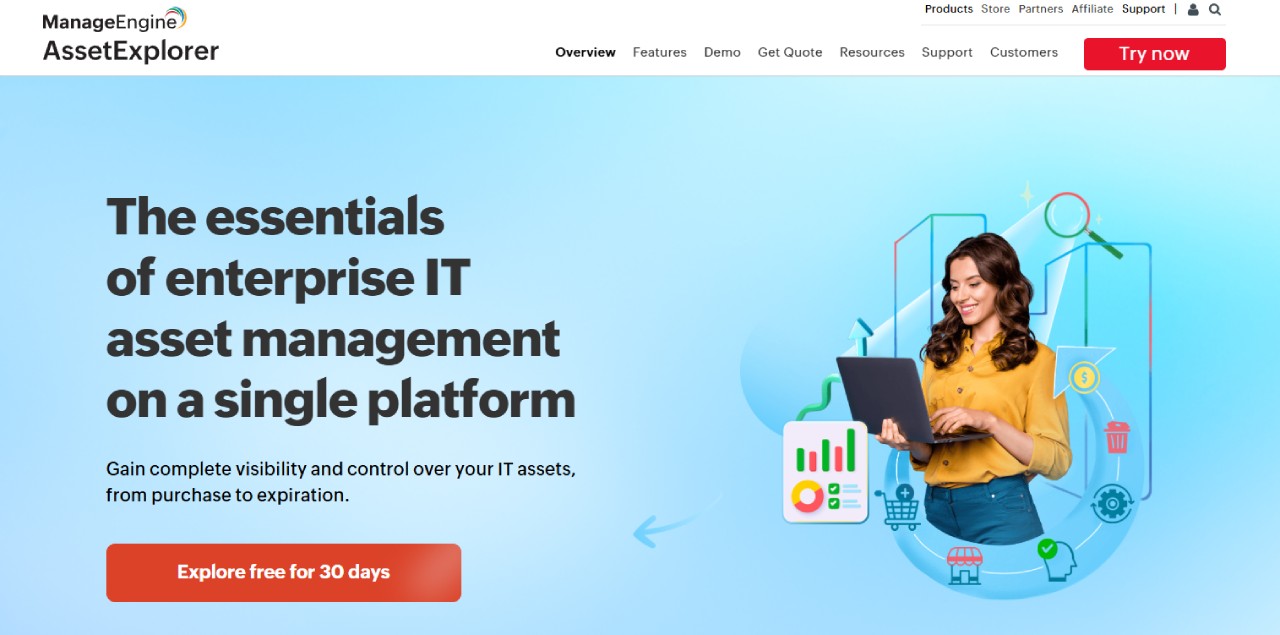
According to the official product page, ManageEngine AssetExplorer® is an IT Asset Management solution delivered through a web interface that helps organizations track and manage their assets throughout their entire lifecycle, from planning to disposal.
AssetExplorer can be deployed either on-premises or as a SaaS application, depending on the organization’s preferences and infrastructure. Key capabilities include:
- Automatic asset discovery through multiple detection methods.
- Visual lifecycle design tools that use a drag-and-drop interface.
- No-code automation options to streamline tasks such as asset assignment.
- Integrated CMDB serving as a unified source of truth for configuration items.
- Dynamic reporting and dashboards with charts for operational insights.
Best for
Organizations that prioritize audit readiness, structured asset governance, and contract tracking, particularly mid-sized IT teams that need strong lifecycle visibility and compliance support without moving to a fully enterprise-scale platform.
ManageEngine AssetExplorer strengths
Based on Capterra and G2 user reviews, AssetExplorer is frequently recognized for its audit readiness, affordability, and structured asset governance capabilities.
- Strong audit and compliance support - Structured reports and asset traceability are highlighted for internal and external audits.
- End-to-end lifecycle visibility - Users appreciate tracking assets from procurement to disposal, including warranties, renewals, and vendor details.
- Affordability and ease of use - Reviewers call out flexible asset categorization and automatic asset detection as strong for budget-conscious teams.
- Built-in discovery and CMDB capabilities - Asset discovery and CMDB mapping provide centralized configuration visibility.
- Clear reporting and asset traceability - Structured reporting and audit trails are cited as key operational benefits.
ManageEngine AssetExplorer limitations
- Manual effort in certain workflows - Some editions require manual data handling in specific compliance or vendor management tasks.
- Reporting customization limitations - Highly customized reports may require additional configuration effort.
- Discovery gaps in complex environments - Assets outside standard network configurations or virtualized environments may require manual intervention.
- Initial configuration effort - Vendor and contract data input during implementation can be time-consuming without bulk import capabilities.
- Mobile and remote feature gaps - Some features are more complete in the web version than in mobile contexts.
ManageEngine AssetExplorer ratings and sources
As of August 2026, ManageEngine AssetExplorer maintains the following ratings across software review platforms:
ManageEngine AssetExplorer pricing
AssetExplorer software uses a subscription-based pricing model with plans structured according to the number of IT assets managed, charged on an annual or monthly basis. As of August 2026, ManageEngine does not publish exact pricing tiers on its official product page; a Free Edition supports up to 25 assets, and a 30-day trial supports up to 250 assets. Organizations are encouraged to request a personalized quote for the Professional Edition.
#6: TeamDynamix ITAM
TeamDynamix ITAM overview
According to its official product page, TeamDynamix ITAM® is a no-code IT Asset Management and Software Asset Management (SAM) capability within the broader TeamDynamix ITSM/ESM platform, built on the Sassafras Software technology TeamDynamix acquired in 2025.
TeamDynamix ITAM is platform-agnostic and pairs hardware lifecycle tracking with usage-based software optimization, aiming to build a defensible Effective License Position for each product. Key capabilities include:
- Hardware Asset Management - Tracks devices from purchase to retirement across Windows, Mac, Linux, and ChromeOS, including full visibility into lifecycle data, warranties, and depreciation.
- Software Asset Management (SAM) - Monitors license allocations and usage (login counts, launch counts, total time, peak concurrent usage) to identify underutilized or non-compliant software.
- Discovery and inventory - Automatically discovers devices, applications, and usage, with pre-built integrations to Intune, Jamf, and SCCM.
- Contract and license management - Centralizes vendor agreements and tracks renewal dates to avoid over-licensing or audit surprises.
- CMDB/CI mapping - Maintains relationships between assets, users, and services, integrated with TeamDynamix ITSM for incident and change management.
Best for
Mid-market and larger organizations, especially in higher education, healthcare, and government, that want IT Asset Management and Software Asset Management bundled into a broader no-code ITSM/ESM platform rather than run as a standalone tool.
TeamDynamix ITAM strengths
Based on Gartner Peer Insights and Capterra user reviews, TeamDynamix is recognized for ease of use and strong ticket-to-asset linkage.
- Asset-to-ticket linkage - Reviewers repeatedly cite the ability to attach an asset to a ticket, contract, and budget request as a core workflow improvement.
- Ease of use for day-to-day administration - The interface and reporting tools are described as intuitive to set up and navigate.
- Strong support quality - TeamDynamix consistently earns high support satisfaction scores relative to other ITSM/ITAM platforms.
- No-code configuration - Custom forms, fields, and workflows can be built without developer involvement for most use cases.
- Extends beyond IT - The same asset and workflow model can scale to HR, Facilities, and other departments without separate licensing per team.
TeamDynamix ITAM limitations
- No public pricing - TeamDynamix does not publish rate cards; a custom quote requires a sales conversation, and no free trial is offered.
- Learning curve for administrators - Some reviewers describe the admin side as cumbersome at first, with certain configurations requiring HTML or JavaScript knowledge despite the “no-code” positioning.
- Reporting flexibility - The built-in report builder is described by some users as limited compared to dedicated BI tools.
- Recent platform integration - ITAM/SAM capabilities were consolidated under the TeamDynamix brand following the 2025 Sassafras acquisition, so organizations evaluating long-standing Sassafras deployments should confirm the current feature set directly with TeamDynamix.
- Owner-dependent administration - A few reviewers note that reassigning ownership of configuration items when an administrator leaves the organization can be cumbersome.
TeamDynamix ITAM ratings and sources
As of August 2026, TeamDynamix maintains the following ratings across software review platforms:
TeamDynamix was also named a Challenger in the 2026 Gartner Magic Quadrant for IT Service Management Platforms.
TeamDynamix ITAM pricing
As of August 2026, TeamDynamix does not publish pricing on its official ITAM product page. Pricing is quote-based, and no free trial is offered; organizations must contact TeamDynamix directly to receive a customized quote based on user count, asset volume, and modules selected.
#7. Lansweeper
Lansweeper overview
According to the official IT Asset Management page, Lansweeper® is a platform designed to help organizations gain complete visibility and control over all their technology assets, using continuous, largely agentless discovery.
The platform centralizes asset data, automates discovery, and delivers actionable insights to improve efficiency, reduce costs, and ensure compliance. Key features include:
- Automated asset discovery - Continuously identifies and catalogs IT, OT, IoT, and cloud assets across the organization.
- Comprehensive Lifecycle Management - Tracks assets from procurement to retirement, helping IT teams plan upgrades, monitor warranties, and optimize replacement cycles.
- Software Asset Management - Detects installed software, monitors license usage, and helps prevent overspending and audit risk.
- Advanced analytics and reporting - Transforms asset data into actionable insights through dashboards and reports.
- Seamless integrations - Connects with tools like ServiceNow, Freshservice, HaloITSM, and Atlassian, plus APIs and workflows to automate IT operations.
Best for
Organizations that need deep, largely agentless network discovery and detailed technical visibility, particularly in distributed or infrastructure-heavy environments.
Lansweeper strengths
Based on Gartner Peer Insights user reviews, Lansweeper is consistently recognized for its discovery depth and technical detail.
- Deep network discovery and visibility - Reviewers highlight detailed technical insights into servers, computers, printers, and network devices.
- Strong agentless scanning capabilities - Effective discovery across multiple network segments without deploying agents everywhere.
- Detailed reporting and query flexibility - Custom reporting and advanced querying are frequently mentioned as powerful for inventory analysis.
- Multi-location asset oversight - Effective for organizations with multiple offices or distributed infrastructure.
- Extended discovery scope - Following its 2024 acquisition of Redjack, Lansweeper has expanded discovery to internet-exposed assets.
Lansweeper limitations
- Initial setup can require time and expertise - Configuration and optimization require technical effort, especially at scale.
- User interface described as dated - Some users feel the UI could be modernized.
- Pricing has risen with asset minimums - Reviewers on Capterra note that per-asset pricing has increased over the past few years, and plans now require a 2,000-asset minimum on Starter and Pro tiers.
- No built-in remote control - Lansweeper inventories the asset but requires a separate tool (such as TeamViewer or AnyDesk) to take a remote session.
- Feature paywalls at higher tiers - Some capabilities, such as deeper vulnerability scanning, sit behind higher-priced packages.
Lansweeper ratings and sources
As of August 2026, Lansweeper maintains the following ratings across major review platforms:
Lansweeper pricing
According to its official pricing page, Lansweeper offers three cloud editions, priced by the number of assets discovered:
- Starter - From $239/month, includes 2,000 assets.
- Pro - From $439/month, includes 2,000 assets with additional capabilities such as vulnerability and lifecycle insights.
- Enterprise - Custom pricing, starting at 10,000 assets.
A 14-day full-featured trial is available with no asset limit and no credit card required.
#8. Device42
Device42 overview
According to its official website, Device42® is a full-stack agentless discovery and dependency mapping platform for Hybrid IT. Freshworks completed its acquisition of Device42 in June 2024, and Device42 continues to operate as a distinct product within the Freshworks family, with growing integration into Freshservice.
Key features include:
- Automated discovery - Performs agentless and agent-based continuous discovery of physical, virtual, and cloud assets.
- Hardware and software inventory - Documents all infrastructure components, including servers, devices, and installed software.
- Relationship mapping - Tracks and visualizes operational dependencies between assets.
- Lifecycle and warranty tracking - Manages assets from acquisition to decommissioning and retrieves warranty data automatically from vendors.
- Integration with ITSM tools - Connects with platforms such as Jira, Zendesk, and ServiceNow to sync configuration items.
Best for
Technically mature organizations managing complex hybrid or data center-heavy environments that require deep discovery, application dependency mapping, and detailed infrastructure visibility.
Device42 strengths
Based on G2 and Capterra user reviews, Device42 is recognized for its discovery depth and hybrid IT visibility.
- Strong infrastructure discovery and dependency mapping - Detailed visibility into assets, applications, and their interdependencies, especially in hybrid and data center environments.
- Comprehensive hybrid IT visibility - Discovers both on-premise and cloud assets with minimal manual effort.
- Responsive customer support - Reviewers frequently cite support quality and straightforward deployment.
- Application affinity grouping - Intelligently groups discovered workloads by application affinities, useful for migration planning.
- Continuity under Freshworks ownership - Reviewers report ongoing product development and integration momentum since the 2024 acquisition.
Device42 limitations
- Initial setup complexity - Configuration and navigation can feel overwhelming at first, especially for smaller teams.
- Pricing positioned as an add-on - Some reviewers note Device42 is commercially structured as an add-on rather than a fully standalone product.
- No incident management module - Device42 focuses on discovery and inventory rather than ticketing, so it typically pairs with a separate ITSM tool.
- Learning curve - The platform’s depth and configuration options may require time to fully leverage.
- Reporting could be more flexible for larger, more complex environments.
Device42 ratings and sources
As of August 2026, Device42 holds the following ratings across major software review platforms:
- Gartner Peer Insights: not enough information available for this specific product.
- G2: 4.7 out of 5 stars.
- Capterra: 4.8 out of 5 stars.
Device42 pricing
As of August 2026, Device42 pricing follows an annual subscription model based on the number of devices, with modules such as Software License Management and Application Discovery and Dependency Mapping priced in addition to the Core license.
Organizations should confirm current tiers directly through Device42’s official pricing page, since exact figures are not consistently published.
#9: Zluri
Zluri overview
According to its official website, Zluri® is an Identity Governance and Administration (IGA) and SaaS Management platform designed to help organizations discover, manage, and optimize their software and user access. It was recognized as a Leader in the Gartner Magic Quadrant for SaaS Management Platforms in both 2024 and 2025.
Key capabilities relevant to IT Asset Management include:
- Application Management - Discovers, monitors, and manages all SaaS applications across the organization.
- Cost Management - Tracks SaaS expenses, manages contract renewals, and aligns license counts with actual usage.
- Access provisioning - Automates employee onboarding and offboarding with no-code workflows.
- Integrations - Connects with existing applications and systems to centralize SaaS oversight.
- Workflows and automations - Reduces manual effort in SaaS administration through automated approval and reclamation flows.
Best for
Organizations with growing SaaS portfolios that need centralized visibility, license optimization, onboarding/offboarding automation, and proactive renewal management, especially mid-sized to larger teams operating in cloud-first environments.
Zluri strengths
Based on G2 user reviews, Zluri is consistently recognized for SaaS visibility and license optimization.
- Comprehensive SaaS visibility and spend control - Centralizes SaaS applications, usage frequency, and cost in one dashboard.
- Strong license optimization and renewal management - Automated alerts for renewals and identification of unused licenses.
- Effective onboarding and offboarding workflows - Simplifies access provisioning and deprovisioning, reducing manual work and security risk.
- Shadow IT discovery via identity data - Catches SaaS subscriptions that agent-based tools miss by monitoring OAuth tokens and SSO events.
- Identity governance layer - Adds access certification and user lifecycle automation on top of spend and access visibility.
Zluri limitations
- Limited to SaaS management scope - Focuses on SaaS discovery and optimization rather than broader hardware lifecycle or data center infrastructure management.
- Less suited for non-cloud-heavy environments - Organizations with a minimal SaaS footprint may not extract full value.
- Initial setup can be time-consuming - Some users note onboarding takes longer for non-technical administrators.
- Enterprise complexity may require onboarding support - Larger SaaS ecosystems can benefit from vendor guidance during configuration.
- No public pricing - Custom quotes are required, which can slow down early-stage evaluation.
Zluri ratings and sources
As of August 2026, Zluri holds the following ratings across major software review platforms:
Zluri pricing
As of August 2026, Zluri does not publicly disclose pricing on its official website. Zluri follows a subscription-based pricing model, typically structured on a per-user or per-employee basis, with tiered plans and custom options available for organizations that need extended capabilities.
#10: NinjaOne
NinjaOne overview
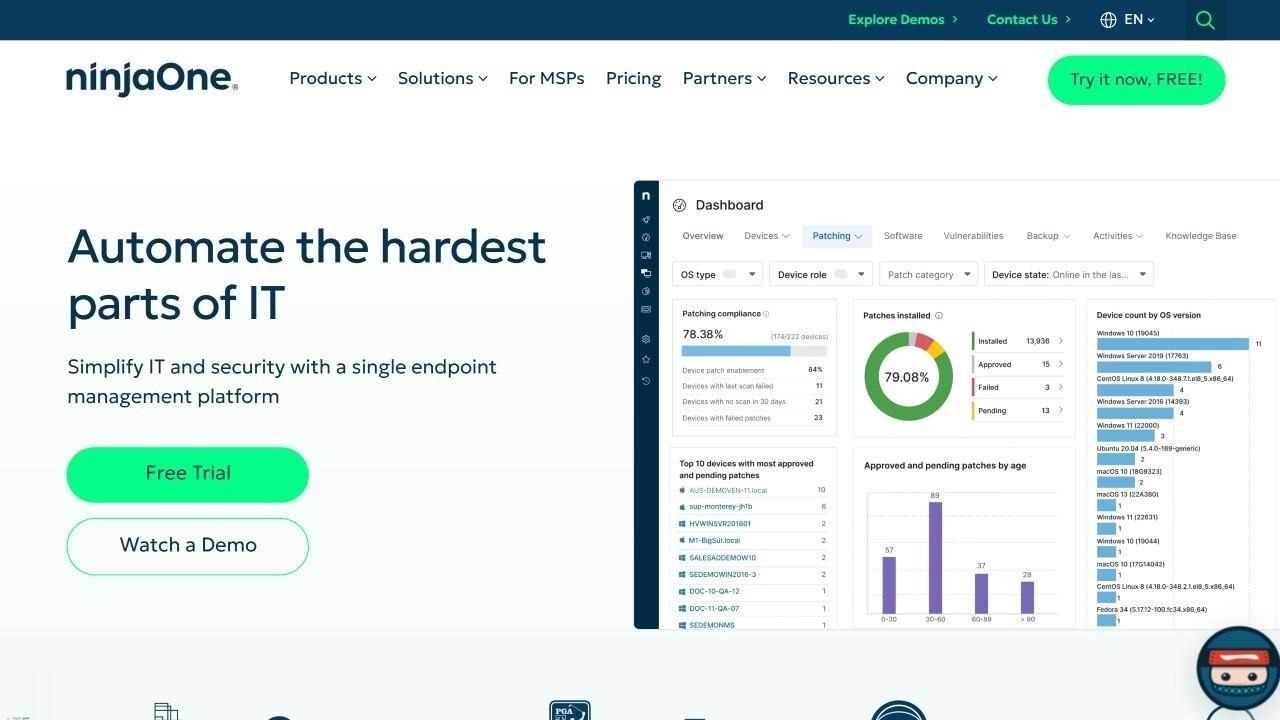
According to its official website, NinjaOne® is a cloud-native Unified Endpoint Management (UEM) platform that allows IT teams to manage, secure, and support endpoints across Windows, macOS, and Linux environments from a single interface. NinjaOne was named a Leader in the Gartner Magic Quadrant for Endpoint Management Tools in 2026.
Key features relevant to IT Asset Management include:
- Endpoint monitoring and Remote Management - Monitor endpoint performance and perform remote actions or scripting across devices.
- Automated patch management - Automates operating system and third-party application patching across environments.
- IT asset visibility - Keeps a centralized inventory of managed devices, with status tracking and asset insights.
- Integration and workflow automation - Built-in automation and integrations with PSA tools, security platforms, and backup systems.
- Per-device subscription model - A flexible pricing approach based on the number of endpoints managed.
Best for
Small to mid-sized IT teams and MSP-style environments that need reliable endpoint management, automated patching, and remote support in a centralized, easy-to-adopt platform.
NinjaOne strengths
Based on G2 user reviews, NinjaOne is consistently recognized for ease of use and automation.
- User-friendly interface and fast adoption - Intuitive to navigate for both technicians and IT leaders.
- Strong automation and patch management - Automated patching, scripting, and endpoint updates are major time-saving features.
- Reliable remote monitoring and support (RMM) - Dependable for remote troubleshooting and endpoint oversight.
- High review volume with consistent satisfaction - Nearly 4,300 verified G2 reviews, with ease-of-setup and support scores above the category average.
- All-in-one endpoint centralization - Consolidates monitoring, patching, reporting, and remote support into a single platform.
NinjaOne limitations
- No published pricing - NinjaOne requires a sales conversation for a custom quote based on endpoint count and modules, which can be a friction point for small teams evaluating cost upfront.
- Reporting flexibility - Built-in reports are not always executive-ready without customization.
- Basic scripting for advanced use cases - Some reviewers want more advanced parameter handling and encryption options.
- Mobile app gaps - The mobile app lags the desktop experience for some workflows.
- Multi-tenant email management friction - MSPs managing several client environments under one technician account report account-juggling limitations.
NinjaOne ratings and sources
As of August 2026, NinjaOne holds the following ratings across major software review platforms:
NinjaOne pricing
As of August 2026, NinjaOne’s official pricing page does not disclose specific rates publicly. A 14-day free trial is available.
According to the vendor, pricing uses a per-device subscription model with volume-based tiers; publicly reported ranges cited by review sites place per-endpoint pricing roughly between $1.50 and $3.75 per month depending on device count, though organizations should confirm exact figures directly with NinjaOne.
#11. Ivanti Neurons for ITAM
Ivanti Neurons for ITAM overview
According to its official product page, Ivanti Neurons for ITAM® is an IT Asset Management solution that manages hardware and software assets throughout their lifecycle, from purchase to disposal.
It centralizes data such as ownership, lifecycle status, location, and warranty information, integrating with Ivanti Neurons for Discovery, Ivanti Endpoint Manager, and Ivanti Neurons for ITSM. Key capabilities include:
- Centralized asset repository - Maintains consistent asset data from request and purchase to deployment and disposal.
- Integration with discovery tools - Imports information from Ivanti Neurons for Discovery, Ivanti Endpoint Manager, and other sources.
- Financial and contract tracking - Links assets with purchase orders, invoices, and contracts to monitor costs and compliance.
- Mobile management and barcode scanning - Enables asset lookup and updates via mobile devices, including barcode scanning.
- Service Management integration - Connects with Ivanti Neurons for ITSM to enhance service delivery and change management with shared asset data.
Best for
Larger organizations that require deep Software Asset Management capabilities, centralized asset normalization, and lifecycle governance within a broader Ivanti ecosystem.
Ivanti Neurons for ITAM strengths
Based on Gartner Peer Insights user reviews, Ivanti Neurons for ITAM is recognized for unified asset visibility and lifecycle management.
- Unified asset database and normalization - Consolidates hardware, software, and asset data into a centralized, reliable source of truth.
- Strong discovery and license tracking - Effective discovery capabilities and license management support audit and compliance processes.
- Comprehensive lifecycle management - Tracks assets from procurement through disposal, with workflow automation supporting governance.
- Scalability for complex environments - Suitable for managing large asset volumes across complex organizations.
- Flexible configuration and integration options - Especially beneficial when paired with other Ivanti products.
Ivanti Neurons for ITAM limitations
- Initial setup and configuration complexity - Implementation requires time and technical expertise.
- Performance and responsiveness concerns - Some users report sluggish performance or UI issues in certain scenarios.
- Support consistency issues - Some reviews mention dissatisfaction with support responsiveness or product development pace.
- Configuration-heavy experience - May require substantial customization before delivering full value.
- No public pricing - Ivanti requires organizations to contact its sales team for a quote, and specific pricing is not listed for ITAM as a standalone module.
Ivanti Neurons for ITAM ratings and sources
As of August 2026, aggregated scores across top software review sites show:
Ivanti Neurons for ITAM pricing
Ivanti does not disclose specific pricing information publicly. ITAM capabilities may be included depending on the selected Service Management bundle and modules. For detailed pricing, Ivanti requires organizations to contact its sales team directly.
#12. Snipe-IT

Snipe-IT overview
According to its official documentation, Snipe-IT® is a free and open-source IT Asset Management platform that allows organizations to track hardware, software licenses, accessories, and assignment details.
The system is web-based and can be deployed on Linux, macOS, or Windows. Key features include:
- Unified asset tracking - Displays which items are in use, who they are assigned to, and their current condition or deployment status.
- Fast auditing tools - Allows quick inventory checks to maintain reliable asset data.
- Barcode and QR code compatibility - Works with most scanning devices and applications.
- Custom field options - Lets users create additional fields to capture organization-specific hardware or software details.
- Lifecycle history logs - Records every checkout, return, and maintenance activity.
Best for
Small teams or organizations seeking a cost-effective, open-source asset tracking solution with straightforward inventory management, especially when advanced automation and enterprise-scale governance are not primary requirements.
Snipe-IT strengths
Based on Capterra user reviews, Snipe-IT is primarily recognized for its simplicity, open-source model, and cost-effectiveness.
- Open-source flexibility - Organizations can customize features according to their internal needs.
- Cost-effective asset tracking - Free self-hosted option, attractive for budget-conscious teams.
- Ease of use and simple navigation - Reviewers consistently describe the interface as straightforward, even for non-specialized users.
- Clear asset assignment and accountability - Improved visibility into asset ownership and user accountability.
- Barcode and labeling support - Asset labels and barcode scanning are valued for physical asset tracking.
Snipe-IT limitations
- Limited automation capabilities - Workflows and automation are minimal, with heavy reliance on manual data entry.
- Basic reporting functionality - Reporting is functional but not highly customizable.
- No automated network discovery - There is no agent that scans the network and pulls hardware in automatically; assets are entered manually or via import.
- No native multi-tenant support - MSPs managing several clients typically run a separate instance per client or use workarounds.
- Not designed for complex enterprise governance - Effective for straightforward tracking, but may not meet large-scale compliance program needs.
Snipe-IT ratings and sources
As of August 2026, Snipe-IT shows the following ratings on major software review platforms:
- Gartner Peer Insights: no information available.
- G2: no information available.
- Capterra: 4.4 out of 5, based on a small set of verified user reviews.
Review data note: Snipe-IT has limited recent coverage across major review platforms compared to other vendors in this list.
Snipe-IT pricing
According to its official pricing page, Snipe-IT is available in both a self-hosted and hosted format:
- Self-hosted - Entirely free, supports unlimited users and assets; organizations manage their own installation and server maintenance.
- Basic Hosting - $39.99/month or $399.99/year.
- Small Business Hosting - $99.99/month or $999.99/year.
- Dedicated Hosting - $249.99/month or $2,499.99/year.
Hosted options include automated backups, regular updates, SSL encryption, and technical support.
#13: AssetTiger
AssetTiger overview
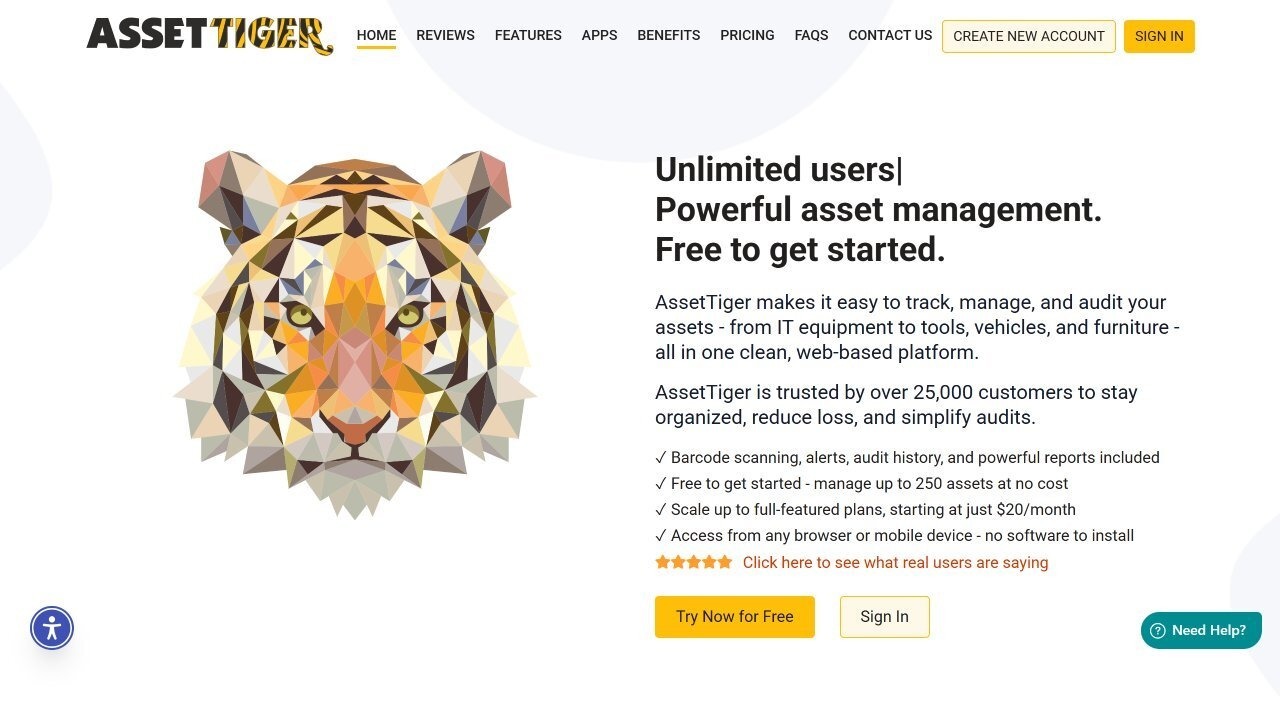
According to its official website, AssetTiger® is a cloud-based Asset Management platform developed by the team behind MyAssetTag.com. It provides organizations with visibility and control over their equipment, tools, and property through tracking, reporting, and audit features.
The system is fully web-based and supports consumable inventory tracking as an optional add-on. Key capabilities include:
- Multiple users - Teams collaborate with customizable user permissions; unlimited users on paid plans.
- Custom reports - Predefined and fully customizable reports on asset status, depreciation, maintenance, and usage history.
- Web-based and cloud-hosted - Operates entirely online, with automatic updates and browser accessibility.
- Configurable email alerts - Reminders for maintenance, overdue assets, or contract renewals.
- Barcode scanning - Perform audits or update asset data from the mobile app by scanning barcodes in the field.
Best for
Small and mid-sized organizations seeking a low-cost or free cloud-based asset tracking solution with barcode functionality and simple inventory management.
AssetTiger strengths
Based on Capterra and G2 user reviews, AssetTiger is frequently recognized for its free tier and simplicity.
- Strong free tier value proposition - Managing up to 250 assets at no cost is attractive for organizations early in formalizing asset tracking.
- Ease of setup and usability - Consistently described as easy to deploy, intuitive, and quick to learn.
- Barcode check-in/check-out functionality - Practical for shared equipment management.
- Cost-effective for SMEs - Frequently selected for its pricing advantage and straightforward licensing model.
- Centralized cloud-based asset tracking - A single place to manage assets, upload documents, attach receipts, and track equipment availability.
AssetTiger limitations
- Pricing structure changes over time - Some reviewers note that previously included features have moved behind paid tiers.
- Limited advanced reporting and customization - Custom fields, reporting depth, and advanced financial tracking are more restricted without paid upgrades.
- Scalability limitations for complex estates - Organizations with multi-site, hierarchical, or enterprise-scale environments may find structural limitations.
- Limited integrations and automation - No native integration with tools such as Google Workspace, Slack, or project management platforms.
- No SOC 2 Type II or ISO 27001 certification - Organizations with strict compliance requirements should verify this fits their audit needs.
AssetTiger ratings and sources
As of August 2026, aggregated ratings across major software review sites show:
- Gartner Peer Insights: not enough information available.
- G2: 4.5 out of 5 stars.
- Capterra: 4.6 out of 5 stars.
AssetTiger pricing
According to its official pricing page, AssetTiger offers a free plan supporting up to 250 assets. Paid tiers expand asset capacity and unlock extended functionality: Basic ($20/month for up to 500 assets), Core ($40/month for up to 2,500 assets), Advanced ($75/month for up to 10,000 assets), Pro ($140/month for up to 50,000 assets), and Enterprise ($275/month for up to 250,000 assets).
An Inventory Plan for consumable item tracking is available free (up to 2 items) or unlimited for $15/month.
#14: Flexera One IT Asset Management
Flexera One IT Asset Management overview
According to its official product page, Flexera One IT Asset Management® unifies Software, Hardware, and SaaS Management to simplify hybrid IT environments.
Flexera’s roots in software license management go back more than two decades; the platform now combines FlexNet Manager Suite, the cloud-native Flexera One ITAM platform, and Snow Software (acquired in February 2024), backed by the Technopedia software reference library. Key capabilities include:
- Asset discovery and inventory - Identifies applications and licenses through multiple methods, including browser extensions, agents, APIs, CASB, and SSO.
- Asset normalization and enrichment - Uses the Technopedia catalog to normalize and enrich inventory data.
- License compliance reporting - Matches entitlements to applied licenses to calculate the effective license position.
- Application usage metering - Tracks how applications are used to optimize software spend and detect shadow IT.
- Integration with ITSM tools - Certified integrations with platforms such as ServiceNow and BMC.
Best for
Larger organizations operating complex hybrid IT environments that require advanced Software Asset Management, SaaS visibility, and audit readiness, and that have the internal expertise or partner support to manage a sophisticated platform.
Flexera One IT Asset Management strengths
Based on G2 user reviews, Flexera One IT Asset Management is consistently recognized for its software governance depth and compliance strength.
- Strong software license and compliance management - Automated license management and audit readiness reduce compliance risk.
- Comprehensive visibility across hybrid environments - Discovery across multi-cloud and on-premises infrastructures.
- Advanced software catalog and normalization - Detailed asset insights and usage visibility through the Technopedia catalog.
- Shadow IT and SaaS visibility - Shadow IT discovery and SaaS cost monitoring are valuable for larger organizations.
- Recognized by Gartner - Named a Leader in the 2026 Gartner Magic Quadrant for SaaS Management Platforms for the second consecutive year, and the only vendor named a Customers’ Choice in the 2026 Gartner Peer Insights Voice of the Customer report for Software Asset Management Tools.
Flexera One IT Asset Management limitations
- Steep learning curve - Requires expertise to fully leverage its capabilities.
- Implementation complexity - May require professional services or specialized developers during deployment.
- Ongoing maintenance requirements - Continuous tuning and optimization in large environments.
- Occasional performance issues - Large reports and dashboards are sometimes reported to run slowly.
- Positioned for larger budgets - May not suit smaller organizations on cost alone.
Flexera One IT Asset Management ratings and sources
As of August 2026, aggregated scores across top software review sites show:
- Gartner Peer Insights: 4.4 out of 5 stars.
- G2: 4.3 out of 5 stars.
- Capterra: no distinct rating publicly available for this exact solution.
Flexera One IT Asset Management pricing
According to Flexera’s official product page, Flexera One IT Asset Management follows a subscription-based pricing model with tiers defined by the number of assets or devices managed and the features included. Pricing is customized to each organization’s size and requirements, and Flexera does not publish specific pricing information publicly.
#15. EZO AssetSonar

EZO AssetSonar overview
According to its official features page, EZO AssetSonar® is an IT Asset Management platform that provides visibility into hardware, software, and licenses.
It supports software discovery, license tracking, and software normalization to help organizations manage SaaS applications, shadow IT, and redundant licenses. Key capabilities include:
- IT Asset Lifecycle Management - Manages assets through all stages, from procurement to retirement.
- Agent-based discovery - Automatically populates asset information through deployed agents.
- Software Asset Management - Tracks on-premise and cloud software, helping ensure license compliance.
- Configuration Management Database (CMDB) - Provides visibility into IT asset dependencies.
- Depreciation Management - Calculates asset depreciation to determine optimal replacement timing.
Best for
Mid-sized organizations that require flexible IT Asset Management with strong integration capabilities, customizable workflows, barcode tracking, and lifecycle visibility, particularly those needing MDM and ITSM ecosystem connectivity.
EZO AssetSonar strengths
Based on G2 user reviews, AssetSonar is consistently recognized for its usability, lifecycle visibility, and integration ecosystem.
- Centralized asset tracking with clear visibility - Tracks both hardware and software assets across their lifecycle, from procurement to disposal.
- Barcode and QR code scanning - Check-in/check-out workflows are described as fast and efficient, improving accountability.
- Strong integration capabilities - Integrations with tools such as Zendesk, Jira, Intune, JumpCloud, and Jamf enable workflow automation.
- Customization and flexibility - Custom fields, substates, retirement reasons, and tailored reporting adapt to operational needs.
- Audit trails and maintenance tracking - Built-in logs and maintenance monitoring help extend asset life and improve governance.
EZO AssetSonar limitations
- Initial setup complexity - Configuration and integration require time and guided onboarding.
- User interface learning curve - New users may initially find the interface dense, though it becomes intuitive once configured.
- Reporting customization gaps - Some users report difficulty filtering reports by date, department, or fully tailored dashboards.
- Mobile app limitations - The mobile version is less feature-rich than the desktop platform.
- Pricing considerations for smaller organizations - Some reviewers feel pricing may be high if advanced features are not fully utilized.
EZO AssetSonar ratings and sources
As of August 2026, aggregated scores across top software review sites show:
- Gartner Peer Insights: not enough ratings for this specific product.
- G2: 4.5 out of 5 stars.
- Capterra: 4.6 out of 5 stars.
EZO AssetSonar pricing
According to its official pricing page, EZO AssetSonar offers three main plans, Hardware Asset Management, Software Asset Management, and Complete IT Asset Management, each including different feature sets. The company does not publish specific pricing information publicly, but provides a 7-day free trial for new users.
How to implement ITAM with InvGate Asset Management
We’ve already covered InvGate Asset Management in the previous sections. Here, we want to zoom in and share a simple, practical step-by-step approach to help teams that choose our platform start on the right foot and build a solid ITAM strategy from day one.
1. Build your IT inventory
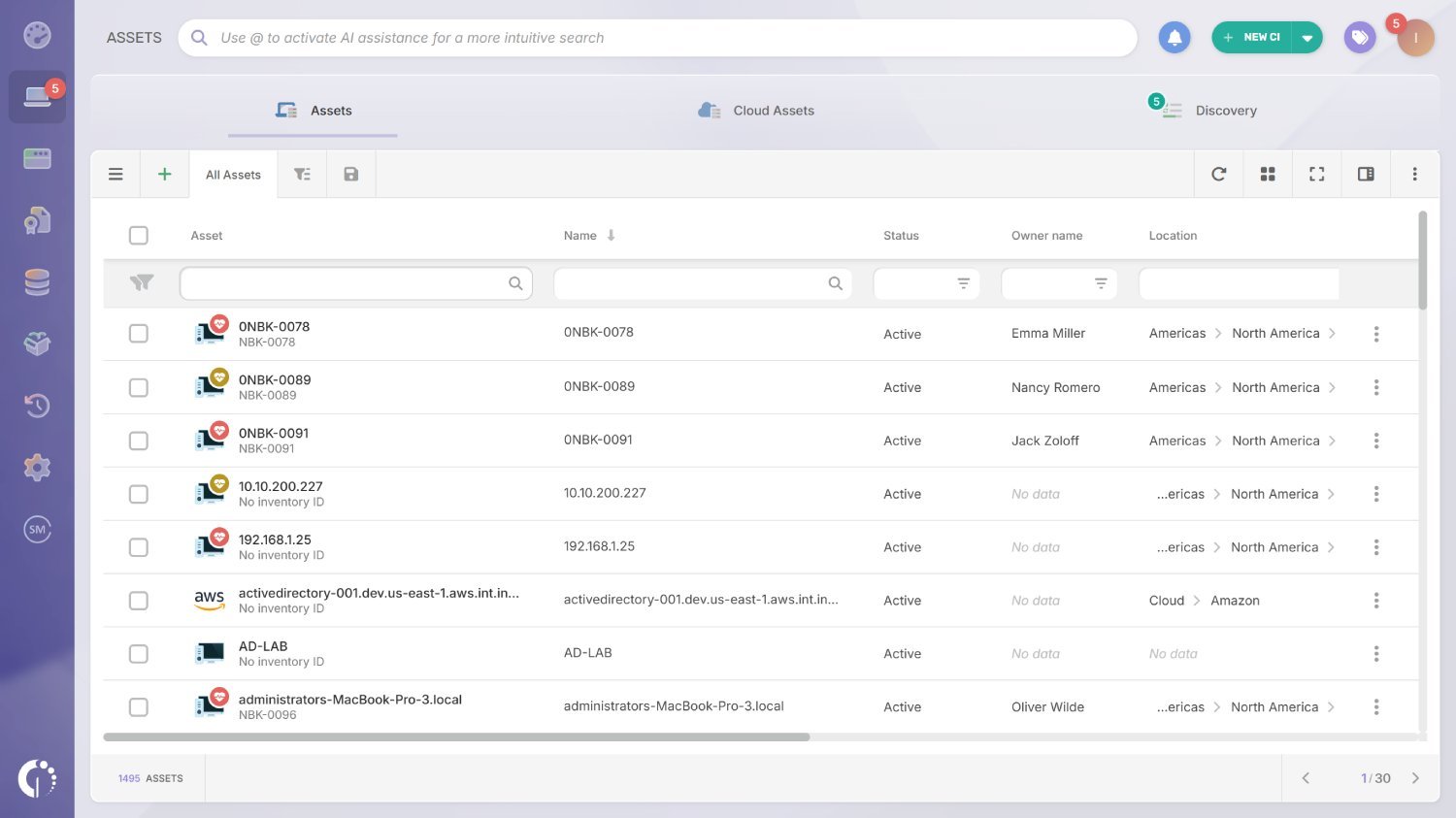
Start by creating a centralized inventory using multiple data sources, including agents, agentless discovery, integrations, and manual inputs when needed. When the same asset is detected through different methods, the platform automatically runs a normalization and merge process, consolidating those records into a single, accurate asset instead of creating duplicates.
At the end of this step, you have a clean, centralized inventory where each asset exists only once, fully normalized and consolidated. Your team can instantly see what you own, where it is, and how it was discovered, eliminating duplicate records and spreadsheet dependency.
2. Define lifecycle states
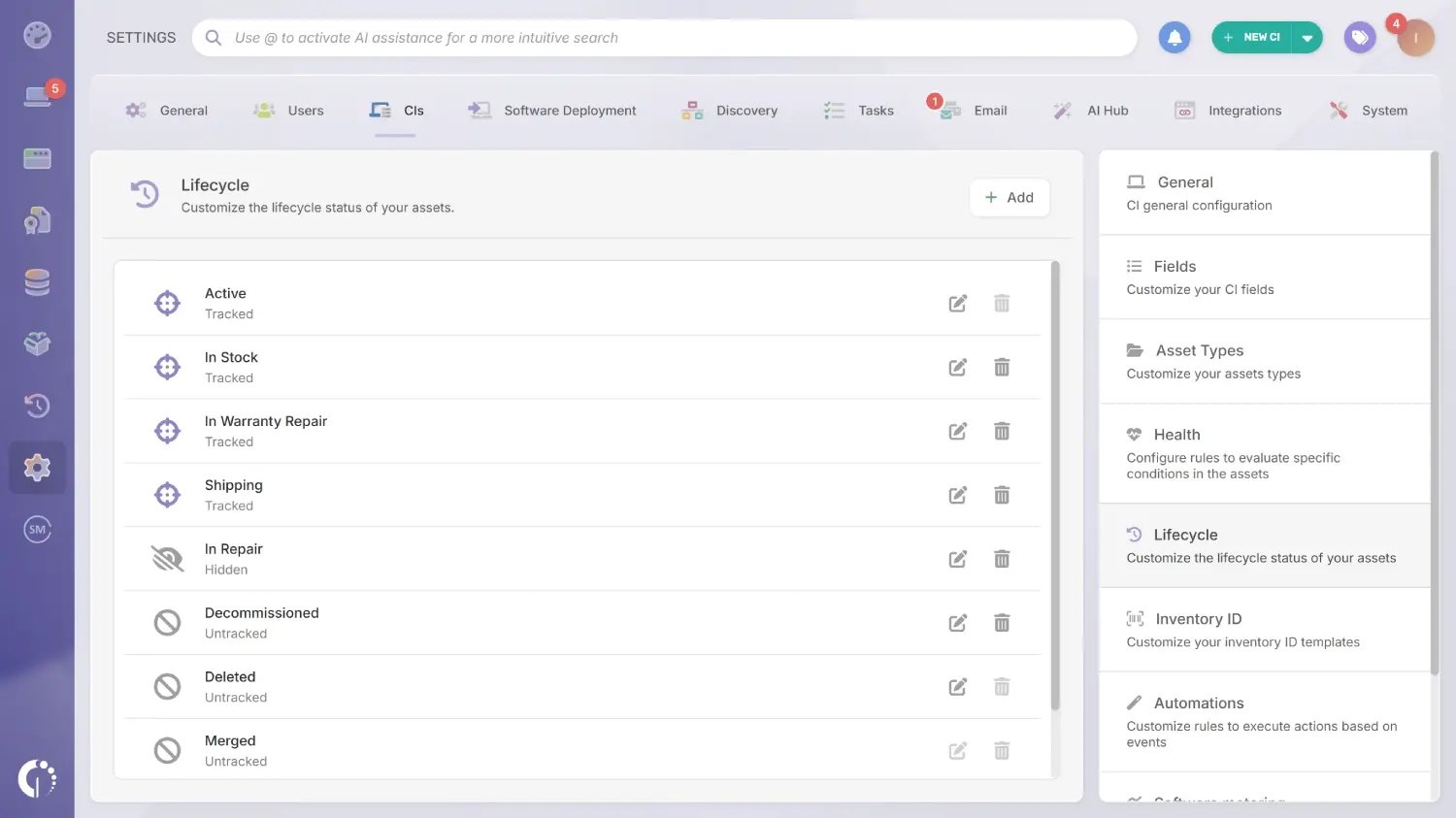 Next, define how assets move through their lifecycle. You can use the default lifecycle states commonly adopted by IT teams, such as requested, in stock, in use, under maintenance, and retired, or create custom states that better reflect your internal processes and workflows.
You now have assets clearly categorized across defined lifecycle stages, allowing you to identify what is in stock, in use, under maintenance, or retired. This structured visibility enables proactive refresh planning, EOL tracking, and better financial forecasting.
3. Enrich assets and turn data into insights
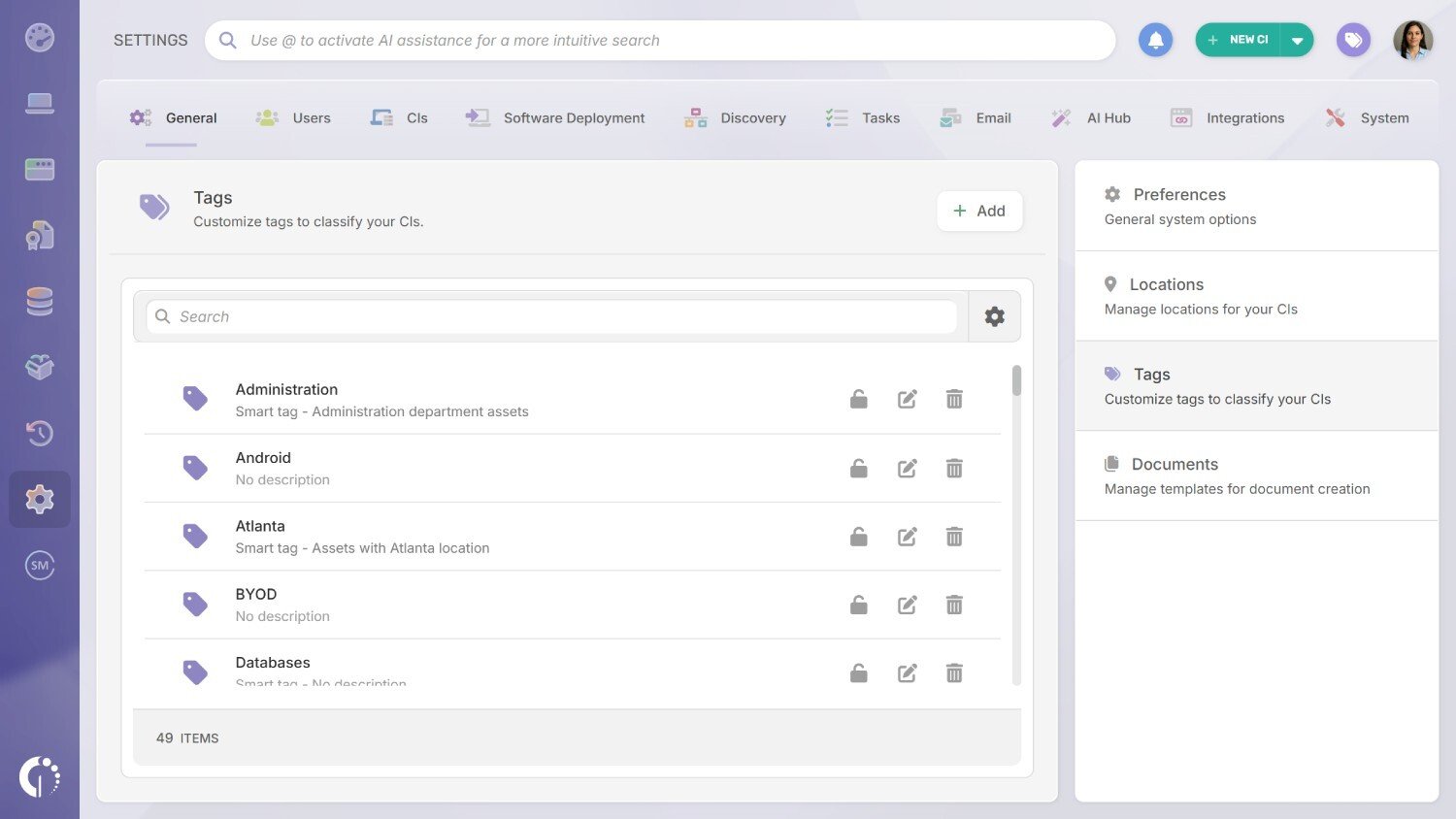
To get real value from your inventory, enrich each asset with meaningful context. Use Tags and InvGate Smart Tags to group and monitor assets dynamically, and complete all relevant attributes per asset type, such as ownership, location, category, or status. You can also create custom fields to capture any additional information that matters to your organization.
Your inventory is no longer just a list, but a segmented, dynamic dataset powered by Tags and Smart Tags. Assets are automatically grouped, ownership is defined, and key attributes are complete, enabling automation, filtering, and smarter operational decisions.
4. Map relationships in the CMDB
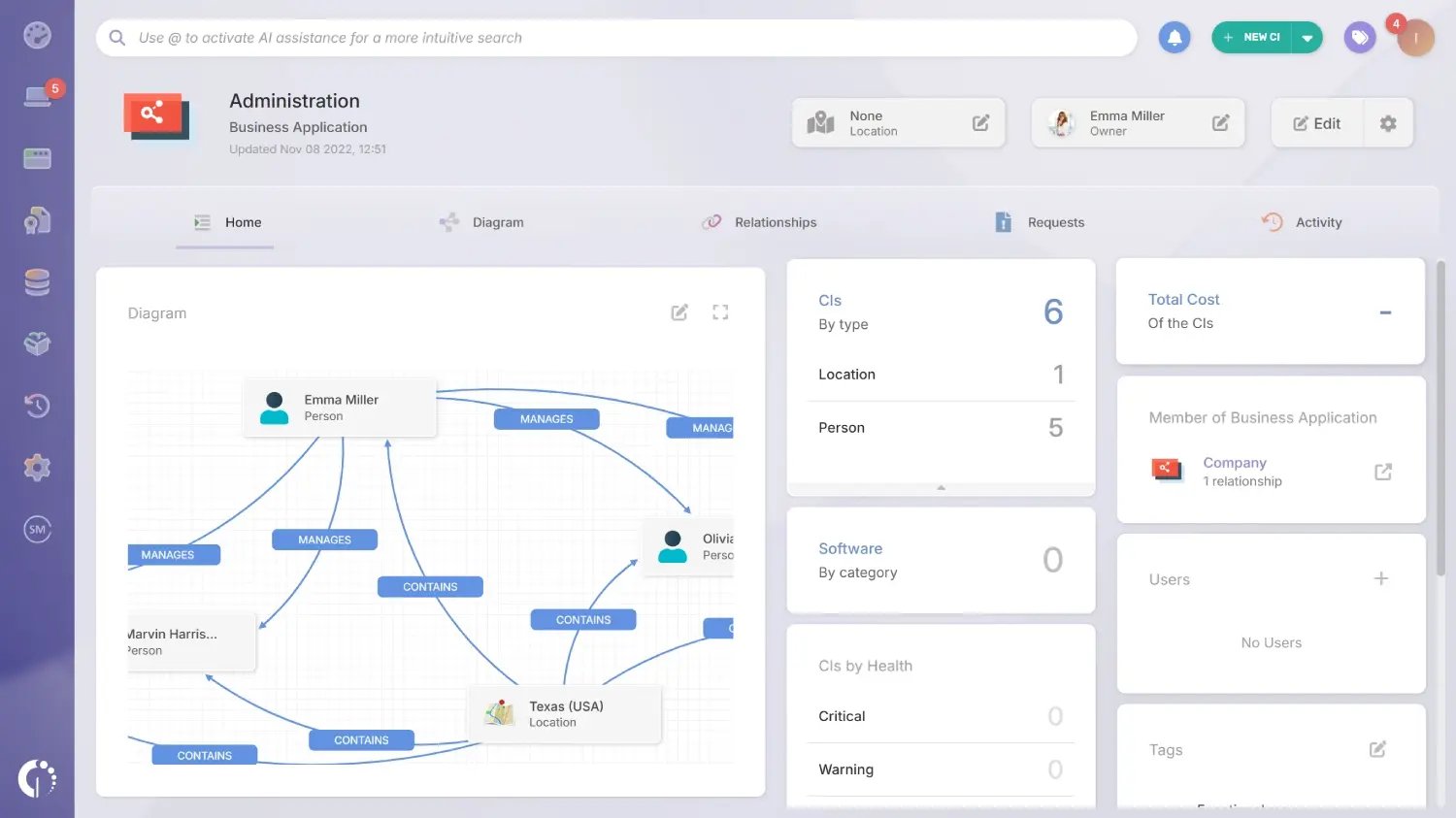 With enriched asset data in place, you can create Business Applications to map relationships between assets, users, and locations. These visual maps help show how services actually work and which configuration items are involved, making it easier to understand dependencies and anticipate the impact of changes or disruptions.
You gain a visual representation of how assets, users, and services connect through Business Applications. This makes dependencies explicit, helping you assess change impact, reduce risk, and support incident or problem management with contextual clarity.
5. Reporting, compliance, and audits
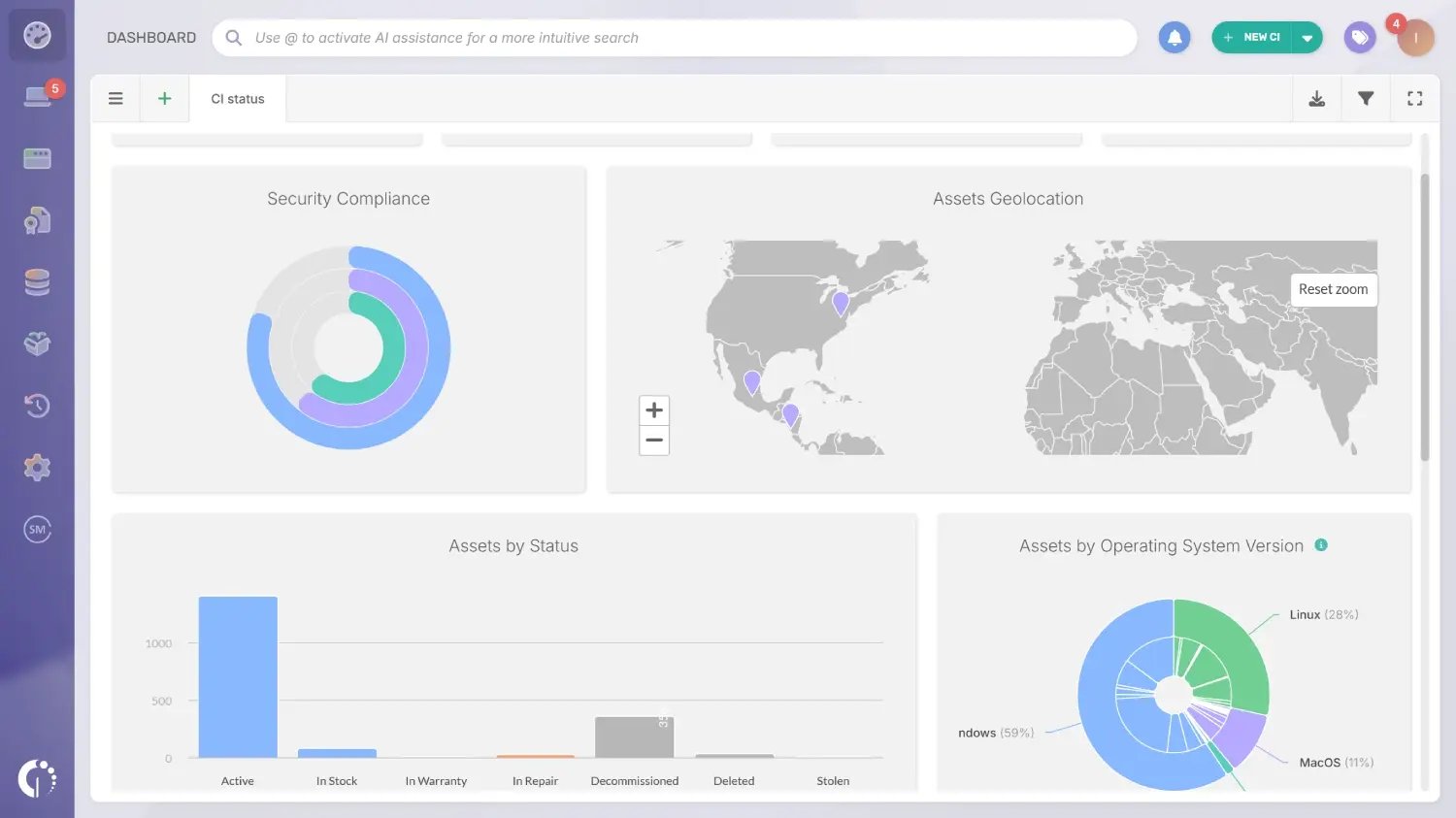 Finally, use reports, dashboards, and compliance-related features, including the Software Compliance module, to monitor asset status, identify exceptions, and support internal or external audits. This helps teams stay aligned with policies, reduce risk, and react faster when issues arise.
You have real-time dashboards and exportable reports that provide compliance visibility and operational metrics. The system allows you to generate audit-ready exports on demand, reducing preparation time and increasing confidence during internal or external reviews.
Common pitfalls to avoid
When building your ITAM strategy, watch out for common issues such as relying on manual inventories, letting data become outdated, having unclear asset ownership, or failing to define lifecycle rules early. Addressing these points upfront helps ensure your ITAM initiative remains accurate, scalable, and trusted across the organization.
Disclaimer: All product names, logos, and brands are property of their respective owners. All company, product, and service names used on this site are for identification purposes only. Use of these names, trademarks, and brands does not imply endorsement. Comparisons are based on publicly available information as of October, 2025 and are provided for informational purposes only.
ServiceNow is a registered trademark of ServiceNow, Inc. InvGate is not affiliated with, sponsored by, or endorsed by ServiceNow.
Frequently Asked Questions (FAQs)
What is IT Asset Management software used for?
IT Asset Management software is used to centralize the discovery, tracking, and lifecycle management of all IT assets (hardware, software, and cloud) across an organization. It helps reduce manual work, maintain audit-ready inventory, control software license compliance, and make better decisions about refresh cycles and costs.
What is the best IT Asset Management software in 2026?
The best IT Asset Management software depends on your environment, priorities, and scale. Rather than a single winner, use the evaluation checklist in this guide to identify which tool fits your discovery needs, lifecycle requirements, and existing workflows — then validate with a 2-4 week pilot before committing.
What is the difference between ITAM and ITSM software?
ITSM governs how IT delivers services — tickets, incidents, changes, and service catalogs. ITAM governs the technology assets that make those services possible: devices, software, licenses, and their full lifecycle. The two work best together: asset context improves incident resolution, and service context makes asset data more actionable.
How much does IT Asset Management software cost?
Pricing varies significantly by vendor and deployment model. Open-source options like Snipe-IT are free to self-host; SMB-focused tools typically start at $20–$100/month; enterprise platforms like ServiceNow and Flexera use custom pricing. When pricing isn't public, request a written quote listing modules, limits, and support tiers before shortlisting.
What features should I look for in IT Asset Management software?
The must-have features are automated discovery, asset normalization, centralized inventory, lifecycle management, compliance tracking, reporting, and integrations with your existing stack. See the full features checklist earlier in this guide for a complete breakdown and evaluation criteria.
In closing
If you’re evaluating ITAM software in 2026, the goal is to find the tool that keeps your inventory reliable and supports the workflows you’ll run every week, not the one with the longest feature list.
Start by building a shortlist from this comparison based on your environment (hybrid coverage, discovery needs, audit pressure, renewals). Then use the checklist to validate the fundamentals, including discovery coverage, inventory quality, lifecycle tracking, license visibility, reporting, and integration fit.
Finally, confirm your top one to two options with a simple 2 to 4 week pilot using real devices and real workflows. Move forward only if the data stays accurate with minimal manual work and the outputs are audit-ready.
If you want to see what this pilot looks like in a real ITAM workspace, start a free trial of InvGate Asset Management or talk to Sales.