













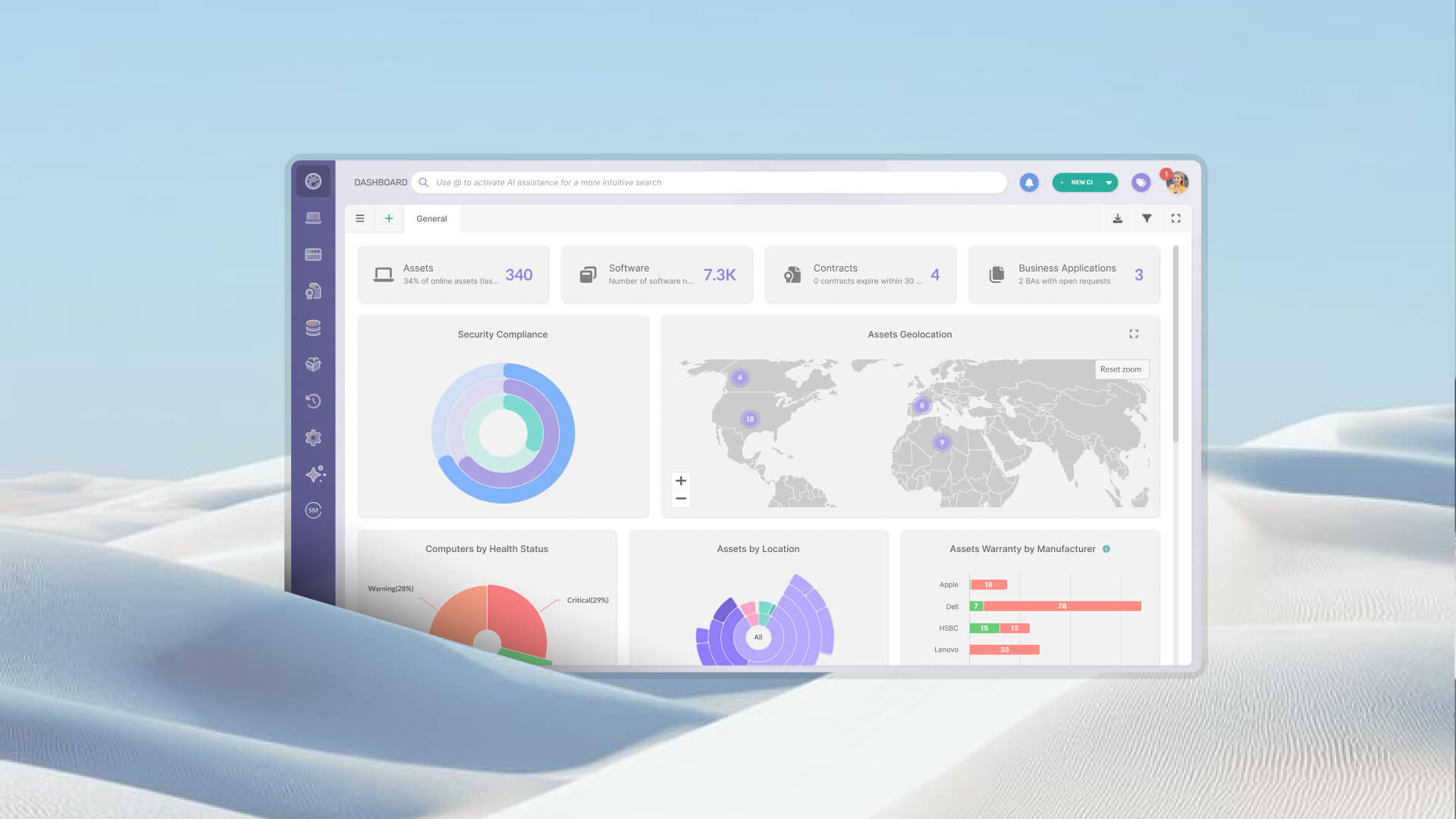

Most IT teams don't set out to build a fragmented procurement stack. It happens gradually: vendors get recorded as free-text fields inside asset records, contracts end up in shared folders or email threads, and spend data lives in a finance spreadsheet.
The result is that procurement traceability becomes nearly impossible. Warranty claims get missed. Finance can't generate reliable supplier spend reports. Contracts auto-renew for tools nobody uses anymore. To avoid these issues, organizations need to centralize IT vendors, contracts, and assets in a single platform.
InvGate Asset Management solves this by connecting all three elements in a single environment. Vendors, contracts, and assets are managed as interconnected entities, which means every procurement and financial relationship is traceable from a single source of truth.
When a vendor is stored as a free-text field inside an asset record, there's no structural entity to anchor data to. "Lenovo," "LENOVO," and "Lenovo Inc." become three different vendors in your database, each with its own incomplete history.
There's no way to navigate from an asset to the supplier that provided it, no way to pull all contracts associated with a given vendor, and no reliable basis for spend analysis. Contact information, tax IDs, and commercial terms scatter across emails and documents instead of living in one accessible place.
A contract that exists separately from the assets it covers is a contract that can't do its job. IT teams end up unable to answer basic operational questions: Does this device have active warranty coverage? Is the support agreement still valid? When does this software license expire?
Without that visibility, warranty claims get missed, support requests go to vendors without active agreements, and audits take days instead of minutes. Automating contract expiration reminders is one of the most immediate ways to reduce that exposure, but automation requires contracts to be modeled as structured data, not PDF attachments in a shared drive.
Auto-renewals that nobody catches are almost always a symptom of contracts living outside the systems that manage the assets they cover.
InvGate Asset Management is an IT Asset Management platform that goes beyond inventory tracking. It provides a unified environment where assets, vendors, and contracts coexist as interconnected entities; not isolated records in separate tools. That structural decision is what makes true centralization possible.
On the assets side, the platform allows IT teams to identify, manage, and visualize every technological and non-technological resource that holds value for the organization: from laptops and servers to printers, mobile devices, and beyond. Any resource with an operational or financial impact can be tracked across its full lifecycle, from procurement to retirement.
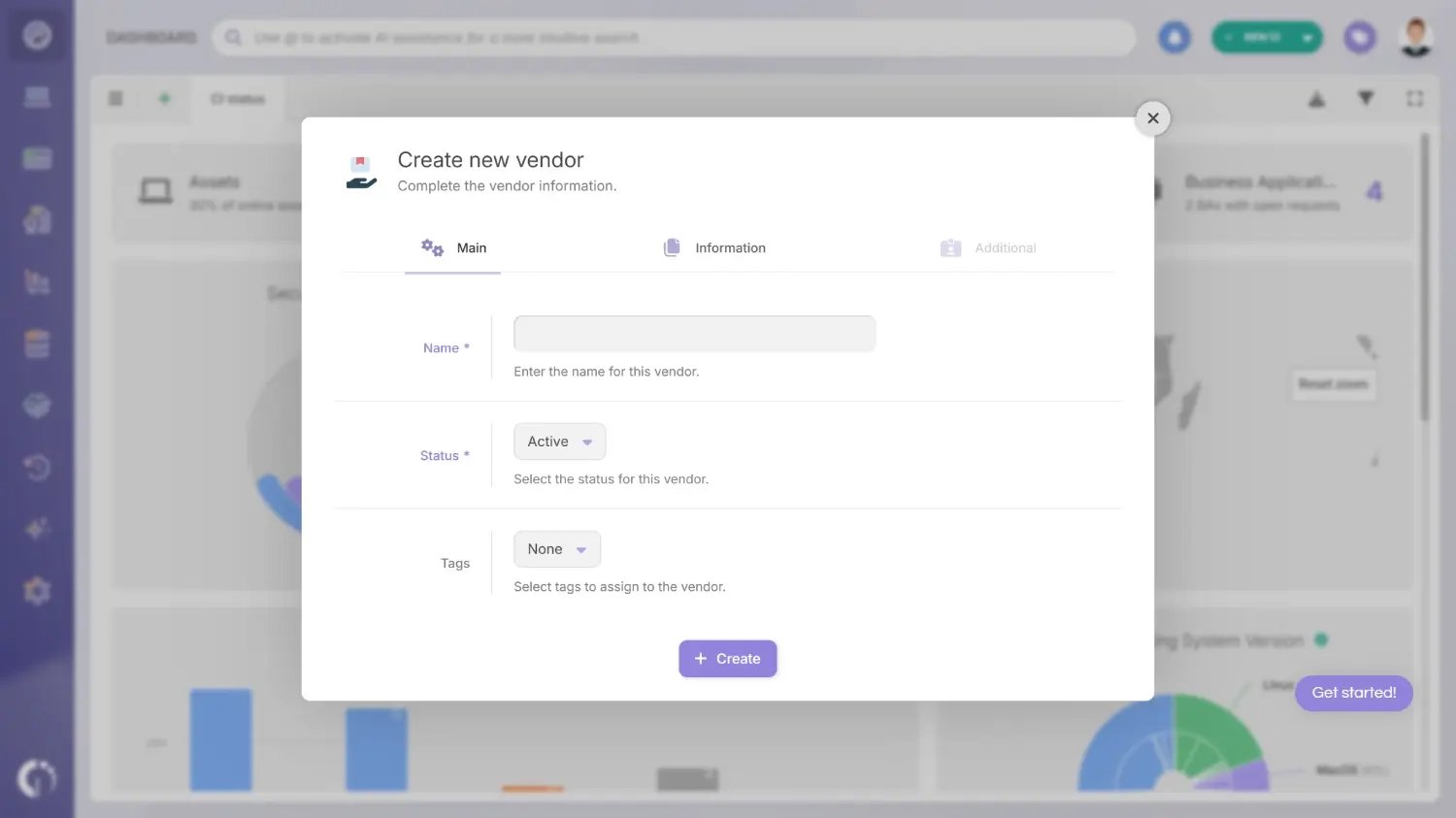
Vendors enter the picture through a dedicated Vendor Management module within Procurement. This is where InvGate Asset Management makes a meaningful architectural choice: a vendor is not a text field inside an asset record.
Instead, each vendor is a Configuration Item (CI) in its own right, with a full profile that includes legal name, tax ID, country, currency, industry classification, custom fields, and associated contacts. That means vendors are individually identifiable, configurable, and measurable, and you can navigate directly from any asset to the supplier that provided it.
A Configuration Item (CI) is any element that can be managed, tracked, and configured within the platform and that holds value for the organization and its operations. Assets, vendors, and contracts are all CIs; which means they share the same structural logic: they have profiles, relationships to other CIs, and can be acted upon across their lifecycle.
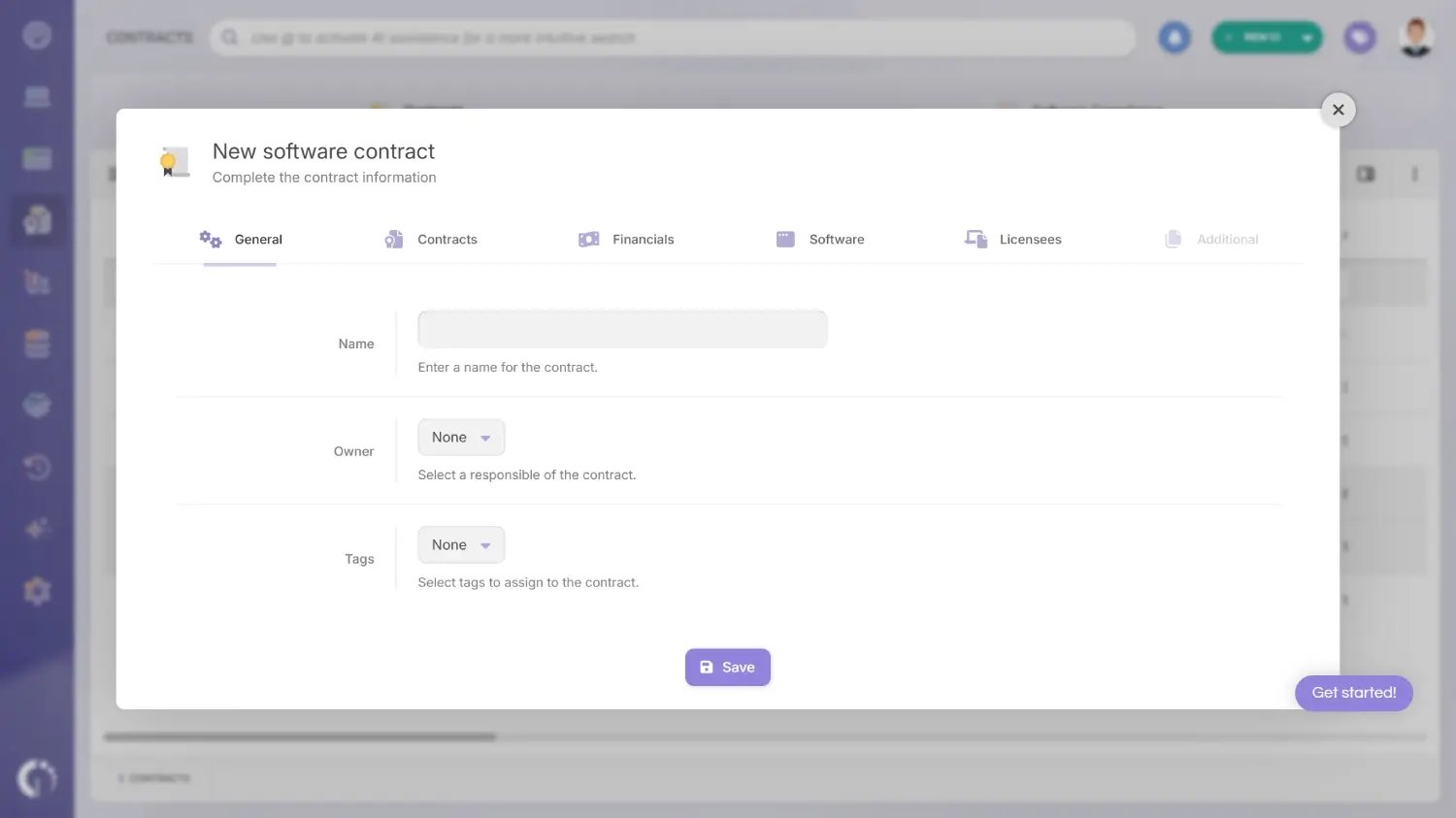
The same logic applies to contracts. InvGate Asset Management includes a dedicated Contracts module where both software contracts and asset contracts are managed as first-class CIs.
Software contracts cover license agreements for stand-alone applications, suites, operating systems, and SaaS (Software as a Service) products, and they sit at the center of Software License Management: each contract defines the total number of licenses acquired, the licensee type (named users, concurrent users, device installations, and others), and the assignment rules that determine how those licenses are distributed across users or devices.
Asset contracts, on the other hand, cover the services and agreements attached to physical hardware (lease, maintenance, rent, support, and warranty) and link directly to the assets they cover.
Both contract types connect to a vendor profile, which means a single vendor record can surface every active agreement, every covered asset, and the combined spend associated with that supplier over time. The result is a procurement and financial picture that doesn't require anyone to open a spreadsheet to make it visible.
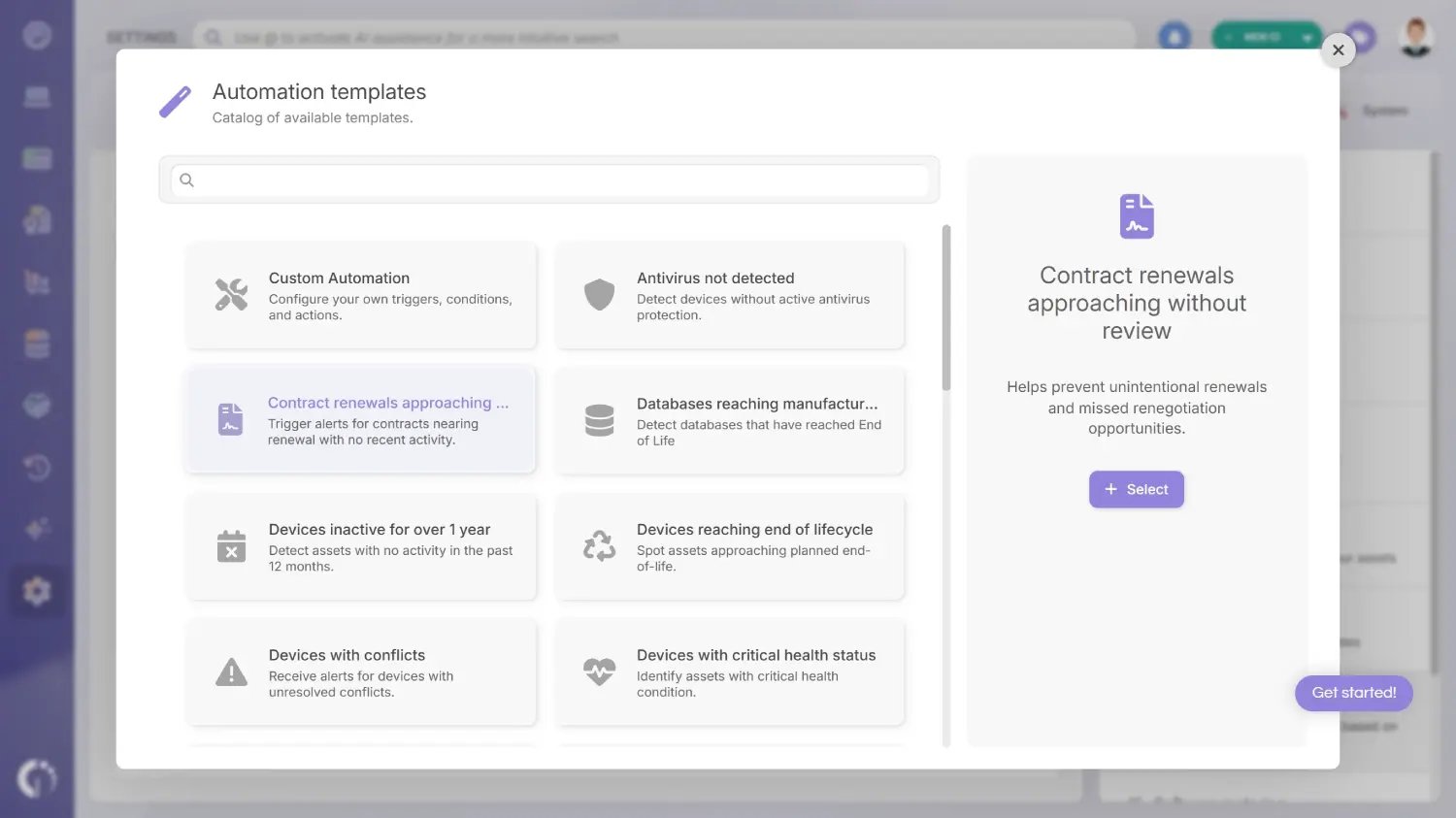
Connecting assets, contracts, and vendors in a single platform creates the data foundation. But that foundation only reaches its full value when it drives action automatically, without requiring someone to check a dashboard every morning.
InvGate Asset Management includes a native automation engine that applies directly to CIs (assets, contracts, and vendors) through configurable rules that combine events, conditions, and actions. The logic is consistent across CI types: something changes or reaches a threshold, a condition is evaluated, and the platform takes action.
Some examples of native automations include:
These are just a few examples of the automations available in the platform. You can also create custom automations tailored to your organization's specific goals and processes.
InvGate Asset Management Smart Tags extend this further. Rather than sending an alert, a Smart Tag automatically classifies a CI based on conditions that are continuously evaluated.
For the vendor-contract-asset context, relevant examples include tagging assets whose warranty has expired, flagging devices that haven't reported in 30 days, or marking assets acquired before a specific date for refresh review. Smart Tags make these conditions visible directly in the inventory, filterable and actionable, without generating notification noise.
The combination of native alert automations and Smart Tags means the connection between assets, contracts, and vendors doesn't just exist as a data model - it actively surfaces what needs attention, to the right people, at the right time. And because every rule is configured by the team rather than hardcoded by the vendor, the automation layer adapts to how each organization actually manages its procurement and asset lifecycle.
Try InvGate Asset Management free for 30 days and discover how to centralize IT vendors, contracts, and assets in a single platform. If you'd like a closer look at the platform, schedule a call with our team.
When the full model is in place, the relationships between assets, vendors, and contracts become navigable in both directions.
Starting from any asset, you can see the vendor that supplied it, the contracts currently covering it, and the accumulated spend associated with that supplier over the last 12 months. Starting from any vendor profile, you can see every asset sourced from that supplier, every active and historical contract, and the spending trend over time.
This bidirectional visibility changes how IT decisions get made. Refresh cycles can be planned against actual contract data. Risk assessments can be grounded in real supplier concentration numbers. Audit requests that used to take days can be answered from a single screen.
It also changes what happens when a vendor relationship ends. Deactivating a vendor in InvGate Asset Management prevents new assets or contracts from being associated with that supplier, but it preserves the complete historical record for audit, billing reconciliation, and reporting purposes. Offboarding a vendor doesn't mean losing the data that proves what was procured, when, and under what terms.
InvGate Asset Management is the right fit when the problem is specifically about centralizing supplier data, contract records, and asset information in a single ITAM environment. A few scenarios where it applies directly:
The IT team manages a significant number of vendors and the data is spread across multiple systems or spreadsheets. When vendor records live in five different places, spend analysis is unreliable and supplier risk is invisible. A single vendor module with structured profiles and linked assets changes that.
Finance needs visibility into spend by vendor but IT can't generate that report easily. The 12-month combined spend dashboard is available directly from the vendor profile, without any manual aggregation.
Contract renewals are missed or discovered too late. If auto-renewals on unused software or expired warranties are a recurring problem, automated expiration alerts built on structured contract data address the root cause.
Assets have no traceable connection to the vendor or contract that covers them. When a device needs support and nobody knows whether it's under warranty, the operational cost is immediate. Linking asset contracts to specific assets and to vendor profiles makes that information available in seconds.
This is not a general-purpose vendor portal or a procurement workflow tool. The focus is ITAM-specific: connecting supplier data, contracts, and assets so that IT, procurement, and finance can work from accurate, current information. For teams evaluating Contract Lifecycle Management (CLM) software options for IT teams, InvGate Asset Management's contract module fits naturally within that broader evaluation.
Yes. InvGate Asset Management supports both types. Software contracts cover license agreements for stand-alone applications, software suites, operating systems, and SaaS products, and they include license count tracking, licensee type configuration, and assignment rules. Asset contracts cover services tied to physical hardware: lease, maintenance, rent, support, and warranty. Both types connect to a vendor profile and to the assets or software they cover, which means all contract data is visible from the relevant vendor record and from the relevant asset record.
Vendors are modeled as Configuration Items with their own profiles, not as text fields inside asset records. Once a vendor CI exists, assets sourced from that supplier and contracts issued by that supplier can both be linked to the vendor profile directly. From the vendor record, you can navigate to all associated assets and contracts. From any asset or contract, you can navigate back to the vendor. This bidirectional relationship is what makes the spend dashboard and procurement reporting reliable.
Deactivating a vendor prevents new assets or contracts from being associated with that supplier going forward. The historical record is preserved: all previously linked assets, contracts, and spend data remain accessible for audit, billing reconciliation, and reporting. Offboarding a vendor relationship doesn't erase the procurement history tied to it.
From any vendor profile, the spend dashboard displays a combined 12-month view of asset acquisition costs and contract costs associated with that supplier. Vendor name normalization ensures the spend figures are accurate and not fragmented by inconsistent data entry.

