















Over the last few years, we've helped hundreds of organizations build and organize their IT inventories, and design automations that make daily tasks easier. That level of maturity is essential, but sometimes it's still not enough.
The real shift happens when Asset Management evolves from reactive to proactive, and from information to decision-making. That's where an intelligence-driven system makes the difference: it turns data into proactive decisions that deliver tangible results.
With this in mind, we developed a new feature for InvGate Asset Management: Smart Recommendations. Instead of only alerting IT teams about what's happening in their environment, it also provides clear, relevant recommendations on what to do next.
Let's take a look at how it works.
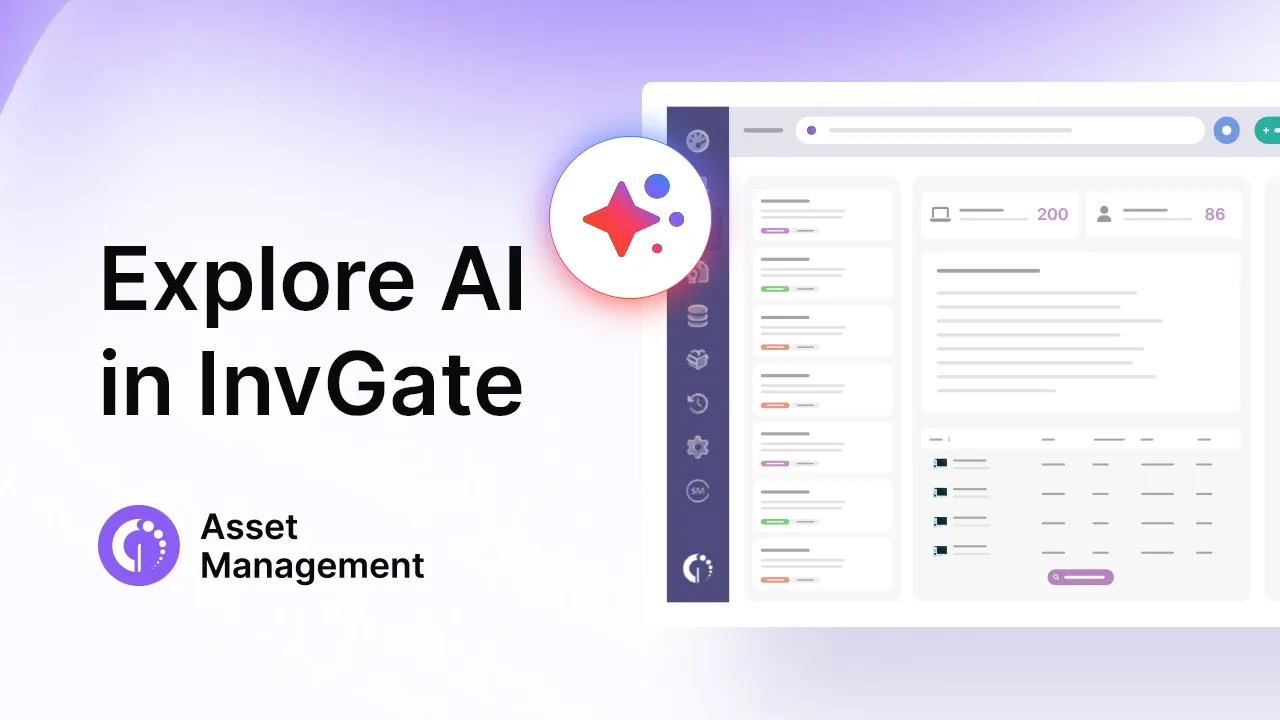
Smart Recommendations analyzes asset data across multiple dimensions, including inventory status, contracts, compliance, cost, and risk. Based on these signals, it generates actionable recommendations and prioritizes them by urgency and impact. It also provides a one-click path to action.
The feature provides three main types of recommendations:
The best part is that teams don't have to build this intelligence layer themselves — the system does it for them.
Smart Recommendations surfaces the insight, but until now, acting on it meant a separate trip: leaving the Intelligence Center, rebuilding the same conditions from memory in Automations, testing, and activating. Context usually got lost along the way.
Every recommendation now includes a "Set up automation" option that closes that gap. The recommendation's own context - asset type, threshold, trigger - pre-fills the automation's conditions. You only need to add the action - a notification, a status change, a ticket, a reassignment - and save. The automation joins your standard Automations library like any other, and is currently available for a subset of recommendation types.
A few examples of what this looks like in practice:
This is the remediation layer that turns Smart Recommendations from a dashboard into a workflow tool: instead of only telling you what's happening, it also takes care of what happens next.
Smart Recommendations helps organizations take the next step in their Asset Management maturity journey, moving beyond visibility into what can be considered a true intelligence-driven system.
First, it reduces arbitrary decision-making by grounding actions in real data. Second, it cuts down the time teams spend on manual work such as analyzing information and creating reports. And finally, it helps prioritize what truly matters: enabling IT teams to make better decisions, faster, with measurable impact on cost control, security, and compliance, both internally and externally.
One of the most valuable applications of Smart Recommendations is helping organizations define a smarter hardware refresh strategy. Refresh decisions are rarely simple, since they involve IT, Finance, Security, and Compliance. As a result, teams tend to renew what's most visible or easiest to manage, rather than what's truly most urgent.
Smart Recommendations changes that by identifying devices approaching end-of-life and combining critical context such as risk profile, patch and compliance status, depreciation, contracts, and potential business impact. It surfaces a prioritized refresh list that explains what needs to be replaced first, why it matters, and what the consequences of delaying could be.
This is intelligence you can act on: refresh order, cost justification, and risk exposure presented in clear terms. That gives Finance stronger budget justification, helps IT plan execution based on impact, and provides leadership with a refresh timeline grounded in real numbers. And because that same recommendation can now trigger an automation, the watch doesn't end after the first refresh cycle - the same condition keeps being monitored, so the next device to approach end-of-life gets flagged automatically too.
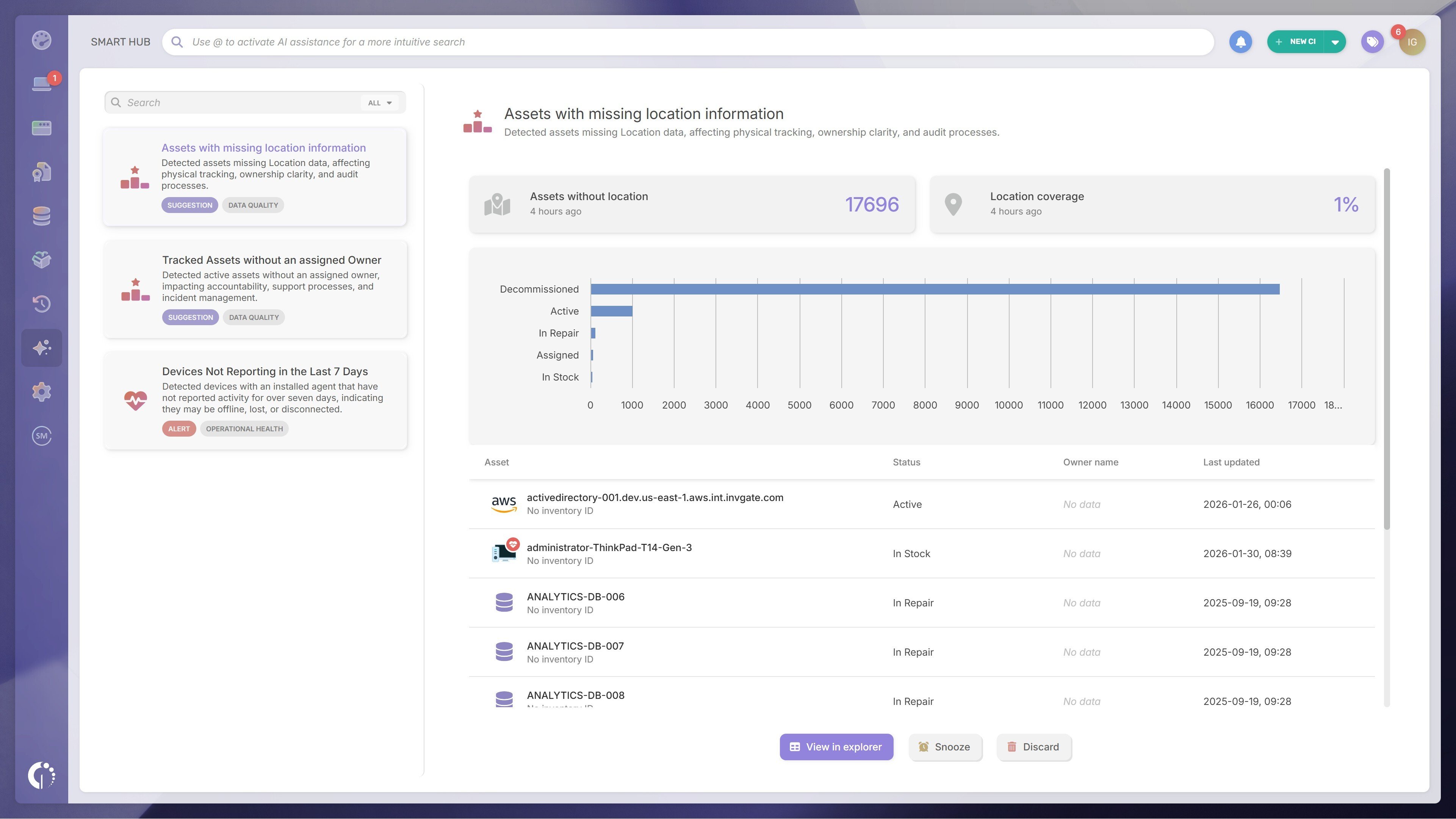
Smart Recommendations focuses on single-domain recommendations. This means the system surfaces clear, independent insights across specific areas such as hardware age, battery health, license unassignment, or missing ownership data.
This feature currently includes around 20 recommendations covering hardware assets including computers, laptops, servers, switches, routers, and databases - with specific recommendations for Dell and Lenovo devices.
No setup is required. Whether a recommendation appears depends on what's actually in your instance and your individual permissions. If all assets already have antivirus active, that recommendation simply won't show up. If you don't have deployment permissions, you won't see those recommendations either. The system adapts to your environment automatically.
You'll find these recommendations in the Intelligence Center, a dedicated module in the product's left-hand menu.
A subset of these recommendations also let you configure the automation directly from the card, without leaving the Intelligence Center - closing the loop between seeing an issue and making sure it doesn't happen again.
If this piqued your interest, you can explore Smart Recommendations and all InvGate Asset Management's capabilities in the 30-day free trial - no credit card needed. Or if you'd rather see how it applies to your specific environment, you can book a call with our team and we'll walk you through it.


