













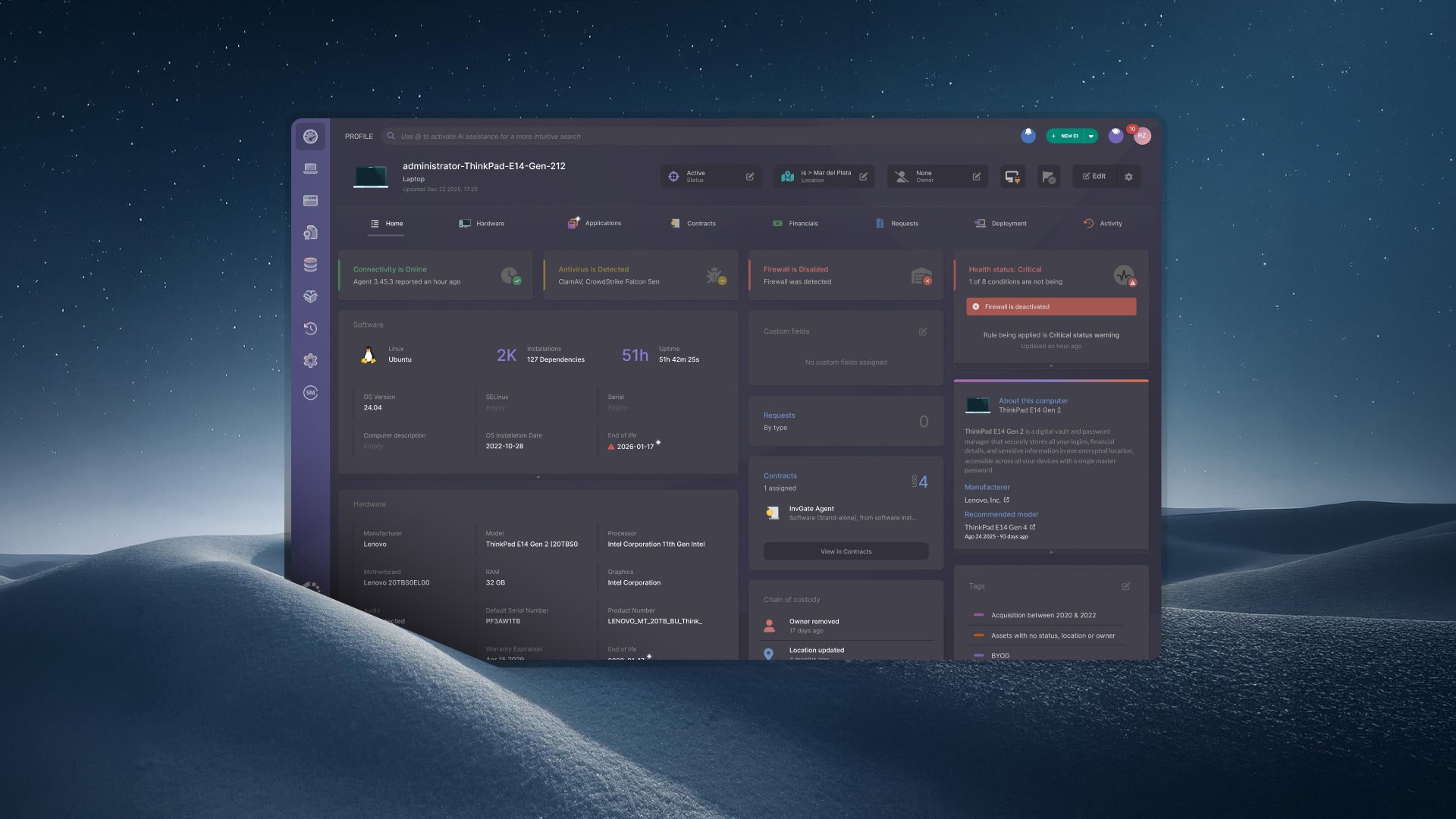

Atlas is the first AI agent built exclusively for Asset Management. It lives inside InvGate Asset Management and completes the asset data your organization runs on and nobody has time to fill in, working in the background across your inventory without anyone having to ask for it.
In this version, Atlas will complete owner, location and financial data, and present it on a dedicated Data Completeness screen. It will also recommend connections to the other Configuration Items (CIs) living in your environment. Some of these capabilities are available today, and the rest roll out over the coming months.
We introduced these capabilities at ENVISION'26, our global user conference. Explore everything else we announced!
 Most Asset Management Databases (AMDB) fill themselves halfway. Hardware specifications, software versions, IP addresses: an agent or a discovery scan reports all of it on its own. The other half, the context that makes a record worth querying, waits for a person to remember to type it.
Atlas takes on that second half. It runs across your AMDB with no chat window and no prompt to write. It reads what your environment already reports, completes what it can establish from that, and shows the evidence behind each value so a person can check it.
Until now, Atlas worked from catalog data, which is identical for every company running the same hardware. Inference changes that. The agent reads the signals your own environment produces, so two organizations with the same equipment get different answers, because their people, their networks and their purchasing differ.
The capabilities in this section are in design and are expected to arrive later this year. What eventually ships may differ from what is described here.
Every one of these needs its signal to exist in your environment:
Where a source is missing, Atlas reports it as missing, and the fix is connecting that source.
The Data Completeness screen answers three questions: how complete your asset data is, what got completed without anyone typing, and which values are waiting for a human to confirm.
The useful part is the trend more than the number. A coverage figure that moves over a quarter, with the source behind the movement visible, turns "our data is a mess" into something you can plan against. When a category stalls, the screen points at the source to connect.
Building a Business Application diagram used to require knowing the answer before you started. You had to already know which CIs belonged in the map, then search for each one and connect it by hand. The first diagram cost enough effort that many teams never built a second one.
Atlas changes the starting point. It surfaces the connections your instance has already recorded, with the origin of each one visible before you accept it.
Every recommendation traces back to evidence already in your instance:
Nothing is generated from scratch for the diagram.
Selecting a CI brings up the items connected to it. Each recommendation carries three actions: Information tells you the source and how old that evidence is, Suggestions expands that CI's own connections without adding it, and Add brings it into the map.
Recommendations are accepted or discarded one at a time, with undo and redo acting per action. The one bulk action is Relate all, which applies inside a group of same-type CIs. You can also start from a CI profile, which opens a diagram already centered on that item with its known connections placed for you to review.
Atlas is arriving in stages. Here is where each capability sits right now, so you know what is already running in your instance and what is still on the way.
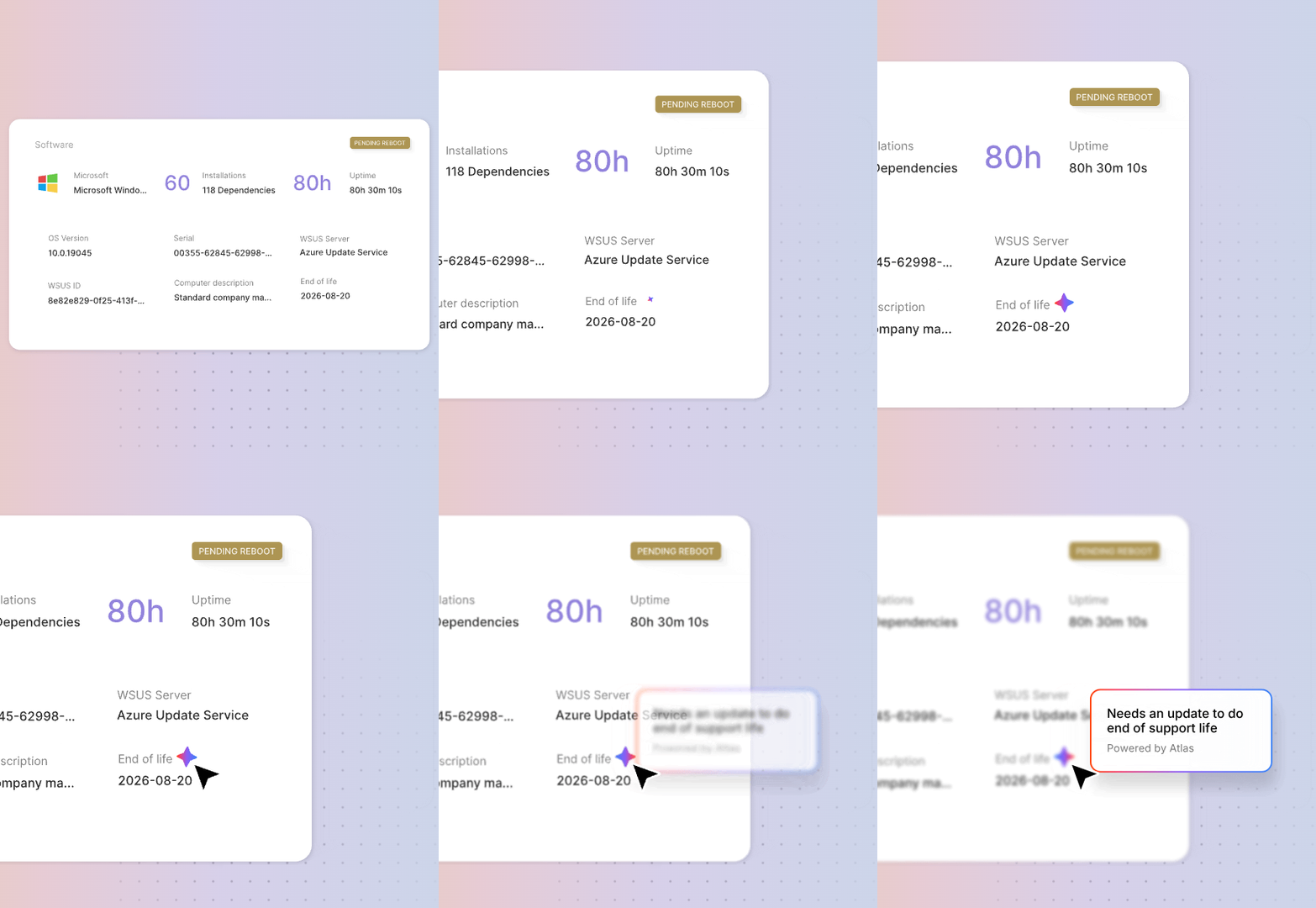 Atlas already completes lifecycle data and context across your inventory, and the knowledge base article on hardware end-of-support dates walks through where each field lands:
Several extensions sit behind the capabilities above, with no dates attached yet:
Atlas AI Agent fills the lifecycle and context gaps in your inventory without anyone looking anything up. What comes next extends the same idea to ownership, location, cost and dependencies, the fields that have always waited on someone remembering.
We will keep this article updated as each capability reaches your instance.
Want to see what Atlas AI Agent finds in your own inventory? Start a 30-day free trial of InvGate Asset Management, no credit card needed, or schedule a call with our Sales team to talk through your environment.
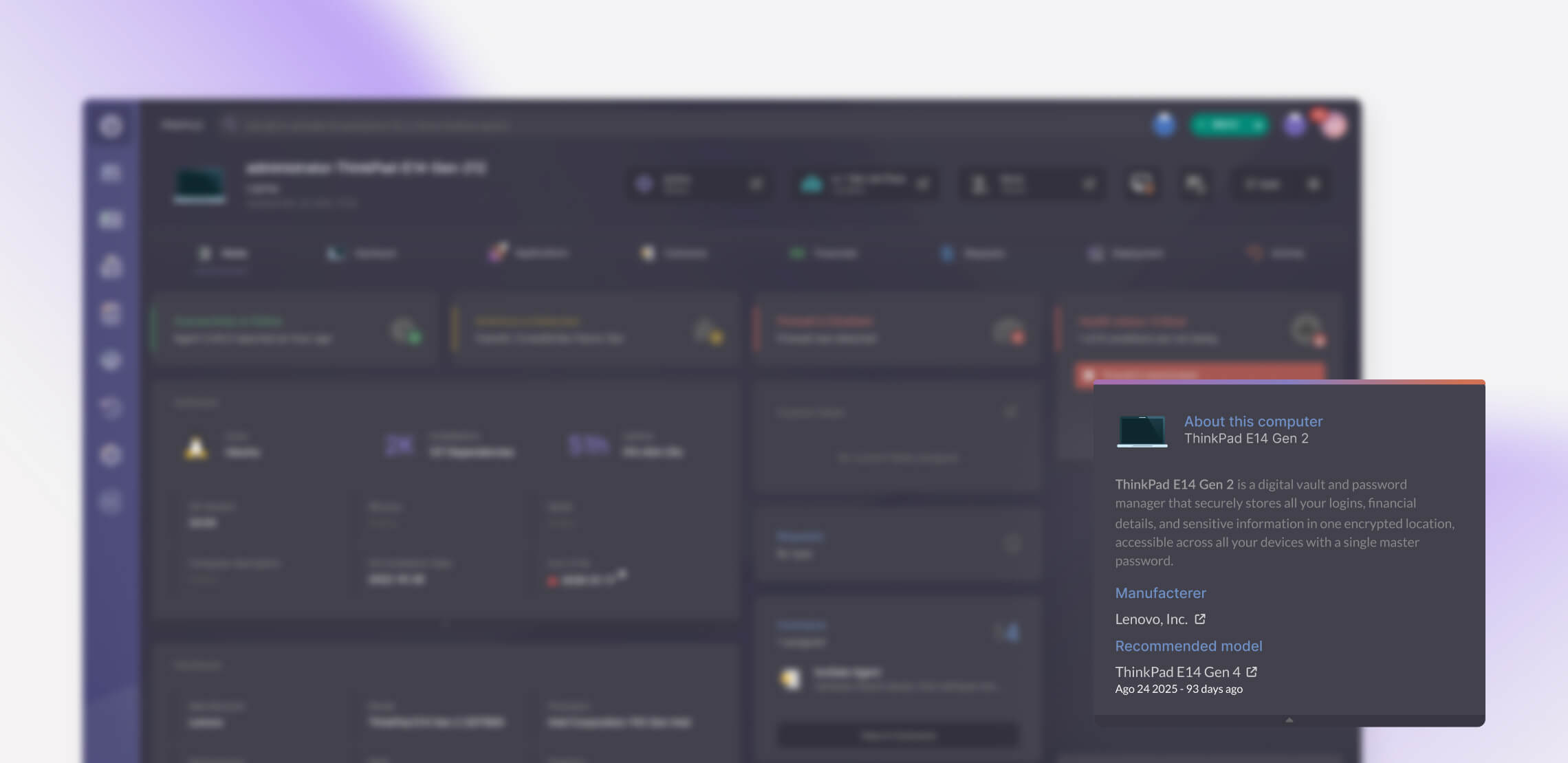
End-of-life and end-of-support dates for computers, switches, routers, printers and databases, plus an "About this" description on every CI profile. Both are available on cloud instances.
Those capabilities are in design and do not have a release date. We are describing the direction here so you know where Atlas AI Agent is heading, and this article will be updated when there is something concrete to announce.
It works only from connections your instance already recorded, and it never invents one to fill a diagram. It shows you what is related to the CI you select, names the source and the age of each recommendation, and you accept or discard them one at a time.
The lifecycle and description capabilities available today work from what your inventory already reports. Inference depends on the relevant signal existing: login activity for owner, a mapping from network ranges to locations for location, and purchase orders for acquisition data. Where a source is absent, Atlas AI Agent reports the gap.


