














InvGate Asset Management and Lansweeper are two tools IT teams use to build and keep an inventory of their technology assets. InvGate Asset Management is IT Asset Management (ITAM) software that manages each asset from purchase to retirement, and Lansweeper is a discovery platform for IT, operational technology (OT), cloud and Internet of Things (IoT) assets. Teams compare InvGate Asset Management vs Lansweeper when they need to decide which tool will hold their asset data.
This comparison puts both tools side by side on discovery, asset lifecycle, deployment, AI features and pricing, with every fact taken from the vendors' own pages. If you have already decided to move away from Lansweeper, our list of Lansweeper alternatives gives you a wider view of the market.
The table below sums up how both tools compare on the criteria IT teams weigh most. InvGate develops InvGate Asset Management, so every Lansweeper detail in this article comes from Lansweeper's own documentation and pricing page, checked in October 2026.
In short, Lansweeper is built around finding and validating every device, and its lifecycle data centers on vendor support dates. InvGate Asset Management covers discovery too and adds what IT needs to run each asset day to day: who has it, where it is, what it costs and when its contracts and warranties expire.

InvGate Asset Management is an ITAM software that offers an enterprise experience without the complexity or the price that usually comes with one. Teams choose it for its ease of use: an intuitive interface, a no-code approach to configuration and a deployment measured in days.
It keeps a single inventory of hardware, software, cloud and non-IT assets and connects each one to its lifecycle, finances, health status and automations. InvGate Asset Management works on its own or with a service desk, and it was named a Representative Vendor in the 2026 Gartner Market Guide for Hardware Asset Management Tools.
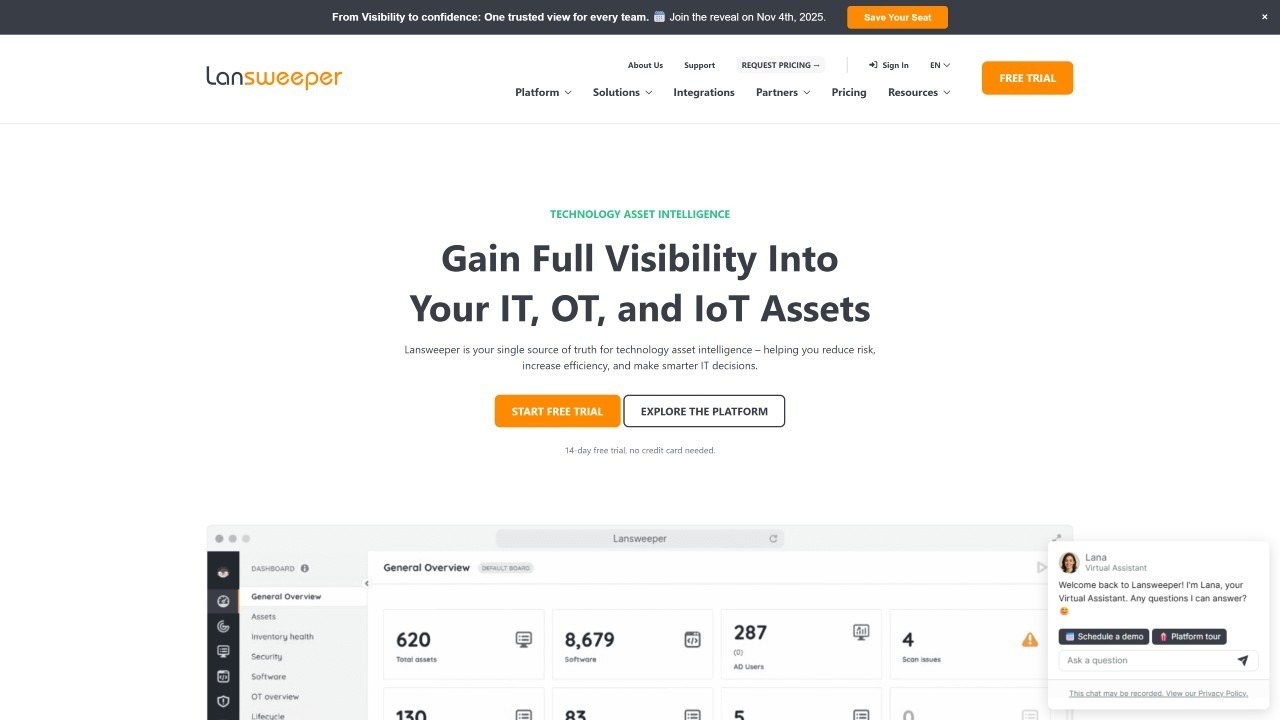 Lansweeper describes itself as a "Cyber Asset Intelligence Platform" that keeps a validated, up-to-date view of IT, OT, cloud and IoT assets, according to its documentation. The platform discovers devices, installed software and user relationships automatically and centralizes that data in one place.
Lansweeper comes in two forms: Lansweeper Platform, its cloud-first product, and Lansweeper Classic, the on-premises installation. A free plan covers up to 100 assets, and paid plans start at 2,000 assets.
Lansweeper documents three discovery methods: Network Discovery for devices on the network, the IT Agent for laptops and remote devices, and Cloud Discovery for Azure, AWS and Google Cloud. Its plans also list OT discovery and connectors that import data from tools such as SCCM and Intune, so Lansweeper fits teams whose first priority is finding everything that connects to the network.
InvGate Asset Management combines the four methods most IT teams need: the Agent on Windows, Mac and Linux computers, network discovery for switches, printers and routers, integrations with Intune, Jamf, AWS and Azure, and manual entry or CSV import for everything else. Stockroom items with no network connection go into the same inventory through CSV import, so InvGate Asset Management fits teams that want discovery to feed a complete record of every asset.
[ASSET: video | Creating Dashboards for Complete IT Asset Lifecycle Visibility | https://youtu.be/30UL3gyp9zk]
In Lansweeper, lifecycle information covers End of Sale, End of Support and a milestone date for hardware models and operating systems, shown under Risk insights, as its lifecycle documentation describes. Lansweeper also collects warranty status for physical devices, which helps IT and security teams spot unsupported equipment.
InvGate Asset Management keeps the full record of each asset: owner, location, a log of every assignment and status change, linked contracts, warranty dates (filled in automatically for Dell, Lenovo and IBM devices), acquisition cost and depreciation. Atlas AI Agent adds End of Life (EOL) and End of Support (EOS) data from official external references, and automations alert the team before a warranty or contract expires.
Lansweeper Platform runs in the cloud, with each site hosted either in the United States (U.S. East, Ohio) or in Europe, and an existing site cannot move between regions, according to its data residency documentation. Teams that need to keep data on their own servers can use Lansweeper Classic, which runs on Windows servers with Microsoft SQL Server and can be linked to the cloud platform.
InvGate Asset Management can be deployed on global cloud, local cloud, on-premises, hybrid or air-gapped environments, which gives regulated teams a choice over where their asset data lives. Its security program includes ISO 27001:2022, SOC 2 Type II and ISO 9001 certifications and General Data Protection Regulation (GDPR) compliance.
InvGate Asset Management includes Atlas AI Agent, which adds EOL, EOS and descriptions to assets, Smart Recommendations, which flags issues such as missing acquisition data, and AI Smart Search, which finds assets from plain-language questions. Its MCP server gives assistants such as Claude, Microsoft Copilot, Codex and Gemini read-only access to inventory data.
Lansweeper offers Lens Chat, an in-product assistant that answers questions about assets, software, vulnerabilities and users, and an MCP server that connects asset data to external assistants. Both are in beta according to its AI documentation, and the MCP connection is read-only.
Both vendors publish their prices, and they count differently: Lansweeper prices by asset, and InvGate Asset Management prices by IP device, with two non-IP devices included for each one. The table shows list prices in US dollars as published in October 2026.
Since each vendor counts differently, the clearest comparison comes from pricing both with your own numbers. The InvGate Asset Management pricing page lists the cost per IP device, and Lansweeper's pricing page lists the assets included in each plan.
Teams that want to keep Lansweeper as their discovery source can connect it to InvGate Service Management, InvGate's service desk, through a native integration. Lansweeper assets sync into the service desk, where agents link them to requests, see their details in request fields and use them in reports and dashboards, as our guide to the Lansweeper integration shows.
The integration requires Lansweeper Cloud, and the asset data stays managed in Lansweeper. Teams that also want lifecycle, contract and cost data next to each request can pair InvGate Service Management with InvGate Asset Management, which integrates natively with it as well.
Connect our solutions with the apps you use every day.
Explore InvGate's integrations
Both tools build an accurate inventory, so the choice depends on what your team needs to do with it. These two scenarios sum up where each one fits best.
The InvGate Asset Management vs Lansweeper decision comes down to how far past discovery your team needs to go. To see how InvGate Asset Management handles your own inventory, start a free trial or talk to Sales.
These are the questions that come up most when IT teams compare both tools. Each answer draws on the vendor sources cited above.
Lansweeper offers a 14-day full trial, after which teams can keep using it for free for up to 100 assets. Paid plans start at $299 per month, billed annually, for 2,000 assets.
Lansweeper's documentation defines it as a Cyber Asset Intelligence Platform that discovers and centralizes IT, OT, cloud and IoT assets. Its lifecycle data centers on End of Sale, End of Support and milestone dates for hardware and operating systems.
Yes. InvGate Asset Management discovers assets with the Agent, network discovery and integrations such as Intune, Jamf, AWS and Azure, and adds CSV import for everything else. Each asset then carries its owner, location, contracts, warranty, depreciation and change history.
Yes. Lansweeper integrates natively with InvGate Service Management, InvGate's service desk, so agents can link Lansweeper assets to requests and use them in reports and dashboards. The integration requires Lansweeper Cloud.
Disclaimer: All product names, logos, and brands are property of their respective owners. All company, product, and service names used on this site are for identification purposes only. Use of these names, trademarks, and brands does not imply endorsement. Comparisons are based on publicly available information as of October 2026 and are provided for informational purposes only.


