Choosing Hardware Asset Management software (or just HAM software) isn't easy. With dozens of tools on the market, limited time to evaluate vendors, and tight budgets, it's easy to end up with a shortlist that looks good on paper but doesn't match your workflows or your hardware lifecycle reality.
This guide compares 10 Hardware Asset Management tools focused on IT Hardware Asset Management, and each tool card covers what the product does, who it fits best, its main features, pros and cons, its Gartner Peer Insights score, and its pricing, all verified in September 2026. InvGate publishes this comparison and is also a vendor in this category, so the Methodology section at the end explains the sources behind every claim.
Quick takeaways
- If you're buying Hardware Asset Management software to replace spreadsheets, prioritize automated discovery plus a clean asset inventory model (that's what makes audits and reporting reliable).
- If your environment includes remote endpoints, confirm how the tool handles off-network devices, check-ins, and last-seen data.
- If refresh cycles are painful, validate lifecycle workflows (procure -> deploy -> maintain -> retire) and warranty/contract visibility early.
- If multiple teams touch assets (IT, Finance, Facilities), check role-based access and approval workflows to avoid "shadow inventories."
- If pricing isn't public, shortlist 3 or 4 Hardware Asset Management tools and request a written quote that lists modules, limits, and support tiers.
- Use the checklist after the tool cards to build a shortlist, then pilot the top 1 or 2 options for 2 to 4 weeks with real devices and real processes.
- Treat the comparison table as a starting point; decide based on your workflows, data sources, and reporting needs.
10 Hardware Asset Management software tools
Hardware Asset Management software (or just HAM software) covers the tools organizations use to track, manage, and optimize their physical IT assets throughout their lifecycle. These tools help reduce costs, enhance security, and ensure compliance with corporate policies and industry regulations.
Some of the options below are dedicated hardware trackers, while others are full IT Asset Management (ITAM) platforms that also cover software and cloud assets. Every data point was checked against official vendor pages and review platforms in September 2026, and the list follows no particular order of quality. This is our HAM software selection:
- InvGate Asset Management.
- Freshservice®.
- Flexera One® IT Asset Management.
- Lansweeper®.
- AssetTiger®.
- Snipe-IT®.
- ManageEngine AssetExplorer®.
- ServiceNow® IT Asset Management.
- EZO AssetSonar®.
- Ivanti Neurons for IT Asset Management®.
Feature comparison matrix (core features x tools)
Pricing comparison table
Tool-by-tool overview
In the following sections, each Hardware Asset Management software tool is reviewed individually, with the same seven parts for every solution: overview, best fit, features, pros, cons, ratings, and pricing. All information reflects what vendors and review platforms published as of September 2026.
#1: InvGate Asset Management
InvGate Asset Management is a no-code IT Asset Management software with all the features needed for Hardware Asset Management. It runs in the cloud or on-premises with the same features in both, and it also tracks non-IT assets for organizations that need to extend asset control to other areas of the business.
InvGate was named a Representative Vendor in the 2026 Gartner Market Guide for Hardware Asset Management Tools, the second consecutive year it appears in the report, as covered in our announcement of the Gartner recognition. The platform connects natively with InvGate Service Management and with other IT Service Management (ITSM) platforms, and its customizable dashboards and reports turn inventory data into evidence for audits and financial planning.
Best for
Organizations that want structured Hardware Asset Management with strong lifecycle control, clean inventory modeling, and transparent pricing, without adding unnecessary implementation complexity.
InvGate Asset Management features
These are the InvGate Asset Management features most relevant to Hardware Asset Management:
- Automated IT asset discovery: Combines agent-based and agentless IT asset discovery, including network scanning and integrations with tools such as Microsoft Intune, Jamf, AWS, and Azure, to populate the inventory and keep it updated.
- Complete asset inventory with QR codes: Creates a complete inventory of assets covering hardware, software, cloud services, and non-IT assets, and QR codes for Asset Management identify physical assets that other methods can't discover.
- Asset Lifecycle Management: Records acquisition cost, asset depreciation, warranty expiration, end-of-life (EOL) date, location, and owner, with custom lifecycle stages per asset type from hardware procurement to disposal.
- Warranty tracking: Warranty APIs fill in acquisition date and warranty expiration automatically for Dell, Lenovo, and IBM devices with a serial number, and the native "Upcoming warranty expiration" automation sends reminders before coverage ends.
- Hardware health monitoring: Health Rules classify each agent-monitored device as Safe, Warning, or Critical based on conditions such as expired warranty, low disk space, battery health, or pending OS updates, supporting automated asset tracking beyond the inventory record.
InvGate Asset Management pros
What reviewers and our own research highlight most:
- Ease of use: Reviewers on all three platforms point to an intuitive interface and a short learning curve for new users.
- Several discovery methods in one platform: Agent, network discovery, integrations, and CSV imports feed the same inventory.
- No-code configuration: Custom fields, automations, and dashboards are set up without scripting.
- Public pricing: Plans are priced per IP device, and each IP device includes two non-IP devices.
- Deployment choice: Cloud and on-premises deployments share the same features.
InvGate Asset Management cons
Where reviewers and our own research see trade-offs:
- Report customization: Some reviewers want more flexibility to tailor reports to their organization.
- Agent-dependent data: Health Rules and detailed hardware data need the agent installed on each device, and a few reviewers mention uneven agent performance in specific regions.
- Plan-gated capabilities: Features such as Authorization policies and physical audits are available only on Professional and Enterprise.
- Remote access through integrations: Remote desktop works through connected third-party tools.
InvGate Asset Management ratings and sources
As of September 2026, InvGate Asset Management maintains the following ratings across software review platforms:
InvGate Asset Management pricing
InvGate Asset Management pricing is based on IP devices: network-connected assets like computers, servers, and network equipment. Each IP device includes two non-IP devices (monitors, headsets, and similar assets without a network address).
- Starter: A fixed package of 500 IP devices at $1,499/year. No add-ons or customization available. Organizations exceeding 500 IP devices are automatically moved to Professional.
- Professional: Starts at $2,500/year (500 IP devices included), scaling up to 5,000 IP devices in expansion packs of 250 devices at $1,250 each. Organizations exceeding 5,000 IP devices are automatically moved to Enterprise.
- Enterprise: Custom pricing from $12,000/year for organizations that need higher volume, on-premise hosting, data residency, or dedicated infrastructure.
Not sure which plan is right for you? Start a free 30-day trial with no credit card required, or talk to Sales to learn how the platform fits your hardware estate.
#2: Freshservice
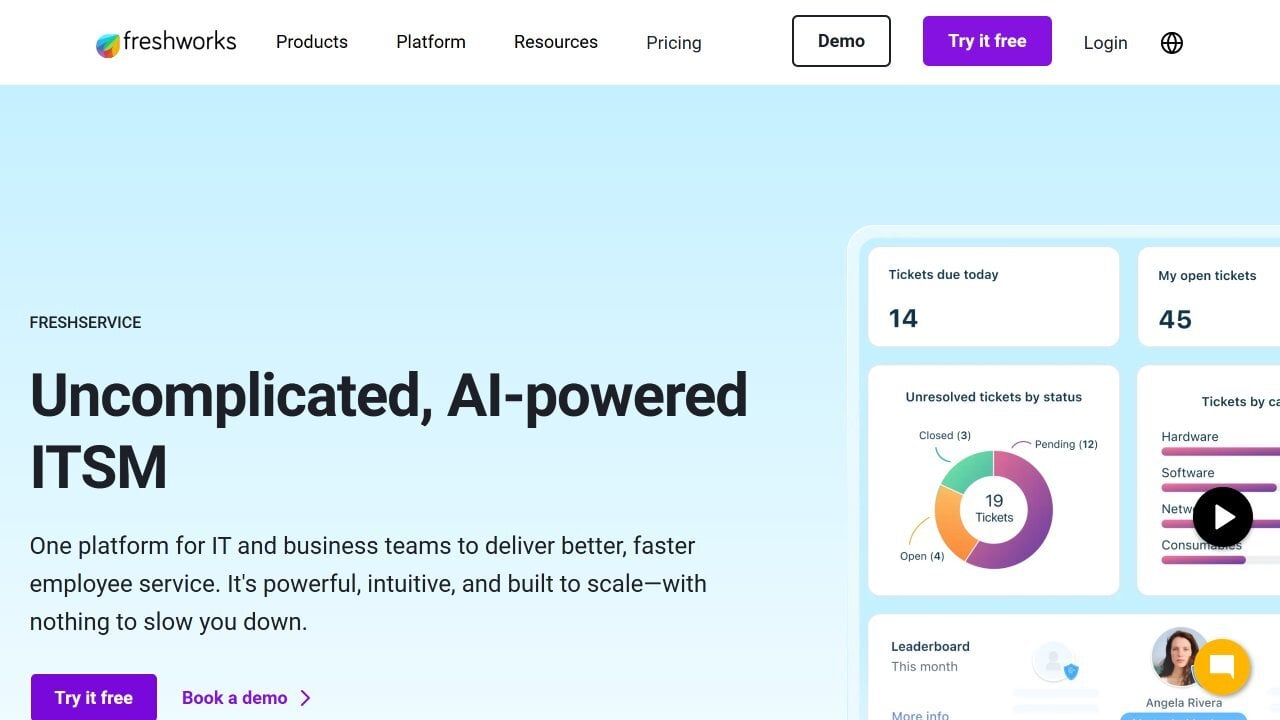
According to Freshworks' official IT Asset Management page, Freshservice ITAM is the asset management part of Freshservice, a cloud platform that brings IT Service Management, IT Asset Management, IT Operations Management, and Enterprise Service Management together. It discovers and tracks assets across on-premises, cloud, and hybrid environments and keeps them in an auto-updating Configuration Management Database (CMDB).
After acquiring Device42, Freshworks made its discovery and dependency mapping native to Freshservice and announced the redefined Freshservice IT Asset Management on March 31, 2026. New customers get it now, while existing customers move over in a phased transition through 2026 and early 2027.
Best for
Organizations already using Freshservice for IT Service Management that want hardware visibility, continuous discovery, and dependency mapping inside the same platform.
Freshservice features
According to Freshservice's IT Asset Management features page, these are the features most relevant to Hardware Asset Management:
- Automated discovery: Agentless and agent-based discovery tools with scheduled scans, plus barcode and QR tracking for physical assets.
- Lifecycle tracking: Tracks IT assets from procurement to retirement.
- CMDB and dependency mapping: Visualizes how applications, services, and infrastructure connect to plan changes and resolve incidents.
- Data center infrastructure management (DCIM): Tracks data center assets, power, and space.
- Integrations: Connects with Jamf, Microsoft Intune, AWS, and Azure to bring device and cloud data into the inventory.
Freshservice pros
What reviewers and our own research highlight most:
- ITSM-native asset data: Hardware records are available inside incident, change, and request workflows.
- Ease of use: Reviewers on G2 and Capterra describe an intuitive interface and a quick setup.
- Automation: Workflow automation and approvals reduce manual work across asset and service processes.
- Broad discovery: Discovery covers on-premises, cloud, and hybrid environments from one platform.
Freshservice cons
Where reviewers and our own research see trade-offs:
- Weighted asset units: IT Asset Management is licensed in asset units, and a server or network device counts as four units.
- Extra cost beyond the included units: Plans that include ITAM come with 100 asset units, and more capacity or ITAM Pro and Enterprise functionality is purchased separately.
- No ITAM on Starter: The Starter plan doesn't include the ITAM Growth package.
- Reporting limits: Reviewers on G2 and Capterra mention restrictive reporting and customization limits.
Freshservice ratings and sources
As of September 2026, Freshservice maintains the following ratings across software review platforms:
Freshservice pricing
Freshservice offers four Service Management plans priced per agent and billed annually, with a 14-day free trial:
- Starter: $19 per agent per month, without the ITAM Growth package.
- Growth: $49 per agent per month, including the ITAM Growth package and 100 ITAM Growth asset units.
- Pro: $99 per agent per month, including the ITAM Growth package and 100 ITAM Growth asset units.
- Enterprise: Custom pricing, including the ITAM Growth package and 100 ITAM Growth asset units.
Additional asset units are sold in packs of 500, and the Freshservice ITAM pricing page lists ITAM Growth, Pro, and Enterprise packages starting at $125 per month per 500 asset units. Each server, virtual machine, or network device counts as 4 asset units, each desktop or mobile device as 1, and each non-IP physical asset as 1/25.
#3: Flexera One IT Asset Management
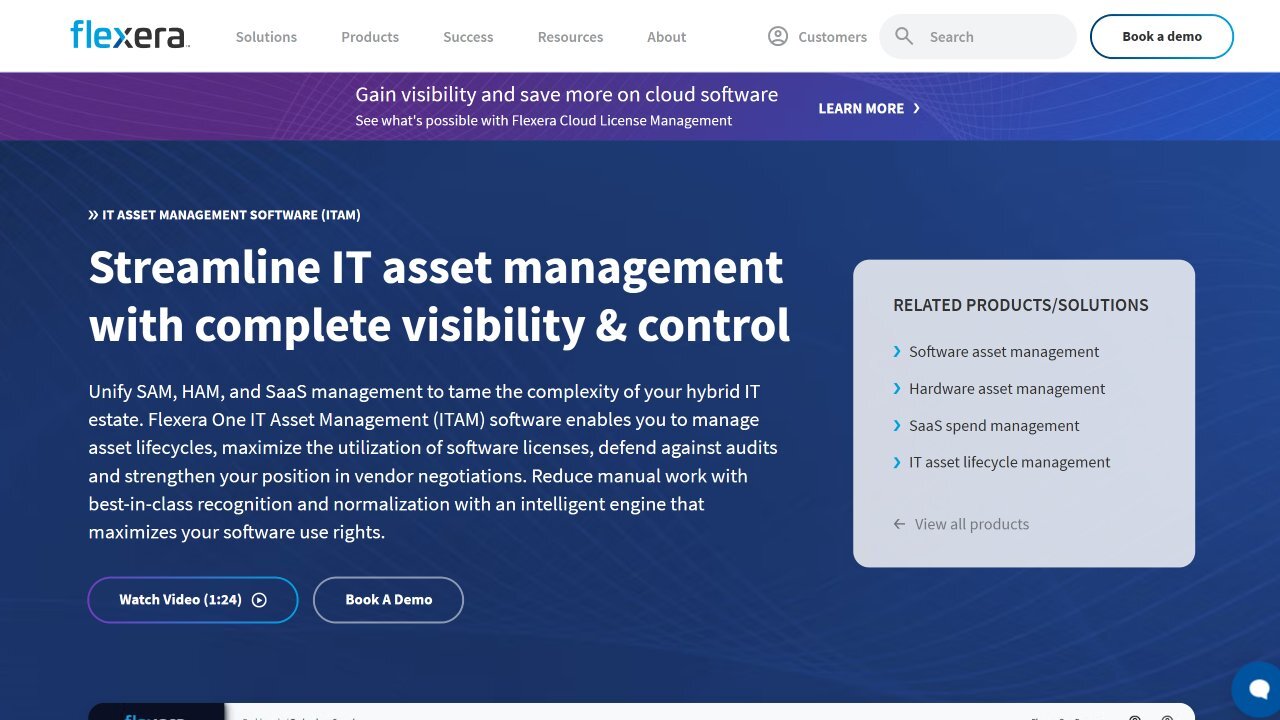
According to Flexera's official product page, Flexera One IT Asset Management brings visibility and governance over software, hardware, and SaaS assets into a single platform, with a strong focus on compliance risk and vendor renewals. It runs as SaaS hosted in North America, Europe, and Asia-Pacific, and an on-premises option exists for organizations with strict data sovereignty requirements.
The solution relies on Technopedia, Flexera's catalog of more than 5 million products, to recognize and normalize asset records. In its 2026 roadmap update, Flexera also announced the integration of Snow Atlas with Flexera One.
Best for
Large organizations managing complex hybrid environments that need unified visibility across hardware, software, SaaS, and cloud assets within a broader IT Asset Management strategy.
Flexera One features
According to Flexera's Hardware Asset Management page, these are the features most relevant to Hardware Asset Management:
- Discovery and inventory: Discovers hardware and software assets across on-premises, cloud, and hybrid environments.
- Lifecycle tracking: Follows assets from request through disposal and automates the lifecycle through integrations with vendors, registries, and disposal providers.
- Lifecycle alerts: Sends notifications for arrivals, end of life, warranty expiration, and lease termination.
- Software reclamation before disposal: Reclaims software licenses from hardware before the device is retired.
- Normalization and integrations: Cleans asset data with Technopedia and connects to more than 200 third-party tools, including ServiceNow ITSM and CMDB enrichment.
Flexera One pros
What reviewers and our own research highlight most:
- Data normalization: Reviewers value how Technopedia enriches inventory data and clarifies license positions.
- Unified scope: Hardware, software, and SaaS Asset Management live in one platform.
- Scale: The platform handles visibility across large, complex estates.
- Integration ecosystem: Certified integrations and APIs connect asset data with ITSM platforms.
Flexera One cons
Where reviewers and our own research see trade-offs:
- No public pricing: Costs require a custom quote.
- Software-first focus: Hardware Asset Management is one part of a suite built around license optimization, which may add complexity for hardware-only needs.
- Implementation effort: Reviewers on G2 mention a complex setup, a steep learning curve, and long onboarding.
- Ongoing upkeep: Some Gartner Peer Insights reviewers report manual data entry and continuous effort to manage the platform.
Flexera One ratings and sources
As of September 2026, Flexera One IT Asset Management maintains the following ratings across software review platforms:
- Gartner Peer Insights: 4.4 out of 5 stars (Software Asset Management Tools market).
- G2: 4.3 out of 5 stars (listing for the full Flexera One platform).
- Capterra: No published listing for Flexera One.
Flexera One pricing
Flexera does not publish pricing for Flexera One IT Asset Management on its product page. Costs are defined through a custom quote based on organizational size, scope, and the capabilities enabled, which may include Hardware Asset Management, Software Asset Management (SAM), and SaaS management.
#4: Lansweeper
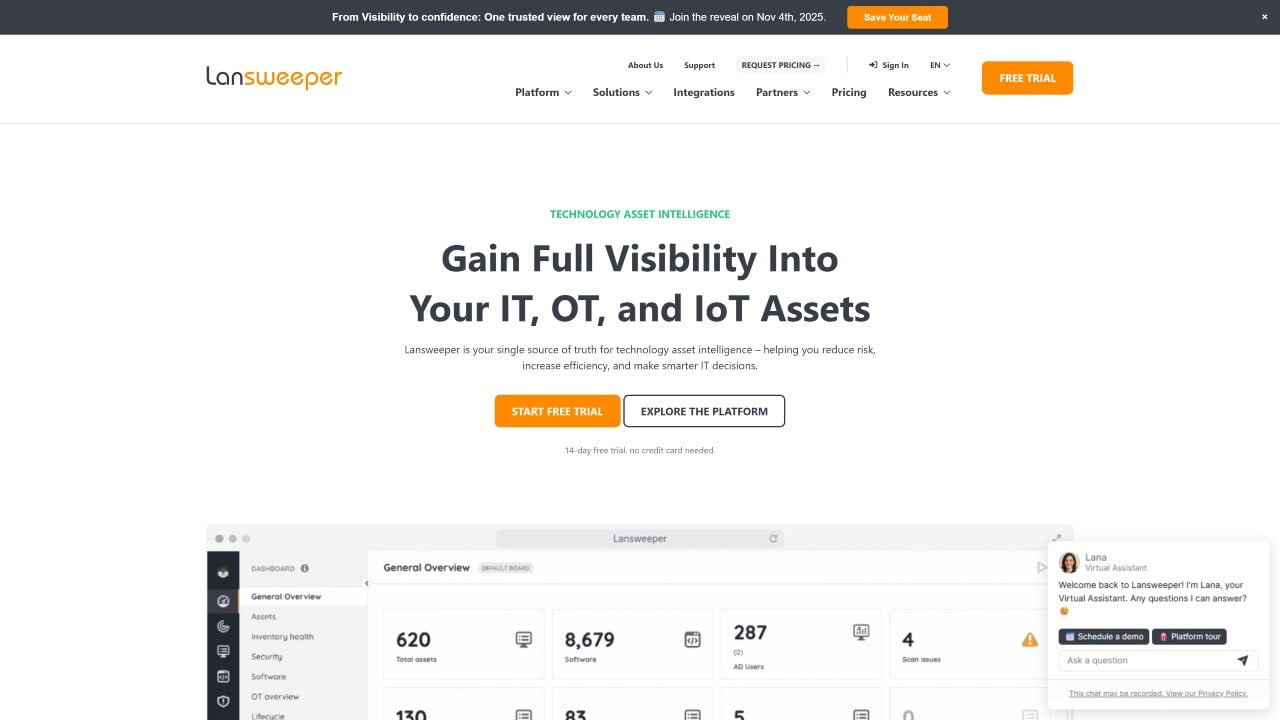
According to its official website, Lansweeper is a cyber asset intelligence platform for IT and security teams that discovers and inventories IT, operational technology (OT), cloud, and Internet of Things (IoT) assets. Its installation documentation describes three ways to run it: cloud-first, on-premises with a local web console, or hybrid.
In July 2025, Lansweeper acquired Redjack, adding passive network discovery and application dependency mapping to the platform. The core of the product remains agentless discovery that builds a unified inventory without installing software on each device.
Best for
Organizations that prioritize continuous network discovery and infrastructure visibility across IT, OT, and hybrid environments.
Lansweeper features
According to Lansweeper's product page, these are the features most relevant to Hardware Asset Management:
- Agentless discovery: Discovers IT, IoT, OT, and public cloud assets in the network without installing any software.
- Unified inventory: Consolidates data from every source into a single asset profile, merging duplicate records.
- Lifecycle information: Shows lifecycle data to track the support status of each product.
- Vulnerability insights: Links known vulnerability data to the assets it affects.
- Reports and integrations: Hundreds of ready-made reports, automatic network diagrams, and certified integrations with tools such as ServiceNow and Jira.
Lansweeper pros
What reviewers and our own research highlight most:
- Discovery depth: Reviewers on Gartner Peer Insights and G2 say agentless scanning finds devices that would otherwise be missed.
- Mixed environments: Scans cover Windows, Linux, Mac, network, OT, and IoT devices.
- Quick deployment: Reviewers describe an uncomplicated setup.
- Free tier: A free plan covers up to 100 assets.
Lansweeper cons
Where reviewers and our own research see trade-offs:
- Cloud and on-premises differences: Reviewers mention confusion over which features are available in each deployment.
- Report building: Custom reports often require SQL knowledge, according to G2 reviewers.
- Rising costs: Capterra reviewers report significant price increases in recent years.
- Tier-gated insights: Vulnerability and lifecycle insights require the Pro plan or higher.
Lansweeper ratings and sources
As of September 2026, Lansweeper maintains the following ratings across software review platforms:
Lansweeper pricing
Lansweeper's pricing page lists a 14-day trial with full access, after which you can continue on the Free plan for up to 100 assets. Paid plans are billed annually:
- Starter: From $239 per month, including 2,000 assets, one installation, and single sign-on (SSO).
- Pro: From $439 per month, including 2,000 assets and scaling up to 9,000 in steps of 1,000, with vulnerability and lifecycle insights and all integrations.
- Enterprise: Custom pricing starting at 10,000 assets, in steps of 2,000.
#5: AssetTiger
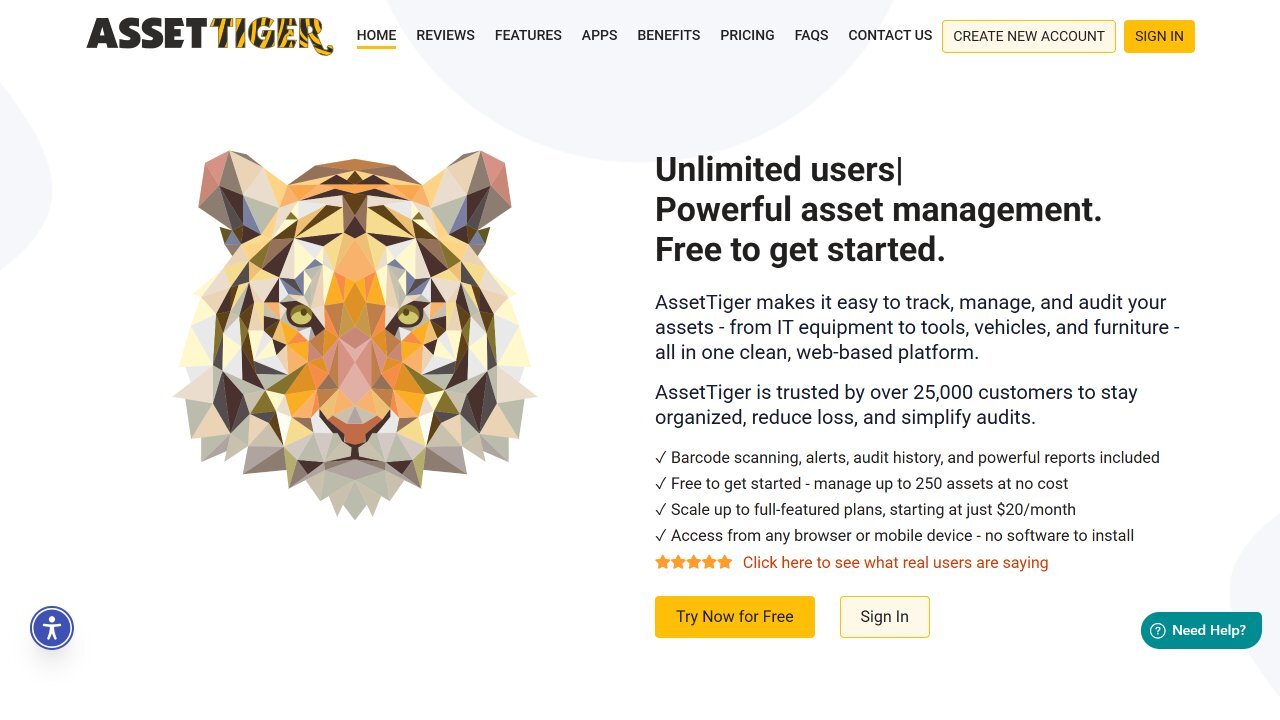
According to its official FAQ, AssetTiger is a cloud-based asset tracking platform developed by MyAssetTag.com that runs in any modern web browser, with no local installation. It is built around barcode and QR tags, mobile apps for iOS and Android, and a shared database for equipment, tools, and property.
The same FAQ confirms there is no permanently free tier on the current pricing model, which replaces the free plan covered in earlier versions of this comparison. New accounts now start with a 30-day trial.
Best for
Small to mid-sized organizations that need a simple, cloud-based solution to track physical hardware and equipment without complex IT infrastructure requirements.
AssetTiger features
According to AssetTiger's features page, these are the features most relevant to Hardware Asset Management:
- Barcode and QR codes: Generates barcodes or QR codes for any asset and scans them with an iOS or Android device.
- Check-in and check-out: Assigns assets to people, departments, or locations with due dates, email alerts, and full history.
- Maintenance, warranty, and contract alerts: Schedules maintenance and warns about warranty and service contract expirations 30, 60, or 90 days ahead.
- Depreciation: Calculates depreciation with straight-line, declining balance, or sum-of-the-years'-digits methods.
- Audits, reports, and API: Runs mobile audits with automatic reports of found, missing, or moved items, more than 80 built-in report types, and a REST API.
AssetTiger pros
What reviewers and our own research highlight most:
- Ease of use: Reviewers on G2 and Capterra describe an intuitive interface and a quick learning curve.
- Affordable plans: Prices start at $20 per month and include unlimited users.
- Barcode-driven tracking: Scanning speeds up audits and field updates.
- Built-in depreciation: Three depreciation methods support basic financial visibility.
AssetTiger cons
Where reviewers and our own research see trade-offs:
- No network discovery: Assets are added manually, by import, or by scanning tags.
- No free plan: The permanent free tier ended, and Capterra reviewers express frustration with recent pricing changes.
- Mobile app limitations: Reviewers mention a clunky app and sync delays.
- Few integrations: Reviewers note missing integrations with tools such as Google Workspace, Slack, or Azure.
AssetTiger ratings and sources
As of September 2026, AssetTiger maintains the following ratings across software review platforms:
- Gartner Peer Insights: No published listing for AssetTiger.
- G2: 4.5 out of 5 stars.
- Capterra: 4.6 out of 5 stars.
AssetTiger pricing
According to AssetTiger's pricing page, every paid plan includes the same features and unlimited users, and plans differ only by asset limit. A 30-day free trial covers up to 250 assets with no credit card:
- Basic: $20 per month or $220 per year, up to 500 assets.
- Core: $40 per month or $440 per year, up to 2,500 assets.
- Advanced: $75 per month or $825 per year, up to 10,000 assets.
- Pro: $140 per month or $1,540 per year, up to 50,000 assets.
- Enterprise: $275 per month or $3,025 per year, up to 250,000 assets.
AssetTiger also offers a separate Inventory add-on for consumable items. It is free for up to two items and costs $15 per month ($165 per year) for unlimited items.
#6: Snipe-IT
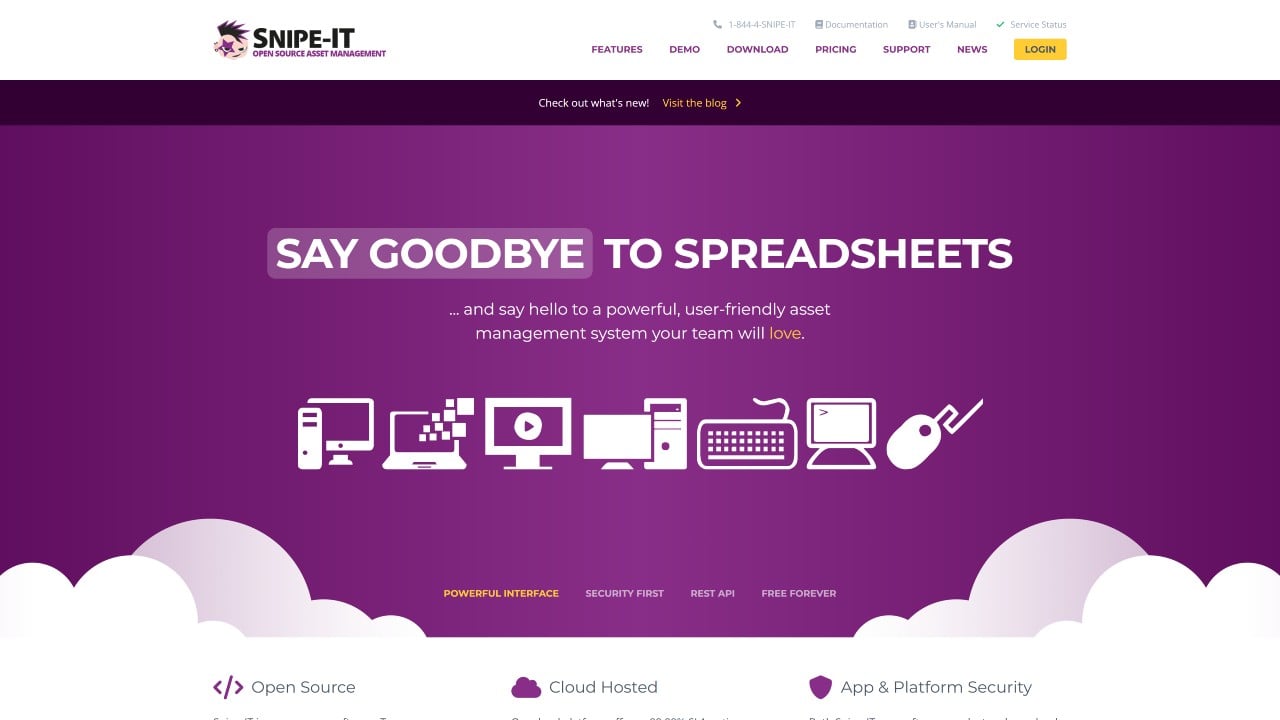
According to its official website, Snipe-IT is a free, open-source IT Asset Management system developed by Grokability that tracks hardware assets, licenses, accessories, components, and consumables. Teams can self-host it on any Linux, Windows, or Mac web server, or pay Grokability to host it.
The platform records who is responsible for each device, when it was acquired, and its current status, with a full history of check-outs, check-ins, and maintenance. Version 8, released in 2025, added custom fields on check-in and check-out and saved custom reports.
Best for
Technical teams that want a customizable, self-hosted asset tracking system with full control over infrastructure and configuration.
Snipe-IT features
According to Snipe-IT's product page, these are the features most relevant to Hardware Asset Management:
- Lifecycle states: Tracks assets as deployed, pending, ready to deploy, or archived (lost, stolen, or broken), with full history.
- Check-in and check-out: One-click check-in, optional user acceptance of terms on check-out, and digital signatures.
- QR and barcode labels: Generates QR code labels and works with most handheld barcode scanners and QR reader apps.
- Warranty, license, and audit alerts: Sends email alerts for expiring warranties and licenses and for upcoming audits.
- Integrations: JSON REST API, SAML single sign-on, Active Directory and LDAP, and integrations with tools such as Jamf and Jira.
Snipe-IT pros
What reviewers and our own research highlight most:
- Free self-hosted edition: Unlimited assets and users at no license cost.
- Customization: Custom fields adapt asset records to internal standards.
- Strong custody tracking: Check-in and check-out records keep assignment history clear.
- Robust API: Reviewers value the API for connecting Snipe-IT with other systems.
Snipe-IT cons
Where reviewers and our own research see trade-offs:
- No native network discovery: Snipe-IT doesn't scan the network to detect hardware automatically, so inventory accuracy depends on manual updates, imports, or integrations.
- Hosting responsibility: Self-hosted teams maintain servers, updates, and security themselves.
- Setup effort: Reviewers mention a hard initial setup, especially for self-hosted installs.
- Support and reporting: Capterra and G2 reviewers point to weaker support and limited reporting.
Snipe-IT ratings and sources
As of September 2026, Snipe-IT maintains the following ratings across software review platforms:
- Gartner Peer Insights: No published listing for Snipe-IT.
- G2: 4.6 out of 5 stars.
- Capterra: 4.4 out of 5 stars.
Snipe-IT pricing
According to Snipe-IT's pricing page, the self-hosted edition is free, and every hosted plan includes unlimited users, assets, and storage:
- Basic Hosting: $39.99 per month or $399.99 per year.
- Small Business Hosting: $99.99 per month or $999.99 per year.
- Dedicated Hosting: $249.99 per month or $2,499.99 per year.
Hosted plans include automatic server maintenance, backups, upgrades, an encryption certificate, and email support. They differ in API call limits and options such as IP restrictions, a private server, and VPN access.
#7: ManageEngine AssetExplorer
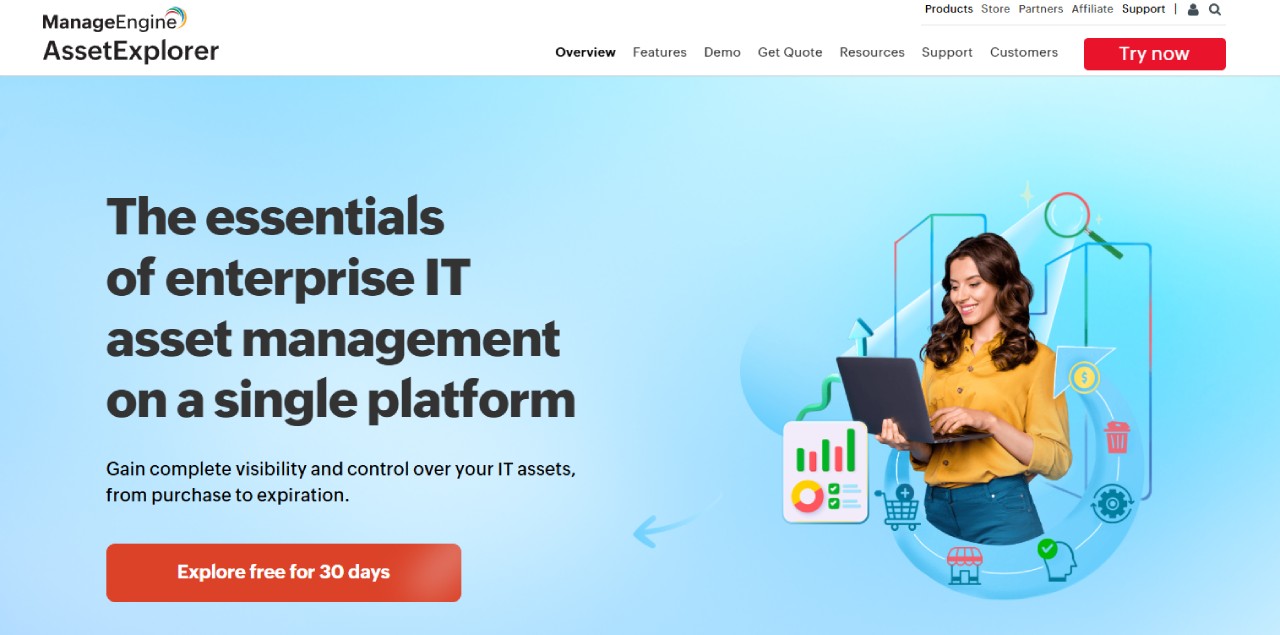
According to its official product page, ManageEngine AssetExplorer is an IT Asset Management platform for hardware and software asset discovery and inventory management across multiple sites. It is available as an on-premises installation for Windows and Linux or as a cloud service.
The platform tracks assets across their full lifecycle, from procurement to disposal, and includes a CMDB with around 50 predefined configuration item types. Recent builds released in 2026 added a redesigned Sites page for up to 3,000 sites and barcodes and QR codes that can be reused across instances.
Best for
Organizations looking for structured lifecycle tracking and CMDB capabilities within a broader ManageEngine ecosystem.
ManageEngine AssetExplorer features
According to ManageEngine's AssetExplorer features page, these are the features most relevant to Hardware Asset Management:
- Automated discovery: Agent-based and agentless discovery with network scanning for hardware and software inventory.
- Lifecycle management: Monitors the complete asset lifecycle, with a drag-and-drop workflow designer.
- Purchasing and contracts: Purchase order workflows and contract records with expiration notifications.
- Barcode, QR, and RFID support: Works with scanners and with the iOS and Android apps.
- CMDB and integrations: Connects with Endpoint Central, Microsoft 365, Zoho Analytics, and Zapier, among other tools.
ManageEngine AssetExplorer pros
What reviewers and our own research highlight most:
- Lifecycle visibility: Capterra reviewers value tracking an asset from purchase to disposal.
- Automated discovery: Hardware and software discovery works across the network.
- Public pricing: Prices are published for cloud and on-premises editions.
- Ecosystem fit: Works closely with ServiceDesk Plus and other ManageEngine products.
ManageEngine AssetExplorer cons
Where reviewers and our own research see trade-offs:
- Paid add-ons: Remote control costs $315 per concurrent session per year.
- Manual handling for some assets: Reviewers mention that virtual machines and assets in other subnets need manual work, and that discovery is more limited without Active Directory.
- Reporting flexibility: Reviewers on G2 and Capterra describe reports and filters as rigid.
- Mobile app scope: The mobile app offers fewer features than the web version.
ManageEngine AssetExplorer ratings and sources
As of September 2026, ManageEngine AssetExplorer maintains the following ratings across software review platforms:
ManageEngine AssetExplorer pricing
According to ManageEngine's official pricing page, AssetExplorer is priced by the number of IT assets, with a 30-day free trial for up to 250 IT assets and a free edition limited to 25 nodes:
- Cloud: From $115 per month ($1,245 per year) for 250 assets, up to $1,545 per month ($16,695 per year) for 10,000 assets.
- On-premises: From $955 per year for 250 assets, up to $11,995 per year for 10,000 assets, plus $1,195 per additional 1,000 assets.
#8: ServiceNow IT Asset Management
According to ServiceNow's official IT Asset Management page, the solution automates the end-to-end lifecycle of software, hardware, and cloud assets to optimize costs and reduce risk. It runs on the ServiceNow AI Platform as part of the company's cloud offering.
For hardware specifically, ServiceNow Hardware Asset Management combines AI-driven automation with CMDB visibility to manage asset lifecycles. The product page frames many hardware processes around AI agents, from stockroom inventory to repairs.
Best for
Large organizations already operating on the ServiceNow platform that want to align Hardware Asset Management with broader service, risk, and financial workflows.
ServiceNow IT Asset Management features
According to the same Hardware Asset Management page, these are the features most relevant to Hardware Asset Management:
- Hardware lifecycle management: End-to-end control from procurement to retirement, with the CMDB as a single source of truth.
- Stockroom inventory management: Keeps inventory accurate across stockrooms with AI agents and automated workflows.
- Hardware request fulfillment: Uses AI agents to speed up hardware requests.
- Asset repair: AI agents build troubleshooting plans and support compliance for assets under warranty or service agreements.
- Data center visibility: Manages data center assets from racks to facilities with automated workflows.
ServiceNow IT Asset Management pros
What reviewers and our own research highlight most:
- Platform-native integration: Asset data flows into ServiceNow incident, change, and request workflows.
- Lifecycle visibility: Reviewers value a single view from procurement to retirement.
- Automation at scale: Automated workflows cut manual tracking across large environments.
- Customization: Reviewers describe the platform as highly configurable.
ServiceNow IT Asset Management cons
Where reviewers and our own research see trade-offs:
- No public pricing: Costs require a custom quote.
- Implementation complexity: Reviewers on Gartner Peer Insights and Capterra describe configuration as difficult and often dependent on consultants.
- Cost: Reviewers mention it as one of the more expensive options.
- Ongoing maintenance: The platform needs sustained upkeep before it delivers full value, according to reviewers.
ServiceNow IT Asset Management ratings and sources
As of September 2026, ServiceNow IT Asset Management maintains the following ratings across software review platforms:
ServiceNow IT Asset Management pricing
ServiceNow does not publish standard pricing for IT Asset Management. Its pricing page offers a custom quote based on an evaluation of each organization's needs, with scalable packages and flexible pricing.
#9: EZO AssetSonar

According to EZO's official product page, EZO AssetSonar is a cloud-based IT management platform that connects assets, users, software, tickets, and workflows in one system. It now combines IT Asset Management with IT Service Management, and its plans include Zoe, an AI copilot.
For hardware, the platform manages assets from procurement through retirement using agent-based discovery and integrations with device management tools such as Jamf, Microsoft Intune, and Kandji. Onboarding follows a guided setup with managed implementation included.
Best for
Mid-market organizations that want structured hardware lifecycle tracking, warranty management, and audit-ready asset records, with the option to add service management on the same platform.
EZO AssetSonar features
According to EZO's Hardware Asset Management software page, these are the features most relevant to Hardware Asset Management:
- Automated discovery: Discovers laptops, desktops, and peripherals across the network through an agent and integrations with Intune, Jamf, and Kandji.
- User assignment and custody: Tracks device custody across employees, teams, and locations, with check-in and check-out.
- Service history: Centralizes service history, repair events, and maintenance records.
- Warranty management: Sets alerts for warranty expirations, overdue check-ins, and replacement timelines, and pulls warranty data from Dell, Lenovo, HP, and Apple.
- Lifecycle reporting and automation: Custom reports on lifecycle cost, device utilization, and repair frequency, plus workflows for provisioning and recovery.
EZO AssetSonar pros
What reviewers and our own research highlight most:
- Integrations: Reviewers value the connections with Jamf, Intune, Zendesk, Jira, and single sign-on.
- Ease of use: Reviewers on G2 and Capterra describe an easy onboarding.
- Support: Reviewers frequently highlight responsive customer support.
- Public, per-asset pricing: Plans start at 100 assets with no seat limits.
EZO AssetSonar cons
Where reviewers and our own research see trade-offs:
- Reporting and filtering: Reviewers find it time-consuming to pull some reports.
- Interface: Some reviewers describe the UI and dashboards as dated.
- Mobile app scope: The mobile app is more limited than the web version.
- Cost for small teams: A few reviewers consider the price high for small organizations.
EZO AssetSonar ratings and sources
As of September 2026, EZO AssetSonar maintains the following ratings across software review platforms:
EZO AssetSonar pricing
EZO AssetSonar now publishes per-asset pricing on its pricing page, with packages starting at 100 assets, no seat limits, and volume discounts from 1,000 assets:
- ITAM: $0.75 per asset per month billed yearly, or $1.00 billed monthly.
- ITSM (ITAM included): $1.08 per asset per month billed yearly, or $1.44 billed monthly.
- Advanced SAM add-on: $0.42 per asset per month billed yearly, or $0.56 billed monthly.
According to its sign-up page, EZO AssetSonar offers a 7-day free trial. No credit card is required to start it.
#10: Ivanti Neurons for ITAM
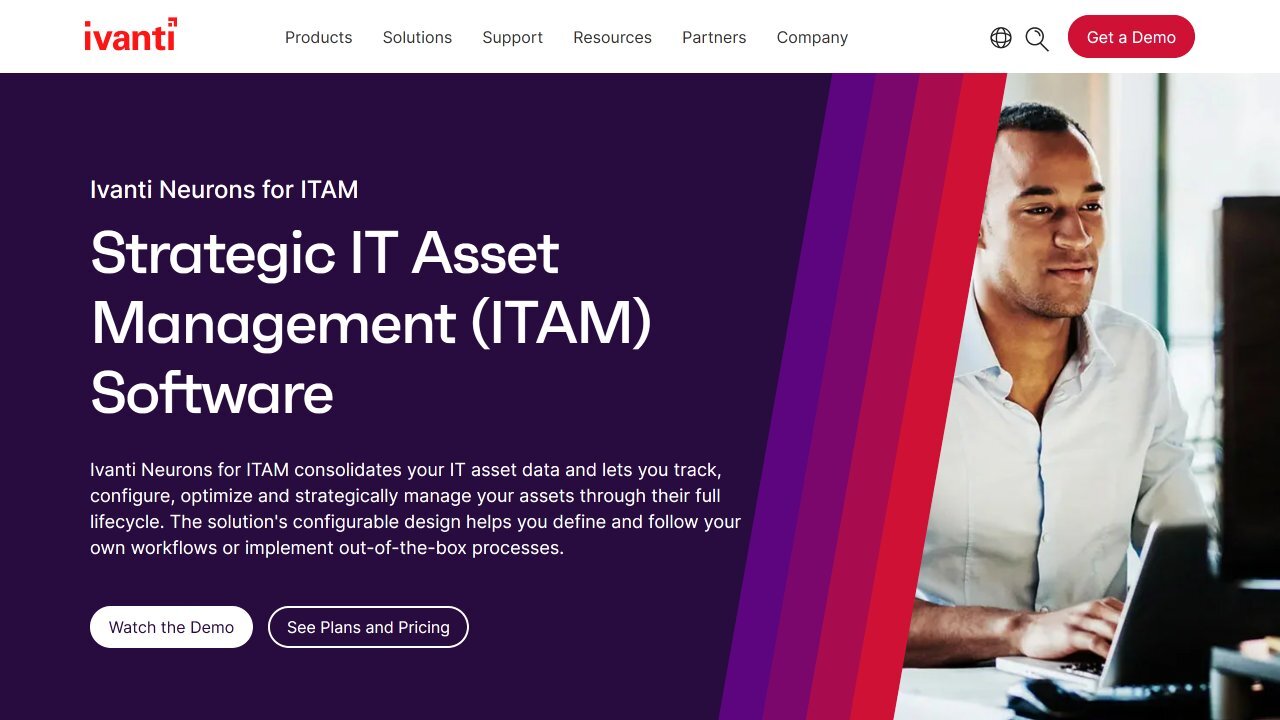
According to Ivanti's official product page, Ivanti Neurons for ITAM unifies IT Asset Management, lifecycle visibility, and automation into a system of record for every asset. It is built on the Ivanti Neurons Platform and integrated with Ivanti's IT Service Management.
Ivanti Neurons for ITSM can be deployed in the cloud, on-premises, or in a hybrid combination, according to its product page. The Q2 2026 release added consumables handling to ITAM, with partial purchase order receipts.
Best for
Organizations already using Ivanti solutions that want to manage hardware and software assets within a unified endpoint and service management ecosystem.
Ivanti Neurons for ITAM features
According to the same product page, these are the features most relevant to Hardware Asset Management:
- Discovery and sync: Continuously discovers and reconciles assets from Ivanti discovery tools, Ivanti Endpoint Manager, and third-party sources.
- Asset repository: Keeps one continuously updated record per asset, with ownership, lifecycle state, financial data, and configuration details.
- Lifecycle visibility: Monitors lifecycle stages, status history, and end-of-life signals in one place.
- Assignment and ownership: Links each asset to a known owner, with assignment history and department mapping.
- Financials and mobile scanning: Tracks cost, depreciation, and spend trends, with barcode scanning on iOS and Android.
Ivanti Neurons for ITAM pros
What reviewers and our own research highlight most:
- Centralized visibility: Reviewers value clear insight into hardware and software inventory.
- Ivanti integration: Works closely with Ivanti ITSM, endpoint management, and the Neurons platform.
- Full lifecycle coverage: Tracks assets from procurement to disposal.
- Flexible configuration: The data model adapts to different asset processes.
Ivanti Neurons for ITAM cons
Where reviewers and our own research see trade-offs:
- No public pricing: Costs require a custom quote.
- Complex build-out: Reviewers on Gartner Peer Insights describe the initial setup as complex and dependent on understanding the data model.
- Dense interface: Reviewers mention many clicks and a UI that is hard for non-ITAM users.
- Ecosystem-dependent value: The strongest benefits come when deployed with other Ivanti modules.
Ivanti Neurons for ITAM ratings and sources
As of September 2026, Ivanti Neurons for ITAM maintains the following ratings across software review platforms:
- Gartner Peer Insights: 4.2 out of 5 stars.
- G2: Not enough reviews yet to publish a score.
- Capterra: Not enough reviews yet to publish a score.
Ivanti Neurons for ITAM pricing
Ivanti does not publish standalone pricing for Ivanti Neurons for ITAM. According to its service management page, IT Asset Management is included in both the ITSM and Enterprise Service Management (ESM) plans, with Autonomous Endpoint Management available as an add-on, and pricing requires contacting Ivanti for a custom quote.
How to choose Hardware Asset Management software (checklist)
Before choosing a tool, decide whether a dedicated HAM solution covers your needs or whether a broader IT Asset Management platform makes more sense, since many organizations eventually need visibility across software and cloud assets too. Either way, the checklist below covers the capabilities that keep hardware assets visible, accountable, and manageable over time.
Must-have capabilities
These are the core capabilities most organizations need to operate a reliable hardware asset inventory:
- Discovery coverage: Agent and agentless options, network scanning, and support for remote endpoints.
- Inventory quality: Normalization, deduplication, custom fields, and imports/exports, with records that capture device type, manufacturer, model, serial number, owner, and location.
- Lifecycle tracking: Purchase -> assignment -> maintenance -> refresh -> disposal.
- Ownership and location: Custody history, site/room, user assignment, and transfers.
- Warranty and contract data: Renewals, end-of-life alerts, and vendor records.
- Relationships: Devices linked to users, services, tickets, installed software, and locations, ideally in a CMDB.
- Reporting and audit trail: Evidence exports, change history, and scheduled reports.
- Integrations and API: ITSM, directory and SSO, mobile device management (MDM) and unified endpoint management (UEM), and remote tools.
- Security basics: Permissions, logging, and data controls you can explain.
- Cost clarity: Pricing model, add-ons, support tiers, and services.
Nice-to-have capabilities
These capabilities aren't strictly required for basic asset tracking, but they improve operational efficiency and governance:
- User-friendly interface: Reduces onboarding time and lets multiple teams work with the inventory.
- Alerts and notifications: Warranty expiration, device inactivity, or lifecycle milestones, so teams stay ahead of refresh cycles.
- Workflows and approvals: Requests, procurement, transfers, and write-offs handled inside the tool.
- Low implementation effort: A short time to first inventory and a light ongoing maintenance workload.
What to do next (2-4 week pilot plan)
Once the checklist narrows your list, a short pilot shows whether a tool holds up with real devices and real processes. This plan fits in 2 to 4 weeks:
- Week 0 (prep, 2 or 3 days): Define scope (one site or one business unit), success criteria, and baseline metrics (inventory accuracy, time-to-update, audit readiness).
- Week 1 (inventory): Connect 2 or 3 discovery sources and build a first inventory. Define naming/normalization rules and required fields (owner, location, status).
- Week 2 (lifecycle): Run one real workflow end-to-end (procure -> assign -> transfer/return) and set alerts for warranty/refresh milestones.
- Weeks 3 and 4 (governance and reporting): Set roles/permissions, publish 2 or 3 dashboards, and validate data with stakeholders (IT, Finance, Security).
- Decision: Move forward if the inventory stays accurate with minimal manual work and lifecycle updates happen inside the tool, with no parallel spreadsheets.
How to implement Hardware Asset Management software
Implementing Hardware Asset Management software usually involves consolidating existing asset data, defining lifecycle states, and connecting discovery sources. Most organizations benefit from approaching it as an incremental process that gradually improves inventory accuracy and operational coverage.
Below are some of the most common implementation decisions organizations face when deploying HAM software.
Should HAM implementation start with a full rollout?
Not necessarily. Many organizations start with a limited scope, such as a single location, business unit, or device category.
This phased approach allows teams to validate discovery methods, inventory structure, and workflows before expanding coverage across the entire environment.
How important is data cleanup before implementation?
Very important. Cleaning existing asset data is often the first step in a successful implementation.
Duplicate entries, outdated devices, and inconsistent naming conventions should be addressed before importing data into the new platform. Starting with a clean dataset improves reporting reliability and reduces confusion during early adoption.
Do organizations need automated discovery from day one?
Not always. Still, it significantly improves long-term accuracy.
Manual asset imports can provide a starting point, but automated discovery helps maintain inventory quality over time by continuously identifying new devices and updating existing records.
Is HAM implementation a one-time project?
No. Hardware Asset Management works best as an ongoing operational process that keeps improving after go-live.
As discovery sources expand, lifecycle workflows mature, and reporting requirements evolve, organizations typically refine their asset model and governance practices over time.
Implementation checklist
Before rolling out Hardware Asset Management software, most organizations benefit from validating the following implementation steps:
- Define the initial implementation scope (location, device category, or business unit).
- Standardize asset naming conventions and required fields.
- Clean and prepare existing spreadsheet or legacy asset data.
- Define lifecycle states (procured, deployed, in maintenance, retired, etc.).
- Identify asset ownership fields such as user, department, and location.
- Configure automated discovery sources where possible.
- Define roles and permissions for teams interacting with the inventory.
- Establish reporting and dashboard requirements for stakeholders.
- Validate integration needs with ITSM, directory services, or endpoint tools.
- Run a small pilot inventory before scaling the deployment.
Methodology
InvGate develops and markets IT Service Management and IT Asset Management software, which means we operate in the same market as some of the vendors in this comparison. Our objective is to offer clear, factual, and transparent information that helps readers evaluate the available options based on their own needs.
Every comparison and description is based exclusively on public sources: official vendor websites, product documentation, and pricing pages for features and prices, plus verified user reviews from Gartner Peer Insights, G2, and Capterra for ratings, pros, and cons. Ratings are published only when a platform lists at least 10 reviews for the product.
How we compared tools
All tools were assessed using consistent criteria focused on practical Hardware Asset Management capabilities:
- Discovery coverage: Availability of agent-based or agentless discovery, network scanning, and support for remote or off-network devices.
- Lifecycle management: Ability to track assets from procurement through deployment, maintenance, refresh, and disposal.
- Integrations and ecosystem fit: Connectivity with ITSM platforms, directory services, endpoint tools, APIs, and related systems.
- Reporting and auditability: Dashboards, audit trails, evidence exports, and support for compliance and financial reporting.
- Pricing transparency: Clarity of public pricing, plan structure, asset or user limits, and visibility into add-ons or required modules.
All information presented here is accurate as of September 2026. Vendors may update features, pricing, or positioning over time, and this article will be reviewed periodically to reflect relevant market developments.
Frequently Asked Questions (FAQs)
These are the questions that come up most often when teams evaluate Hardware Asset Management software. Each answer builds on the tool cards, checklist, and implementation sections above.
What is Hardware Asset Management software?
Hardware Asset Management (HAM) software helps organizations track, manage, and optimize physical IT assets across their lifecycle, from acquisition to retirement.
How does Hardware Asset Management software work?
At its core, HAM software follows a recurring operational flow: discovery identifies devices across the network using agent-based or agentless methods; normalization standardizes those records so inventory data stays consistent and deduplicated; lifecycle states track each asset from procurement through deployment, maintenance, and retirement; and alerts surface warranty expirations or refresh milestones before they become problems. Reporting then turns that data into actionable visibility for IT, Finance, and Security teams.
The step-by-step process is covered in the pilot plan earlier in this guide. In InvGate Asset Management, the flow starts by connecting discovery sources and defining the fields your team actually needs, with no complex configuration or scripting required.
What is the difference between Hardware Asset Management and IT Asset Management?
Hardware Asset Management focuses specifically on physical assets: computers, servers, network equipment, and peripherals. IT Asset Management extends that scope to include software licenses, SaaS subscriptions, and cloud resources, giving organizations a unified view of their entire technology estate.
In practice, many teams start with HAM to establish a reliable hardware inventory and then scale toward full ITAM as their operations mature and visibility requirements grow. InvGate Asset Management supports both cases from a single platform: the same inventory that tracks hardware also manages software contracts and non-IT assets when needed, without requiring separate tools or additional implementation effort.
Do I need agent-based discovery for hardware tracking?
Not always. Many teams start with imports or network-based discovery, but automated discovery (agent-based or agentless) becomes important to keep inventory accurate as environments grow or devices move off-network.
Can HAM integrate with ITSM tools?
Yes. Many HAM solutions integrate with IT Service Management platforms so asset data can be linked to incidents, changes, and requests, keeping records consistent across workflows.
What should I measure during a 2-4 week HAM pilot?
Track inventory accuracy, time-to-update records, and audit readiness, then confirm whether lifecycle updates happen inside the tool with no parallel spreadsheets.
How do I compare tools when pricing isn't public?
Shortlist 3 or 4 tools and request a written quote that clearly lists included modules, limits, add-ons, and support tiers so you can compare like-for-like.
Closing thoughts
Choosing Hardware Asset Management software gets easier with a simple path: narrow the list to 3 or 4 tools with the comparison tables, confirm the must-haves with the checklist, and run a focused 2-4 week pilot with real devices. If you want to see how InvGate Asset Management handles that pilot in your own environment, start a free trial or talk to Sales.
Disclaimer: All product names, logos, and brands are property of their respective owners. All company, product, and service names used on this site are for identification purposes only. Use of these names, trademarks, and brands does not imply endorsement. Comparisons are based on publicly available information as of September 2026 and are provided for informational purposes only.
ServiceNow is a registered trademark of ServiceNow, Inc. InvGate is not affiliated with, sponsored by, or endorsed by ServiceNow.
GARTNER is a registered trademark and service mark of Gartner and Market Guide is a registered trademark of Gartner, Inc. and/or its affiliates in the U.S. and internationally and are used herein with permission. All rights reserved. Gartner does not endorse any company, vendor, product or service depicted in its publications, and does not advise technology users to select only those vendors with the highest ratings or other designation. Gartner publications consist of the opinions of Gartner's business and technology insights organization and should not be construed as statements of fact.