









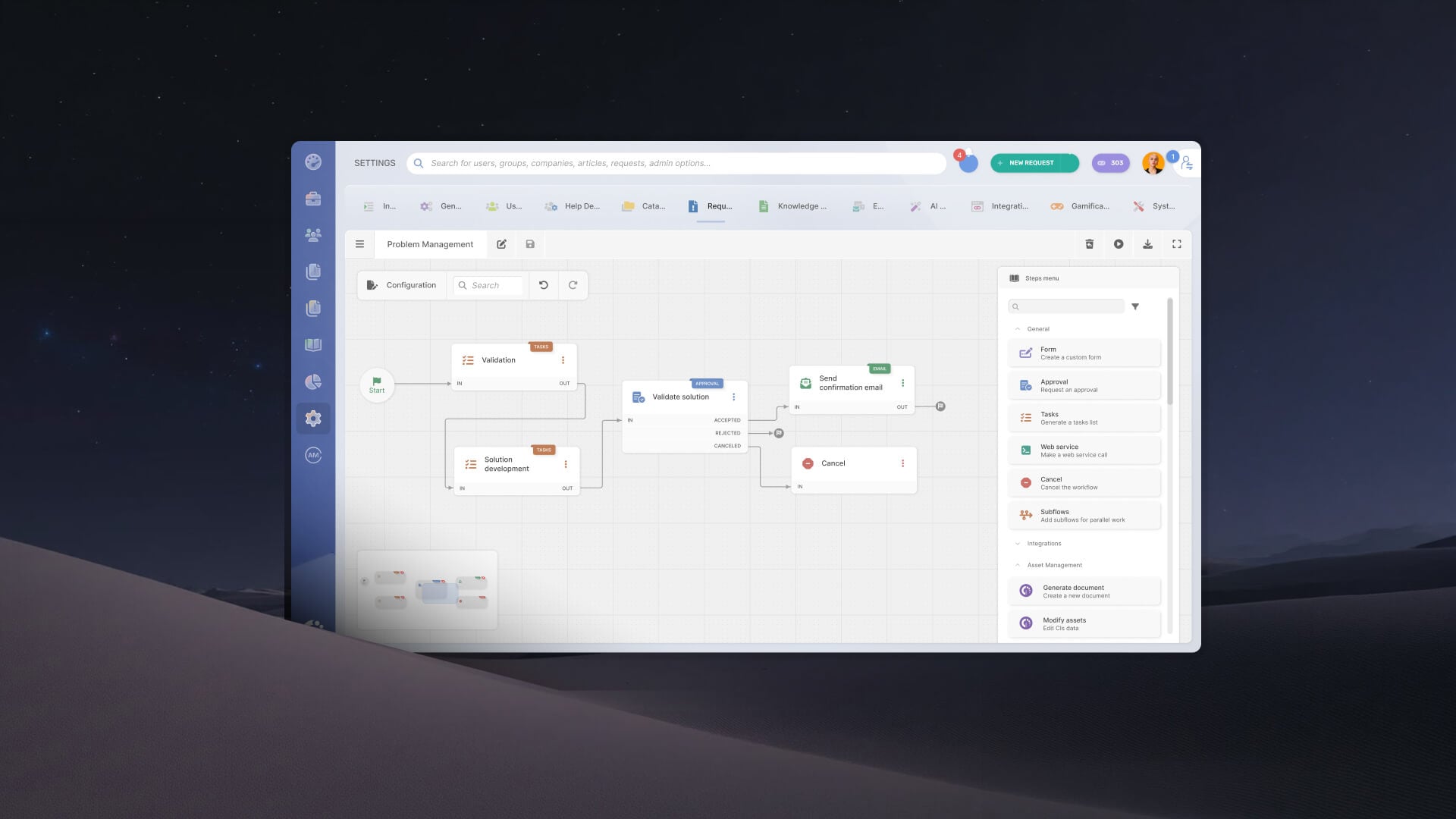

Workflow orchestration is the coordination of several automated tasks that span different systems and teams, so they run in order until a process is complete. IT processes such as onboarding, changes, and incidents cross HR, identity, security, and service desk tools, and isolated automations leave the handoffs, approvals, and status between them unmanaged. IT and service teams that already automate individual tasks look for workflow orchestration when they need the whole process to run end to end, especially in IT Service Management (ITSM).
This article gives a one-sentence definition, compares workflow orchestration with workflow automation, and explains how orchestration works in ITSM. It then walks through three IT examples and shows how to build orchestrated workflows with InvGate Service Management.
Workflow orchestration is the coordination of automated and human tasks that span systems and teams, following a defined order and the logic that connects them, so a process runs from trigger to completion. The orchestration layer controls the sequence, the dependencies, the conditions, the approvals, and the status of the whole process.
Process orchestration applies the same idea to a full business process, coordinating people, systems, and workflows from start to finish. Workflow orchestration is how that coordination runs inside each specific flow, such as a change approval or an employee onboarding.
Workflow orchestration vs. automation comes down to scope: automation handles a single task when a trigger fires. Orchestration decides which automated and human tasks run, in what order, and what happens between them.
Orchestration becomes necessary when automations in different tools have to wait for each other, depend on an approval, or need a single record of the process. Teams that automate single tasks in IT usually reach that point as soon as a process crosses more than one team.
IT workflow orchestration usually starts with a request, an incident, or a change. The process ends when every task across teams and systems is complete and recorded in the same place.
Every orchestrated workflow combines the same elements, whatever the process is. The orchestration layer connects them into one execution path that can be followed from start to finish.
In ITSM, the service desk ticket acts as the shared record of the orchestrated process. Forms, approvals, tasks, conditions, and external actions run as stages of one flow, and every team involved sees the same status.
An incident follows the Incident Management process from logging to closure, and a change moves through assessment, approval, and implementation. The way ITSM workflows are built decides how much of that path runs on its own and where a person steps in.
The three examples below cross at least two systems or teams and depend on decisions taken along the way. Each one shows what the orchestration layer coordinates from trigger to outcome.
The trigger is a new hire recorded in the HR system, and the outcome is an employee with accounts, access, orientation, and documents ready on day one, all tracked on one request. InvGate Service Management includes an employee onboarding workflow template, and Built-in Action Connectors for tools such as Workday, Okta, Google Calendar, and DocuSign handle the steps that run in external systems.
The sequence below shows the order the orchestration layer enforces. Steps that depend on an approval wait for it before they run.
The trigger is a Request for Change (RFC), and the outcome is a change that is implemented, reviewed, and rolled back if it fails. This sequence follows InvGate Service Management's change request template, and the Configuration Items involved come from the Configuration Management Database (CMDB) when InvGate Service Management is integrated with InvGate Asset Management.
Change Management adds a risk-based branch that decides who approves each change, either the Change Advisory Board (CAB) or the Emergency CAB (ECAB). Teams that build a Change Management workflow usually start from a sequence like this one:
The trigger is an incident declared as a major incident, and the outcome is service restored, with communications, escalations, and follow-up handled in parallel by the teams involved. For incident handling in InvGate Service Management, a workflow can pull open incidents from PagerDuty, enrich the ticket with owner, severity, and asset context, and route it to the on-call team.
Once the incident is declared, the orchestration layer runs several lines of work at the same time. Each line has its own owner, and all of them report to the same record.
InvGate Service Management offers an enterprise-level experience without the complexity or the price of an enterprise-level tool, with an intuitive interface, a no-code approach, and fast deployment. Its workflow capabilities let IT and business teams design, connect, and run orchestrated processes on the same platform.
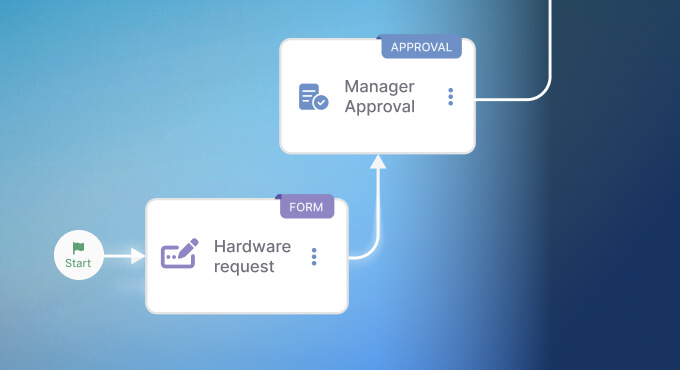
The workflow builder shows every stage of a process on one canvas, with forms, approvals, tasks, conditions, and actions in external systems connected as a single execution path. One conditional step can model several outcomes, and one approval can branch into different paths depending on the decision.
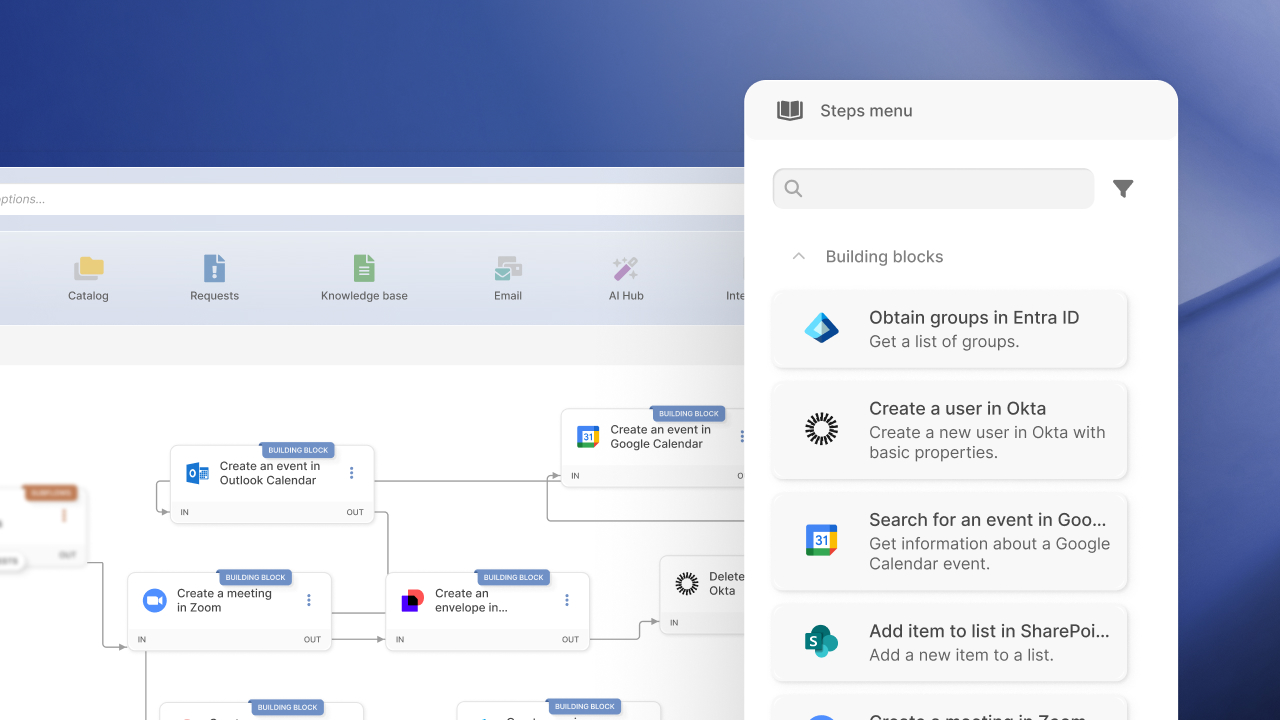
Templates give teams a starting point they can customize. Reusable building blocks package a common sequence, such as an approval plus its notifications, so it's defined once and reused across workflows.
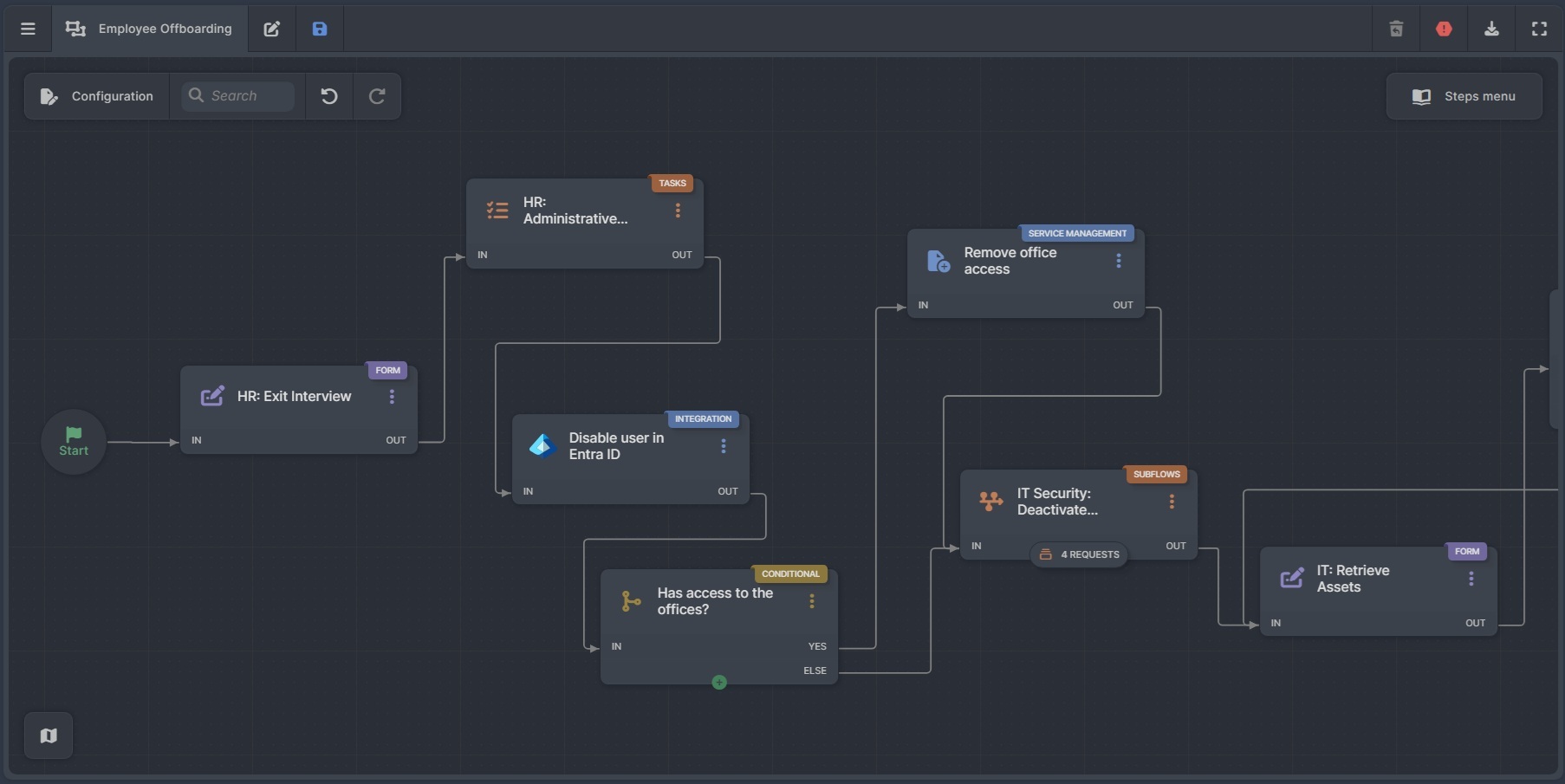
Built-in Action Connectors let a workflow read data from, or run actions in, identity providers, HR systems, calendars, and e-signature platforms, such as Okta, Microsoft Entra ID, Google Workspace, Workday, and DocuSign. They run as stages of the workflow without custom API work, so each external step stays visible next to the approvals and tasks around it.
With AI-Powered Workflow Generation, the team describes a process in plain language, answers a few clarifying questions, and reviews an editable plan of stages, conditions, and variables before a draft workflow is created. The team then completes approvers, integrations, and final configuration before the workflow goes live.
Inside the InvGate Service Management workflow builder, the Workflow Assistant explains any workflow in plain language. Teams can chat with it to ask about the workflow and its execution data.
Workflow orchestration gives IT teams one execution path for processes that cross systems, teams, and approvals, with every stage visible on the same record.
Start a 30-day free trial of InvGate Service Management, no credit card needed, to build your first orchestrated workflow. You can also talk to sales to learn more about the platform
These answers sum up the main points of the article. Each one covers a question IT teams often raise when they start orchestrating their processes.
Process orchestration coordinates a full business process across people, systems, and workflows. Workflow orchestration runs that coordination inside each flow, with its own stages, conditions, and approvals.
A process needs orchestration when it crosses several systems or teams and depends on approvals or conditions. It also needs one record of its status from start to finish. A single task that runs in one tool on one trigger is usually well served by automation alone.
Many ITSM platforms include workflow builders that connect approvals, tasks, and external systems. That lets IT teams orchestrate service processes in the same place where their requests already live.

