










How do you maintain IT support coverage on days when fewer people are available? Some days, that's simply part of the job: holidays, major sporting events, or a highly anticipated game launch like GTA 6 on Thursday, November 19. People take time off, but support requests don't stop coming in.
Keeping support running under these conditions requires more than figuring out who can work that day. It takes clear coverage arrangements, good Knowledge Management, and processes that allow the team to handle requests even when staffing is limited.
Planning ahead makes the difference. Here are five ways to prepare your service desk for days when staffing levels are lower than usual.
Service desk coverage gaps hurt most when no one has planned for them. Before a known light-staffing day, decide who is working, what each person owns, and who will monitor the incoming queue. Name a point of contact for urgent issues — an outage, a locked-out executive, or a failed payroll run — so they don't get stuck waiting for the usual rotation.
Set an on-call arrangement for genuinely time-sensitive issues, and agree in advance on what qualifies as urgent. The remaining tickets can be distributed by category or agent availability, with clear ownership to prevent duplicate work or requests going unattended.
If you're building this plan for the first time, a clear help desk staffing model gives you a starting point for determining coverage ratios and shift patterns. Those decisions become especially important when fewer agents are available.
How to:
A large share of what reaches the service desk is the same handful of questions: password resets, access requests, a VPN that won’t connect. When the answers live in an up-to-date knowledge base, users can solve those on their own and never open a ticket — exactly what you want on a short-staffed day.
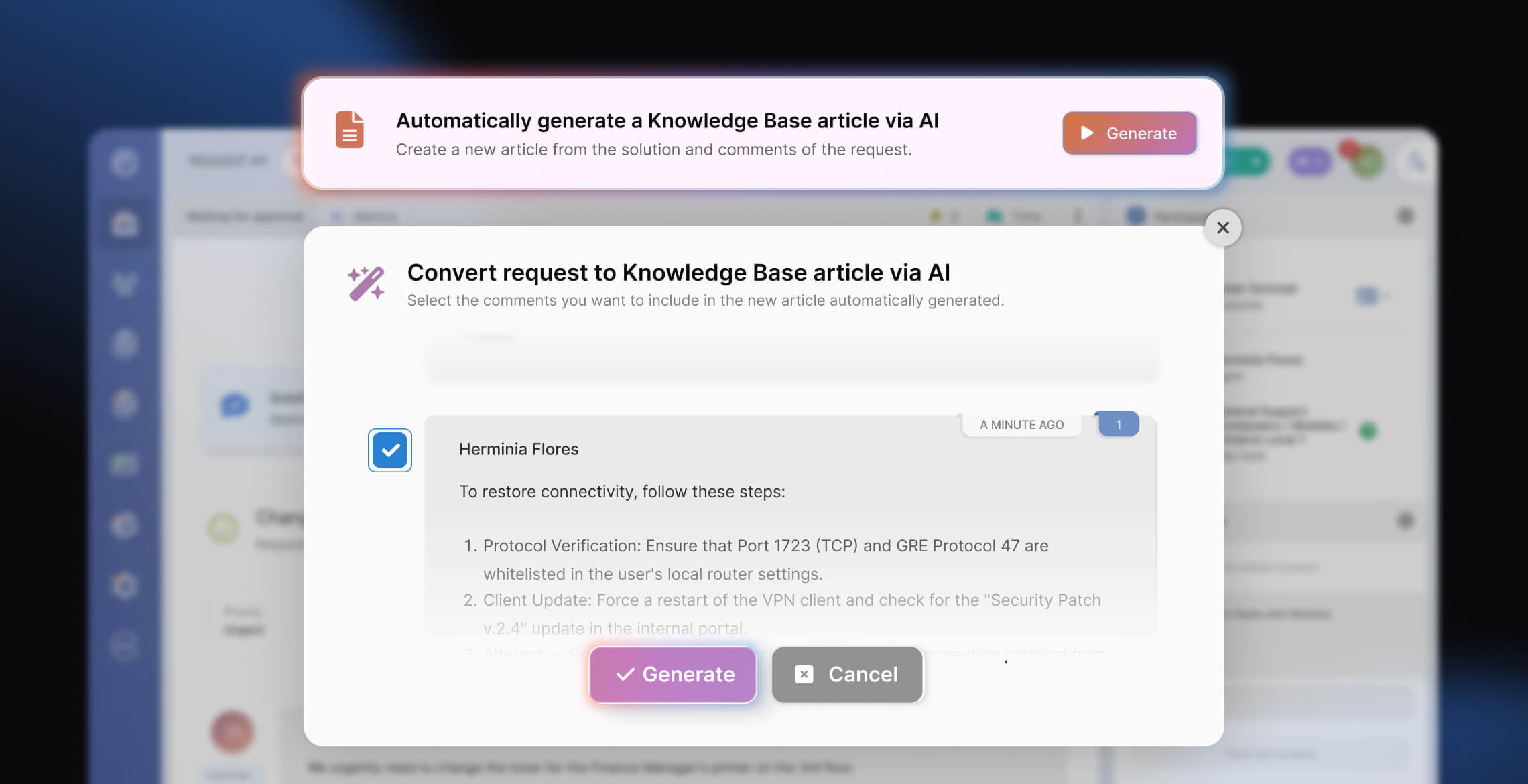
The catch is that a knowledge base only helps if it’s current, and that’s not something you can fix the morning of. A useful library is built in the quiet weeks beforehand: review your recurring tickets, find the top repeat issues that still lack a clear answer, and give each one a findable article before the busy day arrives.
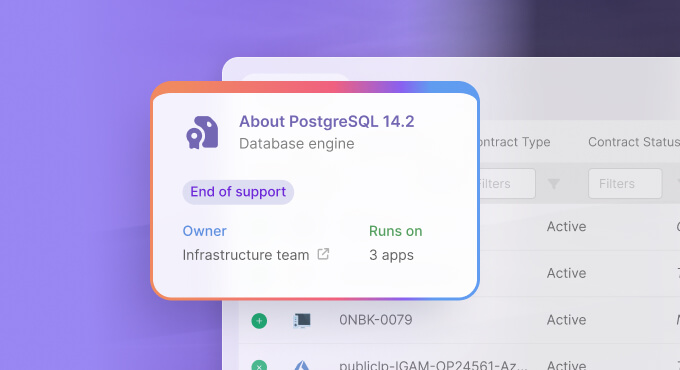
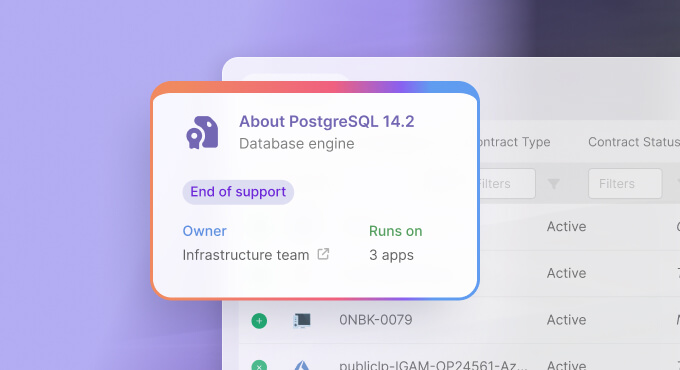
InvGate Service Management’s knowledge base lets your team write and maintain these articles, and its AI shares the load — it can draft new ones, and Knowledge Discovery automatically pulls reusable snippets from resolved tickets, capturing fixes that would otherwise stay buried in individual tickets. Done well, this quietly takes a chunk of volume off the queue — the kind of repetitive questions that get resolved without an agent ever touching them.
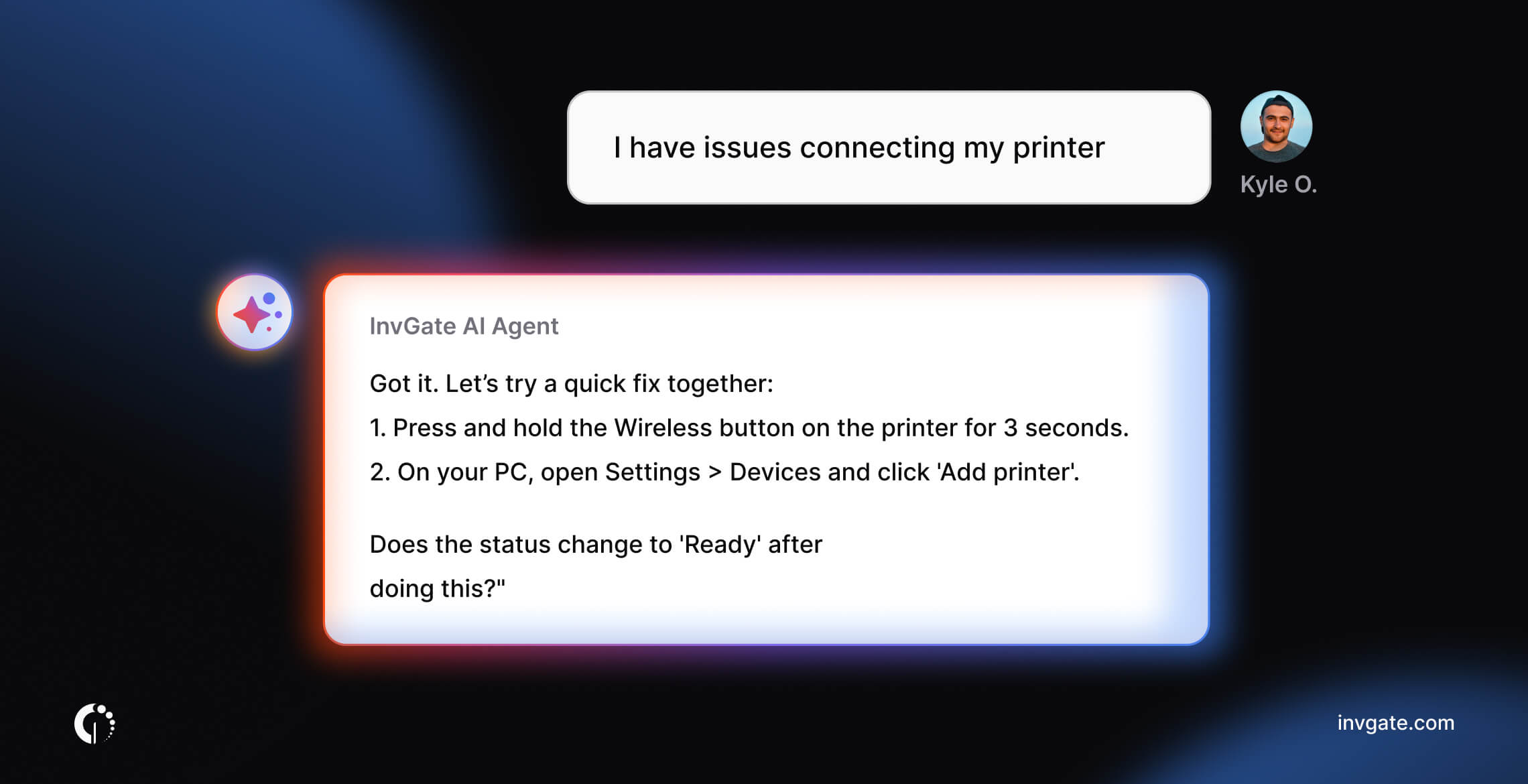
A knowledge base waits for users to come looking. A virtual agent meets them where they already are and answers in the moment. For routine questions it can respond directly, walk someone through a reset, or point them to the right article — and when a request actually needs a person, it hands off cleanly with the context attached.
InvGate Service Management’s Virtual Service Agent does this across the self-service portal, Microsoft Teams, Slack, and WhatsApp, resolving common requests on its own and escalating the rest. On a day with fewer agents at their desks, having that first round of triage happen automatically is the difference between a manageable queue and a backlog.
Where it pays off most is in a self-service experience users actually trust, and that comes down to how the self-service portal is set up and what you put in front of people.
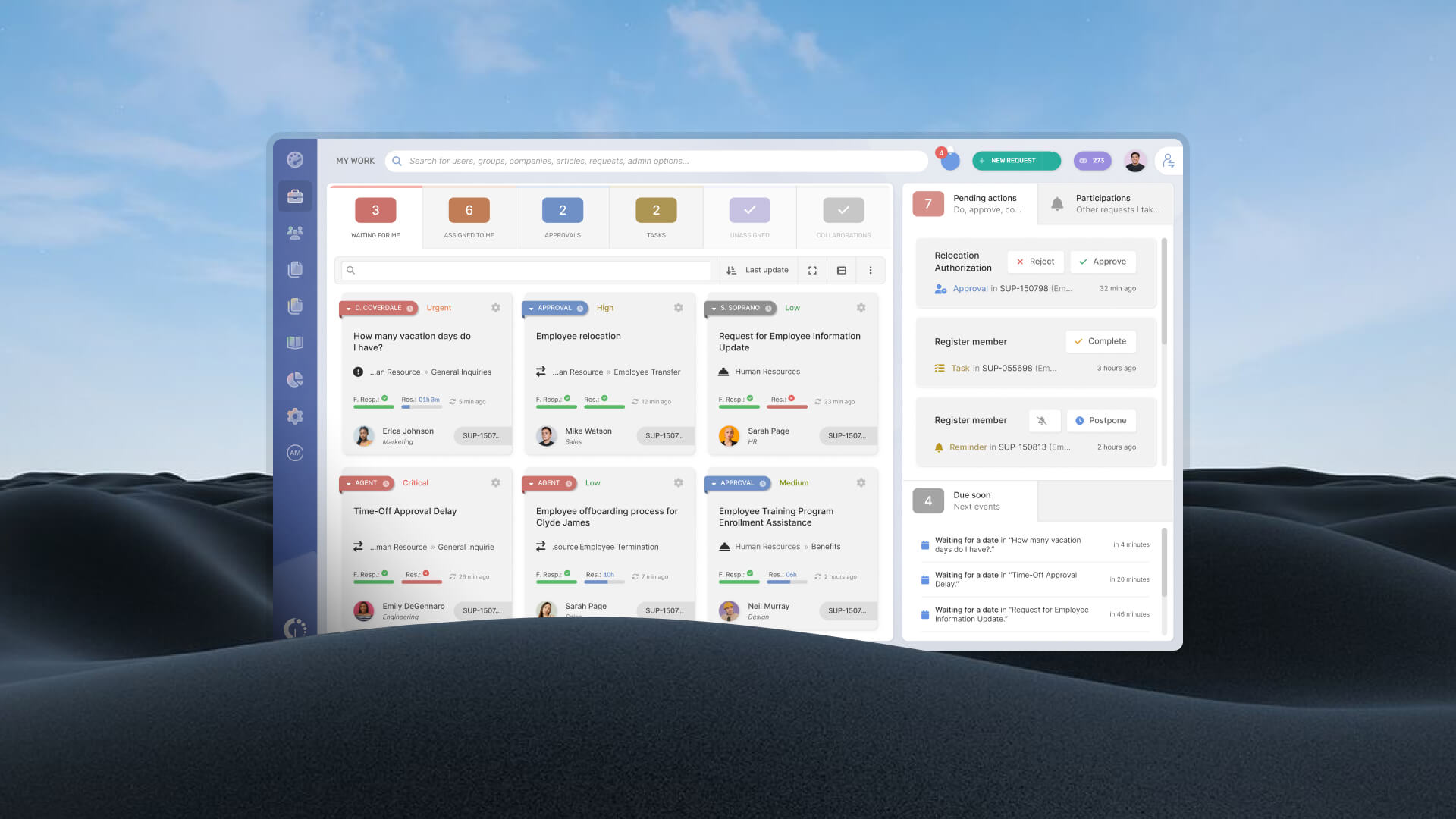
Even the tickets that do need handling don’t all need a human deciding where they go. Automatic assignment routes each request to the right queue or person by category, priority, or team, so nothing sits waiting to be sorted by someone who isn’t in today.
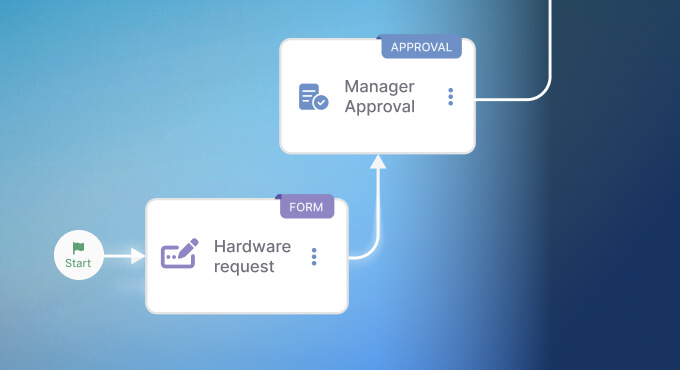
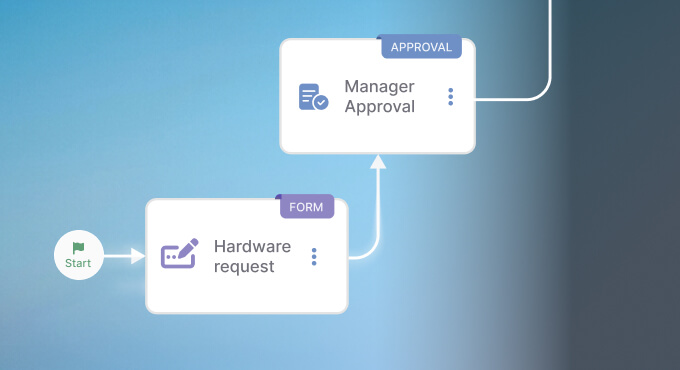
The same holds for standard, predictable requests — onboarding a new hire, granting an access, provisioning equipment. These follow the same steps every time, which makes them a natural fit for a workflow that moves the request along, collects approvals, and tells the next person what to do.
InvGate Service Management’s no-code workflow builder lets your team set these up and adjust them without writing code or waiting on professional services. Taking the manual sorting and chasing off your team’s plate is the whole point of automating the routine side of IT support, and it’s never more useful than on a thin day.
When the team is smaller, triage has to be honest: some things get handled now, and some things wait. Decide ahead of time which categories take priority on a reduced-staff day — anything blocking work or affecting several people first, low-impact requests later. If your SLA targets have any give, set realistic ones for the day so your commitments match what a smaller team can actually deliver, and make sure everyone working is reading from the same list.
Set expectations with users, too. A short banner on the portal or an auto-reply noting that responses may take a little longer than usual does a lot of quiet work: people are far more patient when they know the situation, and you field fewer “any update?” follow-ups clogging the queue.
Thinking through how service holds up when resources are stretched is really a small piece of business continuity planning, and the habits you build for a launch day are the same ones that carry you through an outage or a holiday week.
The thread running through all five is the same: IT support coverage shouldn’t depend on everyone being at their desk. The teams that get through a launch day, a final, or the week before the holidays without drama are the ones that put the knowledge, automation, and priorities in place while things were calm.
To start putting some of this in place, you can start a free trial of InvGate Service Management or book a call with our team to know more.

