














Most IT teams can point to a rule they enforce every day, like "no personal laptops on the corporate network," without being able to point to the document that rule actually lives in. That gap is exactly what a Hardware Asset Management policy is meant to close: a written, approved reference that defines how physical devices are requested, tracked, secured, and retired, so the rule survives staff turnover, audits, and the assumption that "everyone already knows this."
Without one, every team ends up improvising its own version of the rules. One department tracks laptops in a spreadsheet, another relies on tribal knowledge, and nobody can say with confidence who is accountable when a device goes missing or an auditor asks for proof of control. This article walks through what a Hardware Asset Management policy should include, why it matters, and gives you a free template you can adapt to your organization.
A Hardware Asset Management policy is a written framework that defines how an organization requests, deploys, tracks, secures, maintains, and retires its physical IT assets, such as laptops, desktops, servers, and network devices, across their full lifecycle. It sets out who is responsible for each asset, what data must be recorded about it, and what happens at each stage of its life.
This is narrower than a general IT Asset Management (ITAM) policy, which typically also covers software licensing, SaaS subscriptions, and cloud resources. A hardware-specific policy zooms in on the physical estate: the devices employees touch every day and the ones sitting in a storage closet waiting to be reassigned. If your organization is building a broader governance document, our guide on how to write an IT Asset Management policy covers that wider scope.
Hardware that isn't governed by a written policy tends to drift. Devices get assigned informally, warranties expire unnoticed, and retired equipment leaves the building without anyone confirming that sensitive data was wiped first. None of these gaps are usually intentional, they are just what happens when responsibility for hardware is assumed rather than documented.
A policy also changes what happens during an audit or a security review. Instead of reconstructing ownership and history from memory or scattered spreadsheets, the IT team can point to a defined process and demonstrate that it's being followed. That difference matters most in regulated industries, where proving control over the hardware estate is often a compliance requirement rather than a nice-to-have.
A complete policy does not need to be long, but it does need to cover a specific set of areas. Leaving any of them out tends to create the exact blind spots the policy was meant to prevent.
State why the policy exists and exactly which assets it applies to: laptops, desktops, servers, monitors, printers, network devices, and any specialized equipment the organization depends on. Being explicit about scope prevents disputes later about whether a given device category is covered.
Name who owns each part of the process: who approves new purchases, who updates the inventory when a device changes hands, and who is accountable when something goes wrong. Without a named owner, hardware governance tends to fall between departments rather than being anyone's clear job.
Define how new hardware is requested, approved, and provisioned before it reaches a user. This section should specify approval thresholds, standard device configurations, and how a new asset record gets created the moment a device enters the environment, not weeks later.
Explain how assets are recorded and kept current: what data fields are mandatory (owner, location, serial number, purchase date), which tools or platforms are used, and how tagging is handled, whether through barcodes, QR codes, or Radio Frequency Identification (RFID).
Cover how hardware condition is tracked between formal reviews. This includes warranty status, firmware and OS update requirements, and any automated checks that flag devices falling outside expected configuration or performance thresholds.
Set the criteria for when hardware gets replaced, whether that's a fixed cycle or a data-driven trigger based on warranty expiration and support costs, and define the disposal process for retired assets. Secure data wiping and a documented chain of custody are non-negotiable in most regulated environments.
Describe what happens when the policy isn't followed and whether exceptions can be requested. A policy without an enforcement mechanism tends to be treated as optional, which defeats its purpose.
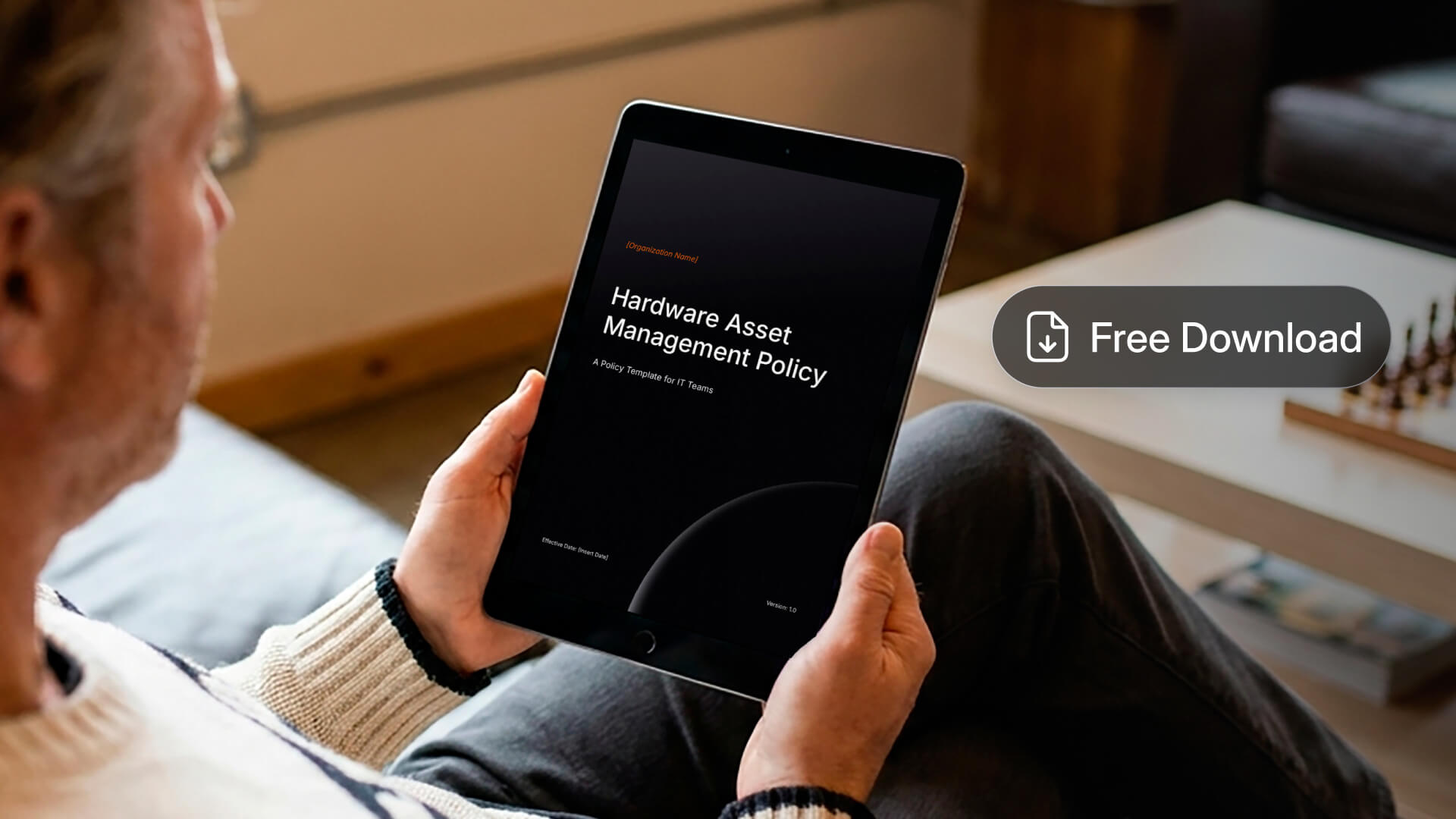
Building this document from a blank page takes longer than it should, and skipping sections is the most common reason policies fail to hold up during an audit. We put together a free, editable template that already includes each of the sections above, with placeholder language you can adapt to your organization's size, industry, and existing tools.
Use it as a starting draft rather than a final document. Every organization has a different hardware footprint and risk tolerance, so the roles, thresholds, and review cadence in the template should be adjusted to match how your team actually operates.
A ready-to-edit template covering governance and RACI ownership, regulatory alignment (ISO/IEC 19770-1, ISO/IEC 27001, ITIL®, COBIT®, NIST SP 800-88), sourcing and tagging, health monitoring, financial lifecycle, BYOD, secure disposal, and audit-readiness metrics.

Writing a policy is one part of the work, making sure it's actually followed day to day is the other. InvGate Asset Management gives IT managers the tools to turn the rules in the document above into automated, enforceable practice rather than something that only gets checked once a year.
Instead of chasing compliance across spreadsheets and email threads, teams can define the standards a policy calls for directly in the platform and let it flag deviations automatically. That closes the gap between what the policy says and what's actually happening across the hardware estate.
Here's how it maps to the sections covered earlier:
These are just some of the features that support a documented Hardware Asset Management policy, alongside newer additions like Cost Center Management, which brings financial accountability into the asset record itself, and scheduled data exports for reporting, which route inventory data automatically to the tools your Finance and Security teams already use. The best way to see the full extent of what the platform can do for your policy is to try it yourself or talk it through with the team.
Ready to put your Hardware Asset Management policy into practice? Start a 30-day free trial of InvGate Asset Management, or talk to Sales to see how it fits your environment.
A Hardware Asset Management policy only works if it's specific enough to answer real questions: who owns this device, what happens when its warranty expires, and how it gets retired securely. Cover purpose, roles, procurement, tracking, maintenance, refresh, and enforcement, and you'll have a document that holds up under an audit rather than one that just sits in a shared drive.
Use the free template above as your starting point, then adapt it to your organization's tools and structure. Once the policy exists, the next step is making sure it's enforced consistently, which is where the right platform makes the difference.

