













Without a centralized system, hardware visibility breaks down fast. Devices get reassigned without records, remote laptops disappear from any list maintained manually, and the next audit becomes a scramble. Hardware inventory software solves that problem by automatically discovering, recording, and tracking every physical device in your environment (from procurement to disposal) without depending on periodic manual updates.
This guide covers what hardware inventory software does, how it works, what to look for when choosing a tool, and how to build a hardware inventory using InvGate Asset Management. It also includes a comparative overview of the top tools on the market to help you build a shortlist.

Hardware inventory software is a category of IT tool that automatically discovers, records, and tracks the physical devices in an organization's environment. It tells you what exists, where each device is, who owns it, and what state it's in - without requiring manual audits to keep that data current.
This practice is also commonly called Hardware Inventory Management, computer hardware inventory, or hardware asset tracking, depending on the team using it.
The scope typically covers laptops, desktops, servers, networking equipment (routers, switches, access points), printers, peripherals, and mobile devices. For each asset, a hardware inventory tool collects: make, model, and serial number; operating system and version; assigned owner and department; physical location; lifecycle status (in use, in storage, under repair, retired); purchase date and warranty expiration; contracts associated with the device; hardware configuration (CPU, RAM, storage); and installed software.
In practice, the difference between a well-maintained inventory and a broken one comes down to how data gets into the system. InvGate Asset Management pulls from multiple sources simultaneously (the installed Agent, agentless network discovery, cloud and directory integrations, and manual entry) so the inventory reflects what's actually in the environment at any given moment, not what someone last entered into a spreadsheet.
It's also worth clarifying scope: hardware inventory software focuses on physical assets, while broader Hardware Asset Management extends that foundation with financial governance, compliance tracking, and structured Lifecycle Management across those same assets.
Hardware inventory software is also a focused subset of the broader IT Inventory Management category, which spans software, licenses, and cloud assets in addition to physical hardware. Zooming out one level further, Hardware Asset Management itself sits inside the broader category of IT Asset Management software, which extends that same lifecycle and financial visibility to software, SaaS, and cloud assets alongside hardware.
These three terms are often used interchangeably, but they describe different layers of the same problem. Understanding the distinction helps you define what you actually need; and avoid buying the wrong depth of tool.
The distinction matters because many teams think they need a HAM platform when they actually need to start with a solid inventory foundation. Similarly, teams shopping for "inventory software" often end up with a tool that doesn't support hardware tracking or Hardware Asset Management software depth; and hit the ceiling fast.
At minimum, a hardware inventory tool should capture enough data to answer three operational questions for any device: What is it? Who has it? What's its current state?
Most platforms cover a standard set of built-in fields. Beyond those, the ability to extend records with custom fields determines how far the tool can go to support your specific workflows.
Every hardware inventory should record, at minimum: make, model, and serial number; operating system and version; assigned owner and department; physical location (site, building, room); lifecycle stage (in use, in storage, under repair, retired); purchase date and warranty expiration date; associated contracts; hardware configuration (CPU, RAM, storage capacity); and installed software.
These fields are available out of the box in most enterprise-grade tools and form the baseline for compliance reporting, audit readiness, and incident response.
The standard fields cover what every device has in common. Custom fields cover what your organization specifically needs to track; and that varies. InvGate Asset Management supports custom fields that extend records beyond built-in data: refresh cycle dates, end-of-life (EOL) milestones, maintenance history, vendor-specific attributes, and any other hardware data that matters to your team.
This matters for organizations that track non-standard asset attributes (for example, industry) specific hardware configurations, internal asset rating systems, or sustainability metrics tied to disposal.
USB-connected devices like printers are often missed by traditional inventory processes because they attach to individual computers rather than the network. InvGate Asset Management identifies USB-connected printers through its agent-based discovery and incorporates them into the inventory automatically or through manual approval.
For a printer, that record can include the connected host device, the assigned user, the department, and the physical location; bringing a typically overlooked device class into the same centralized inventory as laptops and servers.
For small environments with under 50 devices managed by a single person, a manually maintained spreadsheet can work. Every addition and change gets entered by hand, and the data stays current because the person managing it also oversees most of the changes. That model breaks the moment the team grows, devices start moving between locations, or remote employees take hardware off-site. The spreadsheet continues to exist; the inventory it represents stops reflecting reality.
Automatic hardware asset tracking solves this structurally. An agent on each endpoint or a network scan running on a schedule keeps the inventory current without requiring someone to remember to update a record. Hardware added to the network appears automatically. Devices assigned to new users update without manual entry. The inventory reflects the environment as it is, not as it was the last time someone ran an audit.
Asset discovery is the engine that keeps an inventory current, and the market for dedicated asset discovery tools reflects just how central this problem is. Without a reliable discovery mechanism, the inventory is only as accurate as the last manual update. Most enterprise hardware inventory tools use a combination of methods, each with different strengths and coverage limits.
An agent is a lightweight piece of software installed directly on an endpoint. Once deployed, it collects hardware specs, installed software, configuration details, and system information, then reports that data back to the central platform continuously. The key advantage is that the agent keeps reporting even when the device is off the corporate network; making it the only reliable method for remote and distributed endpoints.
The InvGate Asset Management Agent supports Windows, macOS, and Linux endpoints, and can be deployed via GPO, WMI, PsExec, SSH, Microsoft Intune, or SCCM for large Windows environments. Once installed, each agent is assigned a unique ID that permanently links it to the corresponding asset record, ensuring updates always enrich the same record rather than creating duplicates.
Agentless discovery (also called network discovery) scans the network to identify devices without requiring software installation on each endpoint. It uses protocols like SNMP, WMI, and SSH to retrieve asset data remotely. This approach is faster to deploy in controlled, on-premises environments and works well for infrastructure that can't run an agent: network switches, routers, shared printers, and some legacy systems.
The tradeoff is coverage: agentless discovery only reaches devices that are reachable on the network at the time of the scan. Remote endpoints, devices behind strict firewalls, or assets that have been offline for extended periods won't appear in the results. Agentless works best as a complement to agent-based discovery, not as the primary method in environments with mobile or remote workers.

Beyond agents and network scanning, enterprise tools typically support additional discovery inputs that fill remaining gaps: CSV imports for bulk onboarding of assets that can't be discovered automatically; integrations with directory services like Active Directory, Microsoft Entra ID, Microsoft Intune, and Jamf to pull device and identity data; and cloud platform integrations with AWS (Amazon Web Services), Azure, and Google Cloud Platform (GCP) for virtual and cloud-hosted infrastructure.
A multi-source approach is meaningfully more robust than any single method. Each source covers a different asset class, and together they eliminate the blind spots that single-method discovery inevitably creates.
InvGate Asset Management combines all four discovery inputs into a single inventory: the installed agent for endpoints, agentless network scanning, integrations, and manual entry or CSV import for assets outside automated discovery reach.
For assets that can't be discovered through any automated method, InvGate Asset Management generates QR codes that travel with the physical device. Scanning the code gives anyone instant access to the full asset record without switching tools.
Want to see how discovery works in practice? Talk to Sales or try InvGate free for 30 days.
Choosing the wrong tool at this stage doesn't just slow you down; it trades a spreadsheet problem for a discovery coverage problem. The features below are the ones that determine whether a hardware inventory tool actually works in practice, not just in a demo.
Hardware inventory looks different depending on where your devices live and how your teams are structured. A tool that works well for a single-site, on-premises environment may fail completely in a distributed or cloud-heavy setup. The right choice depends not just on features but on how well those features map to your actual environment.
Agentless discovery fails the moment a device leaves the corporate network. For organizations with remote employees or distributed teams, network scanning misses every endpoint that's off-site, creating an invisible pool of assets that appear managed on paper but haven't been updated in months.
The agent-based approach solves this structurally. Because the agent runs directly on the endpoint and reports data back to the platform on a regular basis, it keeps working regardless of whether the device is connected to the corporate network. The InvGate Asset Management Agent supports Windows, macOS, Linux, and Android, covering the majority of remote device scenarios in enterprise environments. A device that's been working from a home office for six months still shows up in the inventory with current data; because the agent never stopped reporting.
When assets are spread across multiple sites, the inventory challenge shifts from discovery coverage to data structure. Without a location model that reflects how the organization is actually organized, a centralized inventory becomes hard to query and harder to act on.
InvGate Asset Management supports a multi-level location model that allows organizations to structure the inventory by site, building, floor, and room. Location-based permissions let teams manage visibility at the appropriate scope; a regional IT team sees the devices in their locations without exposure to the full global inventory. This makes the inventory usable for the teams closest to the hardware, not just for central IT.
This section contains the comparative overview of tools. The vendor comparison is being worked on in a separate editorial pass and will be added here.
InvGate develops and markets InvGate Asset Management, which means we are an active participant in this category. While some of the tools mentioned in this article may be considered alternatives, our goal is to provide accurate, neutral, and useful information to help readers evaluate hardware inventory software options.
Our analysis is based on publicly available information, including official vendor websites, product documentation, pricing pages (when disclosed), and user reviews from platforms such as Gartner Peer Insights, G2, and Capterra. Tools were included based on relevance to hardware inventory use cases, feature availability, and market visibility.
Information is accurate as of June 2026 and may change as vendors update their products. This article is published by InvGate for informational purposes only. All comparisons reflect the author's independent evaluation and are based on publicly available data.
All product names, logos, and brands are property of their respective owners. Use of these names, trademarks, and brands does not imply endorsement or partnership. Comparisons are provided for informational purposes and may be subject to change without notice.
InvGate Asset Management is a unified IT Asset Management (ITAM) platform developed and marketed by InvGate. It is designed for mid-market and enterprise IT teams that need to move beyond spreadsheets and manual audits to get accurate, continuously updated visibility over their hardware estate.
The platform centralizes asset data from multiple discovery sources into a single record and supports the full asset lifecycle, from procurement and assignment through maintenance and disposal. InvGate Asset Management is available as a cloud service and as an on-premises installation, including air-gapped deployments, which makes it suitable for organizations with strict data residency or infrastructure requirements.
For hardware inventory specifically, InvGate Asset Management combines agent-based discovery with agentless network scanning, directory and cloud integrations, and manual or CSV import to ensure every device class is captured, including remote endpoints that network scans would miss. Each asset record stores hardware specifications, assigned owner, location, lifecycle status, warranty data, and contract information, and is updated continuously rather than at fixed audit intervals.
As of June 2026, InvGate Asset Management maintains the following ratings across software review platforms:
InvGate Asset Management has also been recognized in Gartner's Market Guide for Hardware Asset Management Tools as a representative vendor. Consulting verified reviews across multiple platforms provides a more complete picture of real-world performance than any single source alone.
According to the InvGate Asset Management pricing page, consulted in June 2026, pricing is based on IP devices — network-connected assets like computers, servers, and network equipment. Each IP device includes two non-IP devices (monitors, headsets, and similar assets without a network address).
A free 30-day trial is available with no credit card required. To discuss which plan fits your environment, you can schedule a call with Sales.
Building a hardware inventory is not a one-time project. It's a continuous data problem: the environment changes constantly, and the inventory needs to reflect those changes without relying on manual updates. The steps below walk through how to set up InvGate Asset Management so the inventory stays accurate by design, not by effort.
Confirm exact module and feature names with the InvGate Asset Management team before publishing.
A well-structured hardware inventory built on InvGate Asset Management gives your team a continuously updated record of every device, from procurement to disposal, without depending on periodic audits to keep it current.
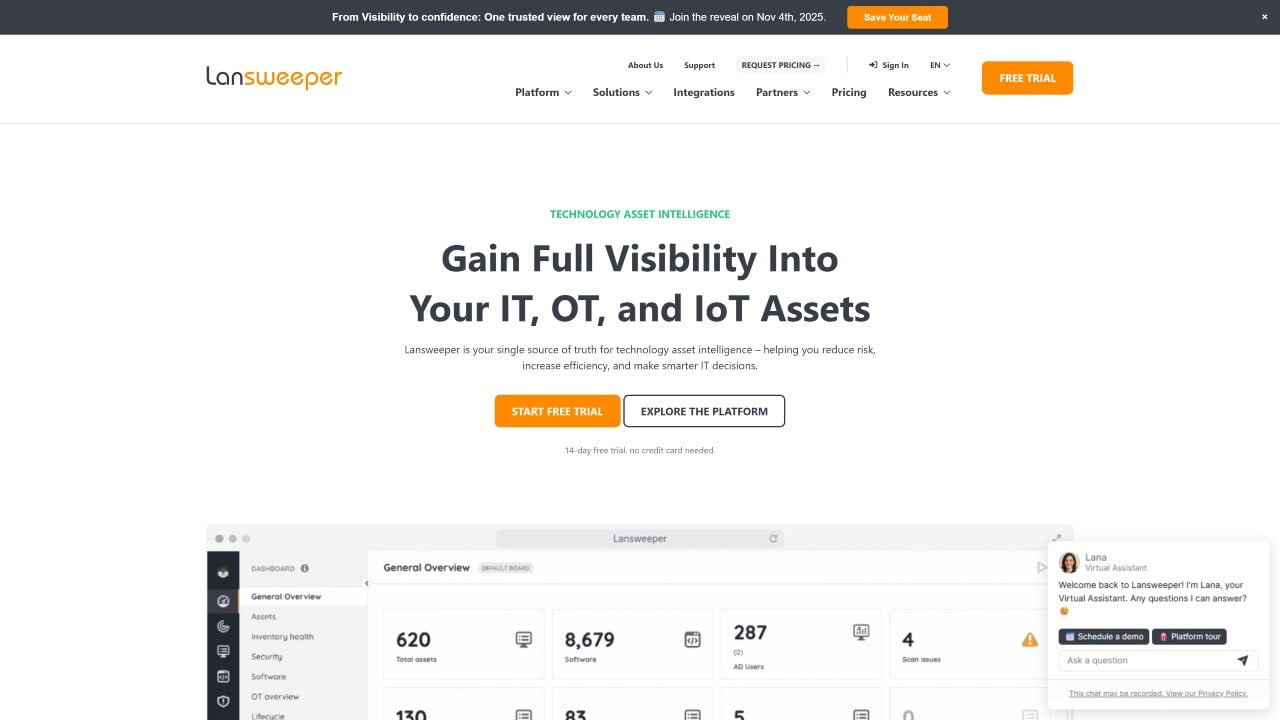
Lansweeper is a cyber asset intelligence platform built around agentless network discovery: it scans every device on the network automatically, without requiring software installation on each endpoint, and organizes the results into a continuously updated, centralized inventory. Lansweeper covers IT, OT, IoT, and cloud assets in a single interface, which makes it a practical option for organizations with mixed environments that include both traditional IT infrastructure and operational technology.
For hardware inventory specifically, Lansweeper excels at breadth of discovery. It retrieves hardware specifications from every scanned device, including manufacturer, model, serial number, processor, memory, storage, and installed software, and makes that data searchable and reportable from a central location. The platform also tracks warranty status, end-of-life dates, and lifecycle status for hardware assets, and generates over 500 built-in reports that can be customized or exported.
The following capabilities are based on the Lansweeper features page and the hardware inventory page, consulted in June 2026. The Lansweeper website blocked direct fetch access; information was retrieved from official snippets returned by search.
As of June 2026, Lansweeper maintains the following ratings across software review platforms:
Consulting multiple review platforms provides a more complete picture of real-world performance, since each platform captures a different user base and purchasing context.
According to the Lansweeper pricing page, consulted in June 2026, plans are billed annually and structured around the number of assets managed. Asset count includes all IT and OT devices such as computers, servers, network devices, and PLCs. Monitors only count toward the limit if they have extended display data associated.
A 14-day free trial is available with no credit card required. Enterprise quotes are generated manually by the sales team.
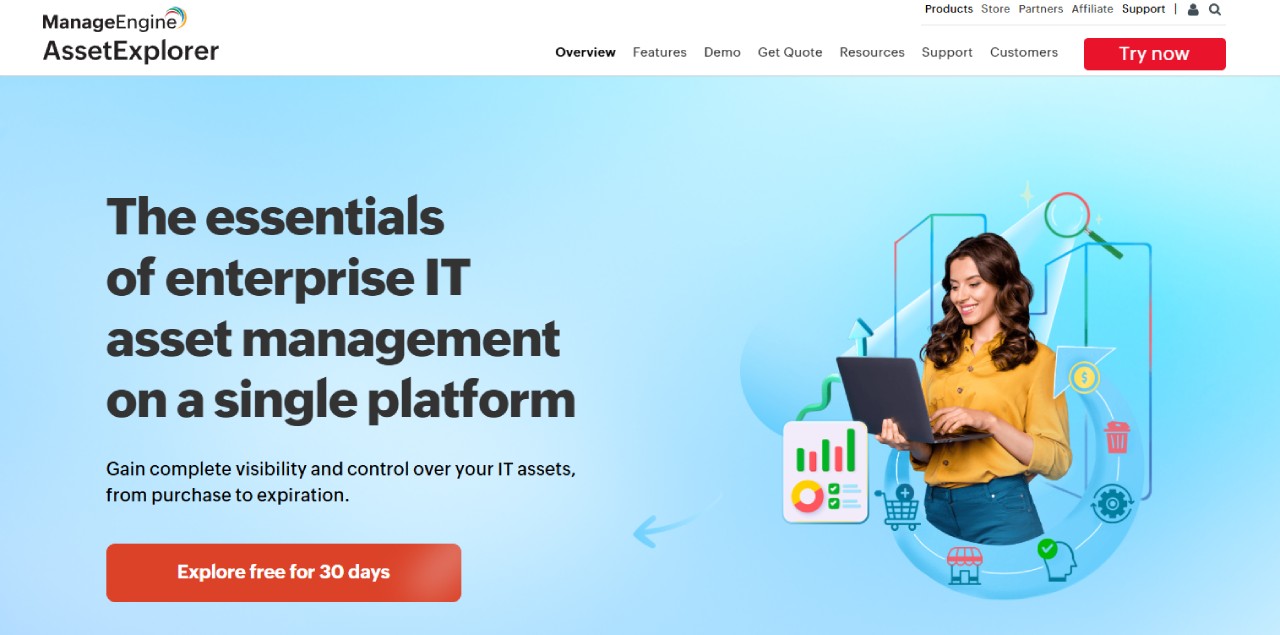
ManageEngine AssetExplorer is a web-based IT Asset Management platform developed by ManageEngine, a division of Zoho Corporation. It targets IT teams in mid-market and enterprise organizations that need structured Lifecycle Management across hardware and software assets, and is available both as a cloud service and as an on-premises installation. The platform covers the full asset lifecycle from procurement to disposal, with integrated Purchase Order Management, contract tracking, software license compliance, and a CMDB.
For hardware inventory, AssetExplorer supports multiple discovery methods simultaneously; agentless network scanning, agent-based scanning via the Endpoint Central agent, and manual or import-based entry; and tracks workstations, printers, routers, switches, and any IP-connected device across Windows, Linux, macOS, Solaris, Mac, IBM AIX, and VMware ESX/ESXi environments.
The following capabilities are based on the ManageEngine AssetExplorer product page and features page, consulted in June 2026.
As of June 2026, ManageEngine AssetExplorer maintains the following ratings across software review platforms:
The review volume in both G2 and Capterra is relatively small. Consulting multiple platforms gives a more balanced picture and reduces the weight of any single outlier review.
According to the ManageEngine AssetExplorer pricing page, consulted in June 2026, pricing is asset-based and differs between cloud (SaaS) and on-premises deployments.
Cloud pricing (billed monthly or annually):
On-premises pricing (billed annually):
A permanently free edition is available for up to 25 assets with full core functionality. A 30-day free trial supports up to 250 IT assets; after expiration, the license downgrades to the free edition automatically. For environments above 10,000 assets, ManageEngine asks to be contacted directly at sales@manageengine.com.
Snipe-IT is a free, open source IT Asset Management system developed and maintained by Grokability, Inc. It is built in PHP and designed to run on any Linux, Windows, or macOS web server. The platform targets small and mid-sized IT teams that need a structured way to track hardware assets, software licenses, accessories, and consumables without investing in a commercial tool. Organizations can self-host Snipe-IT at no cost, or use Grokability's managed hosting plans.
For hardware inventory, Snipe-IT provides a centralized record of every asset with its current assignment, location, status, and complete history. It does not perform automated network discovery — asset records are created manually, via CSV import, or through API integrations with MDM platforms such as Jamf and Kandji. This makes it well suited for teams that prioritize control and simplicity over automated scanning.
The following capabilities are based on the Snipe-IT product features page, consulted in June 2026.
As of June 2026, Snipe-IT maintains the following ratings across software review platforms:
The review volume across both platforms is relatively small. Consulting both alongside community forums and GitHub activity gives a more complete picture of adoption and user satisfaction for an open source product.
According to the Snipe-IT pricing page, consulted in June 2026, the software itself is free and open source. Organizations that self-host pay nothing for the software; all plans include unlimited assets and unlimited users.
Managed hosting plans, where Grokability handles server setup, maintenance, upgrades, backups, and SSL, are available at the following rates:
Phone support and API integration assistance are available separately through an Enterprise Support plan. There is no free trial for hosted plans, but the self-hosted version is free to download and evaluate without any time limit.
PDQ Inventory is a Windows Systems Management tool developed by PDQ.com, sold together with PDQ Deploy under a single license. It targets sysadmins and small-to-mid-sized IT teams managing on-premises or VPN-connected Windows environments. The two tools work as a unit: Inventory scans and organizes device data, and Deploy uses that data as deployment targets for patching and software management.
For hardware inventory, PDQ Inventory scans Windows devices agentlessly to collect hardware specs, installed applications, OS versions, and Active Directory attributes. It does not cover macOS, Linux, or network infrastructure devices.
The following capabilities are based on the PDQ Inventory product page, consulted in June 2026.
PDQ Inventory is not listed separately on review platforms; ratings below reflect PDQ Deploy & Inventory, which is how the product is sold and reviewed. As of June 2026:
Both platforms show a high and consistent rating across a substantial review base. Consulting community resources alongside formal reviews gives a complete picture for a product with strong sysadmin adoption.
According to the PDQ pricing page, consulted in June 2026, PDQ Inventory is not sold separately. A single license includes both PDQ Deploy and PDQ Inventory at $1,950 per administrator per year, with unlimited managed endpoints. Volume discounts start at 15 admin licenses; a 15% discount applies to small businesses, nonprofits, and schools.
For remote and hybrid environments, PDQ also offers PDQ Connect, a separate cloud-native product priced per device per year (Basic at $12, Plus at $18, and Premium at $28) with a 100-device minimum. A 14-day free trial is available for both products with no credit card required.
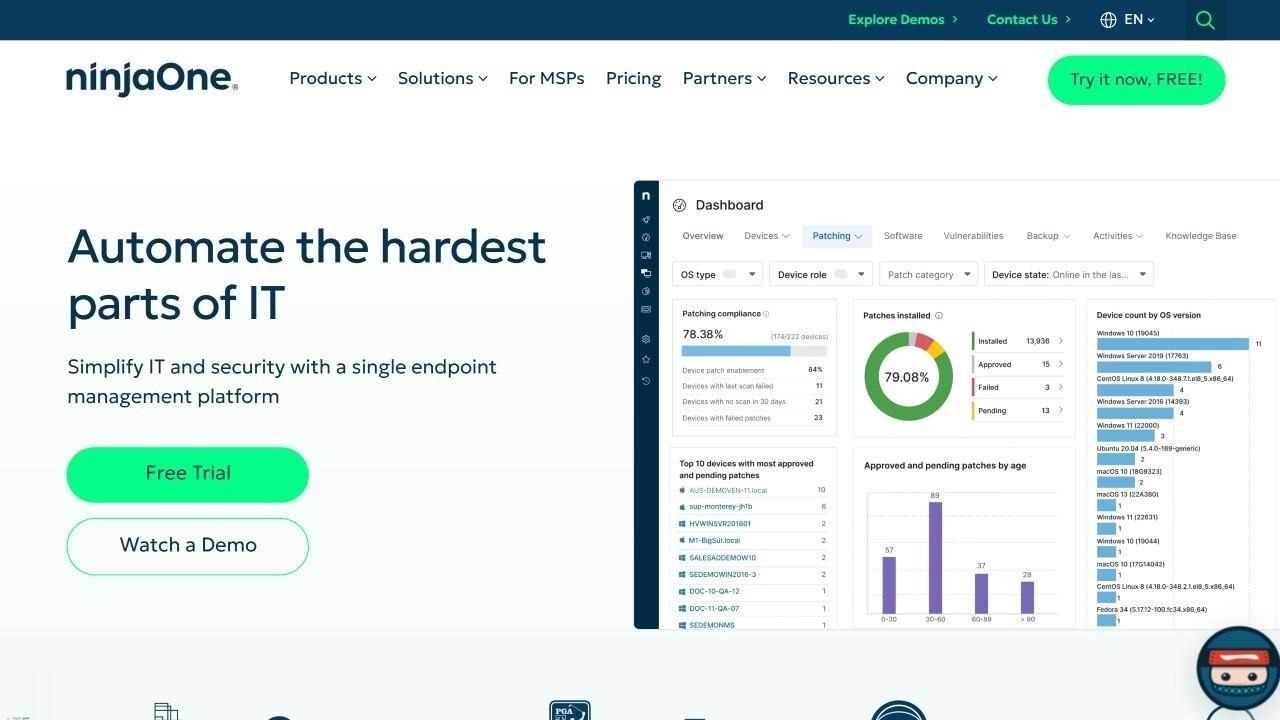
NinjaOne is a cloud-native unified IT operations platform used by nearly 40,000 customers in 140+ countries. It bundles endpoint management, patch management, remote monitoring, backup, and IT Asset Management into a single agent-based console. It is widely adopted by MSPs and mid-market IT teams that manage distributed Windows, macOS, and Linux fleets and need inventory data connected to their operational workflows.
Hardware inventory is part of NinjaOne's broader ITAM module, introduced in its 13.0 release. The platform combines agent-based data collection with network discovery to build a continuously updated inventory of hardware specs, software, and device relationships across all managed endpoints.
The following capabilities are based on the NinjaOne device inventory page and the IT Asset Management page, consulted in June 2026.
As of June 2026, NinjaOne maintains the following ratings across software review platforms:
The review volume on G2 is notably high, reflecting broad adoption across MSP and mid-market IT segments. Consulting Gartner alongside peer reviews gives a complete picture across both enterprise and SMB use cases.
According to the NinjaOne pricing page, consulted in June 2026, NinjaOne does not publish standard pricing. Pricing uses a tiered per-device model with volume discounts: the more endpoints an organization deploys the agent to, the lower the per-device cost. Additional factors include contract length and applicable promotions. NinjaOne states that hidden fees (such as training or implementation costs) are not part of their model.
To obtain a quote, organizations must contact NinjaOne's sales team directly. A free trial is available without requiring a credit card.
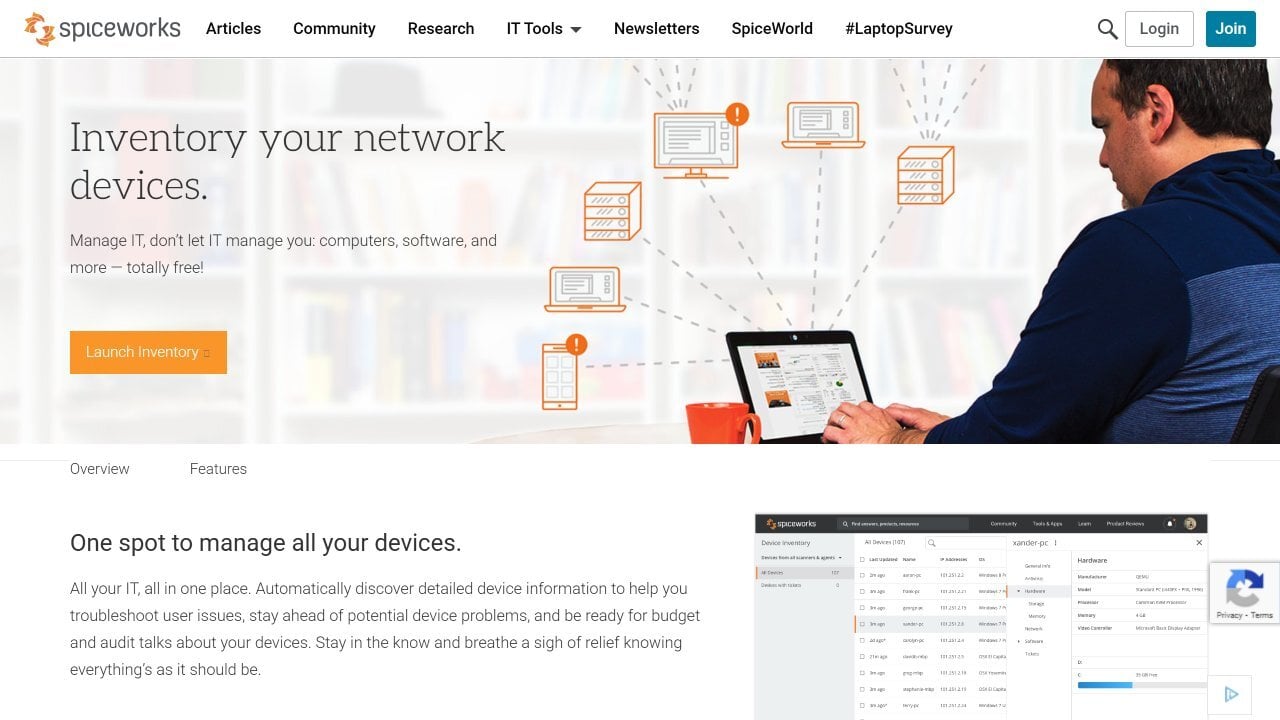
Spiceworks Inventory is a free, cloud-based IT Asset Management tool developed by Spiceworks, owned by Ziff Davis. It is designed for small and mid-sized IT teams that need basic hardware and software visibility without a licensing budget. The product is part of a broader suite that includes a help desk, network monitoring, and a community platform widely used by IT practitioners.
For hardware inventory, Spiceworks scans the network to identify connected devices and collect hardware specs, software installations, warranty data, and IP information. The inventory integrates directly with Spiceworks Cloud Help Desk, linking asset records to support tickets from the same interface.
The following capabilities are based on the Spiceworks Inventory Online product profile on G2 and publicly available product documentation, consulted in June 2026.
As of June 2026, Spiceworks Inventory maintains the following ratings across software review platforms:
Consulting peer reviews alongside community forums gives a more complete picture for a product whose primary distribution channel is the Spiceworks IT community rather than enterprise software marketplaces.
Spiceworks Inventory is free. The core product, including network scanning, hardware and software inventory, and help desk integration, carries no licensing cost and no limit on devices or users. The free version is ad-supported.
According to publicly available information consulted in June 2026, Spiceworks offers a paid "My Way" plan that removes advertisements for a monthly fee, though exact pricing is not prominently published on the official site. Organizations that need pricing details can contact Spiceworks directly through spiceworks.com.
ServiceNow Hardware Asset Management is a module within the ServiceNow AI Platform, not a standalone product. It is designed for large enterprises that already operate on ServiceNow and want to extend their ITSM investment to cover the full hardware asset lifecycle. HAM runs on the same platform and data model as ServiceNow IT Service Management and the CMDB, which means asset records, incidents, contracts, and procurement workflows share a single system of record.
For hardware inventory, HAM automates lifecycle tracking from procurement through disposal using prescriptive workflows and integrates with discovery sources including SCCM, Intune, Jamf, VMware Workspace ONE, Armis, and BigFix to populate and maintain asset records without manual entry.
The following capabilities are based on the ServiceNow Hardware Asset Management product page, consulted in June 2026.
As of June 2026, ServiceNow IT Asset Management maintains the following ratings across software review platforms:
According to the ServiceNow Hardware Asset Management product page, consulted in June 2026, ServiceNow does not publish standard pricing. The platform uses a subscription model and all pricing is provided through a custom quote process.
Two package tiers are available: HAM Professional and HAM Professional Plus (which adds Now Assist AI agents). Organizations must contact ServiceNow directly for pricing tailored to their size, selected modules, and deployment scope.
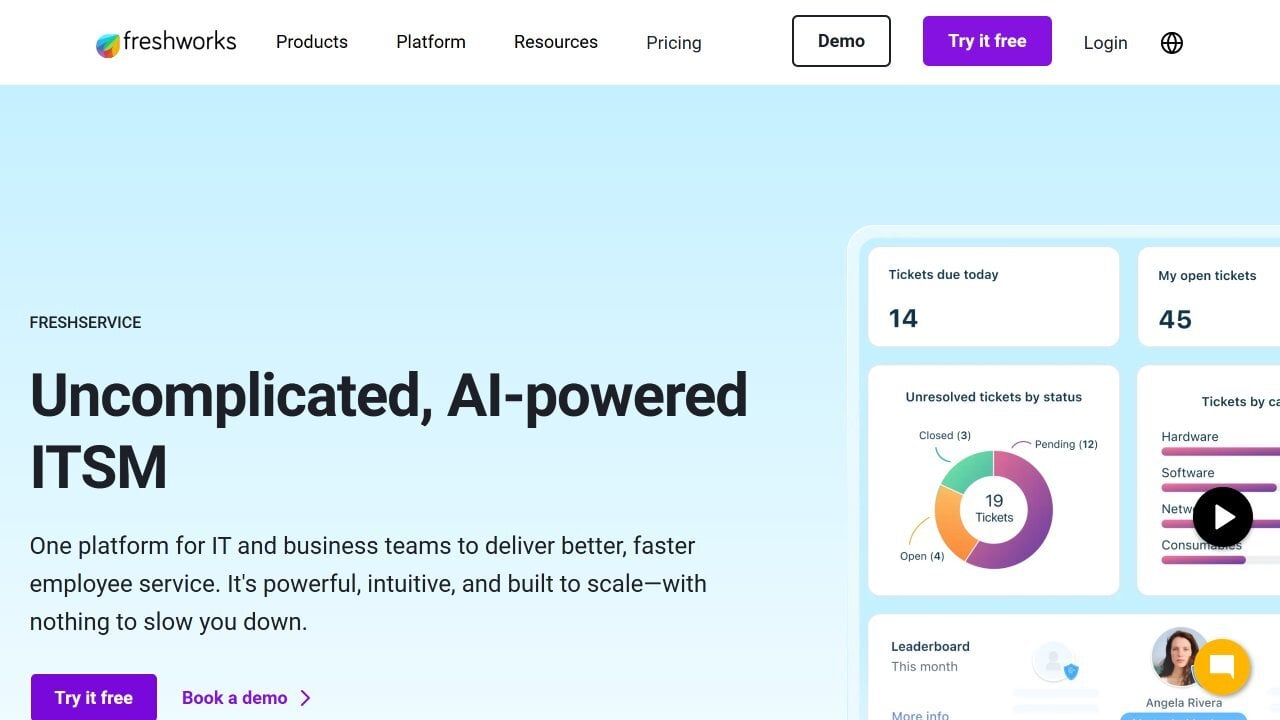
Freshservice is an AI-powered IT Service Management (ITSM) platform developed by Freshworks. It is designed for mid-market and enterprise IT teams that want to unify service desk, IT operations, and Asset Management in a single interface. Hardware inventory is part of Freshservice's broader IT Asset Management (ITAM) module, available from the Growth plan upward, and not a standalone product.
For hardware inventory, Freshservice uses a Discovery Hub that combines agent-based scanning, agentless network probes, and integrations with MDM platforms to build a continuously updated CMDB. The mobile app extends inventory coverage to non-IP-connected assets through barcode and QR code scanning.
The following capabilities are based on the Freshservice IT Asset Management page and the discovery documentation, consulted in June 2026.
As of June 2026, Freshservice maintains the following ratings across software review platforms:
The review volume on both platforms is substantial and reflects Freshservice's broad adoption as an ITSM platform. Hardware Asset Management is one module within the broader suite.
According to the Freshservice pricing page, consulted in June 2026, plans are billed per agent per month on an annual basis. IT Asset Management features are not included in the Starter plan and become available from Growth onward.
Asset capacity is measured in Asset Units (AUs), purchasable in packs of 500 for environments that exceed the default included capacity. A 14-day free trial is available with full access to Enterprise features and no credit card required.
GLPI (Gestionnaire Libre de Parc Informatique) is a free, open source IT Service Management and asset management platform developed by Teclib', a French company founded in 2003. It is self-hosted by default — meaning there is no licensing cost for the core software — and widely used across Europe, Africa, and Latin America, particularly in public sector organizations, healthcare, education, and mid-sized enterprises that need enterprise-grade functionality without commercial licensing fees.
For hardware inventory, GLPI tracks assets across a wide range of device types through a combination of native inventory capabilities and the GLPI Inventory plugin, which adds automated network discovery, SNMP scanning, and scheduled agent-based collection via the cross-platform GLPI Agent.
The following capabilities are based on the GLPI features page and the GLPI Inventory plugin page, consulted in June 2026.
As of June 2026, GLPI maintains the following ratings across software review platforms:
Both review samples are relatively small, which is common for open source tools that attract a technically proficient user base rather than broad enterprise adoption. Consulting both platforms alongside community forums such as the GLPI GitHub repository and user forums gives a more complete picture of real-world experience.
According to the GLPI pricing page, consulted in June 2026, self-hosting GLPI is free and open source with no licensing cost. GLPI Network subscriptions add support tiers, access to premium plugins, and (for cloud options) managed infrastructure:
A 45-day free trial is available for the cloud instance. Prices are listed excluding VAT.
Disclaimer: All product names, logos, and brands are property of their respective owners. All company, product, and service names used on this site are for identification purposes only. Use of these names, trademarks, and brands does not imply endorsement. Comparisons are based on publicly available information as of June, 2026 and are provided for informational purposes only.
ServiceNow is a registered trademark of ServiceNow, Inc. InvGate is not affiliated with, sponsored by, or endorsed by ServiceNow.
Hardware inventory software is used to automatically discover, record, and track every physical device in an organization's IT environment. IT teams use it to maintain an accurate, continuously updated record of what hardware exists, where it is, who owns it, and what state it's in - without relying on manual audits. Common use cases include audit preparation, lifecycle management, refresh planning, incident response, and compliance reporting.
Hardware inventory answers the question of what exists: it records device specs, location, owner, and status. Hardware Asset Management is the governance layer built on top of that inventory: it adds financial tracking, lifecycle management, compliance controls, and procurement integration. Most organizations start with inventory and scale toward full HAM as their visibility requirements grow. A hardware inventory is the prerequisite; HAM is what you do with that data operationally and financially.
Hardware inventory software uses a combination of discovery methods. Agent-based discovery installs a lightweight component on each endpoint and reports data continuously, including when the device is off-network. Agentless discovery scans the network to identify devices without software installation - useful for network infrastructure and shared hardware. Additional sources include integrations.
Yes, though coverage depends on the discovery method. USB-connected peripherals like printers are often missed by agentless network scanning because they attach to host computers rather than the network directly. Agent-based discovery solves this: the agent running on the host detects connected peripherals and surfaces them for inclusion in the inventory. InvGate Asset Management, for example, identifies USB-connected printers through its agent and can incorporate them into the inventory automatically or through a manual approval step - capturing which host the device is connected to, who is using it, and where it is located.
A complete hardware inventory record should capture at minimum: make, model, and serial number; operating system and version; assigned owner and department; physical location; lifecycle status (in use, in storage, under repair, retired); purchase date and warranty expiration; associated contracts; hardware configuration (CPU, RAM, storage); and installed software. Beyond these standard fields, platforms like InvGate Asset Management support custom fields to capture organization-specific data such as refresh cycle dates, EOL milestones, maintenance records, and any other attributes your team needs to track.


