














Without a centralized IT inventory, teams operate blind. Audits become manual scrambles, onboarding and offboarding stretch into hours of cross-referencing spreadsheets, and budget planning relies on guesswork rather than data. Free IT Inventory Management software solves that problem without requiring a procurement process, and for many teams it is the natural first step after outgrowing Excel.
This article covers six tools that offer a free or open source path to IT inventory: Snipe-IT, Lansweeper, OCS Inventory Next Generation, Spiceworks Inventory Online, AssetTiger, and GLPI. For each one, we explain what it does, how its free offering works, and where it stops being enough. One transparency note: InvGate develops and sells IT Asset Management (ITAM) software, and some of the tools in this list compete in the same market. The selection is based on public documentation, verified pricing pages, and user reviews on independent platforms.
IT Inventory Management software is a tool that discovers, records, and tracks the hardware, software, and any other resource that make up an organization's technology environment. The term refers specifically to IT assets (computers, servers, mobile devices, network equipment, and the applications installed on them) not retail stock, warehouse inventory, or supply chain management.
A functional IT inventory tool covers four core areas:
Teams looking to understand how these capabilities fit into a broader strategy can explore the topic in depth through our IT Inventory Management software guide.
These two terms are often used interchangeably, but they describe different things, and the distinction matters when evaluating tools.
A free plan is a pricing tier offered by a commercial vendor. The software is hosted and maintained by the vendor, and the free tier gives access to a subset of features or a capped number of assets. The tradeoff is usually ads, feature limits, or asset ceilings, but setup is fast and there is no infrastructure to manage.
Open source is a different model. The source code is publicly available, the software is self-hosted, and there is no license fee. The tradeoff is that the team assumes responsibility for installation, configuration, updates, security, and maintenance. The software itself costs nothing; the infrastructure and staff time do.
Several tools in this list are open source (Snipe-IT, OCS Inventory Next Generation, GLPI); others offer a free commercial plan (Lansweeper, Spiceworks Inventory Online, AssetTiger). Understanding which model a tool uses is the first question to answer before evaluating fit.
The six tools in this article were selected based on the following criteria:
As noted in the introduction, InvGate develops IT Asset Management software and some vendors in this list are indirect competitors. The selection and treatment of each tool is based on publicly available data, with the goal of giving IT teams the information they need to evaluate options on their own terms.
These are the six tools covered in this article, each approaching IT inventory from a different angle:
Pricing and feature data verified against official vendor sources in June 2026. Values are subject to change; confirm current details at each vendor's official pricing page before making a decision.
The right choice depends less on feature lists and more on three constraints: the size and complexity of the environment, the technical capacity of the team, and the realistic horizon of the tool.
For small environments without dedicated IT infrastructure skills, cloud-based tools with low setup friction (Spiceworks Inventory Online and AssetTiger) are the practical starting point. Both are operational within hours and require no server configuration.
For teams comfortable with self-hosting, the open source options (Snipe-IT, OCS Inventory Next Generation, GLPI) remove asset and user limits entirely and offer far more flexibility in customization and integration.
Scope matters too. If the priority is network discovery and automated software scanning, Lansweeper and OCS Inventory Next Generation are meaningfully stronger than the others.
If the use case is physical asset tracking (knowing who has what, where, and for how long) Snipe-IT and AssetTiger are better fits.
GLPI occupies a different tier: it is not just an inventory tool but a full IT Service Management platform, which makes it powerful but also heavier to implement and maintain.
The most important question is about the ceiling. Most teams that start with a free inventory tool hit the same inflection point within 12 to 18 months: the inventory works, but compliance reporting does not, License Management is manual, lifecycle tracking is a spreadsheet again, and integrating with the service desk requires custom scripting. For teams that can already see that horizon, the question is not which free tool to choose but when to move to a platform built for that scope.
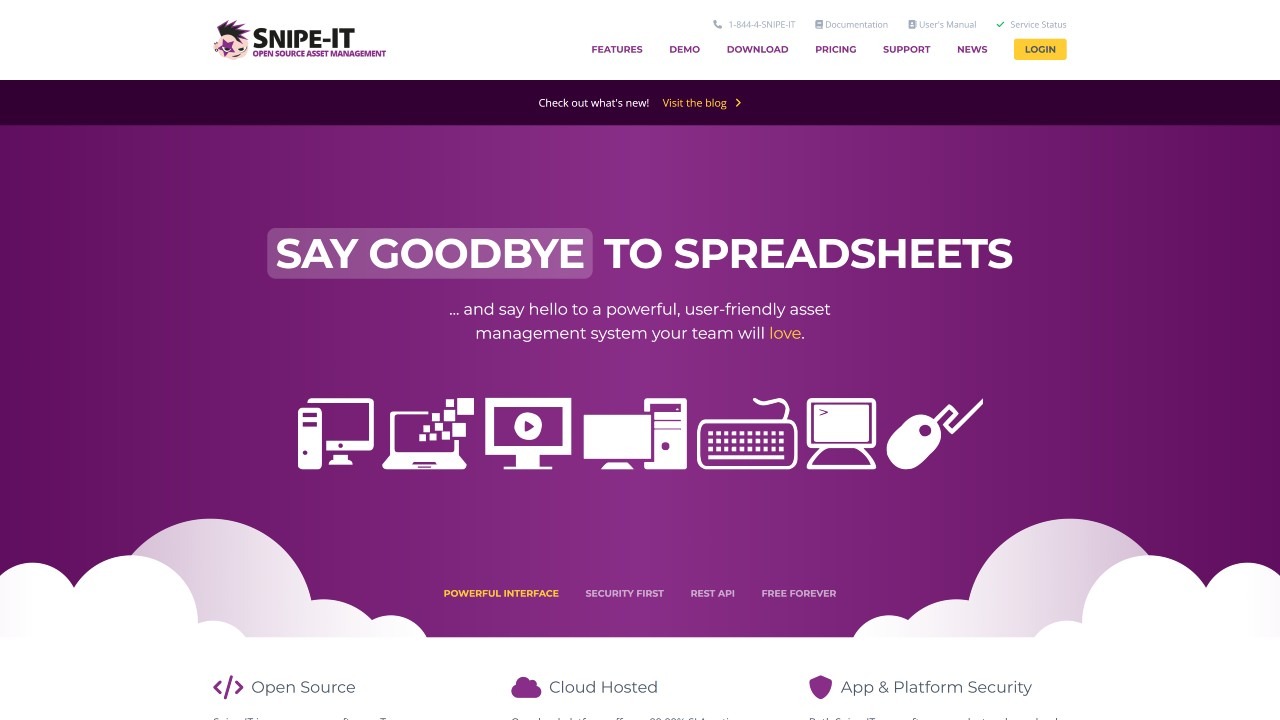
Snipe-IT is an open source IT Asset Management system developed by Grokability Inc., written in PHP on the Laravel framework. It runs as a self-hosted web application, accessible from any browser, and requires a server with a LAMP stack or equivalent. It has become one of the most widely adopted open source options globally for teams that have the technical capacity to manage their own infrastructure.
Its core strength is asset tracking by user: who has what, where it is, and what its full history looks like. Snipe-IT does not include automated network discovery, which means assets are added manually, through CSV import, or via API. That positions it clearly as an asset registry rather than a discovery platform, a distinction worth understanding before evaluating it for environments where automated scanning is a requirement.
The following features are based on information published on the official Snipe-IT product page, consulted in June 2026.
Snipe-IT covers five key areas for IT Inventory Management:
Ratings consulted in June 2026 on verified review platforms:
According to the official pricing page, consulted in June 2026, Snipe-IT offers two paths:
Self-hosted (free): Snipe-IT is and always will be free in its self-hosted version. There are no asset or user limits. The team is responsible for installation, server maintenance, updates, and security. No free trial is offered separately; the self-hosted version can be evaluated indefinitely at no cost.
Hosted plans (paid): for teams that prefer Grokability to manage the infrastructure, three hosted tiers are available:
Support plans for self-hosters are available separately and are not included in the above. Pricing verified on the official Snipe-IT pricing page in June 2026 and subject to change.
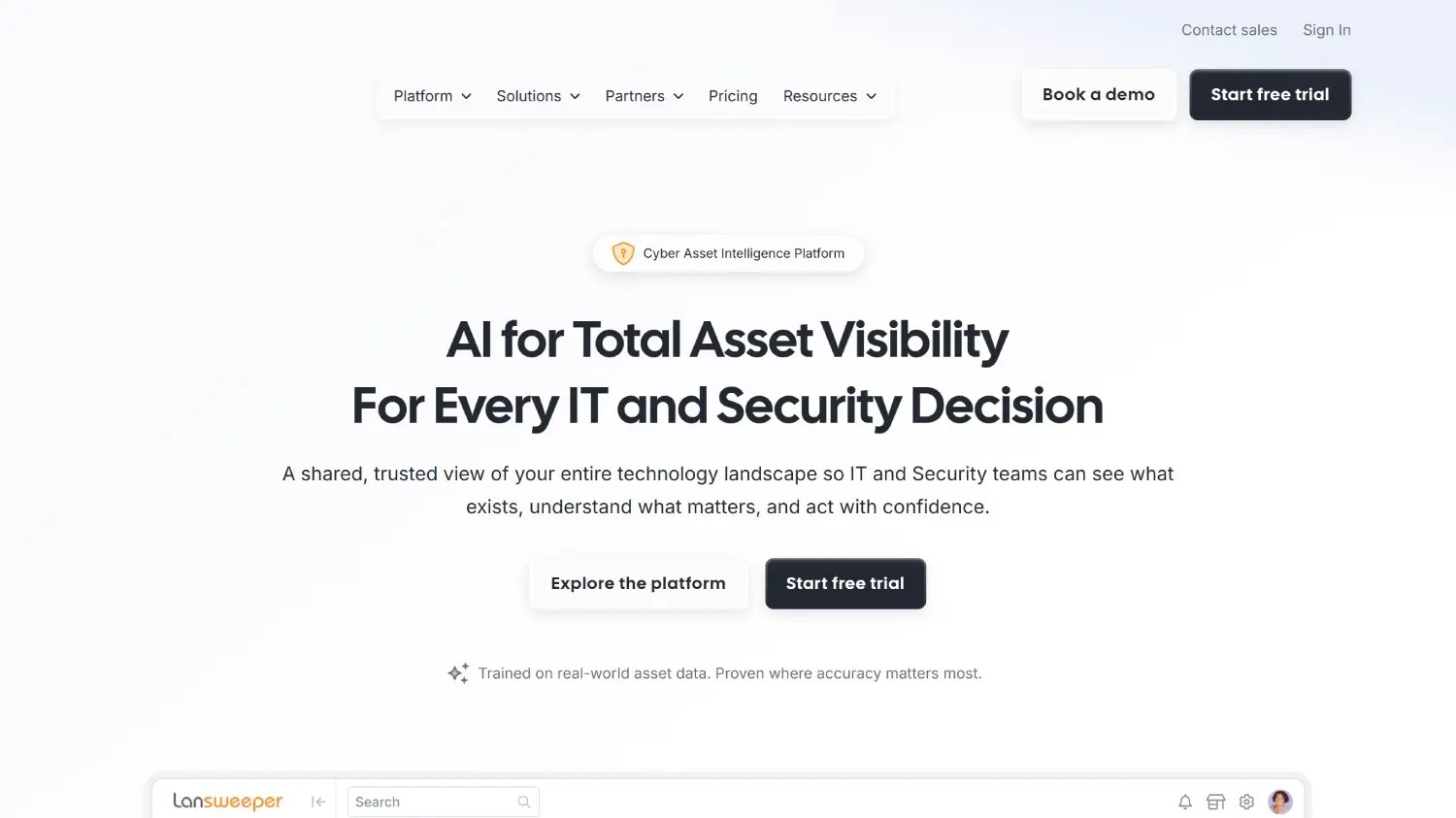
Lansweeper is a Technology Asset Intelligence platform founded in 2004, with more than 30,000 active environments worldwide according to the company's own figures. Its central strength is automated, agentless network discovery: it detects and catalogs hardware, software, users, and devices across IT, operational technology (OT), Internet of Things (IoT), and cloud environments without requiring agents on most endpoints.
Within this list, Lansweeper stands out for the depth of its automated discovery and its built-in data normalization. It reduces the manual cleanup work that typically comes with large inventories by automatically standardizing software names, versions, vendors, and firmware data across sources. The free plan covers up to 100 assets, which is functional for home networks, labs, or tool evaluation; most organizational environments will exceed that limit quickly.
The following features are based on information published on the official Lansweeper product pages, consulted in June 2026.
Ratings consulted in June 2026 on verified review platforms:
Cross-referencing multiple review platforms provides a more complete picture of user experience. For Lansweeper, reviews consistently identify strong value in discovery depth and inventory visibility, alongside recurring friction points around the pricing jump from the free tier (100 assets) to the Starter plan (2,000 assets minimum) and pricing increases at renewal.
According to the official pricing page, consulted in June 2026, Lansweeper's structure is as follows:
Free plan: $0. Up to 100 assets, unlimited users, community support. Suitable for home networks, labs, or initial evaluation. Most organizational environments exceed this limit quickly.
Paid plans (subscription, billed annually, asset-based): exact prices in USD are not directly displayed on the pricing page; they require requesting a quote via the vendor's site. Based on information published on Capterra in June 2026, reference points are:
Lansweeper offers a 14-day free trial of the full platform, with no credit card required. Asset count is based on all discovered assets; retired or disposed assets continue to count toward the license limit until removed from the inventory.
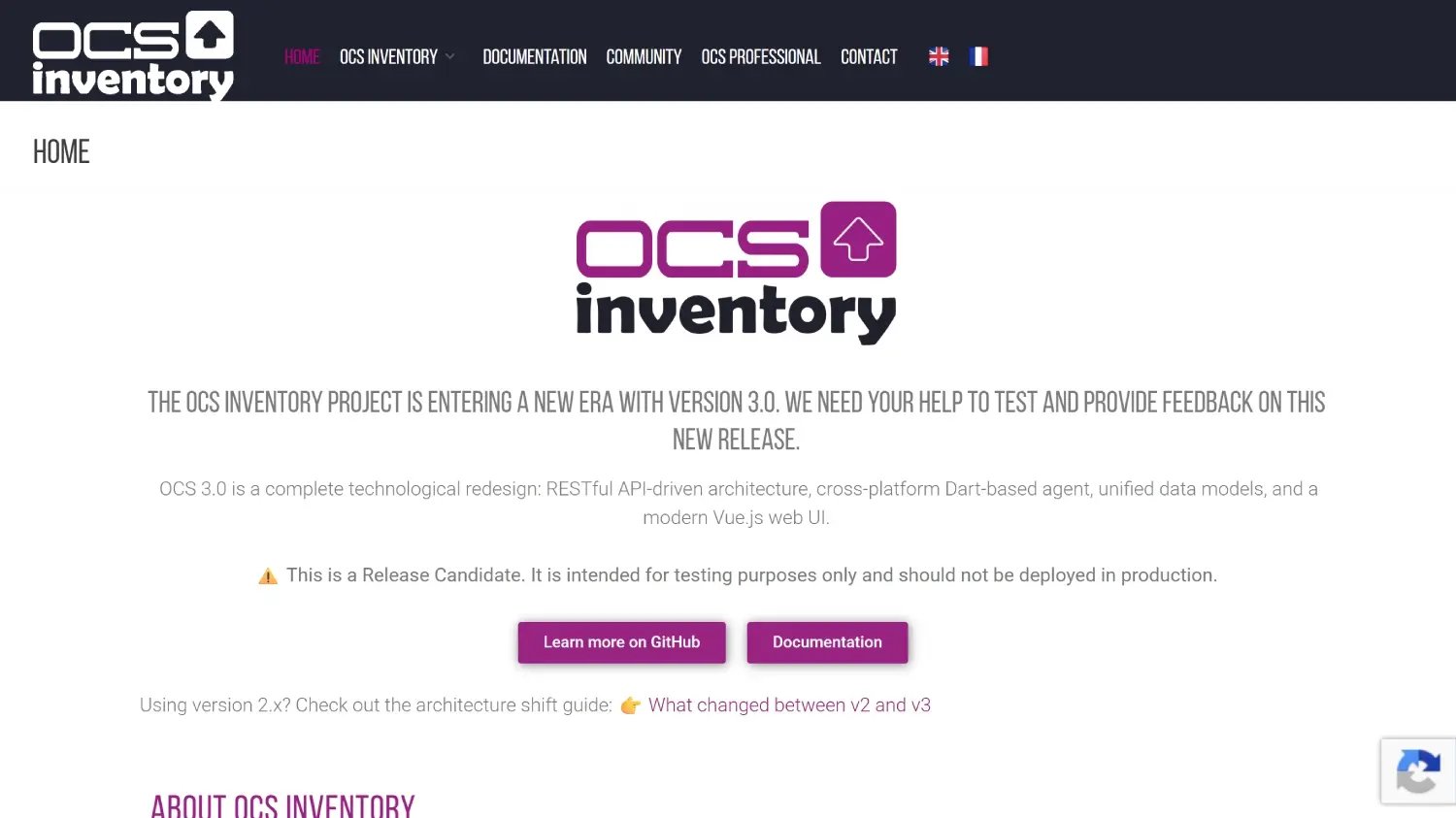
OCS Inventory Next Generation (Open Computers and Software Inventory NG) is an open source IT inventory solution with history since 2001. Originally a community project, it is today actively maintained with participation from the French company FactorFX, which also offers professional integration and support services. It is one of the reference tools in the space for automated hardware and software discovery, particularly strong in Linux-first and mixed environments.
OCS Inventory NG occupies a specific role in the open source ecosystem: it is frequently used as the discovery engine that feeds GLPI, with which it integrates natively. On its own, it covers hardware and software inventory in depth via an agent-server architecture, but it does not include Lifecycle Management, service desk, or license compliance features.
The following features are based on information published on the official OCS Inventory project website, consulted in June 2026.
Ratings consulted in June 2026 on verified review platforms:
Consulting independent review platforms is useful even when the review count is low, as it surfaces recurring user patterns. For OCS Inventory NG, users on G2 highlight hardware and software discovery depth and cross-platform agent coverage. Recurring limitations noted include server setup complexity and an administration interface that is functional but dated.
According to information published on the official OCS Inventory project site, consulted in June 2026:
Open source version (self-hosted): completely free under the GPLv2 license. No license cost. Includes the management server, agents for multiple platforms, and the web administration console. The team is responsible for installation and maintenance of the required stack (Apache or Nginx, MySQL or MariaDB, PHP, Perl, and associated modules).
Professional services and support: FactorFX, the company that actively maintains the project, offers integration, support, and technical accompaniment services for organizations that want to implement OCS Inventory NG with professional backing. Pricing for these services is not published on the official site and requires direct contact with FactorFX. No cloud-hosted plan is offered by the project itself. There is no free trial in the traditional sense; the self-hosted version can be evaluated without time limits or cost.
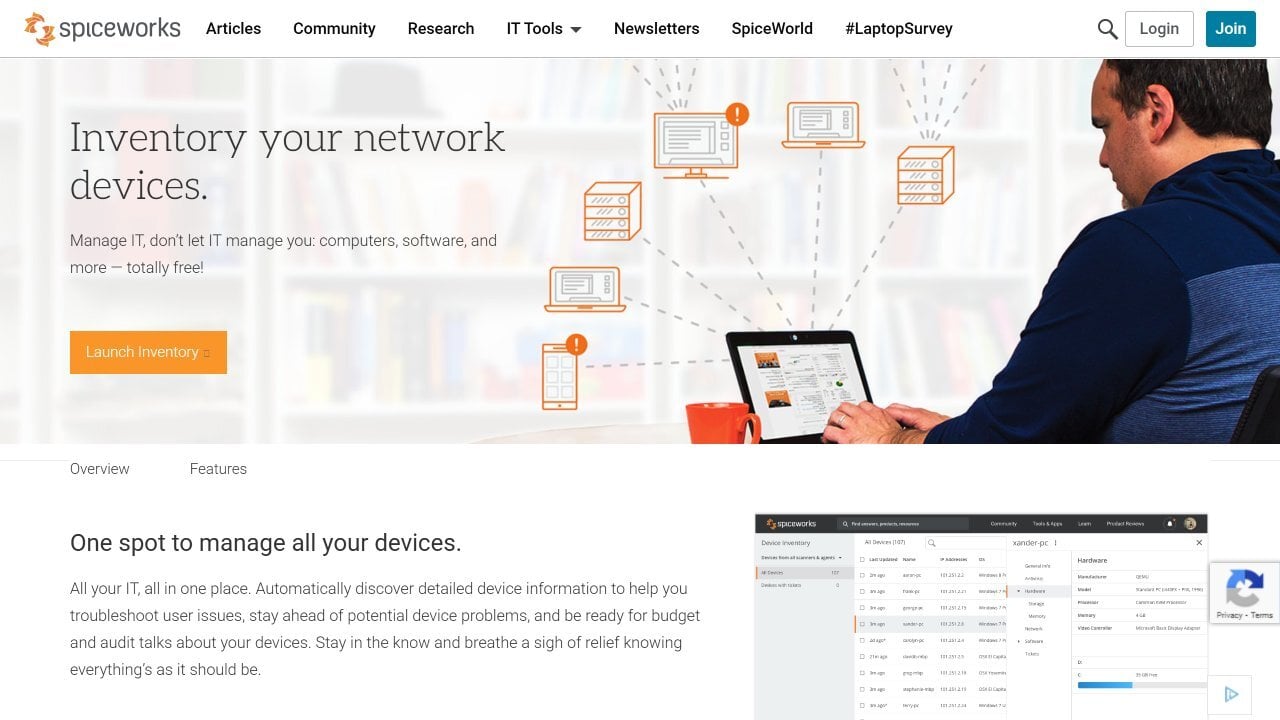
Spiceworks Inventory Online is the cloud-based, active inventory product from Spiceworks, a platform designed for small and medium-sized IT teams. The on-premises version was discontinued in June 2021 and should not be referenced as a current option. The Online version runs on an ad-supported model: completely free on its Core plan, with no asset, user, or agent limits, financed through advertising displayed within the interface. As of June 2025, a Premium paid plan is available that removes ads.
Its main advantage within this list is the lowest barrier to entry of any tool covered: setup takes minutes, agents install directly on endpoints, and inventory data starts flowing without server configuration. That accessibility makes it a natural option for teams migrating from spreadsheets with no budget or technical infrastructure for self-hosting. The tradeoff is a tighter ecosystem: native integrations exist with other Spiceworks products, but there are no built-in connectors to external IT Service Management platforms.
The following features are based on information published on the official Spiceworks product description on G2, consulted in June 2026.
Ratings consulted in June 2026 on verified review platforms. Note: Spiceworks Inventory Online is a specific product within the broader Spiceworks platform. Ratings for the Spiceworks Cloud Help Desk (a separate product) are more numerous and are not included here; only scores specific to the Inventory Online product are cited.
Looking at independent reviews matters when evaluating a free, ad-supported tool. For Spiceworks Inventory Online, G2 users consistently note ease of setup and cloud accessibility as strengths, while recurring friction points include the ad-heavy interface and limited integrations outside the Spiceworks ecosystem.
According to publicly available information from Spiceworks, consulted in June 2026:
Core plan (free): $0/month. Includes device discovery, hardware and software inventory, asset tracking, alerts, and reporting. No asset, user, technician, or agent limits. The interface contains advertising (ad-supported model).
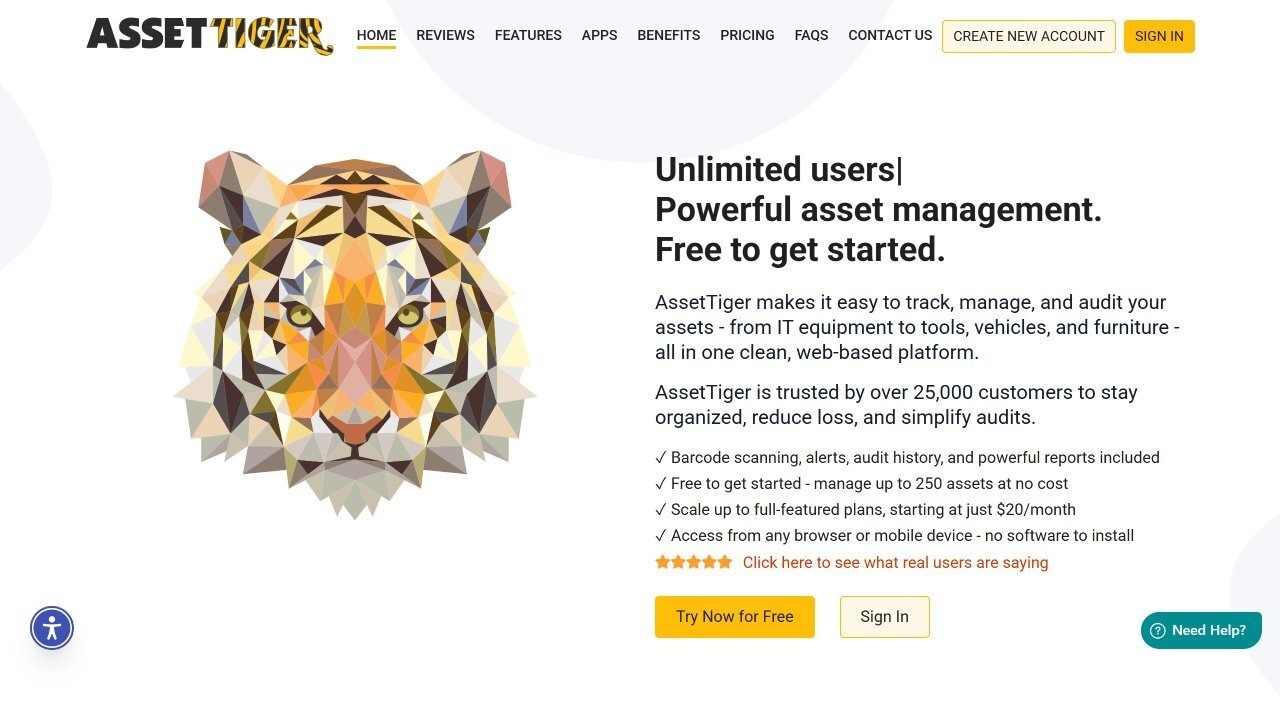
AssetTiger is a cloud-based asset tracking platform developed by MyAssetTag.com, designed for organizations that need a ready-to-use solution with minimal configuration. It runs entirely from the browser and has iOS and Android apps with barcode scanning capabilities. No server installation is required. The platform is aimed at teams that prioritize speed of adoption and operational asset tracking over network discovery or software inventory depth.
Its differentiator within this list is the focus on physical asset tracking with barcodes: check-in and check-out workflows, field audits via mobile scanning, maintenance scheduling, and expiration alerts. AssetTiger does not include automated network discovery or software inventory at the level of Lansweeper or OCS Inventory NG. It is broadly adopted by organizations in education, construction, IT services, and facilities management that manage mixed physical equipment, not only network endpoints.
The following features are based on information published on the official AssetTiger features page, consulted in June 2026.
Ratings consulted in June 2026 on verified review platforms:
Consulting independent review platforms helps identify real satisfaction patterns. For AssetTiger, Capterra users consistently highlight ease of adoption, the value of the free plan, and barcode scanning as strengths. Recurring criticism points to the jump between the free tier (250 assets, 2 users) and the first paid plan, limited integration options, and the absence of native IT Service Management connectors.
According to the official pricing page, consulted in June 2026, the structure is asset-volume-based with unlimited users on all paid plans:
Free plan: up to 250 assets, 2 users, 50 sites, 50 categories, 5 custom fields, and up to 100 email alerts per 24 hours. Access to core features including tracking, check-in/check-out, barcode scanning, alerts, and reports. No cost.
Paid plans (annual billing):
All paid plans include unlimited users with no per-user charges. A separate inventory add-on for consumable items is available at $15/month or $165/year. No free trial is offered beyond the permanent free plan. Pricing verified on the official AssetTiger pricing page in June 2026.
GLPI (Gestionnaire Libre de Parc Informatique) is an open source IT Service Management (ITSM) and Asset Management platform developed and maintained by Teclib', with history since 2003. It has wide adoption in Europe, Latin America, and public sector and educational institutions globally. Unlike the other tools in this list, GLPI integrates Asset Management, a full ITIL-aligned service desk, Configuration Management Database (CMDB), Contract and License Management, and project tracking in a single platform. That breadth makes it the most functionally complete option in this article, at the cost of a steeper implementation curve.
For the purposes of this article, GLPI covers IT inventory natively from version 10 onward through its built-in automated inventory module, and integrates directly with OCS Inventory NG for deeper network discovery. The on-premises version is completely free under the GPLv3 license; paid plans correspond to the cloud-hosted version (GLPI Network Cloud) or self-hosted subscriptions that include official support and premium plugins from Teclib'.
The following features are based on information published on the official GLPI project site and the GitHub repository, consulted in June 2026.
Ratings consulted in June 2026 on verified review platforms:
Cross-referencing platforms helps build a fuller picture for a tool with GLPI's scope. Reviews consistently highlight functional richness, open source flexibility, and the integration of tickets with asset records as its main strengths. Recurring friction points center on implementation complexity, the learning curve for new administrators, and the dependency on technical resources for deep customization.
According to the official pricing page, consulted in June 2026:
On-premises (free): GLPI is open source software under GPLv3. The self-hosted version is completely free with no license cost, no asset limit, and no user limit. The team is responsible for installation, server maintenance, and updates. Community support is included; official Teclib' support requires a paid subscription.
GLPI Network Cloud (paid, per IT agent per month):
GLPI Network self-hosted subscriptions (paid, flat monthly fee):
GLPI Network Cloud offers a 45-day free trial with no credit card required. All prices are in euros, excluding VAT, and are subject to change. Pricing verified on the official GLPI pricing page in June 2026. Confirm current details at glpi-project.org/en/pricing.
Most teams that adopt a free inventory tool start with a clear and limited goal: know what they have and where it is. For environments of a few hundred assets with a technically capable team and no compliance pressure, that goal is achievable with any of the tools in this list.
The pattern that eventually surfaces is predictable. The inventory works, but the moment the team needs to track assets through their full lifecycle, manage software licenses at scale, enforce compliance policies, or connect inventory data to service desk operations, the free tool stops being enough. Compliance reporting requires manual exports, license audits become spreadsheet exercises, and integrating with the service desk requires custom scripting or simply does not happen.

InvGate Asset Management is a dedicated IT Asset Management platform designed for the point where basic inventory is no longer sufficient. It has many features and capabilities for a compete ITAM strategy:
Teams evaluating the platform can start with a 30-day free trial with no credit card required, or contact Sales to discuss requirements.
InvGate Asset Management pricing is based on IP devices, which are network-connected assets such as computers, servers, and network equipment. Each IP device includes two non-IP devices (monitors, headsets, and similar assets without a network address).
There is no single best option. The right tool depends on environment size, team technical capacity, and scope requirements. Teams without infrastructure skills and fewer than a few hundred assets typically fit Spiceworks Inventory Online or AssetTiger best. Teams with self-hosting capacity and deeper discovery needs are better served by Snipe-IT, OCS Inventory NG, or GLPI.
Spiceworks Inventory Online, the current cloud-based version, remains free on its Core plan with no asset or user limits. The on-premises version was permanently discontinued in June 2021 and is no longer supported or updated.
A free plan is a pricing tier from a commercial vendor, typically with asset or feature limits and vendor-managed hosting. Open source means the source code is publicly available, the software is self-hosted, and there is no license fee, but the team assumes responsibility for installation, maintenance, and updates.
Some can. Lansweeper, OCS Inventory NG, and Spiceworks Inventory Online include automated software scanning as part of their discovery. Snipe-IT covers license tracking but not automated software scanning. AssetTiger focuses on physical asset tracking and does not include software inventory. GLPI includes software inventory natively from version 10 onward.
The clearest signals are: the environment has grown beyond the free tool's asset ceiling, compliance reporting requires manual work outside the tool, license management has become a separate spreadsheet process, integrating with the service desk requires custom development, or the team is managing assets across cloud, remote, and on-premise environments that the free tool cannot discover consistently. When those conditions appear together, the cost of staying on a free tool typically exceeds the cost of moving to a dedicated platform.
All product names, logos, and brands are property of their respective owners. All company, product, and service names used on this site are for identification purposes only. Use of these names, trademarks, and brands does not imply endorsement. Comparisons are based on publicly available information as of October, 2025 and are provided for informational purposes only.


