













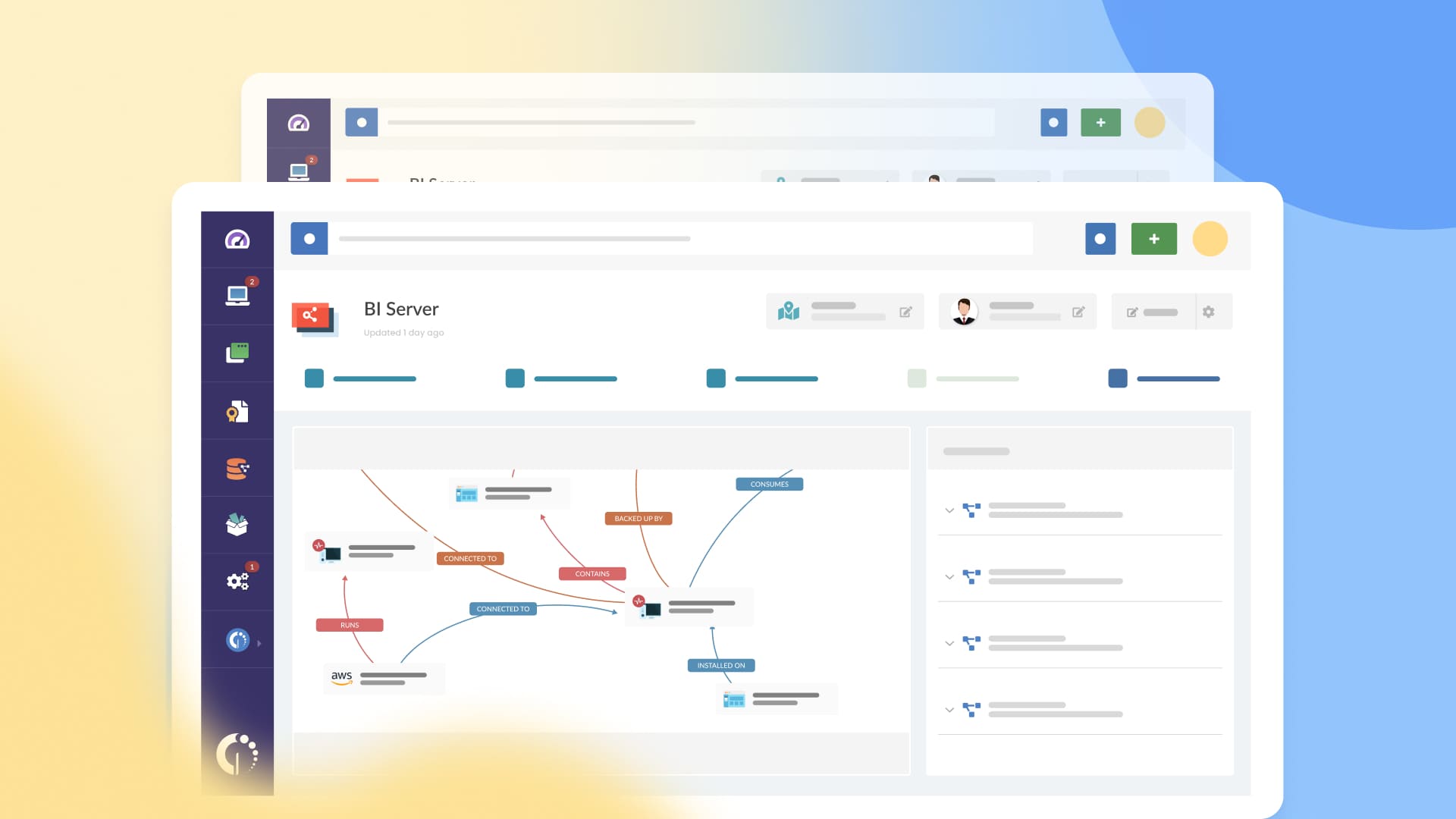

InvGate Asset Management has launched CMDB Auto-Mapping, a new feature that modernizes the way teams create and maintain a Configuration Management Database (CMDB).
This capability detects the most critical asset relationships and recommends connections that users can quickly accept or reject. The result is less manual work, stronger governance, and a step closer to a true System of Intelligence, where visibility naturally leads to better decisions, faster assessments, and more reliable operations.
Note: CMDB Auto-Mapping is currently available in early access. If you're interested in trying it, contact our team to get started.
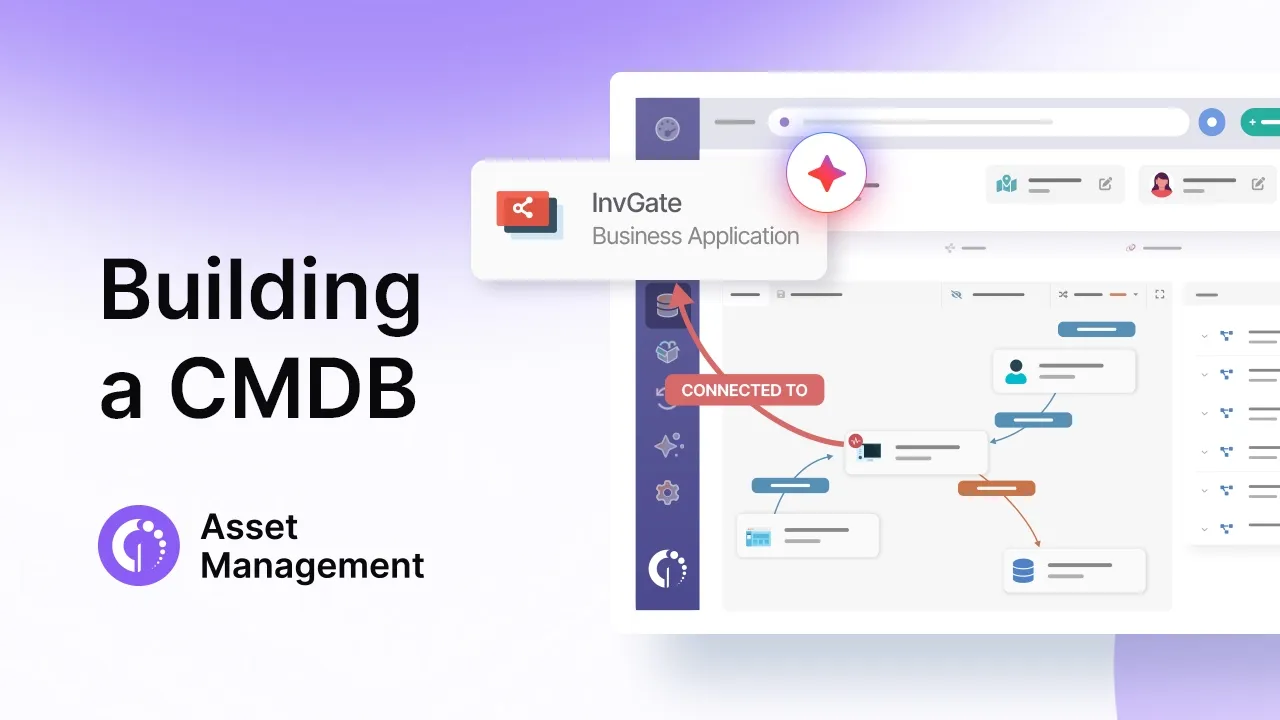
Traditional CMDB mapping depends on manual updates, static diagrams, and knowledge scattered across teams. As environments become more dynamic, these methods can’t keep up, and neither can the teams maintaining them. In fact, internal research shows that fewer than 20% of organizations have the resources needed to keep their CMDB up to date.
Beyond the lack of dedicated resources, other factors make accuracy difficult. Relationships change faster than they can be documented, critical dependencies remain invisible, cloud assets get overlooked, and hybrid architectures introduce complexity that is nearly impossible to track manually.
The result? CMDBs fall behind, accuracy drops, and teams lose confidence in using them.
For IT teams seeking reliable visibility across hybrid infrastructure, CMDB Auto-Mapping offers a smarter way to connect your digital environment.
Unlike legacy CMDBs that require constant upkeep, the feature makes suggestions — recommending the most impactful relationships so your team can trust the map, move faster, and make smarter decisions. It helps connect the dots between visibility and action.
The feature has two main components:
A new engine detects and prioritizes the most critical asset relationships, focusing first on the connections that have the biggest operational impact. Users receive clear suggestions they can accept or reject, reducing manual work while maintaining oversight.
The feature also expands mapping into multi-cloud environments, starting with AWS, Azure, and GCP. It uncovers dependencies that were previously invisible, such as containers, virtual machines, and database instances, strengthening visibility across hybrid architectures.
CMDB Auto-Mapping stands out because it assists teams rather than replacing them. With its suggestions and guidance, users stay in full control - supervised approvals instead of black-box automation.
Mapping now spans multiple layers (assets, services, users, applications, and cloud infrastructure), all presented through a modern, visual-first experience.
This new capability strengthens some of the most important operational workflows:
CMDB Auto-Mapping is a smarter way to map IT relationships and keep your CMDB accurate, up to date, and reliable. It also marks a meaningful step toward transforming InvGate Asset Management into a true System of Intelligence, where governance, context, and security become built-in capabilities rather than manual effort.
If you want to see how this feature (and many others) can simplify and streamline IT operations, start your 30-day free trial - no credit card needed. Or if you'd rather see how it applies to your specific environment, book a call with our team and we'll walk you through it.


