










A Cybersecurity Maturity Model Certification (CMMC) asset inventory is the documented list of the assets in a defense contractor's environment, each one sorted into the asset categories of the CMMC program. Contractors that handle Controlled Unclassified Information (CUI) for the US Department of War (DOW), formerly the Department of Defense (DOD), build it to define the scope of their CMMC Level 2 assessment: which assets get assessed, and against which requirements.
This guide explains what the CMMC asset inventory must include, the five asset categories, what to record for each asset, how to build the inventory step by step and the mistakes that break a scope. It also covers where the program stands after the Phase 2 suspension, which left the Level 2 self-assessment in place, and how InvGate Asset Management helps keep the inventory current.
The scoping rule in Title 32 of the Code of Federal Regulations (CFR), section 32 CFR 170.19, asks Level 2 contractors to sort their assets into five categories and to document four of them in three places: the asset inventory, the System Security Plan (SSP) and a network diagram of the CMMC Assessment Scope. The DOW's CMMC Scoping Guide for Level 2 (version 2.13) walks through each category and states the expectation plainly: "document each asset in an asset inventory."
The inventory is also an assessed requirement in its own right. Requirement 3.4.1 of National Institute of Standards and Technology (NIST) Special Publication (SP) 800-171 Revision 2, assessed in CMMC as CM.L2-3.4.1, asks contractors to establish and maintain baseline configurations and inventories of their systems, including hardware, software, firmware and documentation. NIST withdrew Revision 2 in May 2024 in favor of Revision 3, and CMMC Level 2 is still built on Revision 2, so that is the version your inventory answers to.
CMMC Phase 1 began on November 10, 2025, and the program remains paused in that phase. On July 13, 2026, the DOW suspended the Phase 2 requirements, originally scheduled for November 10, 2026, and set up a reform task force to review the program, according to the DOW CMMC program page.
Phase 1 keeps two self-assessments in place: Level 1, every year, against 15 security requirements, and Level 2, every three years with an annual affirmation, against the 110 security requirements of NIST SP 800-171 Revision 2. Contracts can still require a specific CMMC level as a condition of award, the obligation to protect information under Defense Federal Acquisition Regulation Supplement (DFARS) clause 252.204-7012 still applies, and the DoW says it will enforce NIST SP 800-171 Revision 2 through self-assessments and select government-led assessments. A Level 2 self-assessment starts with a scope, and the scope starts with the asset inventory.
Every asset in a Level 2 environment falls into one of five categories, defined in 32 CFR 170.19. The category decides whether the asset is documented, where, and how an assessor treats it, as the table below summarizes from the rule and the Scoping Guide.
Out-of-Scope Assets carry no documentation requirement, but the Scoping Guide expects the contractor to be ready to justify why each one cannot touch CUI. Keeping them in the inventory, marked as out of scope with the reason, makes that justification easy to show and keeps them visible if the network changes.
The scoping rule requires each in-scope asset to appear in the inventory with its category. The fields below are our recommendation for a record that also supports requirement 3.4.1 and keeps the inventory consistent with the SSP and the network diagram.
A record like this one answers the questions an assessor asks about any asset: what it is, what it does with CUI, who owns it and where it sits. When the same ID appears in the inventory, the SSP and the network diagram, the three documents back each other up.
The steps below take a contractor from an unknown environment to a categorized inventory ready for a Level 2 self-assessment. Each step feeds the next one, so skipping the first usually means redoing the rest.
Scoping problems usually come from assets that were never categorized or from documents that drifted apart. These are the patterns to check before a self-assessment:
Element U.S. Space & Defense, an engineering and testing contractor for the space and defense sector, needed to meet NIST 800-171 requirements while its asset data sat across spreadsheets, Microsoft Intune and Microsoft Entra after a major acquisition. After implementing InvGate Asset Management alongside InvGate Service Management, the team centralized 1,700 assets from six facilities into a single inventory, with standardized naming, ownership and lifecycle tracking, according to the Element U.S. Space & Defense case study.
The team also tagged assets by software approval, shared usage and security compliance, and automated the decommissioning of assets left unused for 30 days with no assigned owner. It is the same discipline public sector IT teams apply when they build an audit-ready inventory: one record per asset, a named owner and data that stays current on its own.
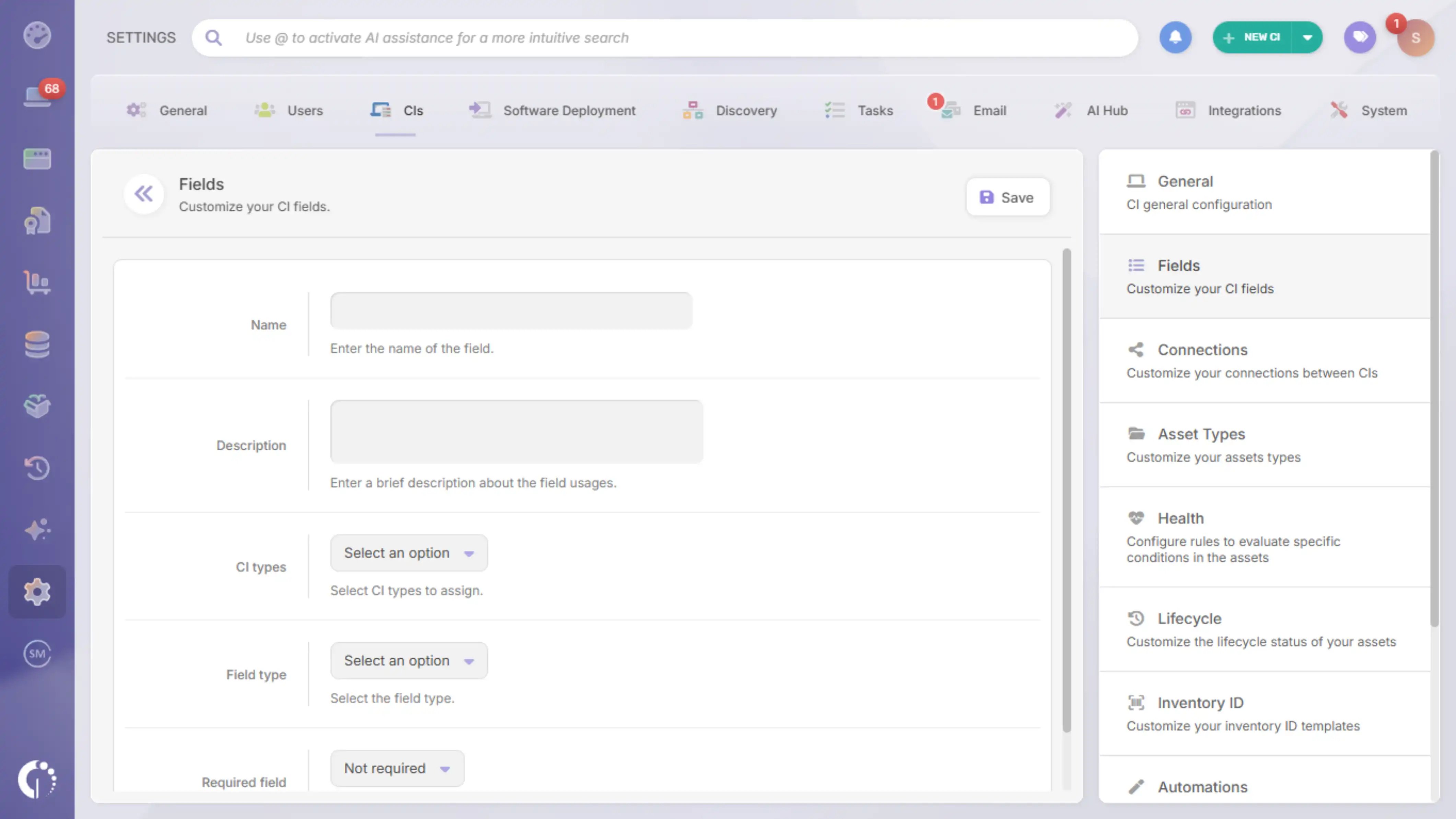
InvGate Asset Management is ITAM software that offers an enterprise experience without the complexity or the price of one, built around an intuitive interface, a no-code approach and fast deployment. For a CMMC asset inventory, it keeps the category of every asset in the record itself and keeps that record current.
Each capability below maps to one or more of the steps in this guide. Together, they cover discovery, categorization and upkeep:
The audits and compliance capabilities add policy enforcement with Smart Tags and compliance reports on top of the inventory, so the evidence behind each self-assessment comes from the same records the IT team uses every day. The scope you document and the inventory you operate stay one and the same.
A CMMC asset inventory turns the scoping rule into something an assessor can check: every asset, its category, its owner and its place in the network, consistent with the SSP and the network diagram. With Phase 2 suspended and the Level 2 self-assessment still in force, a categorized inventory that stays current is one of the most useful pieces of CMMC work a contractor can do today.
To see how InvGate Asset Management keeps that inventory categorized and up to date, start a free trial. If you want to walk through your own scope first, talk to Sales about your environment.
These answers cover the questions contractors ask most often while building their scope. Each one is based on 32 CFR 170 and the DoW's CMMC program page.
The scoping rule sets no documentation requirement for Out-of-Scope Assets, but the contractor must be ready to justify why each one cannot process, store or transmit CUI. Keeping them in the inventory, marked as out of scope with the reason, makes that justification easy to show.
CUI Assets process, store or transmit CUI and are assessed against all Level 2 requirements. Contractor Risk Managed Assets can handle CUI but are kept from it by the contractor's security policies, procedures and practices, which the SSP documents and the assessor reviews.
No. Level 1 covers the systems that process, store or transmit Federal Contract Information (FCI), and 32 CFR 170.19 only separates Out-of-Scope Assets and Specialized Assets, which are not part of the Level 1 assessment scope.
Yes, when a contract calls for CMMC Level 2. Phase 1 remains in effect, and during this phase the DoW may require self-assessments at Level 1 and Level 2.
Every three years, with results submitted in the Supplier Performance Risk System (SPRS) and an affirmation of compliance at each assessment and annually after it, as set in 32 CFR 170.16. A missed annual affirmation makes the status lapse.
CMMC Level 2 has 110 security requirements, taken from NIST SP 800-171 Revision 2. Level 1 has 15, taken from Federal Acquisition Regulation (FAR) clause 52.204-21.
This article is for informational purposes only and does not constitute legal or compliance advice. Confirm your scope and obligations with your contracting officer or a qualified CMMC advisor.

