













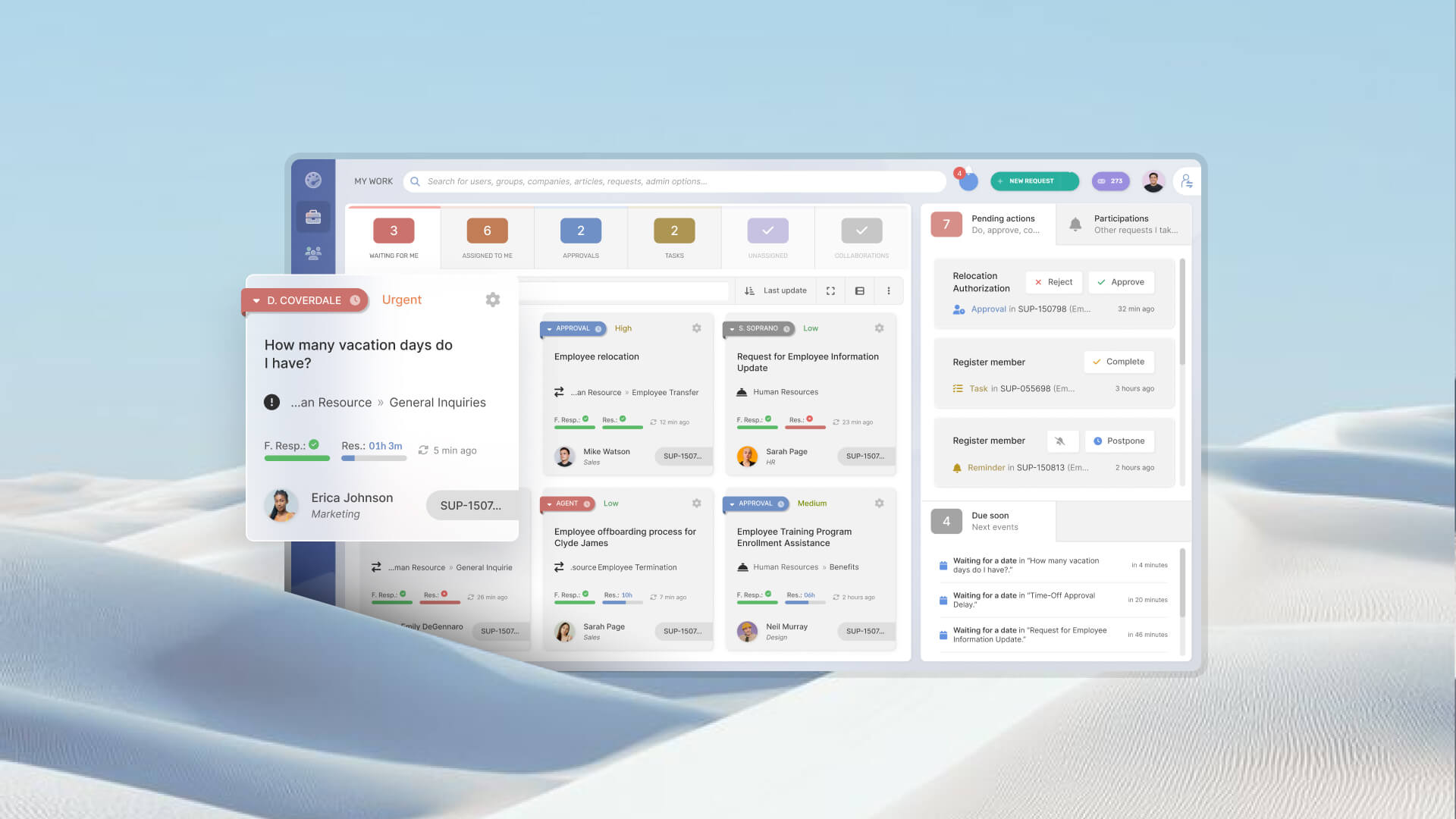

A shared inbox is often the first system IT puts in place to manage support requests: one address, several technicians, and a process built around whoever picks up each email. The arrangement can handle a steady flow of requests, but once messages start competing for attention, it becomes harder to track ownership, prevent duplicate replies, and measure resolution times.
This guide explains how a shared inbox works, the signs that email alone is no longer enough, and how to move to a ticketing system without disrupting the way users contact IT.
A shared inbox is a single email address — something like support@ or it@ — that several people read and reply from, so a team can handle incoming requests together rather than through one person’s private mailbox. In Microsoft 365, the same setup is called a shared mailbox.
These three terms get used interchangeably, but they solve different amounts of the problem. A shared mailbox is just the mailbox. Shared inbox software adds a collaborative layer on top of email. And when you need requests that are routed, prioritized, and measured, that’s the territory of a dedicated ticketing system.
A shared inbox can carry a small team for a long time, and there are ways to get more out of email as a support channel before you outgrow it. But past a certain volume, the strain shows up in predictable places.
If several of these are now routine, the inbox isn’t the problem to fix. It’s the signal that you’ve outgrown it.
The shift isn’t about adding software for its own sake. It changes who is accountable for a request and what you can see about it.
The move goes smoothly when you treat it as a sequence rather than a single switch. At a glance, the seven steps are:
Here’s what each one involves.
1. Read two to four weeks of the mailbox. Before configuring anything, look at what actually arrives. A few weeks of real traffic tells you what people request, how often, and where the repeat work is — the evidence you’ll use for every decision that follows.
2. Define a few categories and two or three priorities. Use that data to set up a small, honest set of categories and no more than two or three priority levels. Starting small keeps the system usable; you can refine it once it’s in daily use.
3. Keep the same email address and connect it to the tool. Don’t make users learn a new destination. Point the existing address at the ticketing system so every incoming email is turned into a ticket automatically. The habit stays the same; the handling changes behind it.
4. Set up an auto-reply with the ticket number. Configure an automatic acknowledgment that gives the sender a ticket number and confirms the request was received. That single message removes most “did anyone get this?” follow-ups.
5. Pick a cut-off date and migrate only open requests. Choose a date to go live and move only the requests that are still open. Closed threads stay in the mailbox as an archive — there’s no need to drag years of history into the new tool.
6. Train agents before the cut-off. Walk the team through assignment, priorities, and status changes ahead of the go-live date, so day one is routine work and not a scramble.
7. Add self-service once email is running cleanly. When the email-to-ticket flow is steady, add a self-service portal where users can log requests and find answers on their own, along with a catalog of common requests. Layering this on after the basics are stable keeps each change manageable.

A shared inbox can work well when request volumes are manageable and everyone knows who’s handling what. The problems tend to surface during a busy week: a request gets buried in a long thread, two technicians reply to the same user, or someone has to search through months of emails to work out what happened. Moving to a ticketing system raises fair questions, but most are easier to resolve than they might seem.
“Users will just keep emailing us.” They probably will, and that’s fine. Email remains a valid way to contact IT. The difference is that each message becomes a trackable ticket, with clear ownership and status, rather than another item in a crowded inbox.
“We’ll lose all our history.” You don’t have to. Keep the old mailbox as an archive and migrate only the requests that are still open. Past conversations remain available for reference, while active work moves into the new system.
“Setting this up is a huge project.” It doesn’t have to be. Start with the basics: request categories, priorities, and email intake. Add workflows, approval rules, and other features as the team identifies a need for them. You can establish a working process without configuring every detail on day one.
“It costs more than a mailbox.” A mailbox may have little or no direct cost, but the work around it adds up: chasing updates across threads, answering duplicate requests, identifying who owns a problem, and reconstructing events for an audit. Compare the price of a ticketing system with the time your team already spends on those tasks, and the cost of the inbox becomes easier to see.
InvGate Service Management keeps the email address your users already know and feeds every message into a single queue, where each one becomes a ticket with an owner, a priority, and an SLA. That same queue also takes requests from a self-service portal, Microsoft Teams, and WhatsApp, so email stops being the only way in without anyone having to give it up. Everything arrives in one place to be routed, measured, and reported on.
Teams that made this move show what it looks like in practice. TroGroup replaced email requests entirely with a self-service portal. Chesapeake Bay Academy stopped depending on email by turning every message into a ticket automatically. Finally, CrossCountry Consulting went from fielding requests over email to a platform running around 60 help desks.
Ready to take requests out of the inbox and give every one an owner, a priority, and a record? Talk to our team to see how InvGate Service Management fits your workflow.
No. A shared mailbox lets several people read and reply from one address, but it has no ownership, priorities, SLAs, or reporting. A ticketing system adds those on top, so each request is tracked from intake to resolution.
Outlook can host a shared mailbox and help a team work through email together, but it wasn’t built to assign, prioritize, or measure requests. For light volumes it can stretch; once you need SLAs, approvals, and reporting, a Microsoft 365 setup on its own runs out of room and a dedicated tool does what the mailbox can’t.
When the signs above become routine — missed requests, no priorities, no reporting, lost approvals. The practical trigger is volume plus accountability: the point where the team can’t reliably say what’s open, who owns it, and whether it’s on time.
Usually no, but that's ok. Email stays a valid way to reach IT; each message simply becomes a tracked ticket with a number and a status. Users keep the habit they already have.


