Credit union IT teams are small, but the expectations on them are not. They face the same regulators, examiners, and security standards as far larger banks, and their members expect the same always-on digital service a national bank delivers.
At InvGate's Financial Services Industry Forum, three IT leaders talked through how they bridge that gap: Kevin Hall, CIO of WESTconsin Credit Union; Ian Beirnes, VP of Infrastructure & Operations at Texans Credit Union; and Joe Ness, VP of Information Technology at Members Cooperative Credit Union. Here are seven lessons from that conversation.
Why credit union IT carries big-bank stakes with small teams
ITSM for credit unions is the practice of running IT services — support, assets, and workflows — so a lean team can meet the same regulatory, security, and member-service expectations that a large bank meets. The challenge is scale: a credit union carries big-bank obligations with an IT team that often fits in a single room.
That mismatch shapes every decision. There is rarely a dedicated group for the service desk, another for infrastructure, and another for security — the same handful of people cover all of it. Kevin Hall described the discipline that reality forces: with limited hours and headcount, the job is less about doing everything and more about deciding, deliberately, what gets attention first and what waits. Priorities have to be set out loud, because the team cannot absorb more work simply by adding people to it.
Lesson 1: Get full visibility before you change anything
Every leader on the panel started from the same place: you cannot secure, migrate, or improve what you cannot see. When Texans Credit Union moved infrastructure to the cloud, the project began with a full inventory — every asset and dependency documented before a single system moved. Skip that step and a small team loses weeks to surprises mid-migration.
The discipline that makes a change, such as a data center migration, predictable is the same one that keeps security defensible day to day. Kevin Hall framed visibility as a security control first: in a regulated environment, knowing your environment is the baseline for defending it, and unmanaged devices or unknown software count as exposure, not untidiness.
Put it to work:
- Build one source of truth for hardware, software, and the dependencies between them.
- Refresh it before any major change, and treat anything unmanaged or unknown as a gap to close now.
- Keep it accurate enough that you can tell an examiner what's connected to your network on the spot.
Lesson 2: Replace scattered tools with one platform
Small teams accumulate tools the way everyone does — a ticketing app here, a spreadsheet there, a separate system for assets — until keeping the tools running becomes its own job. Joe Ness captured that when he described taking over the function: "I kind of jokingly say it felt a little like whack-a-mole."
Problems surfaced faster than a stretched team could knock them down. The way out is consolidation, and Ian Beirnes gave a clear test for what to consolidate onto, measuring a platform by reach: "We look at how many stakeholders can we serve and how many business requirements can we meet from a single platform."
Put it to work:
- List every system you run today — ticketing, assets, spreadsheets, side tools.
- Score each candidate platform by how many of those systems and teams it can absorb.
- Favor one platform covering support, assets, and workflows over point tools that each solve one slice.
Lesson 3: Map services so you know what breaks
Consolidating tools is step one; understanding how everything connects is step two. Members Cooperative Credit Union built a Configuration Management Database (CMDB) to map the relationships between systems, so the team could see cause and effect before an outage rather than during one. Joe Ness described the questions a service map exists to answer: "If this one thing goes down, what's tied to it? What's going to be impacted?" For a small team, that map is a force multiplier — when something fails, no one burns time tracing which systems depend on the broken component, because the relationships are already written down.
Put it to work:
- Start with the services members and staff feel most: online banking, the core system, email.
- Map each one down to the infrastructure it rides on, recording dependencies in both directions.
- Update the map through change management, not once a year, so it's right the day you need it.
Lesson 4: Use metrics to prove IT's value
In a credit union, IT competes for budget with every other part of the business, and evidence is how it wins. Joe Ness tracks the numbers that show the function is under control — service level agreement (SLA) attainment and assets approaching end of life among them — so he can show, rather than claim, where things stand and what needs funding next.
The metrics that move a budget conversation are the ones tied to risk and member experience, not raw activity; choosing that handful of IT KPIs deliberately is what lets a small team walk into a review with a track record behind the ask.
Put it to work:
- Pick three to five metrics tied to risk and member experience, not raw ticket volume.
- Instrument them in your platform so they update on their own.
- Report the trend on the same cadence every month — bring the direction, not just the latest figure.
Lesson 5: Clean your data before you launch a chatbot
Every team on the panel was interested in AI, and each put the same condition on it: the data underneath has to be trustworthy first. A virtual agent answering member and employee questions is only as good as the knowledge base behind it. Ian Beirnes was blunt about the prerequisite: "It is absolutely essential that the data is clean." Joe Ness drew the same line, treating a well-maintained knowledge base as the foundation any automated assistant stands on. The takeaway for a lean team is sequencing: the knowledge cleanup is not a delay before the AI project, it is the project's first phase.
Put it to work:
- Audit your knowledge articles for accuracy before you pilot anything.
- Retire duplicates and outdated articles, and fill the gaps for your highest-volume requests.
- Turn the assistant on only once a short, correct knowledge base is in place — a small clean set beats a large stale one.
Lesson 6: Automate to create capacity, not to cut staff
The fear around automation is usually about jobs; the panel reframed it around capacity. Ian Beirnes put the goal plainly: "We'll create capacity with existing headcount instead of having to add additional headcount." For a team that is already stretched and cannot easily hire, automation is how the same people absorb more without burning out — with one guardrail the leaders kept returning to: keep a person in the loop.
Put it to work:
- Pull your last quarter of tickets and rank the categories by volume and simplicity.
- Automate the high-volume, low-complexity work first: routing, approvals, password resets, routine provisioning.
- Keep people on the judgment calls — the aim is leverage, not a hands-off system deciding on its own.
Lesson 7: Bring IT into business decisions early
The final lesson is about where IT sits in the organization. Too often it is pulled in after a decision is made, to implement something it had no voice in. Joe Ness argued for the opposite: "Bring us along as your partner, because we're here to be part of it." When IT is in the room early, it can flag cost, risk, and dependencies while there is still time to act on them. Earning that seat is deliberate work — Kevin Hall builds the case for an investment in the terms leadership weighs: business impact, risk, and return.
Put it to work:
- Translate every significant request into what it protects or enables for members and the bottom line.
- Bring IT into planning before vendors are chosen, not after contracts are signed.
- Frame the ask in leadership's language — impact, risk, return — not IT's.
How InvGate supports credit union IT teams
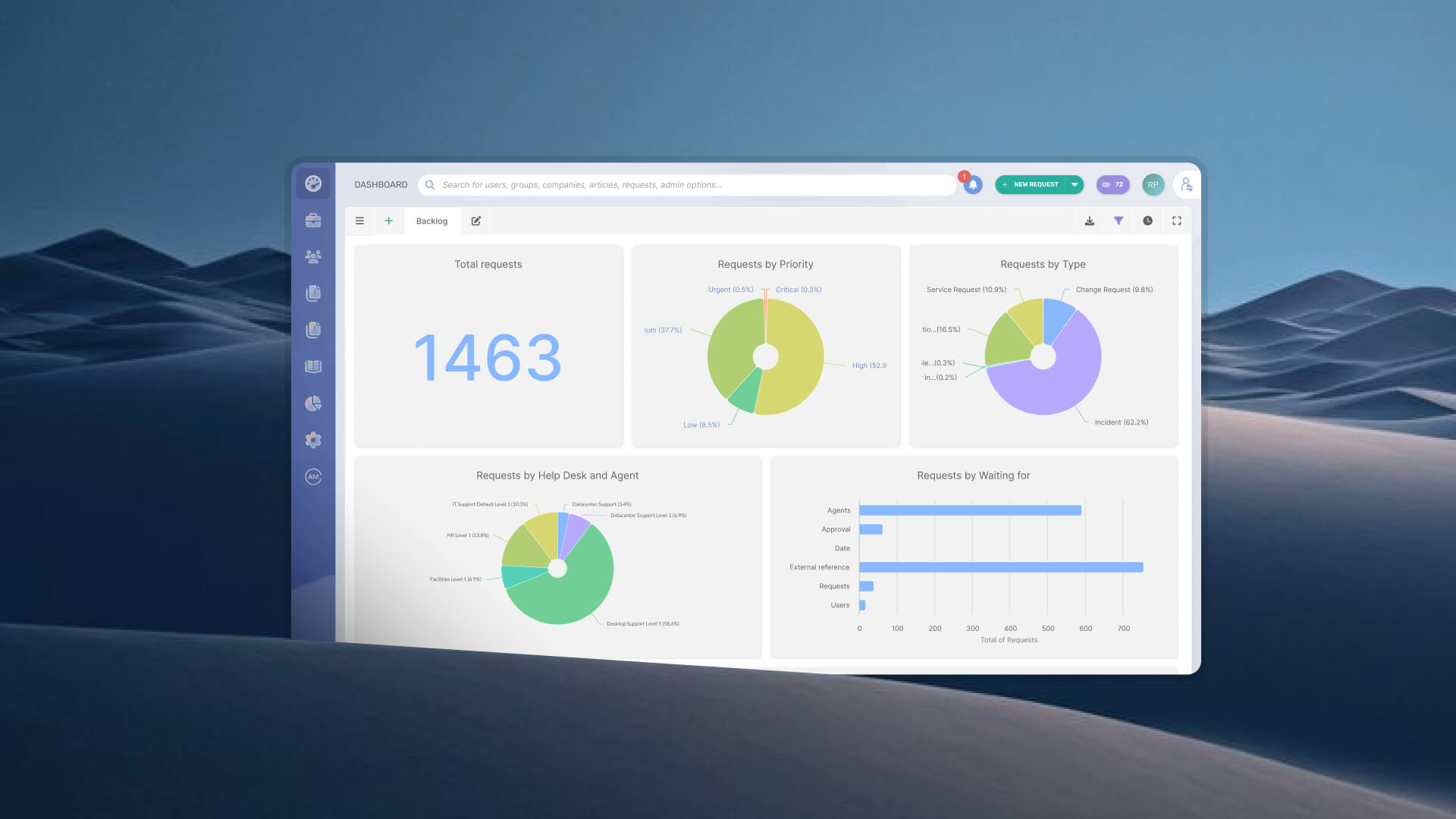
The practices the panel described — one platform, mapped services, clean data, measured outcomes — are what InvGate Service Management is built to support. A self-service portal gives staff a single place to ask for help; no-code workflows let a small team automate routing and approvals without engineering time; and built-in SLA tracking and dashboards turn day-to-day work into the metrics leadership responds to.
On the asset side, several panelists pointed to inventory as the foundation for both security and migration. InvGate Asset Management keeps that inventory current by integrating with the tools credit unions already run, including Microsoft Intune and Azure, so the picture of what is connected stays accurate without constant manual upkeep. One credit union's full rollout is documented in our Core Financial Systems case study.
Want to meet big-bank expectations with a lean team? Watch the full Financial Services Industry Forum, then see how InvGate Service Management can help.
FAQ
What is ITSM for credit unions?
ITSM for credit unions is IT service management applied to the specific constraints of a credit union: a small IT team responsible for the same regulatory compliance, security, and member-service standards expected of a much larger bank. In practice it means consolidating tools onto one platform, mapping service dependencies, keeping asset and knowledge data clean, and tracking metrics that prove IT's value to leadership.
How do small credit union IT teams handle compliance?
They lean on visibility and documentation. A complete, current inventory of assets and a clear map of service dependencies let a small team answer an examiner's questions precisely and demonstrate control of the environment. Standardized workflows and audit trails make it possible to show, not just claim, that processes are followed consistently. Our guide to IT compliance and audits covers how to prepare.
Should a credit union outsource IT support?
It depends on where the team's limited hours create the most risk. Some credit unions keep strategic and security-sensitive work in-house while outsourcing high-volume, routine support to free up capacity — the same capacity goal the panel described reaching through automation. We weigh the trade-offs in our guide to outsourcing IT support.