













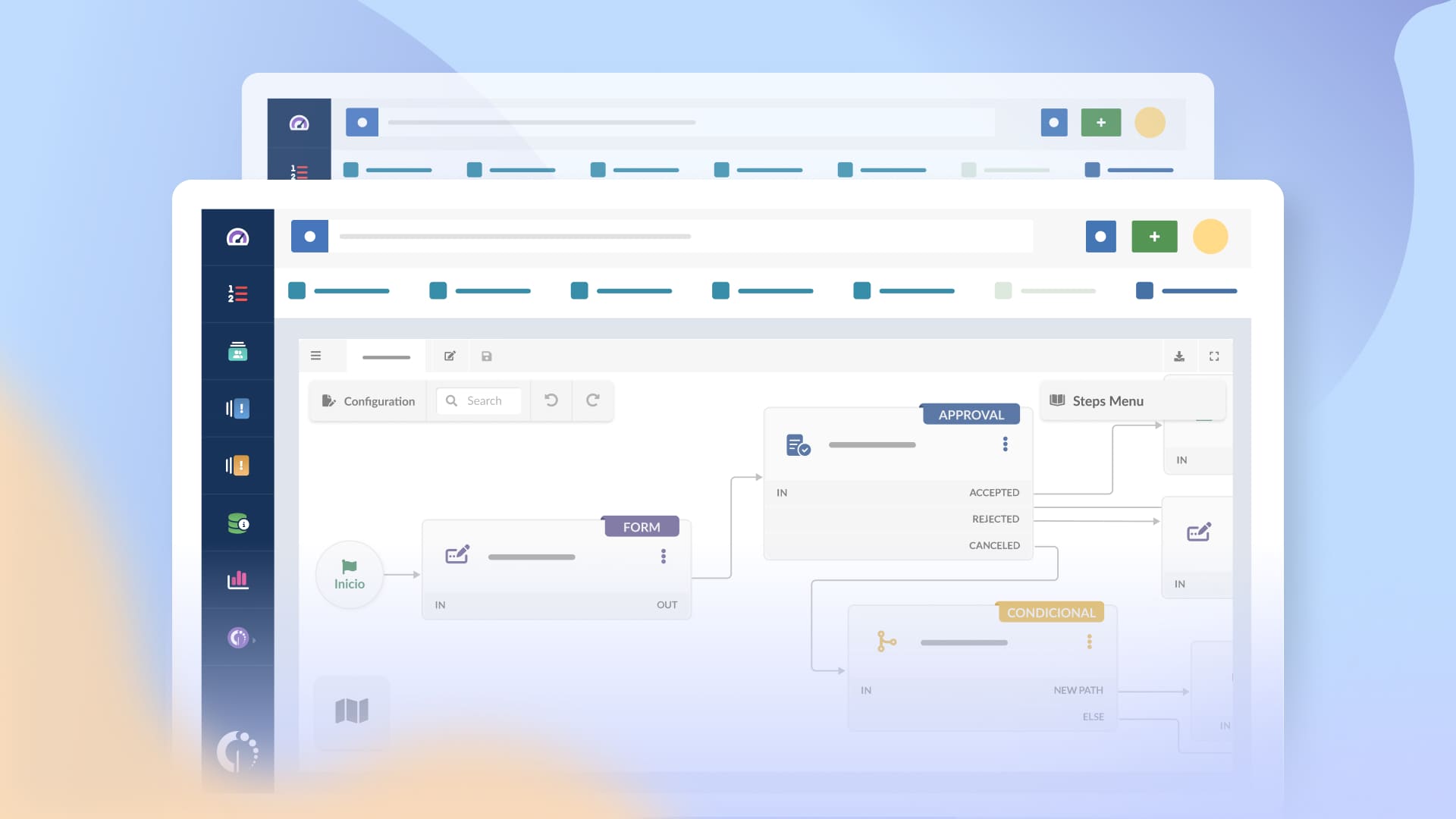
IT teams often struggle with service requests that pile up without a good system. This leads to delays and frustrated users. Request Management software helps teams process and track service requests in an organized way.
The stakes for getting this right are high. Studies show that 80% of users measure their satisfaction with IT services through one thing: speed of resolution. This means your choice of request management tool directly impacts user confidence in your IT department and your team's reputation.
To help you make an informed decision, this article breaks down nine well-known service request management software.
Key takeaways
Request Management software is a system designed to manage service requests from start to finish. Users submit a request through a portal or form, the tool routes it through approvals if needed, and IT completes the task following a defined process.
The value comes from standardization. Instead of handling requests through emails or chat messages, teams use templates that capture the right information upfront. A “new laptop” request, for example, can automatically ask for role, manager approval, and delivery date, then route the task to procurement or IT.
Over time, the software also builds visibility. Teams can see request volumes, fulfillment times, and bottlenecks, which helps refine processes and set realistic expectations with the business.
The main difference lies in intent and urgency. Request Management deals with planned, non-urgent needs. The service is working, and the user is asking for something new or a change to an existing setup. Examples include access to a system, a password reset, or a software license.
Incident Management handles unplanned interruptions. Something is broken, degraded, or not working as expected, and the priority is to restore service as quickly as possible. A VPN outage or an email system failure falls into this category.
In practice, both often live in the same IT support platform. Platforms like InvGate Service Management already include Request Management as a native capability, connected to Incident, Problem, and Change Management in the same environment. That setup allows requests to move across processes without manual handoffs or external integrations.
A few everyday examples make that clearer:
With ITSM tools, Request Management goes further than simply tracking tickets. It connects them to incidents, problems, and changes through shared workflows, with full visibility into the entire lifecycle. Teams can follow the work end-to-end without switching tools or reconciling disconnected records.
That integration also keeps data consistent. Request Management uses the same service catalog, pulls asset and user relationships from the CMDB, and surfaces relevant knowledge base articles while the request is being fulfilled. Reporting stays unified as well, so teams can track requests alongside other service activities in one place.

A solid Request Management tool covers more than a basic intake form.
Most request management tools don’t live on their own. In practice, they’re usually part of a help desk or ticketing system that IT teams already use to manage daily support work. Those systems provide the basic structure: a central place where all requests and issues are logged, tracked, and assigned. Request Management builds on that foundation by adding more structure to planned, repeatable work.
That connection matters because requests rarely exist in isolation. A software request might turn into an incident if something fails during installation, or highlight a recurring issue tied to licensing or configuration.
For that reason, Request Management is part of a broader IT Service Management platform. Keeping requests, incidents, and changes in one place reduces duplicate work, improves visibility, and gives users a single, consistent way to interact with IT.
Methodology:
Before we get started, a quick note: InvGate builds and offers IT Service Management and IT Asset Management solutions, making us an active player in this market. Some vendors in this article are our competitors. Even so, we aim to deliver accurate, honest, and practical information that helps you make the best decision.
Our evaluations draw from publicly available sources — vendor websites, product documentation, user reviews on platforms like Gartner Peer Insights, G2, and Capterra, analyst reports, and hands-on testing or demos when available. We assess each solution based on functionality, pricing (where made public), integrations, user experience, and support quality.
The information here is accurate as of August 2026. We'll review this content regularly to stay current with product updates and market developments.
Data accurate as of August 2026. Sources: official vendor documentation and pricing pages.
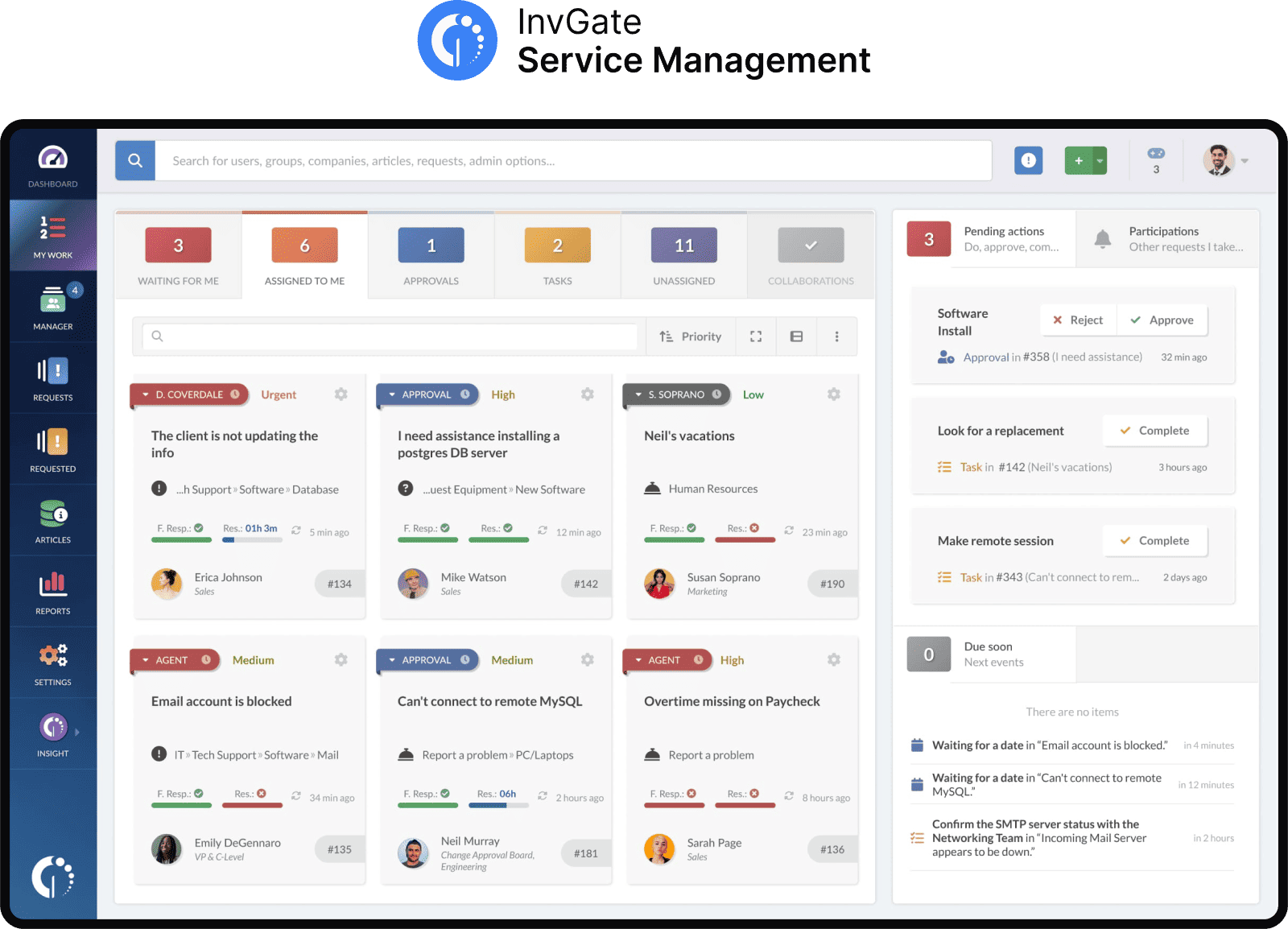
InvGate Service Management is a service desk platform designed to manage service requests, incidents, changes, and workflows in IT and business departments.
Built to support ITIL practices, it offers visual workflows, customizable request forms, and automation rules. It's used by organizations like KPMG, NASA, PwC, Motorola, Allianz, and Arcos Dorados. Available in both cloud and on-premise versions, it can integrate with third-party tools via API or prebuilt connectors.
- InvGate Service Management Gartner Peer Reviews score: 4.8
Unlike standalone Request Management tools, InvGate Service Management is a comprehensive ITSM suite, making IT Service Management more cohesive and efficient.
InvGate offers flexible pricing plans that scale to meet the unique needs of your organization.
InvGate Service Management is a complete ITSM platform that includes Request Management. Are you looking to optimize your IT services? Claim your 30-day free trial and start today.
All prices are subject to change and provided for informational purposes only. Final pricing depends on a formal evaluation; a signed quote from an authorized Sales Representative is required for all binding agreements.
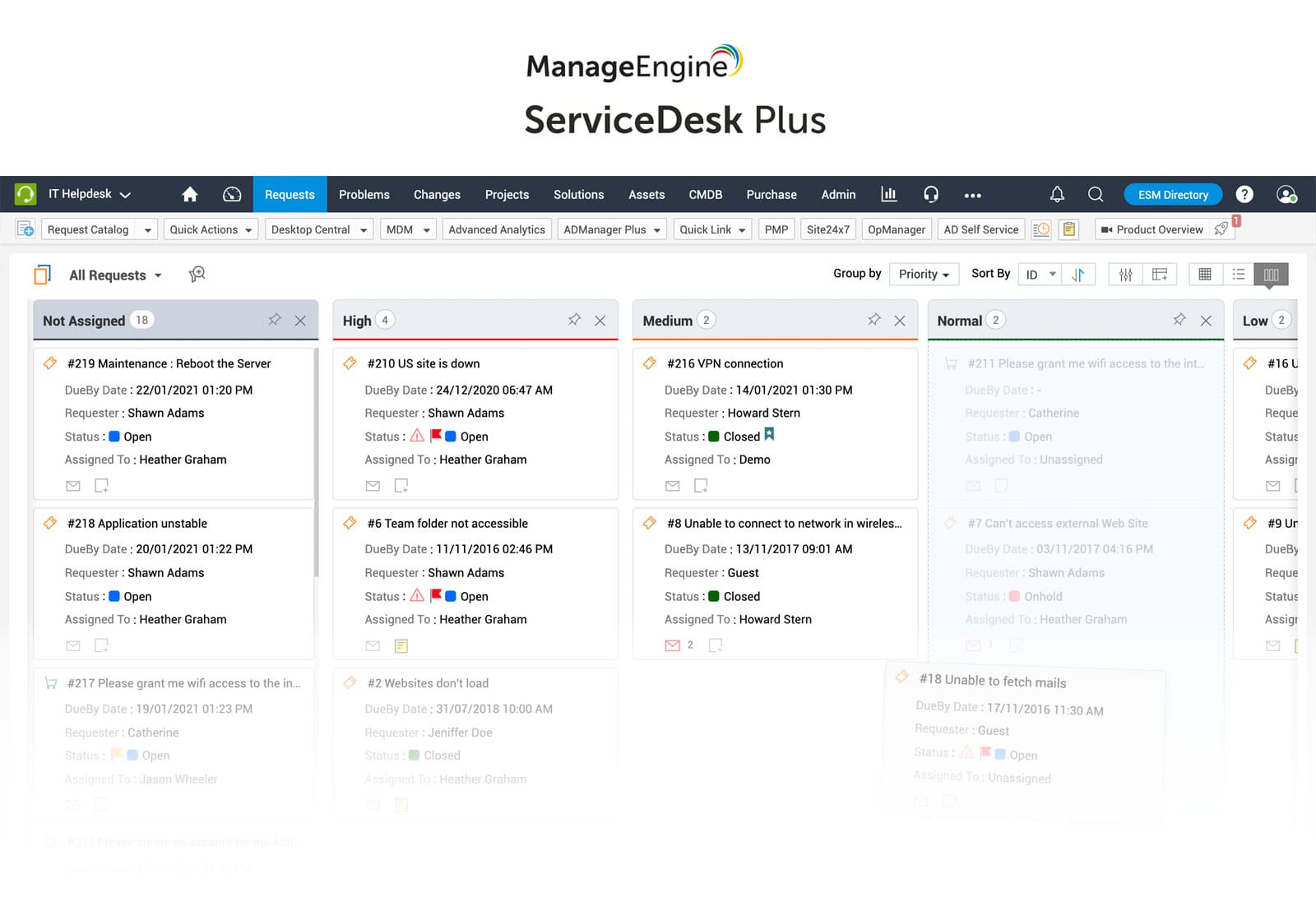
Developed by Zoho Corporation, ManageEngine® ServiceDesk Plus is part of a broader suite of IT management tools. It supports ITSM practices with modules for request, incident, problem, and Change Management. It's available on cloud and on-premise deployments and integrates with other Zoho apps and monitoring tools.
- ManageEngine ServiceDesk Plus Gartner Peer Insights score: 4.4
These are some of the platform's main features based on information from their official product page.
Cloud pricing tiers:
- Checked on: August 2026 (US), official website.
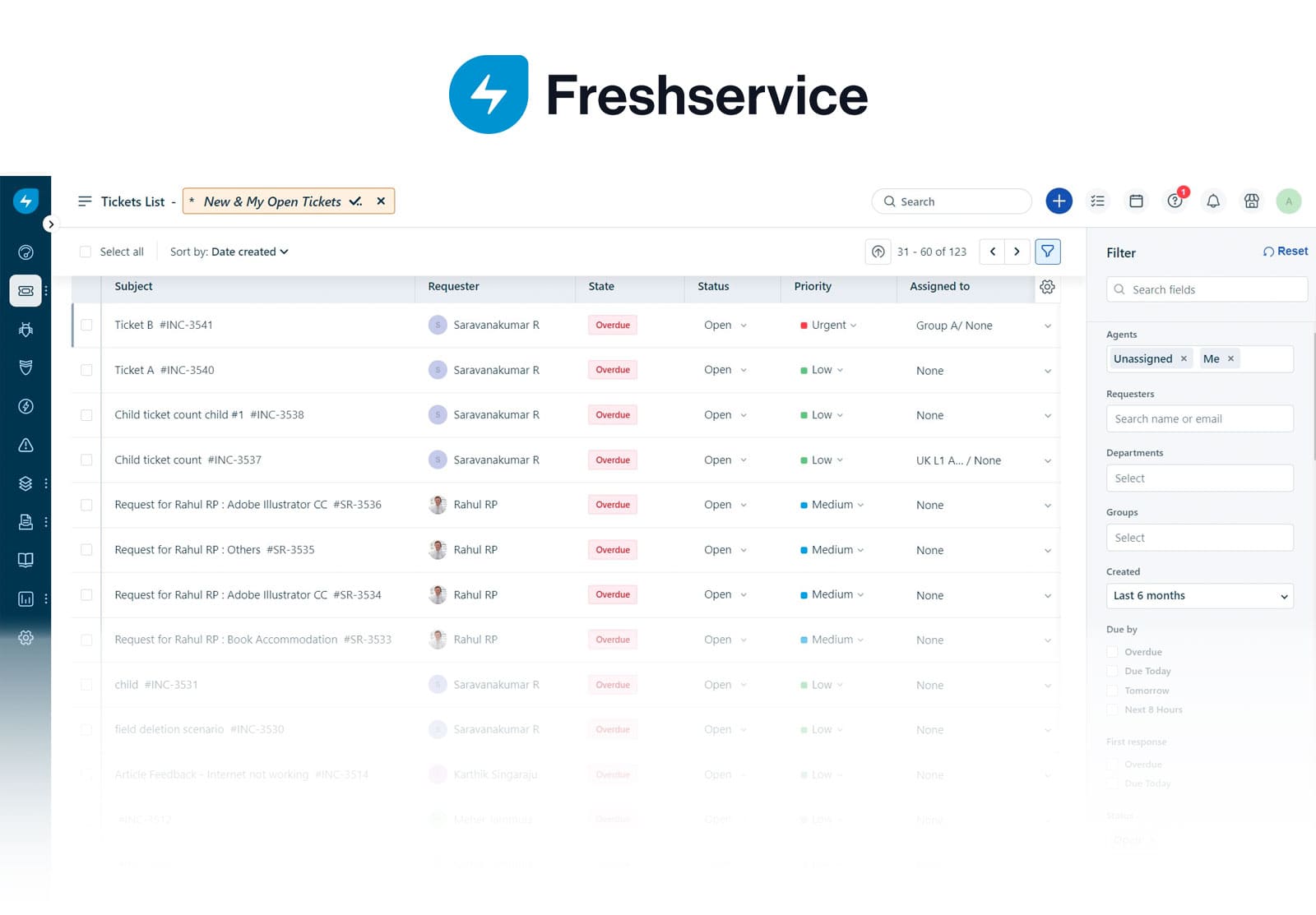
Freshservice® is a cloud-based service desk from Freshworks that caters to IT and business teams. It includes incident, problem, change, and request management, plus workflow automation. It integrates with other Freshworks tools and popular third-party platforms like Microsoft 365, Slack, and Google Workspace.
- Freshservice Gartner Peer Insights score: 4.2
Part of the platform’s offering, according to their product page (accessed August 2026):
The prices with annual billing as follows:
- Checked on August 2026 (US) official website.
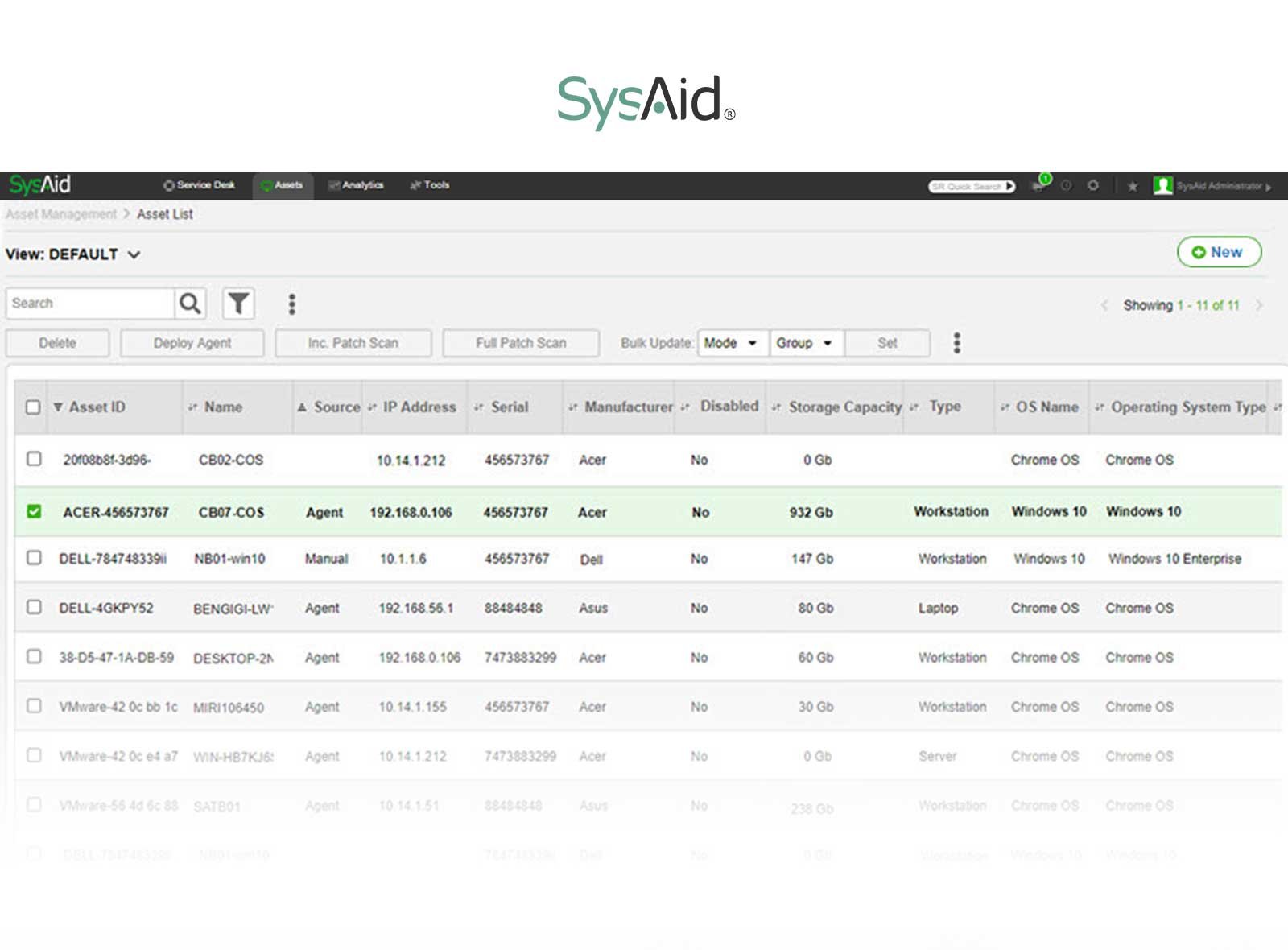
SysAid® is an IT Service Management platform focused on automation and internal service delivery. It includes request tracking, IT Asset Management, and automation rules to reduce repetitive tasks. It's available in cloud and on-premise versions and supports integrations through REST APIs and native connectors.
- SysAid Gartner Peer Insights score: 4.6
These are some of the functionalities listed on provider’s site (accessed August 2026).
SysAid pricing starts at $89 per agent/month for the Professional plan, and the Enterprise plan is custom-priced with a sales consultation. - Checked on August 2026 (US) official website.
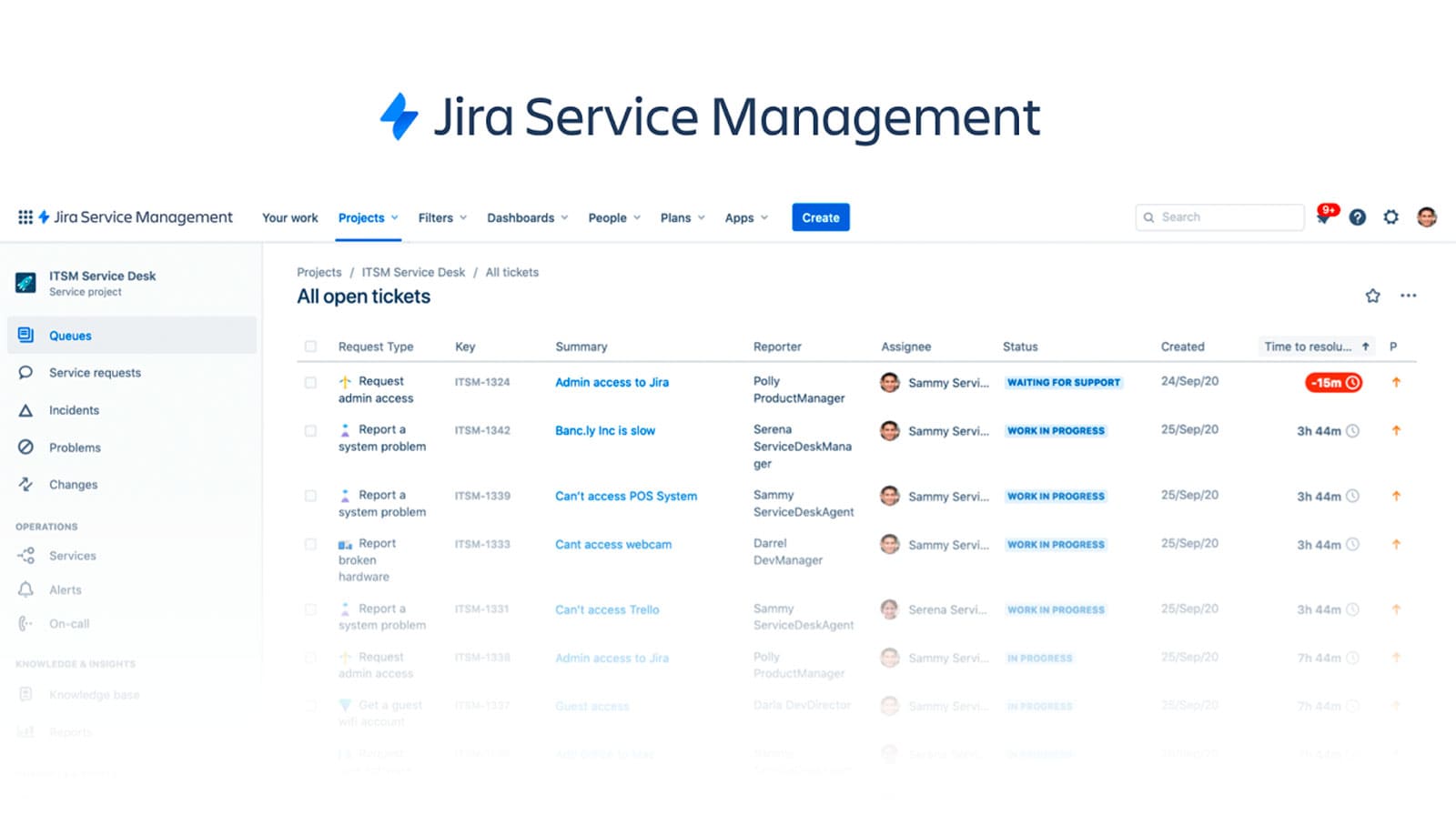
Created by Atlassian, Jira Service Management® is built for technical and development teams but also supports broader business functions. It connects seamlessly with Jira Software and Confluence, allowing for tight collaboration between support and dev teams. Available only as a cloud solution.
- Jira Service Management Gartner Peer Insights score: 4.4
These are some of its features according to the official features page (accessed August 2026).
The Standard plan starts at about $20–$25 per agent/month, billed annually. As your team grows, the per-agent cost decreases with volume tiers, making it cheaper at scale. Higher tiers include Premium (~$50/agent/month) and Enterprise (custom pricing). JSM also offers a free tier for up to 3 agents.
- Checked on: August 2026 (US), official web.
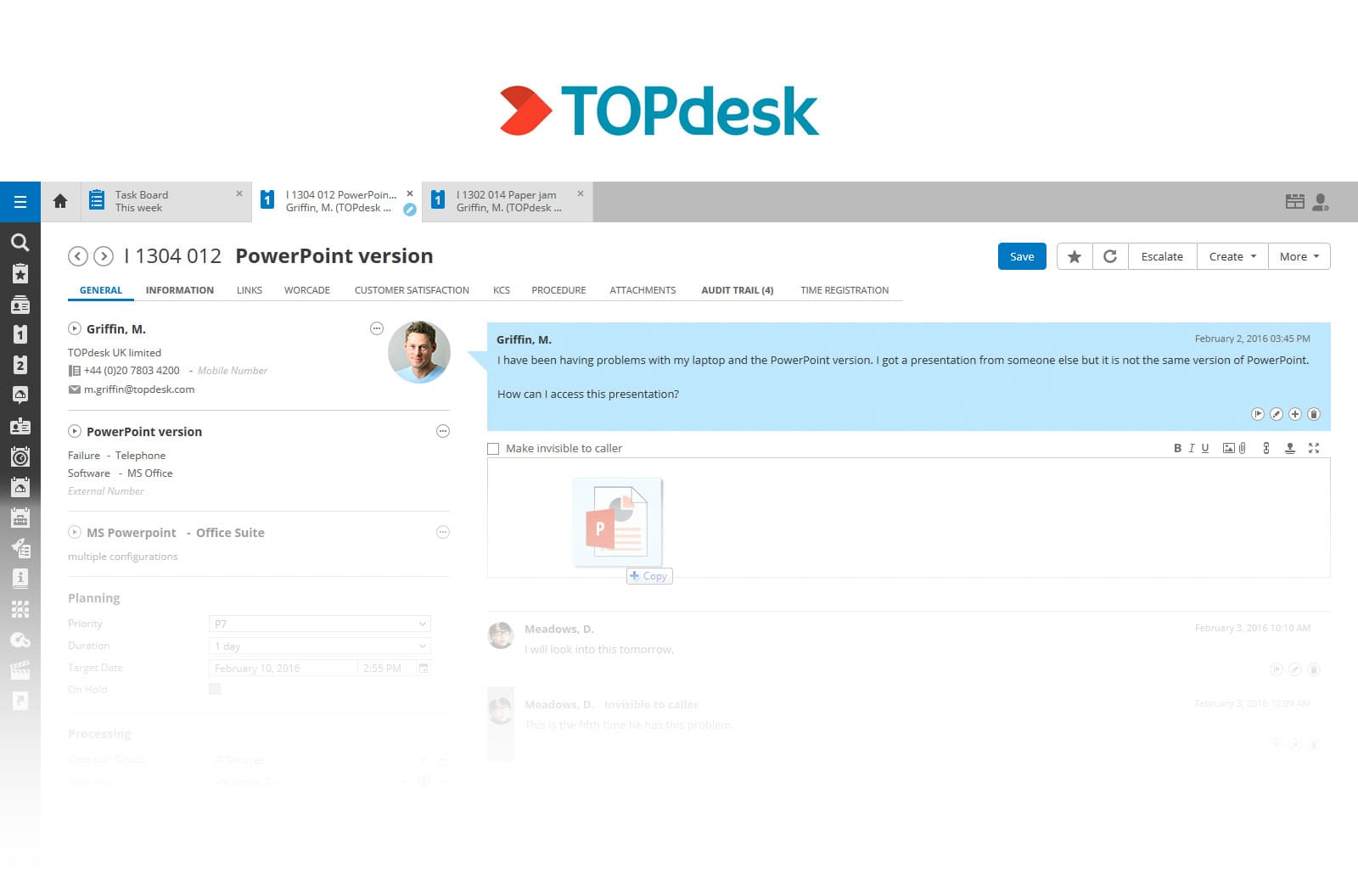
TOPdesk® is a Service Management tool that originated in the Netherlands and serves educational institutions, government, and mid-sized enterprises. It supports incident, request, and Change Management, and offers both SaaS and on-premise deployment.
- TOPdesk Gartner Peer Insights score: 4.5
Part of the platform’s offering, according to their official product information (August 2026)
Quote-based, depending on modules and users. Free trial available.
ServiceNow® is one of the most widely recognized Service Management platforms, used by enterprises and large organizations. It began with IT Service Management and has since expanded into HR, customer service, and security operations. It's primarily cloud-based and integrates with a broad range of third-party applications.
- ServiceNow Gartner Peer Insights score: 4.3
The following capabilities are listed on the platform's official product page (accessed August 2026).
ServiceNow doesn't disclose its pricing. Costs depend on the chosen modules, the number of users, the type of licenses acquired, and the level of support. A quote is required.
- Checked on: August 2026 (US), official website.
Zendesk® is a cloud-based help desk and customer service platform used across support, IT, and other teams for request intake and ticketing. It centralizes requests from email, chat, phone, and messaging into a single workspace, and offers a self-service help center, automation, and a large app marketplace. Teams that need ITIL-specific practices reach them through configuration and add-ons.
- Zendesk Gartner Peer Insights score: 4.4
These are some of the platform's capabilities, according to the official product information (accessed August 2026).
Zendesk pricing is per agent, per month, billed annually, and is split into two product lines: Support (ticketing) and Suite (omnichannel). Sample Suite tiers:
AI copilots and other add-ons are priced separately.
- Checked on: August 2026 (US), official website.
HaloITSM® is an ITIL-aligned IT Service Management platform built for teams handling service requests, incidents, and changes. It covers core ITIL practices, includes asset tracking and a CMDB, and uses an all-inclusive licensing model that bundles modules, integrations, and asset management into the base subscription. It's available in cloud and on-premise deployments.
- HaloITSM Gartner Peer Insights score: 4.7
These are some of the platform's capabilities, according to the official product information (accessed August 2026).
HaloITSM uses a per-agent monthly subscription with most core capabilities included in the base license, with volume discounts for larger teams. Pricing is quote-based, so exact rates depend on team size, deployment, and contract length.
- Checked on: August 2026 (US), official website.
Feature lists look similar across vendors. The differences that matter show up in three areas: how requests are published, how they get approved, and how much of the work runs on its own. Use these three axes to compare the nine tools below.
Catalog and intake. Look at how services are published and how requests are captured. A well-structured service catalog sets scope, ownership, and delivery time before work begins, and dynamic forms collect the right details for each request type. Depth here ranges from a basic request form to a full catalog with per-service SLAs and self-service search.
Approvals. Check how flexible the approval logic is. Strong tools support multi-step approvals based on role, cost, department, or request type, with clear visibility into who needs to act next. Lighter options limit you to a single approver or a fixed sequence.
Automation. Assess what runs without manual effort once the process is understood: routing and assignment, approval-triggered fulfillment tasks, notifications, and escalations tied to SLAs. Automation pays off after the process is mapped, so the value comes from how easily you can build and adjust rules over time.
“Request Management” is a generic term. It refers to handling requests in any context — HR, procurement, facilities, legal, or IT — without implying a specific framework, structure, or level of standardization.
“Service Request Management” is more precise. Within ITSM and ITIL, it focuses on standardized service requests, with defined workflows, SLAs, and a clear separation from incidents and changes.
In an ESM (Enterprise Service Management) model, that same approach extends beyond IT, so HR or facilities requests can also be managed as service requests under the same structure. For that reason, “Request Management” shouldn’t be read as “everything outside IT,” but as a broader, less specific term, while Service Request Management defines how those requests are handled within a Service Management framework.
Implementing request management software is less about a single launch moment and more about how the practice settles into daily support work. Teams usually move through a few recognizable phases, each one shaping how requests are submitted, handled, and measured. Knowing what to expect helps set realistic expectations and avoids forcing structure too early or too late.
Over time, success shows up in consistency: fewer clarifying emails, clearer ownership, and better visibility into where work slows down. Metrics then help confirm what’s working and where adjustments make sense.
Most implementations follow a similar progression, even if the pace varies by organization:
Each step builds on the previous one. Skipping ahead usually creates rework later, especially when automation or reporting is introduced too early.
The five KPIs to track in request management are: request volume by type, average fulfillment time, SLA compliance rate, backlog and aging requests, and first-time completion rate.
Together, these KPIs tell a practical story: where requests slow down, which services consume the most effort, and how predictable fulfillment has become. Over time, they also support better planning and clearer conversations with the business.
Do you want to get started with Request Management? We’ve built predefined templates to streamline request submission and processing.
Instead of figuring out what steps to include, you can use these templates to get started right away.
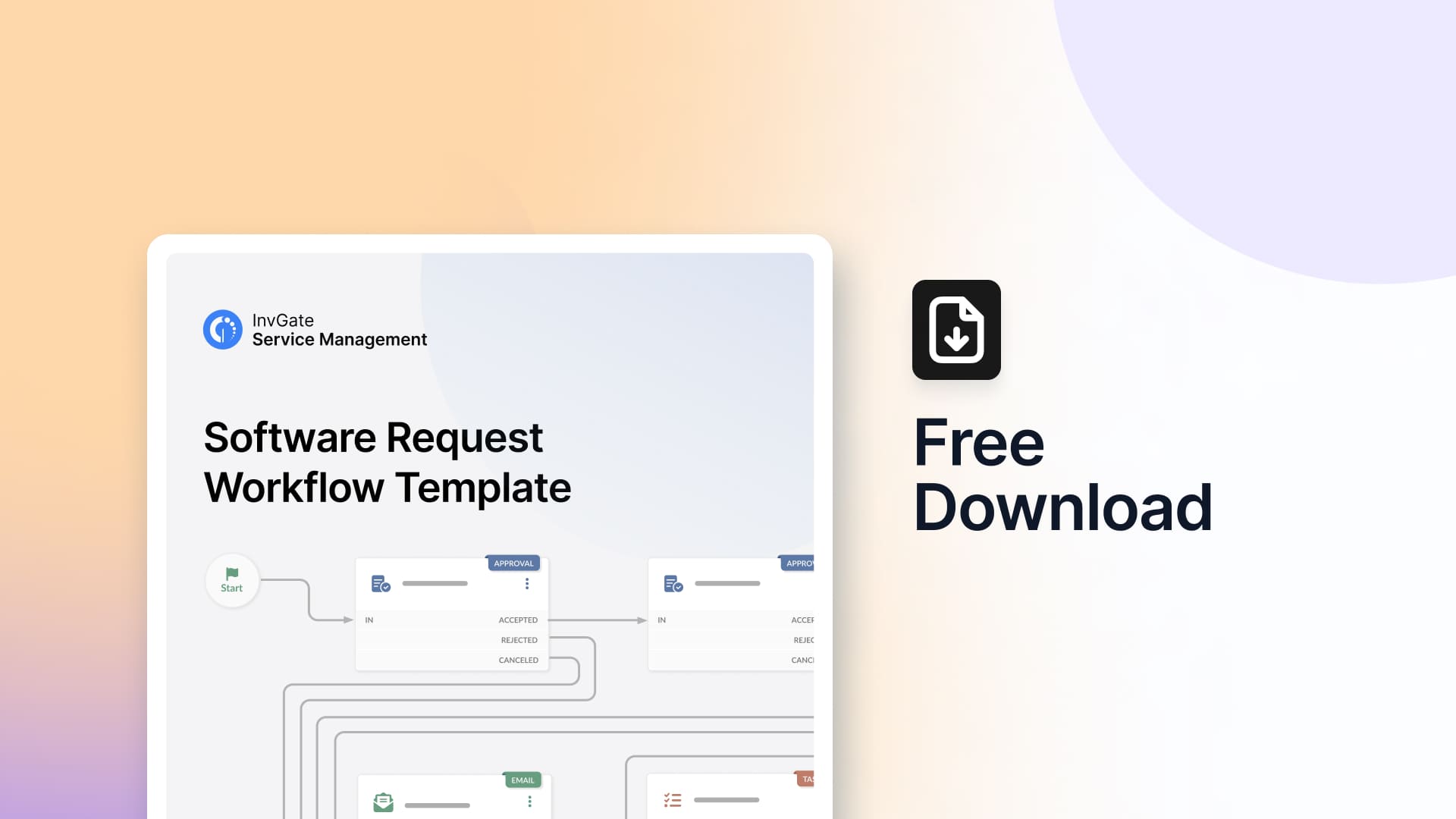
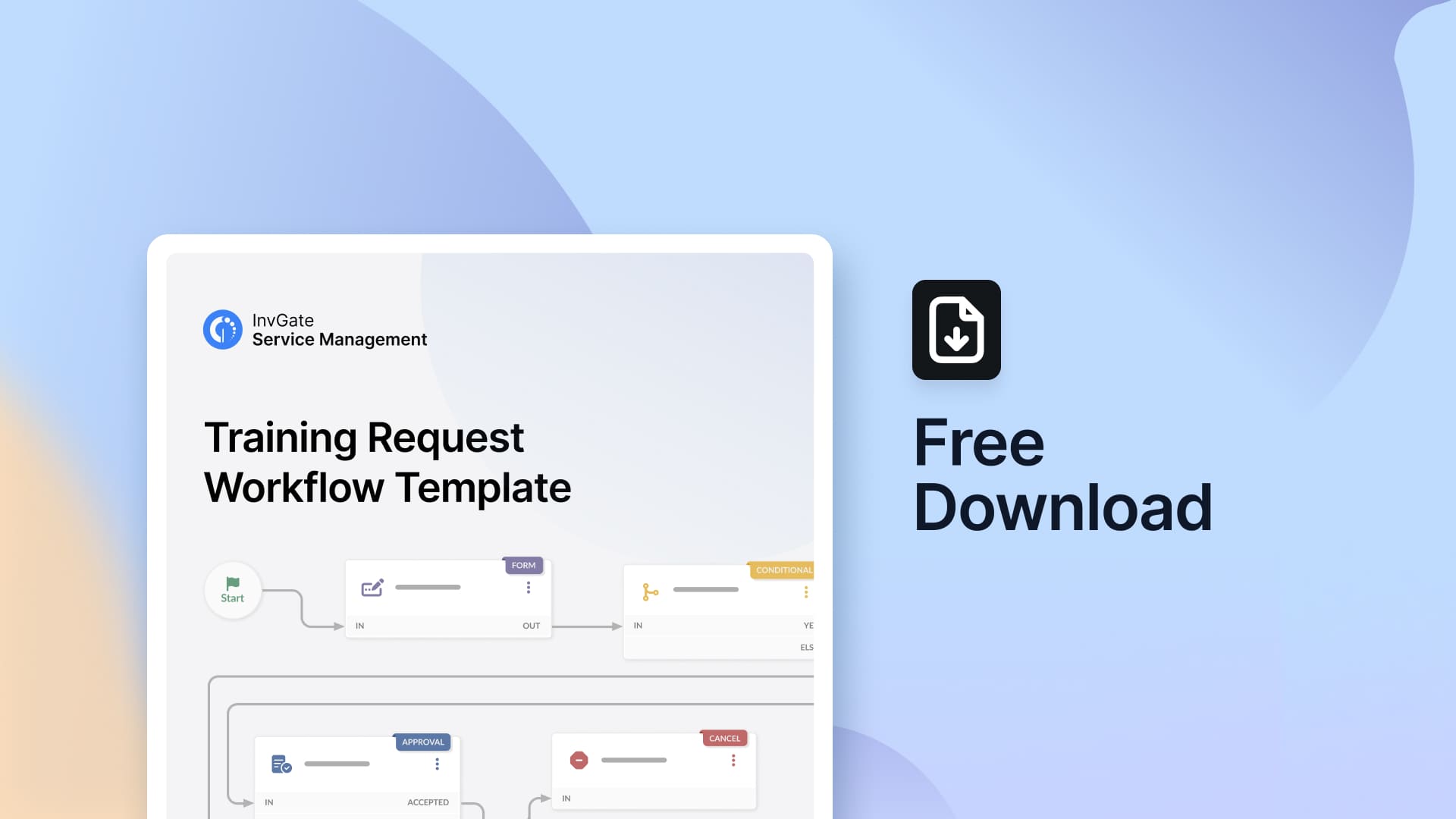
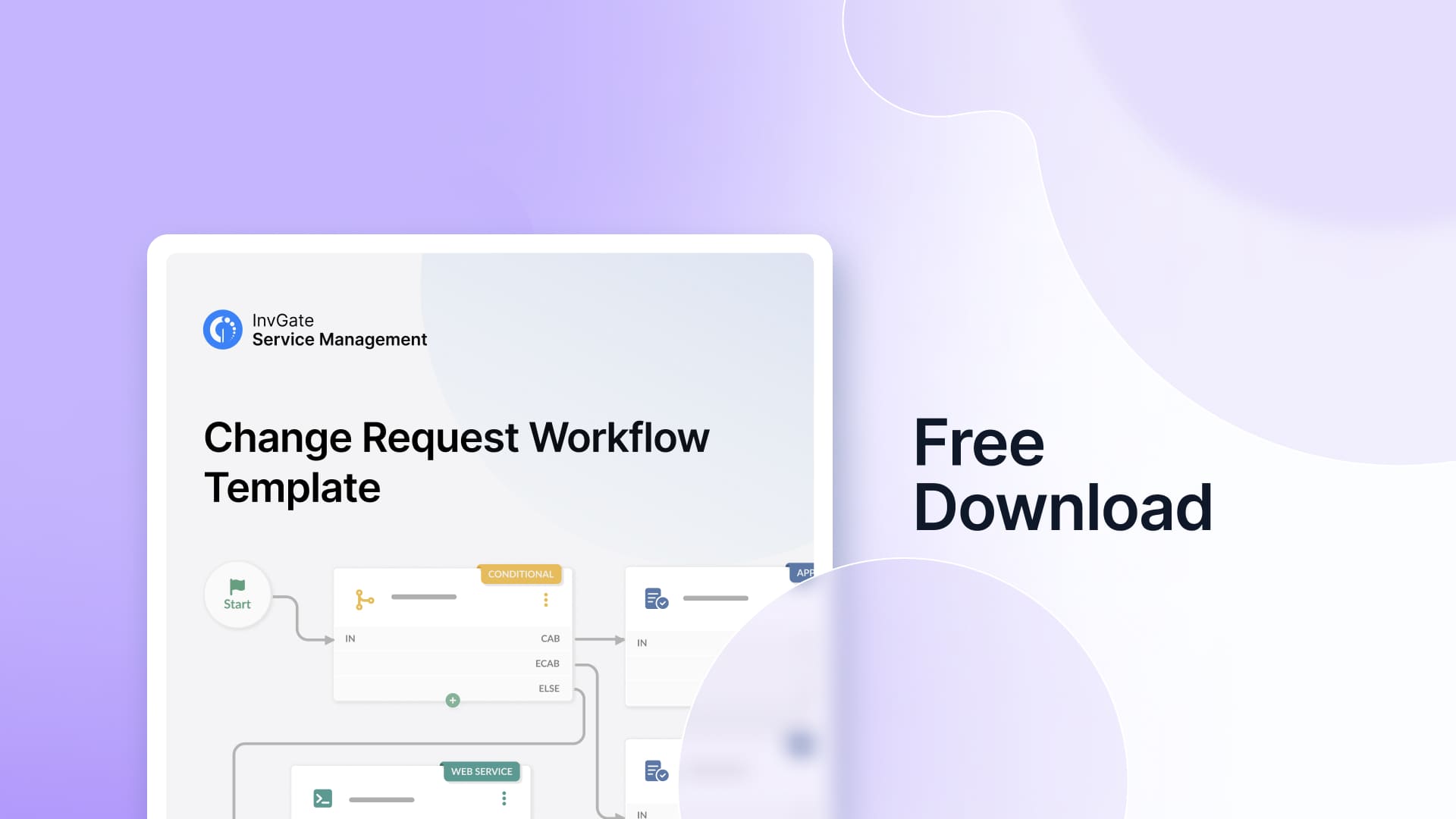
With these templates, you can reduce back-and-forth communication, provide audit trails and transparency, and ensure requests are handled consistently.
Disclaimer: All product names, logos, and brands are property of their respective owners. All company, product, and service names used on this site are for identification purposes only. Use of these names, trademarks, and brands does not imply endorsement. Comparisons are based on publicly available information as of August, 2026 and are provided for informational purposes only. ServiceNow is a registered trademark of ServiceNow, Inc. InvGate is not affiliated with, sponsored by, or endorsed by ServiceNow.


