














PDQ Deploy™ and PDQ Inventory™ are on-premises tools that IT teams use to install software on Windows computers and keep an inventory of them, and PDQ Connect is PDQ's cloud product for Windows and macOS. Teams look for PDQ alternatives when they need to reach devices outside the office network or virtual private network (VPN), cover more operating systems, or keep a record of each asset that goes beyond deployment.
This guide compares five PDQ alternatives, with what each one deploys, where it runs, what it costs, and how reviewers rate it. It's written for teams that already run PDQ and want to replace it, which makes it narrower than our comparison of software deployment tools for IT teams. It also explains how PDQ's products differ and how to pick a replacement.
The five tools below deploy software and add patching, inventory, or both, which covers what teams use PDQ for. Each one was checked on the vendor's official pages and on review platforms in October 2026, and the order reflects no ranking:
The table shows where each tool runs and which operating systems it deploys software to. PDQ's two products sit at the bottom for reference.
We selected tools that review directories and IT communities name as PDQ replacements and that deploy software alongside patching or inventory. Features and prices come from each vendor's official pages, and ratings come from Gartner Peer Insights, G2, and Capterra, all checked in October 2026.
InvGate develops service and asset management software and competes with some of the vendors on this list. The order reflects no ranking or score: each tool fits different needs, budgets, and environments.
InvGate Asset Management is IT Asset Management software that offers an enterprise experience without the complexity or the price of one. It runs in the cloud or on-premises, with the same features in both.
It fits IT teams that want to deploy software to Windows devices and manage everything around each asset, from purchase and warranty to retirement, in one tool. Element U.S. Space & Defense, for example, raised its update coverage from 55% to 95% across 1,700 devices and completed its Windows 11 migration in 45 days, according to its case study.
Deployment runs through the InvGate Agent on Windows devices. These are the capabilities that matter most when replacing PDQ:
Reviewers on Gartner Peer Insights and Capterra highlight the clean interface, the quick implementation, and the choice of discovery methods to build the inventory. Deployment, Windows updates, and lifecycle data also live in the same record for each device.
Software deployment runs on Windows devices only, so macOS and Linux computers appear in the inventory but can't receive deployment plans. Some Gartner Peer Insights reviewers also mention limits in more complex configurations.
As of October 2026, InvGate Asset Management maintains the following ratings across software review platforms:
InvGate Asset Management prices by IP device. Starter costs $1,499 per year for 500 IP devices, Pro costs $5 per IP device per year and starts at $2,500 per year for 500 to 5,000 IP devices, and Enterprise starts at $12,000 per year, according to the pricing page. A 30-day free trial is available.
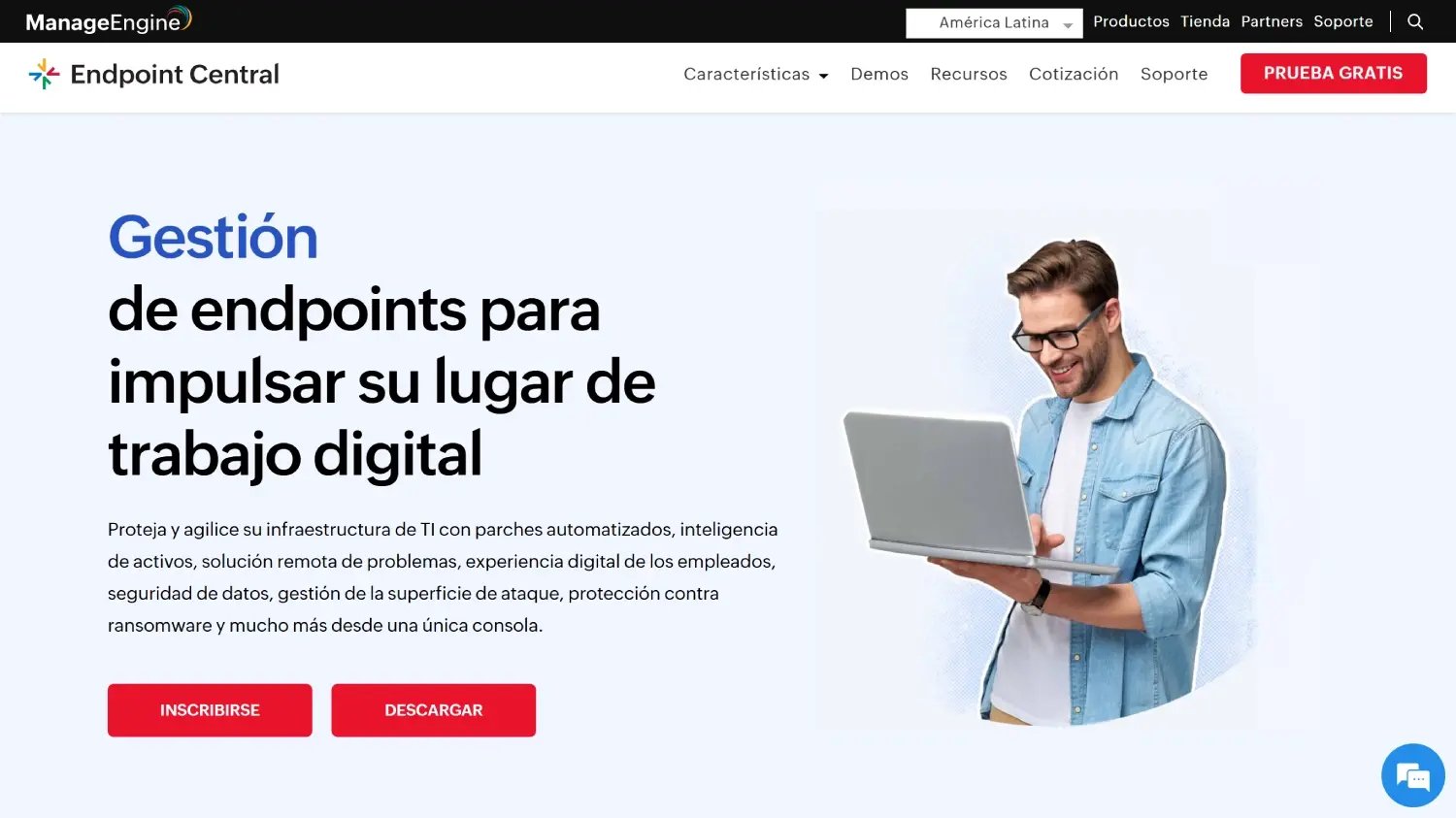
Endpoint Central is ManageEngine's unified endpoint management (UEM) and security solution for servers, desktops, laptops, and mobile devices. It's available in the cloud or on-premises.
It's the closest match for teams that want to keep an on-premises setup like PDQ Deploy & Inventory. It adds patching for more operating systems, mobile devices, and a self-service portal.
Endpoint Central's software deployment reaches more platforms than PDQ's on-premises tools. Its main capabilities for a PDQ replacement are:
Reviewers on G2, Capterra, and Gartner Peer Insights rate patch management and software deployment among its strongest areas. Many also call it good value for its cost and credit the inventory for tying user and device data together.
Reviewers mention a setup that takes time to learn, an interface that feels dated, and reporting that is hard to customize. Some G2 reviewers who came from PDQ Deploy say deployment has been less consistent, and per-device licensing can get expensive in large fleets.
As of October 2026, ManageEngine Endpoint Central maintains the following ratings across software review platforms:
Endpoint Central uses volume-based pricing per endpoint. On its pricing page, Professional starts at $795 per year for 50 endpoints, Enterprise at $945, UEM at $1,095, and Security at $1,695. A free edition covers up to 25 endpoints, and the free trial lasts 30 days.
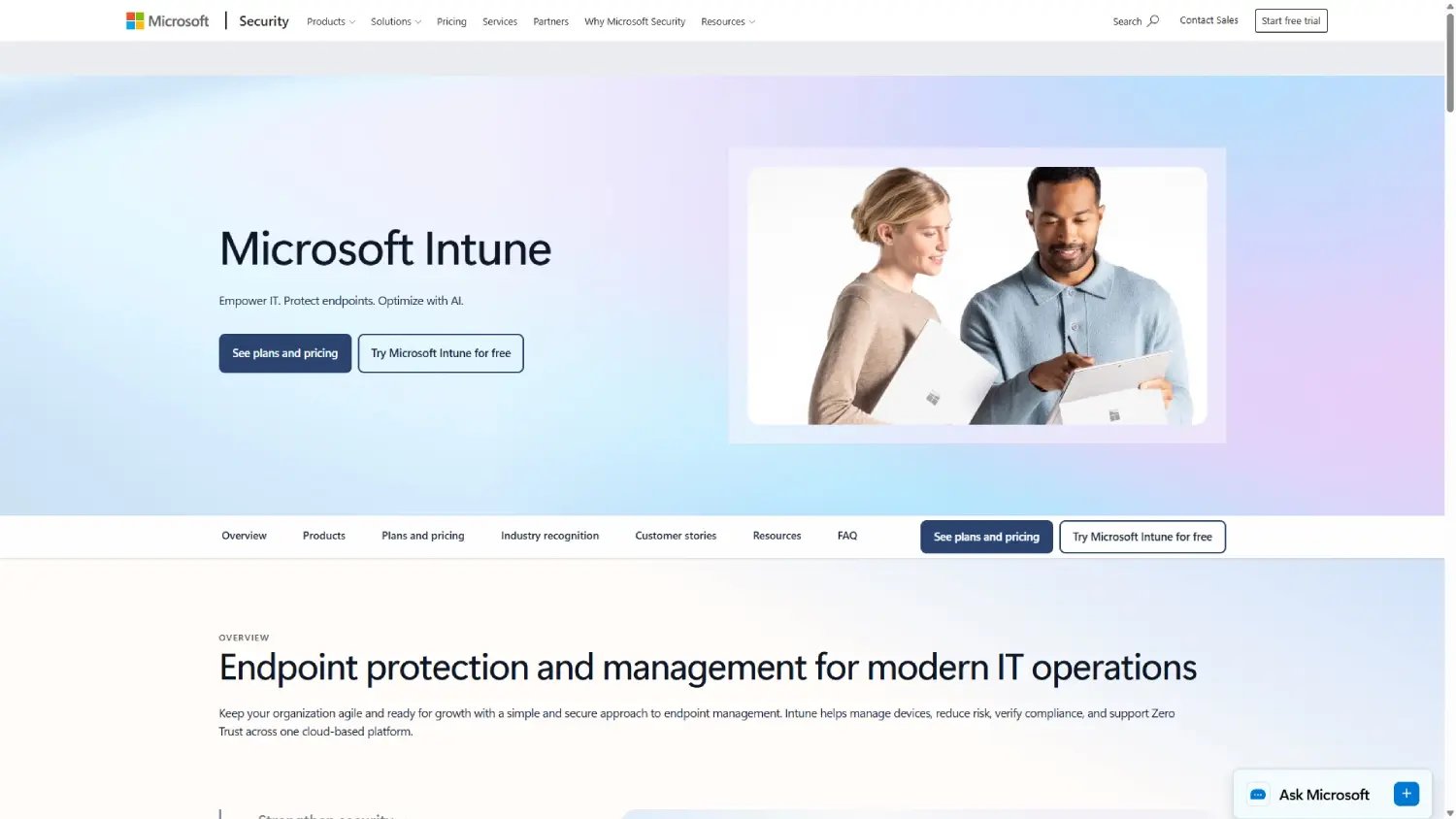
Microsoft Intune is a cloud-based unified endpoint management solution built on Zero Trust, according to Microsoft. It enrolls devices, applies policies, and deploys apps from the cloud.
It suits Windows-first organizations that already pay for Microsoft 365 E3 or E5, which include Intune capabilities. For them, deployment moves to the cloud under licenses they already have.
Intune covers deployment and device management for desktops and mobile devices in the same console. Its main capabilities for a PDQ replacement are:
Reviewers value deploying, updating, and removing apps from one console, and setting up new Windows computers quickly with Autopilot. Many also note that Intune came with Microsoft licenses they already had.
Reviewers on G2 and Capterra describe a steep learning curve, and Gartner Peer Insights and Capterra reviewers report slow policy and app syncing. Support response times and troubleshooting visibility also draw complaints.
As of October 2026, Microsoft Intune maintains the following ratings across software review platforms:
Microsoft Intune Plan 1 costs $8.00 per user per month, paid yearly, and Microsoft 365 E3 and E5 include Intune capabilities. Plan 2 is a $4.00 add-on and the Intune Suite costs $10.00, according to the Intune pricing page, which also offers a free trial.
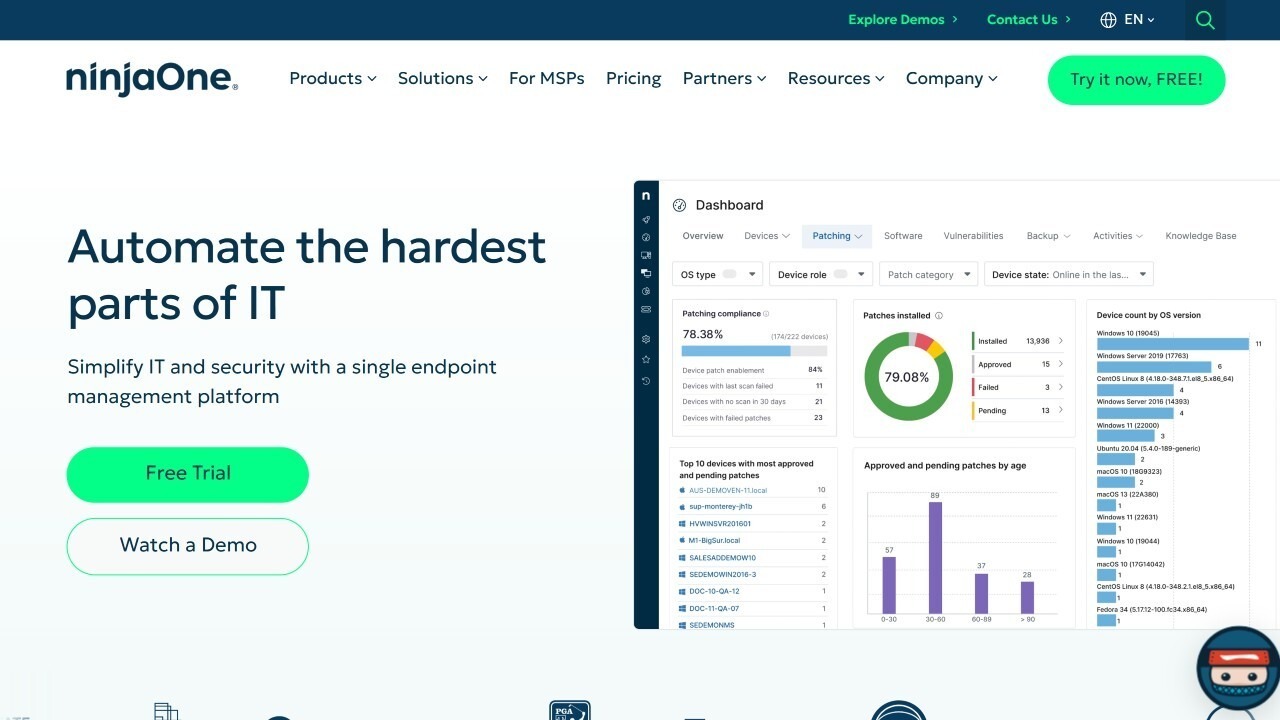
NinjaOne describes itself as a unified IT operations platform for endpoint management, autonomous patching, backup, and remote access. It's cloud-native and SaaS-delivered.
It fits teams leaving PDQ because of remote or hybrid devices. Patching, software deployment, and remote access run from the same console.
NinjaOne manages software on any device with an internet connection. Its main capabilities for a PDQ replacement are:
Ease of use is the theme reviewers repeat most on G2, followed by patching that runs on its own once policies are set and fast software deployment. Support also earns strong marks on G2 and Capterra.
Reviewers on G2 and Capterra call reporting the weakest area, and several find it pricier than other tools they evaluated, with add-ons such as backup priced separately. Some users also find the ticketing module basic.
As of October 2026, NinjaOne maintains the following ratings across software review platforms:
NinjaOne uses per-device pricing with volume discounts and doesn't publish its full price list. Its pricing page says it starts as low as $1.50 USD per month at 10,000 endpoints, increasing to $3.75 USD at 50 or fewer endpoints, and offers a 14-day free trial.
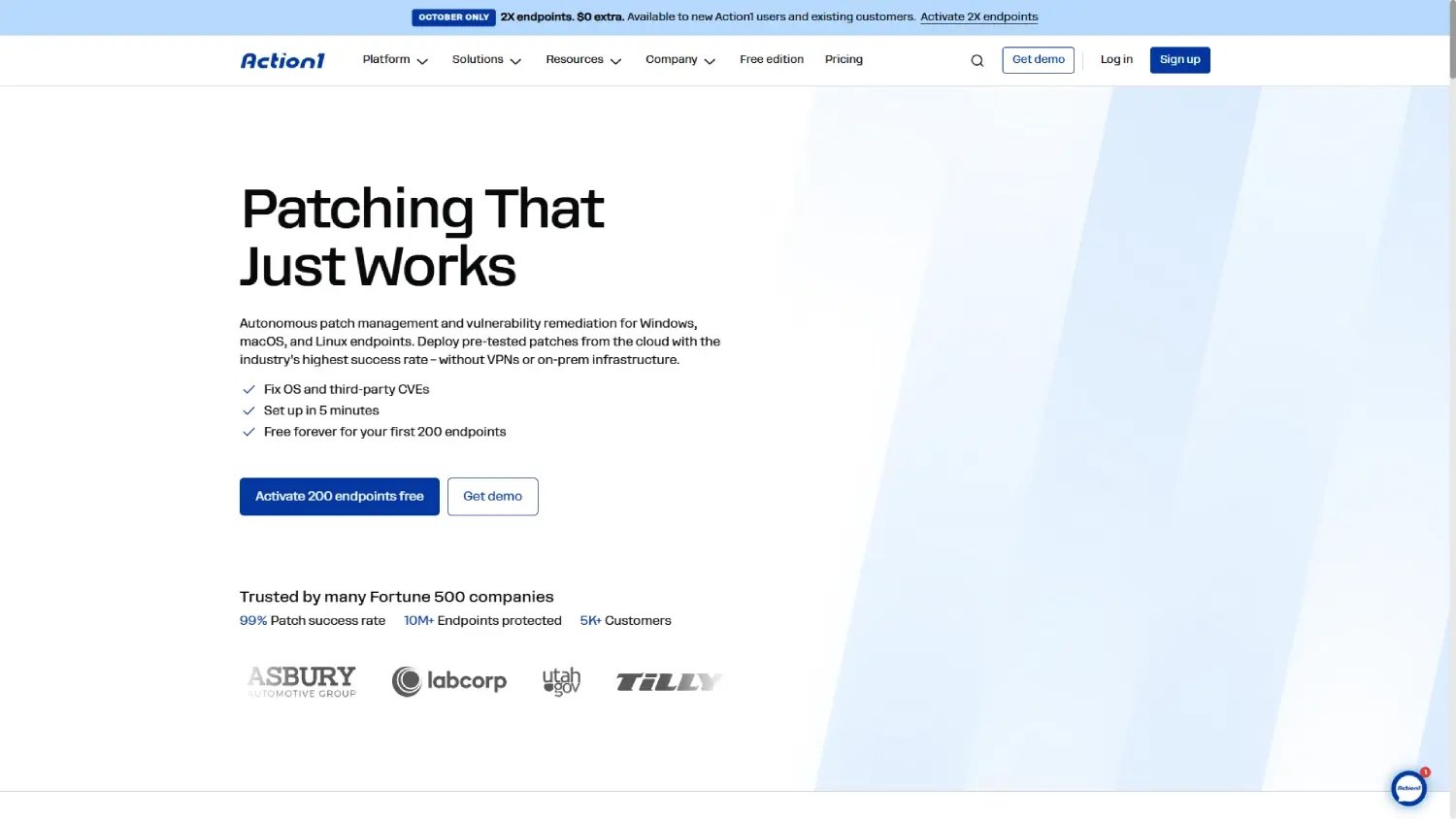
Action1 is a cloud-native platform for autonomous patch management and vulnerability remediation on Windows, macOS, and Linux endpoints. It patches devices without VPNs or on-premises infrastructure.
It fits teams whose main reason to leave PDQ is patching remote devices. Smaller fleets can run on its free tier.
Action1 covers patching and software deployment from the same cloud console. Its main capabilities for a PDQ replacement are:
Reviewers call it one of the easiest patching tools they've used and report setups finished in a few hours. Software deployment and the free tier for fleets under 200 endpoints also come up often.
Some G2 reviewers find remote desktop unreliable at times and want more reporting and grouping options. Gartner Peer Insights reviewers add that error messages aren't always clear.
As of October 2026, Action1 maintains the following ratings across software review platforms:
Action1 is free for the first 200 endpoints, with full functionality and no expiration date. Beyond that, prices aren't published and require a quote through its pricing page.
PDQ Deploy and PDQ Inventory are sold together under one license and run on your own network. PDQ Deploy installs software, scripts, and Windows updates on domain-joined or VPN-connected Windows computers, and PDQ Inventory scans and organizes those machines so each deployment reaches the right ones.
PDQ Connect is PDQ's cloud product for Windows and macOS, with an agent that reaches devices over the internet without a VPN. PDQ also offers a free tool, PDQ Migrate, to move custom packages and collections from Deploy & Inventory to Connect, and its pricing page lists both options.
PDQ's own product pages show the situations where teams start looking for a PDQ Deploy alternative. These are the most common:
The right replacement depends on why PDQ stopped fitting your team, whether you need a PDQ Inventory alternative, a PDQ Connect alternative, or both. Start from the main reason and match it to the tool built for it:
These tools can also work together. InvGate Asset Management integrates with Microsoft Intune, so a team can deploy through Intune and keep inventory, warranties, and contracts in InvGate Asset Management. Teams whose main gap is patching can also weigh dedicated patch management software before deciding.
The right PDQ alternatives depend on whether you're replacing deployment, inventory, or both. Endpoint Central, Intune, NinjaOne, and Action1 focus on managing and patching endpoints, and InvGate Asset Management adds Windows deployment to the full record of every asset. To see how InvGate Asset Management fits your environment, start a free trial or talk to Sales.
The questions below come up when teams plan to move off PDQ. The answers come from PDQ's product and pricing pages and from each vendor's official pages.
Yes. PDQ offers a fully functional 14-day trial of PDQ Deploy & Inventory and a 14-day trial of PDQ Connect for up to 250 devices, with no credit card required.
PDQ Connect can: its agent manages Windows and macOS devices over the internet, with no VPN, Active Directory, or on-premises infrastructure. PDQ Deploy & Inventory works best with domain-joined or VPN-connected computers, according to PDQ.
PDQ Migrate, a free PDQ tool, moves custom packages and collections from Deploy & Inventory to PDQ Connect.
Action1 is free for its first 200 endpoints with full functionality, and ManageEngine Endpoint Central has a free edition for up to 25 endpoints. InvGate Asset Management and NinjaOne offer free trials of 30 and 14 days.
Disclaimer: All product names, logos, and brands are property of their respective owners. All company, product, and service names used on this site are for identification purposes only. Use of these names, trademarks, and brands does not imply endorsement. Comparisons are based on publicly available information as of October 2026 and are provided for informational purposes only.


