Tool consolidation helps IT leaders address tool sprawl, which often develops as teams adopt new systems to meet specific needs, acquisitions bring additional tools, and temporary fixes become permanent. Over time, overlapping systems can increase costs, fragment data, and complicate security and service delivery. The challenge is consolidating tools without disrupting service.
This guide draws on the experience of three IT leaders at regulated financial institutions: Kevin Hall (CIO, WESTconsin Credit Union), Ian Beirnes (Vice President, Infrastructure & Operations, Texans Credit Union), and Joe Ness (VP of Information Technology, Members Cooperative Credit Union). Their insights come from InvGate's Financial Services Industry Forum.
What tool sprawl looks like
On the ground, sprawl shows up as duplicate licenses, duplicate data, and no single place to look. Joe Ness, who walked into exactly that at Members Cooperative Credit Union, put it memorably: "I kind of jokingly say it felt a little like whack-a-mole." Push one problem down and another pops up somewhere else.
A lot of it is quiet duplication: Ness found four separate spreadsheets tracking the same thing, each a little out of date. Ian Beirnes traced the root cause to a lack of visibility — when teams can't see one another, they drift into silos and the overlap piles up unnoticed.
The symptoms pile up fast: higher total cost of ownership, inconsistent processes across teams, harder knowledge management, and siloed reporting. The full set of problems that come with running multiple service desks runs longer than that, and most of it traces back to the same missing shared view. Before you fix your own game of whack-a-mole, name it — list every tool and spreadsheet doing overlapping work.
Why one platform beats a stack of point tools
More tools rarely mean more capability. Usually they mean people learning several systems and using a sliver of each, then losing time switching between them. As Joe Ness pointed out, you gain no efficiency bouncing between tool sets where people only ever use a fraction of the features. Every context switch is a few minutes lost and a chance for something to fall through a gap.
Ian Beirnes framed consolidation as removing drag rather than adding features: one platform means fewer tools serving fewer purposes, fewer handoffs, fewer integrations to babysit, and fewer places for work to stall.
There is a security angle too. When tickets live in one system and assets in another, a problem that spans both takes longer to spot and longer to close. Kevin Hall's rule of thumb captures why consolidation helps here: "simple is secure."
How to consolidate IT tools in 6 steps
Here is the sequence the panelists followed, boiled down to six steps. Work them in order — each one keeps the next honest.
1. Inventory every tool, spreadsheet, and asset
You can't consolidate what you can't see. Ian Beirnes made the point that the whole effort starts with a clear picture of what's actually in use — every tool, every shadow spreadsheet, every asset, and who touches each one. A unified IT asset inventory gives you that baseline and doubles as the system of record you'll consolidate into. Do this first; everything after it depends on the list being honest.
2. Find where tools overlap
With the inventory in hand, look for overlap. Joe Ness described the common pattern: one tool covers steps A through D, another covers B through F, and you're paying twice for the middle. Those overlaps are your first consolidation targets — retiring them cuts cost without cutting capability, which makes them the easiest wins to put in front of a budget owner.
3. Build the business case with real numbers
Turn the overlap into numbers a budget owner recognizes. Four line items do most of the work: duplicate license spend you'll drop, admin hours spent maintaining and upgrading parallel tools, integrations you no longer have to build and babysit, and resolution time that improves once work stops bouncing between systems. Group related savings so you don't count the same benefit twice, and lead with the hard, financial figures — the soft gains land better once the money is on the table.
4. Choose the platform by how many teams it serves
Don't decide on feature checklists alone. Beirnes's criterion was reach: how many teams, and how many of their requirements, a single platform can actually serve. A tool that satisfies IT, facilities, HR, and finance consolidates far more than a best-of-breed option that only ever serves one desk — and that reach is where the savings compound.
5. Migrate in phases and bring every team along
This is where the technology change becomes a people-and-process change. Migrate in phases rather than all at once, and make sure each team understands what it gains — Beirnes stressed explaining the why, not just handing over a new login. When you're folding several desks together, a staged approach to integrating multiple help desks into one solution keeps service running while you cut over.
6. Measure what changed
Close the loop with before-and-after metrics: response and resolution times, licenses you stopped paying for, and self-service adoption, which tends to climb once the experience improves. The qualitative wins count too. Joe Ness now shares one inventory with finance — "Now we've got our central source of truth with accounting" — and Kevin Hall measures success in the time he got back: "I'm not managing five spreadsheets."
How InvGate Service Management and InvGate Asset Management consolidate IT tools
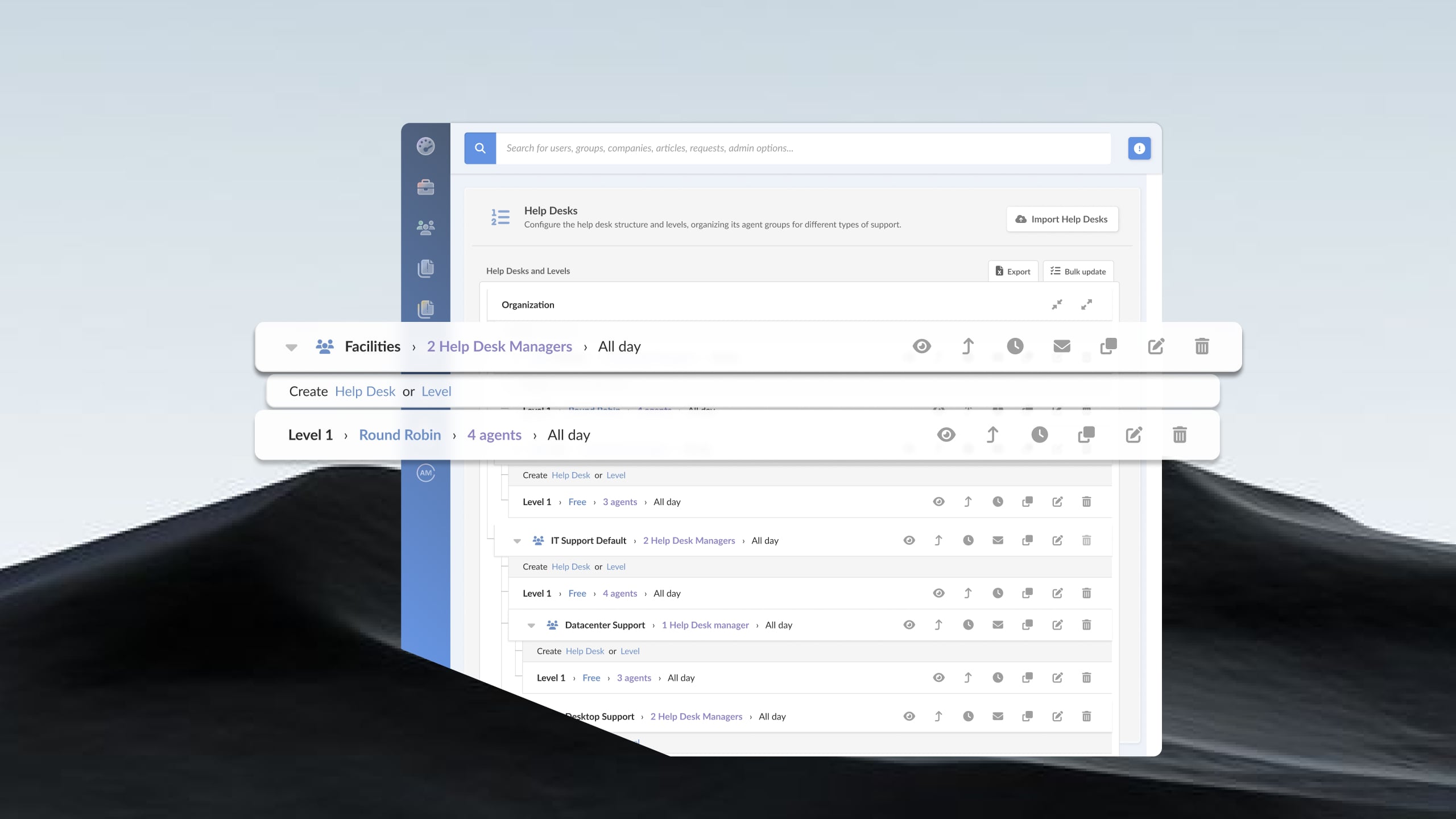
InvGate Service Management brings multiple help desks onto a single platform, with no-code workflows that route work across teams and more than 150 built-in metrics that span tickets, assets, and configuration items. It's the one place the panelists were describing — where people stop bouncing between systems and the reporting finally agrees with itself.
InvGate Asset Management is a separate product that discovers hardware, software, and cloud services, builds the CMDB, and integrates natively with Microsoft Intune, Microsoft Azure, and Microsoft Entra ID, among others. That native discovery is what gave Ian Beirnes a single pane of glass: "So I can get all of our desktop and our cloud and our on prem in a single view."
Run together, the two share context: an agent working a ticket can see the user's devices, contracts, and applications without leaving the request. That's enterprise-grade reach — the kind of Enterprise Service Management footprint that stretches beyond IT — without the cost, timeline, and complexity of a ServiceNow project. Arcos Dorados took this route and consolidated all its service desks on a single platform.
Ready to replace a stack of point tools with one platform? Talk to our team about InvGate Service Management and see what consolidating onto a single system would look like in your environment.
FAQ
What is tool consolidation in IT?
Tool consolidation is the practice of replacing several overlapping IT tools with one platform that does the same work. In service management, it usually means merging separate help desks, spreadsheets, and point tools so that tickets, assets, and reporting share one source of truth.
What is the difference between tool sprawl and SaaS sprawl?
Tool sprawl is the broad problem of too many overlapping tools — on-premise, cloud, or homegrown — spread across teams. SaaS sprawl is the subset caused by cloud subscriptions multiplying unchecked, often bought outside IT. Consolidation addresses both, but SaaS sprawl also needs license visibility to catch what's being paid for and left unused.
What should IT leaders look for when consolidating service management tools?
Start with reach: how many teams and requirements one platform can serve. Then weigh native asset and CMDB integration, no-code workflows, breadth of reporting, and a migration path that moves in phases. The goal is fewer systems to switch between, not a longer feature list.
Is it worth consolidating multiple support tools into one enterprise platform?
For most mid-size and larger teams, yes. The returns show up as dropped duplicate licenses, less administration, faster resolution, and a single source of truth shared across IT and finance. The effort is real, but the payoff is a people-and-process gain, not just a software swap.