Running ticketing and Asset Management in separate tools is a common setup: one system holds the tickets, another holds the hardware, software, and licenses. Each works well on its own. The gap between them shows up every time an agent needs to know which device a request is actually about.
Service delivery and the asset record are two different kinds of work, and keeping them in separate tools carries a measurable cost. This article covers what that separation costs an IT team day to day, and what changes once a ticket and the asset it concerns point to each other.
What happens when tickets and assets live in separate tools
Consider a VPN connectivity incident involving an employee's laptop. The ticketing system records the symptoms, conversation, and resolution, while the asset management system holds the device's specifications, operating system, installed software, warranty status, and maintenance history.
When these systems operate independently, the ticket has no direct link to that asset record. The agent must identify the device, retrieve its configuration details, and check its history manually, often switching between tools or requesting information from another team.
The underlying problem is a lack of integration between two sets of operational data. The Service Management system tracks incidents and requests; the Asset Management system maintains inventory and configuration records. Without shared asset references and synchronized data, agents cannot readily associate a ticket with the affected device or access its technical context within the incident record.
The consequences extend beyond the time spent investigating individual tickets. Device histories become harder to correlate with incidents, inventory records are more difficult to keep accurate, and audit evidence may require reconciling information across multiple systems.
4 costs of keeping tickets and assets apart
When Service Management and Asset Management operate independently, the problem extends beyond agents switching between tools. It affects incident diagnosis, configuration traceability, inventory accuracy, and the reliability of operational data.
1. Slower resolutions
When a ticket isn't linked to an asset record, agents lack immediate access to the device's configuration context: hardware specifications, operating system, installed software, warranty status, and recent changes. They have to retrieve that information manually before they can establish whether the issue is related to the device, its configuration, or another part of the environment.
The missing context adds time to diagnosis and can lead to unnecessary escalations. An agent may pass an incident to another team simply because they cannot verify the affected device's configuration or identify a recent change. The result is longer investigation times, more handoffs, and lower first-contact resolution rates.
2. No incident history per device
When tickets aren't associated with individual asset records, incident history remains attached to the request rather than the device. Closing a ticket ends its lifecycle in the service management system, with no corresponding update to the asset's operational history.
That separation makes recurring problems harder to identify. For example, a laptop generating five incidents in three months may indicate hardware deterioration, recurring configuration issues, or an underlying software problem. Without a consolidated history, each ticket appears to be an isolated event.
IT teams lose the ability to correlate incident frequency with asset condition and lifecycle decisions. That can delay replacement decisions, obscure warranty claim opportunities, and increase the likelihood of repeatedly repairing unreliable equipment.
3. Manual reconciliation between two inventories
When both systems contain information about assigned equipment, they can develop competing records of the same asset. The asset management platform may hold the official inventory, while the service management tool accumulates assignment details through ticket fields, request records, and manual updates.
Keeping those records consistent requires periodic reconciliation. Teams must compare assignments, identify discrepancies, verify device ownership, and update records that weren't synchronized after a hardware request or reassignment.
The problem is ongoing: every change that isn't reflected in both systems creates another potential mismatch. Inventory accuracy then depends on manual data maintenance rather than a consistent source of asset information. Reports based on either system can become unreliable as the records drift apart.
4. Slow answers to an audit
Maintaining audit readiness requires IT teams to keep asset records, software installations, ownership details, and change histories accurate and traceable over time. Software license audits check compliance with licensing agreements, security assessments examine device configurations and patch status, and regulatory reviews require evidence of asset assignments and related changes.
When tickets and assets live in separate systems, maintaining that traceability requires manual reconciliation. Teams must compare records, verify assignments, and retrieve incident or change histories from the service management platform.
The result is recurring administrative work, greater risk of outdated evidence, and additional preparation time whenever an audit takes place.
Estimating the financial impact of disconnected records
Let's see an illustrative estimate: Consider an IT team that handles 1,000 tickets per month, of which 40% require asset information. If agents spend an additional five minutes retrieving that information from a separate system, the extra work amounts to:
- Relevant tickets: 400 per month.
- Additional time: 5 minutes per ticket.
- Total time: 33.3 hours per month.
- Estimated loaded labor cost: $35 per hour.
Estimated additional labor cost: $1,167/month.
What changes when the ticket shows the asset
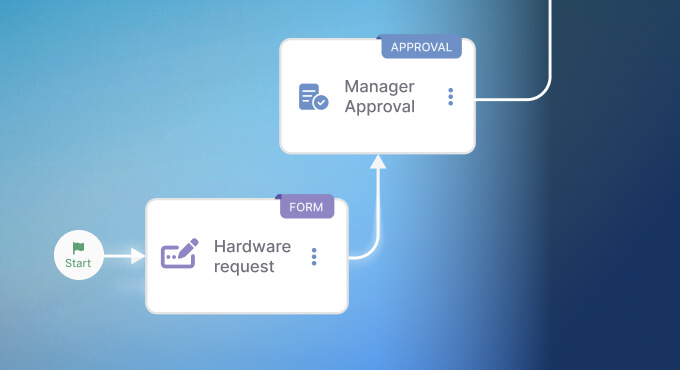
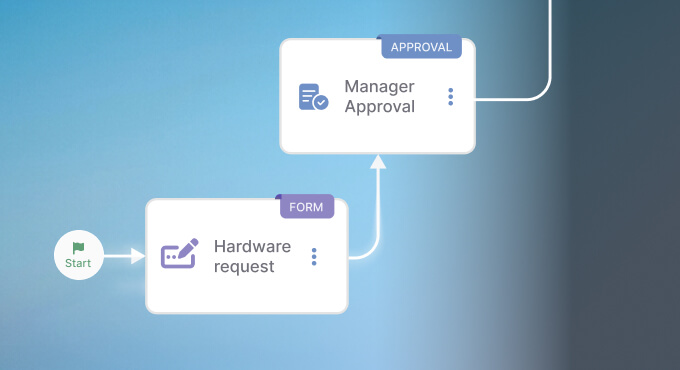
The costs above share one root: the agent can't see the asset from the ticket. Close that gap — connect the ticketing tool and the asset tool so a request carries its device context — and each of those costs changes shape. The value isn't a new feature to learn; it's that the information each tool already holds becomes visible from the other.
Here is the same everyday work, with the tools apart and with them connected:
How to connect InvGate Service Management and InvGate Asset Management
InvGate Service Management and InvGate Asset Management are two products that connect natively, so the context described above moves between them without a custom integration project. They are licensed separately, but once both are in place, the link between a ticket and an asset is built in.
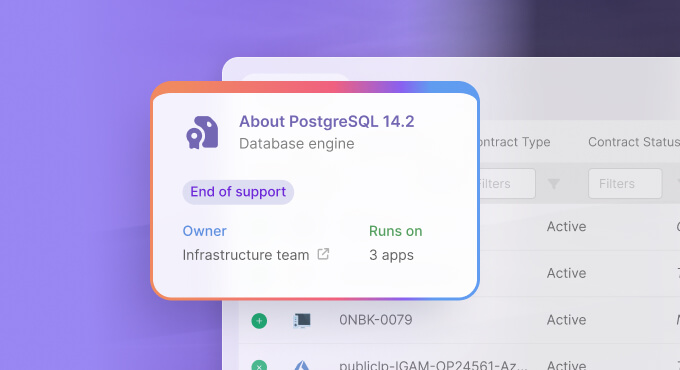
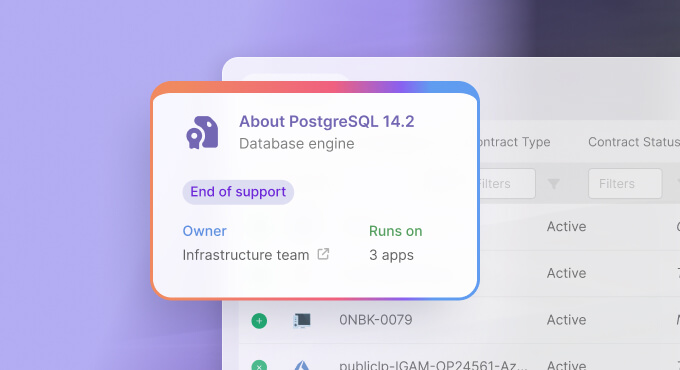
For the agent, the change happens inside the ticket. When a request comes from a user, their assigned devices appear in the ticket itself: model, specifications, installed software, warranty, and the asset's own history of past tickets.
The agent can attach the relevant asset to the request, so the work is tied to the specific device rather than to a name alone. Diagnosis starts with the full picture already on screen.
On the other side, the asset record keeps up on its own. A ticket linked to a device becomes part of that device's history, so the recurring-fault pattern and the audit trail build themselves as work gets done. Changes handled through a workflow — a reassignment, a repair, a retirement — are reflected against the asset, which keeps the inventory current without a separate reconciliation step.
If you are still weighing options and want to see which service management tools pair well with asset tracking, or help desks that come with asset tracking built in, those comparisons are a sensible next step before you commit.
If you would rather see how InvGate Service Management and InvGate Asset Management fit your own setup, you can start a free trial or talk it through with our team.
Frequently Asked Questions
Do you need to replace both tools to connect tickets and assets?
No. A native integration between existing tools may be enough. The key is ensuring asset references and updates stay synchronized across both systems. Check your current tools' integration capabilities before considering a replacement.
What asset data is worth showing in the ticket?
Prioritize information agents need for diagnosis: device model and specifications, operating system, installed software, assigned user, warranty status, and incident history. Keep less relevant details in the asset record.
Where should you start?
Start with hardware incidents, software requests, and onboarding and offboarding tickets. Make assigned devices visible in those requests, ensure ticket activity updates the asset history, and measure changes in resolution times.