















Modern HR operations act as the backbone of an organization's people strategy. From recruitment and onboarding to employee relations and performance management, HR operations cover the daily work that keeps a workforce supported and productive.
The hr operations meaning is simple at its core: it is the function that runs the day-to-day activities behind the employee lifecycle, from the first offer letter to the final offboarding task. This guide covers what those activities are, the roles that own them, and a practical way to deliver them as a service employees can actually reach, using the same request-and-fulfillment model IT support teams have relied on for years.

At its core, HR operations is a function within human resources that oversees and manages daily activities related to an organization’s workforce. This includes onboarding, performance tracking, payroll, benefits, compliance with labor laws, and more. In many ways, HR operations serve as the backbone of the HR department, managing all activities that support employees in their roles.
While HR can sometimes be seen as an administrative or supporting function, human resources operations directly impact productivity, morale, and the organization’s overall health.
Through effective HR operations, companies create clear policies, establish dependable workflows, and ensure employees have a reliable point of contact for workplace needs. Ultimately, when HR operations run smoothly, employees can focus on their work, and HR departments are free to take on strategic initiatives.

HR operations teams focus on the essential day-to-day functions that support an organization’s workforce. They manage the employee lifecycle, which includes everything from recruitment and onboarding to performance evaluations and offboarding. Their work is critical in ensuring that HR processes run smoothly and efficiently, enabling the organization to operate at its best.
On a day-to-day basis, HR Ops teams handle tasks such as processing payroll, managing benefits administration, and ensuring compliance with labor laws. As part of the payroll process, an employee pay stub gives workers a clear record of their earnings, deductions, and taxes. They also facilitate communication between employees and management, addressing any HR-related inquiries or issues that arise.
A successful HR operations team handles tasks that create the foundation for a thriving workplace. These responsibilities generally fall into several key categories: recruiting, employee services, compliance, performance management, payroll and benefits, and reporting.
Every responsibility in the list above is, at heart, a service the workforce consumes. An employee asks for time off, requests a new laptop for their first day, updates a benefits election, or flags a payroll discrepancy. Each of those is a request that needs to reach the right person, get resolved within a predictable timeframe, and leave a record behind.
This is the same pattern IT service management solved a long time ago, and it is why employee service management has become the natural home for HR operations management. The idea is to treat HR the way a mature IT organization treats support: a defined catalog of services, a single place to submit requests, clear ownership, and automation handling the repetitive steps.
Running HR this way changes what hr service delivery looks like day to day. Requests stop living in scattered inboxes and hallway conversations and start flowing through a structured channel where nothing gets lost. Employees see the status of their own requests. HR staff work from a queue with priorities and deadlines attached. Leadership gets data on volume, resolution time, and bottlenecks.
The tooling for this already exists in the form of service desk software originally built for IT. Extending that same platform to HR, Facilities, and Finance is what an Enterprise Service Management (ESM) approach delivers: one catalog, one portal, one set of workflows, shared across every team that provides services to employees.
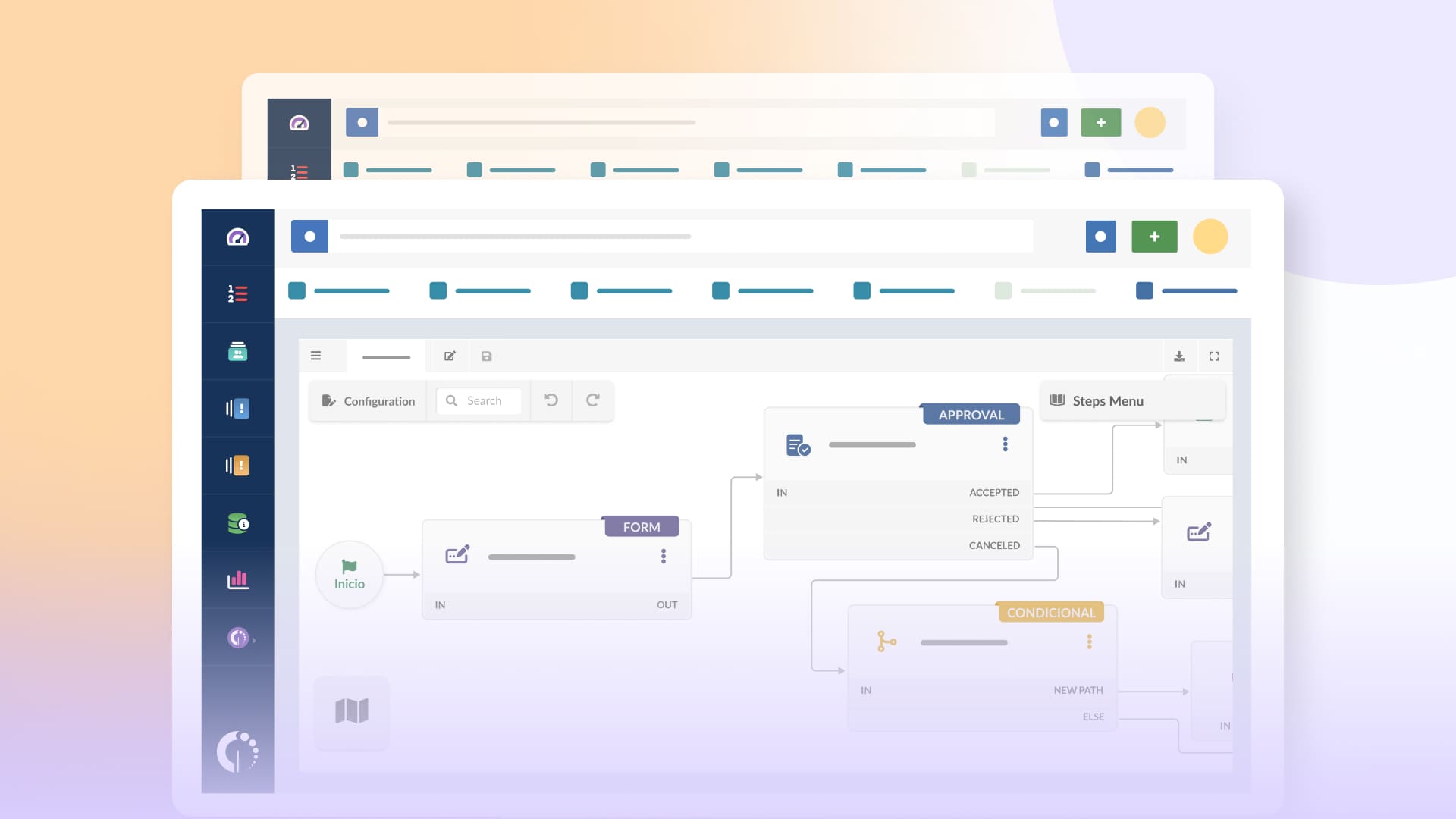
An hr help desk is the single point of contact where employees bring anything HR-related, backed by the catalog, portal, and workflows described above. It gives the workforce one reliable place to ask instead of guessing whether a question belongs to HR, Payroll, or a specific manager.
For HR operations, the help desk model delivers three things at once: consistency, because every request follows a defined path; speed, because automation handles the repetitive steps; and evidence, because every interaction is recorded and reportable. That combination is what moves HR service delivery from reactive firefighting to a steady, measurable service.
The steps below turn the HR service delivery model into a working setup within InvGate Service Management, in the order you'd actually build it: the desk first, then the catalog that feeds it, then the workflows for the processes that need them.
Under Settings → Help Desks, set up the desks that will own the work. Most organizations create one per team, so HR gets its own alongside IT and Facilities. Each desk uses an assignment method to hand incoming tickets to the people working it:
Escalation and reassignment rules move a ticket along when it stalls, and a fallback queue catches anything left unattended.
With the desk in place, list the services HR delivers: onboarding, offboarding, leave requests, benefits enrollment, payroll queries, document requests, and equipment needs. Under Settings → Catalog, each of these becomes a category, and each category has a Default Help Desk setting. Point the HR categories at the HR desk, and every request submitted under them lands there automatically. Each category carries its own form, so tickets arrive with the details HR needs, and role-based visibility means employees only see the services that apply to them.
A category's destination can also be a workflow, not only a desk. For requests that run through a set sequence — onboarding is the clearest case — point the category at a workflow. This is a second form of assignment: the ticket runs the steps itself in place of sitting in a queue for someone to pick up. Workflows are the right call whenever a request crosses departments, since onboarding a new hire touches HR, IT, and Facilities in one go. Routing rules on a category (the Rules tab) can send tickets to a different desk or a workflow when conditions call for it.
Open Settings → Requests → Workflows and use the drag-and-drop Workflow Builder to lay out a cross-team process. For onboarding, one workflow can create the employee record, notify the line manager, hand IT the equipment-prep task, and schedule first-day training, each as a step in a single diagram. A workflow step can assign tasks to more than one help desk, so IT and Facilities each receive their piece of the same onboarding run.
InvGate Service Management ships with templates for onboarding, offboarding, and other common processes, so an administrator adapts a ready-made flow rather than starting from an empty canvas.
Reusable building blocks and Built-in Action Connectors handle the mechanical steps, such as creating an account in an identity platform or posting to a Slack channel, without custom development. This is the same IT support automation pattern applied to people processes.
Route every HR service through a self-service portal so employees submit and track their own requests from any device. Attach knowledge base articles to catalog items, so opening a request like "how do I update my tax withholding" surfaces the answer before a ticket is created.
Resolved tickets convert into new articles with AI assistance, so the knowledge base grows alongside daily volume. Behind the portal, every submission becomes a tracked ticketing system record with an owner, a status, and a full history.
Set up your first help desk, service catalog, and workflow in a day. Start a 30-day free trial of InvGate Service Management, no credit card needed, and build the processes your team actually runs on.
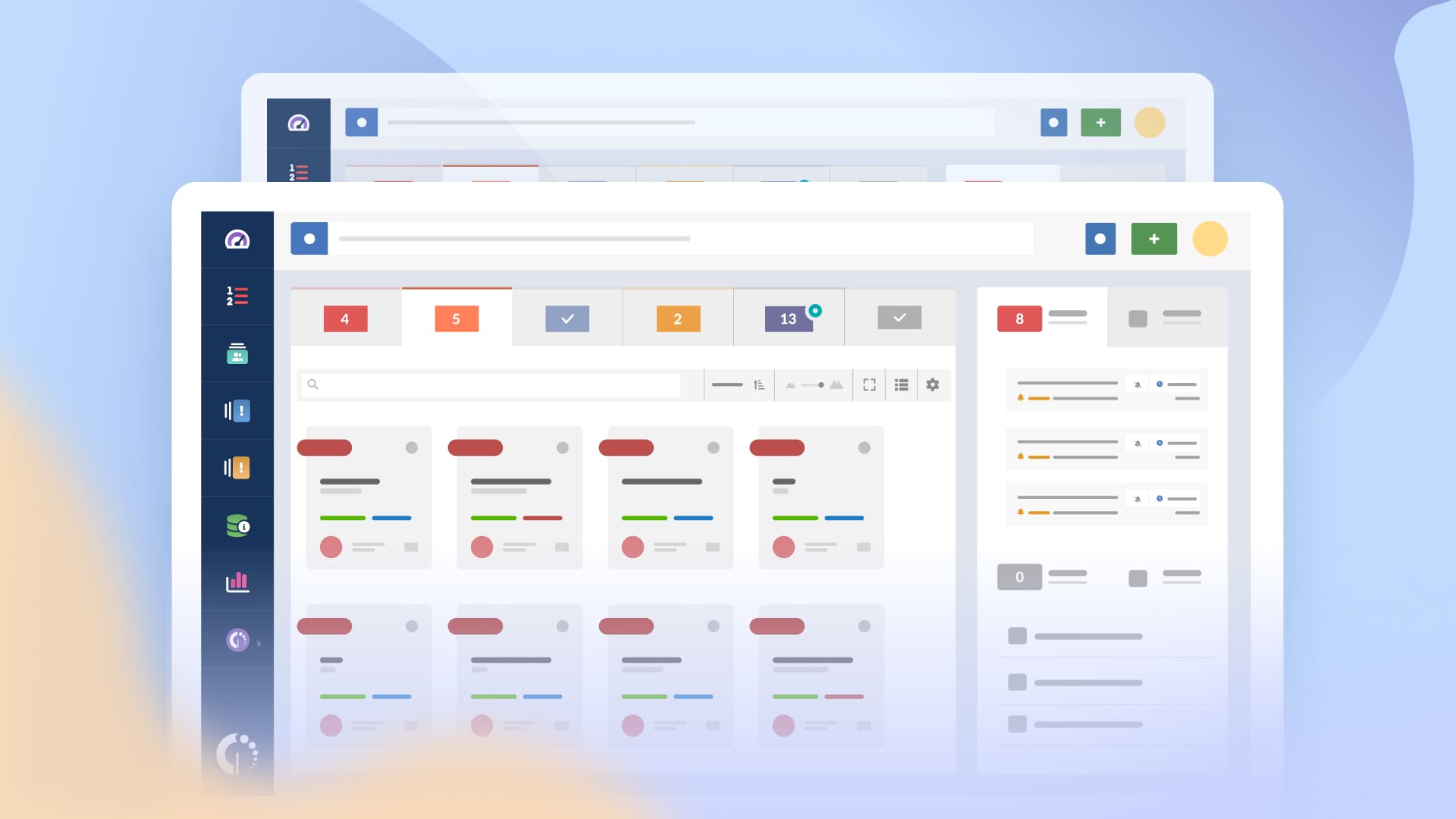
Improving HR operations can significantly improve day-to-day workflows. Here are some actionable steps and best practices that can boost efficiency and effectiveness in HR operations.
Centralize employee data and automate the repetitive parts. HR management systems, scalable enterprise payroll platforms, and applicant tracking systems each own a slice of the workforce lifecycle, and the best ATS tools centralize candidate information and standardize hiring.
The service desk model covered earlier is the layer that ties those systems together for employees, giving every HR request one front door and one place to track it. When you evaluate technology:
Written procedures for routine work create consistency, cut errors, and save time. A documented path for onboarding, leave requests, or grievances lets staff handle each one with confidence. To build procedures that hold up:
Onboarding is the standard example: define the trigger, the information you need from the line manager, and the approvals, then automate the HR workflow so each step runs in order and nothing gets dropped.
Self-service frees HR to spend time on the work that needs judgment. A portal lets employees pull their pay stubs, submit time-off requests, and update personal details on their own. To drive adoption:
The self-service portal described in the setup above is where this lives, with the service catalog and knowledge base doing the day-to-day deflection.
Metrics like turnover, engagement, and performance data show where HR operations need attention, and a regular review turns that data into action:

HR management encompasses a broader scope of responsibilities, focusing on strategic initiatives and long-term planning. While HR operations concentrate on the implementation of day-to-day HR functions, HR management is concerned with the overall direction of the HR function within the organization.
Let's see some of those differences:
HR generalists typically operate within a traditional HR department, covering a wide range of HR functions. They may handle tasks related to recruitment, employee relations, and compliance, but they often lack the strategic focus that characterizes HR operations teams.
Most companies maintain a basic HR department that handles core processes that can even overlap with what we mention for HR Ops. However, an HR operations team is typically designed to support larger, more complex companies, where the sheer volume or complexity of employee needs, data, and compliance requirements calls for a streamlined approach.

