














Managing IT assets across a hospital or health network is one of the more demanding challenges healthcare IT teams face. Endpoints change hands between shifts, devices move between departments and care sites, and most teams still rely on spreadsheets to track what they own, where it is, and who's responsible for it. Hardware inventory software for healthcare solves exactly that problem, but only if you're looking at the right layer.
This post covers the IT layer: laptops, workstations, servers, network switches, and mobile devices used by clinical staff. It does not cover medical supply inventory, personal protective equipment, or clinical biomedical maintenance workflows such as calibration scheduling or medical device certification.
Most healthcare IT teams are small relative to the environments they support. A mid-size hospital might have three to ten IT staff covering hundreds of assets distributed across inpatient floors, outpatient clinics, administrative wings, and off-site care locations. The ratio of assets to personnel is unfavorable by design, and the operational pressure rarely lets up.
What makes it structurally harder is fragmentation. Many hospitals operate with systems built up over years of acquisitions, department-level purchasing decisions, and legacy infrastructure that was never fully rationalized. One department tracks hardware in a shared spreadsheet. Another logs assets in the service desk by incident. The IT team inherits the reconciliation problem. Effective hardware tracking requires more than a spreadsheet can support at this scale.
The asset types that matter in a healthcare IT environment are more varied than in a standard enterprise. Clinical workstations, laptops assigned to physicians and nurses, servers hosting Electronic Health Record (EHR) systems, network switches and access points, label printers at nursing stations, mobile devices used for medication administration, and telemedicine endpoints all fall under IT's scope. This is the infrastructure that clinical workflows depend on. When a device fails or goes missing, the downstream effect can reach patient care.
The compliance dimension makes this more urgent. The Health Insurance Portability and Accountability Act (HIPAA) requires covered entities and their business associates to demonstrate control over the devices that access or store Protected Health Information (PHI). That means knowing which devices can reach sensitive systems, who they're assigned to, and what controls are in place.
Many hospital accreditation and regulatory frameworks expect documented maintenance records for equipment under their scope. The hardware lifecycle of every tracked device feeds directly into that documentation trail, and having it centralized from the start reduces the manual work that those reviews typically require.
Hospitals run on a category of IT equipment that overlaps directly with clinical workflows: workstations on mobile carts, tablets used for medication administration, handheld devices for patient documentation at the bedside. These are IT assets, not biomedical devices, but medical equipment tracking at this layer presents the same operational challenges. They move between departments, change hands between shifts, and need to be located quickly when a compliance review or a security incident requires it.
Agent-based discovery handles this automatically. Each device reports its location, assigned user, and health status continuously, regardless of which floor or wing it's on. InvGate Asset Management also supports preventive maintenance workflows: automations generate recurring maintenance tickets tied to specific assets based on stored maintenance dates, and when a ticket is closed, the activity logs automatically against the asset record. No manual reconstruction required.
InvGate Asset Management can also register physical assets that have no network connectivity and cannot run an agent: infusion pumps, portable ultrasound units, or any equipment the IT department needs to track without agent-based discovery. Each asset gets a QR code generated directly in the platform.
Clinical staff or technicians scan it from any smartphone to update status, location, or assigned owner on the spot. The record exists in the same inventory as every IT asset, with the same chain of custody history, without requiring a separate system for non-networked equipment.

In most mid-size hospitals, hardware inventory lives in a spreadsheet that was last fully updated during an equipment refresh cycle. Warranties are tracked vendor by vendor, not in a centralized record. There's no systematic way to identify which devices are approaching end-of-life (EOL) until a failure or a budget cycle forces the question. Assignment history is reconstructed from memory or email threads, not from a system of record.
The consequences surface at the worst moments. When a security incident occurs, the IT team needs to answer quickly: which assets are affected, what data can those assets access, and what services depend on them? Without centralized inventory, those questions take hours to answer, and the answers are still uncertain. When an auditor asks for documentation of device assignments or maintenance history for a specific asset, the team spends days pulling together records that should be available in minutes.

The core problem for healthcare IT is that most tools were not designed for environments where compliance, multi-site operations, and limited staff overlap at the same time. InvGate Asset Management is built around the ITAM requirements that create the most friction in these environments.
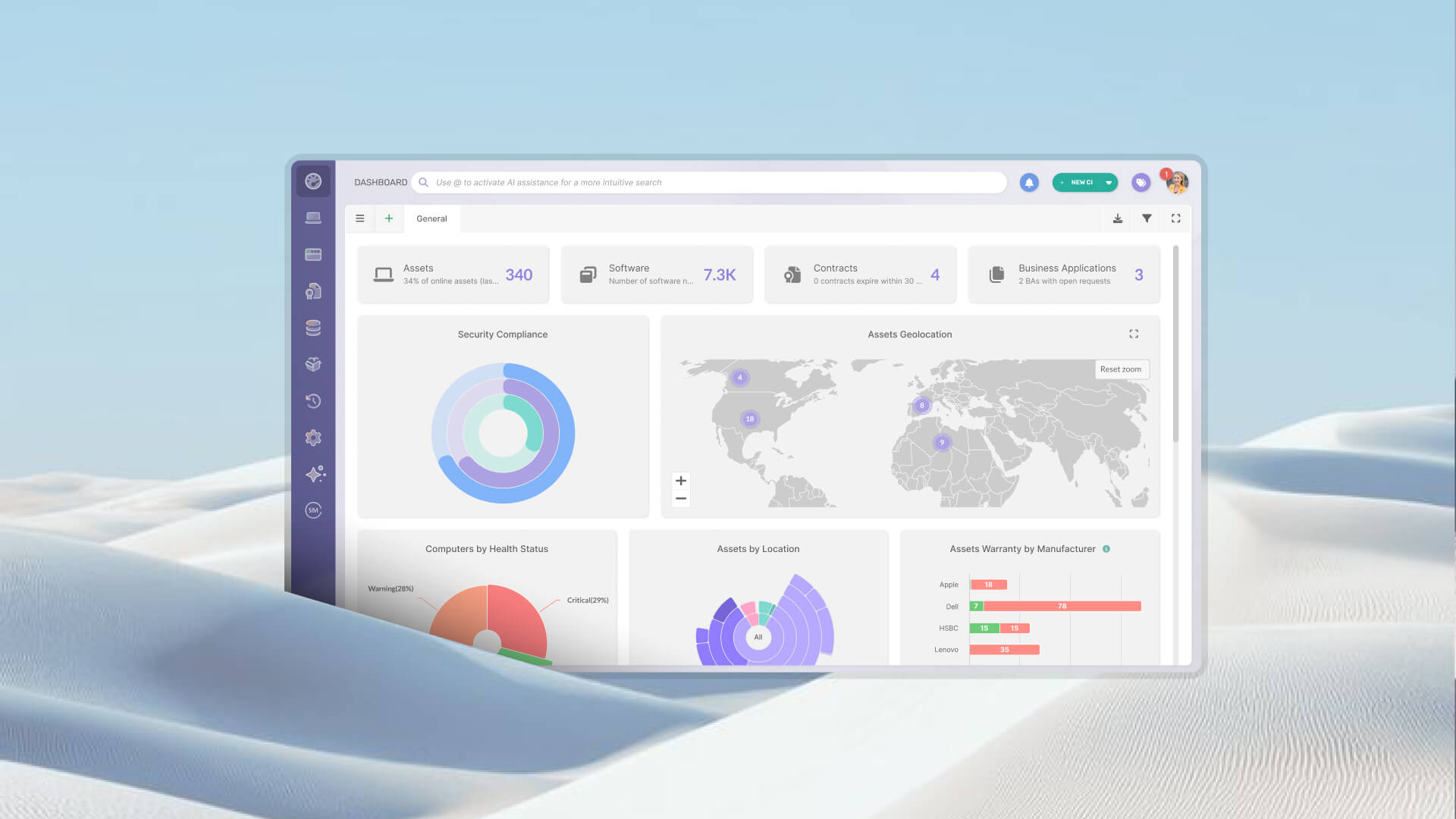
InvGate Asset Management builds a unified inventory of all IT assets and allows each one to be associated with a specific location, department, and owner. For a health network with multiple hospitals, outpatient centers, and administrative offices, that means a single view of the entire asset base without requiring manual synchronization between systems.
Automated discovery, available both agentless and via installed agent on endpoints, reduces the dependency on manual updates. New devices are detected and added to the inventory without requiring IT staff to log each one by hand.
Every asset in InvGate Asset Management carries a full history: changes in status, ownership, and location over time, along with warranty dates, EOL timelines, and any documentation attached to the record. When a regulatory review or internal audit requires traceability evidence, the team can review the chain of custody and pull that history without reconstructing it from scattered sources.
For the PHI-adjacent traceability requirements under HIPAA, the platform maintains auditable assignment records for every device that accesses sensitive systems. For more detail on what Hardware Asset Management involves at each lifecycle stage, that context is worth reviewing before configuring the system for your environment.
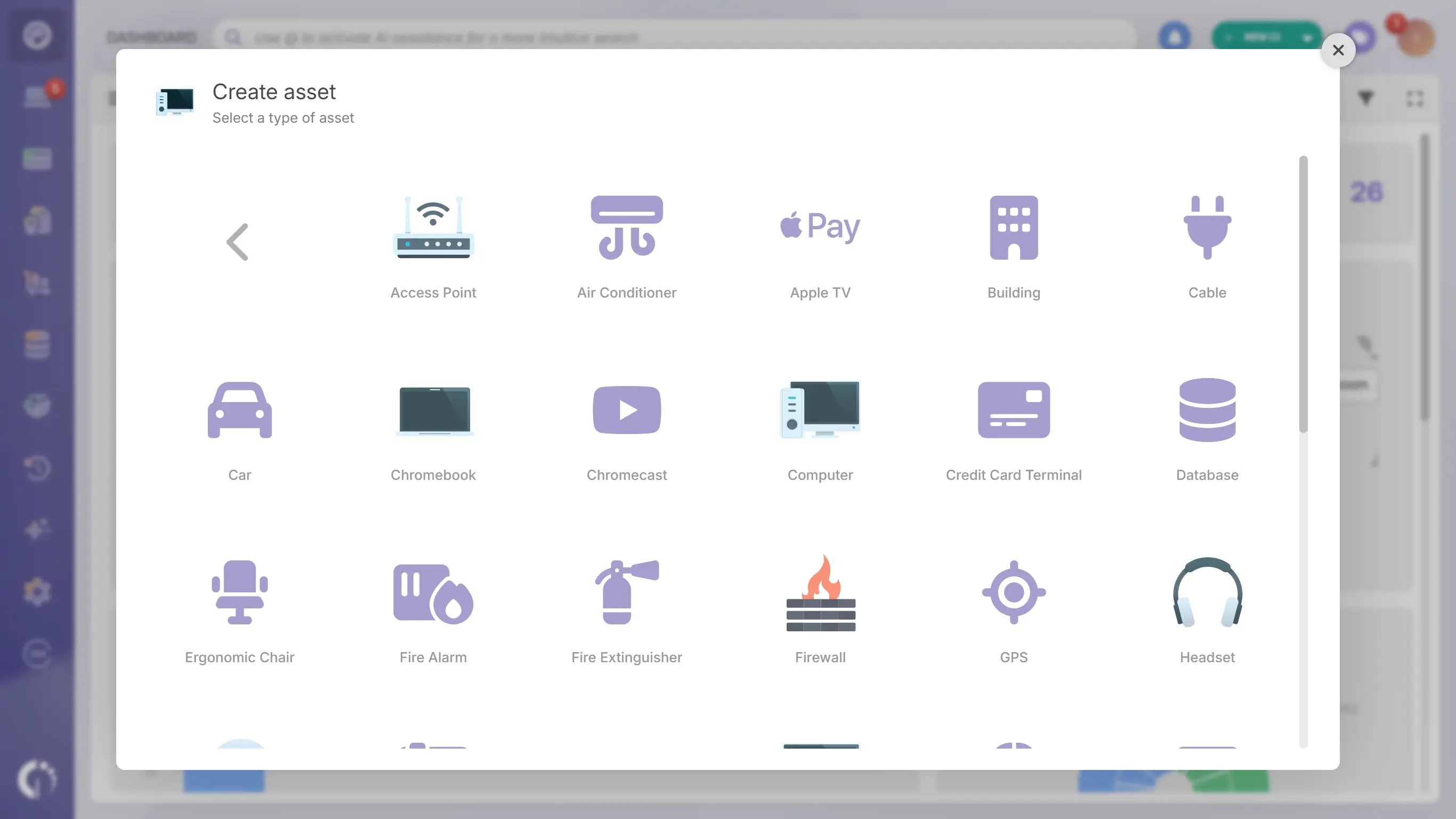
InvGate Asset Management supports custom asset types, so teams can define the fields and categories that reflect how hardware is actually organized in their environment: clinical workstation types, telemedicine endpoints, or specialized network devices.
Technicians can update asset records from the floor using QR codes scanning from a mobile device, removing the need to return to a desk to log an interaction. For a closer look at how InvGate Asset Management handles healthcare environments, including specific configuration options and deployment considerations, the product FAQ covers the details.
Health rules monitor every managed device against configurable conditions (encryption status, OS version, antivirus presence) and classify each asset as Safe, Warning, or Critical automatically. Compliance reports are exportable on demand without manual compilation.
For on-site inspections, auditors and IT staff can scan any asset's QR code from a smartphone and access its full record instantly: Chain of Custody history, assigned owner, location, lifecycle status, and health classification. No desk required, no manual lookup.
InvGate Asset Management's role-based access controls and event records support the technical controls that HIPAA compliance programs require. The compliance determination itself remains the organization's responsibility.
To see it in action, you can schedule a call with Sales and walk through the healthcare-specific use cases with the team.
Not every ITAM tool is built to handle the operational and regulatory realities of a healthcare environment. The criteria that matter most are not always the ones that appear highest in a feature comparison matrix.
Automatic discovery. Any tool that relies primarily on manual data entry will drift within weeks in a hospital environment where devices move constantly. Discovery needs to work without depending on someone remembering to log a change.
Multi-site support. Location tags are not enough. The system should allow per-site reporting, per-department assignment, and consolidated views without requiring separate databases for each facility.
Configurable asset types. Healthcare IT environments include device categories that generic tools don't anticipate. The platform needs to support custom asset types so teams can reflect how hardware is actually organized in their environment.
Auditable lifecycle history. If the record of a device's assignment history can be altered without a log entry, it's not truly auditable. This is the feature that connects the ITAM system to compliance, and it's non-negotiable in a regulated environment.
Service desk integration and compliance reporting. Integration with the service desk allows IT to link tickets to specific assets, building a picture of reliability and maintenance history over time. The ability to generate compliance-ready reports without additional manual work is what determines whether the tool actually reduces audit preparation time.
The meaningful difference between a general-purpose ITAM platform and one that works well in healthcare is not a dedicated "healthcare module." It's the ability to configure the system to match the operational reality of the environment: multiple locations, assets shared between departments, staff turnover that affects device assignments, and compliance requirements from multiple regulatory frameworks running simultaneously.
For teams evaluating the broader landscape, a review of Hardware Asset Management software options provides a useful baseline for comparison.
For IT teams in hospitals and health networks, hardware inventory is not a back-office administrative task. It's the operational foundation for incident response, audit readiness, and the continuity of the clinical services that depend on IT infrastructure. When that foundation is built on spreadsheets and fragmented systems, the costs stay hidden until they aren't.
A purpose-fit ITAM solution changes what's possible: faster responses to security events, cleaner audit trails, and a reliable picture of the asset base that IT teams can actually act on. Explore InvGate Asset Management and talk to Sales to see what that looks like in your environment.
Hardware inventory software for healthcare is an IT Asset Management tool designed to track, manage, and maintain records for the hardware infrastructure used in healthcare organizations, including workstations, laptops, servers, network equipment, and connected clinical devices. It provides centralized visibility into asset location, ownership, lifecycle status, and maintenance history across hospital sites and departments. It focuses on the IT layer, not on medical supply or biomedical device management.
HIPAA requires covered entities to demonstrate control over the devices that access or store Protected Health Information. Hardware inventory software supports that requirement by maintaining auditable records of device assignments, tracking which assets have access to sensitive systems, and documenting changes in ownership or location over time. The compliance determination itself remains the responsibility of the organization and its compliance team.
Healthcare IT teams should track all hardware that touches clinical or administrative workflows: clinical workstations, physician and nursing laptops, mobile devices used for medication administration or patient documentation, servers hosting EHR and other clinical applications, network switches and access points, telemedicine endpoints, label printers, and any device that accesses the hospital network or stores sensitive data. The scope extends to assets at off-site care locations, not just those on the main campus.
Yes. They address different operational layers. Medical supply inventory management tracks consumables, personal protective equipment, implants, and clinical materials used in patient care. Healthcare IT Asset Management tracks the hardware and software infrastructure that supports clinical and administrative operations. The two functions may share some compliance interests around traceability and documentation, but they require different tools, different workflows, and are typically owned by different teams.
Yes, and multi-site support is one of the most important criteria to evaluate when selecting a tool for a healthcare organization. A capable ITAM platform allows each asset to be associated with a specific site, department, and owner, while maintaining a consolidated view of the entire asset base from a single interface. This supports per-location reporting, accurate assignment tracking across facilities, and the ability to manage assets that move between sites.


