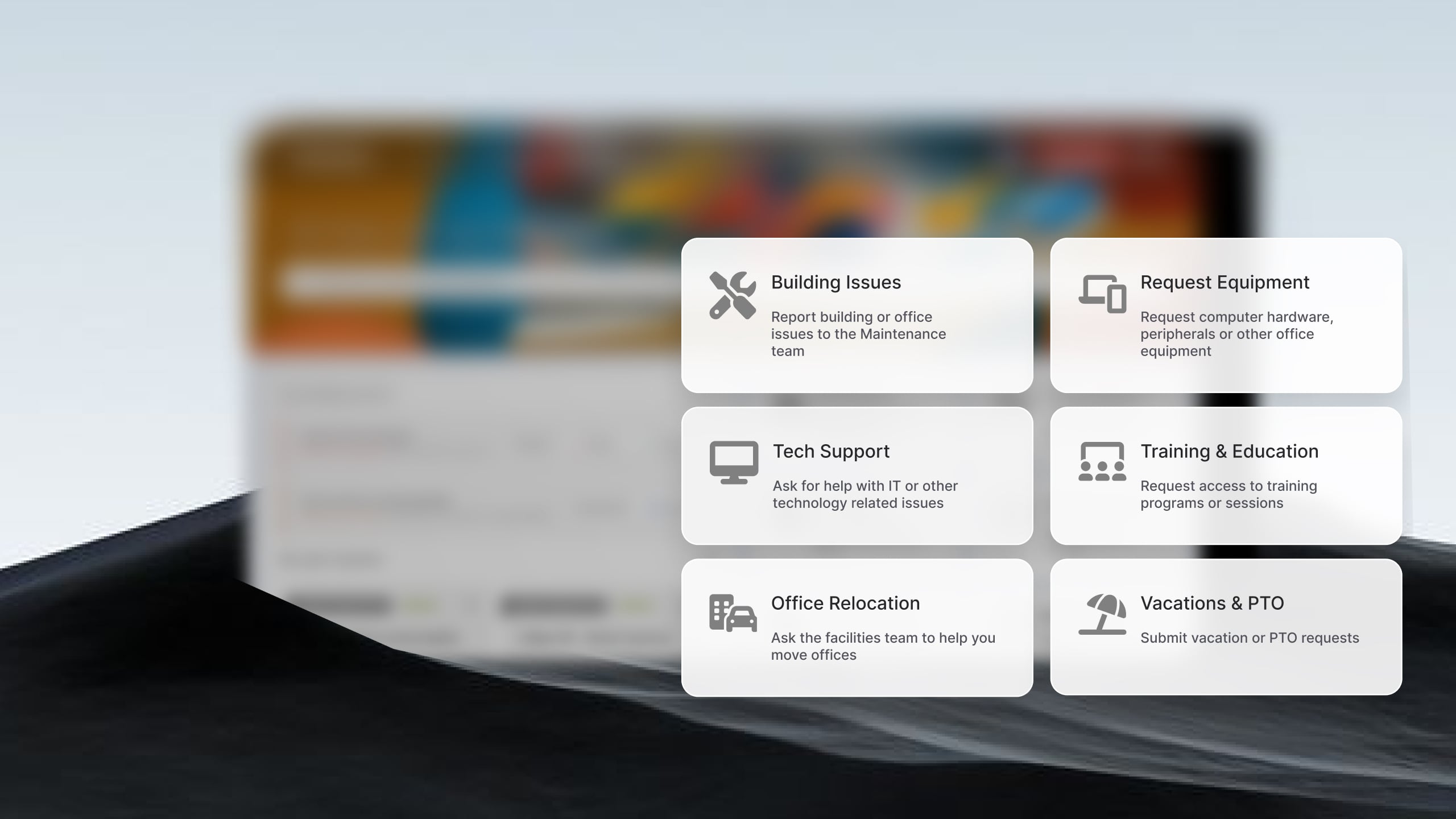
An enterprise help desk is the internal IT support system a large company runs for its own employees — one place to log, route, and resolve tickets across thousands of users — that often grows later to serve HR, facilities, and finance too.
This guide compares seven tools built for that internal IT scale, starting with a side-by-side table so you can match deployment and fit before reading the details.
Enterprise help desk software: comparison table
Methodology note: InvGate builds ITSM and ITAM software, so we compete with some of the vendors covered here. Still, we aim to keep this comparison factual and sourced. Our evaluations draw from publicly available sources — vendor websites, product documentation, user reviews on platforms like Gartner Peer Insights, and analyst reports. We assess each solution based on functionality, pricing (where made public), integrations, and user experience. We'll review this content regularly to stay current with product updates and market developments.
Updated: October 2026.
The 7 best options
1. InvGate Service Management
InvGate Service Management gives large IT teams enterprise capability without the cost, timelines, or complexity usually tied to ServiceNow, running multiple help desks on one platform. Grupo Gigante, with around 2,500 employees, implemented it in three months and went from 11 IT audit observations to zero.
Key features relevant for enterprise IT:
- Multiple help desks on a single platform, so IT — and later HR, Facilities, and Finance — share one system.
- Cloud or on-premise deployment, with data kept inside the organizational network when required.
- No-code, drag-and-drop workflow builder for approval chains, escalations, and service categories, with no developer involvement.
- SLA management per team or area, with real-time dashboards and compliance reporting.
- Active Directory and LDAP integration, role-based access control, and a complete audit trail.
- AI Hub included on every plan: automated ticket assignment, suggested responses, ticket summarization, knowledge article drafting, and change-risk estimation.
- ITIL-aligned and accredited by PeopleCert, with integrations for Microsoft Teams, email, and more.
Pricing
- Starter: $24.98/agent/month billed annually, 5-agent minimum ($1,499/year minimum).
- Pro: $500/agent/year (5–50 agents).
- Enterprise: custom pricing.
A free trial is available before committing to a plan.
2. ServiceNow ITSM
ServiceNow ITSM brings incident, problem, change, and request management together on a single platform, according to ServiceNow. It's a common choice for large, process-heavy IT organizations that want deep workflow configuration and are prepared for the investment and implementation effort that scale brings.
Key features relevant for enterprise IT:
- Unifies incident, problem, change, and request management on one platform and one CMDB, per ServiceNow.
- Agentic AI to triage and resolve routine requests, with predictive routing and a virtual agent.
- 24/7 omnichannel self-service across portal, Microsoft Teams, Slack, email, and mobile.
- Change management that uses real CMDB dependencies with automated risk scoring.
- An extensive third-party integration ecosystem.
- Recognized as a Leader in the Gartner Magic Quadrant for AI ITSM, per ServiceNow.
Pricing: Not publicly disclosed. Costs depend on the modules selected, number of users, and license type.
3. BMC Helix ITSM
BMC Helix ITSM is positioned as service management for large organizations, per BMC. It targets complex, high-volume IT environments across incident, change, and knowledge management, and suits enterprises that want a long-established vendor built around demanding, large-scale service operations.
Key features relevant for enterprise IT:
- Agentic AI assistants that draft resolution content, surface insights, and support ChatOps.
- AI-driven incident clustering to identify major incidents and problems early.
- Intelligent change-risk analysis across change and release management.
- A CMDB that serves as a single source of truth, with full asset lifecycle management.
- Knowledge Management with intelligent recommendations.
- Microsoft Teams ChatOps and multi-cloud integrations.
Pricing: Not publicly disclosed. Custom pricing based on deployment model, modules selected, and organizational scale.
4. Ivanti Neurons for ITSM
Ivanti Neurons for ITSM is offered both in the cloud and on-premise, according to Ivanti, which makes it a fit for enterprises with data-residency or hosting requirements that rule out cloud-only tools. It covers core service management with automation across the wider Ivanti platform.
Key features relevant for enterprise IT:
- Cloud, on-premise, or hybrid deployment, with the ability to move between models, per Ivanti.
- No-code, drag-and-drop workflow and interface configuration to reduce developer dependency.
- Embedded AI for ticket summarization, intelligent classification and routing, knowledge article generation, and natural-language dashboards.
- Role-based access control, field-level encryption, and audit logging, with SOC 2 and ISO/IEC 27001 compliance.
Pricing: Not publicly disclosed. Contact Ivanti for a quote.
5. Jira Service Management
Jira Service Management is Atlassian's help desk for teams that already work in Jira, keeping IT requests, incidents, and changes alongside the development tools they use every day. It fits engineering-heavy enterprises that want service management tightly connected to their existing Atlassian stack.
Key features relevant for enterprise IT:
- Native fit with the Atlassian stack, linking IT requests and incidents to Jira issues for Dev–Ops collaboration.
- An AI virtual service agent for 24/7 self-service, plus AI request triage and suggested resolution steps.
- Incident Management with AI alert grouping and AI-generated post-incident reviews.
- Change Management with deployment visibility and approvals.
- Over 1,000 apps and integrations through the Atlassian Marketplace.
Pricing: Jira Service Management offers four pricing tiers billed per agent, per month. Pricing varies depending on the number of agents, with lower per-agent costs available at higher volumes. For example, the following rates apply to a 50-agent deployment:
- Standard: Starting at $20.63 per agent / per month.
- Premium: Starting at $52.16 per agent / per month.
The enterprise tier requires a quote. Checked on: October 2026 (US), official web.
6. Freshservice
Freshworks positions Freshservice as quick to deploy and easy to use, and it was named a Leader in the 2026 Gartner Magic Quadrant for IT Service Management Platforms. It appeals to enterprises that want fast onboarding and AI-assisted resolution without a heavy configuration project up front.
Key features relevant for enterprise IT:
- AI-powered ITSM with the Freddy AI copilot, AI agent, and AI insights.
- Service, IT operations, and asset management unified on a single platform.
- Self-service, employee onboarding across IT/HR/Finance, and major incident management.
- Low-code workflow orchestration and intelligent routing.
Pricing: 3 subscription levels with published price, the prices with annual billing are:
- Starter: $19 per agent, per month.
- Growth: $49 per agent, per month.
- Pro: $99 per agent, per month
- Enterprise, requires a quote.
Freddy AI Copilot (agent assistance) is an add-on costing $29 per agent per month, available only for Pro plans and above. - Verified in October 2026 on the official site.
7. ManageEngine ServiceDesk Plus
ManageEngine ServiceDesk Plus is available on-premise and in the cloud, according to ManageEngine, giving enterprises a choice of hosting model. It delivers ITIL-aligned incident, problem, change, and asset management, and often appeals to IT teams that want on-premise control at a predictable cost.
Key features relevant for enterprise IT:
- On-premise and cloud deployment, with migration between the two, per ManageEngine.
- A multi-instance model for enterprise service management, with data and process segregation across departments.
- Low-code customizations and no-code ticket automation.
- Native AI across all editions at no extra cost: predictive triage, the Zia virtual support agent, and GenAI through ChatGPT and Microsoft Copilot.
- ITIL-certified for 14 practices and PinkVERIFY-certified.
- Editions that scale from Standard (service desk) to Professional (plus IT asset management) to Enterprise (problem, change and release, project management, and CMDB).
Pricing: Plans vary based on the number of agents and modules. Cloud pricing:
- Standard: Starts from $13 / technician / month
- Professional: Starts from $27 / technician / month
- Enterprise: Starts from $67 / technician / month
Note: For Professional and enterprise tiers, price changes also according to the amount of assets. There are also available add-ons. - Checked on: October 2026 (US), official website.
What an enterprise help desk needs
At enterprise scale, a help desk needs to support different teams, processes, service levels, and volumes without becoming difficult to administer. A few capabilities matter most:
- Multiple help desks on one platform, with separate teams, queues, permissions, catalogs, and reporting where needed. IT can start with the core setup and add other teams without creating separate systems.
- Configurable workflows, so teams can define approvals, assignments, escalations, notifications, and other steps themselves as processes change, without relying on developers for every adjustment.
- Flexible SLA management, with targets that can vary by service, priority, team, customer group, or business hours, plus escalation rules and reporting to track compliance.
- AI embedded in daily ticket work, supporting tasks such as summarizing conversations, suggesting responses, identifying relevant knowledge, classifying requests, and routing work to the right team.
- Scalable administration and reporting, including role-based access, shared or team-specific views, audit trails, and reporting that can be segmented by help desk, service, location, or other organizational dimensions.
- A practical implementation model, with realistic timelines, migration options, integrations, and configuration requirements. Enterprise help desk rollouts can involve multiple teams and systems, so implementation effort should be evaluated alongside the feature set.
FAQ
What is the best enterprise help desk software?
There's no single best—it depends on your deployment needs, existing stack, and implementation capacity. InvGate Service Management suits teams that want enterprise capability and multiple help desks on one platform with a faster rollout, while ServiceNow and BMC Helix fit the largest, most process-heavy environments.
How long does it take to implement an enterprise help desk?
It ranges from a few weeks to several months, depending on scope, integrations, and how many teams you onboard. As a reference point, Grupo Gigante (around 2,500 employees) brought InvGate Service Management live in three months.
What is the difference between a help desk and ITSM for large companies?
A help desk focuses on logging and resolving IT tickets, while ITSM for large companies covers the broader set of processes—change, problem, asset, and configuration management—built around it. Most enterprise tools do both; the real question is how much of that scope you need now.
Disclaimer: All product names, logos, and brands are property of their respective owners. All company, product, and service names used on this site are for identification purposes only. Use of these names, trademarks, and brands does not imply endorsement. Comparisons are based on publicly available information as of September 2026 and are provided for informational purposes only. ServiceNow is a registered trademark of ServiceNow, Inc. InvGate is not affiliated with, sponsored by, or endorsed by ServiceNow.