














ManageEngine AssetExplorer is an IT Asset Management (ITAM) platform for discovering, tracking and managing hardware and software assets, available on-premise or in the cloud. This guide is for IT teams that already run AssetExplorer, or are evaluating it, and want a ManageEngine AssetExplorer alternative to compare before they renew or migrate.
We compare six tools by deployment, discovery method, Configuration Management Database (CMDB) support, pricing and user ratings, all checked on each vendor's official pages. If you're looking to replace ServiceDesk Plus, ManageEngine's IT Service Management (ITSM) product, our guide to ManageEngine alternatives covers that comparison.
We selected tools that cover what AssetExplorer does (discovery, hardware and software inventory, lifecycle and contracts) and that IT teams consider when they replace it. Every feature and price below was verified on the vendor's official pages in October 2026.
Here are the six alternatives covered in this guide. Each one has its own card below with features, ratings and pricing:
This list was built from the tools IT teams evaluate when they move off ManageEngine AssetExplorer, covering an ITAM platform connected to a service desk, discovery-led inventory, large IT management suites and an open source option. Each card follows the same structure, so you can read the list from the top or jump straight to the tools that match your environment.
InvGate develops and markets ITSM and ITAM solutions. We're an active participant in this market and may compete with some of the vendors mentioned here, so our goal is to keep this information accurate, transparent and practical.
This article is not a ranking. The tools are not ordered by priority, score or level of recommendation; it's a curated selection that reflects different needs, budgets and operational realities.
All the information comes from public sources, including official vendor documentation, product pages and pricing pages, plus verified user reviews on Gartner Peer Insights, G2 and Capterra. Feature and pricing claims come only from official vendor pages, ratings come from the review platforms, and all sources were accessed in October 2026.

InvGate Asset Management is ITAM software that offers an enterprise experience without the complexity or the price of an enterprise experience. It's known for its ease of use, with an intuitive interface, a no-code approach and fast deployment.
It covers the same ground as AssetExplorer (discovery, inventory, lifecycle and contracts) and integrates natively with InvGate Service Management, InvGate's service desk. As a result, asset data and IT support stay connected.
InvGate Asset Management fits IT teams that want their asset inventory and their service desk to work together, and organizations that need to choose between cloud and on-premise deployment without giving up features. It also fits teams leaving AssetExplorer that want a shorter path from installation to a complete inventory.
InvGate Asset Management builds the inventory automatically and keeps each asset's context in one record. These are the capabilities most relevant for teams replacing AssetExplorer:
Grupo Gigante is a Mexican retail and real estate group whose single IT division supports about 2,500 employees. A 2022 internal audit had found 11 observations in its technology processes, including inventory processes without a formal structure.
The company rolled out InvGate Asset Management alongside InvGate Service Management and linked each device to its assigned employee, which enabled a preventive maintenance program. According to the Grupo Gigante case study, the project went from 11 audit observations to zero in three months of implementation, and reported equipment failures fell by 36%.
As of October 2026, InvGate Asset Management maintains the following ratings across software review platforms:
InvGate Asset Management is priced by IP devices, and the plans are published on its pricing page. Starter costs $1,499 per year at a fixed price for 500 IP devices, Pro costs $5 per IP device per year starting at $2,500 per year (from 500 to 5,000 IP devices), and Enterprise is custom, starting at $12,000 per year. You can test it with a 30-day free trial.
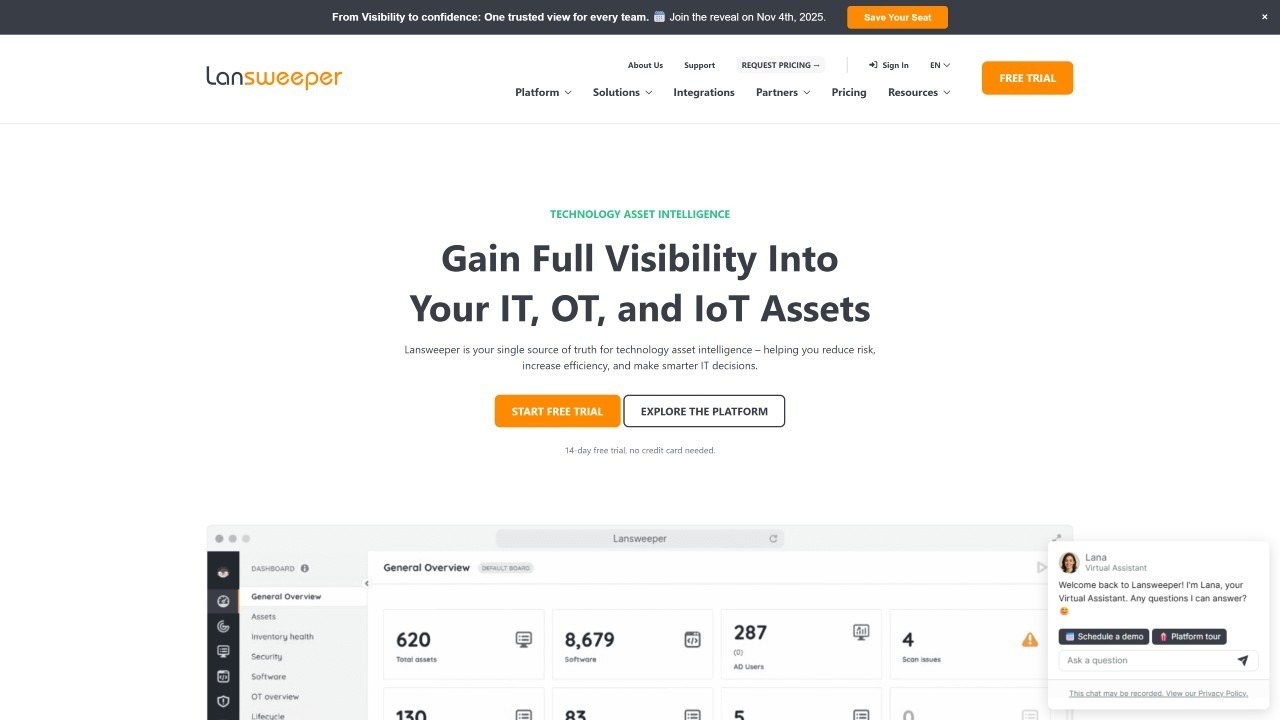 Lansweeper is an IT asset discovery and inventory platform that scans IT, operational technology (OT), Internet of Things (IoT) and cloud assets. It comes in two versions: Lansweeper Platform, which is cloud-first, and Lansweeper Classic, which installs on your own Windows servers.
For AssetExplorer users, Lansweeper's strength is the breadth of its discovery. It has no CMDB of its own and sends discovered data to ITSM and CMDB tools through integrations, and the choice between Classic and Platform shapes what each installation gets, as we explain in our Lansweeper alternatives guide.
Lansweeper fits security and IT teams whose main need is discovering everything connected to the network, including OT and IoT devices. It also works for organizations that already have a CMDB or service desk and want a discovery source to feed it.
Lansweeper centers on finding and describing assets. Its main capabilities are:
As of October 2026, Lansweeper maintains the following ratings across software review platforms:
According to Lansweeper's pricing page, all plans are billed annually. Starter costs from $299 per month and includes 2,000 assets and one installation; Pro costs from $528 per month, includes 2,000 assets and scales up to 9,000; Enterprise is custom and starts at 10,000 assets. There's a 14-day free trial, after which you can continue free for up to 100 assets.
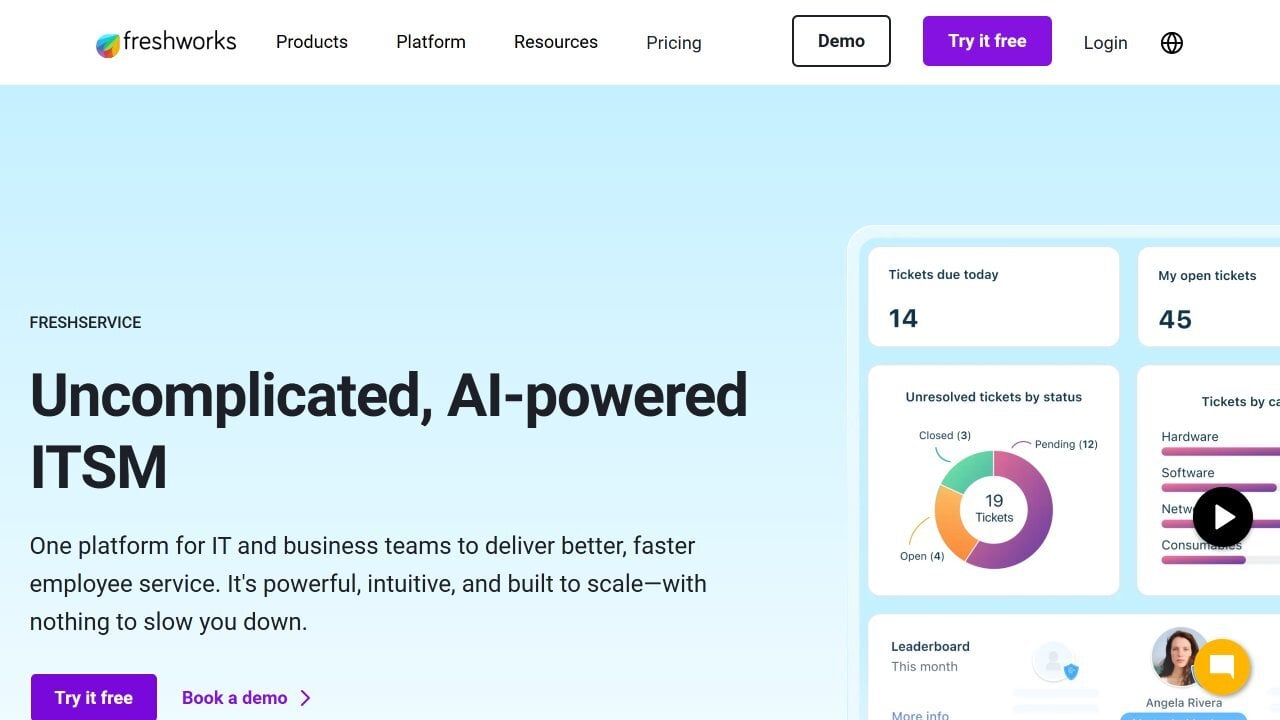
Freshservice IT Asset Management is Freshworks' cloud ITAM offering, available on its own or alongside the Freshservice service desk. It includes discovery, a CMDB, Hardware Asset Management, Software Asset Management and Data Center Infrastructure Management (DCIM).
In 2026, Freshworks made Device42's discovery and dependency mapping native to Freshservice, after acquiring Device42 in 2024. For teams that need data center visibility, Freshservice now carries those capabilities.
Freshservice fits teams that want a cloud-only ITAM with data center coverage, and organizations that already use Freshservice for IT support. It also fits environments with servers and applications whose dependencies need to be mapped.
Freshservice groups its ITAM capabilities into Growth, Pro and Enterprise plans. The most relevant for AssetExplorer users are:
As of October 2026, Freshservice maintains the following ratings across software review platforms (these listings cover Freshservice as a whole):
Freshservice licenses ITAM by Asset Units, sold in packs of 500, according to its ITAM pricing page. A server, virtual machine or network device counts as 4 Asset Units, and a desktop or mobile device counts as 1. The page doesn't list per-plan prices, and it offers a 14-day free trial of the Enterprise plan.
ServiceNow IT Asset Management manages hardware, software and cloud assets on the ServiceNow AI Platform, connected to catalogs, the CMDB and procurement. The CMDB comes with the platform.
It runs in the cloud, and ServiceNow also offers a self-hosted deployment called Private Stack. Automated Discovery is available with IT Operations Management (ITOM), a separate product, so teams leaving AssetExplorer need to factor it in.
ServiceNow IT Asset Management fits large enterprises that already run other ServiceNow products and want IT assets managed on the same platform as the rest of the company. It also suits organizations with dedicated platform administrators.
ServiceNow splits asset capabilities across several products on its platform. The main ones for ITAM are:
As of October 2026, ServiceNow IT Asset Management maintains the following ratings across software review platforms:
ServiceNow doesn't publish prices for IT Asset Management. Its pricing page asks you to talk to a ServiceNow representative for a custom quote.
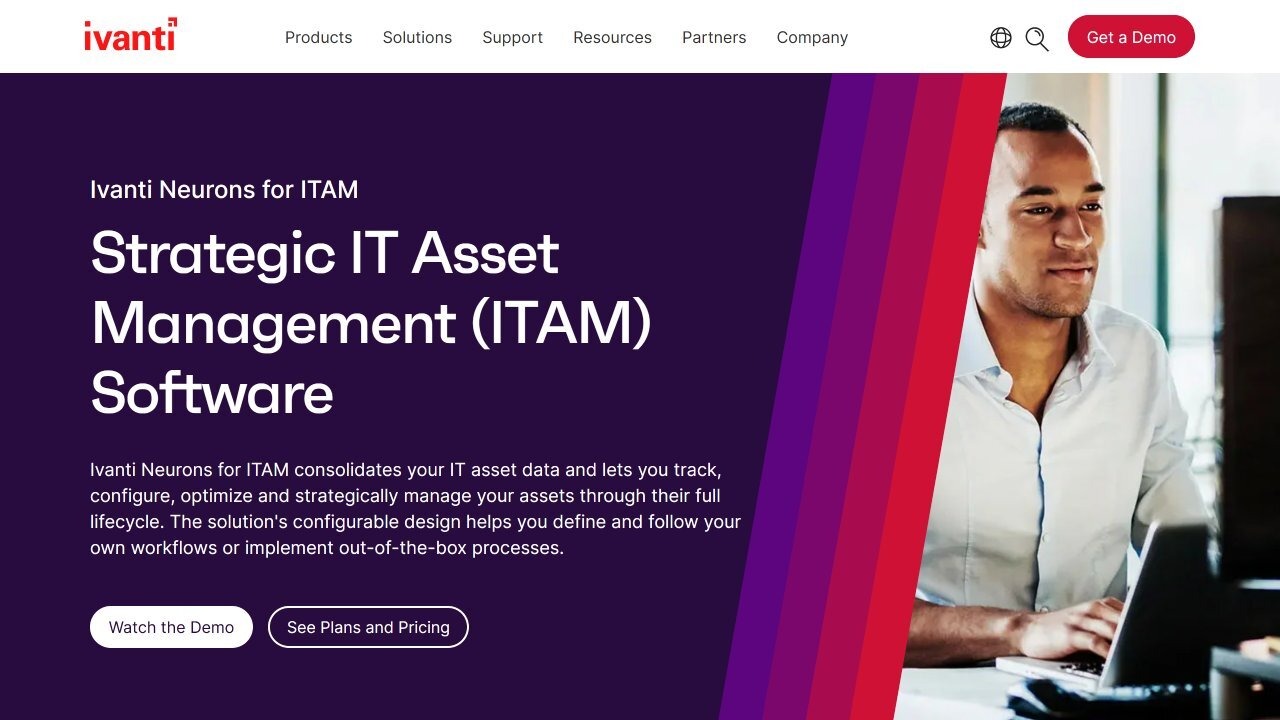 Ivanti IT Asset Management runs on the Ivanti Neurons™ platform and is integrated with Ivanti ITSM. Its documentation still calls it Ivanti Neurons for ITAM, and it comes in cloud and on-premise versions.
It tracks hardware and software assets from procurement to disposal, with purchase orders, invoices, stock and vendors. For AssetExplorer users, it covers the same lifecycle and contract scope inside a broader IT management suite.
Ivanti IT Asset Management fits enterprises that already use Ivanti for endpoint management or IT support and want Asset Management on the same platform. It also fits teams that need detailed procurement and contract records.
Ivanti builds its ITAM on data from the Neurons platform. Its main capabilities are:
As of October 2026, Ivanti IT Asset Management maintains the following ratings across software review platforms:
Ivanti doesn't publish prices. According to its service management page, full Asset Lifecycle Management is included in the Ivanti ITSM and Ivanti ITSM Premium tiers, and pricing requires contacting Sales.
 Snipe-IT is an open source Asset Management tool built by Grokability. It covers check-in and check-out, license tracking, audits and barcode or QR labels, and it's free when you host it yourself.
Snipe-IT doesn't include discovery: its FAQ says it has no network agent and relies on its REST API to integrate with agents. It also has no CMDB, and our guide to Snipe-IT alternatives looks at the point where its low price stops being enough.
Snipe-IT fits small IT teams with a tight budget and the skills to self-host. It also works for organizations that record assets by hand and don't need automated discovery.
Snipe-IT focuses on assignment and tracking. Its main capabilities are:
As of October 2026, Snipe-IT maintains the following ratings across software review platforms:
Self-hosted Snipe-IT is free, according to its pricing page. Hosted plans include Basic Hosting at $39.99 per month or $399.99 per year, Small Business Hosting at $99.99 per month or $999.99 per year, and Dedicated Hosting from $249.99 per month or $2,499.99 per year. There's no free trial for the hosted plans.
ManageEngine AssetExplorer is an ITAM platform with agent-based and agentless discovery, barcode, QR and radio-frequency identification (RFID) scanning, software inventory and License Management. It also covers lifecycle workflows from request to disposal, purchase orders, parent and child contracts and a CMDB.
It's available on-premise or in the cloud. According to its pricing page, the cloud version starts at $115 per month ($1245 per year) for 250 assets, and the on-premise version starts at US$955 per year for 250 assets.
The reasons usually come from how ManageEngine packages and prices the product. These are the most common ones, based on what ManageEngine publishes:
The right replacement depends on what you need the tool to do beyond inventory. Start from the scenario closest to yours:
If the CMDB is the deciding factor, our comparison of CMDB tools goes deeper into how each one builds and maintains configuration data. It also covers the questions to ask before you commit to one.
Choosing a ManageEngine AssetExplorer alternative comes down to deployment, discovery and how closely assets need to connect with IT support. Each tool on this list covers a different combination, from open source tracking to suites that span the whole company.
InvGate Asset Management gives you automated inventory, cloud or on-premise deployment and native integration with InvGate Service Management. Start a free trial or talk to Sales to see how it fits your environment.
These are the questions IT teams ask most when they compare AssetExplorer with other tools. The answers come from ManageEngine's official pages.
AssetExplorer has a free edition that never expires, limited to 25 nodes on-premise and 50 nodes in the cloud. Larger environments need a paid license.
Yes. AssetExplorer includes a CMDB for configuration items, although the cloud free edition doesn't list it among its features.
AssetExplorer is ManageEngine's standalone IT Asset Management product. ServiceDesk Plus is its IT service desk, which includes an asset module integrated with Incident, Problem and Change Management.
Disclaimer: All product names, logos, and brands are property of their respective owners. All company, product, and service names used on this site are for identification purposes only. Use of these names, trademarks, and brands does not imply endorsement. Comparisons are based on publicly available information as of October 2026 and are provided for informational purposes only.

