















IT onboarding is the process of ensuring that a new employee has the right device, the right software, the right access, and a documented record of everything they received from the moment they join. Without structure, that process relies on memory and informal handoffs. The best IT Asset Management software for IT onboarding brings the asset side of that process into a single, trackable workflow from procurement to day one.
This article covers five platforms that give IT teams the tools to manage device assignment, software deployment, and lifecycle tracking as part of a structured employee onboarding process. Each approaches the problem differently, from zero-touch Apple deployment to unified IT Asset Management (ITAM) and IT Service Management (ITSM) workflows.
Every new employee triggers an asset event: a device needs to be sourced or retrieved from inventory, prepared, configured, and assigned. That process involves multiple steps that can go wrong quietly: the device ships without the agent installed, software licenses aren't assigned before the employee arrives, or the asset record never gets updated to reflect the new owner.
The platforms on this list address those gaps differently, but they share a common foundation: asset assignment is documented, software is deployed in a controlled and auditable way, and the chain of custody begins from the moment the device enters the onboarding process.

InvGate Asset Management is an enterprise-grade IT Asset Management platform that tracks every device through its full lifecycle, from procurement to disposal, including the moment it is assigned to a new employee. It is no-code, scalable, and customizable, with transparent pricing, built-in automations, AI capabilities, and multiple deployment options including cloud (SaaS) and on-premises with full feature parity.
For IT onboarding specifically, InvGate Asset Management and InvGate Service Management work together as a unified platform. InvGate Service Management allows IT teams to create fully customizable onboarding workflows that trigger actions across InvGate Asset Management: device assignment, software deployment, agent installation, and task creation all flow from a single structured process.
On the asset side, InvGate Asset Management tracks each device from acquisition through the employee's full tenure and eventual offboarding, maintaining a complete chain of custody at every stage. Here are six capabilities that make it the best IT Asset Management software for IT onboarding:
Start a 30-day free trial or talk to Sales to find the right plan. Both options give access to the full platform from day one.
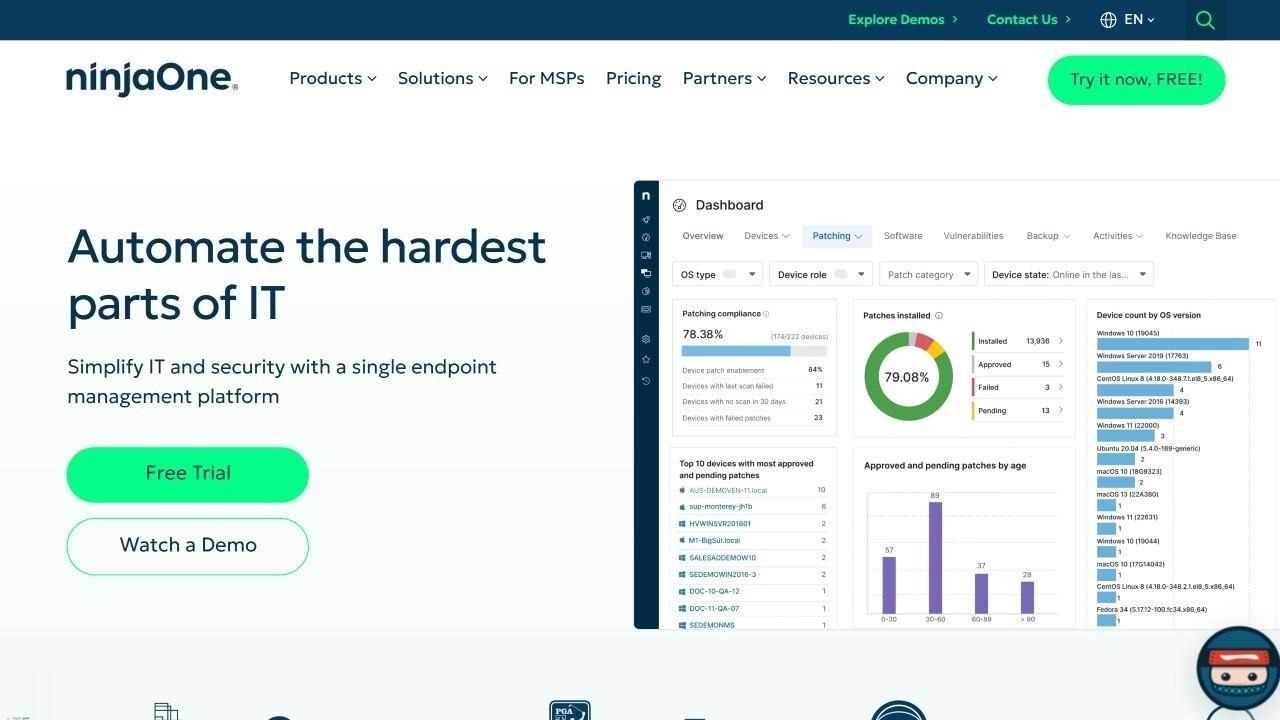
According to NinjaOne's official website, NinjaOne combines endpoint management, remote monitoring, patch management, and IT asset tracking in a single cloud-native platform. For IT onboarding, its agent-based approach allows IT teams to enroll new devices, deploy required software, apply configuration policies, and verify compliance status before the device reaches the employee. Remote scripting capabilities allow custom onboarding configurations to run automatically at first boot.
NinjaOne does not publicly list pricing. Prospective customers are directed to request a custom quote through the sales team.
According to Mosyle's official website, Mosyle is an Apple Unified Platform built for managing macOS, iOS, and iPadOS devices in distributed environments. Its zero-touch deployment allows IT teams to ship a device directly to a new employee's location and have it fully configured, enrolled, and ready to use the moment the employee connects it to the internet. For organizations with Apple-centric workforces, Mosyle removes the need for IT to physically handle each device before it reaches its new owner.
Per Mosyle's official pricing page, Mosyle Business Premium starts at $1.00 per device per month billed annually with a minimum of 30 licenses. Mosyle Business FREE is available at no cost for up to 30 devices.
According to ManageEngine ServiceDesk Plus's official website, ServiceDesk Plus supports IT onboarding through configurable workflows that automate the sequence of tasks required when a new employee joins: asset assignment, software provisioning, account creation, and access requests. Its integration with ManageEngine AssetExplorer connects the onboarding ticket directly to the asset record, so device assignment is documented in the ITAM system automatically as part of the workflow.
Per ManageEngine's official pricing page, the Standard plan starts at $13 per technician per month for the cloud version. A 30-day free trial is available with no credit card required.
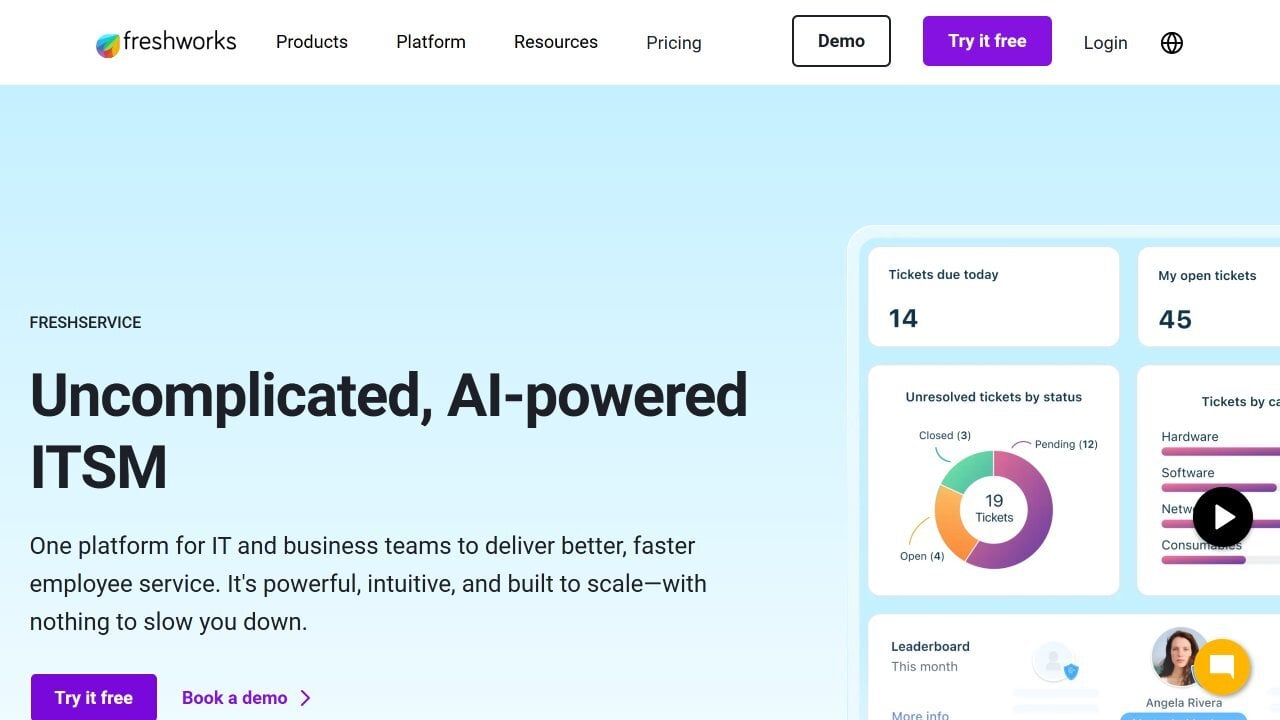
According to Freshservice's official website, Freshservice supports IT onboarding through its Workflow Automator, which triggers a structured sequence of tasks when a new employee record is created: device sourcing, software provisioning, access setup, and welcome communications. Its native Asset Management module connects device assignment directly to the onboarding ticket, and IT teams can track every onboarding step from a single interface.
Per Freshservice's official pricing page, ITSM plans start at $19 per agent per month. A 14-day free trial is available with no credit card required.
The best IT Asset Management software for IT onboarding depends on device ecosystem, team size, and how tightly Asset Management needs to connect to service workflows. NinjaOne suits teams that need endpoint enrollment and software deployment from a single RMM interface. Mosyle is the right choice for Apple-centric organizations that need zero-touch deployment at any location. ManageEngine ServiceDesk Plus connects ITSM onboarding workflows directly to AssetExplorer records. Freshservice handles onboarding orchestration with native Asset Management in a no-code platform.
For IT teams that need a complete asset lifecycle from procurement to disposal, agent installation before handover, remote software deployment, automated onboarding tasks, and a chain of custody that starts from day one, InvGate Asset Management is built for exactly that.
Disclaimer: All product names, logos, and brands are property of their respective owners. All company, product, and service names used on this site are for identification purposes only. Use of these names, trademarks, and brands does not imply endorsement. Comparisons are based on publicly available information as of June 2026 and are provided for informational purposes only.


