A quick setup matters when you're choosing help desk software. Every day spent configuring workflows, waiting on consultants, or sorting out integrations is another day your team is managing requests through email, chat messages, and spreadsheets instead of a structured service desk.
Many vendors promote their platforms as easy to deploy, but implementation timelines often tell a different story. Projects stretch for weeks, onboarding requires specialist support, and basic automations remain unfinished long after the software is purchased.
This list focuses on help desk software that can get teams up and running quickly. We evaluated each option based on implementation speed, ease of configuration, onboarding experience, and how fast teams can start resolving tickets and seeing results.
Key takeaways
- Most help desk tools take weeks or months to configure — the best ones get your team live in days without a consultant.
- Quick setup means no-code configuration, guided onboarding, and out-of-the-box ITIL workflows.
- The tools in this list were selected based on implementation speed, time-to-value, and ease of adoption — not feature depth alone.
- Cloud-based deployments typically go live faster; on-premise options can still achieve 2–4 week timelines with the right vendor.
What makes a help desk tool actually quick to set up?
The quickest help desk platforms reduce the amount of configuration, customization, and training required before your team can start handling tickets.
Some features that typically shorten setup time include:
- Prebuilt ticketing workflows that work out of the box for common IT support processes.
- Visual workflow builders that let administrators create automations without coding.
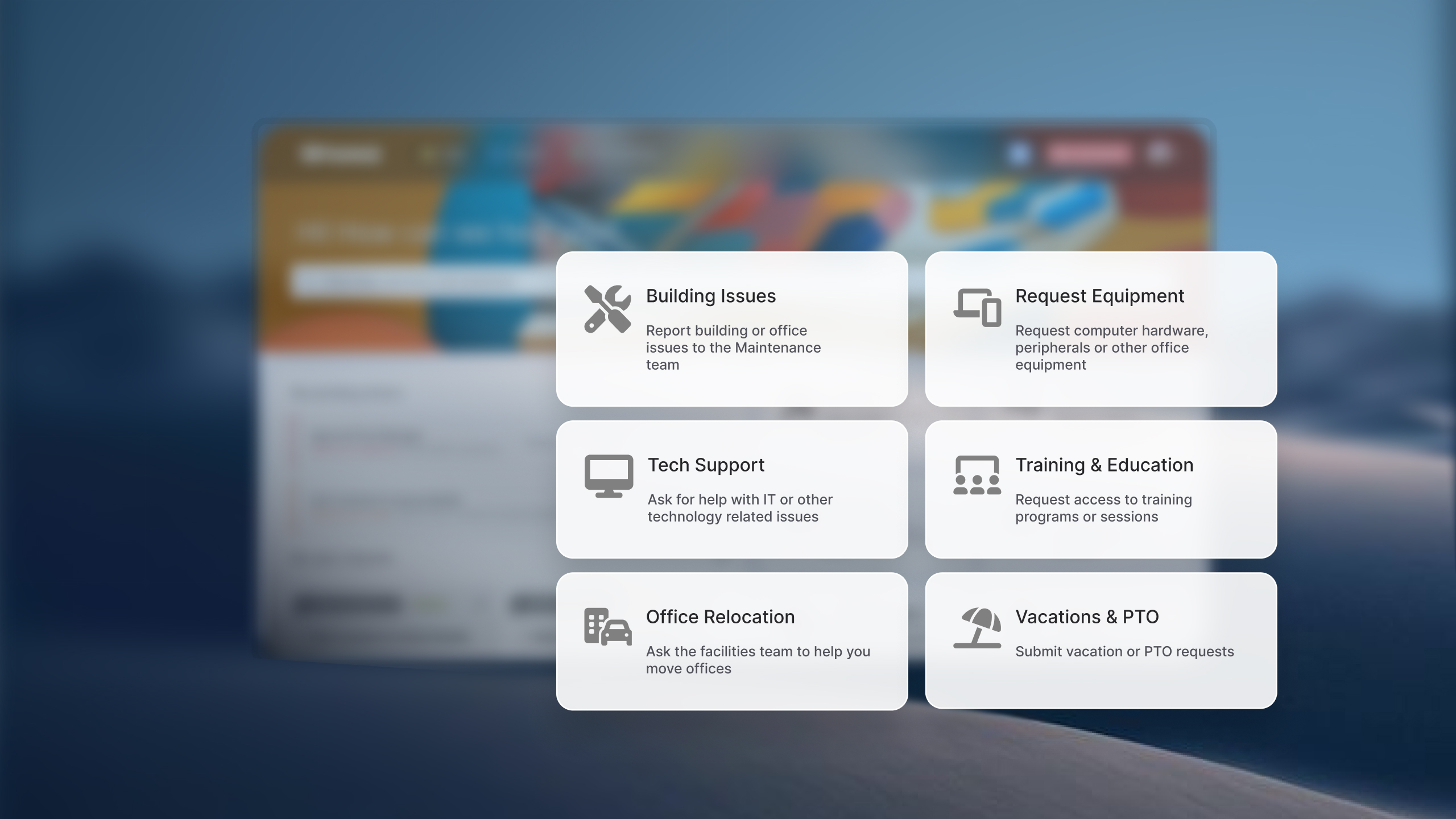
- Ready-to-use service catalogs and request templates for common employee requests.
- Native integrations with tools like Microsoft 365, Google Workspace, collaboration platforms, and Asset Management tools.
- Self-service portals that require minimal customization.
- Bulk user import and directory synchronization to quickly onboard employees and support agents.
- Cloud-based deployment that eliminates infrastructure planning and installation.
The vendor's approach to implementation matters just as much as the product itself. Some providers design their platforms so customers can configure and launch them independently, supported by onboarding resources, documentation, and customer success teams. Others rely heavily on consulting services, implementation partners, or lengthy discovery projects before the system is ready for production. Two tools with similar features can have very different deployment timelines depending on how much external assistance the vendor expects customers to use.
If you're migrating from a simpler tool or comparing options in this category, ITSM software with fast implementation covers more context on what separates genuinely fast platforms from those that only look fast in demos.
Best help desk software for quick setup
A quick note on methodology: InvGate builds and offers IT Service Management and IT Asset Management solutions, making us an active player in this software market. Some vendors in this article are our competitors. Even so, we aim to deliver accurate, honest, and practical information that helps you make the best decision.
Our evaluations draw from publicly available sources — vendor websites, product documentation, user reviews on platforms like Gartner Peer Insights, G2, and Capterra, analyst reports, and hands-on testing or demos when available. We assess each solution based on functionality, pricing (where made public), integrations, user experience, and support quality. We'll review this content regularly to stay current with product updates and market developments.
1. InvGate Service Management
Best for: IT teams that need ITIL-aligned workflows live in under two weeks, with no-code configuration and ESM capability from day one.
Deployment options: Cloud and on-premise. Cloud deployments go live faster; on-premise follows a structured process. Standard cloud implementation runs 2–4 weeks.
Key setup features:
- No-code drag-and-drop workflow builder — categories, routing, and escalation rules configured without code.
- Self-service portal activable from day one, with no additional configuration gates.
- 15 ITIL 4 practices accredited by PeopleCert, available out-of-the-box.
- AI features available for all tiers.
- Native integrations and built-in action connectors for workflows.
Pricing:
- Starter: 24.98/agent/month billed annually and 5 agents minimum - $1499/year.
- Pro: $500/agent/year. 5 - 50 agents
- Enterprise: Custom pricing for larger organizations.
See how fast your team can get started — request an InvGate Service Management demo.
2. HappyFox
Best for: Small to mid-sized IT teams that need multi-channel ticketing live quickly, without ITIL complexity.
Deployment options: Cloud only.
Key setup features:
- Basic setup takes a day; most IT teams are fully operational within a week, according to HappyFox's own documentation.
- Intuitive rule builder for automation — no scripting required.
- Self-service portal and knowledge base configurable from the start.
- Integrations with Slack, Microsoft Teams, Jira, Salesforce, and others.
Pricing: Starts at $24/agent/month (entry tier). Unlimited agent plans based on the number of tickets available. - Checked on: June 2026 (US), official website.
3. Freshservice
Best for: Mid-market IT teams that want ITSM capability with a structured but accessible onboarding path.
Deployment options: Cloud only.
Key setup features:
- Basic setup can be completed in days; full implementation with customized workflows typically takes several weeks.
- ITIL-aligned processes available out-of-the-box.
- Integrations with Microsoft Teams, Slack, Azure DevOps, and others.
- 21-day free trial with no credit card required.
Pricing: Starter at $19/agent/month (annual billing). Growth at $49/agent/month. Pro at $99/agent/month. Enterprise pricing on request. - Checked on June 2026 (US) official website.
4. Jira Service Management
Best for: Organizations already on the Atlassian stack — Jira Software, Confluence — that want to extend ITSM without introducing a new vendor.
Deployment options: Cloud.
Key setup features:
- Pre-configured project templates for ITSM, HR, facilities, and customer service.
- Default queues, SLA configurations, and workflow templates ready on signup.
- Free tier available for up to 3 agents — functional for small teams starting out.
- Native integration with Jira Software, Confluence, Opsgenie, and the full Atlassian ecosystem.
Pricing: Free for up to 3 agents. Standard at ~$20/agent/month (annual). Premium at ~$51/agent/month (annual). Enterprise on request. - Checked on: June 2026 (US), official web.
5. Zendesk
Best for: Teams with a strong customer-support orientation that want omnichannel ticketing and are willing to invest time in configuration.
Deployment options: Cloud only.
Key setup features:
- Basic setup for small teams (5–10 agents) can be completed in 2–4 weeks.
- Large library of pre-built integrations and marketplace apps.
- Omnichannel support (email, chat, phone, social) out-of-the-box on Suite plans.
- Strong documentation and community for self-guided setup.
Pricing: Support Team starts at $19/agent/month. Suite Team at $55/agent/month. Suite Professional at $115/agent/month. Pricing grows fast when AI features (Copilot at $50/agent/month additional) and other add-ons are factored in. - Checked on: June 2026 (US), official website.
Disclaimer: All product names, logos, and brands are property of their respective owners. All company, product, and service names used on this site are for identification purposes only. Use of these names, trademarks, and brands does not imply endorsement. Comparisons are based on publicly available information as of June 2026 and are provided for informational purposes only.
Common service desk setup mistakes that slow IT teams down
Choosing a tool that promises quick setup doesn't guarantee a quick setup. These are the most common mistakes that turn a two-week implementation into a two-month one.
-
Not mapping categories before configuration starts. If you don't define your service categories, routing logic, and request types before touching the platform, you'll redesign them mid-setup. This is the single most avoidable delay. IGSM's no-code builder lets you restructure categories without technical debt, but the mapping work still needs to happen upfront.
-
Skipping SLA configuration on day one. Teams often defer SLA setup, treating it as something to "add later." Later becomes never, or becomes a retroactive configuration that breaks existing tickets. In IGSM, SLA policies are set during the initial configuration wizard and apply immediately to incoming tickets.
-
Not activating the self-service portal at launch. The self-service portal reduces ticket volume from the first week — but only if it's live. Teams that defer portal activation because "we'll add content later" lose the ticket deflection benefit during the highest-volume onboarding period. IGSM's portal is activable at the start of setup, with no dependency on a knowledge base being fully populated.
-
Requiring professional services to unlock automation. Some platforms gate workflow automation behind a professional services engagement or a higher pricing tier. This forces teams to run manual processes during the critical first weeks. IGSM's no-code workflow builder is available from day one, with no external engagement required to configure automation rules. For teams evaluating platforms with help desk software with no-code workflow automation, this distinction is worth verifying before signing.
-
Underestimating the onboarding gap. A configured platform is not the same as an adopted platform. Agent training, end-user communication, and portal awareness all take time. Platforms with guided Customer Success onboarding — like IGSM — reduce this gap structurally, rather than leaving it to the IT team to manage independently.
If you're a help desk software for small businesses context — or evaluating the best help desk software for startups — the mistake profile is similar, but the stakes per delay are higher: smaller teams have less capacity to absorb a slow rollout.
FAQs
What is the fastest help desk software to set up? It depends on deployment type and team size, but cloud-based ITSM platforms consistently go live faster than on-premise. InvGate Service Management is one of the most consistently cited options for speed: standard cloud deployments run 2–4 weeks, and customers report basic environments operational in under an hour. Simple customer support tools can be live in days, but typically lack ITIL workflow structure.
How long does it take to implement help desk software? Timelines vary significantly by platform and scope. Cloud-based tools with minimal customization can be operational in hours to a few days. Full ITSM configuration — including categories, SLAs, routing, and integrations — typically takes 2–4 weeks for cloud deployments and longer for on-premise. Enterprise platforms like ServiceNow commonly require 3–6 months. Zendesk implementations for larger teams (50+ agents) typically run 8–12+ weeks.
Can I set up a help desk without IT or developer support? Yes, if the platform is built for it. No-code platforms allow non-technical admins to configure workflows, routing rules, SLAs, and automation without writing code. InvGate Service Management's drag-and-drop workflow builder is designed specifically for this scenario — categories, escalation rules, and routing can all be configured visually, without developer involvement.
What should I configure first when setting up a help desk? Start with categories and routing — these define how tickets flow before any other configuration makes sense. Then configure SLAs, so resolution expectations are set from ticket one. Activate the self-service portal early, even with minimal content, to begin deflecting common requests. Add channel integrations (email, Teams, Slack) before inviting end users. Save reporting and dashboards for after the first two weeks of live data.
Is cloud help desk software faster to implement than on-premise? Generally, yes. Cloud deployments don't require infrastructure setup, server provisioning, or network configuration — the environment is pre-configured by the vendor. On-premise adds those steps to the timeline. That said, on-premise doesn't have to mean slow: InvGate Service Management on-premise implementations run 2–4 weeks in standard configurations, which is competitive with many cloud-only vendors at equivalent complexity levels.