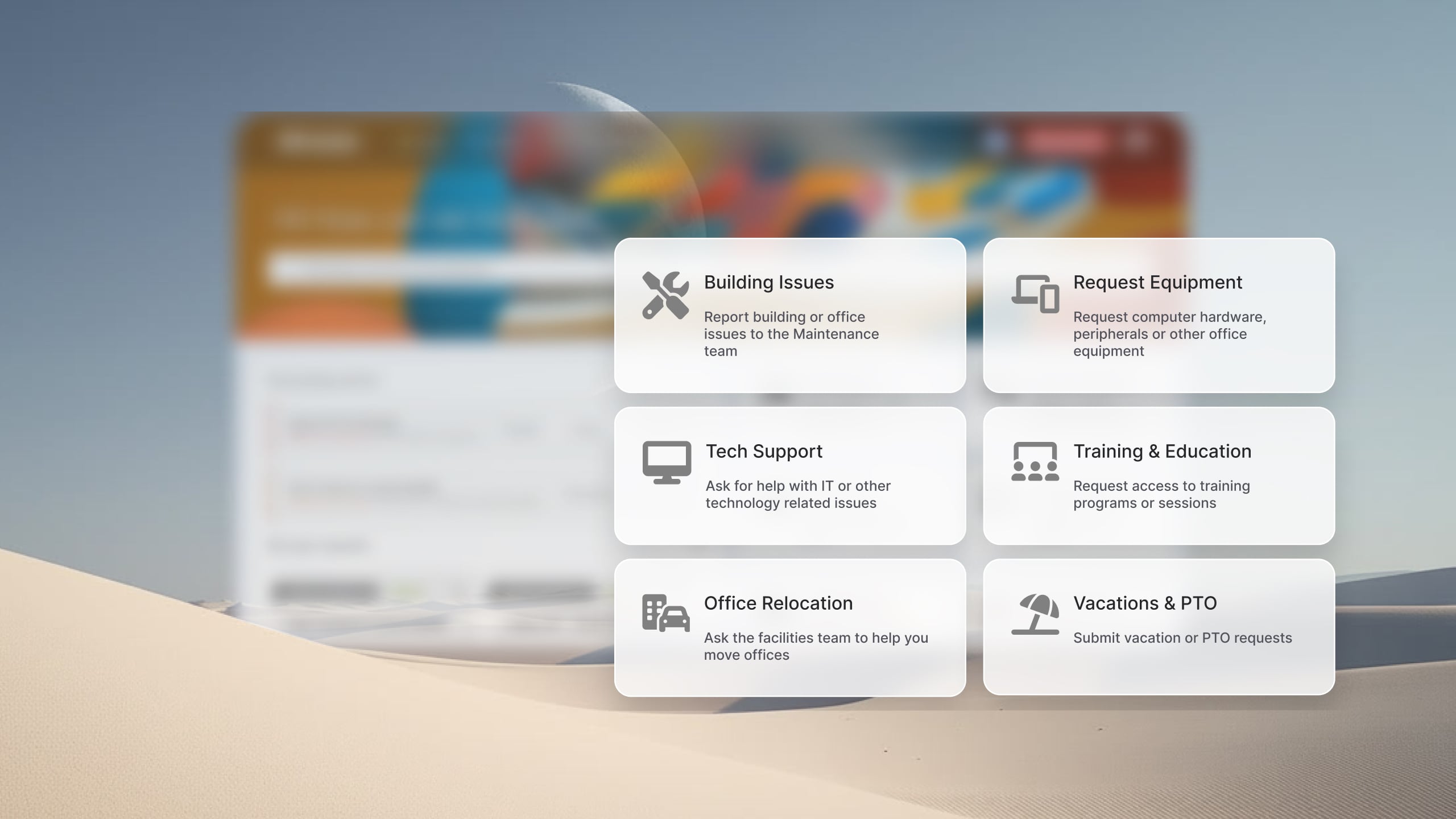
Help desk software helps startups organize support work from the beginning. It provides a central place to manage tickets, automate repetitive tasks, track response times, and build a knowledge base without introducing unnecessary complexity. The right help desk tool can improve service quality today while providing room to grow as the company adds employees, customers, and services.
Startups rarely have the luxury of large support teams or dedicated IT administrators. A handful of people often handle customer requests, internal support, onboarding, documentation, and operational tasks at the same time. Under those conditions, managing requests through shared inboxes, chat messages, and spreadsheets quickly becomes difficult.
In this guide, we'll look at the best service desk options for startups, to help you find the right fit for your team's current needs and future growth.
Key takeaways
- Startups need a help desk that deploys in days, not weeks, without a dedicated IT team to manage it.
- The biggest trap: picking a cheap customer support tool that doesn't scale to cover IT, HR, and operations as headcount grows.
- No-code workflow automation and a built-in self-service portal are non-negotiable if you want to reduce ticket volume without adding headcount.
- Free plans can cover the basics, but seat minimums, AI add-ons, and reporting limits make them costly as you scale.
- InvGate Service Management sets up in under two weeks and includes AI, no-code workflows, and ESM capabilities from day one.
Why startups need a dedicated help desk (and when to start)
Most startups run on email, or collaboration platforms and chats longer than they should. It works — until it doesn't.
The breaking point usually arrives quietly: a password reset request gets buried under a product thread, an IT issue sits unassigned for three days, a new hire's laptop setup falls through the cracks because nobody owned it. By the time the team notices the pattern, they've already lost hours to follow-up and duplicate effort.
These are the signals that a shared inbox has reached its limit, and it's time to choose an ITSM platform:
- Tickets without owners. When a request lands in a group channel, everyone assumes someone else is handling it.
- Lack of traceability. There's no record of what was resolved, how long it took, or who fixed it. When the same issue comes back, the team starts from zero.
- Onboarding breaks. The first formal onboarding process — laptops, accounts, access, tools — exposes every gap in the informal system.
- The first SLA conversation. The moment a manager asks "what's our average resolution time?", a shared inbox has no answer.
There's no universal headcount threshold, but three events tend to force the decision: hiring a first dedicated IT person, launching a formal onboarding process, or committing to any internal SLA. At that point, a dedicated help desk stops being a nice-to-have and becomes the operational foundation.
Understanding how ticketing systems work and key features to compare before evaluating options will save the team from choosing a tool that solves today's problem but creates friction at the next stage of growth.
What to look for in a help desk for startups
Not all help desk software is built for the same context. A tool designed for an enterprise IT team with dedicated administrators is a different product than one a 15-person startup can deploy in a week without a full-time IT hire.
The tools below were evaluated against the following criteria, with equal weight given to each vendor.
1. Speed of setup A startup can't afford a three-month implementation. The benchmark is days, not weeks — and the configuration should be achievable by someone who isn't a developer or a certified ITSM administrator.
2. Pricing transparency and scalability Per-seat minimums, AI features locked behind higher tiers, and reporting capped at lower plans are common traps. The real cost of a tool isn't the advertised per-agent price — it's what the team ends up paying at 30, 50, or 100 employees.
3. No-code configuration Workflows, intake categories, escalation rules, and approval flows should be configurable through a UI, not through code or vendor-managed customizations. This is especially critical when the person managing the help desk is also managing five other systems.
4. Self-service and AI deflection A knowledge base that actually deflects tickets — and AI that can suggest answers before an employee hits "submit" — directly reduces ticket volume without adding headcount. This is one of the highest-leverage features for a lean team.
5. ESM coverage: IT, HR, and operations on one platform Customer support tools handle external end-users. An IT help desk built for startups should cover internal requests across every department: IT issues, HR inquiries, facilities requests, and onboarding workflows, all from a single platform. As the company grows, this prevents the fragmentation of running three separate ticketing tools.
6. Integrations with the tools the team already uses Slack, Microsoft Teams, and WhatsApp aren't optional for most startups — they're the primary communication layer. A help desk that integrates natively with these channels reduces the friction of adoption and meets employees where they already work.
One important distinction: "help desk software" can refer to two different categories of products. Many startups — particularly SaaS companies, ecommerce businesses, marketplaces, and other customer-facing organizations — use help desk platforms such as Zendesk or Intercom to support external customers. Those tools focus on customer conversations, omnichannel support, customer satisfaction metrics, and CRM integrations.
The products evaluated in this guide serve a different purpose. They are internal help desks designed to support employees. Their primary use cases include IT support, onboarding, access requests, equipment provisioning, HR inquiries, facilities requests, and other internal services. Since startups often need one platform to support multiple departments, Enterprise Service Management (ESM) capabilities were included as part of the evaluation criteria. If your primary goal is customer support, you'll likely be better served by a dedicated customer service platform rather than the tools featured here.
Best help desk tools for startups
Methodology note: InvGate develops IT Service Management and IT Asset Management software, so we’re directly involved in the same market as some of the vendors mentioned here. Even so, our purpose is to share reliable and unbiased information to help you evaluate your options with confidence. Our assessment is based on publicly available data, including vendor sites, documentation, analyst research, and user feedback from platforms like Gartner Peer Insights, G2, and Capterra. All information reflects the state of the market as of June 2026. We update our content regularly to keep it aligned with product changes and new releases.
1. InvGate Service Management
Best for: Startups with an IT function — or teams planning to build one — that need ITSM-grade structure without the implementation overhead. Particularly well suited for companies that anticipate multi-department coverage (IT, HR, operations) and want to avoid migrating off a lightweight tool in 12 months.
Key features:
- No-code workflow builder with drag-and-drop automation for ticket routing, approvals, and escalations
- Native AI for ticket categorization, suggested responses, and deflection via self-service portal
- ESM-ready from day one: multiple service desks for IT, HR, and operations under a single platform
- Setup under two weeks with guided onboarding; no dedicated IT administrator required
- Native integrations with Slack, Microsoft Teams, and WhatsApp for ticket creation directly from existing channels
- ITIL-aligned out of the box — incident, problem, change, and service request management available without customization
Request an InvGate Service Management 30-day trial to see the setup flow and ESM capabilities in context.
2. TOPdesk
Best for: Small-to-mid-size organizations that operate in regulated or service-heavy environments and need ITIL-aligned processes with enterprise support. More suitable for companies with an existing IT department than for lean startup teams.
Key features:
- Modular ITSM with incident, problem, change, and asset management
- Self-service portal with knowledge management and FAQ capabilities
- SLA management and reporting dashboards
- Integrations with Microsoft 365, LDAP, and other enterprise directories
3. Freshservice
Best for: Startups that are already in the Freshworks ecosystem or that need a cloud-native ITSM tool with a familiar UI and quick onboarding. Widely used at the 50–500 employee range.
Key features:
- AI-powered ticket classification and auto-assignment
- Service catalog, self-service portal, and knowledge base included in base plans
- Asset management module for hardware and software inventory
- Marketplace integrations with Slack, Teams, Jira, and 1,000+ tools
4. Help Scout
Best for: Early-stage startups focused primarily on customer-facing support — not IT internal. Ideal for product teams handling user inquiries before a dedicated support function exists.
Key features:
- Shared inbox with collision detection and assignment rules
- Docs knowledge base with self-service and AI drafting
- Beacon widget for in-app support and proactive messaging
- Lightweight reporting with team and mailbox-level metrics
5. HelpDesk (by Text)
Best for: Very early-stage teams (under 10 people) looking for the most lightweight, low-cost entry point into ticketing. Minimal configuration overhead; limited scalability beyond the basics.
Key features:
- Email-based ticketing with team inbox and assignment
- Canned responses and basic automation rules
- Simple reporting for ticket volume and response time
- Integrations with LiveChat and ChatBot for teams running customer support alongside internal requests
Disclaimer: All product names, logos, and brands are property of their respective owners. All company, product, and service names used on this site are for identification purposes only. Use of these names, trademarks, and brands does not imply endorsement. Comparisons are based on publicly available information as of June, 2026 and are provided for informational purposes only.
How to choose the right help desk for your startup's stage
The right tool at five employees is rarely the right tool at 50. Choosing by stage — rather than by feature count — reduces the risk of either over-building or locking into something that won't hold.
Stage 1: Pre-product/market fit (1–10 employees)
The priority is zero overhead. The team doesn't have time to configure a system or train people on a new tool. The right help desk at this stage sets up in hours, has no mandatory seat minimums, and handles basic request intake without IT intervention. A shared inbox replacement with simple assignment rules and a knowledge base is often sufficient. Avoid tools that require an administrator or charge for AI features the team won't use yet.
Stage 2: Scaling (10–100 employees)
This is where the first dedicated IT person — or at minimum, an operations manager — comes in. The priority shifts to workflows, SLA tracking, and intake structure. Ticket routing by category, automated escalations, and a self-service portal start generating real time savings at this scale. This is also the stage where the customer support vs. IT internal decision becomes critical: a tool built only for external users will start showing friction when IT and HR requests start routing through it. Look for a platform with multi-department support built in, not bolted on.
Stage 3: Post-Series A (100+ employees)
At 100+ employees and multiple departments, the help desk becomes infrastructure. ESM coverage — one platform for IT, HR, facilities, and legal — prevents tool fragmentation and the reporting gaps that come with running parallel systems. Integration depth, advanced reporting, role-based access control, and change management workflows move from nice-to-have to required. This is also when vendor stability and support quality matter more than entry-level pricing.
A note on business verticals
The stage model above applies broadly, but the inflection points shift by industry. SaaS companies tend to formalize IT operations earlier due to security and compliance requirements. Fintech and healthtech startups often need Change Management and audit trails from the first hire. Retail and logistics startups with physical locations add facilities and asset tracking needs that pure software tools don't cover. Choosing a platform with ESM extensibility — rather than one optimized for a single use case — gives more room to adapt as the business model evolves.
Teams weighing startup vs. small business tools may also find help desk software for small businesses a useful reference for understanding where the requirements diverge.
FAQs
What is the best help desk software for a startup?
There's no single answer — it depends on the startup's stage, team size, and whether the primary need is IT internal support or customer-facing support. The criteria that matter most: setup speed, pricing transparency as headcount grows, and whether the platform covers all the departments that will eventually route requests through it.
Do startups really need a help desk, or can they use a shared inbox?
A shared inbox works until it doesn't — and the breaking point usually arrives faster than expected. The signals are consistent: tickets without owners, no record of what was resolved or how long it took, and onboarding processes that break because nobody tracked the steps. A shared inbox has no SLA visibility, no automation, and no way to route requests to the right person automatically. For teams hitting those signals, the cost of staying on a shared inbox — in time, repeated effort, and missed requests — typically exceeds the cost of a basic help desk.
What's the difference between customer support help desk software and IT help desk software for startups?
Customer support tools are designed to manage external requests — user inquiries, product issues, billing questions. IT help desk software is designed for internal operations: employee IT issues, hardware setup, access requests, HR inquiries, and onboarding workflows. The difference matters because the workflows, intake structures, SLA requirements, and integrations are fundamentally different. A customer support tool repurposed for IT internal use works in the short term but creates friction as the team scales — particularly when HR and operations start routing requests through the same system.
How much does help desk software cost for a small team?
Entry-level pricing varies widely across the category. Some tools publish per-agent/month pricing starting in the $15–$50 range; others require contact for a quote. The published price is rarely the full picture: AI features, advanced reporting, additional service desks, and integrations are frequently gated behind higher tiers. For startups evaluating cost, the right question isn't "what does it cost today?" but "what does it cost at 3x current headcount, with automation and reporting turned on?" Running that projection before signing avoids the most common pricing trap in this category.