














If you’ve ever tried to get a clean view of your company’s software stack, you know how this goes: one team buys a tool, another one adopts a different one for the same job, renewals keep piling up, and before you know it, you’re paying for apps no one can even name. The application portfolio grows in the background, until it becomes too expensive and too messy to ignore.
And the numbers confirm it: organizations waste an average of 33% of their annual software spend on unused tools (Cledara). This is exactly what application rationalization aims to fix: a simple process to review your application portfolio and decide what to keep, consolidate, replace, or retire.
In this article, we’ll show how to run that process using InvGate Asset Management, so you can turn your application inventory into a source of clarity instead of cost.
Managing your application portfolio properly has a direct impact on your organization’s productivity, financial efficiency, and security posture. While there are many reasons why this is worth doing, these are the most important ones:
Application rationalization is a best practice regardless of your organization’s size or maturity level. However, there are certain situations where running this process becomes especially valuable (and sometimes urgent), such as:
Application rationalization works best when it’s treated as a repeatable process, not a one-time cleanup project.
With InvGate Asset Management, you can build a complete application inventory, enrich it with usage and governance context, identify waste and redundancies, define clear actions, and keep the portfolio under control over time, without relying on spreadsheets or manual audits. Here is how to do it.
The first step is gaining visibility into what applications exist across your environment. Without a reliable inventory, rationalization becomes guesswork.
InvGate Asset Management supports multiple data population methods, but two are especially useful for this process. The Agent continuously reports installed software and usage metrics from endpoints, giving you an accurate view of what’s actually running across your device fleet.
On top of that, Cloud Asset Discovery helps you detect connected assets in cloud environments, expanding visibility beyond traditional endpoints and supporting application governance in hybrid setups.
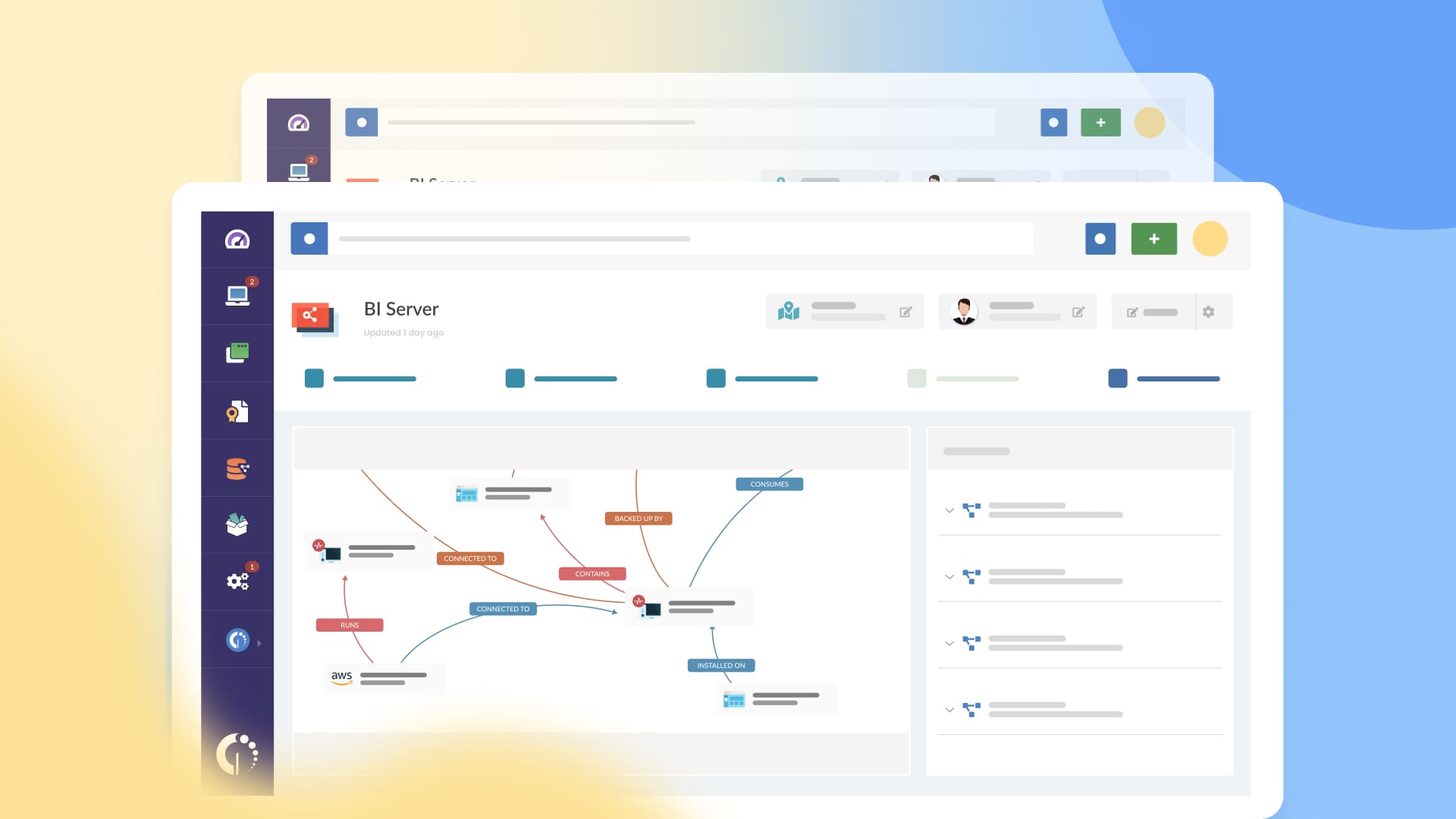
Once the portfolio is visible, the next step is turning that raw software list into actionable information. An app name alone is not enough to rationalize.
InvGate Asset Management enriches each application with relevant context such as the number of installations, versions, usage patterns, last time used, contract associations, and the authorization policy it falls under, helping teams track software licenses more accurately.
This is also where the platform’s automatic normalization process becomes critical. It helps unify software records and reduce duplicated entries, keeping your inventory consistent and easier to analyze.
Now that you have both visibility and context, you can start identifying which applications are actually delivering value and which ones are just consuming budget.
InvGate Asset Management gives you multiple ways to explore waste:
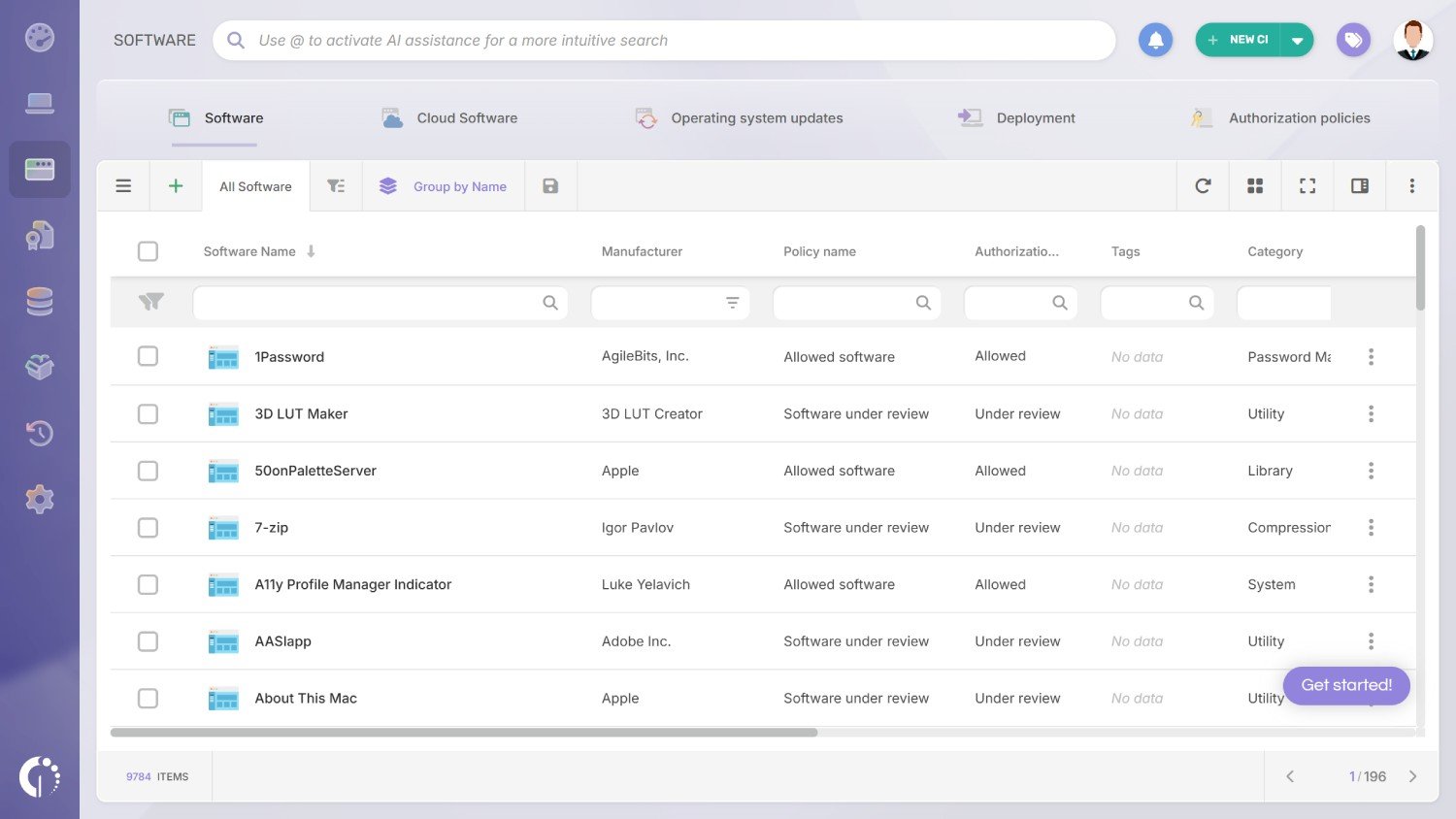
Use the Software explorer for quick checks and targeted analysis across your inventory. It helps you drill down into specific applications, devices, or users to validate what’s installed and where. This makes it easier to spot duplicates, outdated tools, and early signs of waste before they impact your budget.
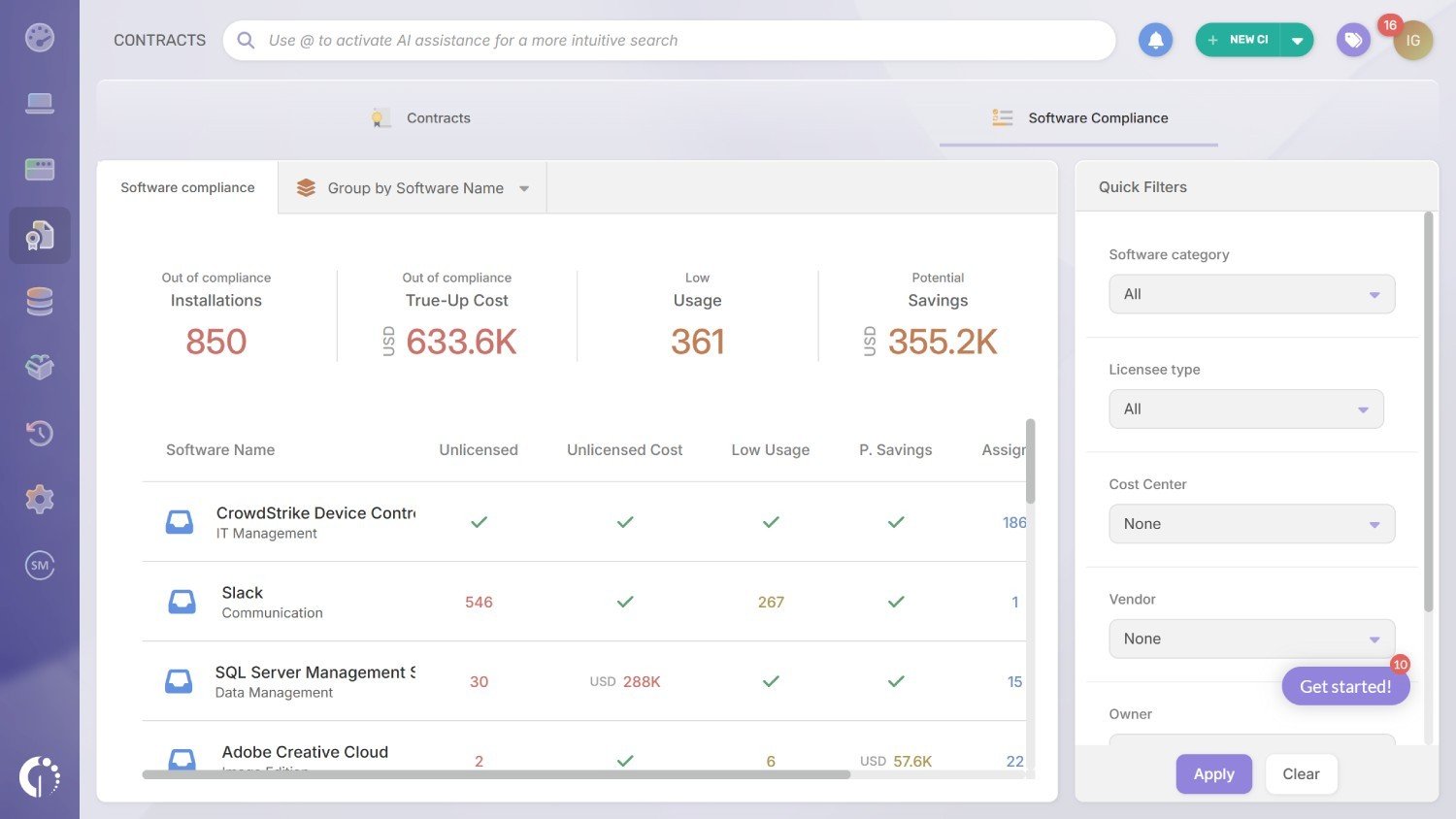
Leverage the Software Compliance module (Contracts) to automatically detect unused licenses, spot overuse, and reduce compliance risk. It gives you a clearer view of how entitlements compare to real usage across your environment. This helps you fix licensing gaps early, avoid penalties, and reallocate licenses before purchasing more.
Rely on Software Metering to identify installed software that isn’t being actively used. It highlights usage patterns so you can distinguish between critical tools and apps that are just sitting idle. This makes it easier to reclaim licenses, cut waste, and optimize spend without affecting productivity.
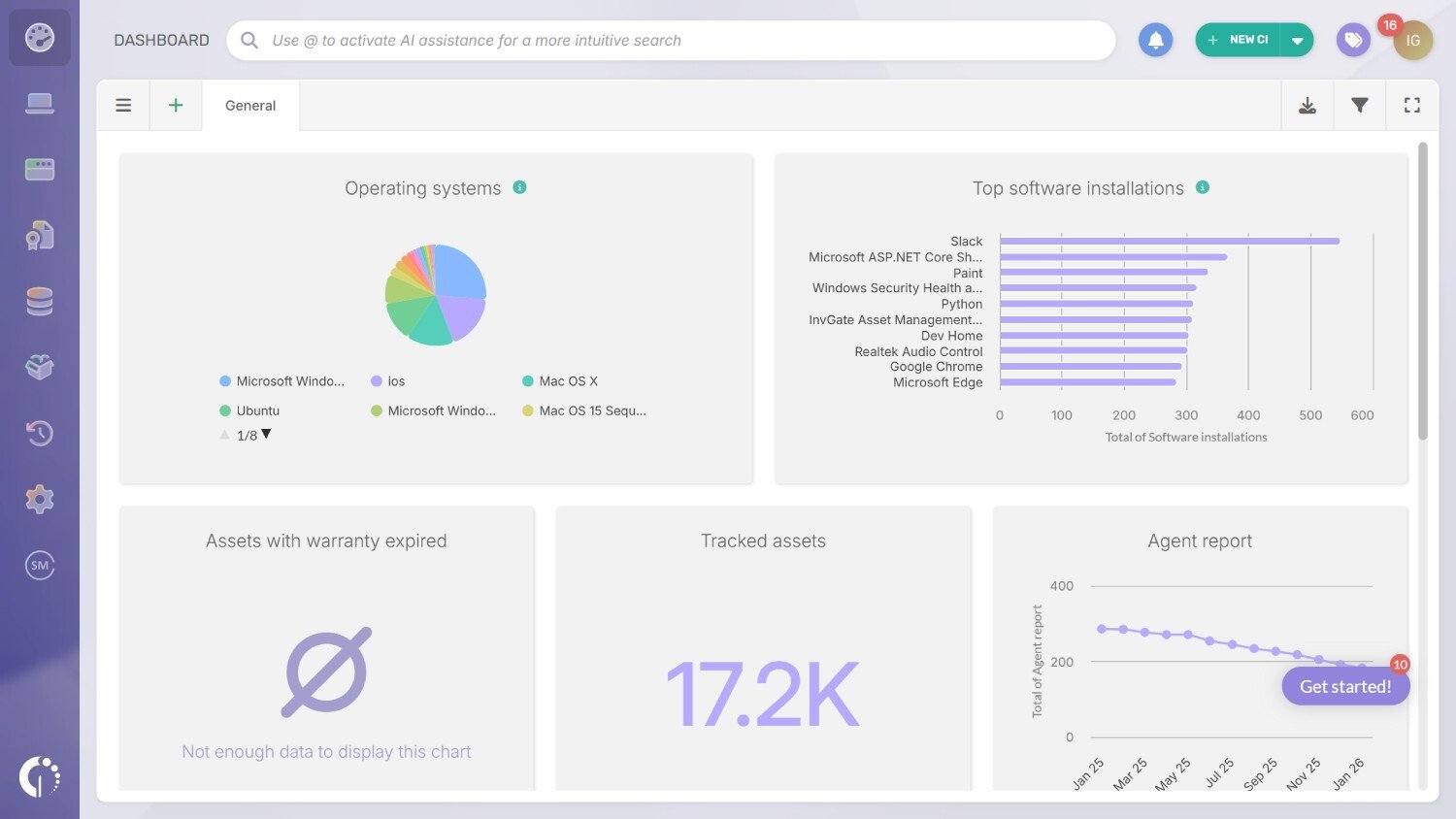
Build reports and dashboards to visualize waste trends, track savings opportunities, and share findings with stakeholders. This visibility also enables license harvesting, so you can reclaim unused licenses and reassign them before purchasing more seats or renewing contracts.
Now that you have the right visibility and usage context, you can move from guesswork to confident decisions. At this stage, application rationalization becomes a governance exercise, focused on clear criteria instead of subjective cleanup.
This is where you decide what to keep, consolidate, replace, or retire, backed by inventory and usage evidence. InvGate Asset Management supports the process with consistent data to justify decisions and keep priorities aligned.
Execution is where most rationalization initiatives succeed or fail. It’s not enough to identify waste if the stack keeps growing back after a few months.
To avoid this, InvGate Asset Management allows you to upload your software authorization policy. One of the best features about this is that you can classify applications as allowed, prohibited, or under review. And you can also set up automations to alert teams when specific software is installed.
Finally, Software Deployment helps you execute changes at scale by enabling standardized bulk installation and removal. And with dedicated visibility into cloud software, supported by integrations with Amazon Web Services, Microsoft Azure, and Google Cloud, you can extend the same control to hybrid environments.
Application rationalization is not just a cleanup effort. Done well, it becomes an ongoing practice that helps reduce waste, improve security, and keep your software ecosystem aligned with business needs.
InvGate Asset Management gives you the structure and visibility to make this process repeatable, from building an accurate software inventory and tracking real usage, to enforcing authorization policies and deploying changes at scale across endpoints and cloud environments.
If you want to see how it works in practice, you can request a 30-day free trial or talk to our sales team to explore how InvGate Asset Management can support your application rationalization journey.

