Adding AI to a service desk is only the first step. The bigger challenge is integrating it into everyday operations so analysts rely on it, end users trust it, and support outcomes actually improve.
That doesn't happen through configuration alone. AI changes how tickets are handled, how knowledge is created and consumed, how requests are routed, and how repetitive work is distributed between people and automation. Organizations need a plan that connects those changes to governance, training, performance measurement, and continuous improvement.
An AI enablement program provides that structure: It turns AI from a collection of features into an operational capability that can be adopted, managed, and measured over time. This guide explains how to build one for your IT help desk, with practical steps you can apply regardless of the platform you use.
What is an AI enablement program for IT support?
An AI enablement program is the structured effort to make AI part of how a service desk operates. It combines technical implementation with operational change so AI becomes a tool that agents and end users rely on consistently rather than a feature that remains unused.
Unlike a software deployment, enablement extends well beyond configuration. It defines which support activities AI should assist with, prepares the knowledge and data those capabilities depend on, establishes governance around their use, trains agents on new workflows, and measures whether AI adoption is producing measurable improvements.
In practice, an AI enablement program answers questions such as:
- Which support processes should AI automate, assist, or leave entirely to human analysts?
- How will agents incorporate AI recommendations into ticket handling without introducing unnecessary risk?
- What knowledge sources can AI access, and who is responsible for keeping them accurate?
- Which metrics will demonstrate that AI is improving service delivery instead of simply increasing activity?
Answering those questions before expanding AI usage helps avoid one of the most common implementation problems: treating AI as another feature rollout. Organizations implement features, but agents continue working the same way they always have, knowledge remains incomplete, and usage never reaches the level needed to produce meaningful operational improvements.
An enablement program approaches AI as an ongoing operational capability. Initial use cases are introduced in controlled phases, feedback from analysts and users shapes future iterations, and performance data determines where AI should expand next. The objective is sustained adoption supported by governance, measurable outcomes, and continuous refinement rather than a one-time deployment.
Why IT help desks struggle to adopt AI
Before building the program, it helps to name the practical gaps that keep AI from paying off on the service desk. Each one is fixable, and the steps that follow address them directly.
- The mandate is vague. "Use AI" is not something anyone can act on. Without a specific problem to point it at, the tools stay a novelty rather than part of the job.
- The knowledge base isn't ready. AI-driven deflection and agent suggestions are only as good as the content behind them. Thin or outdated knowledge produces mediocre answers, and adoption tracks the quality of those answers closely.
- AI lives outside the daily workflow. When using AI means detouring to a separate screen or tool, agents stay in the flow they already know. Adoption happens when AI shows up at the point of work, inside the ticket and in the channels people already use.
- Nobody is tracking it. Without measurement, there is no signal about what is working, no way to see which knowledge gaps are costing deflection, and no evidence to justify expanding.
None of these are hard problems on their own. What they have in common is that setup alone does not solve them, and that is exactly the gap an enablement program fills.
An 8-step AI enablement program for your IT help desk
With the groundwork in place, here is the program itself. The eight steps below run in sequence, from assessing where you stand to scaling what works, and each one builds on the one before it: skip the readiness baseline and you have nothing to measure against later; skip governance and you cannot safely expand.
Work through them in order the first time, then keep cycling through the final steps as your program matures, because enablement is a loop, not a one-time checklist. Sustained results depend on continuously improving the knowledge AI relies on, monitoring adoption, measuring business outcomes, and adjusting workflows over time. InvGate's AI Adoption Lifecycle whitepaper explores that process in greater detail, outlining a practical framework for moving from initial deployment to measurable improvements in service desk performance.
Step 1: Assess your help desk's AI readiness
Start by taking an honest inventory of where you are today. A readiness assessment gives you a baseline and tells you what to fix before you scale anything.
Look at four things:
- Current state of AI features. Which capabilities are already enabled? Are they configured, or just switched on and forgotten?
- Knowledge base health. How current, complete, and well-structured is your knowledge base? This is the single biggest predictor of whether AI for ITSM will succeed.
- Ticket and category hygiene. Are request categories and custom fields clearly named and meaningful? AI interprets user intent more reliably when your taxonomy is clean.
- Team readiness. How does your team feel about AI today? Where are the pockets of enthusiasm you can build on, and where is the skepticism you will need to address?
Document a baseline for the metrics you care about, such as ticket deflection rate, first contact resolution (FCR), mean time to resolution (MTTR), and self-service adoption. You will need these numbers later to prove the program worked.
Step 2: Define clear goals and success metrics
Enablement without a target is just activity. Decide, up front, what adoption is supposed to achieve and how you will know you got there.
Tie each goal to a metric your team already reports on:
- Reduce ticket volume through self-service and deflection.
- Improve first contact resolution by giving agents suggested fixes at the point of work.
- Lower mean time to resolution by cutting the manual reading, categorizing, and routing at the start of every ticket.
- Protect or improve CSAT so that faster does not mean worse.
Set realistic milestones. AI adoption compounds over quarters, not days, so define what a successful first 30, 60, and 90 days look like. This gives your leadership a clear picture of progress and gives your team achievable wins to rally around.
Step 3: Choose the right AI use cases to start with
The fastest way to lose momentum is to try to deploy everything at once. Pick a small number of high-value, low-risk use cases where AI can produce a visible result quickly.
Two categories tend to deliver the earliest wins on an IT help desk:
-
End-user deflection. A virtual agent handles common, repetitive requests, such as password resets, access questions, and how-to queries, directly in the channels employees already use. This is where you see ticket volume drop.
-
Agent assistance. AI works alongside your agents inside the ticket, surfacing likely solutions, drafting or improving responses, and summarizing long ticket threads so agents can jump straight to resolution. This is where you see FCR and MTTR improve.
Start with one use case from each category. Deflect your highest-volume simple requests, and give agents assistance on the ticket types where they spend the most time reading and researching. Save the more complex, workflow-heavy automations for after the team has built confidence.
Step 4: Set AI governance and guardrails before you scale
Governance is not the step you bolt on at the end, it is the foundation that makes everything else safe to scale, specially for regulated or audit-conscious IT environments.
The core principle: AI should suggest and assist, while your defined processes stay in control of what actually happens. That means keeping a clear line between two kinds of automation:
- Rule-based (deterministic) automation handles the predictable, governed actions, such as routing rules, SLA enforcement, approvals, and workflow steps. It produces the same result every time, and it leaves a clean audit trail.
- Generative AI handles the language-heavy, interpretive work, such as understanding a user's intent, suggesting a response, or summarizing a ticket.
Decide, deliberately, where each belongs. For a service desk, the reliable pattern is generative AI operating within deterministic guardrails: the AI can suggest a fix or guide a request, but it cannot breach change control, escalate privileges, or execute a step your workflows have not approved. That combination gives you the speed of AI with the predictability and auditability your organization needs.
Also settle the practical governance questions early: who can enable which features, whether AI runs within existing permission structures, and how you will demonstrate to an auditor what the AI did and why. Getting these answers documented before rollout prevents the program from stalling later when compliance asks questions nobody prepared for.
Step 5: Train your support team to work alongside AI
This is the step most enablement programs skip, and the one that most often determines whether adoption sticks.
Frame AI honestly and early: it exists to remove the repetitive, thankless work, not to replace agents or to spy on their performance. Agents who understand that AI takes password resets off their plate so they can work on problems worth solving become advocates. Agents who suspect it is a monitoring tool become blockers.
Then make the training concrete:
- Show agents exactly how AI-suggested solutions and response improvements appear in their workflow, and when to trust them versus override them.
- Establish that the agent stays in control of the final decision. AI is the assistant; the human signs off.
- Teach the habit that feeds the whole system: when an agent resolves a novel issue, that resolution should become reusable knowledge. Every good resolution today is a deflected ticket tomorrow.
- Identify a few AI champions on the team, early adopters who can help peers, surface friction, and model the new way of working.
Enablement is a people program disguised as a technology program. Budget real time for it.
Step 6: Run a controlled pilot before full rollout
Do not flip AI on for the entire service desk on day one. Run a pilot with a defined scope: a subset of request types, a single channel, or one agent group.
A controlled pilot lets you:
- Validate that deflection and agent assistance actually work on your real tickets, not on a vendor demo.
- Catch knowledge base gaps and category problems while they are cheap to fix.
- Gather honest feedback from a small, engaged group before the whole team forms an opinion.
- Build a proof point, with real numbers, that makes the case for wider rollout.
Give the pilot a fixed timeframe and clear exit criteria. When it hits your success metrics, you expand with evidence instead of optimism.
Step 7: Measure AI adoption, deflection, and ROI
You cannot manage what you cannot see. Measurement is what separates an AI program from a pile of activated features.
Track the metrics that show both usage and impact:
- Deflection rate: how many requests the virtual agent resolves without an agent touching them.
- Adoption by channel: where employees are actually using self-service, and where they are not.
- Agent-assist usage: how often agents use AI-suggested solutions and response improvements, and whether tickets that used them resolved faster.
- Knowledge gaps: the topics users ask about that get no useful answer, which tells you exactly what content to create next.
- FCR, MTTR, and CSAT: the outcome metrics that prove the program moved the needle.
Compare tickets where AI was used against similar tickets where it was not. That side-by-side is the most credible evidence you can bring to leadership, because it grounds the AI ROI conversation in your own data rather than assumptions.
Step 8: Create a feedback loop and scale across the service desk
An AI enablement program is never "done." The final step is to make improvement continuous.
Build a regular cadence, monthly is a good start, where you review the adoption and deflection data, act on the knowledge gaps it exposes, and add or refine content and use cases. As the knowledge base grows and the team's confidence builds, expand into the automations and channels you deliberately held back in the early phases.
Once the pattern is working reliably on IT, you have a template you can extend. The same enablement approach, such as clean knowledge, clear use cases, governance, training, and measurement, is what lets you scale AI-supported service delivery beyond IT into HR, Facilities, and Finance without starting from scratch each time.
How InvGate Service Management supports AI enablement
If you run your help desk on InvGate Service Management, the platform's AI capabilities map directly onto the program above. Its AI features live in AI Hub, which can be enabled or disabled at the instance level and operates within your existing permissions and governance structures, so you control the pace of adoption.
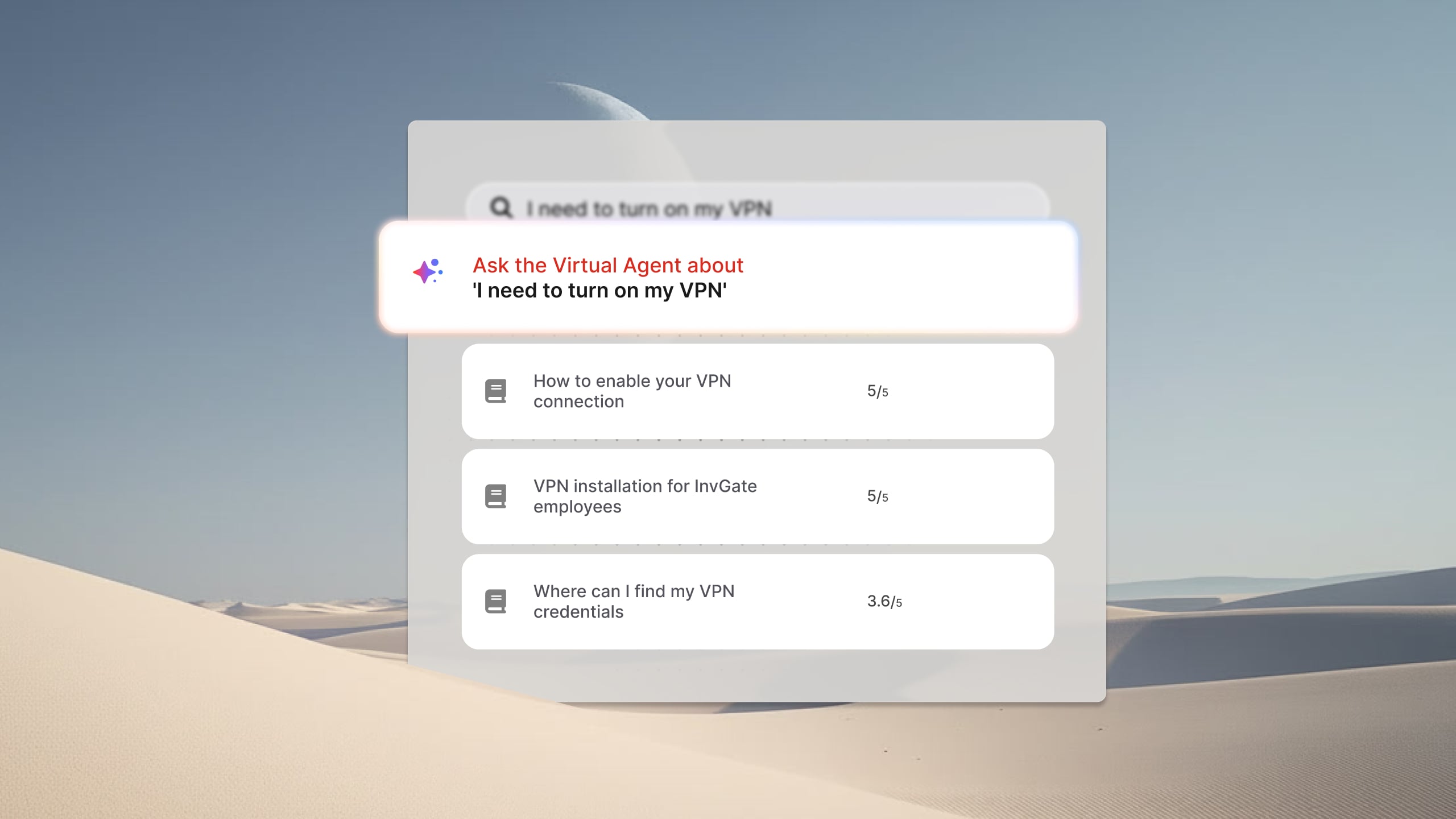
- End-user deflection runs through the Virtual Service Agent, which resolves common requests through a chat experience in the self-service portal, Microsoft Teams, Slack, and WhatsApp. It connects to your existing knowledge base and past ticket history, and it follows your predefined workflows rather than making autonomous decisions, which keeps AI governable and auditable.
- Agent assistance comes from capabilities such as Solution Recommendation, which surfaces likely fixes inside the ticket, AI-improved responses, and AI ticket summaries that condense long threads.
- Knowledge upkeep is handled by Knowledge Discovery, which analyzes resolved tickets and surfaces reusable Knowledge Snippets to fill coverage gaps. It is available for cloud instances with the Virtual Service Agent enabled, and it feeds both the Virtual Service Agent and Solution Recommendation.
- Measurement lives in AI Hub Reports (under Reports > AI Hub), which track ticket deflection, conversation volume, and adoption across every channel the Virtual Service Agent runs on, giving service desk managers the data to prioritize improvements and IT leaders the evidence to demonstrate adoption and ROI.
- Governance rests on the distinction this platform is built around: deterministic automation through the Workflow Builder and rules for the actions that need to be predictable and audited, with generative AI layered on top to suggest and assist within those guardrails.
See what an AI-enabled service desk looks like in practice. Start your free 30-day trial of InvGate Service Management and test AI features alongside ticket management, workflows, and knowledge management in a real support environment.
Key takeaways
Running an AI enablement program for your IT help desk is a process, not a purchase. Turning features on is the easy part; getting your team to adopt them, safely and measurably, is the work that produces results.
Assess your readiness, define what success looks like, start with a few high-value use cases, put governance in place before you scale, train your team to treat AI as an assistant, pilot before you roll out, measure adoption and impact relentlessly, and build a feedback loop that keeps improving. Do that, and AI stops being something that simply sits in your service desk, and starts being something your team actually uses to work faster.