














Most ITSM implementations take longer than anyone budgets for. The vendor promises weeks; the actual go-live lands months later — after professional services engagements, custom scripting, and a half-dozen configuration calls no one planned for. By the time the service desk is live, the team has paid for licenses it couldn't use, burned IT hours it didn't have, and inherited a setup that requires a consultant to modify.
A smaller subset of platforms is built differently. They prioritize no-code configuration, ship pre-built templates for the most common processes, and include Customer Success support without burying it behind a professional services surcharge. The result is a service desk that can be operational in days — not as a marketing promise, but as a documented, repeatable reality.
This post evaluates four ITSM platforms against that specific standard.
Key takeaways
The cost of a slow ITSM rollout isn't just the delay — it's everything that accumulates during it. IT teams spend hours on vendor-led configuration calls instead of resolving tickets. Licenses run on a billing clock from day one, regardless of whether anyone is using the system. Professional services engagements that were supposed to be "optional" turn out to be prerequisites for accessing the features that justified the purchase.
Some platforms deliberately gate basic functionality behind scripting or additional service tiers. Want to build a custom workflow? That requires a developer. Need a new approval chain? That's a change order. Teams that underestimate this discover it six weeks into a supposed "quick implementation" — when they're still configuring categories and waiting on a consultant response.
The alternative exists, and it works differently. InvGate Service Management is designed to eliminate that scenario: no-code setup means IT admins configure workflows, escalations, and service catalogs without writing a line of code. Customer Success is included in the contract — not upsold separately. Professional services are available, but they are not the only path to a functioning service desk. Before you sign anything, building an ITSM implementation checklist with clear go-live criteria helps keep any vendor accountable to a specific timeline.
"Days" and "live" don't mean the same thing to every vendor. It's worth drawing a hard line between two different milestones.
Go-live means the software is provisioned, admins can log in, and the basic service categories are configured. In cloud deployments with no heavy customization, this is genuinely achievable in days — sometimes in hours.
Time to value is a different bar. It means the team is resolving real tickets, SLAs are applying correctly, agents aren't calling a consultant to adjust a workflow, and end users are actually submitting requests through the portal instead of emailing IT directly. That milestone takes longer — typically one to three weeks even on fast platforms — and it's the one that matters for ROI.
Every "days" claim in this list refers to standard cloud deployments with out-of-the-box configuration as the starting point. On-premise deployments, deep customization in phase one, and complex integrations all extend the timeline, regardless of the platform.
The four platforms below were evaluated under the same criteria. Each has a documented path to go-live in days for standard cloud deployments. None of them is a perfect fit for every environment — the right choice depends on team size, technical resources, existing tooling, and how much customization is needed in phase one.
Methodology note: InvGate builds and offers IT Service Management and IT Asset Management solutions, making us an active player in this software market. Some vendors in this article are our competitors. Even so, we aim to deliver accurate, honest, and practical information that helps you make the best decision. Our evaluations draw from publicly available sources.
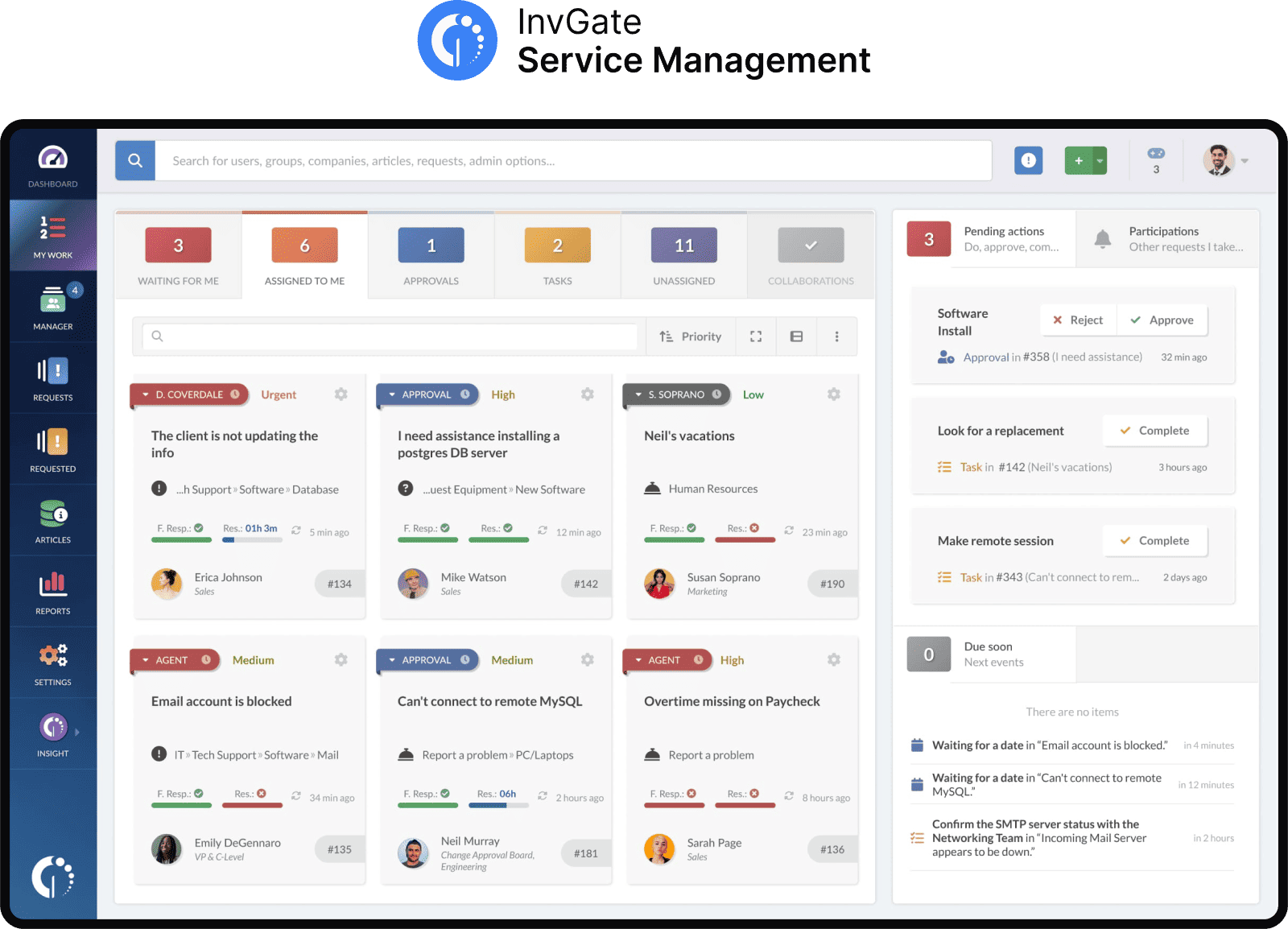
InvGate Service Management is a no-code ITSM and ESM platform designed for organizations that need to be operational quickly without building a technical dependency on external consultants or scripted configuration.
Standard cloud deployments are documented in under two weeks. Professional services are not required to access core functionality.
Why it goes fast:
What slows it down: On-premise deployments take longer than cloud by design — the infrastructure setup adds time that cloud sidesteps. Teams that prioritize heavy customization in phase one (complex integrations, multi-tier approval structures across five departments simultaneously) will extend the timeline beyond the standard "days" window.
Request an InvGate Service Management free trial to see the no-code configuration in a live environment before committing to an evaluation.
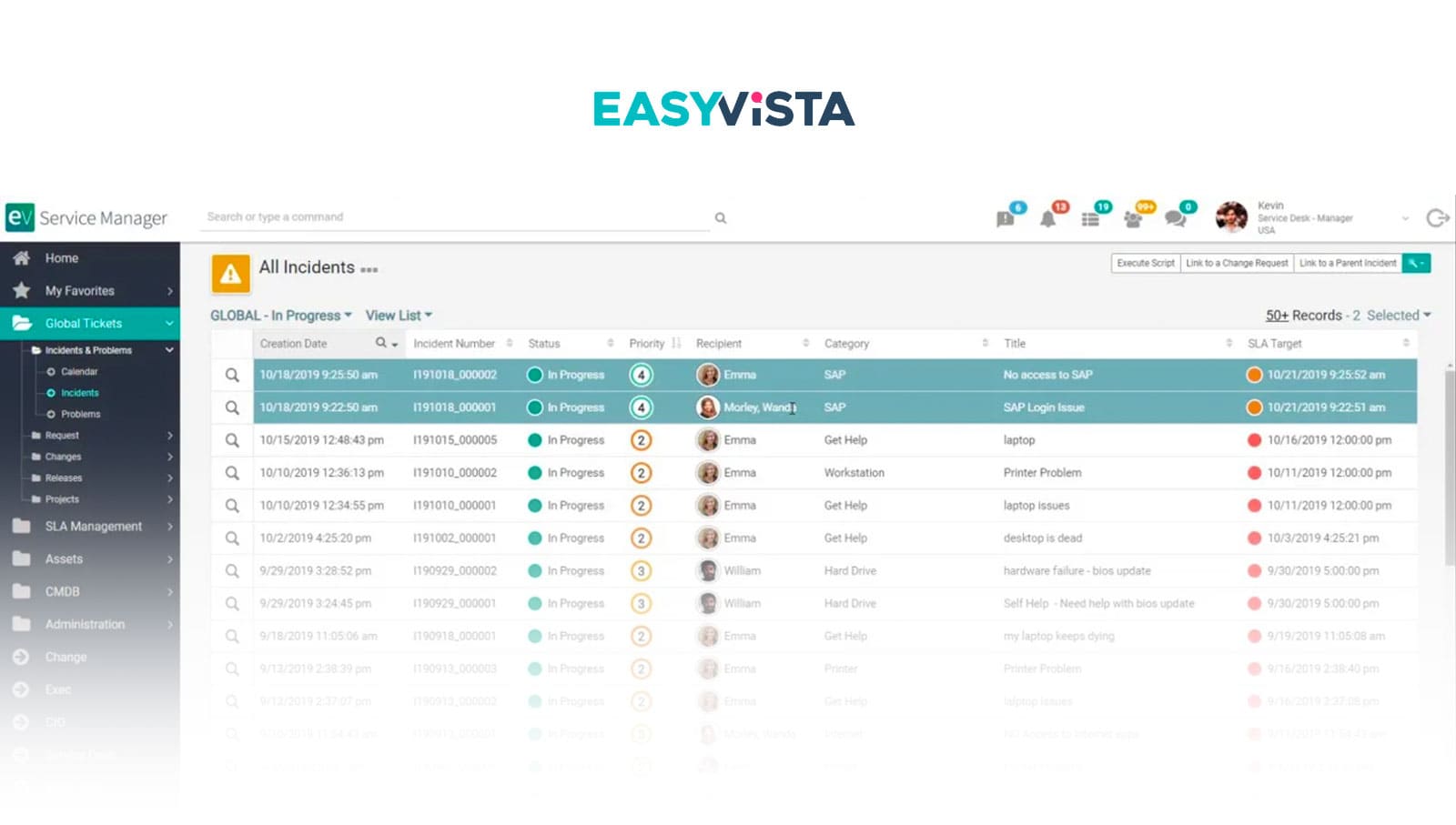
EasyVista EV Service Manager is an ITIL-aligned ITSM platform built around codeless configuration and a modular architecture that allows teams to activate only the processes they need at launch.
Why it goes fast: The platform uses a drag-and-drop workflow engine and codeless configuration throughout — admins build and modify ITIL processes without developer involvement. The modular architecture allows teams to go live with incident and request management before activating change, problem, or asset management, which reduces initial configuration scope. EasyVista offers structured EasyStart implementation packages that are designed specifically for rapid deployment scenarios.
What slows it down: Some reviews note that deep customization can become complex, and at least some users have reported that initial configuration required more effort than expected. Professional services are available and appear to be commonly engaged for more complex rollouts, which adds time and cost.
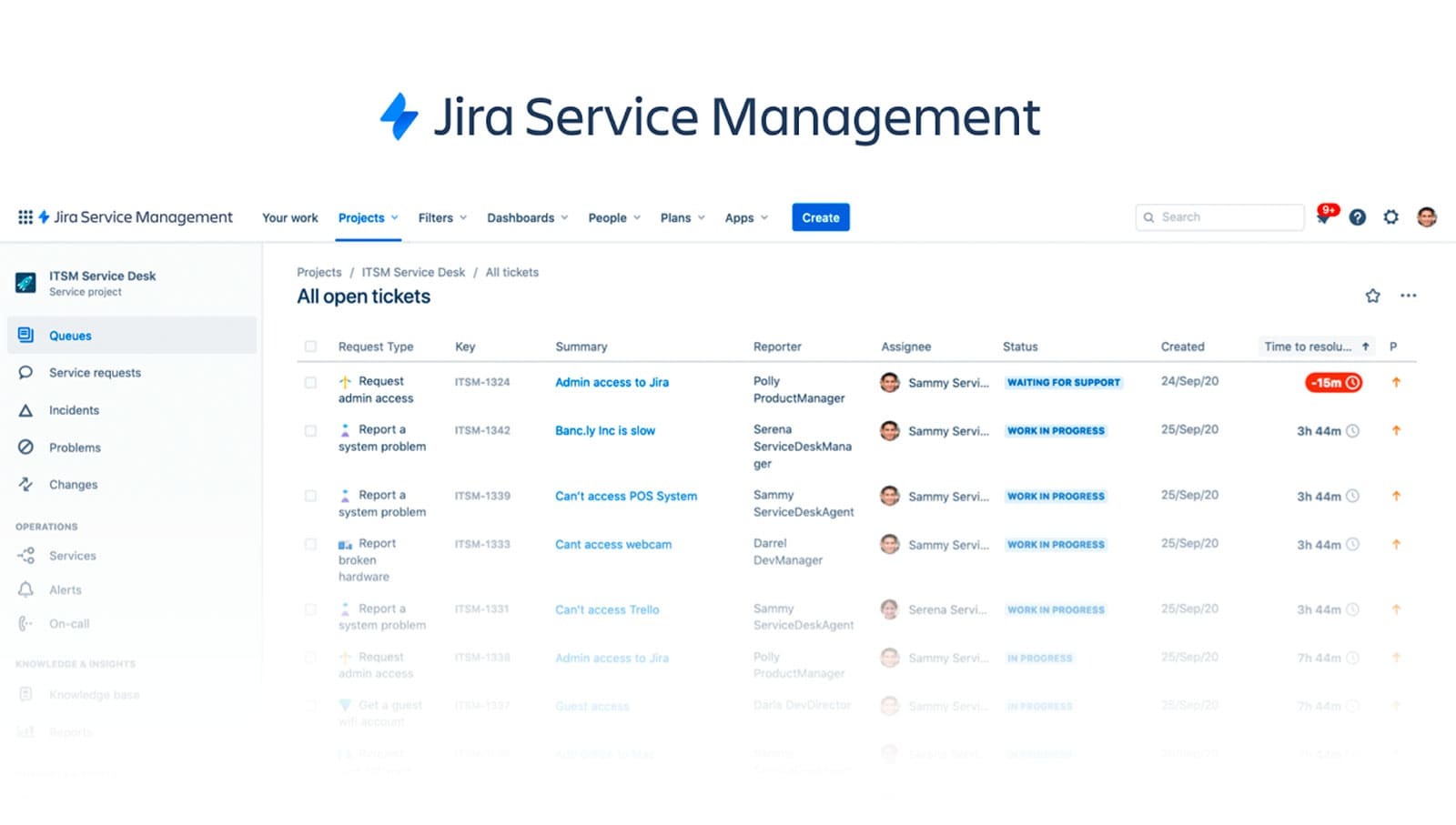
Jira Service Management (JSM) is Atlassian's ITSM offering. For teams already embedded in the Atlassian ecosystem, it offers a meaningful implementation shortcut: existing familiarity with Jira's UI, permission model, and project logic compresses onboarding significantly.
What slows it down: JSM's architecture is optimized for development-adjacent workflows. Teams outside that context — traditional IT support, HR, Facilities — often find the configuration logic less intuitive. For complex rollouts, professional services costs can be significant: third-party sources and community forums document consulting fees that range widely depending on scope. Teams that need heavy customization or are new to Atlassian's ecosystem should build more time into the evaluation.
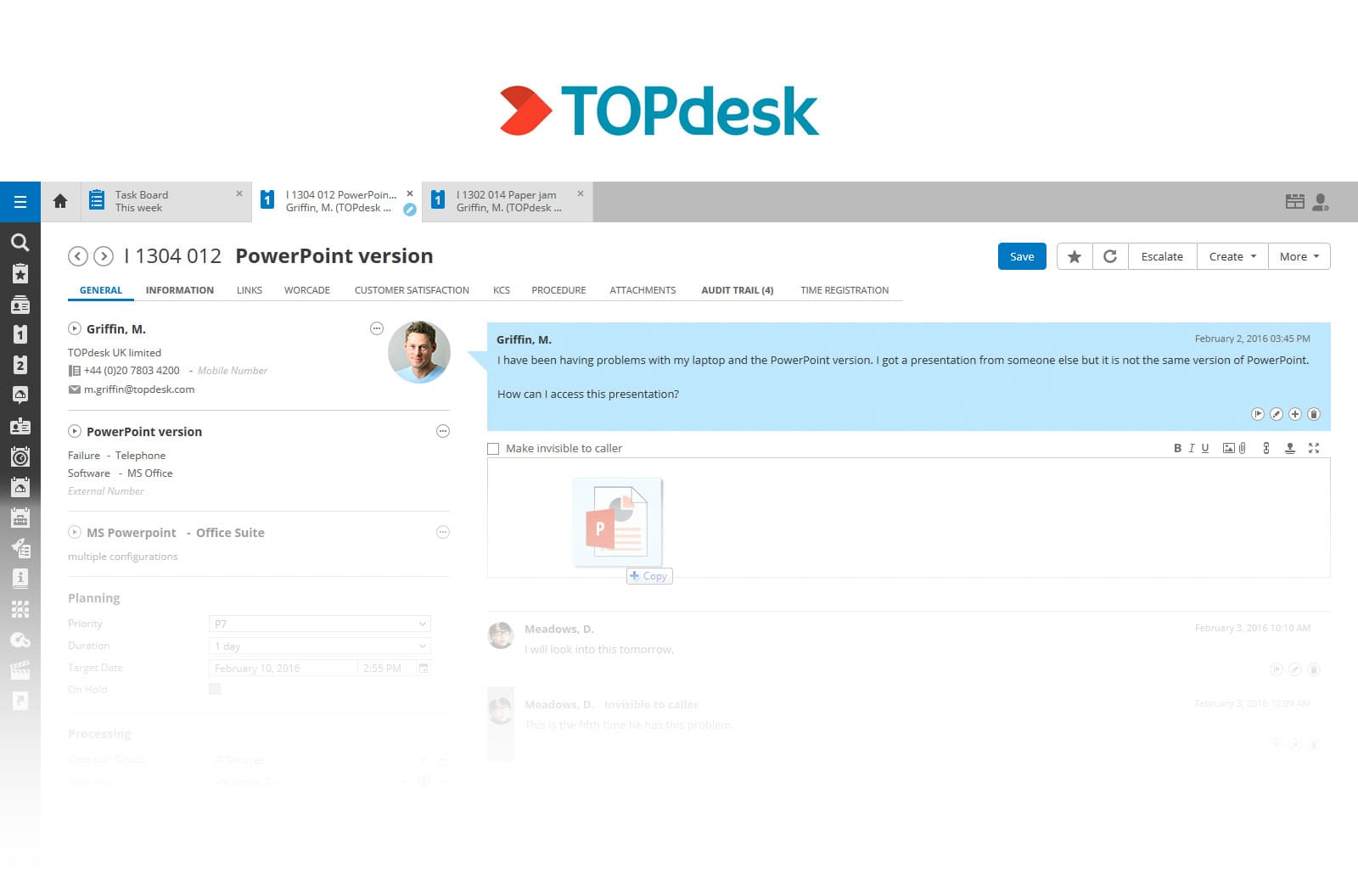
TOPdesk is an ITSM and ESM platform with a documented implementation methodology and a positioning built explicitly around speed. The vendor's own materials reference a "Think Big, Start Small" approach — teams go live with a limited scope and expand incrementally.
Why it goes fast: Modular deployment allows teams to go live with Incident Management and the service catalog before activating change and problem management — a practical way to reduce phase-one scope without sacrificing long-term capability. Once configured, the platform is designed to be maintained without coding or ongoing consultant dependency. TOPdesk supports multi-department environments (IT, Facilities, HR) from the same instance, which speeds up ESM expansion after initial go-live.
What slows it down: The depth of configurability is also a source of complexity. Teams that push into advanced customization early — multi-tier approval chains, complex integrations, high-volume request catalog builds — can extend the timeline past the 25-day upper bound. Professional services are commonly engaged, even when not strictly mandatory, which adds budget and scheduling overhead.
Disclaimer: All product names, logos, and brands are property of their respective owners. All company, product, and service names used on this site are for identification purposes only. Use of these names, trademarks, and brands does not imply endorsement. Comparisons are based on publicly available information as of April 2026 and are provided for informational purposes only. ServiceNow is a registered trademark of ServiceNow, Inc. InvGate is not affiliated with, sponsored by, or endorsed by ServiceNow.
Across platforms, implementation speed comes down to a small set of structural factors — and the vendor's marketing rarely surfaces them clearly.
The first is no-code versus scripting. Platforms that require scripting or developer involvement to configure workflows, build approval chains, or modify forms create a dependency that doesn't disappear at go-live. It compounds. Every process change, every new department onboarded, every SLA adjustment becomes a ticket to the vendor or a task for a developer who has other priorities. No-code configuration eliminates that dependency at the root.
The second is whether professional services are optional or quietly mandatory. Some platforms list professional services as "available" while making it practically impossible to reach a functional state without engaging them — because templates are sparse, documentation is thin, or the configuration model requires vendor-specific expertise. The honest question to ask in any evaluation is not "do you offer professional services?" but "what specifically can a competent IT admin configure without them on day one?"
The third factor is template depth. Pre-built templates for onboarding, change requests, incident management, and service catalog categories aren't a convenience feature — they are the difference between a same-day setup and a two-week configuration project. Platforms that ship with strong, customizable templates compress the first sprint dramatically.
The fourth — and the one most often ignored until month six — is whether the platform scales without requiring a rebuild. Teams that go live fast on a platform that can't handle a second department, a new SLA tier, or an additional integration without a new implementation engagement have gained time in the short term and lost it over the following year. The platforms that deliver real ROI are the ones that allow admins to expand scope incrementally, adding workflows, departments, and automation without reconstructing the environment from scratch.
InvGate Service Management is built around exactly that model: start with a limited, fast scope, then expand to additional services, ESM departments, and automated processes as the team's maturity grows — all without vendor intervention. For a deeper look at how this plays out across different platforms, see fastest time to value in ITSM platforms.
The "live in days" promise is common enough that it has become noise. What actually matters is whether that promise holds for your specific environment — your team size, your configuration needs, your infrastructure choices, and your internal IT capacity.
Before signing, four questions cut through the marketing faster than any demo.
Are professional services optional or effectively required? Ask the vendor to be specific: what can a mid-level IT admin configure without their involvement on day one, and what specifically requires vendor engagement? If the answer is vague, that's a signal.
Are there pre-built templates for the processes that matter most to your team? Generic incident management templates are table stakes. What matters is whether the templates cover the actual processes you'll need in week one — onboarding, change requests, your service catalog categories — and how much modification they require to fit your environment.
Can admins modify workflows without calling the vendor? Ask for a live demonstration: take an existing workflow, add a new approval step, and change a routing condition. Watch who does it and how long it takes. If the demo requires a vendor engineer, that's your answer.
Does the setup survive growth? A service desk that handles 50 tickets a week from one department is a very different system from one handling 500 tickets across IT, HR, and Facilities six months later. Ask explicitly whether that expansion requires a new implementation engagement or whether it's handled through the same admin interface.
A 2-4 week pilot with real tickets — not a guided demo with sample data — is the most reliable validation available before committing. Pilot conditions expose configuration friction, agent adoption gaps, and workflow logic issues that no controlled demo will surface.
For a structured comparison across a broader set of platforms, see top ITSM tools compared.
Ready to see InvGate Service Management in a live environment? Request an InvGate Service Management demo and see the no-code setup, ESM architecture, and day-one dashboards without a sales presentation in the way.
What ITSM software can you implement in days?
Several cloud-native ITSM platforms are documented to go live in days for standard deployments. InvGate Service Management, Jira Service Management (for Atlassian-native teams), and TOPdesk (for focused, limited-scope rollouts) all have verified go-live timelines in that range. The key conditions are cloud deployment, no heavy customization in phase one, and an IT admin who can configure the system independently using no-code tools.
What is the difference between fast implementation and fast time to value in ITSM?
Fast implementation means the software is provisioned and accessible — agents can log in and categories exist. Fast time to value means the team is resolving real tickets, SLAs are applying correctly, and agents can modify workflows without calling a consultant. The gap between those two milestones is where most implementations stall. Platforms with strong pre-built templates and no-code configuration close that gap faster than those that require significant custom build work after initial provisioning.
Do I need professional services to implement ITSM software quickly?
Not necessarily — but the answer depends on the platform. Some ITSM tools require professional services to access core functionality or to configure anything beyond the most basic setup. Others, including InvGate Service Management, are designed so that a competent IT admin can complete a standard cloud deployment without external consultants, with Customer Success support included in the contract rather than sold separately. The clearest signal: ask the vendor what a competent IT admin can configure independently on day one, without any vendor engagement.


