














IT Asset Management (ITAM) software for field service teams solves a tracking problem that office-based IT environments rarely face: assets don't stay in one place. Every day, technicians pick up laptops, tablets, diagnostic meters, and testing equipment, carry them to customer sites, and return with them at the end of a shift. Without field service asset tracking built into the ITAM platform, the inventory reflects where equipment should be, not where it actually is.
Field service teams often work alongside Field Service Management platforms such as Salesforce Field Service, ServiceTitan, and Dynamics 365 Field Service. Those tools manage scheduling, dispatching, and work orders at the customer site level. This article covers what sits alongside those platforms: ITAM software that tracks the equipment field service technicians own, carry, and share, the tools of the job rather than the jobs themselves.
Field service technicians carry a specific category of assets that standard ITAM platforms weren't designed to track: high-value equipment that moves between depot, vehicle, and customer site multiple times a day. A laptop assigned to a single technician is manageable. But a shared cable tester, a network analyzer, or a calibrated diagnostic meter that moves between ten technicians across fifteen customer visits in a week creates a field service asset tracking problem that a simple assignment record can't solve.
The gap shows up when something goes missing. Without a record of every movement (who picked up the tool, when, and where they were going) the investigation starts from zero. Knowing the last assigned user is the minimum. Knowing the last scan location and the last update time is what makes the record actionable.
Not all field equipment is assigned to a single technician. Diagnostic tools, specialty meters, and test sets are expensive enough that organizations maintain shared pools at the depot, signed out before each job and returned afterward. Without a formal check-in/check-out process, the pool becomes unmanaged: equipment disappears into vans, calibration schedules fall behind actual usage cycles, and no one can say with certainty who has what at any given moment.
QR code scanning from a smartphone is the most practical implementation for field teams. Technicians scan an asset when they take it and again when they return it, updating the record without requiring a computer or a manual log. The chain of custody builds automatically with each scan, giving operations managers a continuous, timestamped record of every tool movement without adding administrative work to technicians already managing a full schedule.
The following platforms are evaluated as ITAM solutions for organizations managing equipment assigned to or shared among field service technicians. Pricing reflects each vendor's publicly available information as of July 2026.

InvGate Asset Management is a no-code, scalable ITAM platform that manages hardware, software, cloud, and non-IT assets from a single interface. It supports cloud and on-premises deployment and extends beyond standard IT endpoints through individual QR code scanning, custom fields, and chain of custody tracking, covering any physical asset that needs a traceable movement record.
Field service organizations that rely on paper logs or shared spreadsheets to track what their technicians carry cannot answer the basic accountability question: which technician had the device, when, and what happened next. InvGate Asset Management gives field service IT teams a continuously updated record of every asset, whether it is sitting in the depot, assigned to a technician, or out on a job site, with the QR-based check-in/check-out workflows and chain of custody tracking that turn that question from an investigation into a lookup.
The following are some of the InvGate Asset Management features that field service IT managers may find particularly relevant for tracking equipment across technicians and job sites. Each addresses a core challenge that static inventory records and manual spreadsheets cannot solve at field team scale.
Start a 30-day free trial or talk to Sales to find the right plan. Both options give access to the full platform from day one.
EZOfficeInventory is an equipment and asset tracking platform built around check-in/check-out workflows, barcode and QR scanning, and mobile-first access for teams that manage shared physical equipment. It covers asset assignment, availability calendars, maintenance scheduling, and movement records for equipment pools, making it a natural fit for field service organizations tracking shared diagnostic tools and specialty instruments. Its mobile app allows technicians to scan items in and out without accessing a desktop, and its reservation system prevents double-booking of shared resources before a job begins.
EZOfficeInventory publishes its pricing by plan tier. For current plan details or to start a free trial, visit their official pricing page.
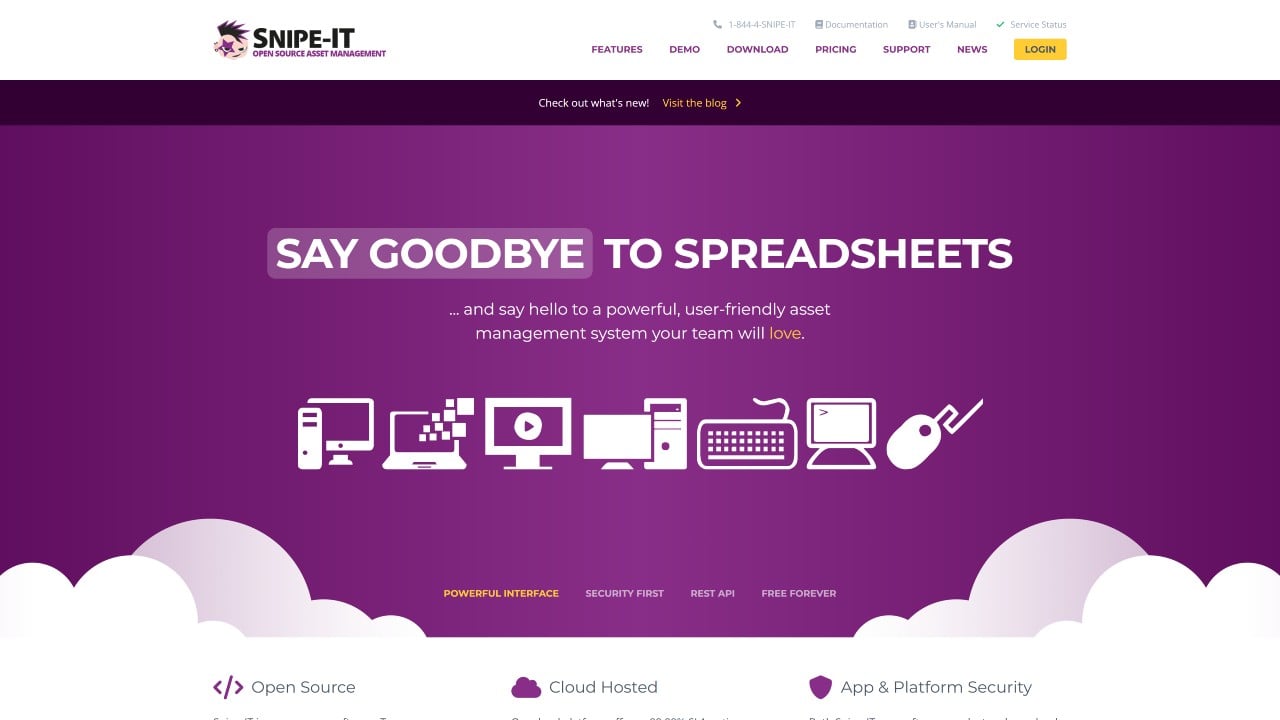
Snipe-IT is an open-source IT Asset Management platform with native check-in/check-out functionality, QR code generation, and user assignment workflows. Assets are assigned to specific users and can be checked out and returned with a logged history of every transaction. For field service organizations that need a straightforward, auditable system for tracking who has which piece of equipment without enterprise licensing costs, Snipe-IT provides that capability with full customization at the source level.
The self-hosted version is open-source and free. Managed hosting plans are available for organizations that prefer not to run their own infrastructure. For hosting plan details, visit their official plans page.
Asset Panda is a configurable asset tracking platform that covers IT equipment, tools, and other physical assets through a flexible data model with custom fields, barcode and QR scanning, and mobile access. For field service organizations tracking a mix of IT devices and non-IT equipment from the same platform, Asset Panda's configurable workflows allow different asset categories to follow different tracking processes without requiring separate systems. Its mobile-first design makes it practical for technicians who update records in the field rather than at a desk.
Asset Panda's pricing is not publicly listed. For pricing information or to begin an evaluation, contact their team directly through their official site.
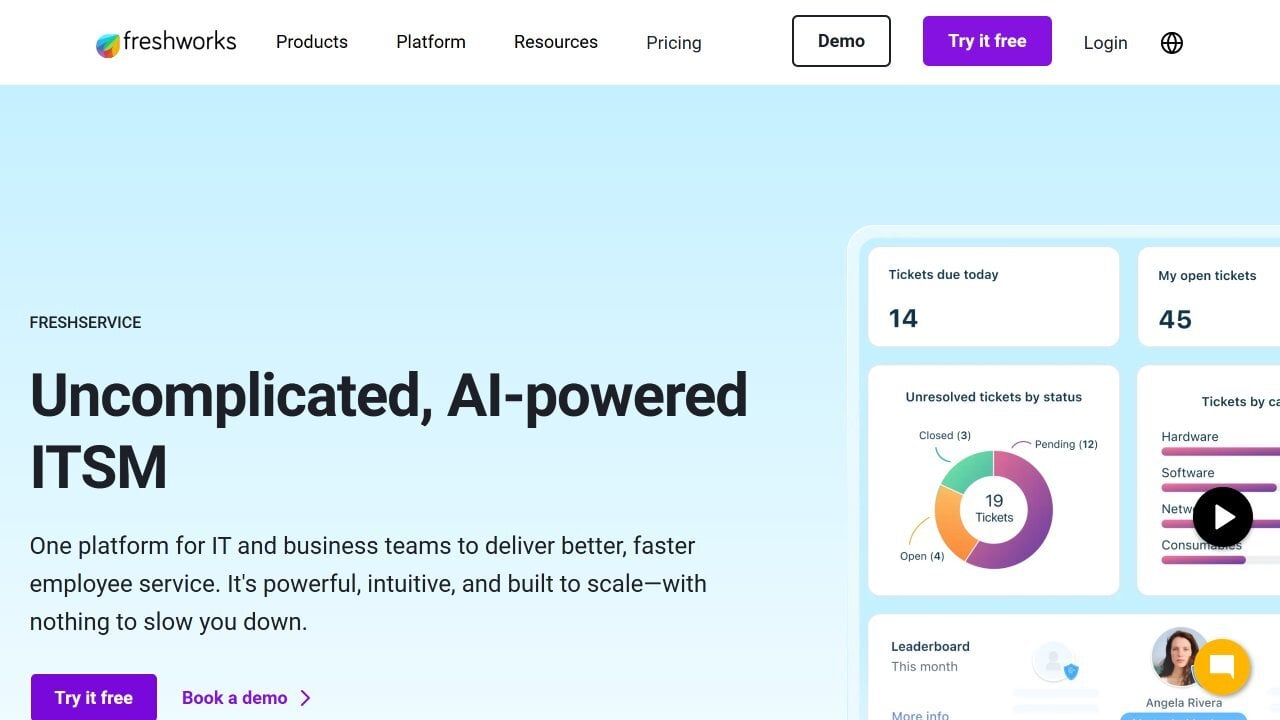
Freshservice is a cloud-native ITSM and ITAM platform that combines IT service desk capabilities with hardware and software Asset Management. Its asset module covers Lifecycle Management, Contract Management, and Software License Management, integrated with ticketing and Change Management workflows. For field service IT teams that want equipment assignment records connected directly to the service requests and incidents those assets appear in, Freshservice's unified approach links asset data to work context across the same platform.
Freshservice publishes its pricing by plan tier. For current plan details or to start a free trial, visit their official pricing page.
IT Asset Management for field service teams requires solving a tracking problem that begins the moment equipment leaves the depot and continues through every customer site visit until it returns. Check-in/check-out workflows, QR scanning from mobile, and automatic chain of custody updates are not optional features for this use case: they are the operational foundation that separates a live, accurate inventory from a record of where things were last officially assigned.
InvGate Asset Management covers that foundation in a no-code platform that field service IT administrators can configure and maintain without external dependencies. InvGate Service Management connects directly so equipment records appear in context alongside the work orders and service tickets that field teams manage every day.
Disclaimer: All product names, logos, and brands are property of their respective owners. All company, product, and service names used on this site are for identification purposes only. Use of these names, trademarks, and brands does not imply endorsement. Comparisons are based on publicly available information as of July 2026 and are provided for informational purposes only.

