















A Configuration Management Database (CMDB) is only as useful as the ITSM platform consuming it. When a ticket opens and the agent can see the affected configuration item (CI), its dependencies, and everything connected to it, resolution is faster and changes are safer. The best ITSM software with CMDB makes that connection automatic, not something a technician has to look up manually in a separate system.
This article covers five platforms that integrate CMDB capabilities directly into their ITSM workflows, from incident and change management to impact analysis and service mapping. Each takes a different approach to keeping the CMDB current and connecting it to the service workflows that depend on it.
A CMDB that nobody keeps current isn't a CMDB: it's an outdated spreadsheet with a different name. The value of a CMDB inside an ITSM platform depends on how well it stays current without manual intervention, how deeply it connects to service workflows, and how clearly it surfaces dependency relationships when a technician needs them most.
For change management specifically, the CMDB is what separates a structured change process from an approval chain with no context. Knowing which CIs a change will touch, and which services depend on those CIs, is the difference between a change that routes through the right approval workflow and one that causes an unplanned outage.
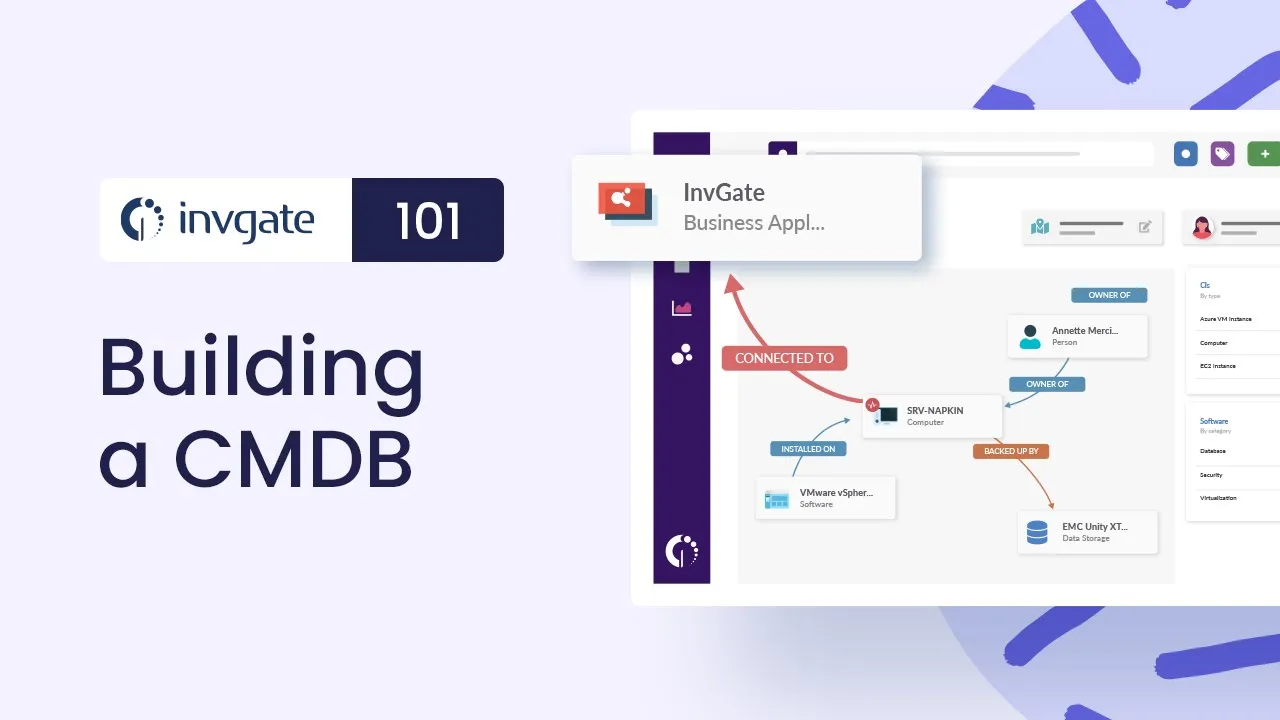
InvGate Service Management is a no-code, ITIL-aligned ITSM platform covering Incident Management, service catalog, Change Management, and Problem Management. It connects directly with InvGate Asset Management, where the CMDB lives: every hardware device, software installation, cloud asset, and service is a Configuration Item (CI) with defined relationships, ownership, and lifecycle status.
The two platforms work as a unified system: service workflows in InvGate Service Management consume CI data from InvGate Asset Management, giving agents full asset and dependency context without switching tools.
The CMDB in InvGate Asset Management is populated automatically through agent-based discovery, agentless network scanning, and native integrations with Intune, Jamf, AWS, Azure, and VMware. Business Applications provide the visual relationship maps that connect CIs into service dependency models. CMDB Auto-Mapping uses AI to suggest relationships between CIs based on what discovery already knows, reducing the manual effort of building service maps from scratch. Here are five capabilities that make it the best ITSM software with CMDB:
Start a 30-day free trial or talk to Sales to find the right plan. Both options give access to the full platform from day one.
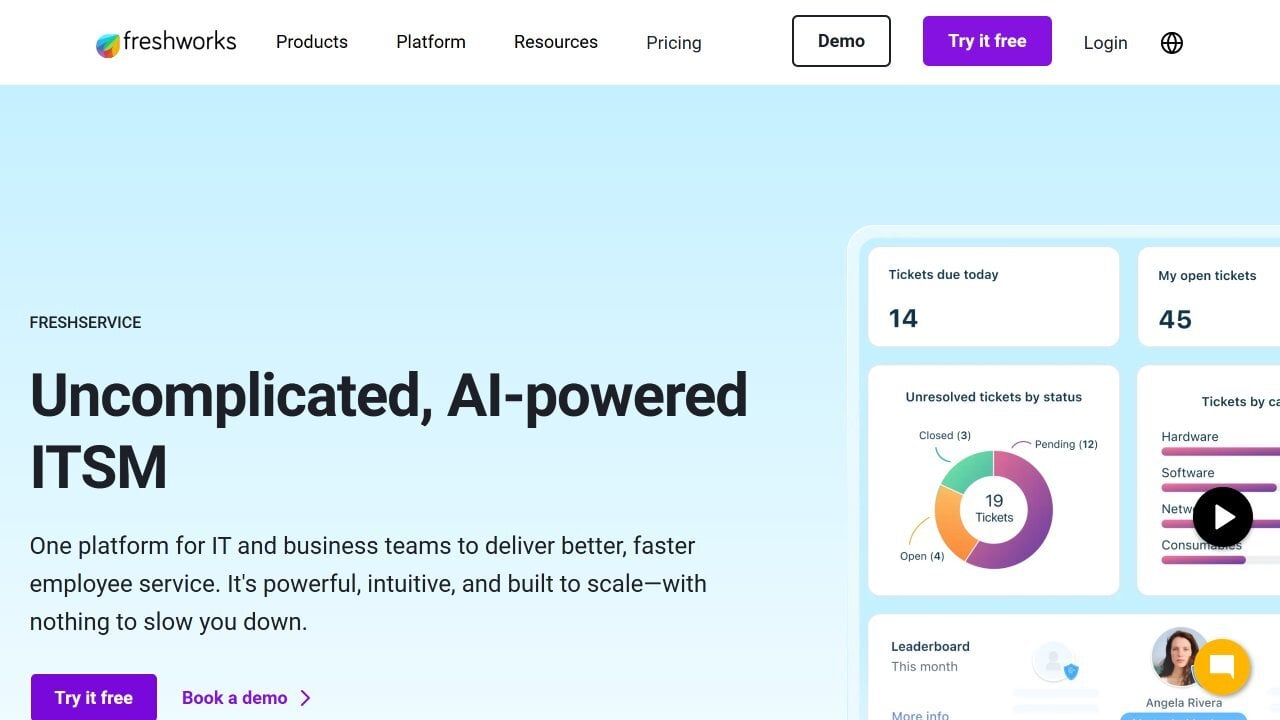
According to Freshservice's official website, Freshservice is a cloud-based ITSM platform with a native CMDB that maps relationships between hardware, software, services, and users. Its visual dependency mapping surfaces how CIs connect to business services, and when a ticket is raised against a CI, agents see its relationship tree and associated open incidents without leaving the ticket. Change management workflows reference the CMDB automatically to flag potentially affected services before a change is approved.
Per Freshservice's official pricing page, ITSM plans start at $19 per agent per month. A 14-day free trial is available with no credit card required.
According to Jira Service Management's official website, Jira Service Management includes Assets (formerly Insight) as its CMDB layer, supporting custom object schemas, relationship modeling, and automated asset discovery through integrations. For organizations already in the Atlassian ecosystem, Assets connects CI data directly to Jira issues, change requests, and incidents, giving development and IT operations teams a shared source of truth across the delivery pipeline.
Per Jira Service Management's official pricing page, the Standard plan starts at $17.65 per agent per month. A free tier for up to three agents is available with no credit card required.
According to ManageEngine ServiceDesk Plus's official website, ServiceDesk Plus includes a built-in CMDB with relationship mapping between CIs, automated discovery via agent and agentless scanning, and integration with AssetExplorer for extended asset lifecycle tracking. Change management workflows reference CI relationships to surface impact before approval, and every CI is linked to the incidents, problems, and changes that have affected it, providing a full operational history per configuration item.
Per ManageEngine's official pricing page, the Standard plan starts at $13 per technician per month for the cloud version. A 30-day free trial is available with no credit card required.
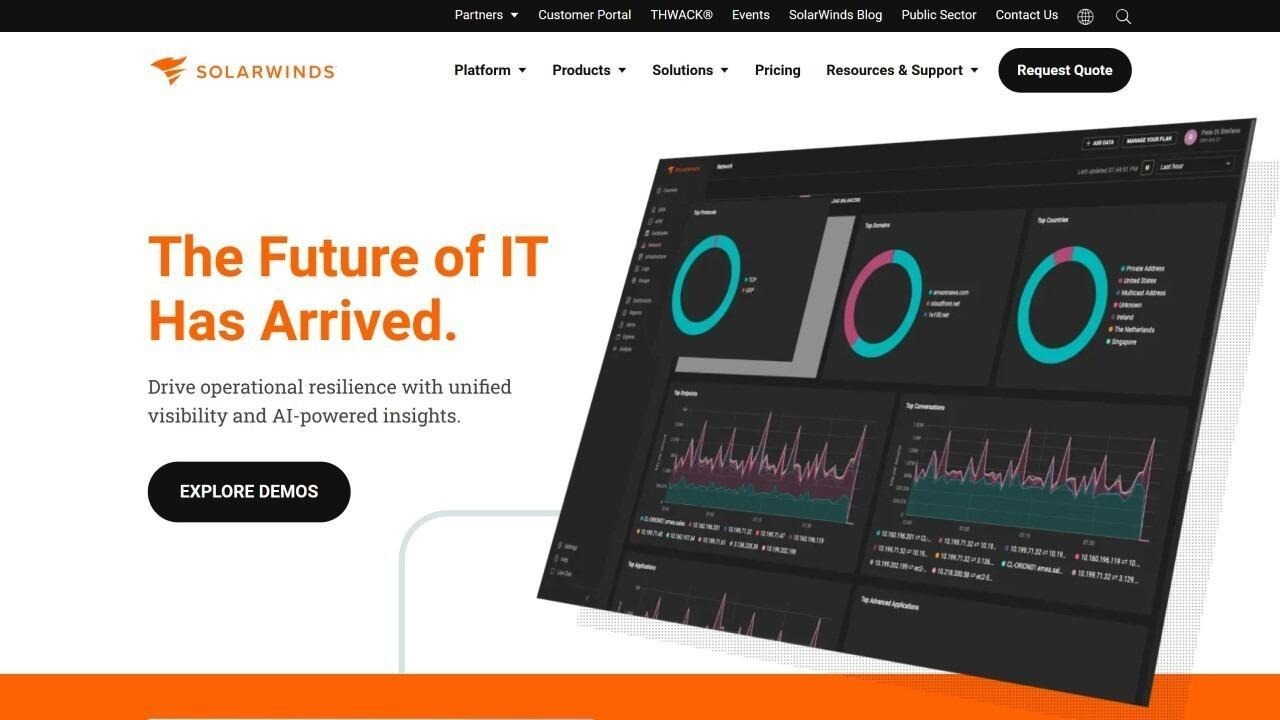 According to SolarWinds Service Desk's official website, SolarWinds Service Desk includes a CMDB with out-of-the-box CI types covering hardware, software, services, databases, and more, with a parent-child hierarchy where each CI type inherits fields from its parent for efficient data modeling. Its visual CMDB map in the Premier plan surfaces dependency relationships between CIs graphically, and CIs can be linked directly to incidents, problems, and change requests. Discovery integrations with Jamf, Intune, SCCM, and vCenter keep CI data current automatically.
SolarWinds Service Desk does not publicly list per-agent pricing. Prospective customers are directed to contact the sales team for a customized quote based on agent count and asset volume.
The best ITSM software with CMDB depends on how the CMDB needs to be populated, how deeply it integrates with change and incident workflows, and whether the team has the capacity to maintain it without specialist resources.
Freshservice is the strongest mid-market option for teams that want a native CMDB with visual dependency mapping and fast time to value. Jira Service Management suits organizations where IT and development teams share a CI schema and need CMDB data connected to the software delivery pipeline. ManageEngine ServiceDesk Plus provides a structured CMDB with transparent mid-market pricing and deep integration with AssetExplorer. SolarWinds Service Desk is a strong fit for infrastructure-heavy environments that need a CMDB with out-of-the-box CI types and dependency visualization.
For IT teams that need a CMDB built automatically from discovery, AI-powered relationship mapping, CI context inside every service ticket, and Change Management workflows that reference impact scope before approval, InvGate Service Management and InvGate Asset Management are built for exactly that.
Disclaimer: All product names, logos, and brands are property of their respective owners. All company, product, and service names used on this site are for identification purposes only. Use of these names, trademarks, and brands does not imply endorsement. Comparisons are based on publicly available information as of June 2026 and are provided for informational purposes only.


