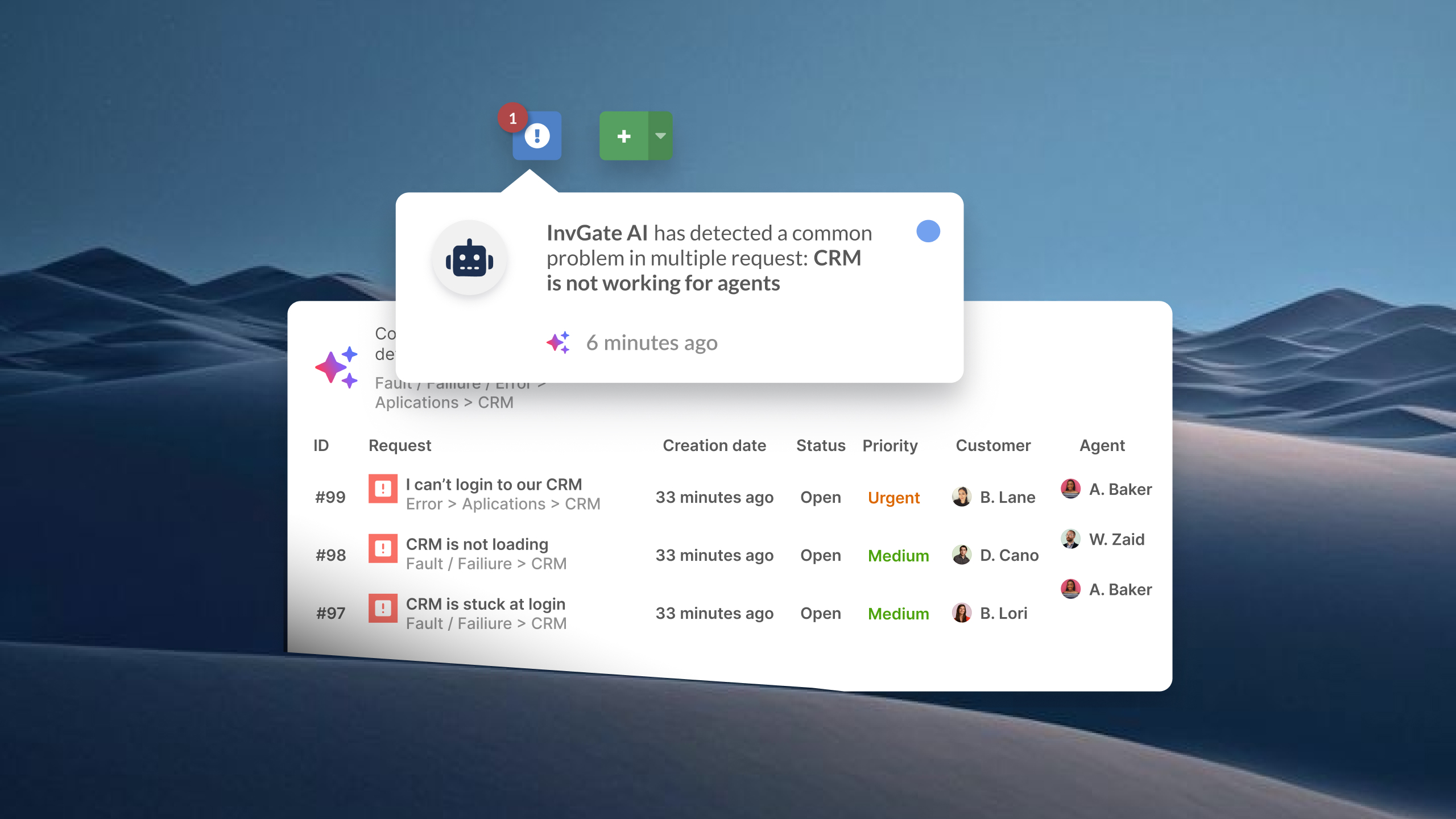
Incident Management is one of the most operationally demanding responsibilities an IT team carries. When something breaks, every minute of unresolved downtime has a direct impact on productivity, user trust, and — depending on your environment — business continuity. The right ITSM platform doesn't just log tickets: it gives your team a structured, repeatable process to detect, prioritize, and resolve incidents before they escalate.
But not every tool is built the same way. Some require months of configuration before they're useful. Others lock you into vendor dependency every time your process needs to change. This guide cuts through the noise and focuses on what actually matters when evaluating an ITSM platform for Incident Management — so your team can work faster, stay in control, and spend less time managing the tool itself.
Key takeaways
- Not all incident management software is ITSM — alerting tools and AIOps platforms serve a different buyer profile than IT operations teams running ITIL processes.
- Most IT teams need a full ITSM platform, not just an on-call or alerting tool: Incident Management, Problem Management, Change Management, and SLA tracking should work from the same data layer.
- The variables that matter most when choosing: no-code automation, SLA management, CMDB integration, and how fast the platform can realistically be deployed.
What to look for in an ITSM platform for incident management
The Incident Management process breaks down in predictable ways: tickets miscategorized and sitting in the wrong queue, SLA breaches nobody caught until after the fact, escalations that depend on someone remembering to follow up, and agents picking up incidents with no context on what's affected or what's been tried before. The right platform closes those gaps structurally.
- Native Incident Management module with built-in categorization, prioritization, and automatic escalation rules — not a generic ticketing system with renamed fields.
- SLA tracking with configurable policies by priority and category, breach notifications that fire before the clock runs out, and compliance reporting built in.
- Configurable workflows your team can own and modify without vendor involvement or professional services for standard configurations.
- CMDB and asset integration that surfaces affected CI, ownership, and history at the moment of triage — not something agents have to chase down mid-resolution.
- Realistic deployment and admin overhead for mid-market IT teams, not just enterprise departments with dedicated ITSM administrators.
This guide excludes two categories that often appear in incident management searches but serve a different buyer entirely.
-
Alerting and AIOps tools — PagerDuty, incident.io, Splunk ITSI, OpsGenie — are built for DevOps and SRE teams managing infrastructure reliability. Their core workflow is alert correlation, on-call scheduling, and escalation to engineers. They don't handle service requests, change management, or ITIL-based processes, and they're not designed to support a service desk team managing incidents across a broad user base.
-
Monitoring platforms — Datadog, Dynatrace, New Relic — detect and surface infrastructure and application issues, but incident resolution still happens elsewhere. They're inputs to an incident management process, not the process itself.
Best ITSM software for Incident Management
A note on methodology: InvGate develops and sells ITSM software and is therefore a vendor in this market. Some of the tools listed here are direct competitors. Even so, we aim to deliver accurate, honest, and practical information that helps you make the best decision. The evaluation below is based on each vendor's official documentation, Gartner Peer Insights reviews, G2 and Capterra ratings, and hands-on testing where available.
InvGate Service Management
Best fit for: Mid-size to large IT teams that need a full ITSM suite — Incident, Problem, Change, and ESM — with low admin overhead and fast time to value.
InvGate Service Management is an ITSM platform with 15 ITIL practices accredited by PeopleCert, including Incident Management. It's built around a no-code workflow engine that lets teams configure processes through drag-and-drop — no scripting or professional services required. Incident Management spans the full lifecycle from intake to resolution, with automatic categorization, priority rules, SLA tracking, and escalation paths that adapt to how each team actually works.
What sets it apart is the combination of depth and usability: the same platform handles multi-department ESM rollouts, AI-assisted ticket routing and response suggestions, and self-service through a configurable portal and Virtual Service Agent — all under a single pane of glass. Teams typically go live in days, not months.
Key Incident Management capabilities:
- Automatic ticket routing and categorization based on predefined rules and historical patterns
- SLA tracking with proactive breach alerts and compliance reporting
- Configurable escalation workflows without code
- AI Hub natively included across all tiers — critical incident detection, intelligent escalation, and predictive risk analysis are available without a separate license.
- Native integration with InvGate Asset Management: it lets agents access asset data, relationships, and incident history directly from the ticket without switching tabs.
- Virtual Agent in Microsoft Teams and WhatsApp for ticket deflection and self-service.
Pricing: InvGate offers flexible pricing plans that scale to meet the unique needs of your organization.
- Starter: 24.98/agent/month billed annually and 5 agents minimum - $1499/year.
- Pro: $500/agent/year. 5-50 agents.
- Enterprise: Custom pricing for larger organizations.
You can also request a free trial, so you can try the platform before committing to a plan.
ServiceNow ITSM
Best fit for: Large enterprises with complex IT governance, high incident volumes, and the implementation budget and dedicated admin capacity to match.
ServiceNow unifies incident, problem, change, and request management on a single platform with a shared data model. Its Incident Management module includes automated classification, AI-powered routing, SLA management, and deep CMDB integration — with the CMDB serving as the data layer that makes impact analysis and routing decisions reliable rather than manual. When ITSM and IT Operations Management run on the same platform, operational events can automatically generate incidents, attach root cause context, and trigger resolution workflows without human handoff.
ServiceNow is the dominant choice for Fortune 500 IT organizations and complex multi-team environments. The trade-off is implementation complexity, time, and total cost of ownership
Key Incident Management capabilities:
- AI-powered incident classification, prioritization, and routing
- SLA tracking and breach management
- Full ITIL lifecycle: Incident → Problem → Known Error → Change
- CMDB integration for impact analysis and CI-aware routing
- Autonomous AI agents for routine incident resolution
Pricing: ServiceNow doesn’t disclose its pricing. Costs depend on several factors: the chosen modules, the number of users, the type of licenses acquired, etc.
Jira Service Management
Best fit for: Organizations already running on the Atlassian stack (Jira Software, Confluence) that want cross-team visibility between IT and development.
Jira Service Management integrates Incident Management directly with Jira Software, so incident tickets, change requests, and postmortems can link to the underlying development issues. For teams where IT and engineering work on overlapping infrastructure, that traceability is genuinely useful. The platform supports ITIL workflows for incident, problem, and change management, with SLA tracking and an embedded knowledge base.
Key Incident Management capabilities:
- Incident management with queue management, SLA tracking, and escalation
- Native integration with Jira Software for incident-to-issue traceability
- AI-powered virtual service agent and smart routing (Premium tier)
- On-call scheduling and alerting (consolidated from OpsGenie)
- Asset and configuration management
Pricing: The following rates apply to a 50-agent deployment:
- Standard: Starting at $20.63 per agent / per month.
- Premium: Starting at $52.16 per agent / per month.
The enterprise tier requires a quote. Advanced ITSM features (CMDB, AI) require the Premium tier. - Checked on: June 2026 (US), official web.
Freshservice
Best fit for: Mid-market IT teams that prioritize quick adoption and a clean out-of-the-box experience, and don't need full ITIL process depth from day one.
Freshservice has a modern interface and a structured onboarding path that most IT teams can follow without extensive professional services. The Starter plan includes Incident Management, SLA management, basic workflow automation, and a knowledge base — enough for a team moving off shared inboxes or a legacy ticketing system.
Key Incident Management capabilities:
- Incident management with categorization, SLA tracking, and escalation workflows
- Self-service portal and knowledge base
- Workflow automation (orchestration transactions, tiered by plan)
- AI features (Freddy Copilot, Freddy AI Agent) available as add-ons or at Enterprise tier
Pricing: Starter from $19/agent/month (annual). Growth $49/agent/month. Pro $99/agent/month. Enterprise: on request.
SLA Management, Problem Management and Change Management are gated behind the Pro tier. AI features are add-ons. - Checked on June 2026 (US) official website.
ManageEngine ServiceDesk Plus
Best fit for: Mid-market organizations that want ITSM and ITAM in a single stack, including on-premise deployment options, at a competitive per-technician price.
ManageEngine ServiceDesk Plus structures its platform in three tiers, with each tier unlocking more of the ITIL process suite. Incident Management is available across all paid editions. The Enterprise tier adds Change Management, Problem Management, CMDB, and project management. The platform supports both cloud and on-premises deployment, which remains a differentiator for organizations in regulated industries or with strict data residency requirements.
Key Incident Management capabilities:
- Incident management with SLA tracking, categorization, and workflow automation
- CMDB included at Enterprise tier for CI-aware incident routing and impact analysis
- Asset management included at Professional and Enterprise tiers
- On-premises and cloud deployment options
- Active Directory integration for user provisioning and authentication
Pricing: Standard from $13/technician/month (cloud, annual). Professional (adds asset management) from $27/technician/month. Enterprise (full ITSM + ITAM + Change) from $67/technician/month. - Checked on: June 2026 (US), official website.
Disclaimer: All product names, logos, and brands are property of their respective owners. All company, product, and service names used on this site are for identification purposes only. Use of these names, trademarks, and brands does not imply endorsement. Comparisons are based on publicly available information as of April 2026 and are provided for informational purposes only. ServiceNow is a registered trademark of ServiceNow, Inc. InvGate is not affiliated with, sponsored by, or endorsed by ServiceNow.
How to Choose the Right ITSM Platform for Your Incident Management Needs
The platform that handles incident management best for your organization depends less on feature checkboxes and more on four structural questions:
1. Do you need full ITSM, or mainly incident triaging? If the scope is limited to intake, categorization, and resolution — with minimal Problem or Change Management requirements — lighter platforms become viable. If you're running or planning to run the full ITIL lifecycle, the platform's depth in Problem and Change Management matters as much as its Incident module.
2. How many agents, and how much admin overhead can the team sustain? Per-agent pricing scales linearly in most of these platforms. More importantly, platforms differ significantly in how much ongoing administration they require. A team of 10 IT staff without a dedicated ITSM admin will have a different experience on ServiceNow than on InvGate or Freshservice. Factor in who owns configuration, workflow changes, and upgrades after go-live.
3. Is there an existing technology ecosystem that constrains the decision? A team already running Jira Software, Confluence, and Atlassian Access has a much stronger case for Jira Service Management than a team starting fresh. Similarly, an existing ServiceNow deployment in another business unit often pulls IT toward the same platform for integration reasons, regardless of standalone merit. Ecosystem lock-in is a real variable — name it explicitly in the evaluation.
4. Does the deployment model need to be cloud, on-premise, or hybrid? Most modern ITSM platforms are cloud-first. ManageEngine ServiceDesk Plus is a notable exception with mature on-premises support. ServiceNow and InvGate both support cloud and on-premises deployments. If data residency, regulatory compliance, or infrastructure control drives a preference for self-hosting, that immediately narrows the field.
Before making the final call, define what success looks like — which Incident Management metrics you'll track, what your target MTTR is, and how you'll measure SLA compliance at 90 days post-implementation.
FAQs
What's the difference between ITSM incident management software and alerting tools?
ITSM platforms manage the full lifecycle of an incident from intake to closure — categorization, SLA tracking, escalation routing, agent assignment, communication to stakeholders, and linkage to Problem and Change Management. Alerting tools (PagerDuty, incident.io, OpsGenie) focus on detecting signals from monitoring infrastructure, routing those signals to the right on-call engineer, and managing the real-time response. They're optimized for speed of notification, not for ITIL process governance. Some ITSM platforms now include alerting capabilities, and some alerting tools have added lightweight ITSM-adjacent features. But the core design assumptions — and therefore the fit — remain distinct. If your primary pain is "we need structured SLA tracking, categorization, and post-incident review integrated with Problem Management," that's an ITSM problem. If it's "we need better on-call scheduling and faster engineer notification," that's an alerting problem.
Does ITSM software for incident management need to be ITIL-aligned?
Not strictly — but ITIL alignment matters more than it's sometimes given credit for, particularly in regulated industries or organizations where IT processes need to be auditable and consistent. ITIL provides a shared vocabulary and process framework that makes it easier to onboard new IT staff, align with external auditors, and connect Incident Management to Problem and Change practices in a coherent way. Platforms certified against ITIL (through PeopleCert or equivalent bodies) offer some assurance that the out-of-the-box configuration reflects established best practices rather than a proprietary interpretation. That said, ITIL certification is not the only signal of process quality — what matters in practice is whether the platform's workflow model can support the categorization, escalation, SLA, and post-incident review requirements your team actually has.