















When sysadmins evaluate IT Asset Management (ITAM) software, the checklist looks very different from what IT directors care about. The best IT Asset Management software for sysadmins prioritizes discovery depth, automation flexibility, Active Directory integration, and network-wide reach without requiring an agent on every device.
This article covers five platforms that meet that bar. The list includes open-source self-hosted options, agentless discovery tools, and enterprise-grade platforms with multi-method discovery and hardware health monitoring.
The core requirement is reliable discovery. A sysadmin managing hundreds of endpoints across segmented networks, remote offices, and cloud environments needs to know what's there without manually enrolling every device. Agentless scanning, SNMP for network equipment, WMI for Windows environments, and integrations with Active Directory and MDM tools are table stakes, not premium features.
Beyond discovery, sysadmins need automation that doesn't require a vendor to configure it. Alerts for warranty expirations, license renewals, and hardware health thresholds should be something the team sets up in an afternoon. And when something breaks at 2am, the ITAM platform should be the first place to look.

InvGate Asset Management is a purpose-built ITAM platform that gives sysadmins deep visibility over their environment without vendor dependency. Discovery runs through the InvGate Asset Management Agent, agentless network scanning, and integrations with Intune, Jamf, AWS, and Azure. All methods feed a single inventory that stays current without manual intervention.
Health rules let sysadmins define conditions (CPU usage thresholds, RAM consumption, disk encryption status, pending reboots) and surface a Safe, Warning, or Critical status on each asset profile automatically. Native automations handle warranty alerts, contract renewals, and stock thresholds without custom scripting.
The Software Compliance module compares acquired licenses against detected software in use, and Authorization Policies flag unauthorized installs automatically. Every change is logged, giving sysadmins a complete chain of custody without a separate audit system. The platform is available as cloud (SaaS) and on-premises with feature parity between both models.
Start a 30-day free trial or talk to Sales to find the right plan.
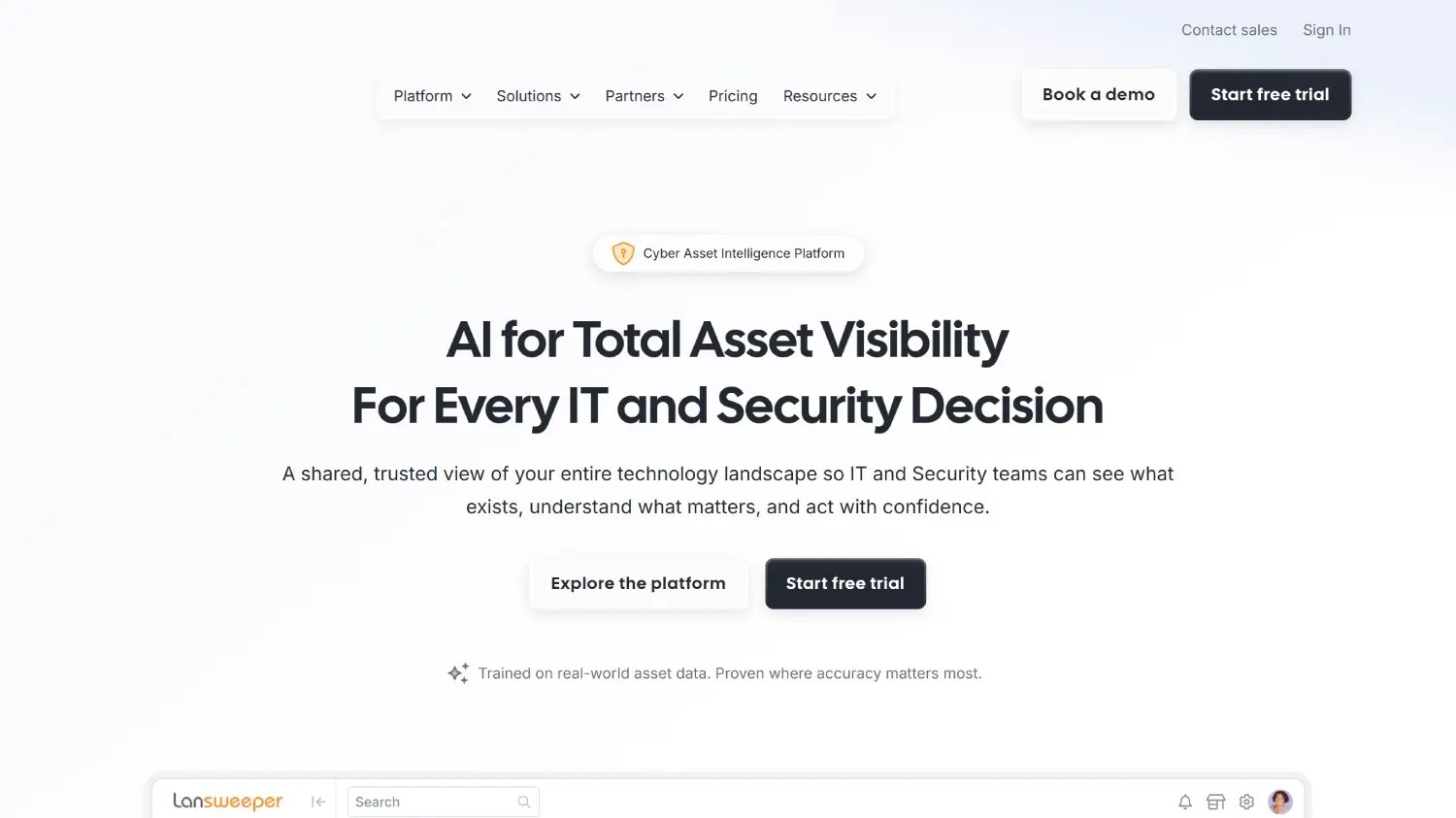
According to Lansweeper's official website, Lansweeper is a cyber asset intelligence platform built by sysadmins, for sysadmins. Its agentless network scanning discovers Windows, Linux, macOS, and network devices including routers, switches, and printers using SNMP, WMI, and SSH, with no agent required on any endpoint. Active Directory integration pulls user and computer data directly into the inventory. Custom reports can be built with SQL queries, giving sysadmins the flexibility to extract exactly the data they need for audits, patch planning, or hardware refresh cycles.
Per Lansweeper's pricing page, the Starter plan begins at $239 per month billed annually and includes 2,000 assets. A free tier for up to 100 assets is available after the trial ends, with no credit card required.
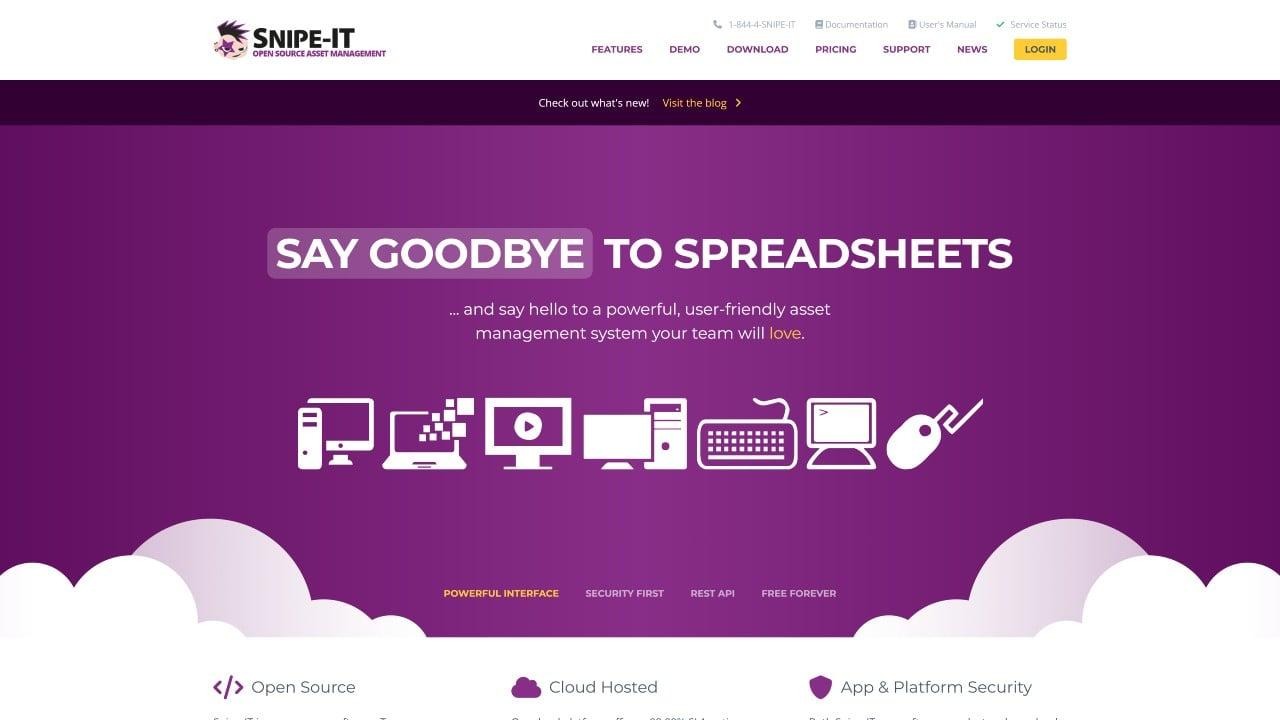
According to Snipe-IT's official website, Snipe-IT is a free, open-source ITAM platform with a fully documented REST API. Sysadmins can self-host it on any Linux server, integrate it with existing workflows via API, and extend it with custom fields for any asset attribute the environment requires. It covers hardware check-in/check-out with user attribution, QR code and barcode generation, software license tracking, and warranty management. Every action is timestamped and logged, providing a chain of custody without additional configuration.
Snipe-IT is free to self-host with no asset or user limits. Hosted plans start at $399.99 per year for teams that prefer a managed instance without maintaining their own server.
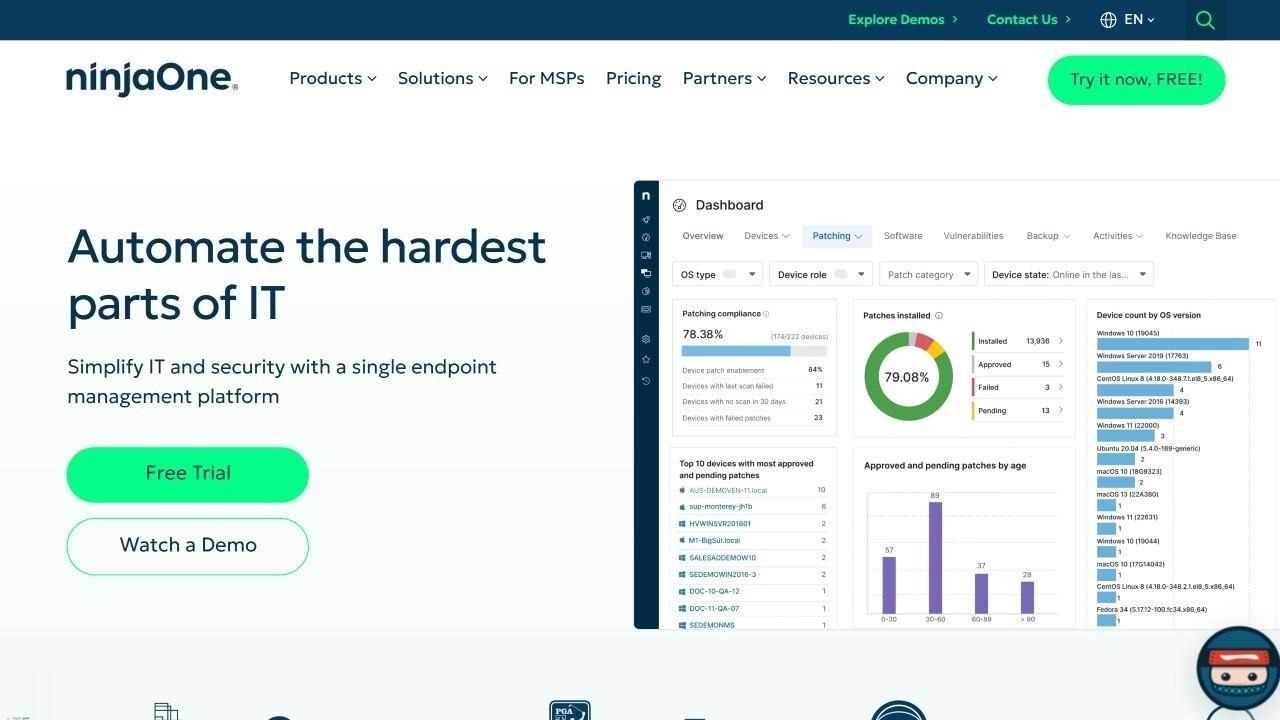
According to NinjaOne's official website, NinjaOne is a cloud-native RMM and IT management platform combining endpoint management, remote monitoring, patch management, scripting, and IT asset tracking in a single interface. For sysadmins managing endpoints across multiple sites, its agent surfaces hardware configuration, installed software, patch status, and device health in real time. Custom scripts can be deployed across the entire fleet from the same interface, and automated patch management runs on configurable schedules.
NinjaOne does not publicly list pricing. Prospective customers are directed to request a custom quote through the sales team.
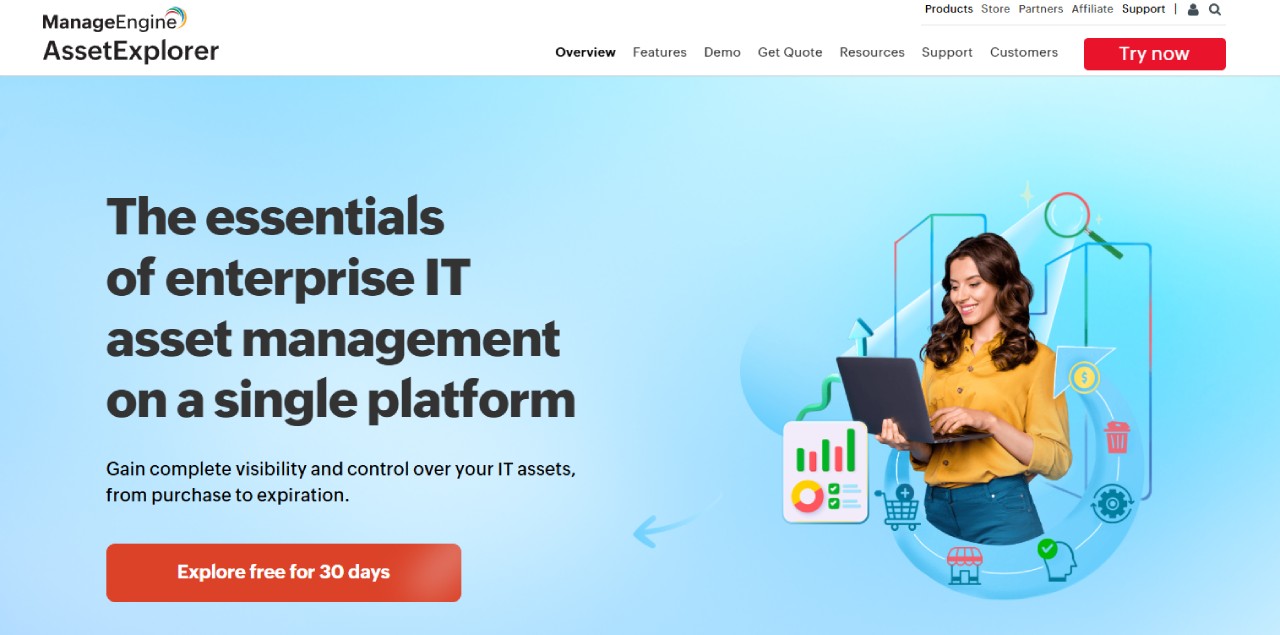
According to ManageEngine AssetExplorer's official website, AssetExplorer covers hardware and software asset tracking with discovery via WMI, SNMP, and agent-based scanning across Windows, macOS, Linux, and network devices. Active Directory integration imports user and computer records automatically, and the CMDB provides a relationship map between configuration items. For sysadmins in Windows-heavy environments already using ManageEngine tooling, AssetExplorer integrates naturally into an existing ecosystem without redundant discovery configuration.
Per ManageEngine's official pricing page, the cloud version starts at $1,245 per year for 250 assets and on-premises at $955 per year. A 30-day free trial is available.
The best IT Asset Management software for sysadmins gives the team the data they need without making them fight the platform to get it. Lansweeper is the discovery-first choice for heterogeneous environments. Snipe-IT suits teams that want open-source control and API access. NinjaOne fits when ITAM needs to sit alongside RMM in the same interface. ManageEngine works well for Windows-centric teams in that ecosystem.
For sysadmins who want multi-method discovery, Health Rule monitoring, native automations, and a complete chain of custody in a platform the team owns and configures without outside help, InvGate Asset Management covers all of that.
Disclaimer: All product names, logos, and brands are property of their respective owners. All company, product, and service names used on this site are for identification purposes only. Use of these names, trademarks, and brands does not imply endorsement. Comparisons are based on publicly available information as of June 2026 and are provided for informational purposes only.


