















This guide is for IT teams comparing Asset Management software in Australia to keep track of computers, network devices, software, and licenses. It covers IT Asset Management (ITAM) tools, which handle asset tracking by discovering those assets automatically and keeping each record up to date.
The five IT Asset Management software options below are compared on what Australian teams ask first: where the data is stored, how assets are discovered, how each tool is deployed, and what it costs in USD. The table gives the short answer, and each card explains the data options behind it.
The table compares the five tools on automated discovery, where the data stays, deployment, and public pricing. "Not stated" means the vendor's official pages don't say it.
These five tools were selected for Australian IT teams that need automated discovery and a clear answer on where asset data is stored. Each card covers what the tool does, its data options in Australia, and its public pricing, all checked on official vendor pages in October 2026.

InvGate Asset Management is a no-code platform that keeps hardware, software, cloud, and non-IT assets in one inventory, fed by the Agent, network discovery, integrations such as Microsoft Intune and Jamf, and manual or CSV imports. QR codes and radio-frequency identification (RFID) tags cover assets without an IP address.
Element U.S. Space & Defense used it to consolidate 1,700 assets across six locations into one inventory. It fits IT teams that want lifecycle tracking, automations, and a choice of where the inventory runs.
Data in Australia: InvGate Asset Management can be deployed on global cloud, local cloud, on-premises, hybrid, or air-gapped environments, so teams that need the inventory inside their own network can run it on their own servers. Pricing is public: Starter costs USD 1,499 per year for 500 IP devices, Pro costs USD 5 per IP device per year from USD 2,500, and Enterprise starts at USD 12,000 per year with data residency options, on-premises hosting, and dedicated servers. Each IP device includes two non-IP devices, and a 30-day free trial is available.
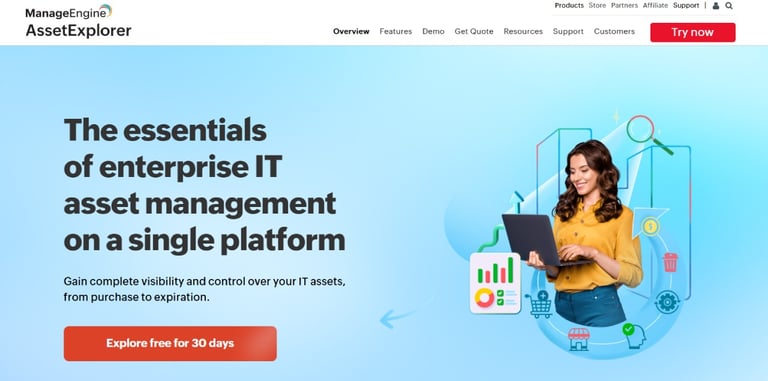
ManageEngine AssetExplorer, from Zoho Corporation, tracks IT assets from purchase to expiration with agent-based and agentless discovery, plus barcode, QR code, and RFID scanning. It fits teams that want a dedicated ITAM tool with public pricing and the option to run it in the cloud or on their own servers.
Data in Australia: ManageEngine runs data centers in Sydney and Melbourne and assigns one by the country chosen at sign-up, although the AssetExplorer page doesn't say which locations host AssetExplorer Cloud. The on-premises edition keeps the data on your own servers, and AssetExplorer pricing starts at USD 115 per month or USD 1,245 per year for 250 IT assets in the cloud, and at USD 955 per year for 250 IT assets on-premises. A 30-day free trial is available, and a free edition covers up to 50 nodes in the cloud and 25 on-premises.
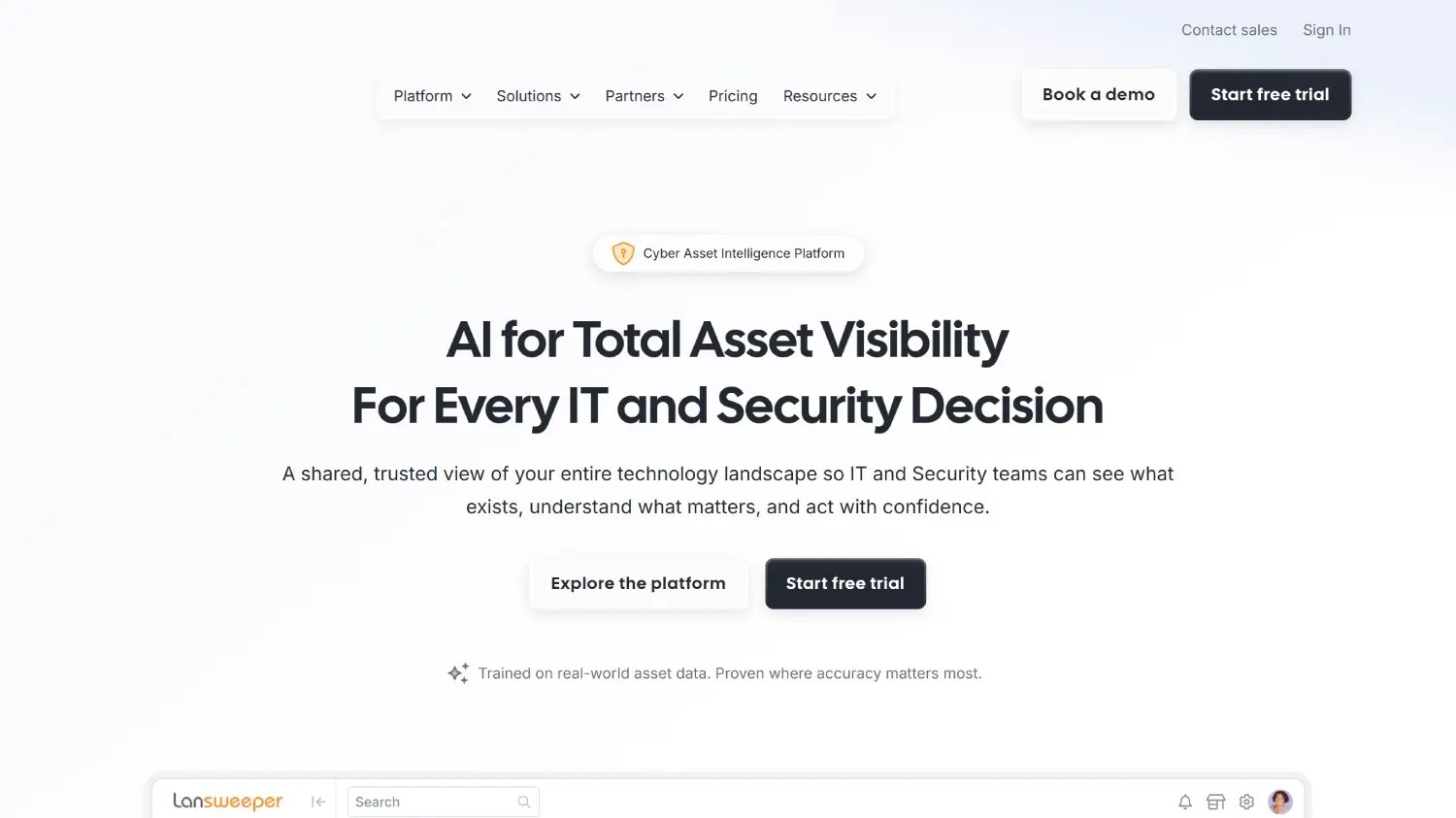
Lansweeper discovers IT, Internet of Things, operational technology, and public cloud assets on your network without installing any software on your machines. It fits teams that want broad discovery across mixed networks without deploying agents on every device.
Data in Australia: Its cloud platform is hosted in the U.S. East (Ohio) region or in Europe, with no Australian region listed, while Lansweeper Classic installs on your own Windows servers and stores the results in your own database. Lansweeper's pricing is billed annually: Starter starts at USD 245 per month for 2,000 assets, Pro starts at USD 449 per month and scales to 9,000 assets, and Enterprise starts at 10,000 assets with a custom price. A 14-day trial is included, and it can continue as a free plan for up to 100 assets.
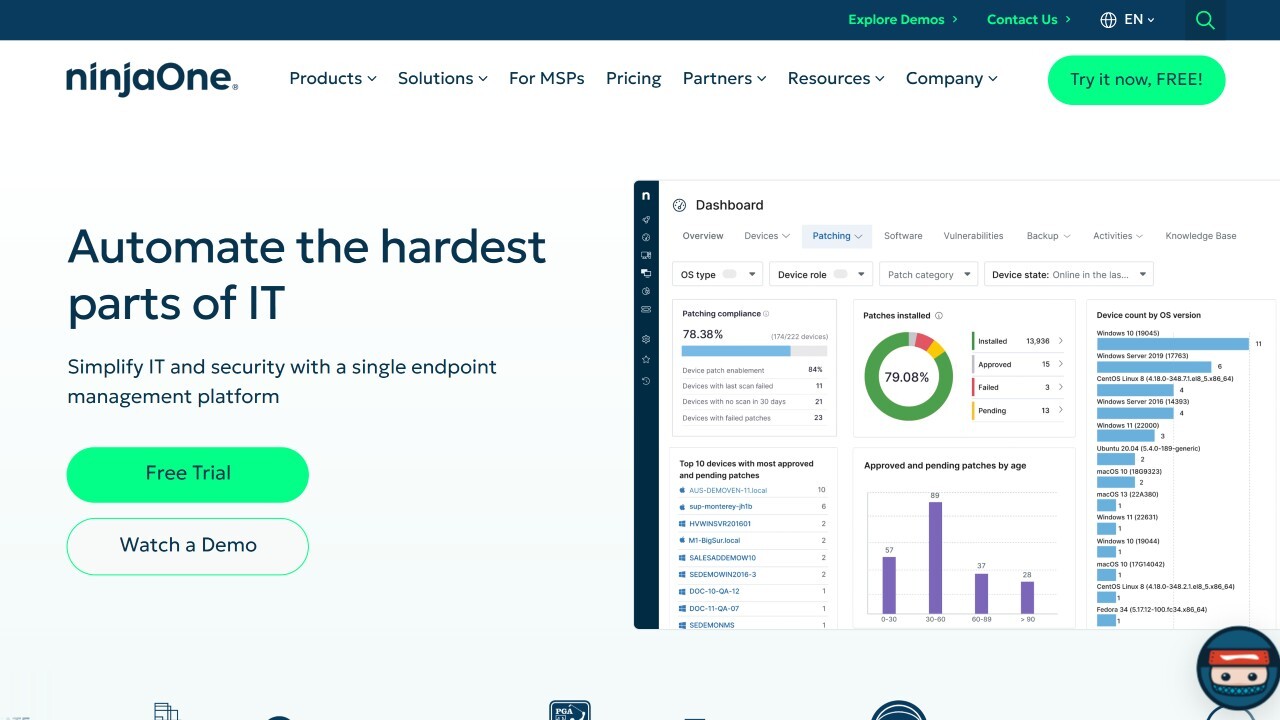
NinjaOne builds IT Asset Management into its endpoint management platform, with one inventory of hardware, software, and connected systems that covers agent-managed endpoints, network-discovered assets, and offline assets. It fits teams that already manage endpoints with NinjaOne or want endpoint management and asset tracking in the same cloud console.
Data in Australia: NinjaOne's list of subprocessors includes Amazon Web Services in Australia for cloud infrastructure and hosting, and NinjaOne Australia Pty Ltd as a group company. NinjaOne doesn't publish full pricing, and its pricing page says prices start as low as USD 1.50 per endpoint per month at 10,000 endpoints and rise to USD 3.75 at 50 or fewer endpoints, varying by region and products purchased. Exact pricing comes through a quote, and a 14-day free trial is available.
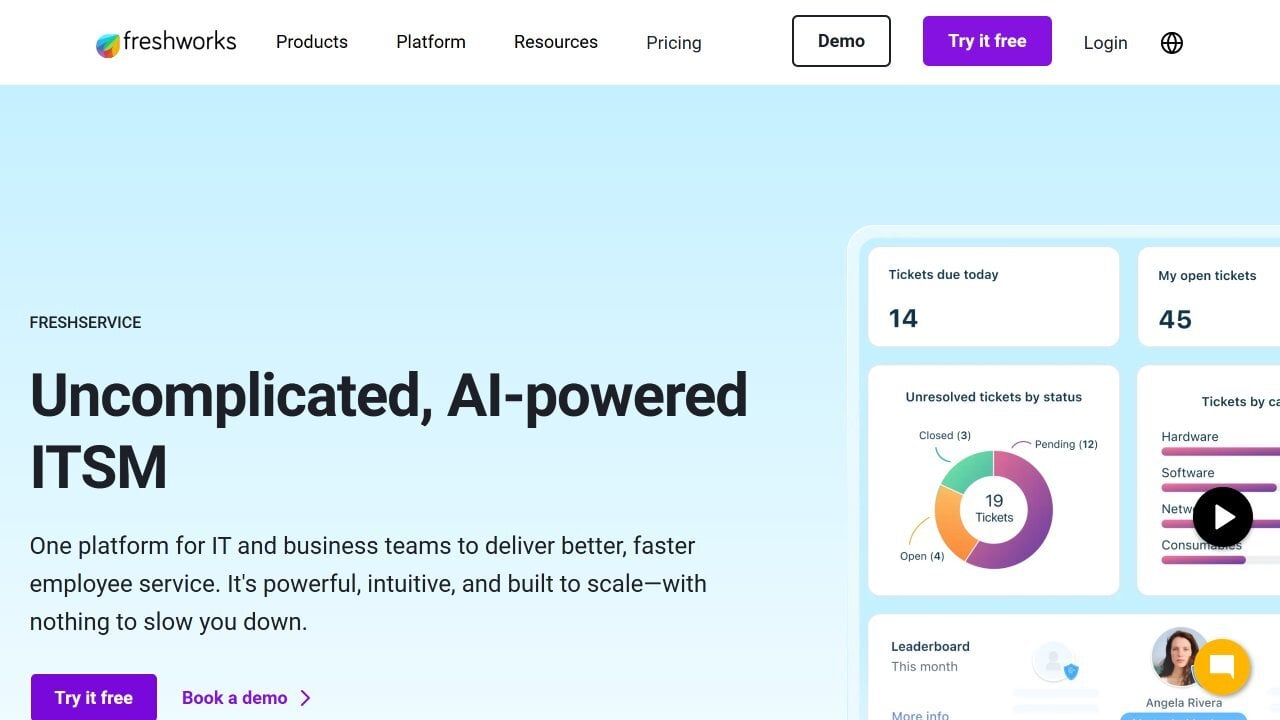
Freshservice is the IT Service Management (ITSM) platform from Freshworks, with built-in IT Asset Management that discovers hardware, software, and cloud assets across on-premises, cloud, and hybrid environments. It fits teams that want the service desk and the asset inventory in one cloud product.
Data in Australia: Freshworks hosts Freshservice in AWS data centers in the US, EU, Australia, India, and the Middle East, and customers choose the data location when they sign up. Freshservice pricing starts at USD 19 per agent per month, billed annually, and the Starter, Growth, and Pro plans include 100 IT Asset Management Asset Units, while IT Asset Management plans start at USD 125 per month per 500 Asset Units. A 14-day free trial is available.
This list was built to help Australian IT teams compare IT Asset Management tools on discovery, data residency, deployment, and price, and it is meant to be read with the comparison table at the top. InvGate develops and markets IT Service Management and IT Asset Management solutions and is an active participant in this market, so it may compete with the vendors mentioned, and the goal is accurate, transparent, and practical information.
The list is a curated selection for different needs, budgets, and operations, and the order of the tools doesn't reflect priority, score, or recommendation level. All information comes from public sources, such as official vendor documentation, product pages, and pricing pages, and all sources were accessed in October 2026.
The Privacy Act 1988 and its Australian Privacy Principles (APPs) apply to IT asset data because an inventory stores personal information, such as the person each device is assigned to, their email, and in some tools the device's location. That turns the hosting location into a privacy question as well as an IT one, and APP 8 sets the rules for sending that data overseas, as the FAQs below explain.
The Essential Eight, a framework of eight strategies developed by the Australian Signals Directorate (ASD), also starts from the asset inventory. As ASD's guidance for the Patch applications strategy explains, every maturity level requires an automated method of asset discovery, used at least fortnightly, to support vulnerability scanning, which is the job of the discovery features compared above.
Choosing Asset Management software in Australia comes down to two checks for IT teams: where the inventory data is stored, and whether the tool discovers assets automatically and keeps the records current. Tools with on-premises editions or published Australian data centers make the first check easier, and automated discovery supports both daily operations and the Essential Eight.
For organizations that want a purpose-built ITAM platform with flexible deployment, transparent pricing, and the ability to operate in air-gapped environments, InvGate Asset Management covers those requirements without enterprise-level complexity. Start a 30-day free trial or talk to Sales to choose the deployment that fits your data requirements.
The questions below cover the two points that most often separate IT Asset Management from other asset tools in Australia: what the software tracks and where its data can live. The second answer links to the official guidance behind it.
They cover different jobs. Fixed Asset Management software records the book value and depreciation of company assets for accounting and tax, while IT Asset Management software keeps an inventory of devices, software, and licenses that is discovered automatically and linked to the people who use them. Some ITAM tools, InvGate Asset Management among them, also calculate depreciation for IT assets.
Not as a general rule under the Privacy Act. An IT inventory holds personal information, such as the user assigned to each device, and APP 8.1 requires an organization to take reasonable steps to ensure that an overseas recipient, such as a vendor hosting the platform abroad, doesn't breach the APPs before it discloses that information. Section 16C keeps the organization accountable for how that recipient handles the data, and APP 8.2 lists the exceptions, all explained in the Office of the Australian Information Commissioner's guidelines on APP 8.
Disclaimer: All product names, logos, and brands are property of their respective owners. All company, product, and service names used on this site are for identification purposes only. Use of these names, trademarks, and brands does not imply endorsement. Comparisons are based on publicly available information as of October 2026 and are provided for informational purposes only.

