













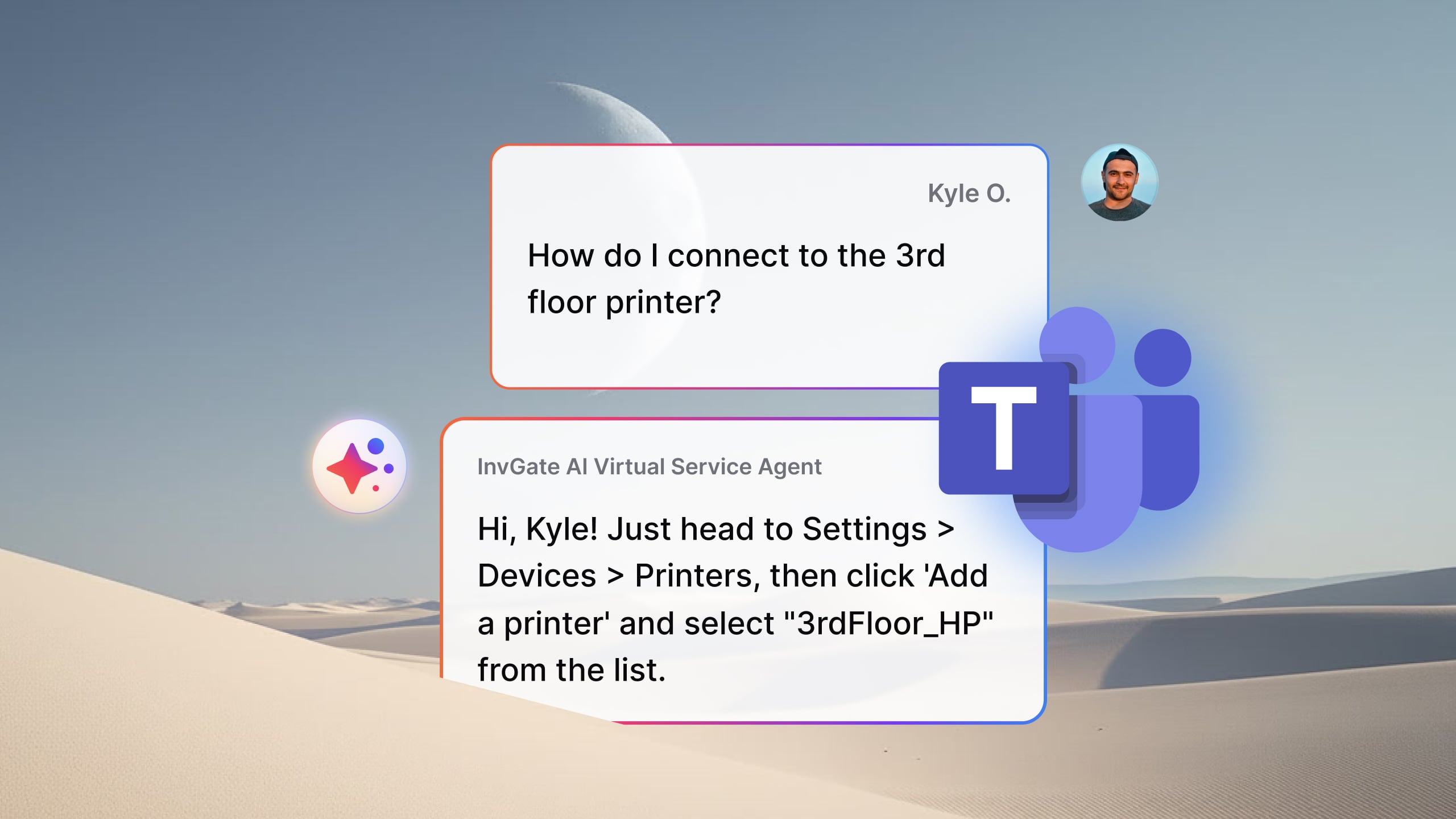

AI agents for Microsoft Teams can help employees resolve IT and HR requests, find information across company systems, summarize meetings, and automate routine tasks without leaving the platform.
Their capabilities and intended uses vary: some focus on a specific function, while others support broader workflows or let organizations build custom agents. The following six tools cover different use cases, with their key features and strengths to help you identify the best fit for your organization.
Note: InvGate publishes this list and includes its own Virtual Service Agent in it; every entry below is sourced from each vendor’s official pages.
The available options differ in scope: some specialize in IT support or meeting assistance, while others search across enterprise knowledge sources or automate multi-step workflows.
Choosing the right tool depends on the tasks you want to delegate, the systems it needs to access, and how much control your organization needs over its actions and responses. The six options below cover these different use cases, along with the features that distinguish each one.
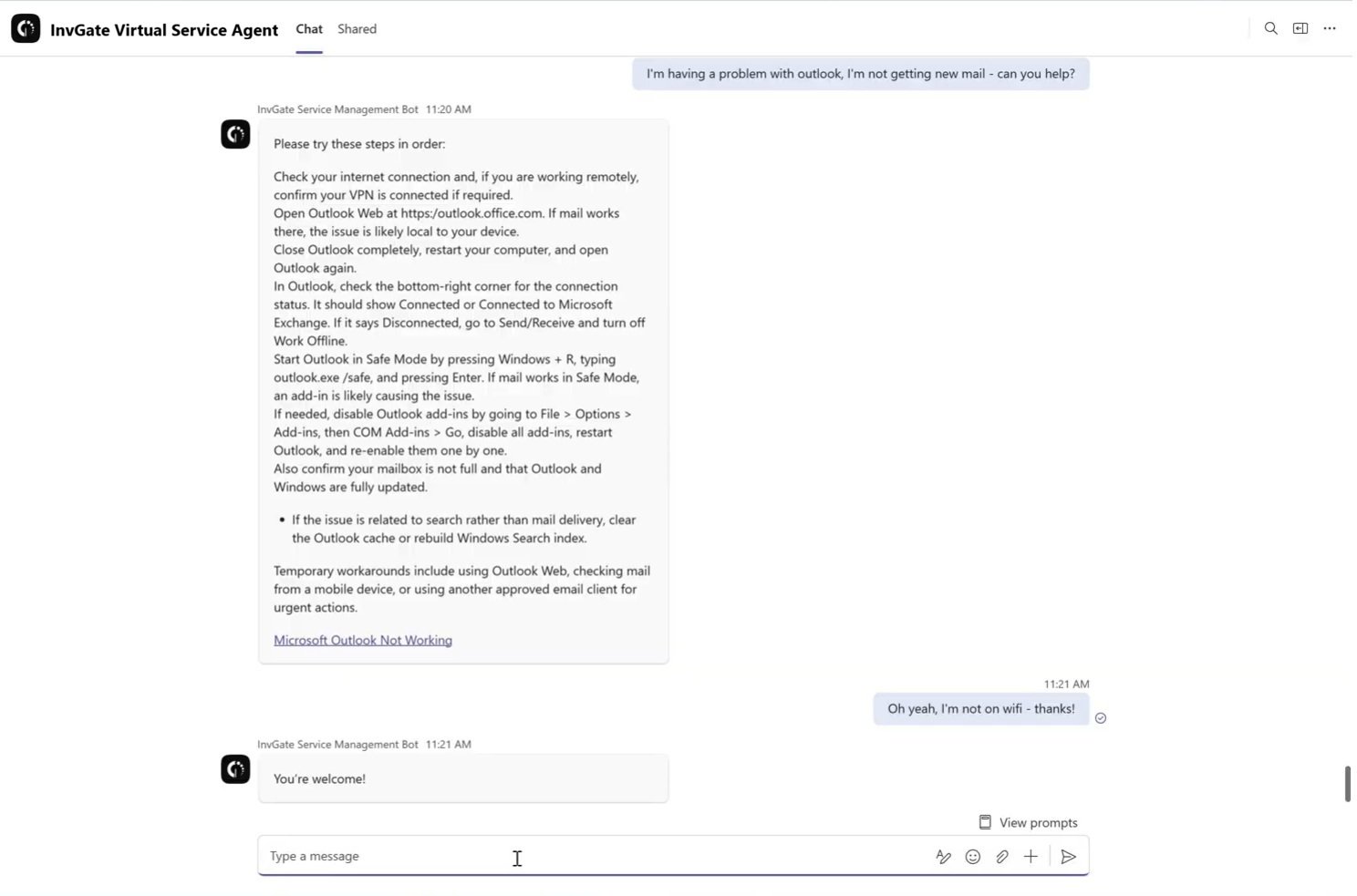 InvGate Service Management’s Virtual Service Agent answers employees in a natural conversation inside Teams, drawing on the knowledge base and ticket history you already have— no manual training and no agent to assemble from scratch. Conversations aren’t used to train third-party language models. It gives teams enterprise-grade support inside Teams without the cost, rollout time, or complexity of larger platforms.
Pricing: $500/agent/year (Pro plan) or custom quote (Enterprise plan)
Microsoft 365 Copilot brings Copilot into Teams along with two purpose-built agents. Facilitator joins a meeting as another participant, keeping shared notes in real time and summarizing what was decided. Channel Agent follows the conversations in a channel, flags deadlines, and builds status summaries so long threads don’t get lost. Both are pointed at meetings and channel work rather than service requests, so they shine when the goal is keeping people aligned.
Pricing: Requires the Microsoft 365 Copilot license to run, which makes it a fit for organizations already committed to that license. Source: Microsoft Learn — AI agents in Teams
Microsoft Copilot Studio is the low-code tool for building your own agents and publishing them into Teams and the rest of Microsoft 365. It fits a specific, homegrown process—an onboarding checklist, a policy lookup, an internal approval flow—that no off-the-shelf agent covers. The trade-off is effort: this is a platform to build on, not a turnkey agent.
Pricing: Usage-based (message-capacity packs). Source: Microsoft Learn — add an agent to Teams
Glean is an enterprise search assistant, and its Teams integration brings that search into the chat window. According to Glean’s integration page, you can look across conversations and files, send messages, and create channels without leaving Teams. The job it does is retrieval: surfacing the document, decision, or thread buried somewhere across your connected tools. It’s the right call when the recurring problem is “where is that information,” rather than resolving a support request or running a task on someone’s behalf. For knowledge-heavy organizations where answers already exist but are hard to find, that focus is the point.
Pricing: Custom — contact sales. Source: glean.com
Atomicwork is an AI service desk aimed at IT and HR. According to its Teams integration page, it delivers employee support inside both Slack and Teams, so staff can ask for help in the tools they already have open. Like any Service Management agent, it’s built around resolving requests and routing the ones it can’t handle on its own. For organizations standardizing on Microsoft 365 but still weighing a dedicated service desk layer, it’s one of the options that treats Teams as a genuine front door for support rather than a side channel. The deciding factor is usually how well it maps to your existing IT and HR workflows.
Pricing: Custom — contact sales. Source: atomicwork.com
Rezolve.ai’s agent, Sidekick, works across Teams, Slack, email, web, and phone. According to Rezolve.ai, it answers using knowledge the company has approved and cites its sources, and it goes a step further by executing tasks such as resetting passwords or granting software access. That action-taking is the differentiator here: it aims to close the loop, not only point to an article. It’s a fit for teams that want an agent to resolve and act, across several channels at once.
Pricing: Custom — contact sales. Source: rezolve.ai
Choose an agent based on the work you want it to handle and the systems it needs to access:
For a support agent, don't forget to measure two things after launch: the deflection rate and the knowledge gaps it surfaces — together they tell you whether it’s genuinely taking work off the queue.
Bring enterprise-grade support into Teams with InvGate Service Management. Talk to our sales team →
Yes. Microsoft offers built-in agents such as Facilitator for meetings and Channel Agent for channel conversations. According to Microsoft, both require the Microsoft 365 Copilot license.
It depends on the task. For IT and HR support, an agent tied to your knowledge base that can create tickets is the right call; for meetings and channels the Copilot agents fit, for enterprise search Glean, and for a custom workflow an agent built in Copilot Studio.
Yes. InvGate Service Management’s Virtual Service Agent resolves what it can and, when a request needs a human, turns the Teams conversation into a fully contextualized ticket.

