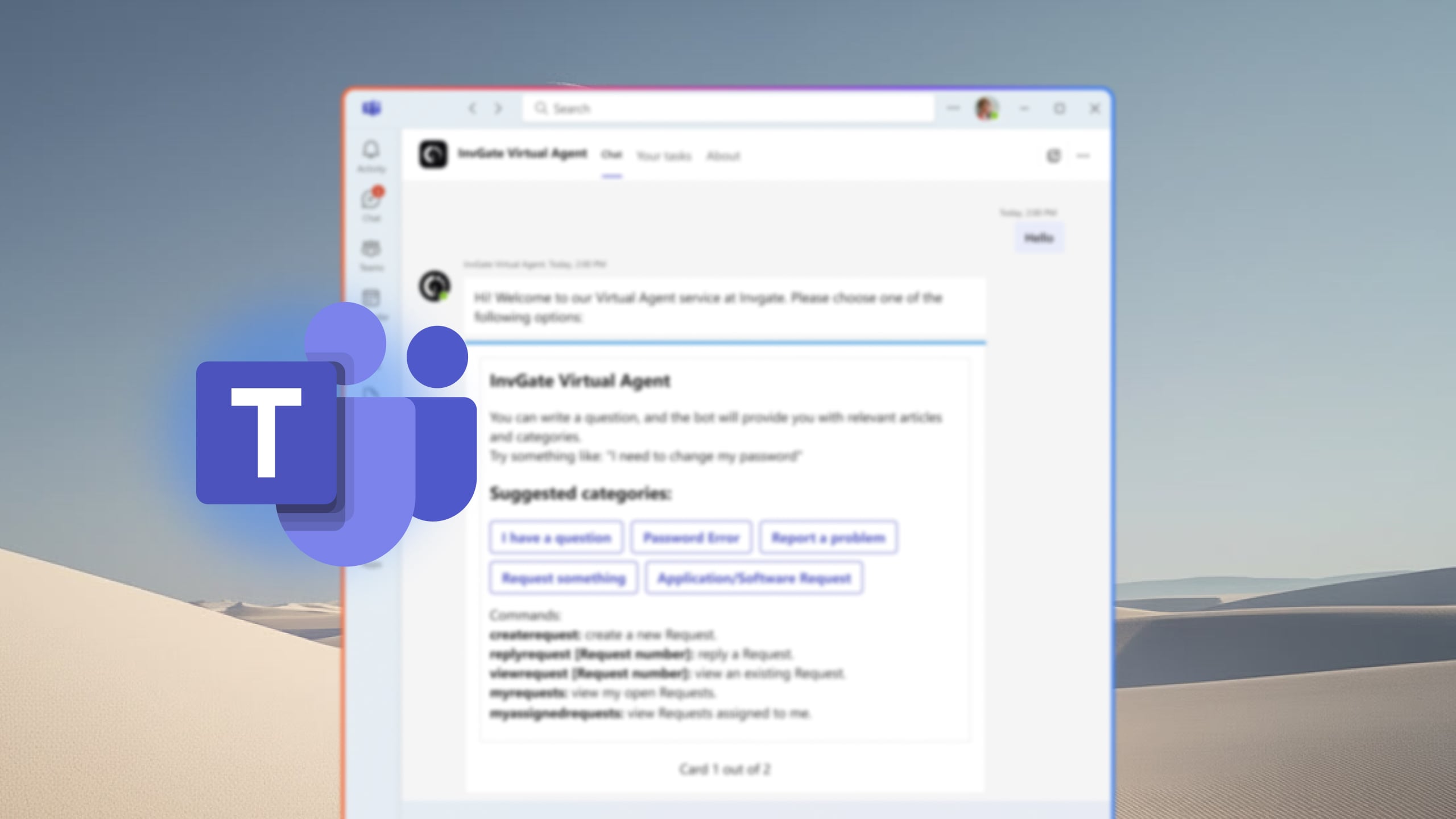
For many organizations, Microsoft Teams has become the place where daily work happens. Employees collaborate on projects, join meetings, share documents, and communicate with colleagues without switching between multiple applications. When support requests force users to leave that environment, response times slow down and the support experience becomes less convenient.
A help desk integration with Microsoft Teams allows employees to submit requests, receive updates, approve actions, and communicate with support teams directly from the collaboration platform they already use. For IT departments, that connection can reduce context switching, improve visibility, and make it easier to keep users informed throughout the ticket lifecycle.
In this article, we'll review the best help desk software with Microsoft Teams integration, comparing their capabilities, strengths, pricing models, and the types of organizations they serve best.
Key takeaways
- Most employees already use Microsoft Teams daily — a help desk with native integration captures requests where they happen, not where IT wishes they happened.
- The depth of Teams integration varies significantly: some tools send notifications, others enable full conversational ticketing and AI-powered self-service without leaving Teams.
- Platforms built for ITSM (not just ticketing) offer more value in Teams integrations: SLA tracking, approvals, and workflows stay connected to the service desk, not just a chat channel.
- InvGate Service Management deploys a Virtual Service Agent directly inside Teams, converting conversations into trackable tickets with no portal login required.
- Choosing the right tool depends on integration depth, ITSM process coverage, and whether the platform can scale beyond IT to HR, Facilities, and other departments.
Why Microsoft Teams integration matters for your help desk
The scenario is almost universal in organizations running Microsoft 365: an employee runs into an issue and, instead of opening a ticket, sends a message to an IT agent in Teams. It's faster, more direct, and feels like a normal conversation.
The result, from the service desk side, is the opposite of what IT needs. Agents get pulled into one-off chats, work spreads unevenly across the team, and those conversations leave no audit trail. Issues get resolved — or don't — based on whoever happened to be online. When a formal ITSM tool is already deployed, the damage is compounded: users learn that messaging in Teams gets a faster response than submitting a ticket, and adoption of the platform drops.
The fix is meeting people where they are. A help desk with a real Teams integration does two things: it captures requests from Teams conversations and routes them into the service desk as structured tickets, and it gives users a way to get answers directly in Teams without needing to switch applications. Done right, Teams becomes a front door to the help desk rather than a workaround around it.
What to Look for in a Help Desk with Teams Integration
Not every Teams integration is worth the configuration time. These are the criteria that actually separate useful integrations from marketing checkboxes.
-
Ticket creation from chat: Can the platform convert a Teams conversation into a ticket with context already filled in? The strongest integrations let employees describe their issue in natural language and have the agent — human or AI — handle classification, routing, and ticket creation from the chat window.
-
AI-powered self-service inside Teams: A Virtual Agent or AI chatbot that can answer questions, surface relevant knowledge base articles, and resolve common issues before escalating to a human agent meaningfully reduces ticket volume. The key question is whether the agent can connect to the existing knowledge base without manual training or content rebuilding. Platforms that require dedicated bot content to function add setup overhead before delivering value.
-
Approvals and notifications without context switching: Agents should be able to respond to tickets, add internal notes, handle approvals, and receive status updates directly within Teams. If acting on a ticket requires opening the ITSM portal, the integration is only solving half the problem — for users, not for agents.
-
SLA and reporting connected to the service desk: Tickets created from Teams must feed the same SLA policies, dashboards, and reports as tickets created through any other channel. If Teams-originated tickets are tracked separately or don't trigger SLA timers, the integration creates a parallel workflow that undermines operational visibility.
Top options of help desk software with Microsoft Teams integration
Methodology note: InvGate builds and commercializes ITSM and ITAM solutions, which means some vendors in this list are direct competitors. Even so, we aim to deliver accurate, honest, and practical information that helps you make the best decision. This article evaluates each platform based on publicly available information: official product documentation, vendor websites, and user reviews from Gartner Peer Insights, G2, and Capterra.
1. InvGate Service Management
InvGate Service Management is an ITIL-aligned ITSM platform built for IT teams that want a structured, easy-to-configure solution without enterprise-level complexity. Its Virtual Service Agent installs directly from the Microsoft Teams App Store, turning Teams into a fully functional support channel for both employees and agents.
InvGate and Microsoft Teams integration features:
- Submit requests, check ticket status, and add comments from within Teams chat
- AI-powered chatbot answers questions and surfaces knowledge base articles before creating a ticket
- Agents can view, respond to, and manage assigned tickets without leaving Teams
- Ticket approvals handled directly from the Teams interface
Pricing: InvGate offers flexible pricing plans that scale to meet the unique needs of your organization.
- Starter: 24.98/agent/month billed annually and 5 agents minimum - $1499/year.
- Pro: $500/agent/year. 5-50 agents.
- Enterprise: Custom pricing for larger organizations.
You can also request a free trial, so you can try the platform before committing to a plan
2. Freshservice
Freshservice is a cloud-based ITSM platform from Freshworks designed for mid-market and enterprise IT teams. Its Teams integration runs through Servicebot, a native bot available from the Teams App Store, and covers the full ticket lifecycle from submission to resolution.
Freshservice and Microsoft Teams integration features:
According to the official website.
- Real-time ticket notifications pushed to Teams channels
- Create, update, reply to, and close tickets without leaving Teams
- One-click approvals directly from Teams messages
- Agents can open dedicated collaboration channels per ticket and import the conversation back into Freshservice
- Freddy AI Agent for conversational self-service inside Teams (Enterprise plan only)
Pricing: Four tiers, billed annually:
- Starter: $19 per agent, per month.
- Growth: $49 per agent, per month.
- Pro: $99 per agent, per month.
The fourth tier, Enterprise, requires a quote. Freddy AI Copilot is a $29/agent/month add-on. - Checked on June 2026 (US) official website.
3. HappyFox
HappyFox is a help desk platform built for customer support and IT teams that need omnichannel ticketing with strong automation.
HappyFox and Microsoft Teams integration features:
According to the official website.
- Create, respond to, and modify tickets directly from within Teams
- Ticket event notifications (new tickets, agent replies, status changes, category changes) pushed to any Teams channel
- Condition-based smart rules trigger automated channel notifications
- @mention the HappyFox bot inside Teams to search knowledge base articles
- Schedule and manage Teams meetings directly from within a support ticket
Pricing: Agent-based plans (billed annually):
-
- Basic: $24 per agent/month (up to 5 agents).
- Team: $49 per agent/month.
- Pro: $99 per agent/month.
- Enterprise Pro: Quote-based.
Microsoft Teams integration requires Team plan or above. 14-day free trial available.
4. Jira Service Management
Jira Service Management (JSM) is Atlassian's ITSM platform, best suited for organizations already in the Atlassian ecosystem. Its Teams integration is native, running through the Atlassian ChatOps app, and is particularly strong for incident management and on-call workflows.
Jira Service Management and Microsoft Teams integration features:
According to the official website.
- Alert notifications routed to Teams channels, filterable by priority, severity, or responder team
- In-channel actions on active incidents (acknowledge, assign, escalate) using bot commands
- On-call schedule management from within Teams
- AI virtual agent operates inside Teams to answer employee questions and create tickets automatically (Premium/Enterprise only)
- Global integration settings available on Premium and Enterprise; Standard users are limited to team-level alert notifications
Pricing: The following rates apply to a 50-agent deployment:
- Standard: Starting at $20.63 per agent / per month.
- Premium: Starting at $52.16 per agent / per month.
AI virtual agent and global Teams settings require Premium or above. Free plan available; 14-day trial on paid plans.
Checked on: June 2026 (US), official web.
5. ManageEngine ServiceDesk Plus
ManageEngine ServiceDesk Plus is a full-featured ITSM platform available as both cloud and on-premises deployments. It has one of the deepest Teams integrations in the category — the dedicated Teams app includes a Kanban ticket view, a two-way chatbot, and message extensions for creating tickets directly from a Teams message.
ManageEngine ServiceDesk Plus and Microsoft Teams integration features:
According to the official website.
- Create tickets from any Teams message using message extensions
- Agents can update, assign, approve, resolve, and close tickets from within the Teams app
- End users access the self-service portal and check request status via the Teams chatbot
- Agents can initiate remote sessions or Teams meetings for incident troubleshooting without leaving the ticket
- ESM support: navigate between multiple service desks (IT, HR, facilities) from a single Teams interface
- Kanban-style ticket view and technician availability dashboards accessible inside Teams
Pricing: Cloud pricing tiers:
- Standard: Starts from $13 / technician / month
- Professional: Starts from $27 / technician / month
- Enterprise: Starts from $67 / technician / month
Note: For Professional and enterprise tiers, price changes also according to the amount of assets. There are also available add-ons.
- Checked on: June 2026 (US), official website.
Disclaimer: All product names, logos, and brands are property of their respective owners. All company, product, and service names used on this site are for identification purposes only. Use of these names, trademarks, and brands does not imply endorsement. Comparisons are based on publicly available information as of April 2026 and are provided for informational purposes only.
FAQs
Does Microsoft Teams have a built-in help desk?
No. Microsoft Teams is a collaboration and communication platform — it doesn't include native ticketing, SLA tracking, knowledge base management, or IT service management workflows. To use Teams as a help desk channel, you need to integrate it with a dedicated ITSM platform. The integration converts Teams conversations into structured tickets managed by the service desk.
What is the best ticketing system for Microsoft Teams?
The best option depends on your team's size, ITSM maturity, and integration requirements. For organizations that need full ITSM process coverage — incident management, change management, SLAs, multi-department service delivery — alongside deep Teams integration with an AI Virtual Agent, InvGate Service Management is a strong fit. Teams that are already in the Atlassian ecosystem may evaluate Jira Service Management; those using Freshworks products may look at Freshservice. The comparison table above covers the key differentiators across platforms.
Can I create tickets directly from Microsoft Teams?
Yes, with the right integration. Platforms like InvGate Service Management allow employees to describe their issue in natural language in a Teams chat, and the Virtual Service Agent converts that conversation into a structured ticket — with classification and routing handled automatically. Other platforms support ticket creation via message actions or form submissions embedded in Teams. The mechanism differs by vendor; some require users to complete a form, others handle it conversationally.