













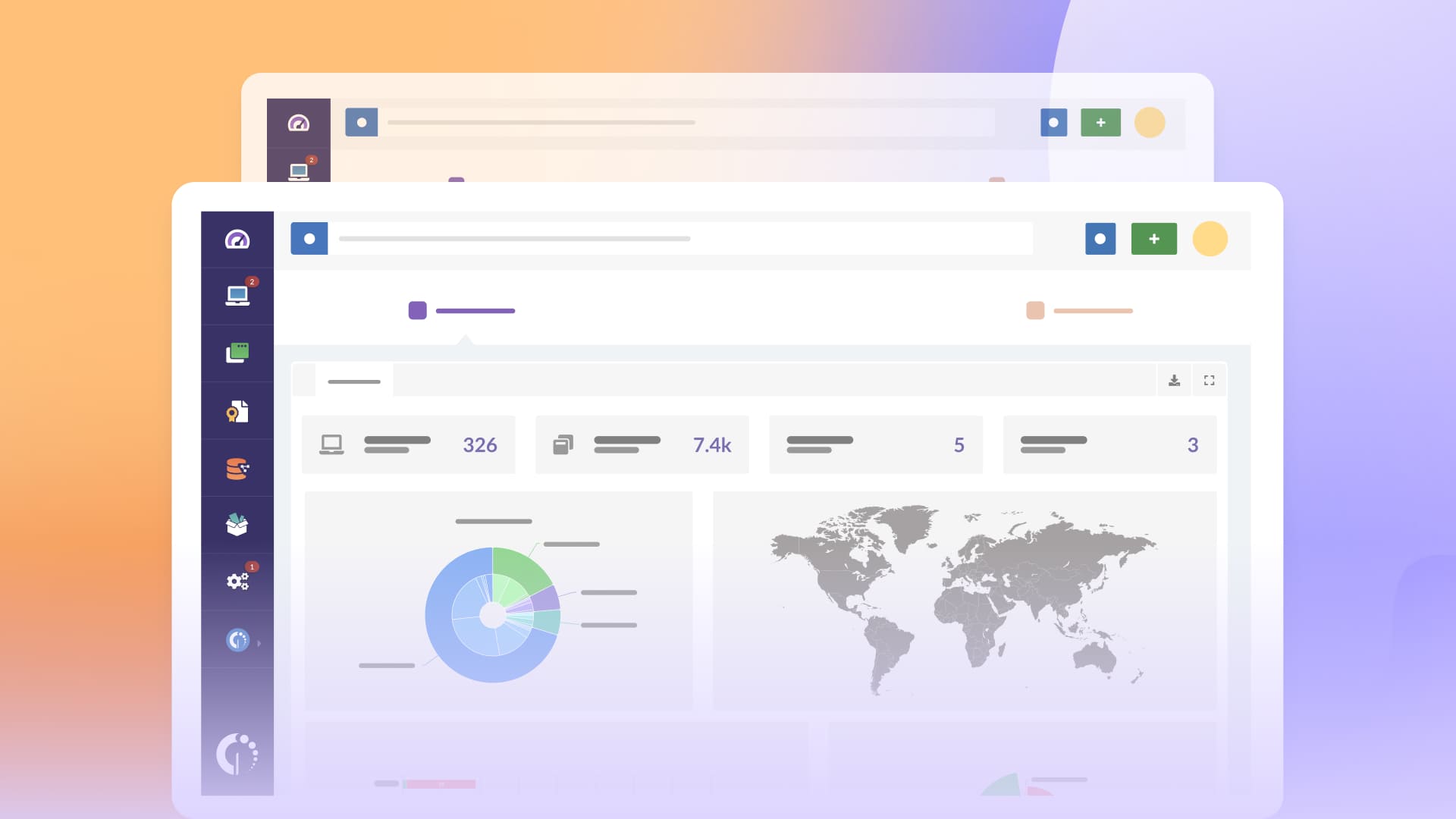

Atlas and Comet are quickly gaining attention as new AI-powered browsers, and like many emerging AI technologies, they raise important security and compliance concerns for enterprise environments. Employees often install them to experiment or boost productivity, but without proper oversight, these tools can introduce data exposure risks, shadow AI behavior, and compliance violations.
If your organization has decided to restrict the use of Atlas and Comet, the next step is ensuring they are detected and removed across all endpoints. This guide shows you how to identify installations, automate uninstallation, and set up ongoing alerts using InvGate Asset Management so you can maintain full control of your environment.
Atlas and Comet are AI-powered web browsers. ChatGPT Atlas, developed by OpenAI, was launched on October 21, 2025, initially for macOS, with plans for Windows, iOS and Android support.
Comet Browser, created by Perplexity AI, was first released for Windows and macOS on July 9, 2025; the Android version followed in November 2025.
Both are built on Chromium and integrate AI assistants directly into browsing, offering features like summarization, contextual chat, and agents that can help automate tasks — a step beyond traditional browsers.
Because of their deep integration of AI, they pose new security and compliance risks, especially when used inside organizations without proper governance.
Short answer? Yes. Like many AI tools, Atlas and Comet process user inputs that may include sensitive, confidential, or proprietary information. Their data handling practices are not always transparent, and depending on how they operate, prompts, logs, or usage patterns could leave the organization’s control.
For regulated industries, government contractors, or companies with strict IP protection requirements, this creates clear compliance and governance risks. Even when these browsers run locally, they can still violate internal AI policies or introduce unauthorized software into the environment, making centralized detection and removal essential.

With InvGate Asset Management, you can detect and force uninstallation of unauthorized Atlas and Comet instances on Windows computers, and set up proactive alerts for new installations on any type of computer. Here is how to do it:
This process gives you fast, centralized control over AI tools running on your network, without manual intervention on each device.
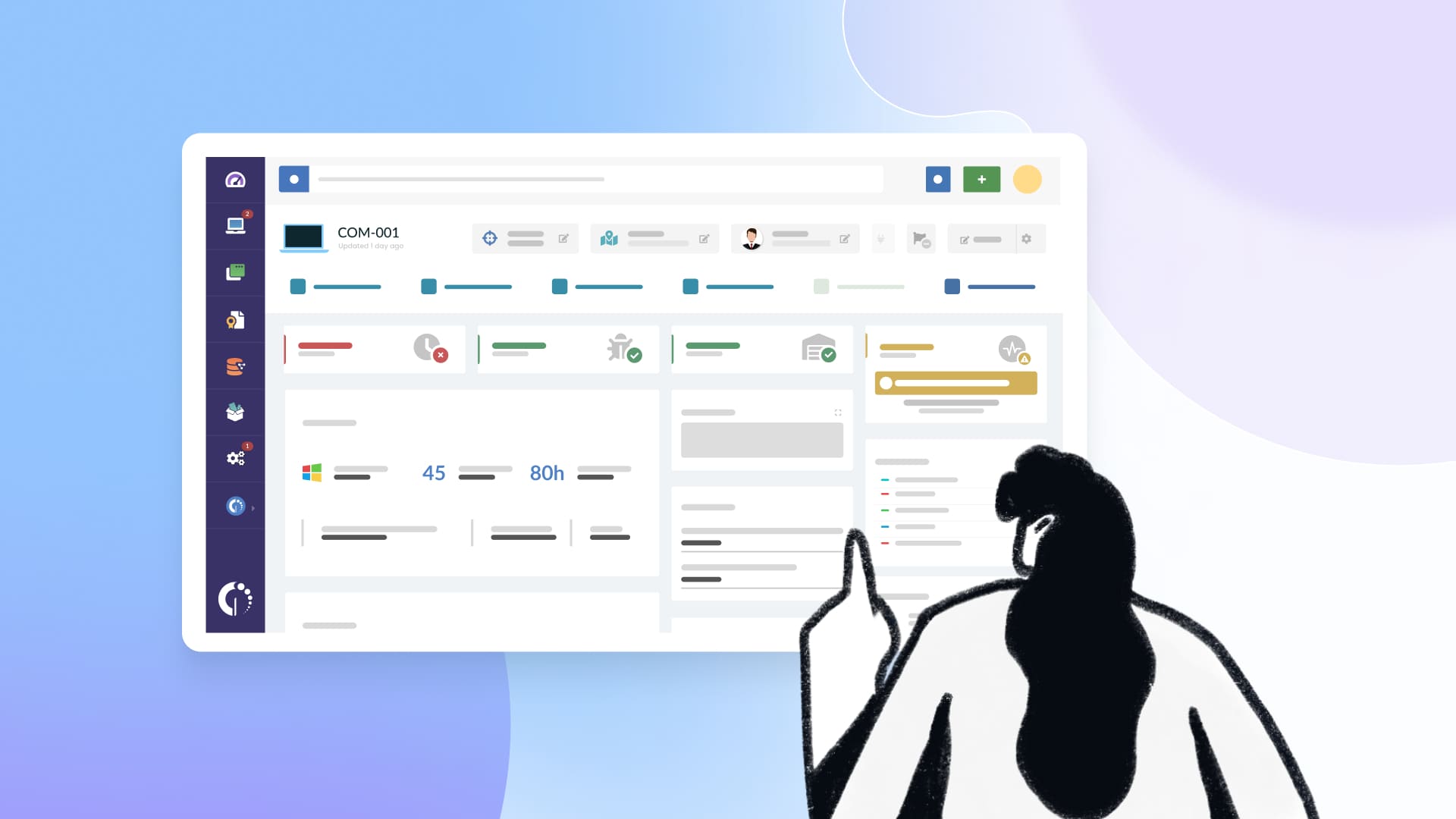

Authorization policies let you classify software as allowed, prohibited, or under review based on rules you define. InvGate Asset Management automatically applies these rules across devices, either to all endpoints or only to those that match specific conditions. This gives you targeted, centralized control over which tools can or cannot run in your environment.
You can use this feature to block any type of software, from AI tools like Atlas or Comet to applications such as Steam or WhatsApp on corporate machines. Once a title is marked as prohibited, InvGate can alert your team, categorize installations instantly, and help you remove them when needed. This ensures IT and Security teams can prevent unauthorized software from spreading and keep the environment aligned with corporate policies.
Atlas and Comet may seem harmless at first, but like many new AI tools, they can introduce data exposure risks, shadow AI behavior, and compliance issues if they appear on corporate devices without approval. With InvGate Asset Management, you can quickly detect installations, remove them in bulk, and prevent them from returning through automated alerts and authorization policies.
If you want to see how InvGate Asset Management can help you control unauthorized software and strengthen your AI governance strategy, start your free 30-day trial or contact our team to explore how the platform fits your organization’s needs.

