














Every IT leader is under pressure to show AI results. Budgets are approved, pilots are launched, and vendors promise transformation within a quarter. Some teams are already running AI agents in production, resolving tickets and answering employees without human intervention. Others are still stuck in proof-of-concept purgatory, six months into a rollout with nothing to show a board.
The thing is, AI doesn't fix what's broken in an IT operation, it multiplies what's already there. Teams with clean, connected, well-governed operations get AI agents that resolve real work. Teams with chaotic, siloed, undocumented operations get chaos at machine speed. Same technology, opposite outcomes, because the technology was never the differentiator.
Three specific gaps in operational maturity explain most of the difference between IT teams moving fast on AI and IT teams stuck in pilot mode.
AI has advanced quickly, but many ITSM environments haven't kept pace. Organizations often invest in AI features before the underlying platform, data, or processes are ready to support them. The result is inconsistent answers, slow adoption, and limited business value.
The challenge isn't the AI model itself. Three operational gaps tend to determine whether generative AI becomes a practical part of service management or remains an underused feature.
Generative AI changes much faster than enterprise software projects. New models, capabilities, and best practices appear every few months, while ITSM implementations can take a year or longer. That mismatch creates a hidden problem: organizations spend months preparing for AI, but don't start learning how AI performs in their own environment until long after the technology has moved on.
Some of the most valuable improvements to AI will come after go-live, when employees begin asking real questions, knowledge gaps become visible, and workflows are refined using production data.
Long deployment cycles delay that feedback loop. Teams remain in planning mode instead of learning from actual usage, which slows adoption and makes it harder to measure whether AI is improving service delivery.
A few signs that deployment speed may be limiting AI adoption include:
Organizations that move faster don't necessarily plan less. They shorten the time between configuration and real-world use, allowing AI to improve through continuous iteration instead of lengthy implementation phases.
AI agents make decisions based on the data available to them. When that data lives in five disconnected systems, each with its own definitions and its own partial view of reality, the AI agent inherits the fragmentation. It resolves what it can see and misses what it can't, which produces inconsistent outcomes that erode trust in the technology faster than any technical failure would.
IT teams that move faster on AI have already done the work of creating a unified view across their environment before asking AI to operate in it. That doesn't mean ripping out every existing tool. It means federating the data that already exists into a single, coherent map that AI agents can actually query.
Every IT team has work that depends on institutional knowledge. Experienced analysts know which requests require additional approvals, which issues belong to a specialized team, or when an exception should be made. Those decisions often happen naturally, without being formally documented.
Generative AI can't infer those unwritten rules. It follows the information and processes it has access to. If a workflow is inconsistent or poorly documented, AI reproduces that inconsistency instead of correcting it.
For example, two analysts might handle the same software request differently because each learned the process from a different colleague. One asks for manager approval before fulfilling the request, while the other doesn't. A human team can usually compensate for that variation over time. AI cannot.
Questions like these often reveal process gaps before AI does:
Documenting workflows is more than an exercise in governance. It creates the consistency AI needs to generate reliable recommendations, automate repetitive work, and operate within clear boundaries. Without that foundation, organizations often mistake process problems for AI problems.
Generative AI delivers the best results when it's introduced into an ITSM environment that's designed to support it. That means giving AI access to reliable knowledge, well-defined workflows, and the right level of human oversight instead of expecting it to replace service management processes.
All AI capabilities in InvGate Service Management follow a human-in-the-loop approach. AI assists employees and service desk analysts, automates repetitive work where appropriate, and provides recommendations, while people remain in control of decisions that require context, approval, or judgment.
If you're planning an AI rollout, our whitepaper The AI adoption lifecycle for Service Management, explores these principles in greater detail, including governance, data readiness, and practical adoption strategies.
Once those foundations are in place, here's how InvGate Service Management helps address the three gaps discussed above.
Most organizations see value from AI long before they introduce autonomous agents. One of the simplest ways to begin is by reducing repetitive work for service desk analysts.
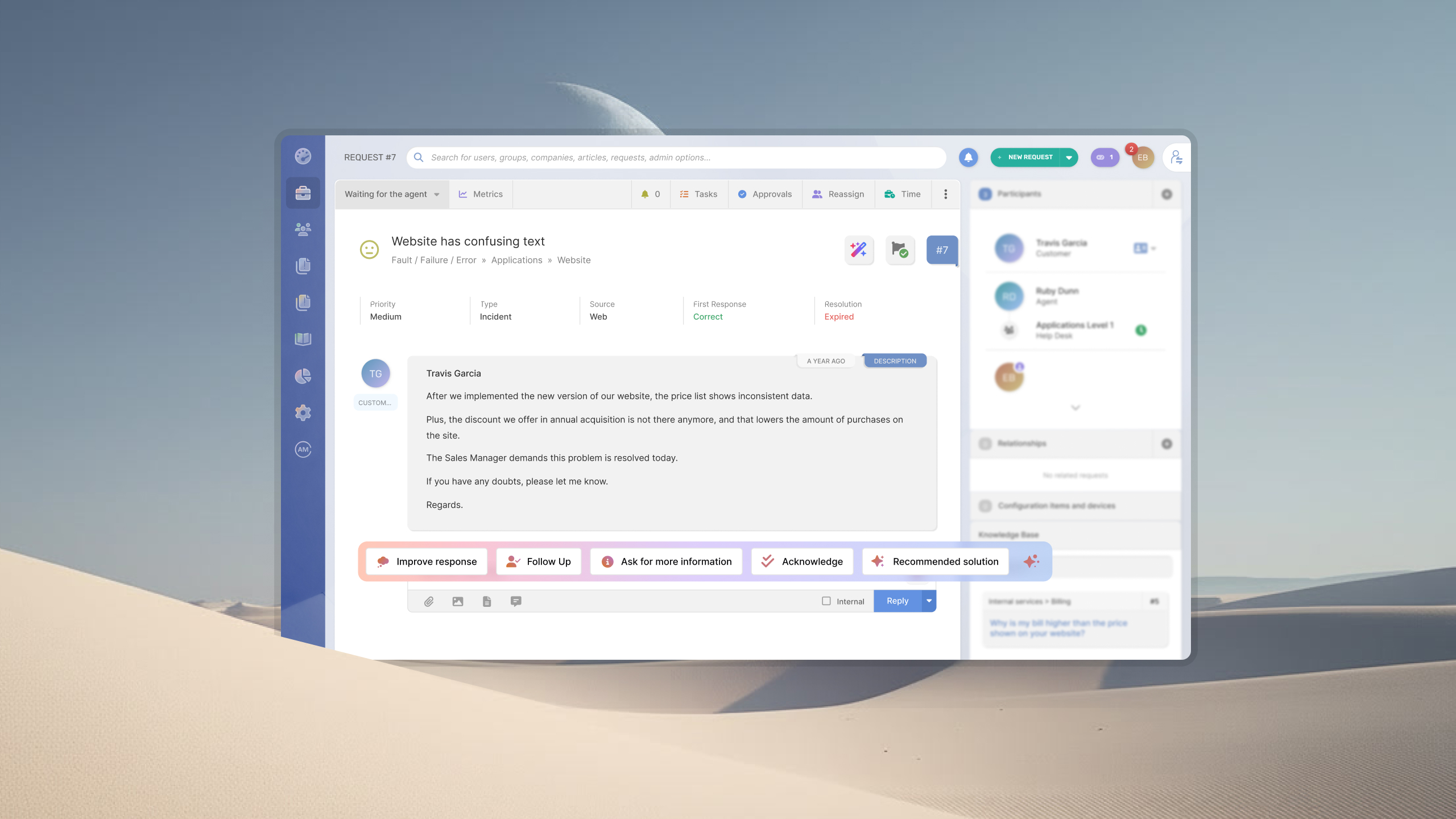
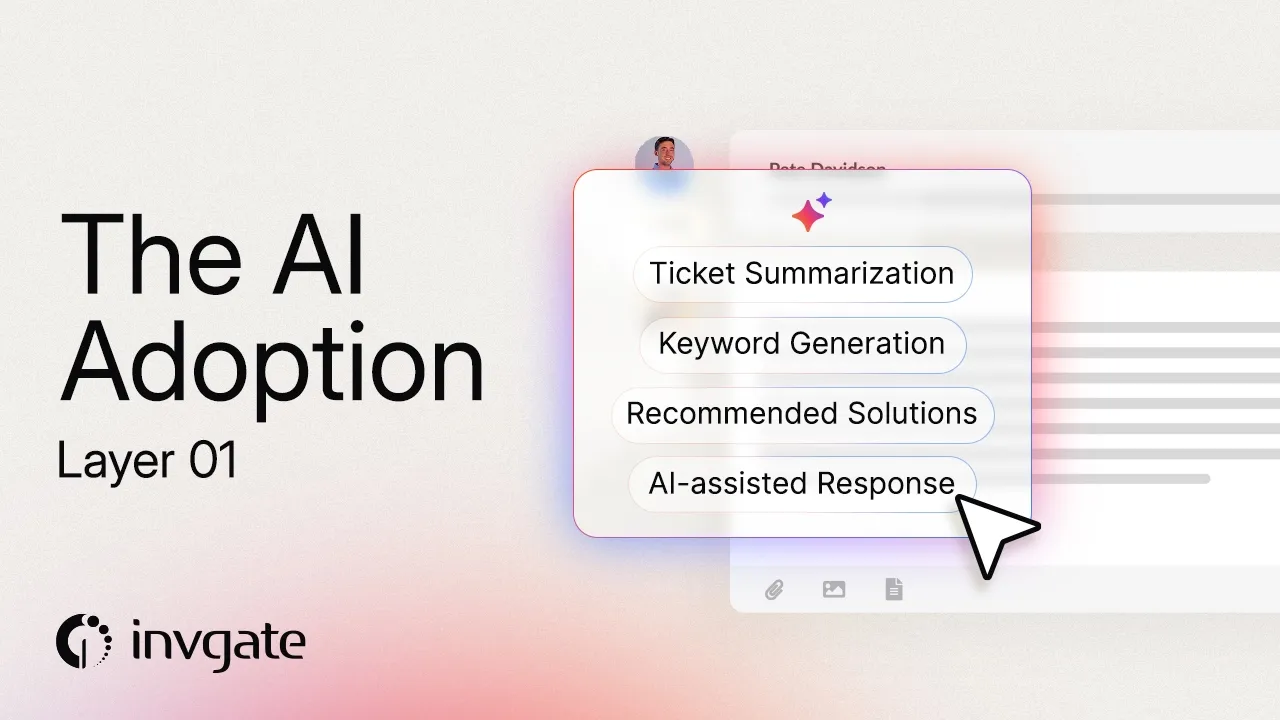
AI Hub includes several agent assistance capabilities that support the ticket lifecycle without changing existing processes:
These features reduce time spent searching, writing, and routing while keeping every recommendation under analyst control.
Many IT teams already have the information they need to resolve recurring issues—it just isn't easy to find.
Instead of treating documentation as a separate project, InvGate helps build and maintain knowledge as part of daily service desk work.
For example:
Rather than asking teams to stop and write documentation, AI helps capture expertise while the work is still fresh.
Once analysts and knowledge processes are supported, organizations can expand AI to employee interactions and operational workflows.
The Virtual Service Agent helps employees resolve common requests through conversational self-service, while AI capabilities continue supporting analysts behind the scenes when escalation is required.
Beyond individual requests, the AI Hub also helps Service Management teams identify broader operational patterns through capabilities such as Major Incident Detection, Common Problem Detection, and Predictive Risk & Impact Analysis. These features help teams recognize emerging issues earlier, prioritize their response, and focus attention where it will have the greatest operational impact.
AI Hub Reports run alongside all of this, showing adoption and engagement by team and feature, ticket deflection per channel, and a With AI / Without AI comparison of resolution time and SLA compliance. They give IT a baseline to show leadership and a clear read on which capabilities deserve to expand next, so the rollout keeps growing on evidence rather than assumption.
Introduced in this order, InvGate Service Management's AI stops being a feature you switch on and becomes an environment AI can actually perform in. That's the difference between an IT team still piloting AI a year from now and one already measuring the hours it gives back to its people.
The best way to evaluate generative AI in ITSM is to use it with real requests, workflows, and knowledge. Start a 30-day free trial of InvGate Service Management to explore AI-powered agent assistance, Knowledge Management, self-service, and workflow automation in your own environment.
What slows AI adoption in ITSM? Common obstacles include lengthy platform implementations, fragmented data, inconsistent knowledge management, and undocumented workflows. Each of these limits the context AI needs to generate reliable recommendations and automate work effectively.
Why is knowledge management important for AI adoption? Generative AI relies on existing organizational knowledge to answer questions and recommend solutions. When knowledge is outdated, incomplete, or difficult to access, AI responses become less accurate and users are less likely to trust them.
Why do documented processes matter before implementing AI? AI performs best when workflows are standardized and clearly defined. Documented processes help determine where AI can automate tasks, where human approval is required, and how requests should move through the service desk.

