












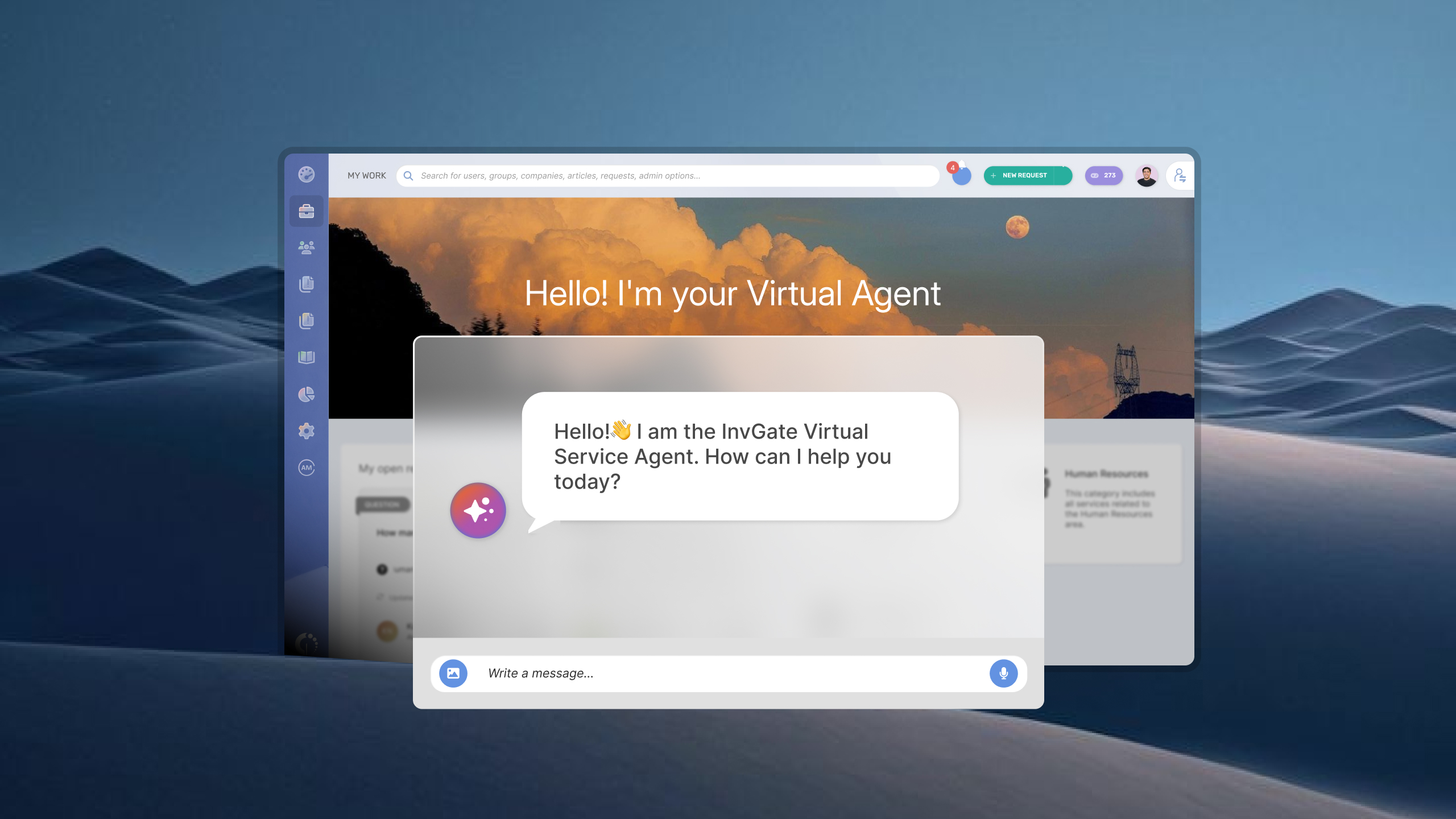


A virtual agent can only answer as well as the knowledge behind it. Missing or outdated information leads to weaker answers, repeated questions, and conversations that still end up with a human agent.
Knowledge gaps also have a direct impact on ticket deflection. When employees can’t find a useful answer, they create a ticket instead. Finding those gaps gives IT teams a way to improve answer quality, increase deflection, and keep the knowledge base accurate.
Knowledge gaps are a natural consequence of how IT services evolve. New applications are introduced, policies change, and support teams solve issues that haven't been documented before. Unless knowledge is updated continuously, the virtual agent gradually falls behind.
Several factors contribute to those gaps:
The goal isn't to eliminate knowledge gaps entirely — that's unrealistic in any growing IT environment. Instead, organizations should establish a continuous process to identify new gaps, capture knowledge as work happens, and make that information available through the virtual agent as quickly as possible.
Knowledge gaps don't always show up as obvious failures. A virtual agent may answer many routine questions successfully while struggling with specific topics or newer requests. Looking for patterns across conversations is often more useful than evaluating individual interactions.
Common signs include:
If you notice one or more of these patterns, your knowledge base likely needs attention—not necessarily more content, but better coverage of the topics employees need most.
No virtual agent gets every answer right from day one. Employees ask new questions, services change, and documentation becomes outdated over time. The goal isn't to build a perfect knowledge base upfront—it's to establish a repeatable process for finding weak spots, improving content, and measuring the results.
The six steps below can be applied with any ITSM platform. To illustrate each one, we'll use InvGate Service Management and show how its AI capabilities help teams identify knowledge gaps, create better documentation, and continuously improve the Virtual Service Agent.
The first step is understanding where the virtual agent isn't helping users. Instead of looking at individual conversations, review the overall patterns. Pay attention to unanswered questions, responses that failed to satisfy the user, conversations that ended with an escalation to the service desk, and topics that repeatedly generate tickets. Those trends reveal the biggest knowledge gaps and help prioritize what to improve first.
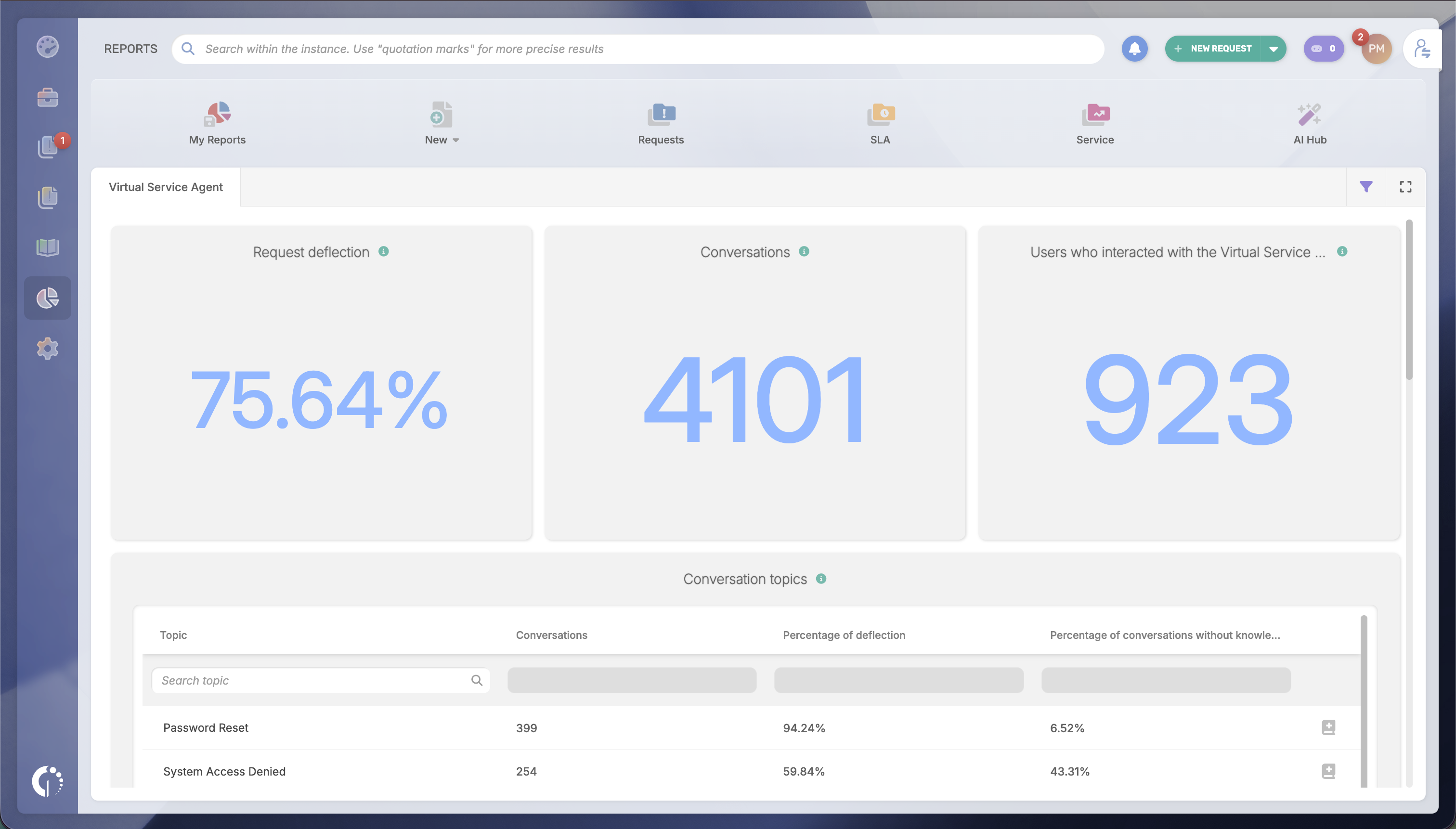
InvGate Service Management's AI Hub Reports brings those signals together in one place. It analyzes your Virtual Service Agent's conversation history and surfaces unanswered questions, low-confidence responses, and escalation trends, giving the team an ongoing view of where the virtual agent struggles instead of requiring them to review conversations one by one.
One failed interaction rarely tells the whole story. Look for clusters of similar questions instead. If dozens of users ask about VPN access, software installation, or MFA enrollment in slightly different ways, they likely point to the same documentation gap. Grouping conversations by topic makes it easier to prioritize improvements based on frequency and business impact.
AI Hub Reports organizes conversation data by topic and category, showing which subjects accumulate the most unresolved or escalated conversations across hundreds of interactions. Rather than analyzing individual tickets, teams can quickly identify the areas that deserve attention first.
The best knowledge bases don't grow only after someone notices a problem. They improve continuously by identifying recurring requests that could be answered through self-service before they generate more tickets. Each repeated question is an opportunity to make information easier to find and reduce future demand on the service desk.
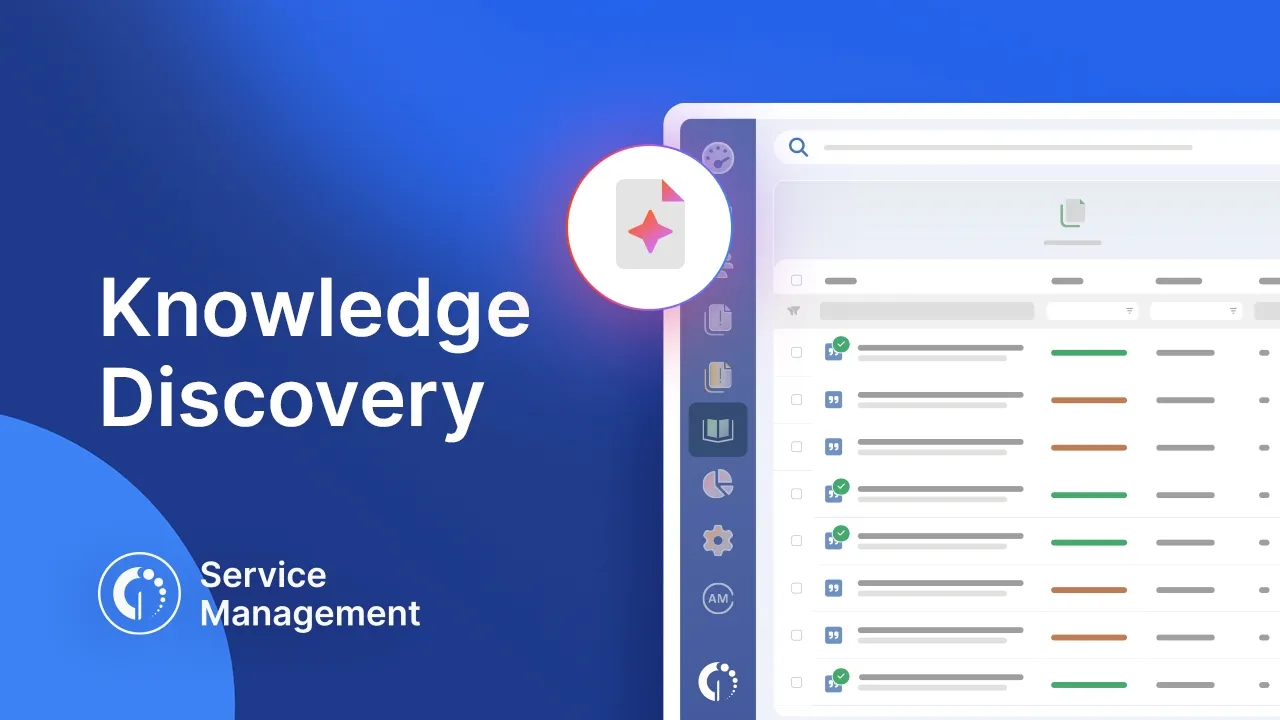
In InvGate Service Management, Knowledge Discovery proactively analyzes service desk activity and surfaces topics that should become knowledge articles. Rather than waiting for someone to notice a documentation gap, it recommends opportunities to create new knowledge that can be immediately made available for users through the Virtual Service Agent.
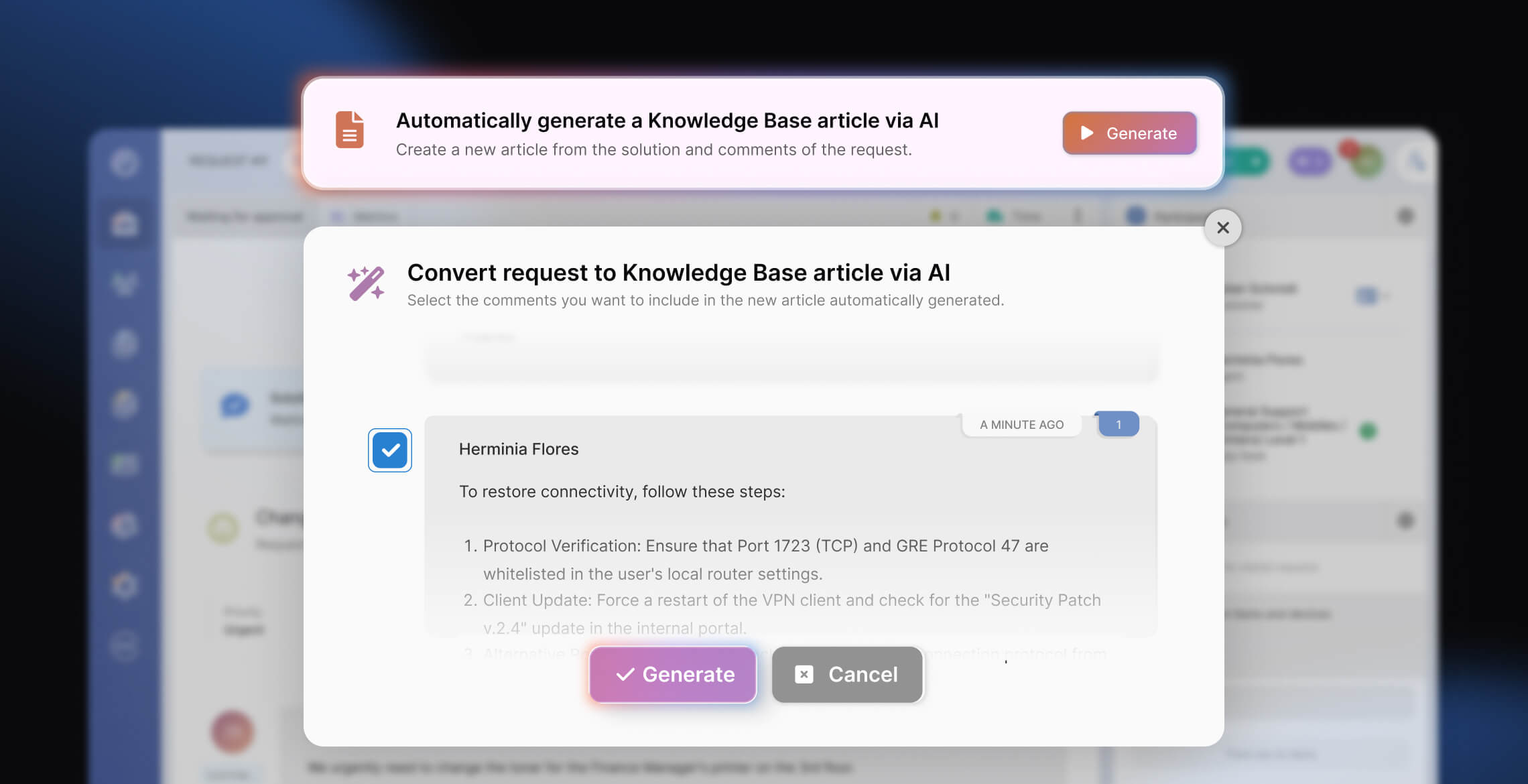
Knowledge gaps are easier to close when documenting solutions is part of the support process rather than a separate task at the end of the day. Capturing knowledge while the resolution is still fresh reduces the effort required from agents and increases the likelihood that valuable information actually makes it into the knowledge base.
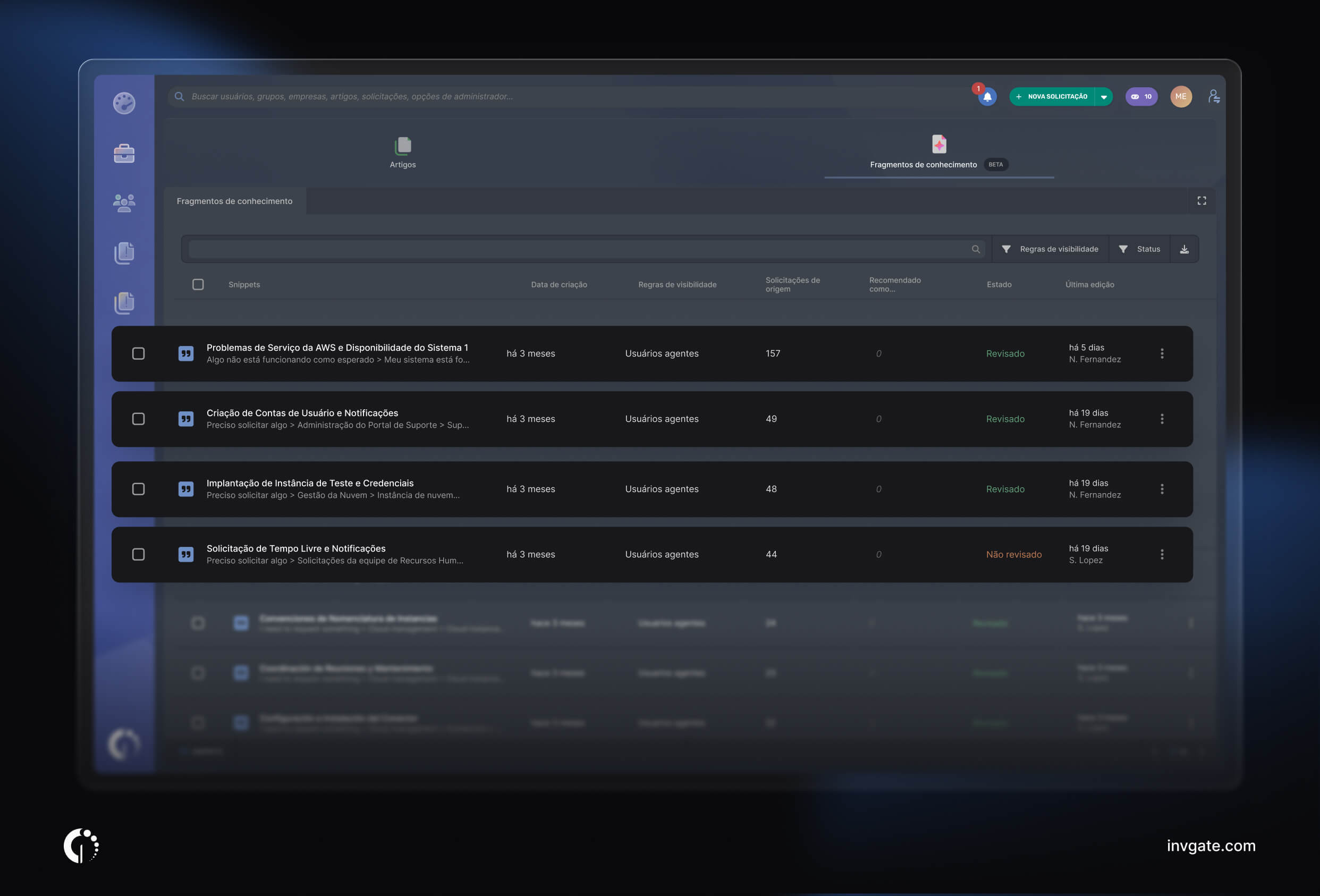
AI Knowledge Creation supports that workflow by generating a first draft directly from a resolved ticket. Instead of starting from a blank page, agents review, refine, and publish an AI-generated article based on the work they've already done. The result is more knowledge captured with less manual effort, helping the knowledge base grow naturally alongside everyday service desk work.
Of course, all drafts created can be reviewed and edited before they're published. That keeps people in control of what enters the knowledge base and, ultimately, what the Virtual Service Agent uses to answer employee questions.
Knowledge management isn't a one-time cleanup. User needs change, new services are introduced, and documentation becomes outdated over time. Monitor how the virtual agent performs after publishing new content, identify emerging gaps, and repeat the process regularly to keep improving answer quality.
AI Hub Reports continuously tracks metrics such as deflection rate, knowledge article usage, and unanswered questions. Those insights feed directly back into the first step, creating an ongoing improvement cycle that keeps the Virtual Service Agent aligned with employees' needs.
InvGate Service Management helps you identify knowledge gaps, generate documentation from resolved tickets, and keep your Virtual Service Agent improving over time with AI-powered insights.
Start your 30-day free trial and see how AI Hub, Knowledge Discovery, and AI Knowledge Creation can help you build a more effective self-service experience.

