













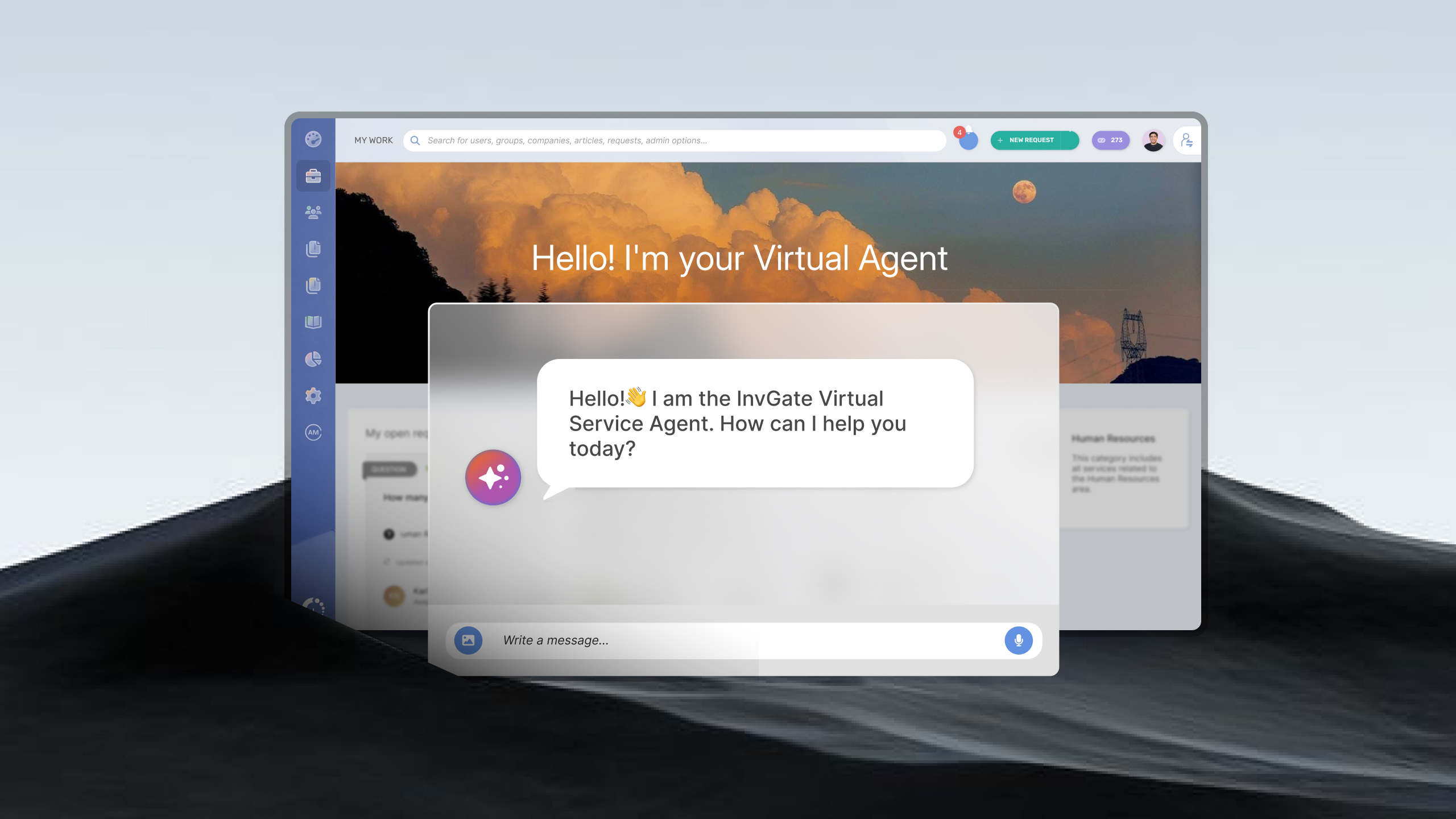

Most of your employees already spend their day in Slack. So when something breaks, when they need access to a tool, or when they just have a quick question for IT, the last thing they want to do is stop, switch context, open a portal, and fill out a form. That friction is exactly why so many issues never get logged, and why the ones that do often arrive late and half-described.
The InvGate Service Management Slack integration closes that gap. It brings InvGate's Virtual Service Agent (VSA) directly into Slack, so people can get answers, raise tickets, track them, and approve them without ever leaving the conversation they are already in. Support moves to where the work happens.
This article covers why Slack and your service desk are a natural fit, what the InvGate Service Management Slack integration actually does, and how to turn it on.
Meet people where they already are:
The best self-service channel is the one people don't have to go looking for. IT teams can build a polished portal, publish a thorough knowledge base, and still watch adoption stall, simply because using it means leaving the tools employees live in all day.
Using Slack for ticketing removes that barrier. When your service desk is reachable from a direct message, asking for help costs a single sentence. There is no new login to remember, no portal to bookmark, and no context switch. For distributed and hybrid teams especially, this is the difference between a request that gets logged cleanly and one that turns into a hallway question no one ever tracks.
Deflection and shift-left, in practice:
A large share of the tickets that reach any service desk are repeat questions with known answers: how to reset a VPN password, where to request software, what the onboarding checklist is. Every one of those that a person can resolve on their own is a ticket your agents never have to touch.
That is the idea behind ticket deflection: reducing the volume that reaches the desk by letting users find answers themselves. It pairs with the shift-left principle, which pushes resolution closer to the front line, from L2 to L1 and from L1 to self-service. A conversational agent inside Slack sits at the far left of that model. It answers the routine questions instantly, and it reserves your agents' time for the work that genuinely needs a human.
The payoff is twofold: employees get faster answers, and your team gets a lighter, higher-value queue.
A Slack agent is quickly becoming standard across ITSM platforms. What sets the InvGate Service Management Slack integration apart is that it isn't a separate, bolted-on bot. It is the same Virtual Service Agent your organization can already use across other channels, now native in Slack, grounded in the same knowledge base, and powered by the AI capabilities already included in your instance.
InvGate's Virtual Service Agent is a conversational, AI-powered agent that employees reach through a direct message in Slack. A person just messages the agent and gets help in the flow of their day.
Its answers and routing are powered by the InvGate AI Service that comes with your instance. There is no separate AI plan to purchase and no external connector to wire up before the Slack agent can deflect questions and route requests, which keeps setup simple and cost predictable.
Here is what it does today:
Together, these turn Slack from a place where issues get mentioned into a place where they get handled.
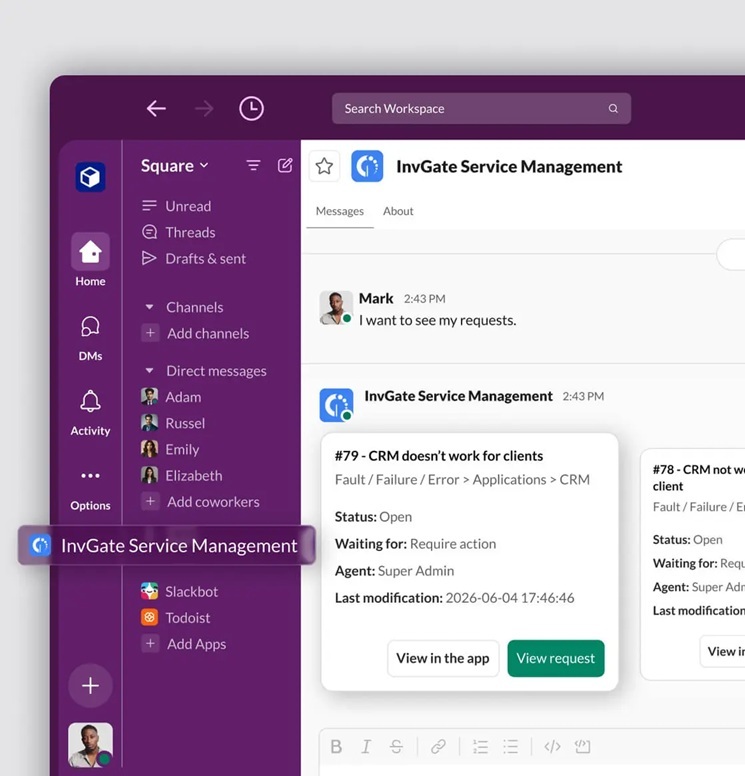
Slack is one entry point, not the only one. The same Virtual Service Agent, backed by the same configuration and the same knowledge base, is available across your channels, which means you set it up and improve it once rather than maintaining a separate bot per surface.
The value of the InvGate Service Management Slack integration isn't just "chatbot in Slack." It's that your service desk finally meets people in the tool they already use, deflects the routine questions before they ever become tickets, and hands your agents the complex work with full context attached, all powered by an AI Service and knowledge base you already have. Set it up once, and the same Virtual Service Agent serves Slack, your self-service portal, and WhatsApp from a single brain.
If your organization runs on Slack, that's where your support should be too.
Configuration lives under Applications in InvGate Service Management. There is no code involved.
Three steps to turn it on:
Required:
Deflection is only as strong as what the VSA has to work with. Because the agent grounds its answers in your knowledge base, the coverage, quality, and freshness of your articles directly determine how many questions it can resolve on its own. A thin or outdated knowledge base sends people to a ticket; a well-maintained one gives them accurate answers in seconds and keeps your queue light. In other words, your knowledge base is the engine behind every deflected question in Slack.
The good news is that keeping it healthy doesn't have to be a full-time job. InvGate Service Management includes AI-assisted tools that help you build and grow the knowledge base from the work your team is already doing:
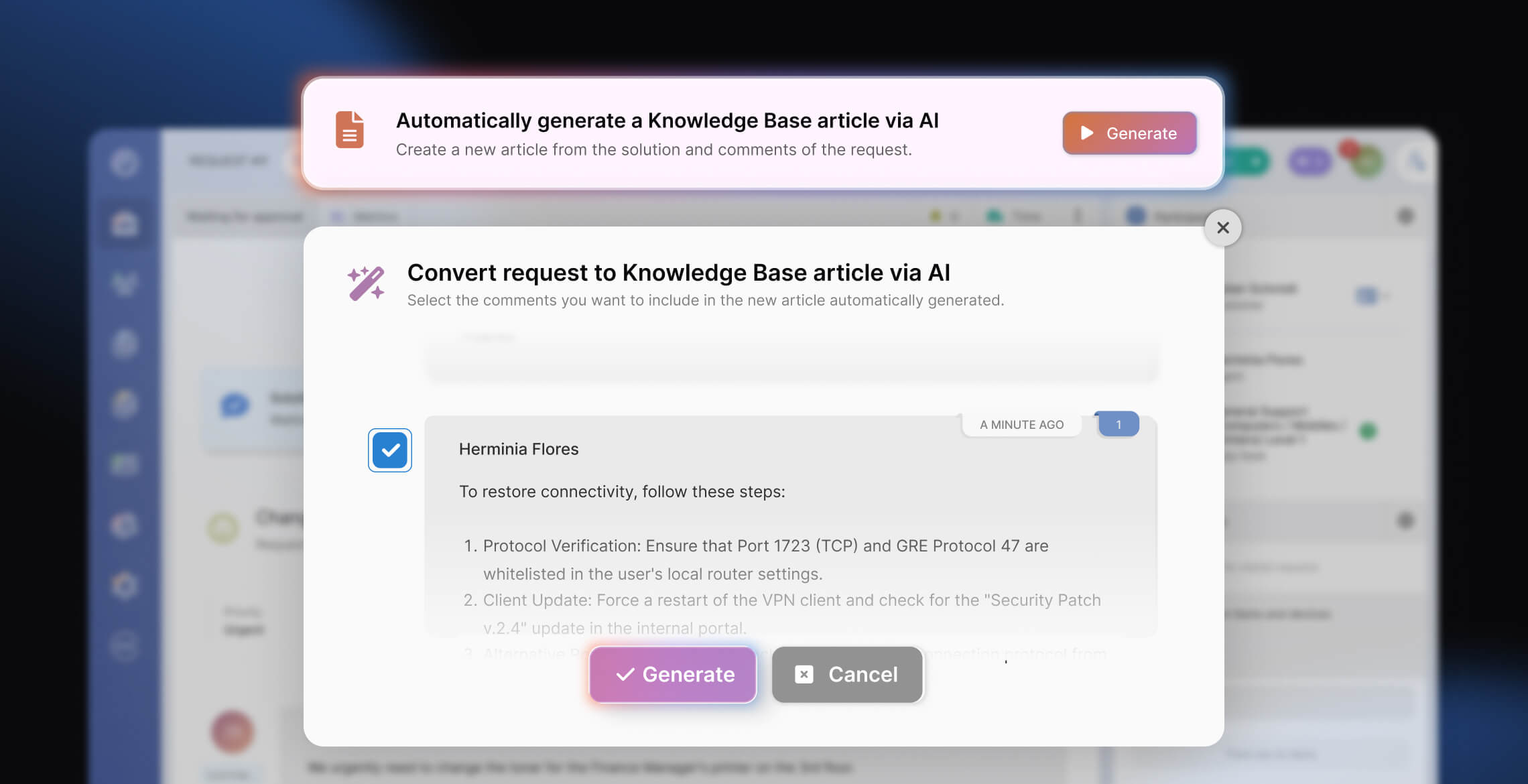
Put together, these close the loop: the VSA deflects what it can, Knowledge Discovery shows you what it couldn't, and AI-assisted article creation helps you turn those gaps into articles for next time. Every article you add is one more question the Slack VSA can handle on its own.


