














A logistics company running 2,000 Android devices across 15 distribution centers manages that fleet through SOTI MobiControl, which pushes apps, enforces policies, and tracks location every day. None of that visibility used to reach the company's core IT inventory. The IT team filled the gap with a weekly CSV export that drifted out of date within days: a reassigned tablet kept showing under its old owner, and a decommissioned scanner stayed in the count for months after it was retired.
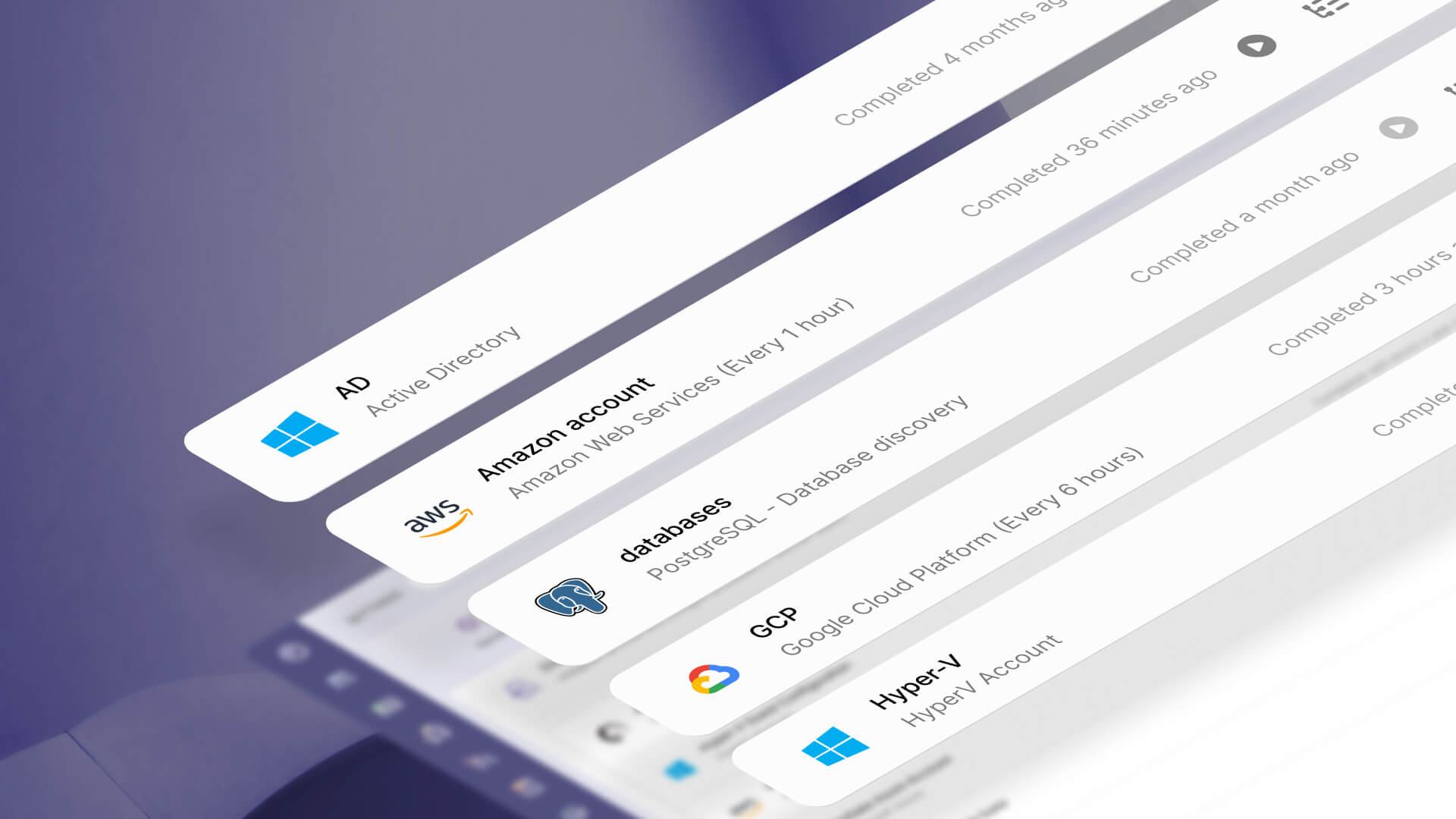
The InvGate Asset Management and SOTI MobiControl integration closes that gap by turning SOTI MobiControl into a native discovery source. Devices enrolled in SOTI MobiControl now appear in InvGate Asset Management automatically, stay current as their status changes, and plug into the same lifecycle, contract, dashboard, and automation workflows used for every other asset. This article covers why that visibility gap happens, where SOTI MobiControl fits among InvGate's Device Management integrations, and what changes once the sync is running.
The disconnect between SOTI MobiControl and the rest of the IT inventory breaks down into two parts: the workaround teams build to cope with it, and what that workaround ends up costing them. Both play out the same way across most organizations that rely on SOTI MobiControl for their mobile fleet.
Most organizations that rely on SOTI MobiControl for Mobile and Rugged Device Management never planned for that data to sit apart from the rest of their IT inventory. It happened because the two systems were never connected: SOTI MobiControl handles enrollment, policy, and compliance for the mobile fleet, while a separate platform tracks laptops, servers, and everything else.
The teams responsible for each system tried to bridge the gap manually, usually with a scheduled CSV export dropped into the main inventory. That workaround works until it doesn't: a device reassigned to a new employee keeps showing under its previous owner until the next export runs, a decommissioned scanner stays listed as active for weeks after it's retired, and a newly enrolled tablet can take a week to show up anywhere outside SOTI MobiControl itself.
Individually, none of these are dramatic failures. Together, they mean asset decisions about the mobile fleet get made on data that's always a little bit wrong.
When an IT director asks how many field tablets are out of warranty, the honest answer is often "we're not sure," because the inventory doesn't reflect what's actually deployed. The same gap shows up in refresh planning and compliance reporting, anywhere a decision depends on knowing exactly what's out in the field.
InvGate Asset Management's Device Management integrations break down by which part of the fleet each one was built for. Here's what already exists, and what SOTI MobiControl adds to it.
InvGate Asset Management already connects to Microsoft Intune and JAMF as native discovery sources for Mobile Device Management (MDM), so this isn't the first time Device Management data has fed into the platform. Intune covers the Microsoft ecosystem well: Windows devices, Azure AD, and the standard laptop and desktop fleet that most office-based IT teams manage day to day.
JAMF does the equivalent for Apple, pulling in detailed iOS device data for organizations standardized on Apple hardware. A third native source, Google Workspace through Google Endpoint Management, brings in standard Android device details such as model, storage, and battery status.
SOTI MobiControl adds a fourth discovery source, and it's built for a different kind of fleet. It was designed for ruggedized and purpose-built devices in field operations. Those devices include Android Enterprise and Samsung Knox devices, Zebra scanners on warehouse floors and delivery trucks, tablets at healthcare bedsides and in retail stores, and Windows CE and Windows Embedded devices running legacy software on industrial equipment that can't be migrated to a modern operating system.
Those device types, and the industries that depend on them, logistics, healthcare, retail, and manufacturing, sit outside what Intune, JAMF, and Google Workspace are built to reach. With SOTI MobiControl in the mix, InvGate Asset Management's four Device Management integrations together cover Android, iOS, Windows, macOS, Linux, and ChromeOS, instead of leaving the rugged and field-deployed part of that fleet outside all of them.
Connect our solutions with the apps you use every day.
Explore InvGate's integrations
These shifts show up in two ways: fleet data becoming visible for the first time, and existing InvGate Asset Management workflows extending to cover it. A few examples make the difference concrete.
A healthcare provider using SOTI MobiControl to manage 800 tablets for nurses and clinical staff used to track that fleet in a spreadsheet, separate from the rest of its IT inventory. Once the integration is set up, all 800 devices appear in InvGate Asset Management with their SOTI MobiControl metadata (enrollment date, operating system version, compliance status), and the clinical fleet runs through the same lifecycle and compliance workflow as every laptop in the building.
A retail chain that retires 50 point-of-sale tablets every quarter no longer needs someone to remember to update the inventory by hand. When a device is unenrolled in SOTI MobiControl, its status in InvGate Asset Management can update on its own, so the inventory stays accurate without anyone chasing it.
A logistics company with 1,500 field devices can run a standard warranty report filtered by device type and expiry date and get an answer that covers the whole fleet, mobile devices included, for the first time. Before the integration, that same question would have needed a manual cross-check against SOTI MobiControl's own records.
A financial services firm can set up an automation that flags any SOTI-synced device that drops below a minimum supported OS version and opens a task for the mobile team. That extends a compliance workflow that used to stop at laptops to the mobile fleet as well.
InvGate Asset Management is a platform for discovering and managing hardware, software, cloud assets, any other technology resource from a single interface, with lifecycle tracking, Contract and Warranty Management, dashboards, and no-code automation built in around that inventory. It's built to give IT teams one place to see everything they're responsible for, instead of piecing that picture together from several disconnected tools.
With SOTI MobiControl added as a discovery source, that single interface now extends to the mobile and rugged device fleet as well. Devices sync in with their manufacturer, model, OS version, enrollment date, and compliance status mapped to InvGate Asset Management's asset fields, and get classified automatically based on device type.
Once it's running, here's what changes for the mobile fleet specifically:
Start a free trial of InvGate Asset Management to see how it picks up your own SOTI MobiControl devices. Or talk to Sales if you'd rather walk through the setup with our team first.
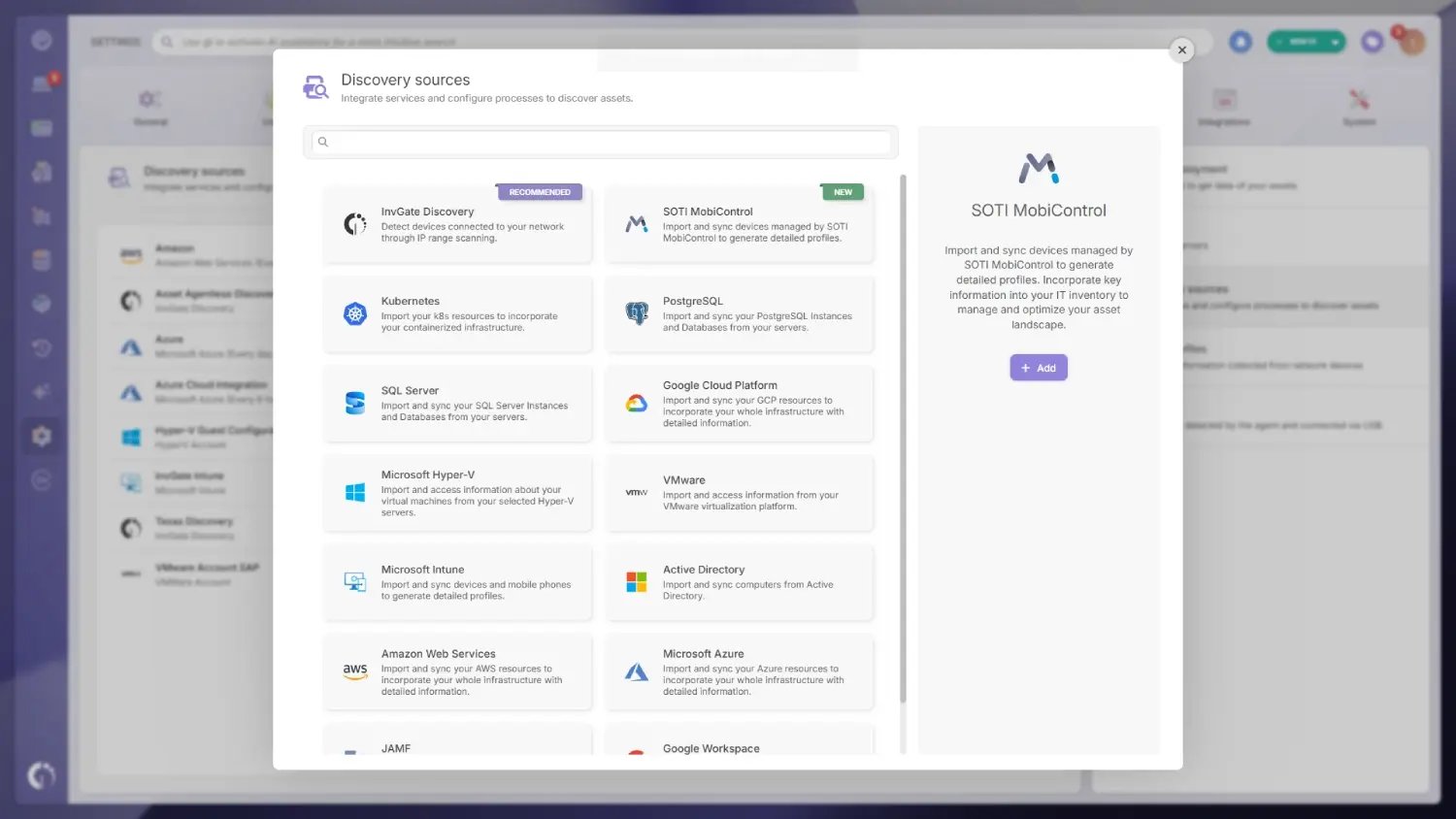
Setting it up takes a few minutes from the InvGate Asset Management admin panel. An administrator goes to Settings, opens the Discovery source catalog, and adds SOTI MobiControl using the instance's server URL along with a Client ID, Client Secret, username, and password that has read access to the devices being synced.
Once those credentials are validated, the admin picks which device types to bring in (Computer, Mobile, or all) and sets a sync schedule. There's also a setting for what happens to a device's asset record if it later disappears from SOTI MobiControl, either leaving it untouched or moving it to a lifecycle status of your choice.
The mobile and rugged devices a SOTI MobiControl deployment manages don't need to live in a separate system anymore. Once the sync is running, they show up in IT Asset Management alongside every laptop, server, and desktop, tracked through the same lifecycle, contract, and compliance workflows instead of a spreadsheet or a weekly export.
That matters most for the organizations SOTI MobiControl was built for: logistics networks with thousands of handheld scanners, hospitals with tablets at every bedside, retailers cycling point-of-sale devices every quarter. The InvGate Asset Management and SOTI MobiControl integration means those fleets finally show up in the asset record the rest of the organization already relies on.
It's a native discovery source that syncs devices managed in SOTI MobiControl into InvGate Asset Management automatically. Once configured, those devices appear as assets and stay current as their status changes in SOTI MobiControl, without a manual import step.
It covers Android, iOS and iPadOS, macOS, Windows (Desktop and CE/Embedded), and Linux. That includes Android Enterprise, Samsung Knox, and Zebra devices commonly used in field and warehouse operations.
Intune, JAMF, and Google Workspace already bring device data from the Microsoft, Apple, and standard Android ecosystems into InvGate Asset Management. SOTI MobiControl adds a fourth source, focused on the ruggedized and purpose-built devices, like Zebra scanners and Windows CE equipment, that field operations depend on and that the other three don't typically manage.
The integration maps manufacturer, model, OS version, and enrollment date to InvGate Asset Management's asset fields, along with compliance status and enrollment type. When a device stops syncing from SOTI MobiControl, its asset can move to a lifecycle status of your choice.
No. Once the integration is configured with SOTI MobiControl API credentials in the InvGate Asset Management admin panel, devices stay in sync on their own. The manual CSV export process that most teams relied on before is no longer necessary.
No, SOTI MobiControl keeps handling enrollment, policy enforcement, and compliance for the mobile fleet the same way it always has. The integration adds that fleet to InvGate Asset Management's inventory, lifecycle, contract, and reporting workflows without changing how SOTI MobiControl itself is used.


