














Hospitals, clinics, and multi-site health systems run on a mix of clinical workstations, networked devices, and software licenses that all need to stay visible, secure, and accounted for. Finding the right IT Asset Management (ITAM) software for healthcare means looking past generic inventory tools and choosing a platform that can track hardware lifecycles, monitor endpoint security, and keep software licensing audit ready across every location.
This list compares five established IT Asset Management and IT Service Management (ITSM) vendors, plus where InvGate Asset Management fits into a healthcare IT stack. Each section covers what the tool does, its official pricing where available, and who it tends to fit best.
Healthcare IT teams manage a wider mix of assets than most industries, from administrative laptops and EHR workstations to networked devices spread across multiple buildings or campuses. A strong ITAM platform needs to discover all of it automatically, distinguish owned hardware from software licenses, and keep records current without manual spreadsheet work.
Beyond inventory, look for tools that can flag misconfigured or unencrypted devices, track software license compliance to avoid audit gaps, and support hardware lifecycle planning so budget requests are based on real warranty and depreciation data. Multi-site support and role-based access also matter, since IT, biomedical, and facilities teams often share visibility into the same equipment.
Each of these five tools takes a different approach to inventory, pricing, and deployment, so the right pick depends on what a hospital or clinic IT team needs most. The breakdown below covers what each one does, its official pricing where available, and who it tends to fit best.
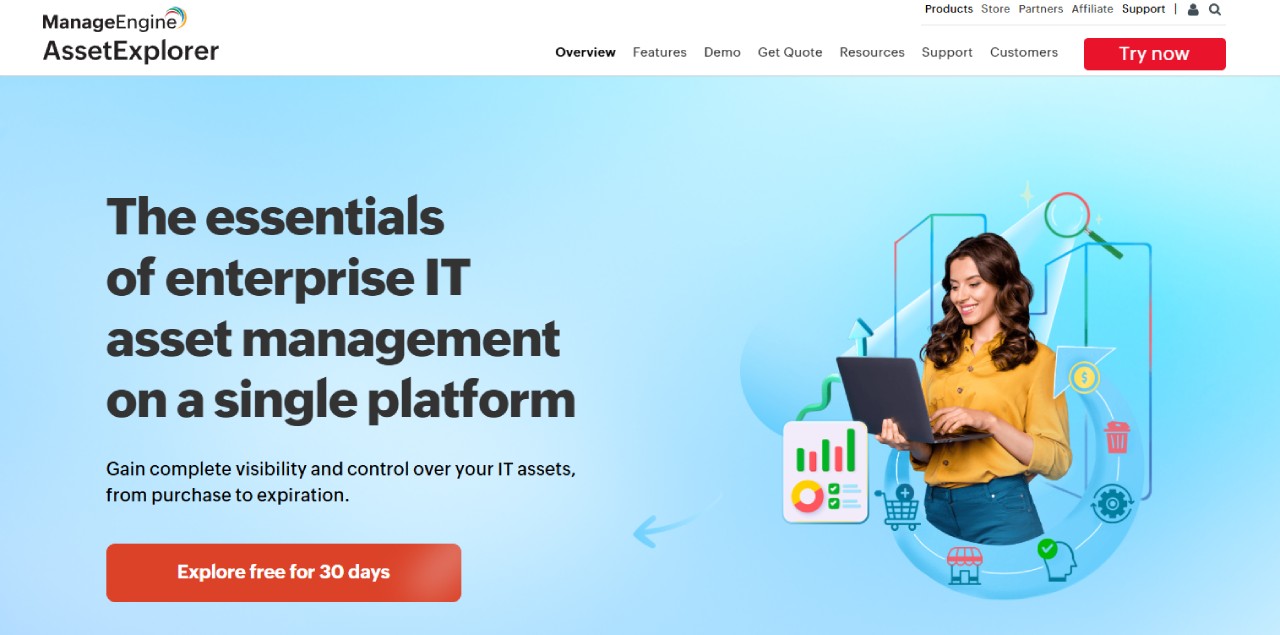
ManageEngine AssetExplorer is an IT Asset Management tool from Zoho's enterprise IT division that tracks IT and non-IT assets through agent-based and agentless scanning. It includes a built-in CMDB, software license compliance tracking, and purchase order and vendor management, which can help healthcare IT teams document contracts across multiple facilities.
According to ManageEngine's official pricing page, annual on-premise plans start at $955 for 250 IT assets and scale up to $11,995 for 10,000 assets, with a free edition for up to 25 assets and a 30-day free trial covering up to 250 assets. It tends to fit IT teams that want predictable, asset-count-based pricing without negotiating a custom contract.
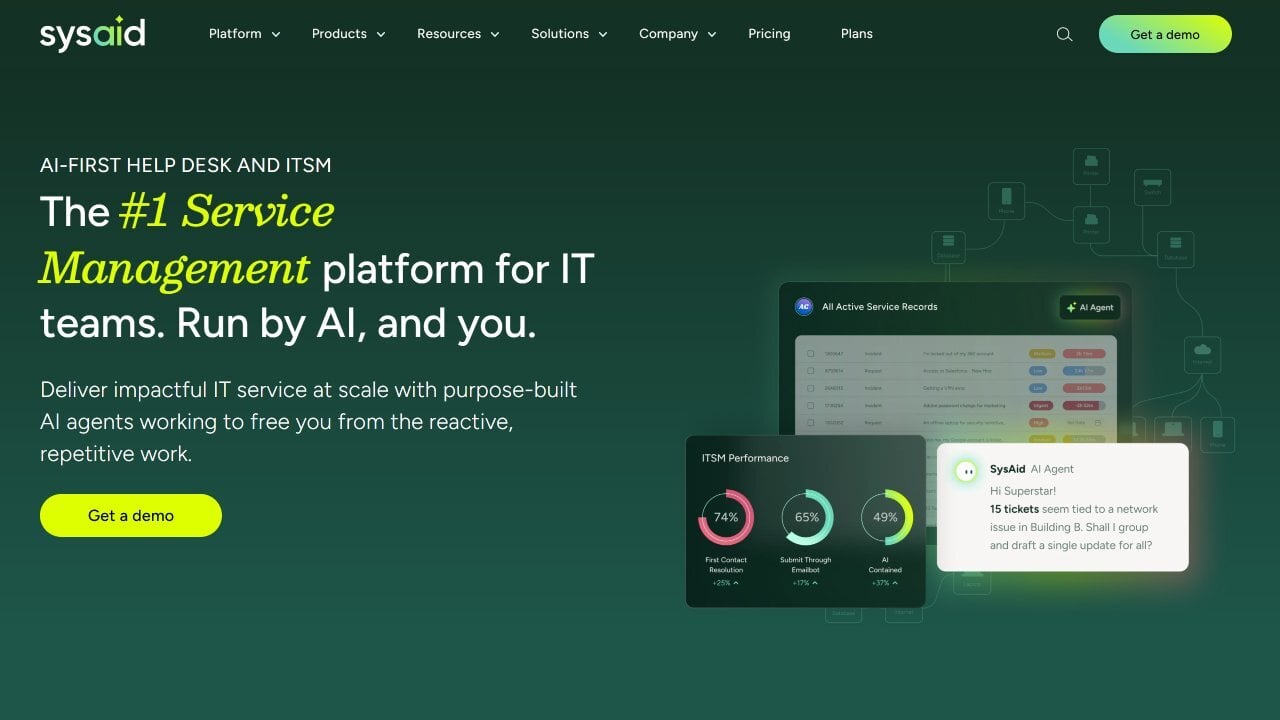
SysAid is an IT Service Management platform that bundles a help desk, IT Asset Management, and AI-assisted automation into Help Desk, ITSM, and Enterprise tiers. Asset tracking covers workstations, servers, and mobile devices, alongside ticketing and workflow automation that can route equipment issues across IT and facilities teams.
Per SysAid's official pricing page, the company does not publish set prices, and quotes are built around plan tier, agent count, and managed assets, with a free trial available and no credit card required. It tends to fit healthcare organizations that want a single vendor for both ticketing and asset tracking and are comfortable working through a sales consultation.
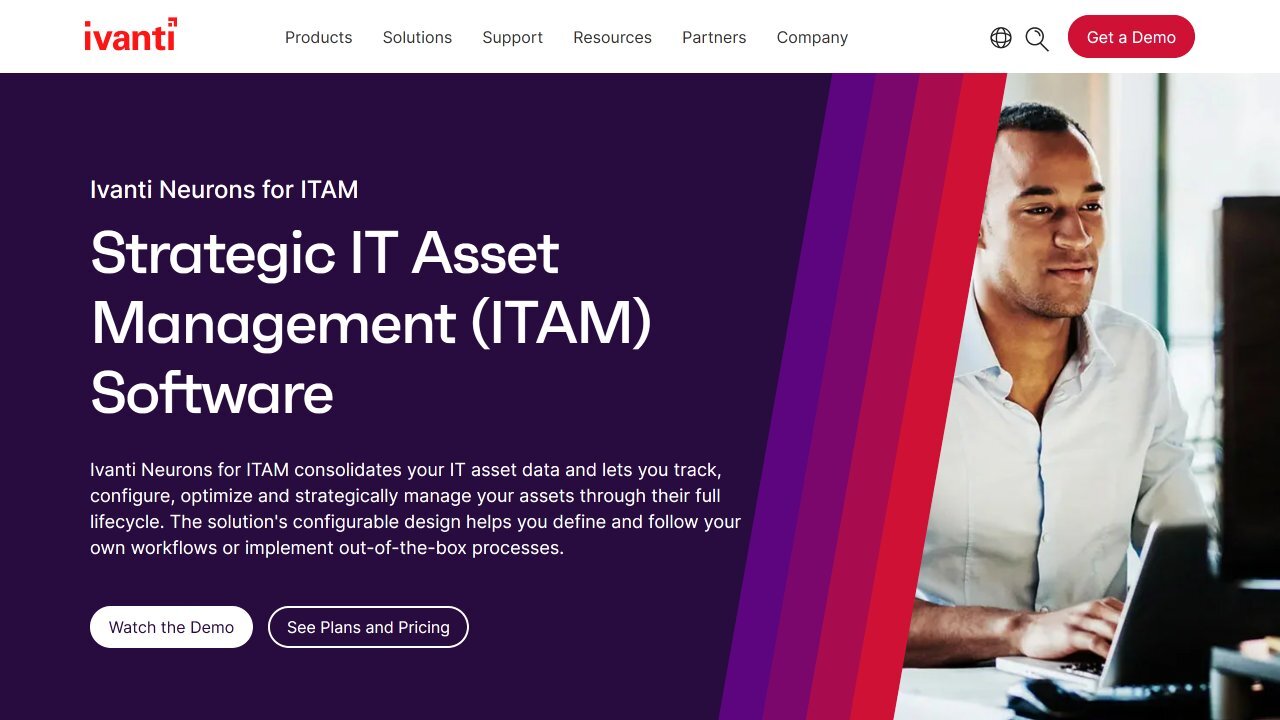
Ivanti Neurons for ITAM consolidates hardware, software, and cloud asset data into a single repository, with automated discovery, reconciliation, and integration into Ivanti's Service Management CMDB. It is built for large, distributed environments and supports both cloud and on-premises deployment.
Per Ivanti's product page, pricing is not published and is licensed per analyst and per asset on either a subscription or perpetual basis, requiring a direct quote from sales. It tends to fit large hospital networks that already run other Ivanti products and need asset data tied into a broader Service Management deployment.
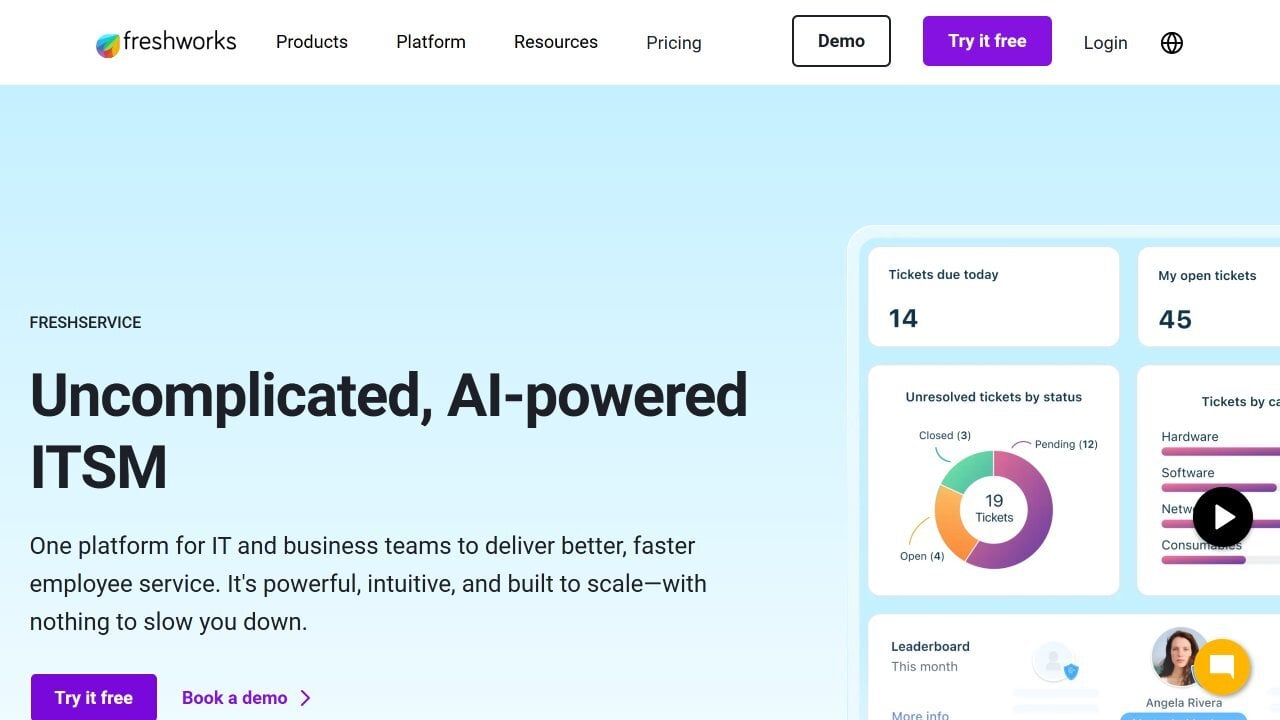
Freshservice is an IT Service Management platform with a dedicated Asset Management module that discovers hardware and software, links assets to tickets, and tracks them through a built-in CMDB. Its Freddy AI features can also assist with routine asset and ticket workflows.
According to Freshworks' official pricing page, plans start at $19 per agent per month, with Asset Management available from the Growth tier onward and a custom-quoted Enterprise plan for larger deployments. It tends to fit healthcare IT teams that want ticketing and Asset Management in one subscription and plan to scale up tiers as ITIL needs grow.
Lansweeper is a network discovery and IT asset inventory platform that automatically scans IT, OT, and cloud assets across an organization, with a dedicated healthcare solutions page describing its fit for clinical environments. It also offers vulnerability and lifecycle insights to flag aging or unsupported devices.
Per Lansweeper's official pricing page, the Starter plan starts at $219 per month for 2,000 assets, the Pro plan starts at $399 per month for 2,000 assets scaling up to 9,000, and Enterprise pricing is custom-quoted starting at 10,000 assets, with a free 14-day trial available. It tends to fit IT teams that prioritize deep network discovery and are comfortable managing asset counts against fixed plan tiers.

InvGate Asset Management is a no-code, scalable, and customizable platform that gives healthcare IT teams professional visibility into hardware, software, and cloud assets without the complexity of an enterprise platform. It includes automations, AI capabilities through Atlas and Smart Recommendations, transparent pricing, and multiple deployment options to fit different hospital and clinic IT environments.
For healthcare organizations specifically, that visibility extends to the security posture of every device handling patient-facing systems. Health rules let IT teams set automatic conditions for firewall presence, encryption, and resource use, then categorize assets as Safe, Warning, or Critical so security gaps get flagged before they turn into compliance issues across hospitals, clinics, and remote care sites.
These five capabilities matter most for IT teams managing healthcare environments across multiple buildings and campuses. Each one ties directly into the visibility, security, and compliance needs covered earlier in this list:
Start a 30-day free trial or talk to Sales to find the plan that fits your healthcare IT team. Both options give full access to the platform from day one.
ManageEngine, SysAid, Ivanti, Freshservice, and Lansweeper each take a different approach to inventory, pricing, and deployment. The right choice depends on whether a hospital or clinic IT team prioritizes predictable per-asset pricing, deep network discovery, or a single platform that combines ticketing and asset tracking.
InvGate Asset Management adds no-code customization, AI-assisted recommendations, and security-focused Health Rules to that comparison, all without the cost structure of an enterprise platform. Reviewing official pricing and trial options for each tool before committing helps healthcare IT teams match the platform to their specific compliance and multi-site needs.
Disclaimer: All product names, logos, and brands are property of their respective owners. All company, product, and service names used on this site are for identification purposes only. Use of these names, trademarks, and brands does not imply endorsement. Comparisons are based on publicly available information as of June 2026 and are provided for informational purposes only.


