













Summarize with
Table of contents
ITSM software for small businesses helps teams organize support requests, respond faster, and maintain service quality without adding unnecessary complexity. While enterprise platforms often include features that smaller organizations may never use, small businesses need tools that are easy to implement, simple to manage, and flexible enough to grow with the company.
Modern service desk platforms with ITSM focus goes beyond simple Ticket Management. Features such as self-service portals, workflow automation, knowledge bases, and SLA tracking help small teams handle a higher volume of requests while keeping work organized and visible.
In this guide, we'll review the best service desk software for small businesses, compare their features, and highlight which solutions are the best fit for different needs and budgets.
Key takeawaysMany small businesses start with a shared inbox, chat messages, spreadsheets, or simple ticketing tools to manage IT support. That approach often works when request volumes are low and the same few people handle everything. Problems begin when the business grows and IT becomes responsible for more users, devices, applications, and services.
At that point, the challenge is no longer responding to individual tickets. The challenge is managing IT work consistently. Requests get lost between channels, recurring issues consume time every week, and there is little visibility into workloads, response times, or service quality.
ITSM software helps small IT teams bring consistency and visibility to their operations. The framework itself is technology-agnostic, providing a set of practices for managing incidents, service requests, knowledge, assets, and service levels. The role of the platform is to support those processes, making them easier to adopt, execute, and improve over time.
With the right ITSM software, teams can centralize work, automate routine tasks, measure performance, and establish workflows that remain effective as the organization grows. Rather than relying on individual habits or informal processes, IT teams gain a structured foundation for delivering services across the business.
The solutions in this list are designed to bring those ITSM capabilities to small businesses, with options that balance functionality, ease of use, and affordability.
The market for service desk software is crowded, and most vendor comparison pages make it look like every tool does the same thing. Here's what actually matters for small business IT teams specifically:
Ease of setup and time to go live. A tool that takes three months and a consultant to configure is not a small business tool. Look for solutions that are live in hours, not weeks.
No-code or low-code configuration. Your IT team shouldn't need to write scripts or hire developers to change a workflow. Drag-and-drop builders and pre-built templates are the standard expectation now.
Ticket automation and routing. Manual triage at low ticket volumes is manageable. At 50+ tickets per week, it becomes a bottleneck. Automated routing based on category, urgency, or requester type is a baseline requirement.
Self-service portal and knowledge base. A well-built self-service portal reduces incoming ticket volume significantly. Users resolve common issues on their own — resetting passwords, requesting software, checking status — without needing to reach an agent.
SLA management. Without SLAs, support teams have no accountability framework. Even simple two-tier SLA definitions (critical vs. standard) make a measurable difference in response times.
Pricing model (per agent vs. flat). Per-agent pricing scales naturally with small teams. Watch for tools where essential features are locked behind higher tiers, which can make entry-level plans feel incomplete as soon as you add your second use case.
Scalability beyond IT (ESM potential). If the business adds an HR team, a finance team, or a facilities function that also gets requests, a service desk with enterprise service management (ESM) support means you won't have to replace the tool.
AI capabilities (ticket suggestions, deflection). AI features are increasingly table stakes. Look for tools where AI is included in standard licensing rather than charged as a separate add-on.
A quick disclosure: InvGate builds and sells service desk software, so we participate directly in this market. Some vendors listed here are our competitors. We've applied the same evaluation criteria to every tool.
The tools below cover a range of profiles. Some are built explicitly for IT internal support — incidents, service requests, change management, SLA tracking. Others come from a customer support background and can be adapted for IT use, with trade-offs in ITSM depth. Each entry flags which use case it fits best.
This matters because the wrong category of tool creates work rather than eliminating it: a customer-facing shared inbox isn't designed to handle an asset-linked incident workflow, and an enterprise ITSM platform with a six-month deployment timeline isn't designed for a three-person IT team.
Overview: InvGate Service Management is a no-code ITSM platform built around the idea that IT teams shouldn't need developers or consultants to configure their own service desk. The platform supports the full ITSM stack — incidents, service requests, problems, changes, and SLA management — through a drag-and-drop visual workflow builder that requires no scripting. For small IT teams that have been managing requests through email, the jump to a fully structured service desk can happen in hours, not months.
Key features: On the ticket side, the platform supports custom categories, custom fields per ticket type, automated routing rules, and assignment logic — all configured without code. The self-service portal connects directly to a knowledge base, which means employees can find answers to common issues before a ticket ever gets created. AI Hub adds a layer of deflection and automation on top: it suggests responses to agents, categorizes tickets automatically, and can route requests through Microsoft Teams or WhatsApp without requiring end users to log into a separate portal.
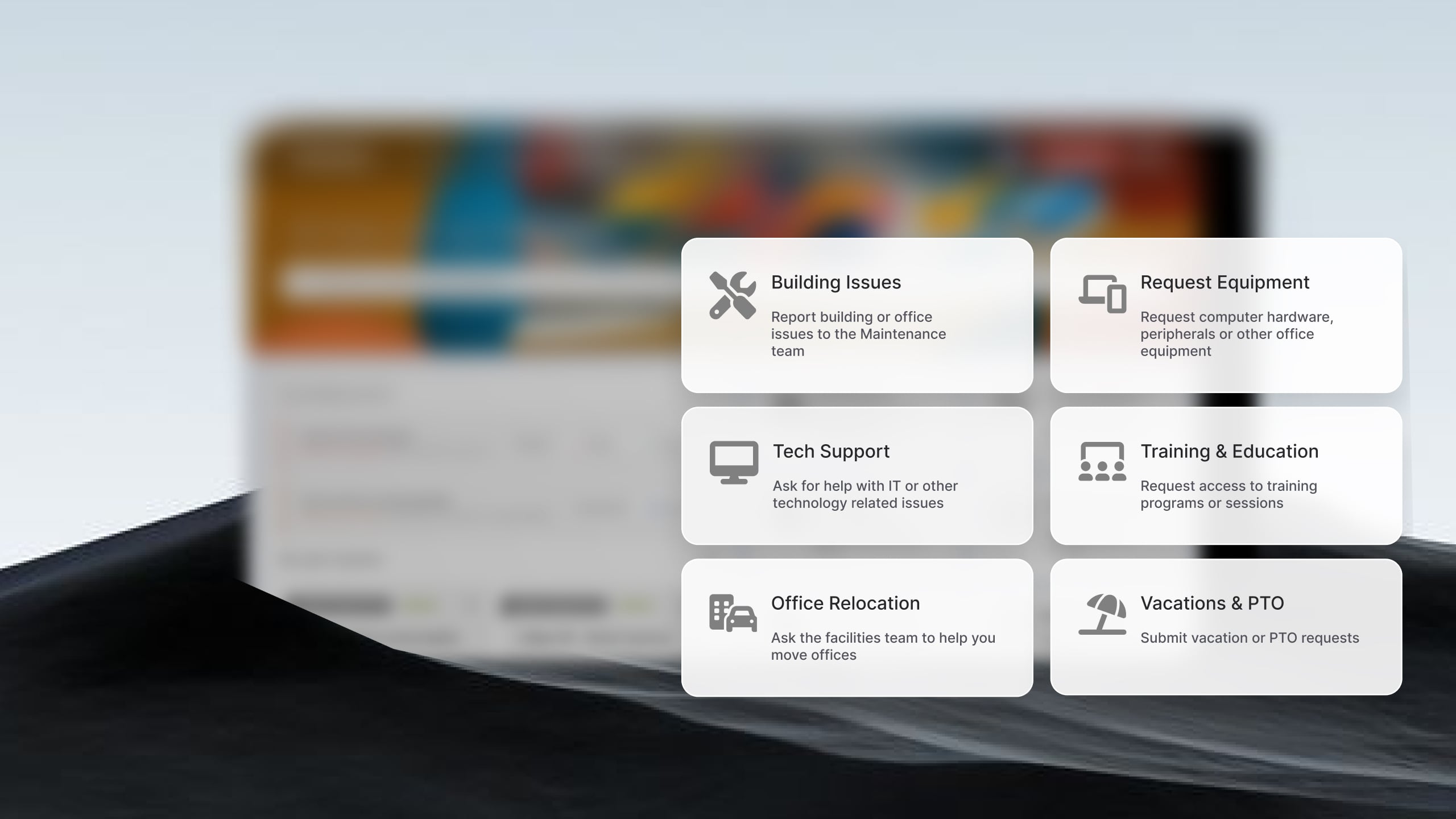
For teams that want to extend Service Management beyond IT, InvGate Service Management supports multi-department delivery out of the box.
Pricing: InvGate offers flexible pricing plans that scale to meet the unique needs of your organization.
Want to see it in action? Book a 30-day free demo.
Overview: Freshservice is one of the most widely adopted ITSM platforms in the mid-market. It offers incident management, a knowledge base, SLA management, and a self-service portal across its entry-level Starter plan, with asset management and service catalog features available on higher tiers. The platform integrates with Microsoft Teams and Slack for employee-facing support and includes AI capabilities through its Freddy AI suite.
Key features: Incident management, self-service portal, knowledge base, SLA management, asset management (Growth plan and above), Freddy AI (paid add-on).
Pricing: It offers 3 subscription levels with published price, the prices with annual billing are:
The fourth tier, Enterprise, requires a quote. - Checked on Junio 2026 (US) official website.
Overview: HappyFox is a help desk and ticketing platform focused on consolidating support requests from email, chat, phone, and social media into a single queue. It's known for a short learning curve and fast deployment — reviewers consistently cite the intuitive interface and quick onboarding as strengths. The platform includes ticket automation, customizable workflows, SLA tracking, a knowledge base, and reporting and analytics.
HappyFox positions itself primarily for customer support rather than IT internal ITSM. For small business IT teams whose needs are primarily ticketing and basic automation — without full ITSM process coverage for problems, changes, or asset linking — it can be a strong fit. Teams that need ITIL-aligned workflows or deep IT internal process management may find it limited.
Key features: Multi-channel ticket management, ticket automation and routing, SLA tracking, knowledge base with self-service portal, HappyFox AI (Copilot, AI Resolve, AI Agents).
Pricing: These are the pricing tiers for agent-based plans (billed annually)
- Checked on: June 2026 (US), official website.
Overview:
TOPdesk is an IT service management platform designed to help organizations centralize support operations and standardize service delivery. The platform covers core ITSM processes such as incident management, request fulfillment, asset management, knowledge management, and change management within a single environment.
One of TOPdesk's strengths is its emphasis on usability. Teams can configure service catalogs, self-service portals, and workflows without extensive technical expertise, making it a popular choice for organizations that want to formalize service management processes without taking on the complexity often associated with enterprise ITSM suites
Key features: Incident, Problem, and Change Management; a self-service portal with knowledge base; asset and configuration management; modular facilities and HR service delivery; reporting and dashboards; and integrations with tools like Jira, Zendesk, TeamViewer, and Zapier.
Pricing: TOPdesk's pricing is based on the number of agents and offers volume discounts. The rates below are for 50 agents:
For fewer than 50 agents, per-agent costs are higher. - Checked on: June 2026 (US), official website.
Overview: SysAid combines help desk, ITSM, and IT asset management functionality in a single platform. It is designed for organizations that want to manage support operations and infrastructure assets from the same system while reducing manual work through automation.
The platform supports a wide range of ITSM processes, including incident management, service request management, change management, problem management, and asset lifecycle tracking. SysAid places particular emphasis on workflow automation, helping teams automate ticket routing, approvals, notifications, and other repetitive administrative tasks.
Key features: Incident Management, Service Request Management, workflow automation, AI-powered ticket assistance, Asset Management, self-service portal, reporting.
Pricing: Custom pricing available upon request.
The following tools appear frequently in the service desk category for small and growing businesses. Brief profiles below:
Jira Service Management (Atlassian) — Best for teams already inside the Atlassian ecosystem (Confluence, Jira Software). Strong ITSM coverage, asset management available via integrations, and a free tier for small teams. Learning curve is higher for non-technical users. Good fit when development and IT operations teams share tooling.
Zoho Desk — Best for organizations already using Zoho CRM or other Zoho products. Solid multi-channel ticketing, SLA management, and a free tier. As a standalone IT help desk, it competes primarily on price. ITSM depth is moderate.
ManageEngine ServiceDesk Plus — Best for IT teams that need ITSM, Asset Management, and project management in a single tool, with a free edition for small teams. More configuration required than lighter alternatives.
Disclaimer: All product names, logos, and brands are property of their respective owners. All company, product, and service names used on this site are for identification purposes only. Use of these names, trademarks, and brands does not imply endorsement. Comparisons are based on publicly available information as of June 2026 and are provided for informational purposes only.
The most common reason small IT teams postpone getting a service desk is fear of the implementation: the assumption that standing up a proper ITSM platform means weeks of configuration, a paid onboarding engagement, and internal project management overhead they don't have bandwidth for.
With InvGate Service Management, that assumption doesn't hold. The setup follows a no-code configuration model, and most teams are running a functional service desk within a single workday. Here's the sequence:
Step 1: Define your service categories. Start by identifying the types of requests your team handles most: IT hardware issues, software access requests, network problems, onboarding tasks, HR requests. In InvGate Service Management, each category becomes its own service type with its own custom fields, so the right information gets captured at intake — no back-and-forth for missing details.
Step 2: Activate the self-service portal and connect it to the knowledge base. Once the portal is live, employees submit requests through a structured interface instead of sending emails. The knowledge base sits alongside it — articles, FAQs, and how-tos that let users resolve common issues (password resets, VPN access, printer setup) without creating a ticket at all. Deflection starts on day one.
Step 4: Define SLAs by category and urgency. Set response and resolution targets by ticket type. InvGate Service Management tracks SLA adherence automatically and escalates at-risk tickets before they breach.
Step 5: Activate AI Hub. InvGate's AI Hub can handle response drafting, Major Incident detection, and knowledge article creation rom ticket resolutions. It also powers the Virtual Service Agent — a conversational interface that employees can reach via Microsoft Teams or WhatsApp to submit requests and get answers without logging into a portal. For small teams, this is where AI delivers the most immediate value: reducing agent interruption for repetitive requests.
For ongoing guidance once you're live, service desk best practices covers the operational habits that separate reactive help desks from proactive service organizations.
No single tool is the right answer for every small business. The best fit depends on team size, technical maturity, budget, and where the business is headed. Here's a practical framework by profile:
1–5 people in IT: Prioritize simplicity, setup speed, and self-service deflection. You don't need full ITIL coverage out of the gate. What you need is a tool that centralizes tickets, gives you visibility, and lets you respond quickly — without requiring dedicated admin time to maintain.
5–15 people: Automation, SLA management, and multi-department potential become relevant at this size. The team is big enough that manual triage creates real bottlenecks, and the business is likely starting to route non-IT requests through the same channels. Tools that support ESM — HR, facilities, finance — in the same instance save you from spinning up a second platform. InvGate Service Management handles all three profiles in the same tool, with no-code configuration that scales with the team without requiring additional professional services. The workflow builder, ESM support, and AI Hub are available within the standard product.
15+ with growth toward ESM: At this scale, ITIL alignment, reporting depth, and multi-department service delivery become genuine requirements rather than nice-to-haves. Look for platforms that support configuration item management, change advisory board workflows, and meaningful performance dashboards.
The bottom line: the best service desk software for a small business is the one your team will actually use. Adoption depends on ease of use more than feature breadth, particularly in the first six months. Start with a tool that gets tickets out of email, gives you visibility, and grows as you do.
What is ITSM software for small businesses?
ITSM (IT Service Management) software helps small businesses manage IT services through standardized processes for handling incidents, service requests, changes, assets, and knowledge. It provides a central platform for organizing support operations, improving visibility, and delivering consistent service to employees.
Does a small business need ITSM software?
Not every small business needs a full ITSM platform, but many benefit from one as they grow. When IT teams begin struggling to track requests across email, chat, and spreadsheets, ITSM software can introduce structure, automation, and reporting capabilities that make support easier to manage.
Do small businesses need ITIL-aligned service desk software?
Not necessarily — but having the option helps. ITIL alignment is valuable as a process framework, not as an obligatory implementation standard. Small teams don't need to deploy every ITIL practice on day one; they need a tool that supports structured incident handling, SLA tracking, and eventually Problem and Shange Management as they grow.
Can small businesses implement ITSM without following ITIL?
Yes. ITSM is a discipline, while ITIL is one framework for implementing ITSM practices. Many small businesses adopt selected ITSM processes that fit their needs without formally following every ITIL recommendation.
What is the difference between ITSM software and help desk software?
Help desk software focuses primarily on ticket management and issue resolution. ITSM software includes help desk capabilities while also supporting broader processes such as change management, asset management, service catalogs, knowledge management, and service level management.
Read other articles like this one:
View all postsClear pricing
No surprises, no hidden fees — just clear, upfront pricing that fits your needs.
View PricingEasy migration
Our team ensures your transition to InvGate is fast, smooth, and hassle-free.
View Customer ExperienceService Management
Learn
Compare With


