















Managing IT assets across a distributed workforce is fundamentally different from managing them in a single office. Devices ship to employee homes, software gets installed outside corporate networks, hardware goes untracked between reassignments, and onboarding and offboarding happen without IT ever touching the device in person. The best IT Asset Management (ITAM) software for remote teams solves all of that from a single platform, without requiring physical access to any device.
This article covers five platforms that give IT teams the visibility, control, and automation they need to manage distributed assets effectively. Each takes a different approach to the same core challenge: keeping hardware and software tracked when neither is in the office.
Standard Asset Management assumes physical proximity: someone can walk to a device, verify it, and update the record. Remote teams remove that assumption entirely. Devices connect from home networks and co-working spaces, often without touching the corporate network, so discovery methods that rely on network scanning miss them.
The problem compounds during employee transitions. When someone joins or leaves, IT needs to provision or recover a device without meeting the employee. Without structured workflows connecting asset tracking to Service Management, those transitions create orphaned records, unrecovered hardware, and licensing gaps.

InvGate Asset Management is an enterprise-grade IT Asset Management platform that gives IT teams full visibility over distributed assets without the implementation complexity that enterprise tools typically carry. It is no-code, scalable, and customizable, with transparent pricing, built-in automations, AI capabilities, and multiple deployment options including cloud and on-premises with full feature parity.
For remote teams specifically, InvGate Asset Management keeps every device in the inventory regardless of where it connects. The InvGate Asset Management Agent reports hardware specs, software installations, and license data continuously from each endpoint, even outside the corporate network.
Remote access integrations with TeamViewer, Splashtop, and RealVNC let IT launch a support session directly from any asset profile. The native integration with InvGate Service Management connects asset data to onboarding and offboarding workflows, making employee transitions structured, auditable, and trackable from a single platform. Here are five capabilities that make it the best IT Asset Management software for remote teams:
Start a 30-day free trial or talk to Sales to find the right plan. Both options give access to the full platform from day one.
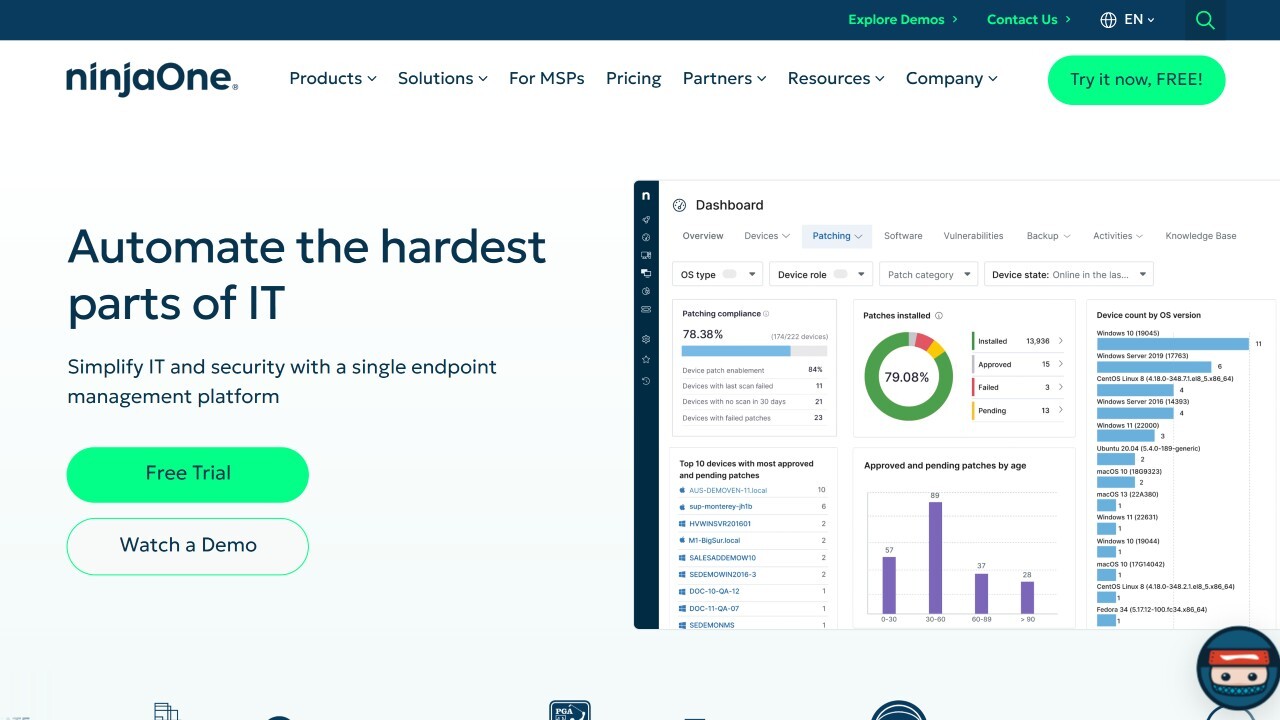
According to NinjaOne's official website, NinjaOne is a cloud-native IT management platform combining endpoint management, remote monitoring, patch management, scripting, and IT asset tracking in a single interface. Its agent surfaces hardware configuration, installed software, and device health from every managed endpoint regardless of location, and its remote access capabilities let IT support employees without requiring them to be on the corporate network.
NinjaOne does not publicly list pricing. Prospective customers are directed to request a custom quote through the sales team.
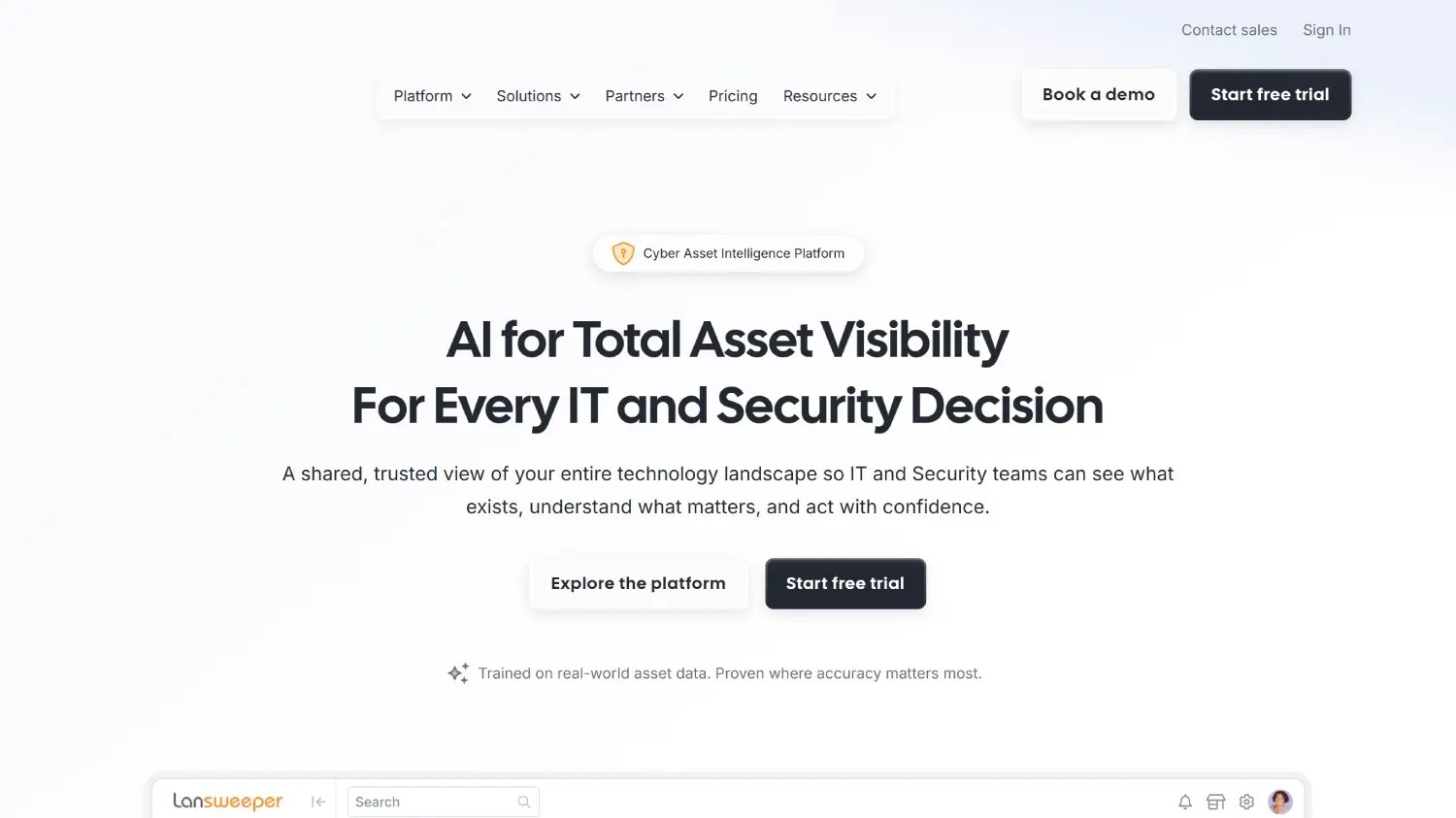
According to Lansweeper's official website, Lansweeper combines agent-based and agentless discovery to surface IT assets across distributed environments. Its agent covers endpoints that connect from outside the corporate network, ensuring remote devices remain in the inventory. Warranty collection and end-of-life tracking are built into each asset record automatically.
Per Lansweeper's pricing page, the Starter plan begins at $239 per month billed annually for 2,000 assets. A free tier for up to 100 assets is available after the trial ends.
According to Mosyle's official website, Mosyle is an Apple Unified Platform built for managing macOS, iOS, and iPadOS devices in distributed environments. Zero-touch deployment allows IT to ship a device to any employee location worldwide and have it fully configured and work-ready the moment the employee connects to the internet. For remote-first organizations running Apple fleets, Mosyle automates the full device lifecycle from enrollment to retirement without requiring physical handling at any stage.
Per Mosyle's official pricing page, Mosyle Fuse for macOS starts at $3.00 per device per month, and Mosyle Business Premium (covering Mac, iPhone, iPad, and Apple Vision Pro) starts at $1.00 per device per month, both billed annually with a minimum of 30 licenses. Mosyle Business FREE is available at no cost for up to 30 devices.
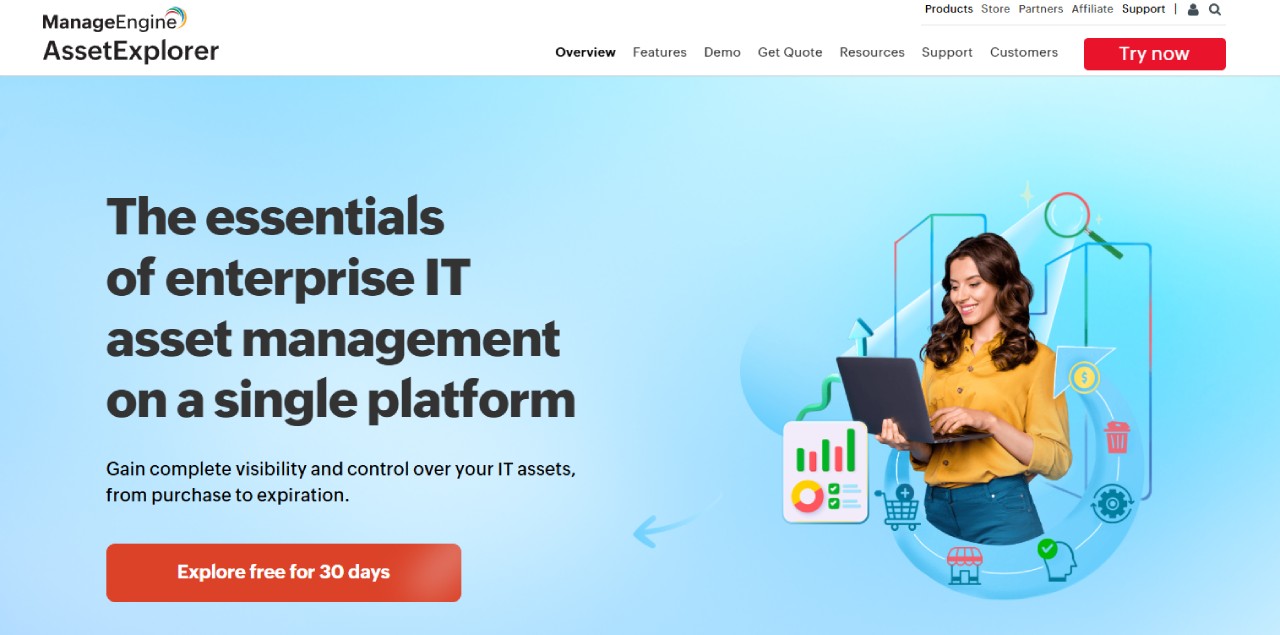
According to ManageEngine AssetExplorer's official website, AssetExplorer covers hardware and software asset tracking from procurement to disposal, with agent-based discovery for endpoints outside the corporate network, software license management, and contract expiration alerts. For IT teams managing distributed workforces that need structured ITAM without enterprise pricing, it provides lifecycle tracking and software compliance in a single platform with cloud and on-premises deployment options.
Per ManageEngine's official pricing page, the cloud version starts at $1,245 per year for 250 assets and on-premises at $955 per year. A 30-day free trial is available.
The best IT Asset Management software for remote teams depends on the device ecosystem, team size, and how tightly asset tracking needs to connect to service workflows. NinjaOne is a strong fit for teams that need RMM and ITAM in the same interface. Lansweeper suits teams that need broad discovery coverage including both on-network and remote devices. Mosyle is the right choice for remote-first organizations managing Apple fleets with zero-touch deployment requirements. ManageEngine AssetExplorer provides mid-market lifecycle tracking with transparent pricing.
For IT teams that need agent-based visibility across every remote device, built-in remote access integrations, structured onboarding and offboarding connected to asset records, and transparent pricing that scales with the team, InvGate Asset Management is built for exactly that. It handles the full picture of distributed Asset Management from a single platform, without the implementation overhead of traditional enterprise tools.
Disclaimer: All product names, logos, and brands are property of their respective owners. All company, product, and service names used on this site are for identification purposes only. Use of these names, trademarks, and brands does not imply endorsement. Comparisons are based on publicly available information as of June 2026 and are provided for informational purposes only.

